
PDF Reader - Edit & Scan
Falcon: Edit Text, Sign & Fill
Được thiết kế cho iPhone, iPad, Mac
Miễn phí · Mua hàng trong ứng dụng
- Độ tuổi4+
- Danh mụcHiệu Suất
- Nhà phát triểnANRMS Private Limited
- Ngôn ngữTiếng Anh
- Kích thước88,5 MB
Liên kết đến trang App Store chính thức
Download.org không lưu trữ tệp nào của PDF Reader - Edit & Scan. Nút này mở trang ứng dụng trên App Store, nơi ANRMS Private Limited phát hành ứng dụng. Trang được kiểm tra lần cuối: 26/11/2026.
Ảnh chụp màn hình
Giới thiệu
Nhà phát triển chưa cung cấp nội dung này bằng ngôn ngữ của bạn.
Falcon PDF – Edit PDF Text, Sign, Scan & Convert (No Ads)
Your iPhone can view and mark up PDFs — but it can’t actually EDIT them. Falcon PDF can.
Change the real text inside a PDF. Fix a typo, update a date, swap an image, adjust fonts — directly on your iPhone or iPad. This is true PDF editing, not just drawing on top.
Edit real PDF text & fonts
Add, replace & delete images
Whiteout and rewrite content
Keep the original layout intact
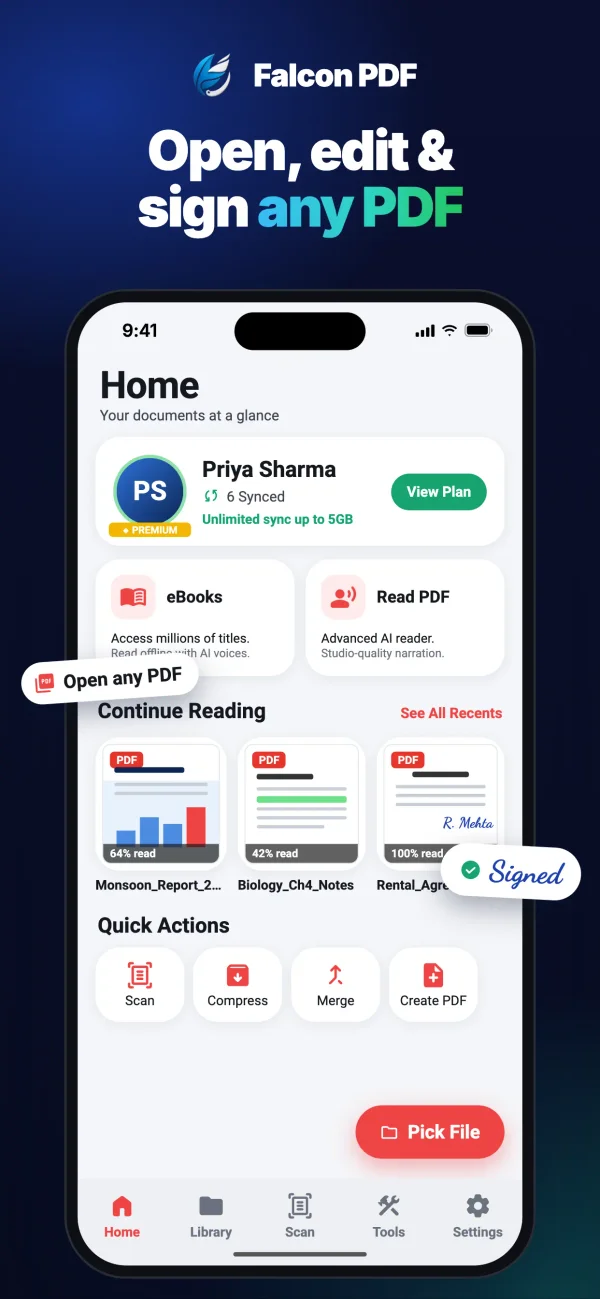
And when you’re done editing, Falcon PDF does everything else too — sign, scan, convert, and read — all in one clean, ad-free app.
No ads
No interruptions
No clutter
Just pure productivity.
EDIT PDFs LIKE A DOCUMENT
• Edit existing text inside any PDF
• Change font, size, style & color
• Add new text blocks anywhere
• Insert, replace or delete images
• Whiteout content and rewrite it
• Rearrange, add & delete pages
• Export your edits as a clean PDF
Finally, real editing — the one thing your iPhone’s built-in viewer can’t do.
WHY FALCON PDF STANDS OUT
Truly Ad-Free Experience
• No popups
• No banners
• No distractions
30+ Tools in One App
• Everything from reading to editing to converting
Supports 15+ File Formats
• PDF + eBooks + documents in one app
Seamless Cross-Platform Sync
• Access your files anywhere, anytime
Secure & Private
• Your documents stay yours
ACCESS YOUR PDFs ANYWHERE
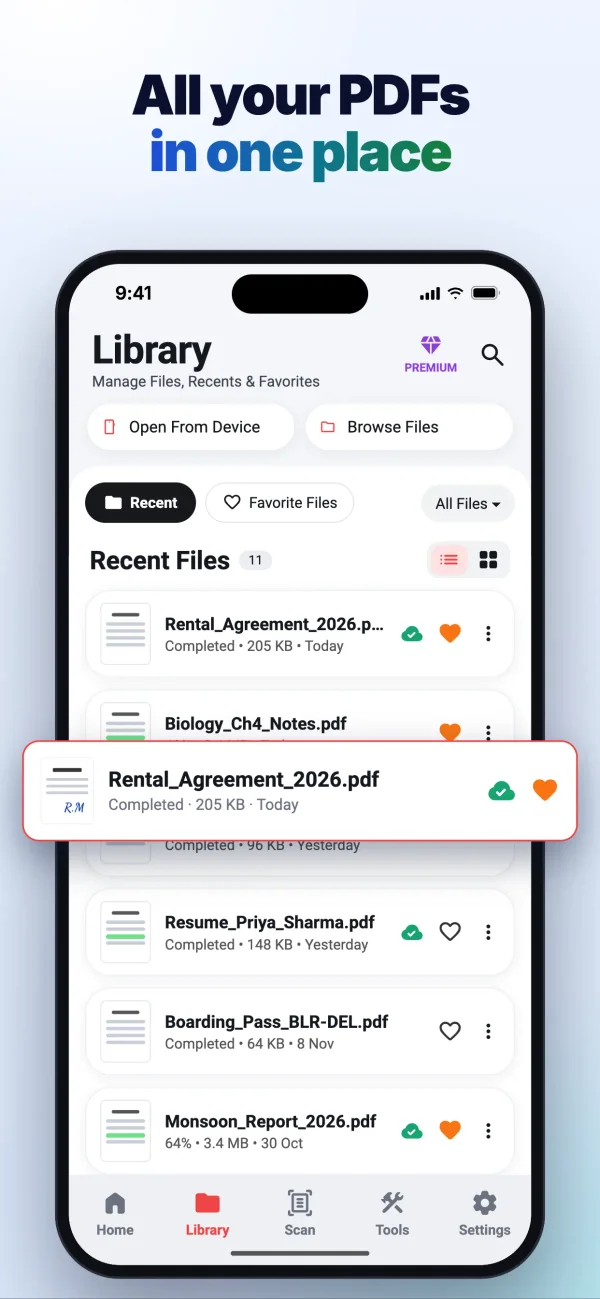
• Sync PDFs across phone, tablet & web
• Continue from where you left off
• Import from cloud storage
• Instant access to recent files
SUPPORTS 15+ FILE FORMATS
Documents
• PDF
• DOC
• TXT
• RTF
• HTML
eBooks
• EPUB
• MOBI
• FB2
• AZW
• AZW3
Other Formats
• DjVu
• CBZ & CBR (Comics)
One app for documents, books, and comics
ADVANCED READING EXPERIENCE
• Smooth scrolling (vertical & horizontal)
• Continuous & book reading modes
• Dark mode & eye protection
• Fast search & text selection
• Bookmark & navigation support
LIQUID / REFLOW MODE
• Reformat PDFs for small screens
• Adjust font size & style
• Change text & background colors
• Read PDFs like eBooks
• Better readability without zooming
HANDS-FREE READING
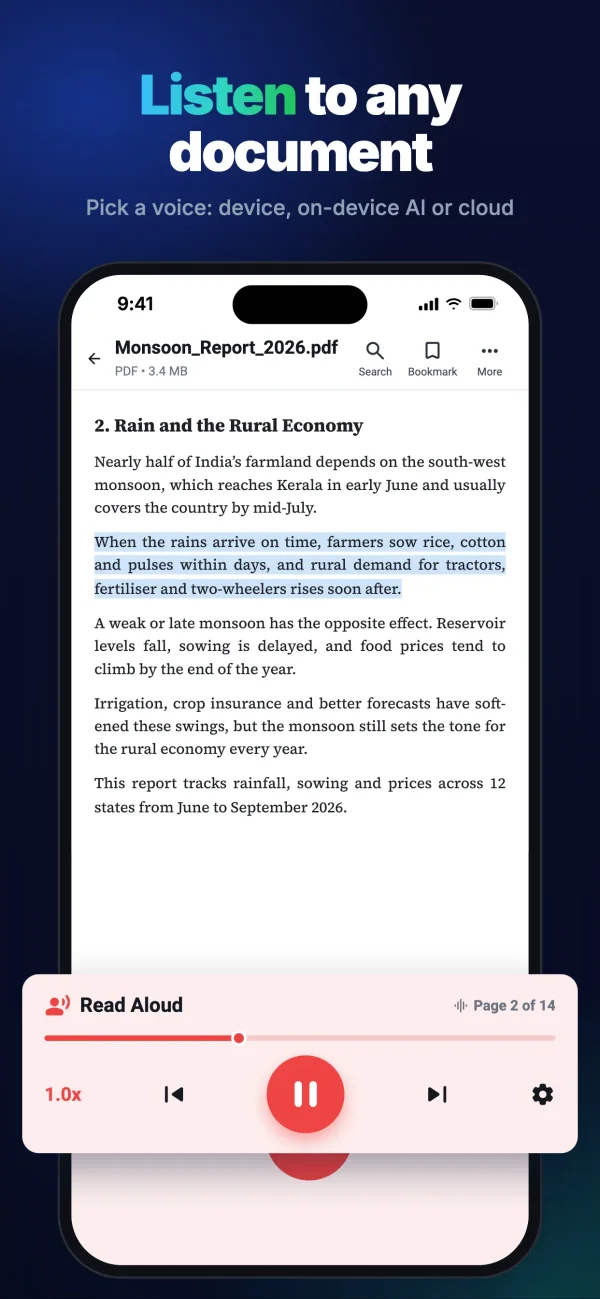
• Read PDFs aloud (text-to-speech)
• Listen while driving, walking, or working
• Great for accessibility
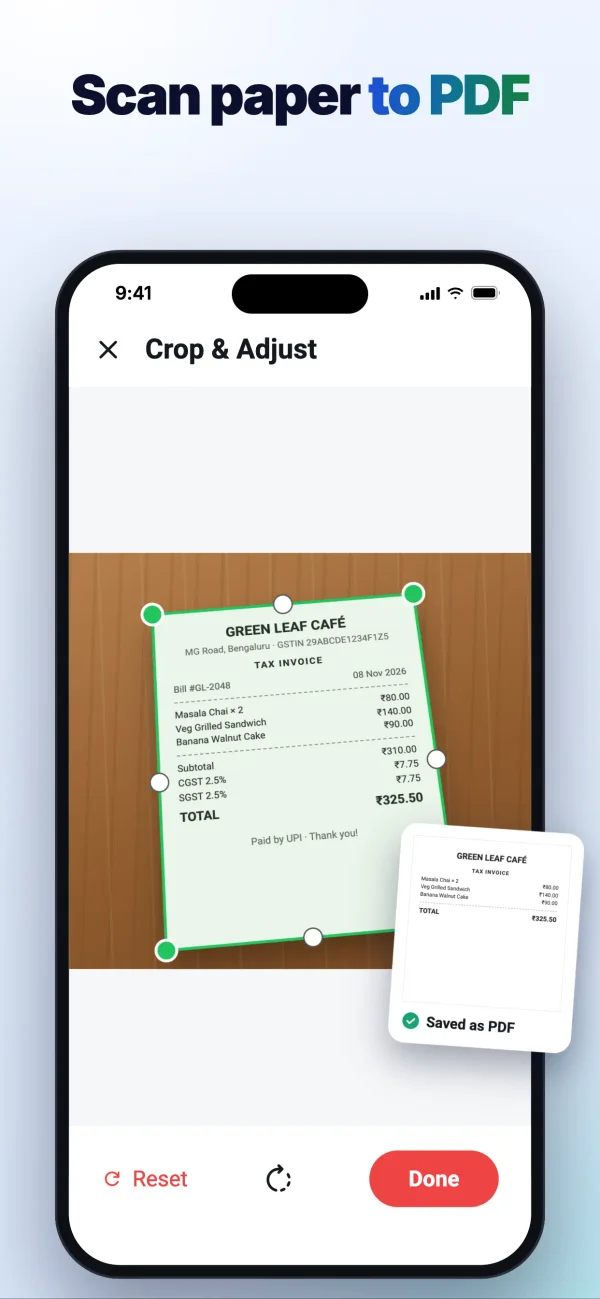
ADVANCED DOCUMENT SCANNER
Turn your phone into a powerful portable scanner
• Scan documents, receipts, notes & invoices
• Auto edge detection & smart cropping
• Perspective correction for perfect alignment
• Enhance scan quality (auto + manual filters)
• Remove shadows & improve clarity
• Convert scans to high-quality PDF
SMART SCANNING FEATURES
• Batch scanning (scan multiple pages)
• Merge scans into a single PDF
• Reorder scanned pages
• Adjust brightness, contrast & sharpness
• Multiple color modes (Color, Grayscale, B&W)
• Export as PDF or image
OCR (TEXT RECOGNITION) – SMART EXTRACTION
• Extract text from scanned documents
• Copy text from images
• Search within scanned PDFs
• Convert scans into editable content
Perfect for digitizing paperwork and going paperless
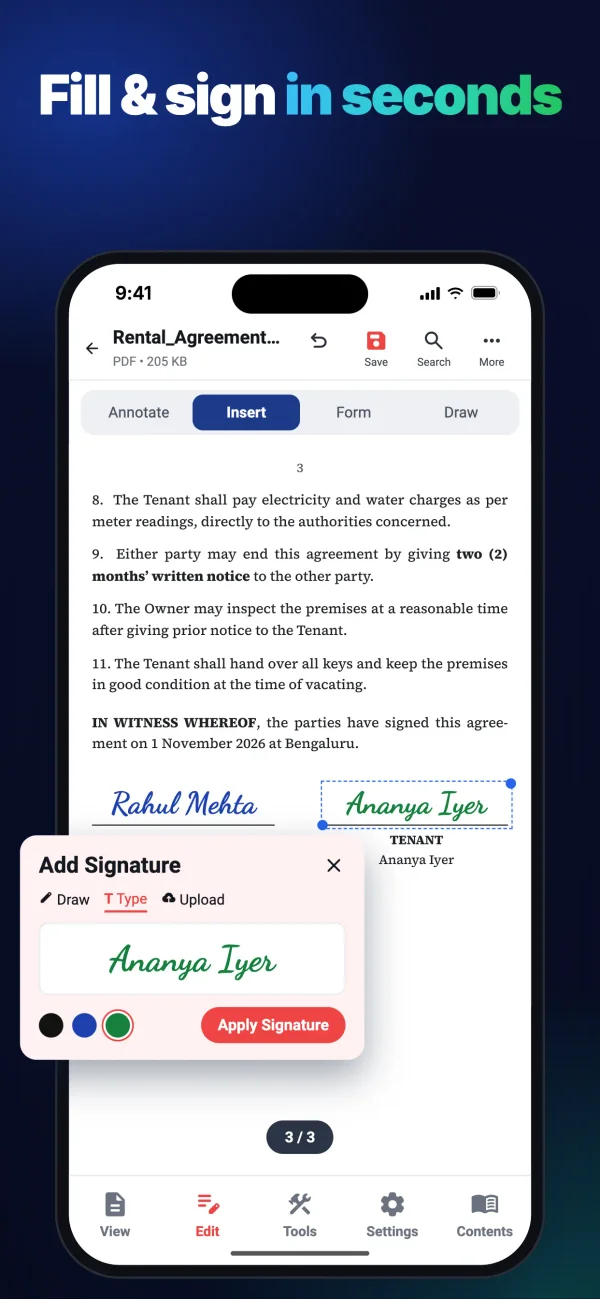
SIGN, FILL & ANNOTATE
• Draw signature
• Type signature
• Upload signature image
• Fill forms instantly
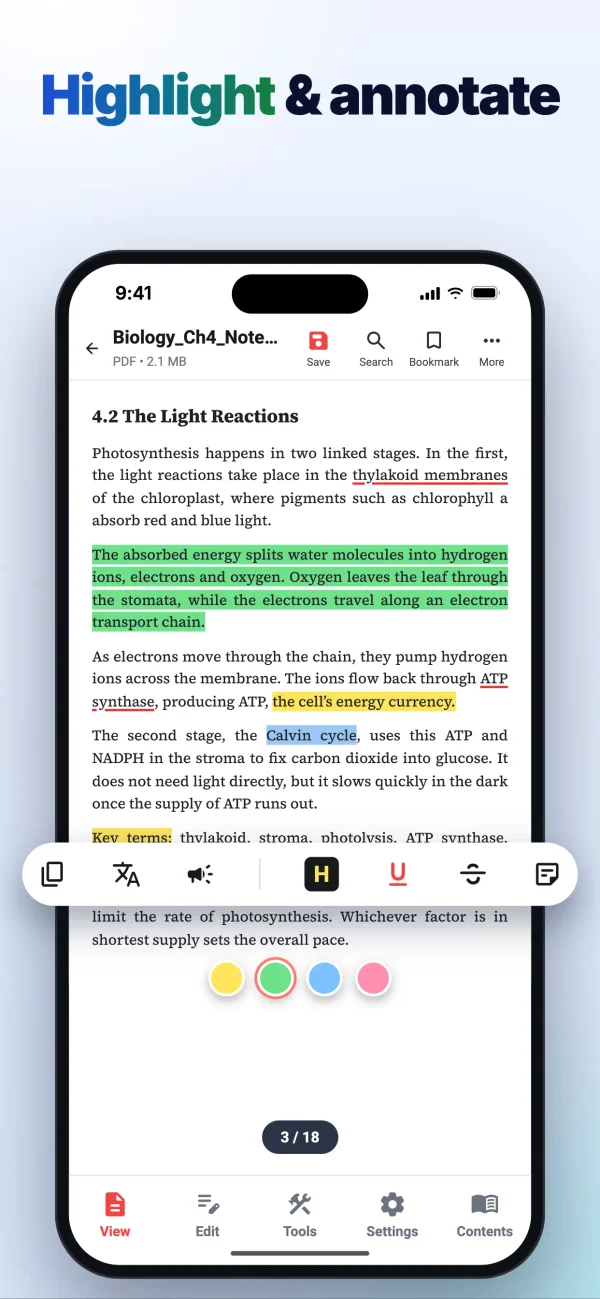
• Highlight, annotate & comment
• Add text & images
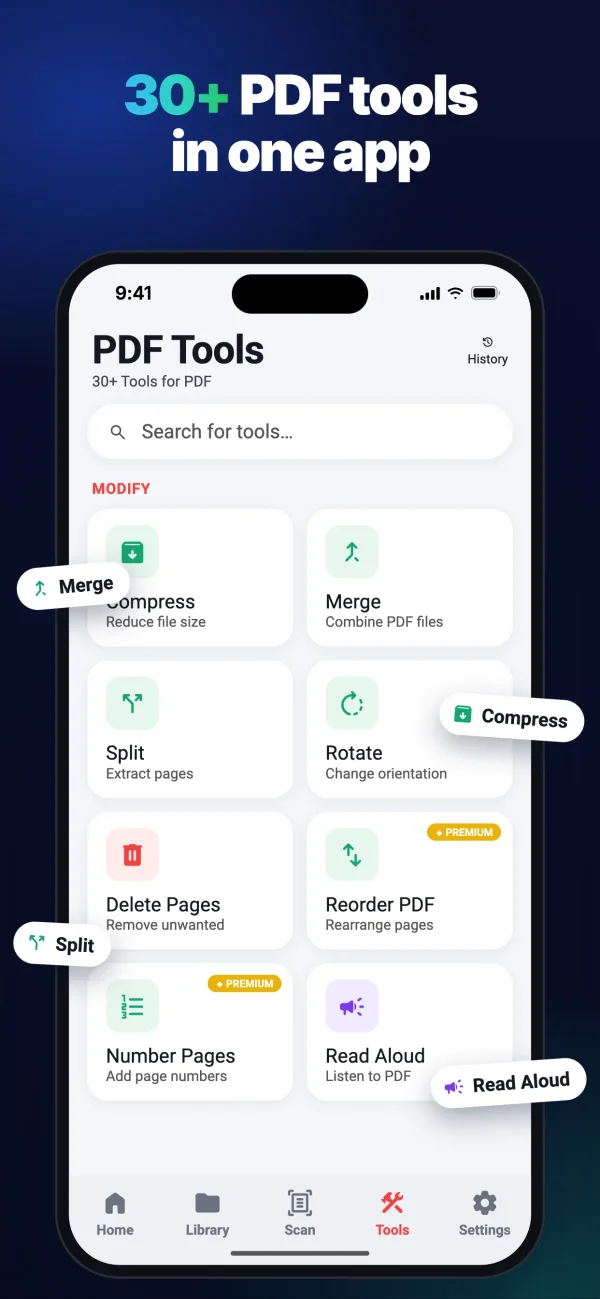
ALL PDF TOOLS (30+)
ORGANIZE PDF
• Merge PDF
• Split PDF
• Extract pages
• Delete pages
• Reorder pages
• Rotate PDF
CONVERT FILES
• PDF to Word
• PDF to Image
• Word to PDF
• Image to PDF
OPTIMIZE
• Compress PDF
• Reduce file size
SECURITY & PROFESSIONAL TOOLS
• Lock PDF (password protect)
• Unlock PDF
• Change password
• eSign documents (digital signature)
• Add watermark
• Remove watermark
• Redact sensitive content
Built for secure, professional workflows
SMART FEATURES
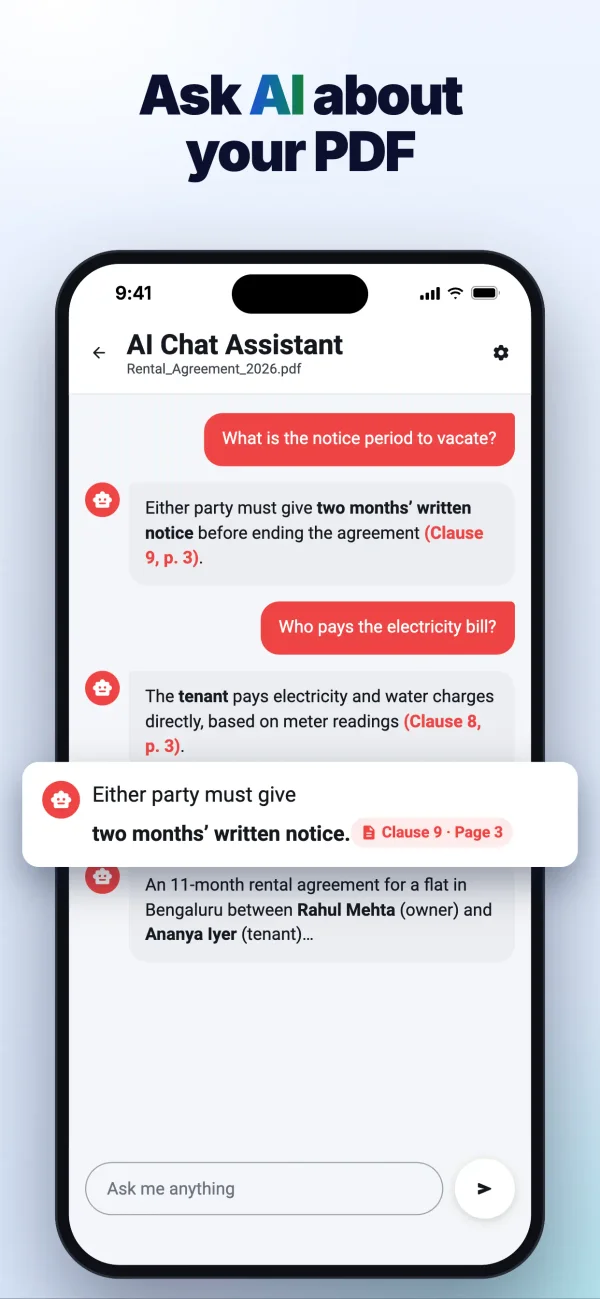
• AI PDF chat — ask questions & summarize documents
PERFECT FOR
• Professionals
• Students
• Readers & book lovers
• Everyday users
DOWNLOAD NOW
Read • Scan • Sign • Edit • Convert — all ad-free.
Support: support@falconpdf.com
Terms of Use (EULA): https://www.apple.com/legal/internet-services/itunes/dev/stdeula/
Có gì mới
Phiên bản 2026.11.3 · 25/11/2026
What's New
• Measure: distances, areas, angles and counts right on the page, with scale, snapping and CSV export
• Edit text in place and move, scale or rotate images
• New Arrow and Polyline drawing tools
• AI Chat now runs on credits
• Liquid Glass bottom bar on iOS 26
• Fixes for crashes, freezes and blank pages
Quyền riêng tư của ứng dụng
Những gì ANRMS Private Limited khai báo trên App Store về cách ứng dụng này xử lý dữ liệu.
-
Dữ liệu liên kết với bạn
Có thể được thu thập và liên kết với danh tính của bạn.
- Mục mua
- Thông tin liên hệ
- Mã định danh
- Dữ liệu khác
-
Dữ liệu không liên kết với bạn
Có thể được thu thập nhưng không liên kết với danh tính của bạn.
- Dữ liệu sử dụng
- Chẩn đoán
Phương thức đảm bảo quyền riêng tư có thể khác nhau, chẳng hạn như tuỳ theo các tính năng bạn sử dụng hoặc độ tuổi của bạn.
Thông tin
- Người bán
- ANRMS PRIVATE LIMITED
- Danh mục
- Hiệu Suất
- Phiên bản
- 2026.11.3
- Cập nhật
- 25/11/2026
- Phát hành
- 13/05/2026
- Kích thước
- 88,5 MB
- Yêu cầu
- iOS 18.2 trở lên
- Độ tuổi
- 4+
- Giá
- Miễn phí
- Mua hàng trong ứng dụng
- Có
- Ngôn ngữ
- Tiếng Anh
- Bản quyền
- © 2026 ANRMS Private Limited
Có thể bạn cũng thích
-
 ReflowPDF: PDF Reader ModeHiệu Suất
-
 PDF Reader LightHiệu Suất
-
 FocusFlow PomodoroHiệu Suất
-
 Wateera: Prayer-Window HabitsHiệu Suất
-
 Waqtain: Lịch ngày theo SalahXếp việc quanh giờ cầu nguyện
-
 Markdown Editor & AI NotesHiệu Suất
-
 Password Manager:AuthenticatorHiệu Suất
-
 PDFKit - Sửa PDF & Công cụChỉnh sửa, chuyển đổi & ký PDF
-
 Skyline Cloud MailHiệu Suất
-
 BlueNotess: AI Notes & PDFHiệu Suất