
FlowIt: Jot Floating Notes
Quick Capture, Memo, Checklist
Được thiết kế cho iPhone
Miễn phí · Mua hàng trong ứng dụng
- Độ tuổi4+
- Danh mụcHiệu Suất
- Nhà phát triển立峰 顾
- Ngôn ngữTiếng Anh+ 2 ngôn ngữ khác
- Kích thước13,6 MB
Liên kết đến trang App Store chính thức
Download.org không lưu trữ tệp nào của FlowIt: Jot Floating Notes. Nút này mở trang ứng dụng trên App Store, nơi 立峰 顾 phát hành ứng dụng. Trang được kiểm tra lần cuối: 18/11/2026.
Ảnh chụp màn hình

Giới thiệu
Nhà phát triển chưa cung cấp nội dung này bằng ngôn ngữ của bạn.
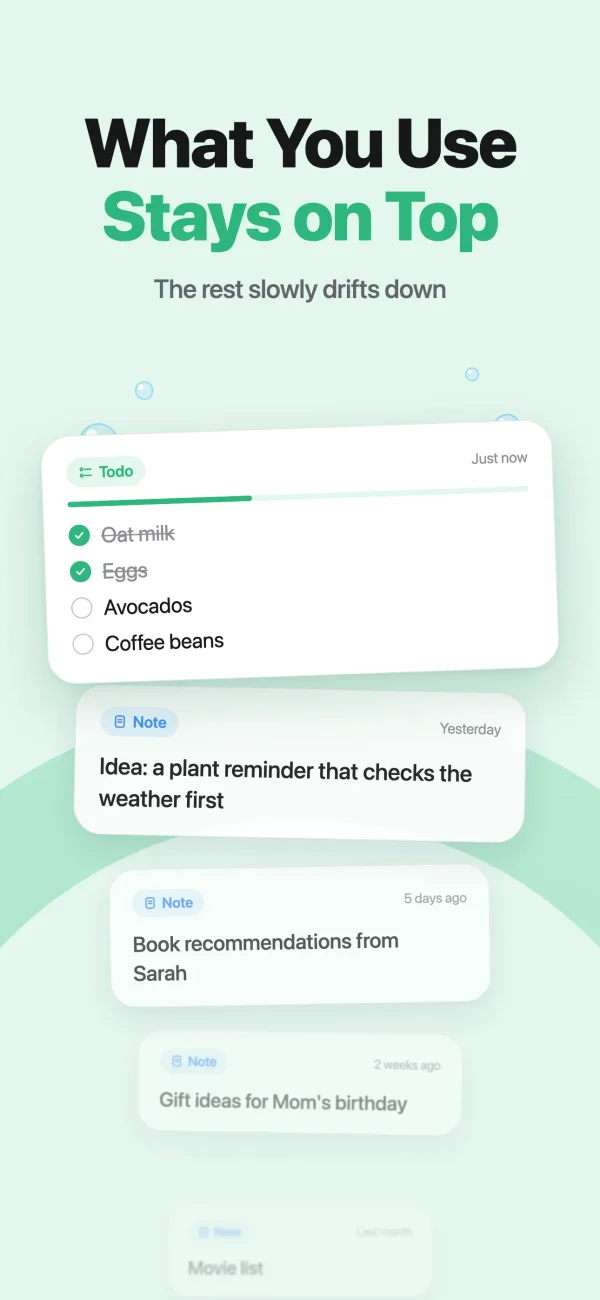
Capture fleeting thoughts instantly, and float what matters now back to the top.
FlowIt is a fast, local-first note flow designed to capture your ideas, checklists, and calendar events in one seamless stream.
Never switch between separate memo, todo, and reminder apps again — organize your day in a single unified flow.
Float What Matters Today
Some notes are urgent today but shouldn't stay pinned forever. FlowIt's signature "Float" action brings active notes back to the very top of your flow whenever you need them. Keep your daily priorities front and center without turning your workspace into a cluttered graveyard of permanent pins.
Quick Capture First, Organize Later
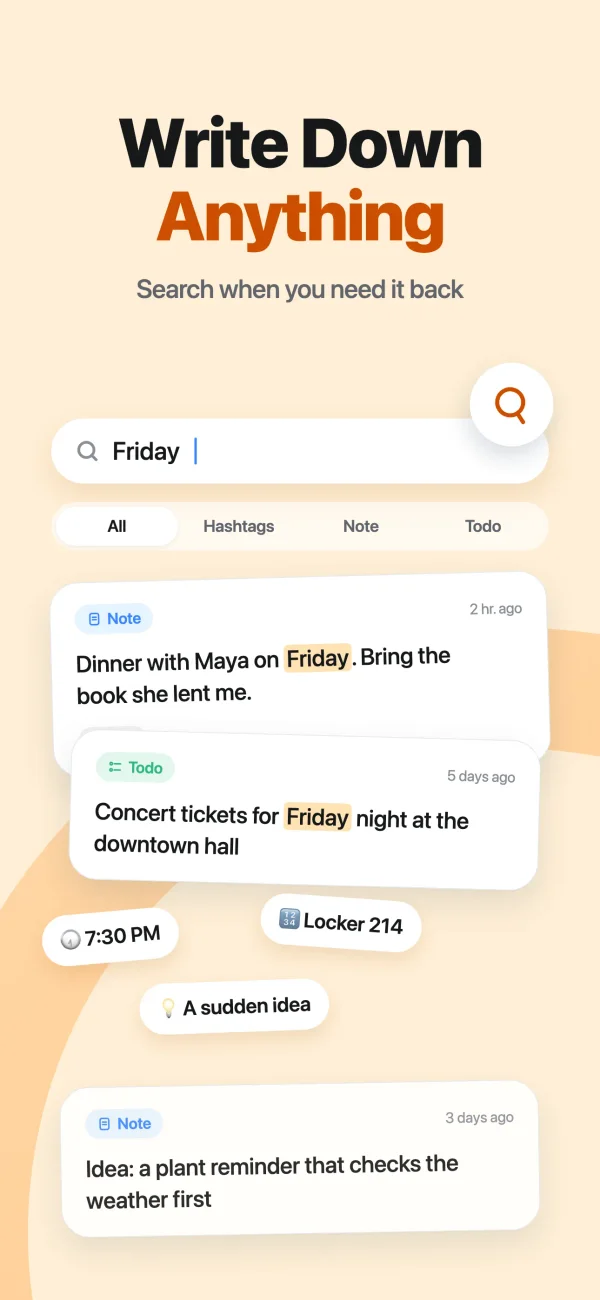
Capture as fast as you think. Jot down a quick brain dump, scratchpad idea, or meeting memo directly in the capture card without worrying about folders or formats. As your thoughts evolve, turn any note into an actionable checklist, or schedule it with start and end times and a timely reminder.
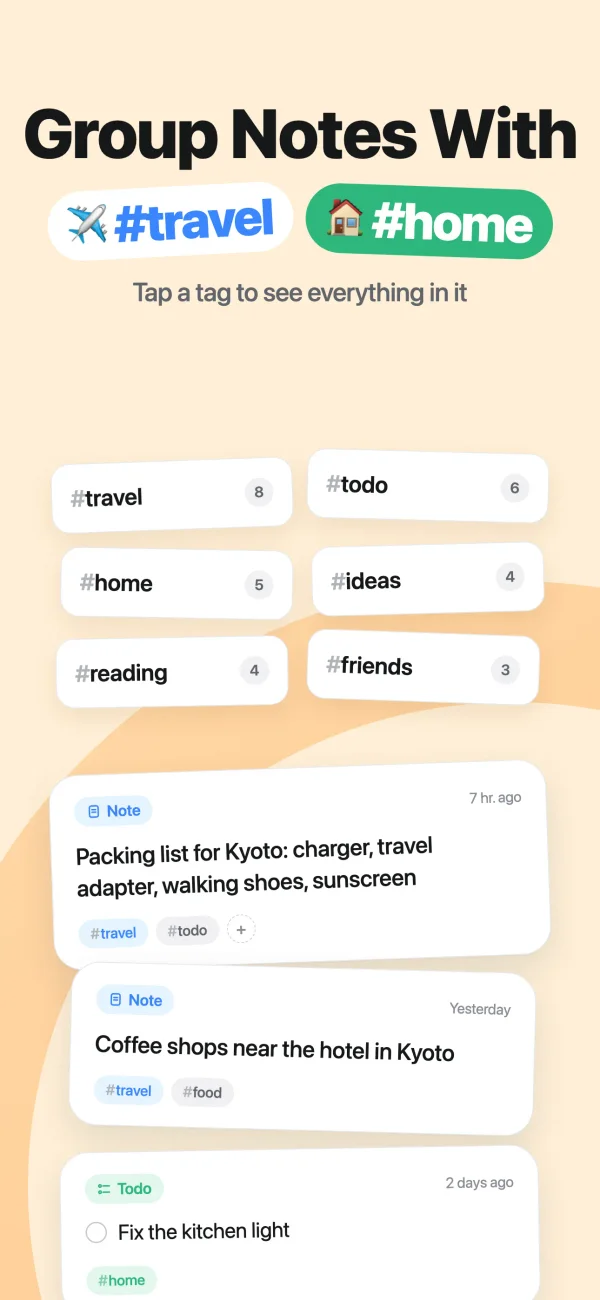
Tags That Become True Workspaces
Add tags naturally while writing. Open any tag to see every note, task, checklist, and scheduled event grouped under that topic. It's the lightweight organizer built for fast capture and easy retrieval.
All Your Everyday Formats in One Flow:
• Quick Notes: Fleeting ideas, brain dumps, scratchpads, and reading memos
• Checklists: Errands, todo lists, follow-ups, and project planning
• Events: Clear start and end times for scheduled commitments
• Reminders: Timely notifications so nothing slips through the cracks
• Tag Workspaces: Flexible, fluid topic organization
• Full-Text Search: Instantly search across notes, tasks, and tags
• Reading Mode: Distraction-free, immersive viewing for longer writing
• Deleted Note Recovery: Easily restore accidentally deleted notes
• Local-First Storage: Fast offline access with optional private iCloud sync
Local-First & Private by Design
Your notes stay on your device first. FlowIt works completely offline and requires no proprietary account; Sign in with Apple is used only for subscription access. Private iCloud sync keeps your notes in sync across your Apple devices using your own Apple ID.
About FlowIt Pro
Creating and editing notes, checklists, and events requires an active FlowIt Pro subscription (monthly auto-renewing) or a one-time FlowIt Pro Lifetime purchase.
Eligible Apple IDs can try FlowIt Pro free for 1 week, followed by the monthly subscription.
Without an active subscription, you can still view and browse all existing notes on your device.
FlowIt Pro Monthly and FlowIt Pro Lifetime are available as in-app purchases. Subscriptions renew automatically unless canceled at least 24 hours before the end of the current period. Manage subscriptions in your Apple ID account settings.
Privacy Policy: https://eekqabw.cn/privacy/
Terms of Use (EULA): https://www.apple.com/legal/internet-services/itunes/dev/stdeula/
Có gì mới
Phiên bản 1.3 · 28/10/2026
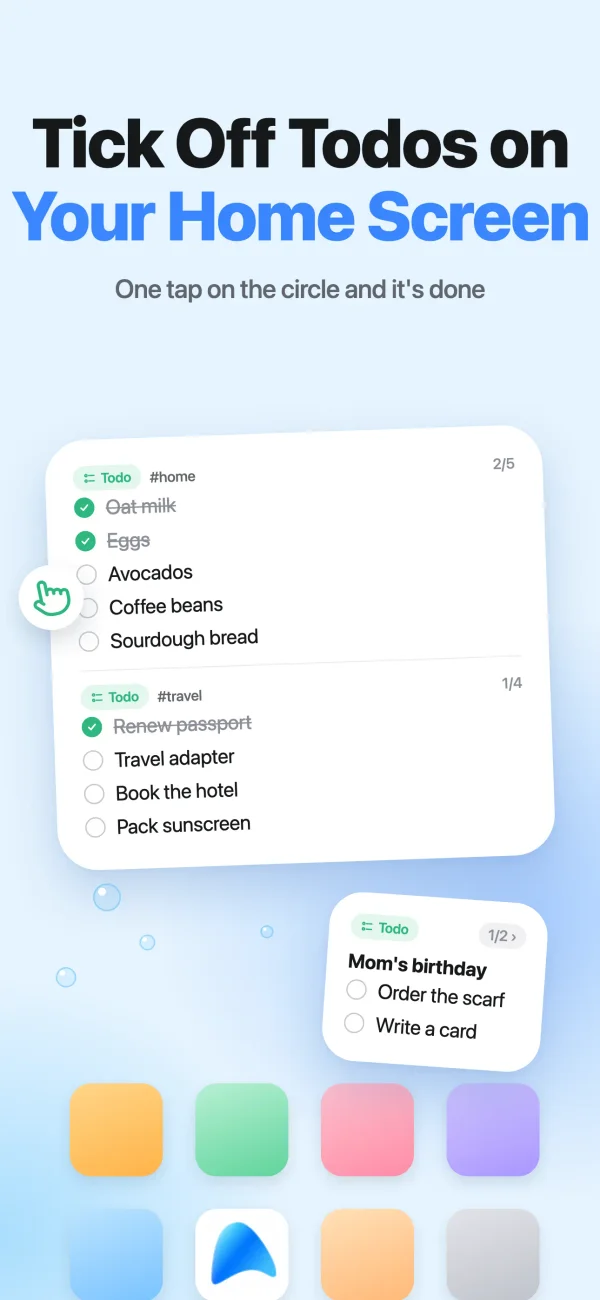
Lock Screen and Home Screen widgets: see your notes and tick off todos with a tap
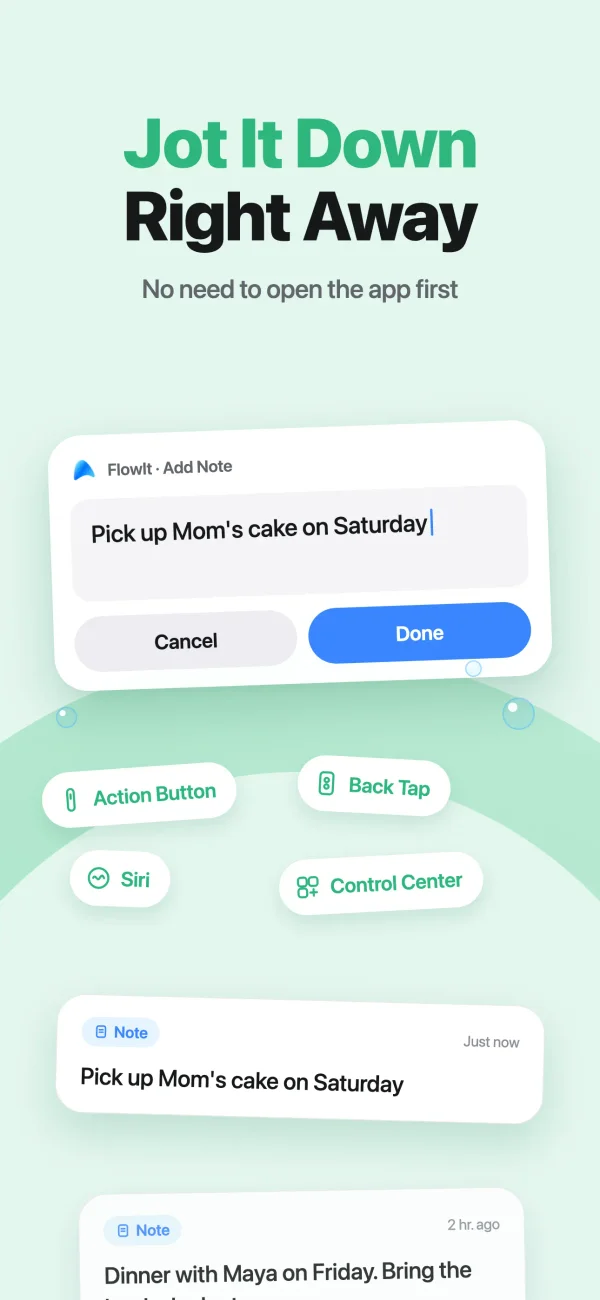
Shortcuts: put FlowIt on the Action button, Back Tap or Siri and add a note without opening the app
A new-note button for Control Center
New notes open together with the keyboard
A shorter right swipe marks a note complete
Rename a tag from the top-right corner of its page
The welcome screens now explain how floating works
Quyền riêng tư của ứng dụng
Những gì 立峰 顾 khai báo trên App Store về cách ứng dụng này xử lý dữ liệu.
-
Dữ liệu không được thu thập
Nhà phát triển không thu thập bất kỳ dữ liệu nào từ ứng dụng này.
Phương thức đảm bảo quyền riêng tư có thể khác nhau, chẳng hạn như tuỳ theo các tính năng bạn sử dụng hoặc độ tuổi của bạn.
Thông tin
- Người bán
- 立峰 顾
- Danh mục
- Hiệu Suất
- Phiên bản
- 1.3
- Cập nhật
- 28/10/2026
- Phát hành
- 12/05/2026
- Kích thước
- 13,6 MB
- Yêu cầu
- iOS 17.0 trở lên
- Độ tuổi
- 4+
- Giá
- Miễn phí
- Mua hàng trong ứng dụng
- Có
- Ngôn ngữ
- Tiếng Anh, Tiếng Trung Giản thể, Tiếng Trung Phồn thể
- Bản quyền
- © 2026 Lifeng Gu
Có thể bạn cũng thích
-
 ThinkLess: Mood Diary, JournalHiệu Suất
-
 片语・Fleeting More - 只字片语,皆可收藏Hiệu Suất
-
 Dayleaf - Minimalist bujoHiệu Suất
-
 DidMore: Daily Task TimelineHiệu Suất
-
 Skiii NoteHiệu Suất
-
 Ply Note - Capture Daily LifeHiệu Suất
-
 Doit Todo&TimeHiệu Suất
-
 Nagger: Nagging Reminder CatHiệu Suất
-
 actionBox: Simple Habit & ToDoDaily Routine & Streak Tracker
-
 PinMind- Capture & OrganizeHiệu Suất