FreeTimer: Study & Focus Timer
One-tap task & time tracker
Được thiết kế cho iPhone, iPad, Mac
Miễn phí · Mua hàng trong ứng dụng
- Độ tuổi4+
- Danh mụcHiệu Suất
- Nhà phát triểnJihyun Choi
- Ngôn ngữTiếng Pháp+ 8 ngôn ngữ khác
- Kích thước78,4 MB
Liên kết đến trang App Store chính thức
Download.org không lưu trữ tệp nào của FreeTimer: Study & Focus Timer. Nút này mở trang ứng dụng trên App Store, nơi Jihyun Choi phát hành ứng dụng. Trang được kiểm tra lần cuối: 23/11/2026.
Ảnh chụp màn hình
Giới thiệu
Nhà phát triển chưa cung cấp nội dung này bằng ngôn ngữ của bạn.
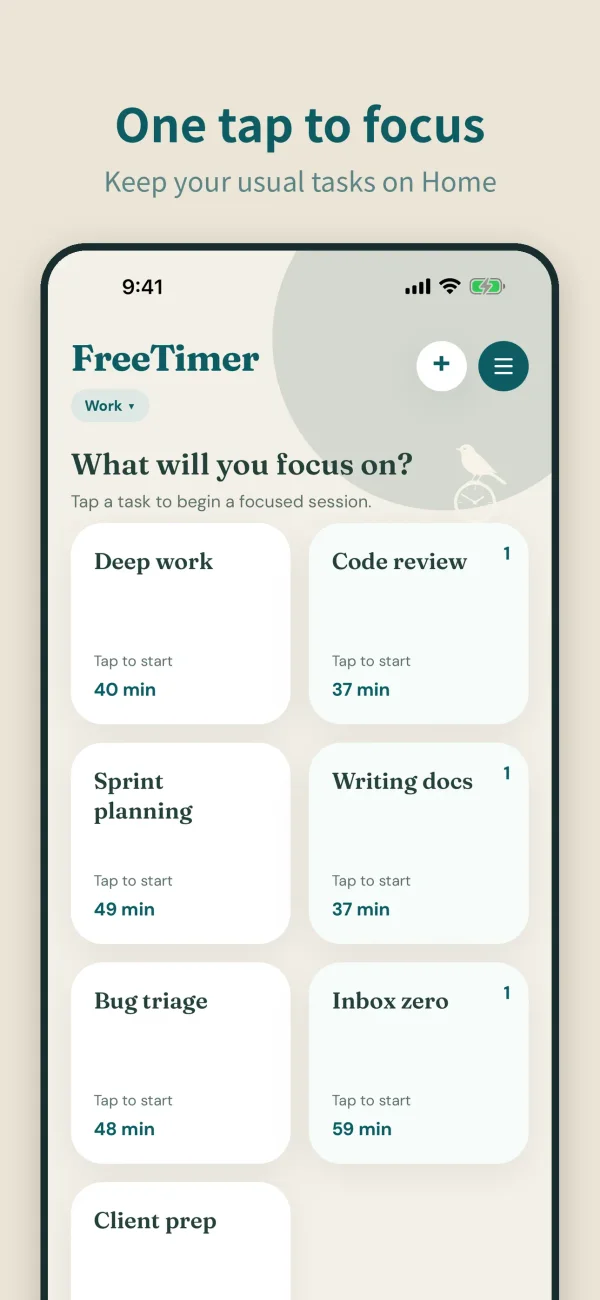
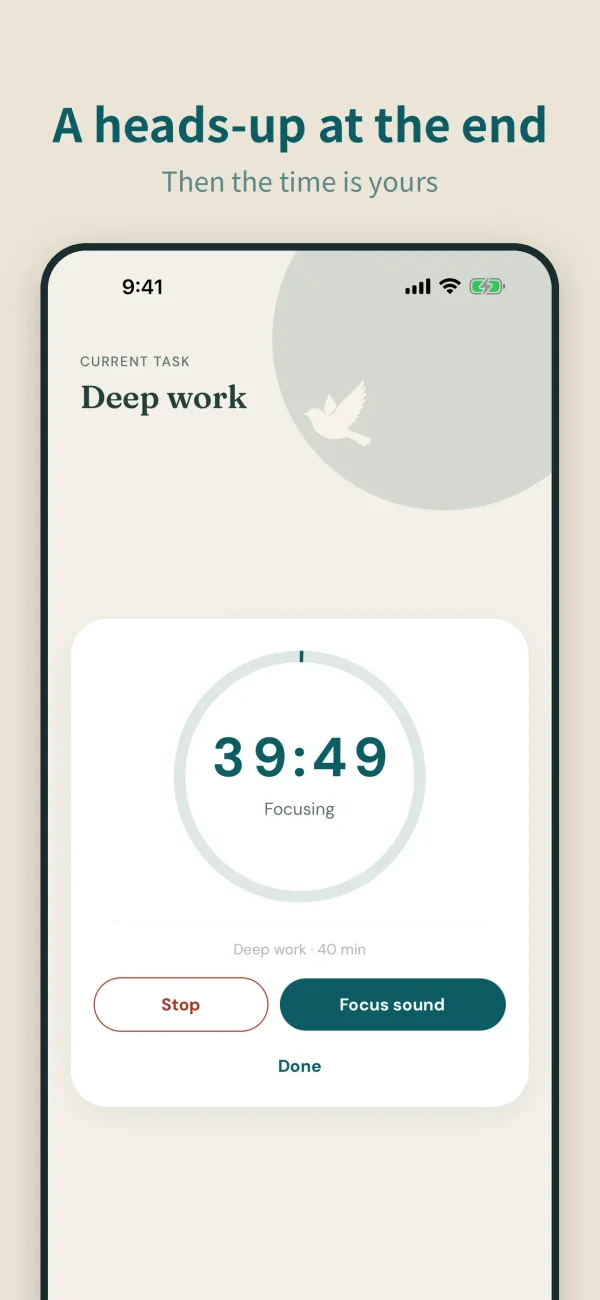
FreeTimer is a study timer and focus timer you start with one button. Work or study, just tap start. That's it.
It tells you when time's up, and after that it doesn't care what you do. Your time is yours. Starting again is one more tap.
Later you can see how much you did, and back up your records to your Google account.
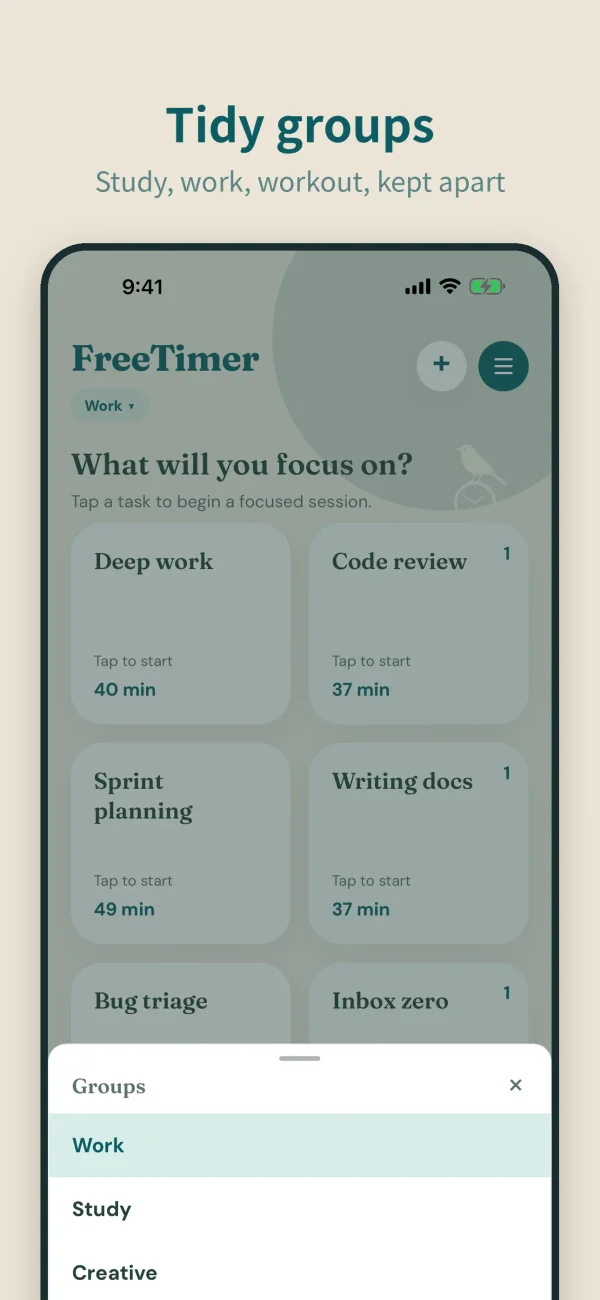
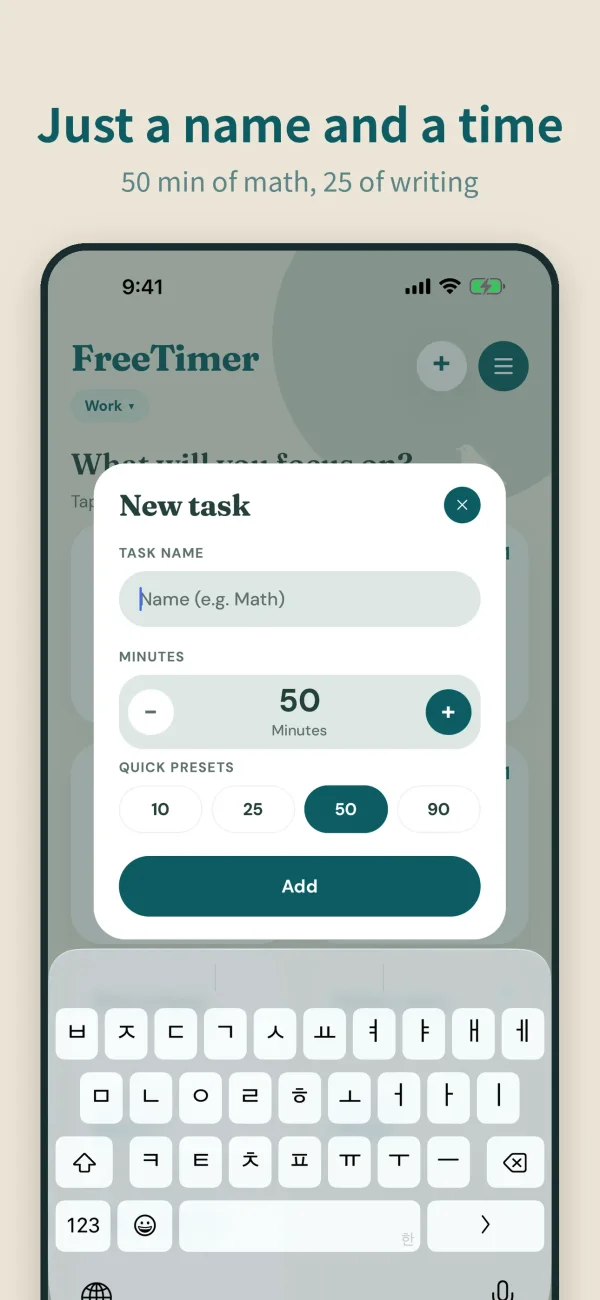
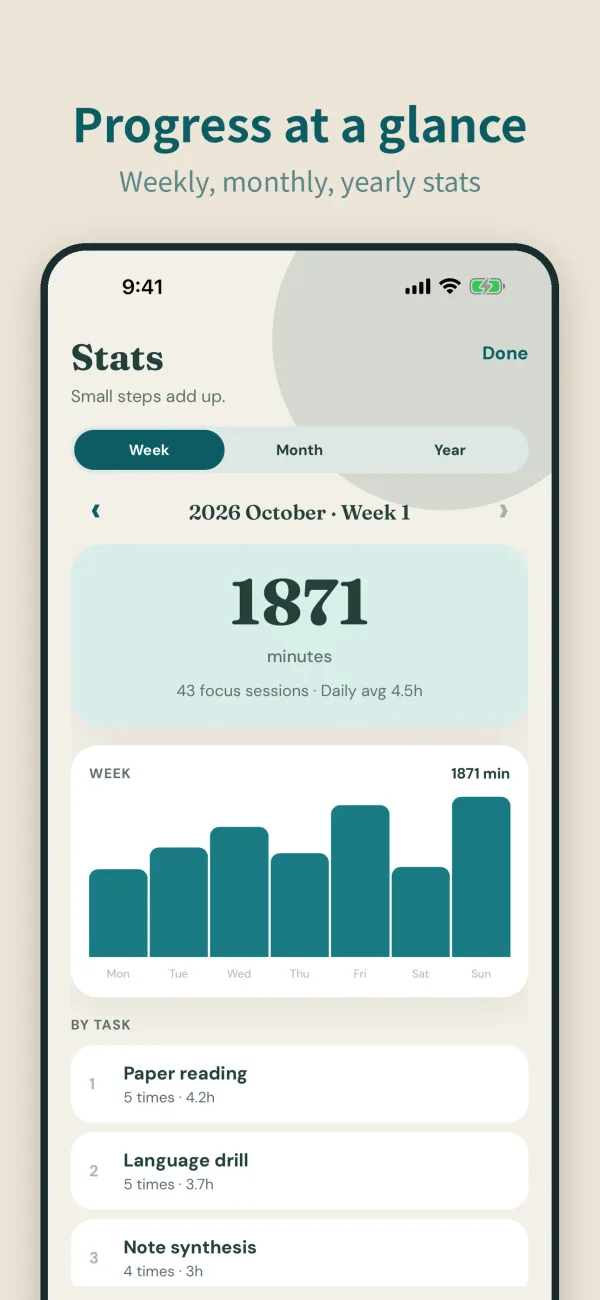
Just give a task a name and a length. Keep the ones you use often, like Math 50 min, English 25 min, right on the home screen. Sort them into groups and see your study log and completions by week, month and year.
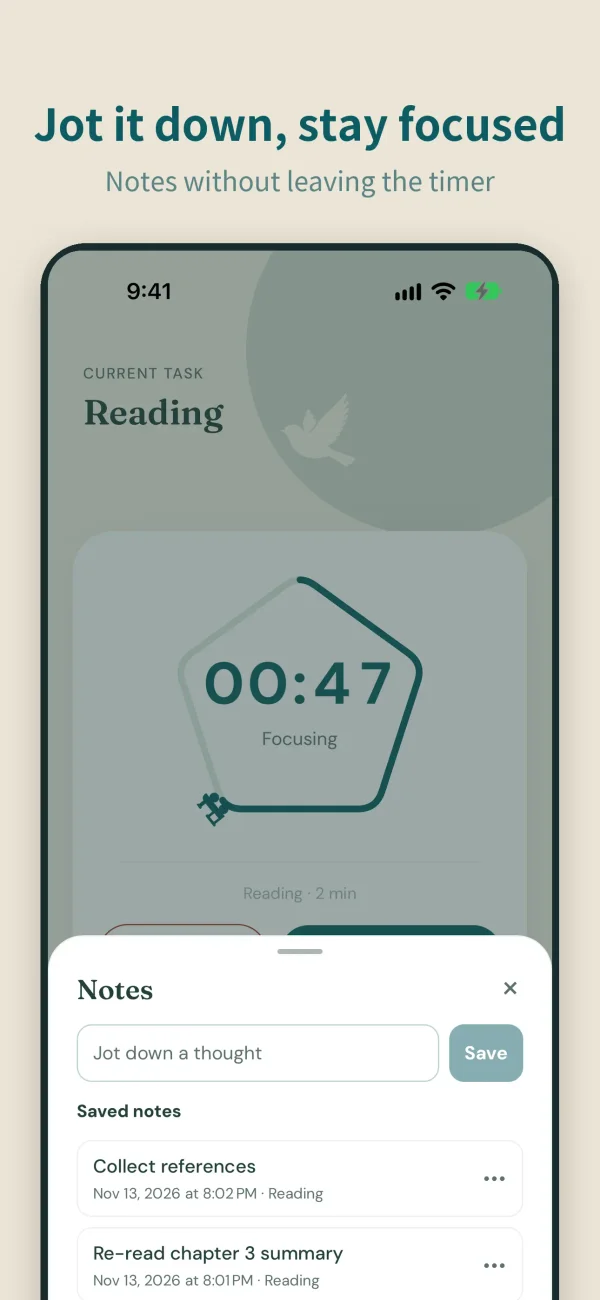
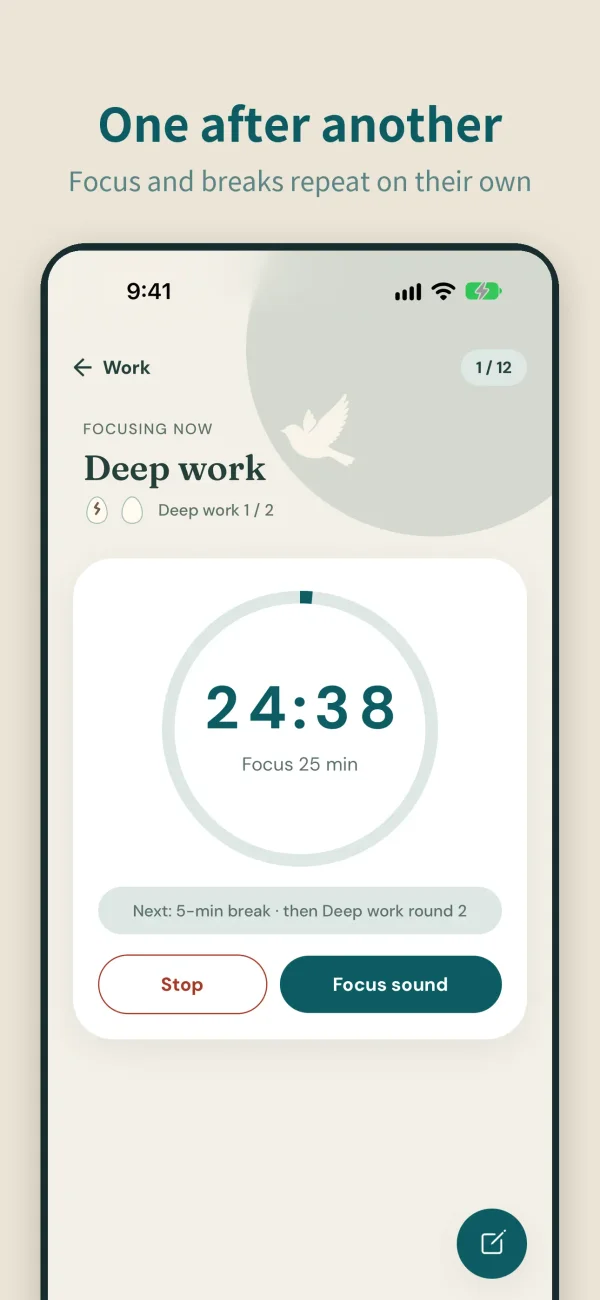
Want to alternate focus and rest? Turn on Cycle mode (Pomodoro technique): focus for 25 minutes, take a short break, and take a long break every 4 rounds. You can change the times and the number of rounds. If a distraction pops up, jot it down as a quick note and turn it into a task later.
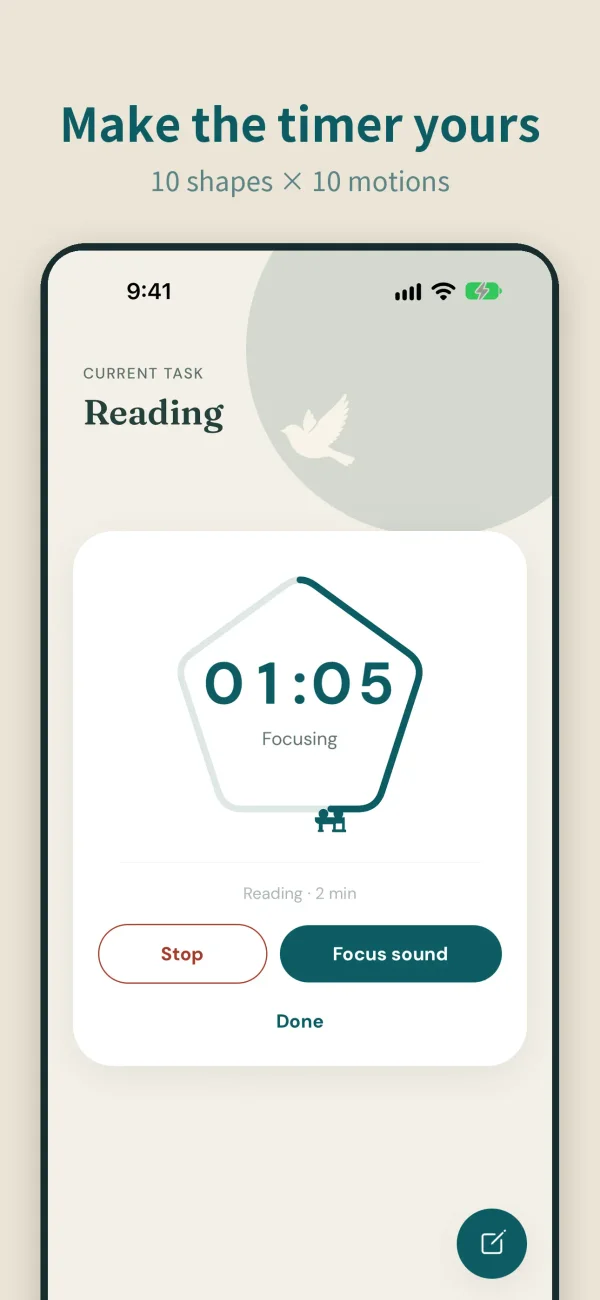
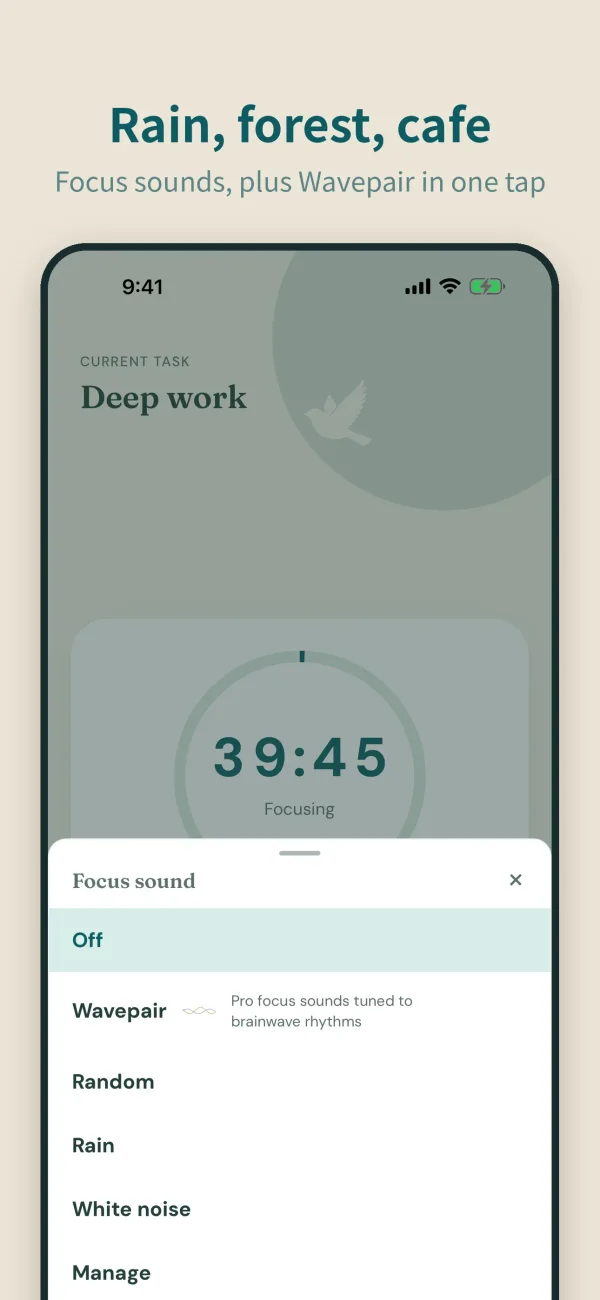
While the focus timer runs, play focus sounds like rain, forest or café. Extra sounds download only when you need them. You can also show a line of the day on the home screen.
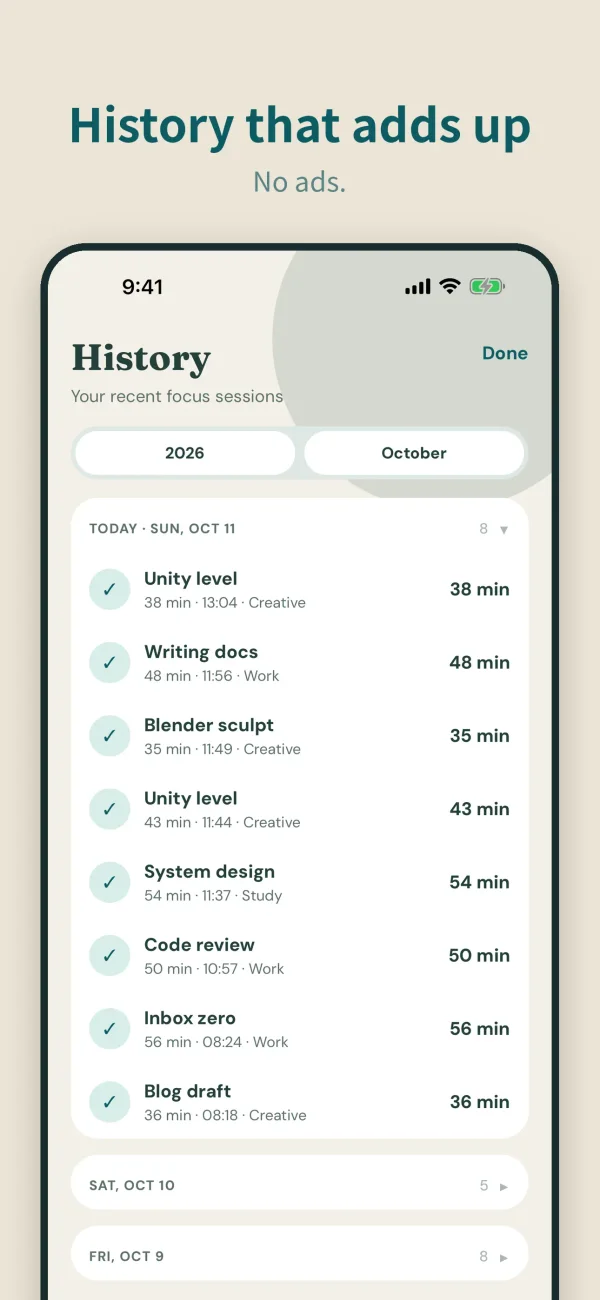
No ads, and every core feature is free. Leaving a tip is optional, only if you feel like it.
• Per-task study & focus timer that starts with one tap
• Cycle mode (Pomodoro technique): automatic focus/break rounds with a summary
• Organize tasks into groups
• Study log, completion stats and history
• Focus sounds (rain, forest, café and more)
• Open Wavepair right from focus sounds
• Line of the day on the home screen
• Light/dark and several skins
• End-of-timer sound and vibration
• Local backup and auto backup
• Backup and sync with your Google account
• Korean, English, Japanese, Chinese, Spanish, French, German, Portuguese
Icon designed by Freepik from Flaticon
https://www.flaticon.com/free-icon/early-bird_7337970
Có gì mới
Phiên bản 1.2.13 · 17/11/2026
• Cleaner focus screen in cycle mode: the memo count is gone so you can keep your eyes on the timer.
• Stability improvements and minor fixes.
Quyền riêng tư của ứng dụng
Những gì Jihyun Choi khai báo trên App Store về cách ứng dụng này xử lý dữ liệu.
-
Dữ liệu liên kết với bạn
Có thể được thu thập và liên kết với danh tính của bạn.
- Thông tin liên hệ
- Nội dung của người dùng
-
Dữ liệu không liên kết với bạn
Có thể được thu thập nhưng không liên kết với danh tính của bạn.
- Mã định danh
- Dữ liệu sử dụng
- Chẩn đoán
Phương thức đảm bảo quyền riêng tư có thể khác nhau, chẳng hạn như tuỳ theo các tính năng bạn sử dụng hoặc độ tuổi của bạn.
Thông tin
- Người bán
- Jihyun Choi
- Danh mục
- Hiệu Suất
- Phiên bản
- 1.2.13
- Cập nhật
- 17/11/2026
- Phát hành
- 21/09/2026
- Kích thước
- 78,4 MB
- Yêu cầu
- iOS 16.4 trở lên
- Độ tuổi
- 4+
- Giá
- Miễn phí
- Mua hàng trong ứng dụng
- Có
- Ngôn ngữ
- Tiếng Pháp, Tiếng Đức, Tiếng Anh, Tiếng Trung Giản thể, Tiếng Trung Phồn thể, Tiếng Hàn, Tiếng Tây Ban Nha, Tiếng Nhật, Tiếng Bồ Đào Nha
- Bản quyền
- © 2026 Jihyun Choi
Có thể bạn cũng thích
-
 Focus & HoldHiệu Suất
-
 ScrollOff: Reward Your TimeHiệu Suất
-
 Pomodoro Timer - FocuseraHiệu Suất
-
 Espresso Despesas CorporativasHiệu Suất
-
 Detox: Digital DetoxHiệu Suất
-
 Focado: Focus TimerHiệu Suất
-
 eDocPersoHiệu Suất
-
 Daum Mail - 다음 메일Hiệu Suất
-
 Habitica: Gamified TaskmanagerHiệu Suất
-
 Digital Planner – Task JournalHiệu Suất