- Độ tuổi4+
- Danh mụcTiện Ích
- Nhà phát triểnLaurent Ach
- Ngôn ngữTiếng Anh
- Kích thước2,4 MB
Liên kết đến trang App Store chính thức
Download.org không lưu trữ tệp nào của GPG Decrypt. Nút này mở trang ứng dụng trên App Store, nơi Laurent Ach phát hành ứng dụng. Trang được kiểm tra lần cuối: 16/11/2026.
Ảnh chụp màn hình
Giới thiệu
Nhà phát triển chưa cung cấp nội dung này bằng ngôn ngữ của bạn.
This app is designed to allow you to read on your iPhone, files that have been encrypted on your Mac using GPG. The workflow is:
1. Encrypt a file on your Mac using GPG (AEAD - Authenticated Encryption with Associated Data, is not supported at the moment, see support page).
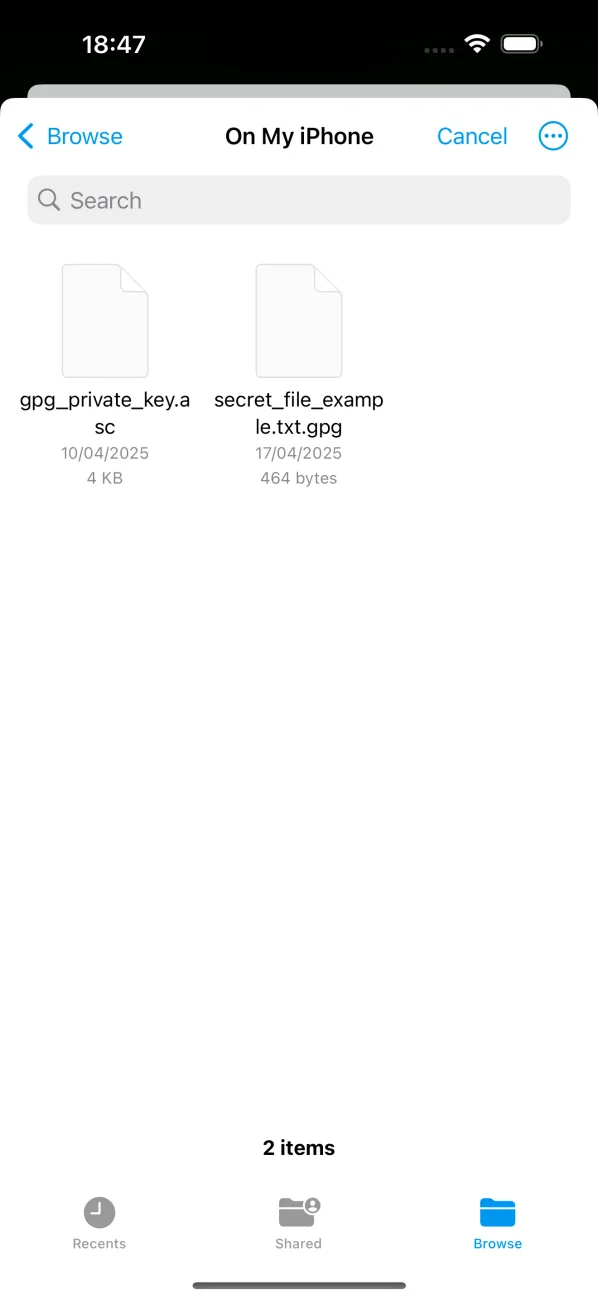
2. Transfer the encrypted file and your private key to your iPhone (using iCloud Drive, Dropbox, Google Drive, or any other cloud storage service)
3. Use this app to decrypt and view the file content on your iPhone
This is particularly useful for securely accessing sensitive documents on your iPhone without storing the decrypted content permanently on the device.
Features
- Decrypt GPG-encrypted files
- Support for private key authentication
- Secure file handling with security-scoped resources
- Display-only decryption (no persistent storage of decrypted content)
Usage
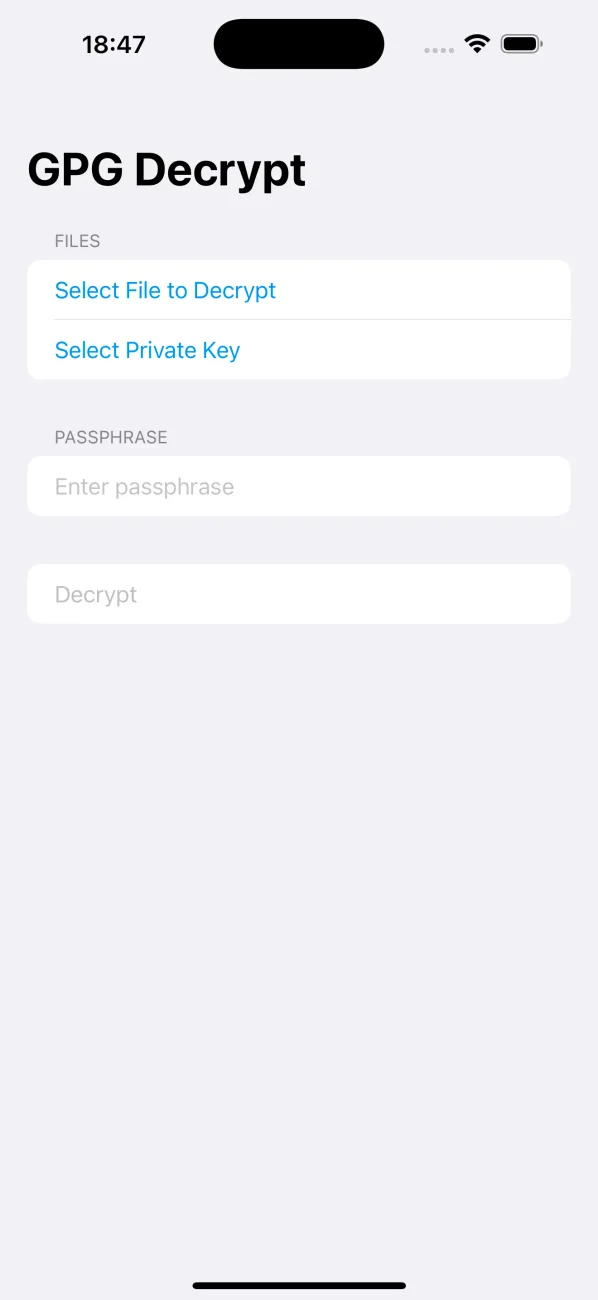
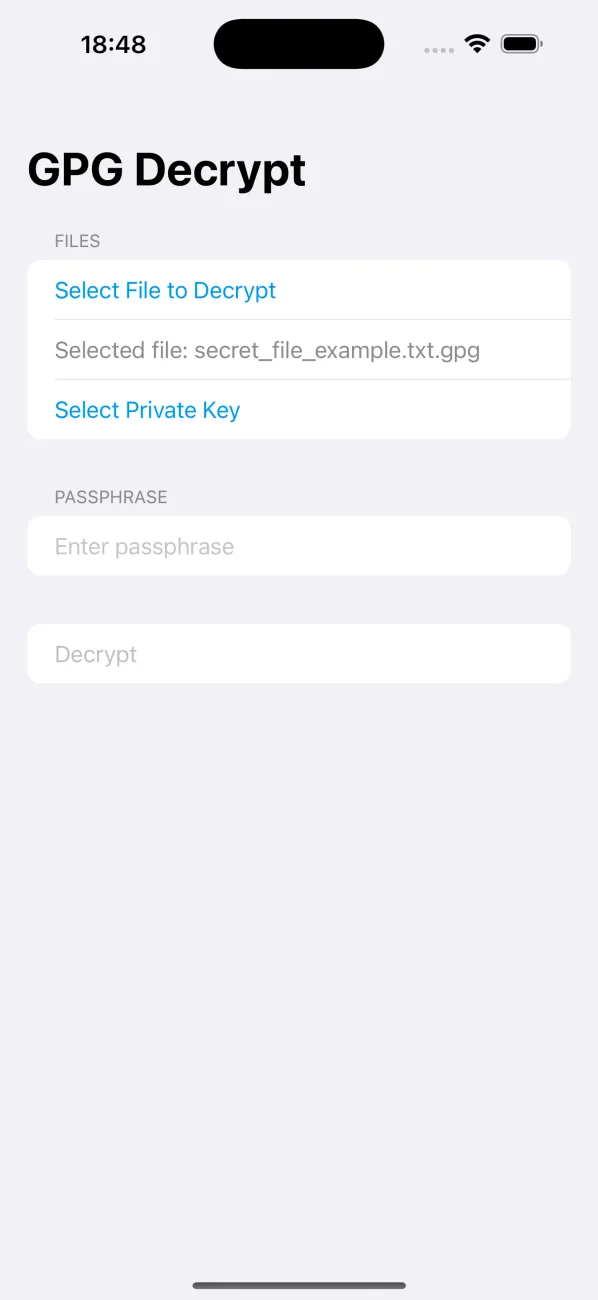
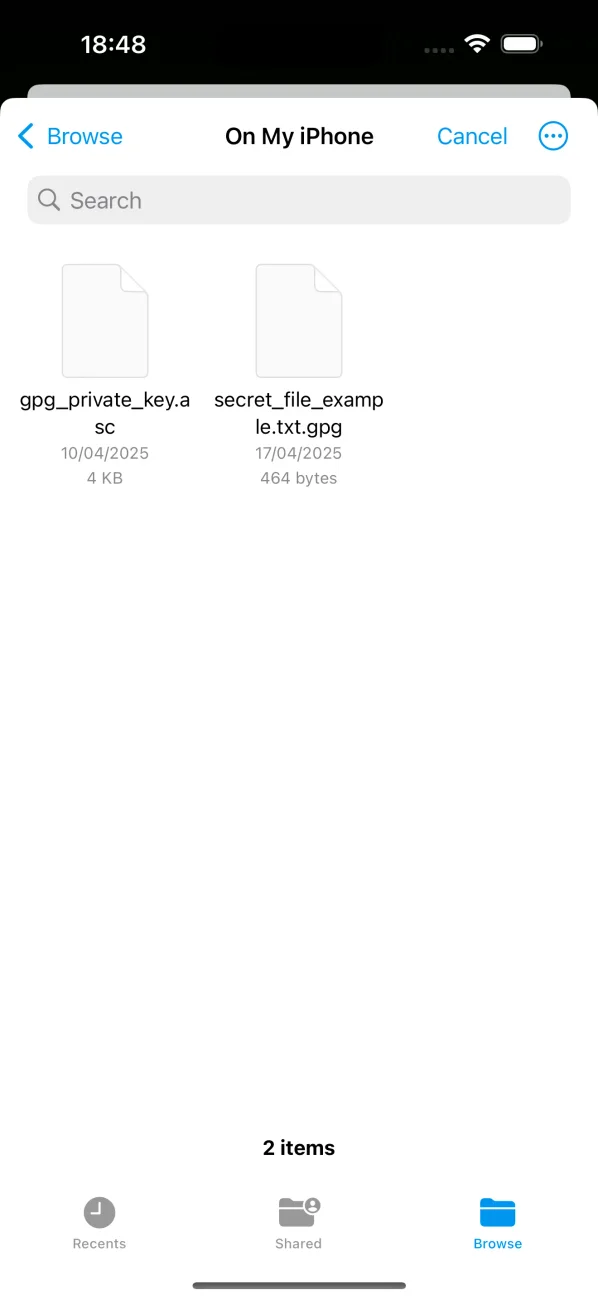
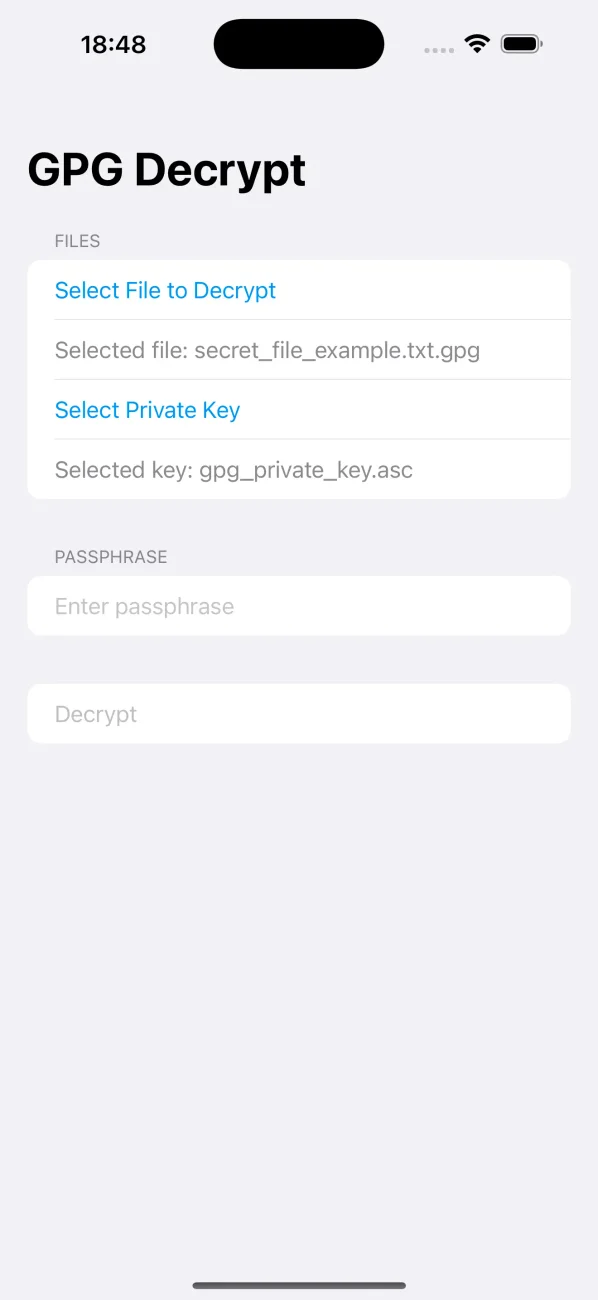
1. Select the encrypted file you want to decrypt
2. Select your private key file
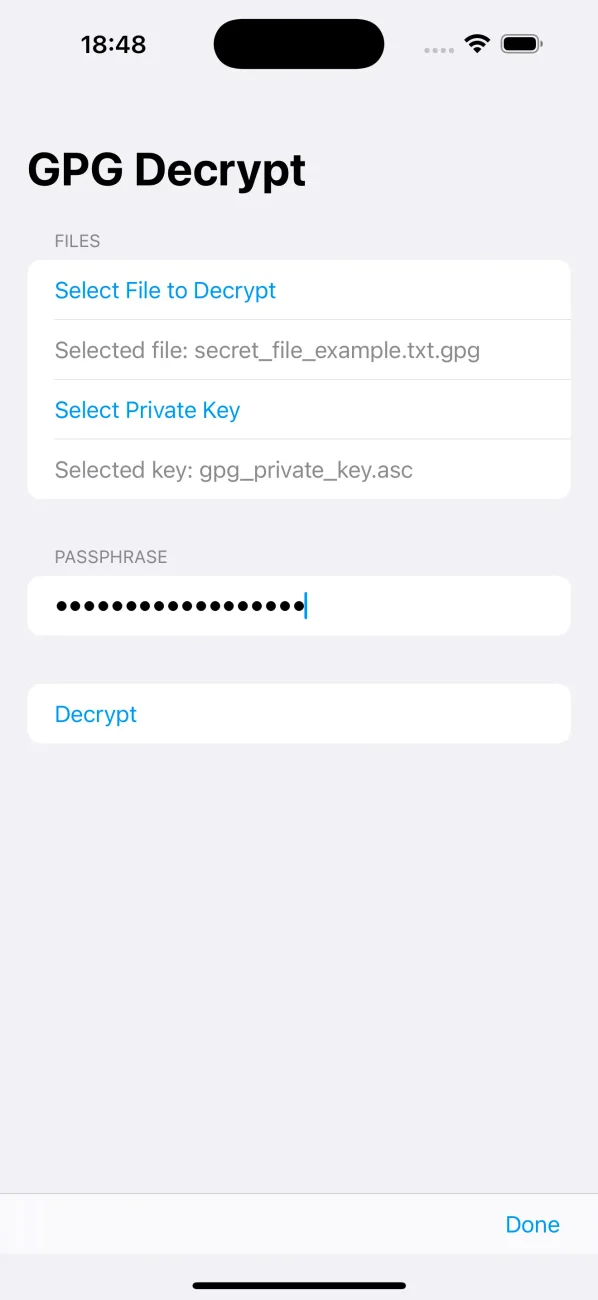
3. Enter the passphrase for your private key
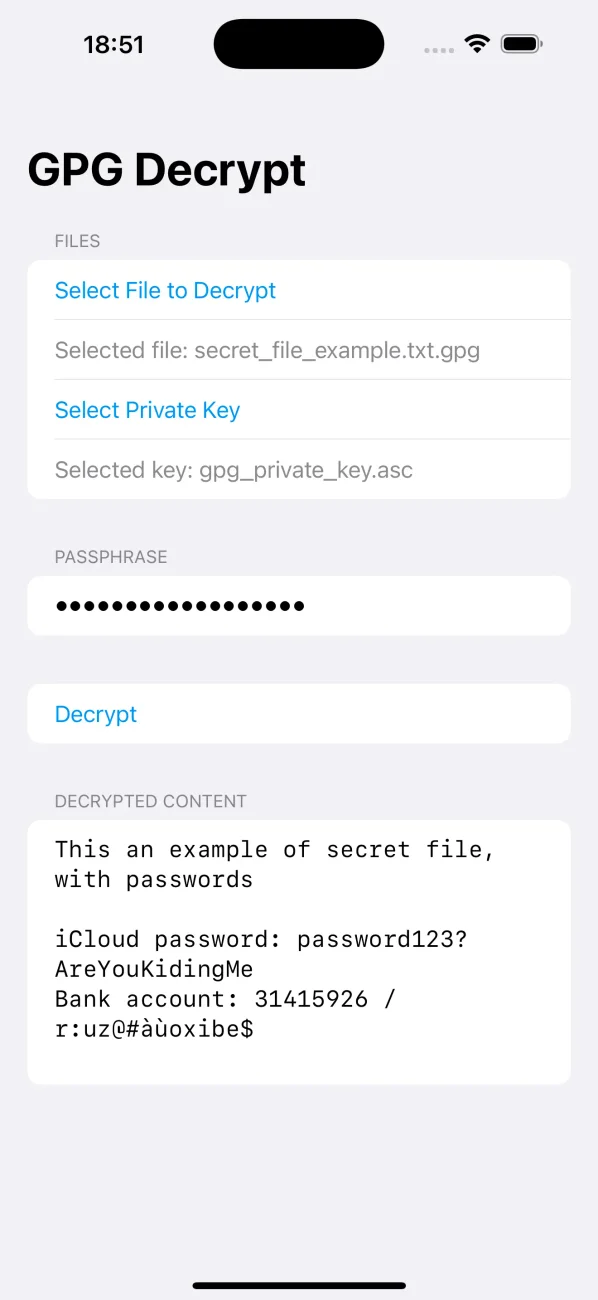
4. Tap "Decrypt" to decrypt the file
5. The decrypted content will be displayed on screen. It is not saved to your device.
GPG ([GNU Privacy Guard](https://gnupg.org/)) is a widely used open-source implementation of the OpenPGP standard.
This app only supports asymmetric encryption (public/private key). It cannot decrypt files that were encrypted using symmetric encryption (password-only encryption).
Using GPG on Mac OS
- Install GnuPG: brew install gnupg
- Generate a new GPG key: gpg --full-generate-key
- Choose option 1 (RSA and RSA)
- Choose 4096 bits
- Choose 0 (key does not expire)
- Enter your name and email
- Enter a secure passphrase
- Export your private key (required for decryption on iPhone): gpg --export-secret-keys --armor your-email@example.com > private_key.asc
- Replace `your-email@example.com` with the email you used when creating the key
- Enter your passphrase when prompted
- The private key will be saved to `private_key.asc`
- Transfer this file to your iPhone for use with the app
- Encrypting a file: gpg --encrypt --recipient your-email@example.com your_file.txt
- This creates `your_file.txt.gpg`
- Transfer this encrypted file to your iPhone for decryption with the app
Decrypting a file on Mac:
gpg --decrypt your_file.txt.gpg > decrypted_file.txt
- This will prompt for your private key passphrase
- The decrypted content will be saved to `decrypted_file.txt`
Transferring files to iPhone
You can transfer the encrypted file and private key to your iPhone using various cloud storage services:
- iCloud Drive
- Dropbox
- Google Drive
- OneDrive
- Or any other cloud storage service that provides iOS file access
Security
- All file operations use security-scoped resources
- Passphrase is never stored
- Files are copied to the app's documents directory for processing
- Decrypted content is only displayed and not saved to the device
- No persistent storage of sensitive information
Có gì mới
Phiên bản 1.1 · 12/05/2025
- Information about limitation regarding AEAD encryption
- New icon
Quyền riêng tư của ứng dụng
Những gì Laurent Ach khai báo trên App Store về cách ứng dụng này xử lý dữ liệu.
-
Dữ liệu không được thu thập
Nhà phát triển không thu thập bất kỳ dữ liệu nào từ ứng dụng này.
Phương thức đảm bảo quyền riêng tư có thể khác nhau, chẳng hạn như tuỳ theo các tính năng bạn sử dụng hoặc độ tuổi của bạn.
Thông tin
- Người bán
- Laurent Ach
- Danh mục
- Tiện Ích
- Phiên bản
- 1.1
- Cập nhật
- 12/05/2025
- Phát hành
- 09/05/2025
- Kích thước
- 2,4 MB
- Yêu cầu
- iOS 16.0 trở lên
- Độ tuổi
- 4+
- Giá
- Miễn phí
- Ngôn ngữ
- Tiếng Anh
- Bản quyền
- © 2025 Laurent Ach