HMI Editor
Được thiết kế cho iPhone, iPad, Mac, iPod touch
Miễn phí · Mua hàng trong ứng dụng
- Độ tuổi4+
- Danh mụcKinh Doanh
- Nhà phát triểnGreg Maendel
- Ngôn ngữTiếng Anh+ 1 ngôn ngữ khác
- Kích thước23,3 MB
Liên kết đến trang App Store chính thức
Download.org không lưu trữ tệp nào của HMI Editor. Nút này mở trang ứng dụng trên App Store, nơi Greg Maendel phát hành ứng dụng. Trang được kiểm tra lần cuối: 14/11/2026.
Ảnh chụp màn hình
Giới thiệu
Nhà phát triển chưa cung cấp nội dung này bằng ngôn ngữ của bạn.
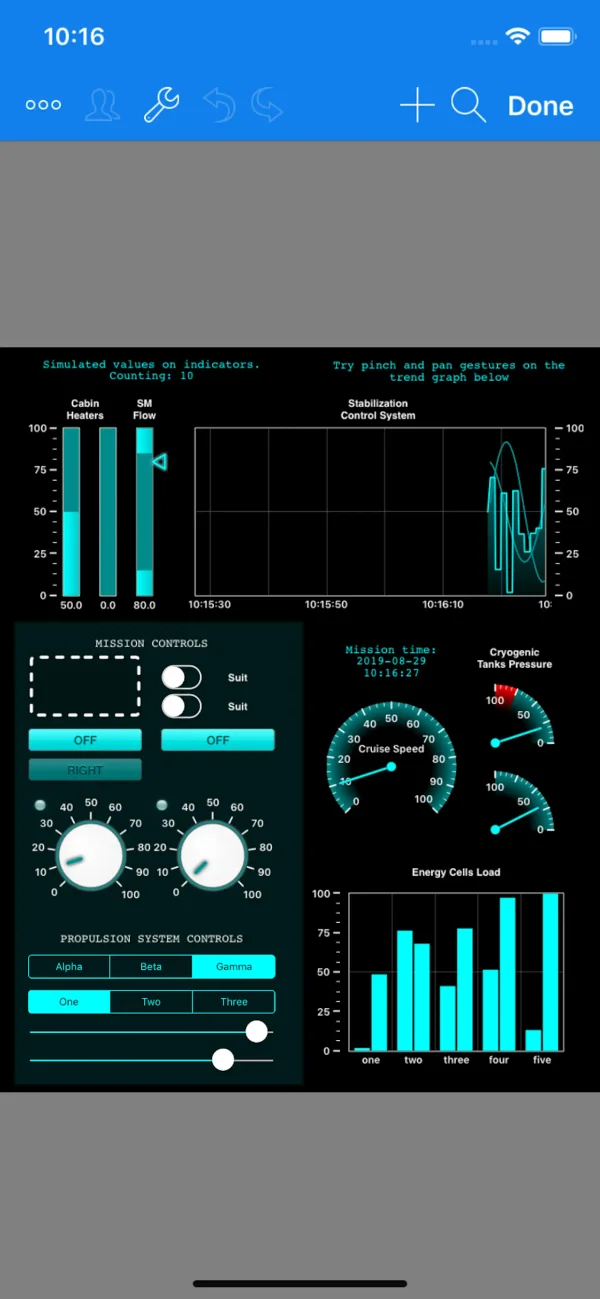
HMI Editor is a *native* iOS application for creating Human Machine Interfaces for real-time monitoring and control of industrial PLC based systems and processes. Data is presented in highly customizable page layouts much like a presentations app.
Who's this for.
The app is aimed at automation engineers or industrial machine manufacturers on many sectors including but not limited to building automation, industrial processing, power plants, water plants, industrial equipment, transportation and so on, who want to provide instant, reliable access to real-time data right from iOS devices.
What you'll get for the price of the app.
HMI Editor allows you to create efficient, advanced, highly responsive "Human Machine Interfaces" right on your iPad screen with unprecedented ease of use and fun. The HMI Editor app is fully native and supports all major Programmable Logic Controller (PLC) brands. For the price of the app (FREE) you can *fully* develop and test projects of any complexity. No restrictions on number of pages, tags or PLCs are applied at this stage. You only pay for project activations when you are ready to deploy to end users.
HMI Editor essential Features.
- Very fast, launches and connects immediately regardless of project size.
- All data types including Strings, Arrays and Dictionaries fully supported.
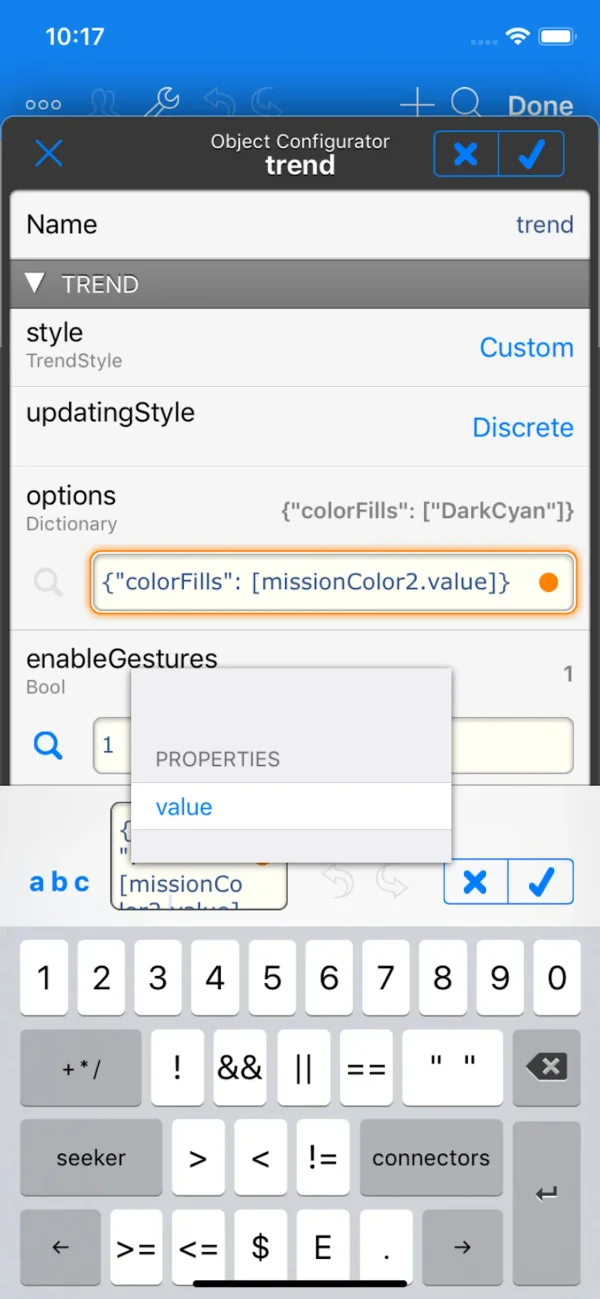
- HMI Projects are edited on-screen as you run and monitor your process.
- You can export and edit your project files as text on your PC or Mac.
- Export/import asset files such as images, pdfs or audio files from HMI Editor to your PC or Mac.
- Optional project storage in the cloud and easy deployment to end users devices.
- Native PLC communication protocols. Connections are performed with no intermediate servers or boxes.
- Major PLC brands supported, including: Allen Bradley, Mitsubishi, Omron, Opto 22, Schneider Electric, Siemens, Wago.
- TCP/IP based security.
Getting Started: creating a HMI Editor project.
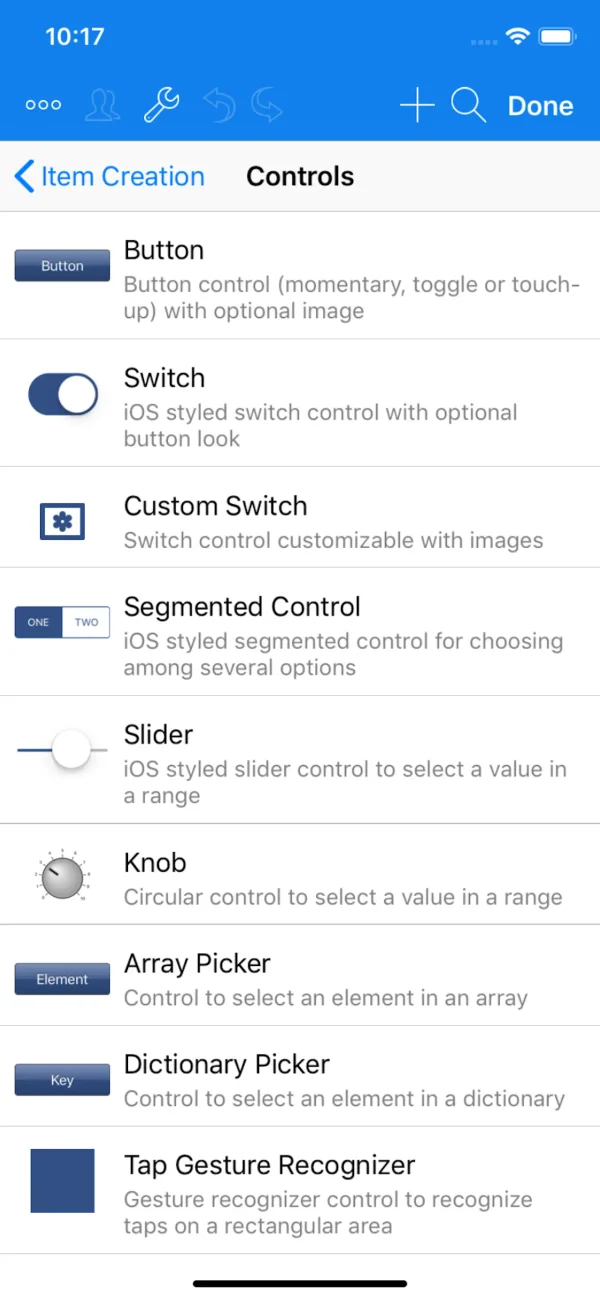
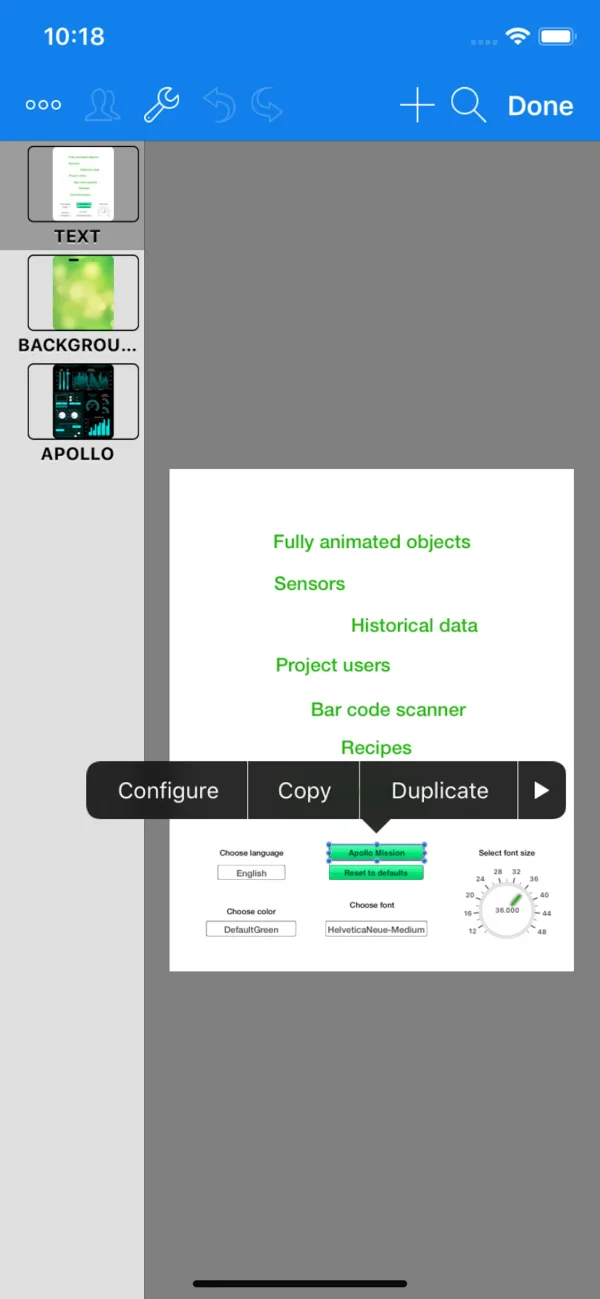
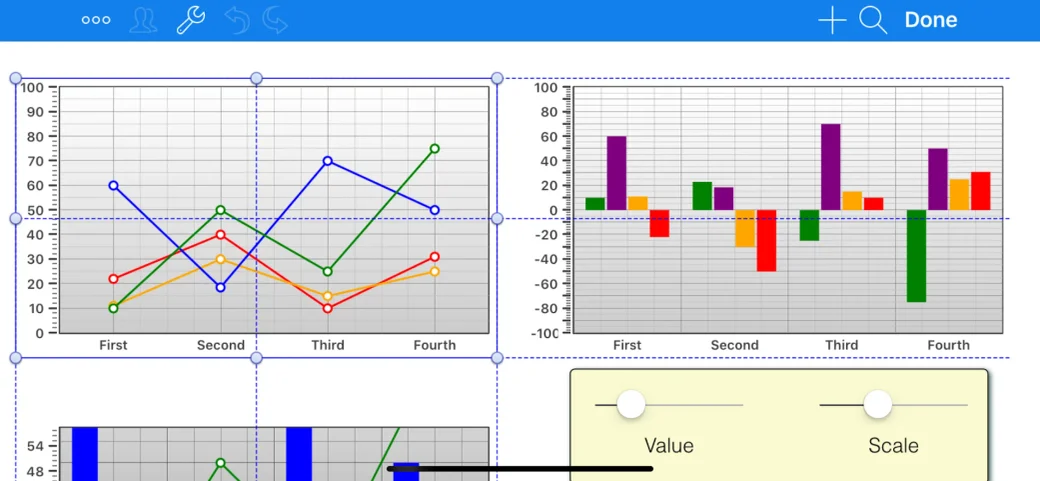
Projects are created like a mix of PowerPoint and Excel. The concept is quite simple. You lay out elements such as Sliders, Switches, Buttons, Images, Text Fields, Knobs, Trends, Gauges, Bar Indicators, Web browser, Array pickers, even Gesture Recognizers and much more onto pages. You connect on-screen objects with iPad sensors and PLC tags through simple links or powerful expressions. That's it !!. The result is a stunning, dynamic, real-time presentation of your PLC controlled process as you'd never imagined.
Examples Ready for You.
Explore the examples and take the liberty to make changes on them. Create your own test projects from scratch or based on the examples. HMI Editor will comprehensively tell you what inconsistencies or problems there may be in your project as you build them. New examples are being added on a regular basis or by user request.
What's Next.
There’s a lot more that we haven’t mentioned here, such as the page navigation interface, the embedded file server, the model browser, the model seeker, the automatic expression completer, the inspector viewer, alarm notifications, iPad sensors, barcode scanner, user access levels, password on launch, PLC validation codes, individual tag diagnostics, background processing, automatic network switching, and much much more. You surely will identify some of these features by just exploring the app, but the single source where everything is covered is the HMI Editor Reference Manual. Feel free to download it from our site and look at the full possibilities, you’ll love the product.
Technical Support.
We provide a free online support service based on public forums on our website:
http://www.sweetwilliamsl.com/support/forums
Or through direct email:
support@ritecontrol.com.
We also hold a public YouTube channel at:
http://www.youtube.com/hmipad.
Feel free to direct your questions, suggestions or feedback to any of the above. We'll be happy to hear from you.
Có gì mới
Phiên bản 0.6.7 · 08/09/2026
Bug Fixes
Quyền riêng tư của ứng dụng
Những gì Greg Maendel khai báo trên App Store về cách ứng dụng này xử lý dữ liệu.
-
Dữ liệu không được thu thập
Nhà phát triển không thu thập bất kỳ dữ liệu nào từ ứng dụng này.
Phương thức đảm bảo quyền riêng tư có thể khác nhau, chẳng hạn như tuỳ theo các tính năng bạn sử dụng hoặc độ tuổi của bạn.
Thông tin
- Người bán
- Rite Irrigation LLC
- Danh mục
- Kinh Doanh
- Phiên bản
- 0.6.7
- Cập nhật
- 08/09/2026
- Phát hành
- 13/02/2018
- Kích thước
- 23,3 MB
- Yêu cầu
- iOS 15.0 trở lên
- Độ tuổi
- 4+
- Giá
- Miễn phí
- Mua hàng trong ứng dụng
- Có
- Ngôn ngữ
- Tiếng Anh, Tiếng Tây Ban Nha
- Bản quyền
- © Greg Maendel