- Độ tuổi4+
- Danh mụcHiệu Suất
- Nhà phát triểnAutomationdirect.com
- Kích thước92,1 MB
Liên kết đến trang App Store chính thức
Download.org không lưu trữ tệp nào của Remote PLC. Nút này mở trang ứng dụng trên App Store, nơi Automationdirect.com phát hành ứng dụng. Trang được kiểm tra lần cuối: 15/11/2026.
Ảnh chụp màn hình

Giới thiệu
Nhà phát triển chưa cung cấp nội dung này bằng ngôn ngữ của bạn.
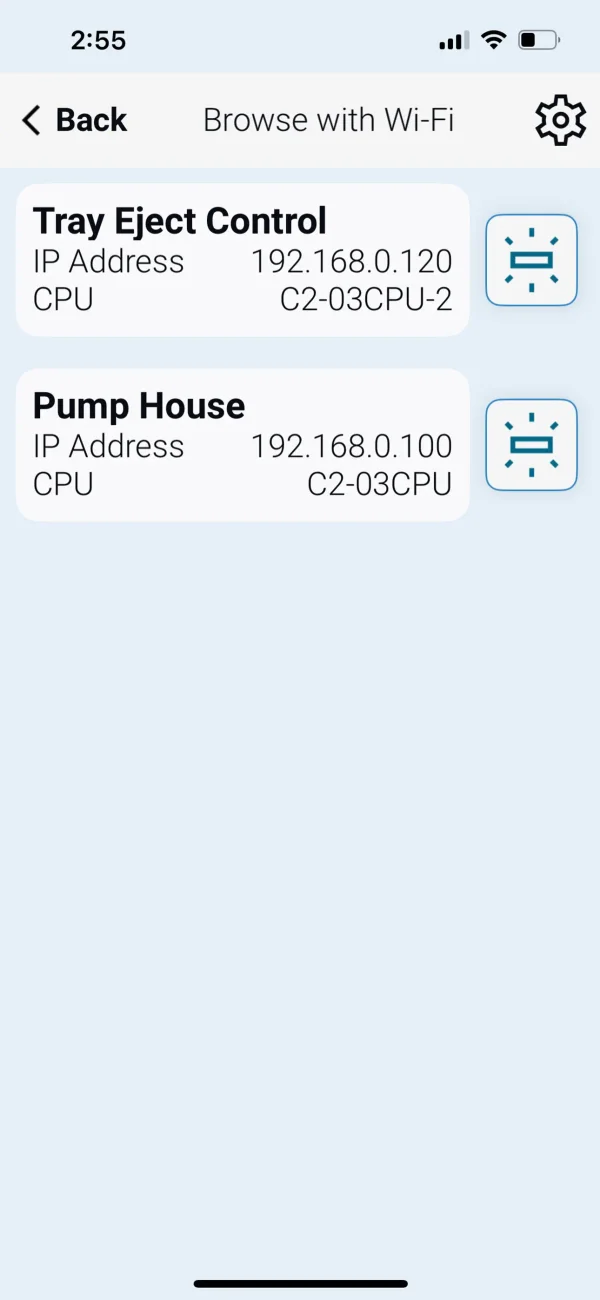
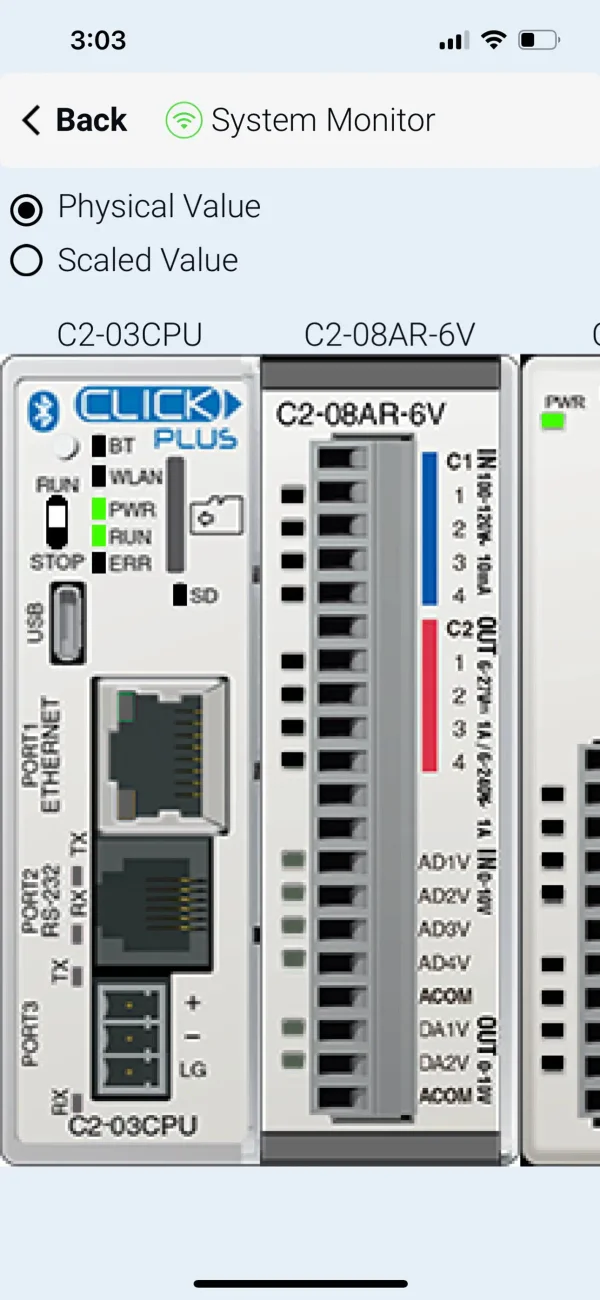
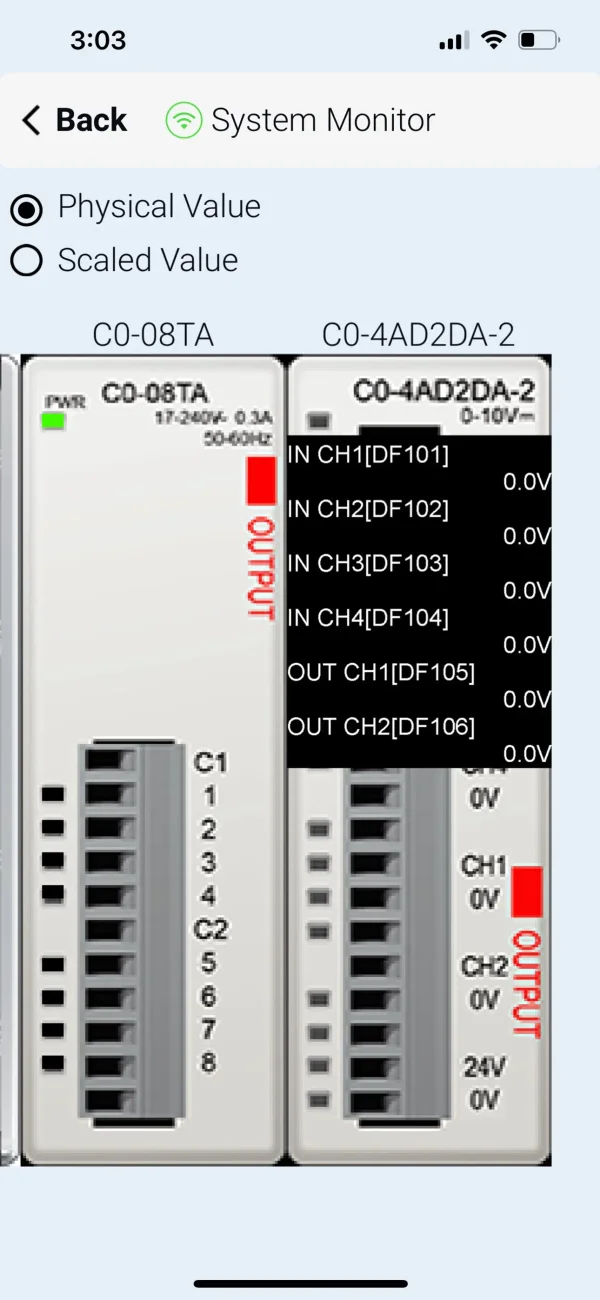
Remote PLC is an application for real time monitoring and control for the CLICK and CLICK PLUS Programmable Control product lines offered by Automationdirect.com. For this app to function as designed, a CLICK PLC with ethernet or Bluetooth support is required.
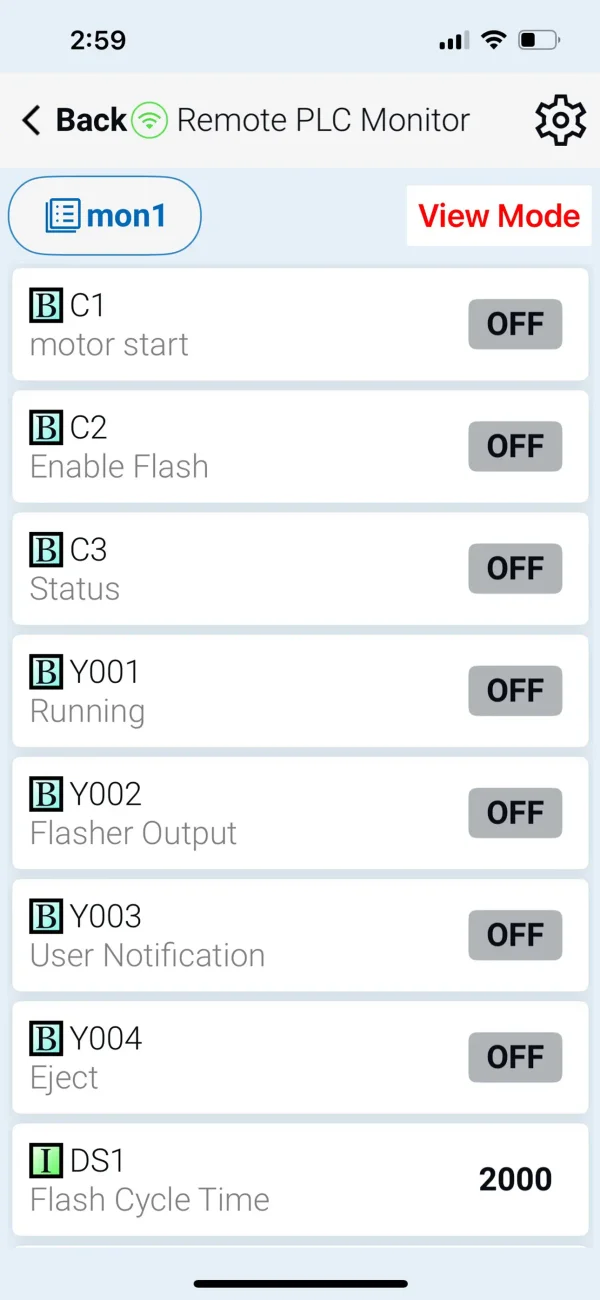
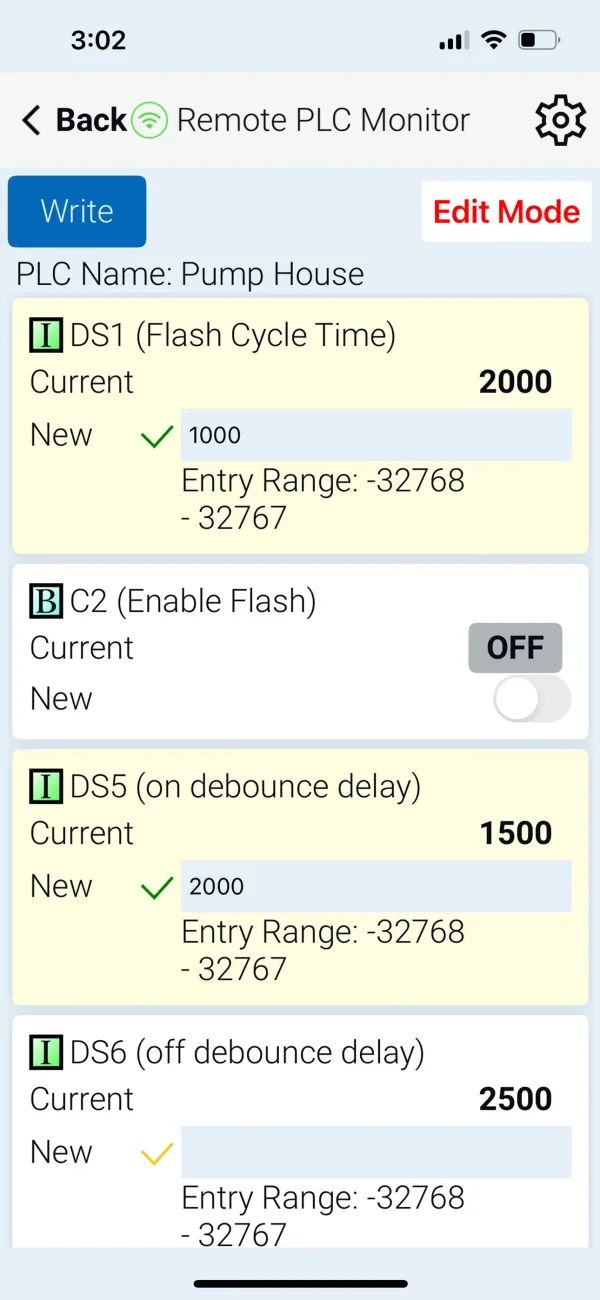
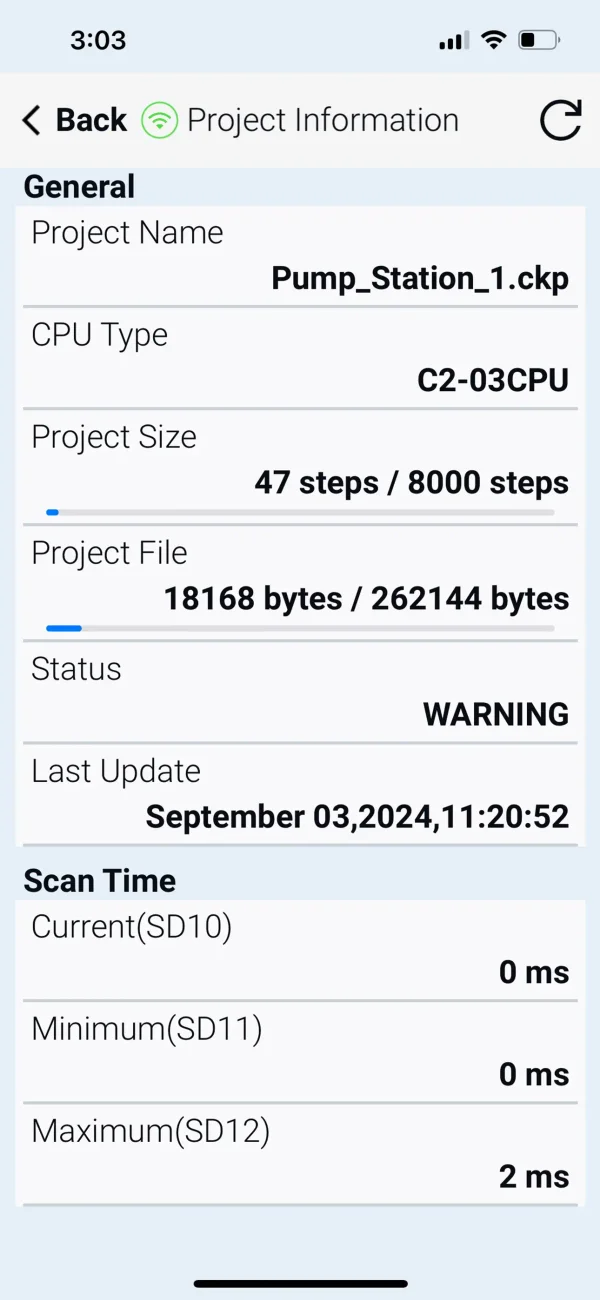
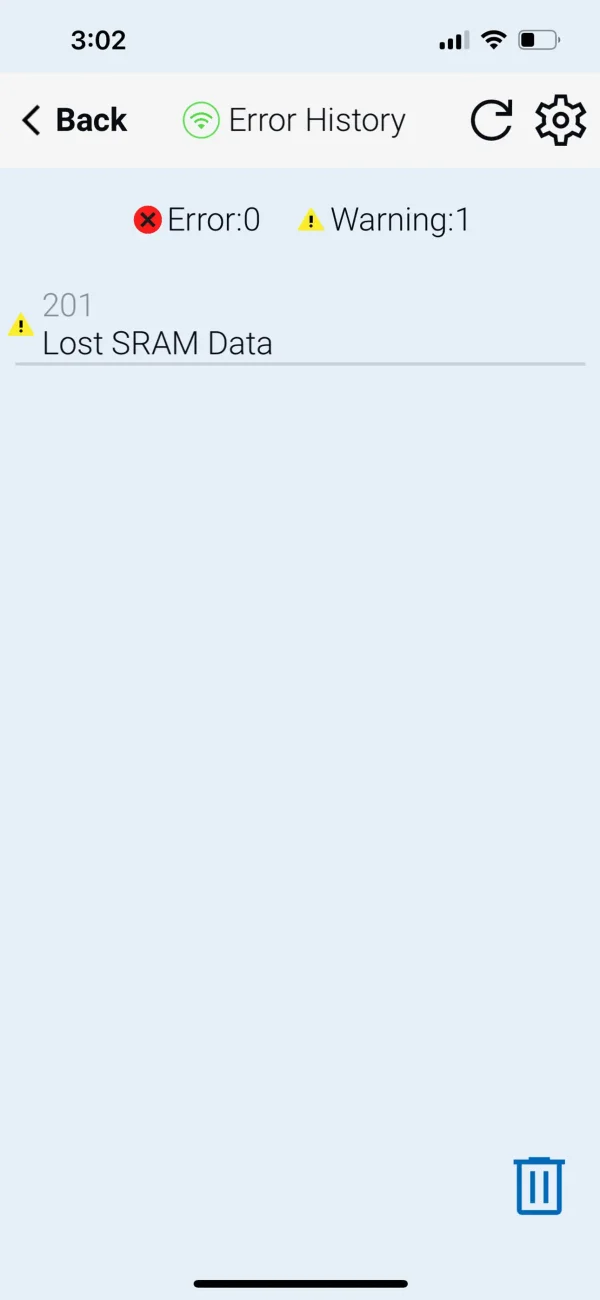
The Remote PLC app offers a quick method of connecting to a PLC to view and edit values in the PLC registers, as well as check the PLC project information, including the Error logs.
Main Features:
-Multiple Level User Accounts. Once connected, the authorized users can view and edit Monitor Windows based on their permission levels setup in the project file.
-Custom Monitor windows can be created and stored to the PLC using the CLICK Programming software version 3.60 or later. Monitor Window access can be based on the user permissions.
- Monitor and edit designated discrete and integer values within the PLC. Timer / Counter values can easily be viewed and edited.
- PLC type and status, such as PLC Error Logs, scan times (Min and Max), as well as Project file information.
Requirements:
• All current CLICK and CLICK PLUS PLCs with ethernet/Bluetooth support the Remote PLC app.
• The PLC must be using firmware Version 3.60 or later.
• CLICK Programming Software Version 3.60 or later is required to program and configure the PLC to support the Remote PLC App.
• The CPU must have compatible network settings with the device running the Remote PLC App.
Có gì mới
Phiên bản 1.5 · 18/06/2026
-Added support for Biometric Authentication sign-in.
-Updated app to run on iOS 26.
-Fixed garbled values displayed when typing in TXT1–TXT128.
-Fixed entered value disappearing after writing in Edit Mode (BLE/Wi-Fi).
-Fixed app getting stuck on "Reconnecting" when minimized and resumed repeatedly.
-Fixed app crash when pressing Refresh repeatedly on Browse with BLE screen.
Quyền riêng tư của ứng dụng
Những gì Automationdirect.com khai báo trên App Store về cách ứng dụng này xử lý dữ liệu.
-
Dữ liệu không được thu thập
Nhà phát triển không thu thập bất kỳ dữ liệu nào từ ứng dụng này.
Phương thức đảm bảo quyền riêng tư có thể khác nhau, chẳng hạn như tuỳ theo các tính năng bạn sử dụng hoặc độ tuổi của bạn.
Thông tin
- Người bán
- Automationdirect.com
- Danh mục
- Hiệu Suất
- Phiên bản
- 1.5
- Cập nhật
- 18/06/2026
- Phát hành
- 10/09/2024
- Kích thước
- 92,1 MB
- Yêu cầu
- iOS 16.1 trở lên
- Độ tuổi
- 4+
- Giá
- Miễn phí
- Bản quyền
- © Copyright (C) 2024 - 2026 JTEKT ELECTRONICS CORPORATION