
Html Editor Plus
Web Code Editor & Live Preview
Được thiết kế cho iPhone, iPad
149.000đ
- Độ tuổi4+
- Danh mụcCông Cụ Nhà Phát Triển
- Nhà phát triểnHeng Jia Liang
- Ngôn ngữTiếng Anh+ 8 ngôn ngữ khác
- Kích thước1,8 MB
Liên kết đến trang App Store chính thức
Download.org không lưu trữ tệp nào của Html Editor Plus. Nút này mở trang ứng dụng trên App Store, nơi Heng Jia Liang phát hành ứng dụng. Trang được kiểm tra lần cuối: 08/11/2026.
Ảnh chụp màn hình

Giới thiệu
Nhà phát triển chưa cung cấp nội dung này bằng ngôn ngữ của bạn.
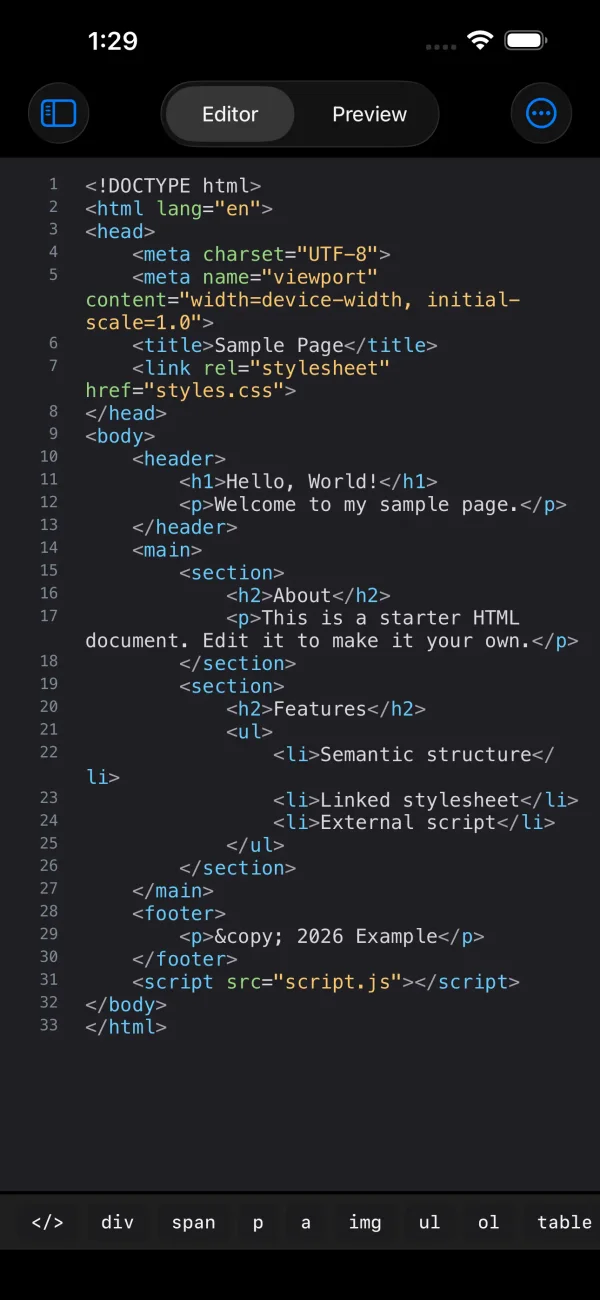
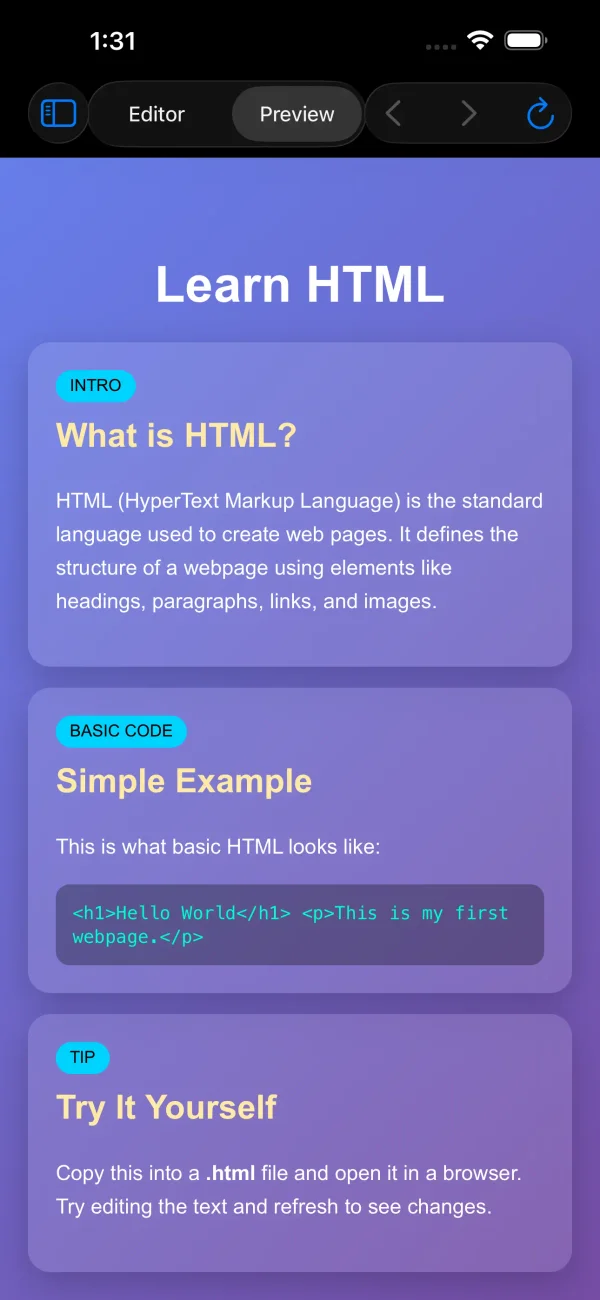
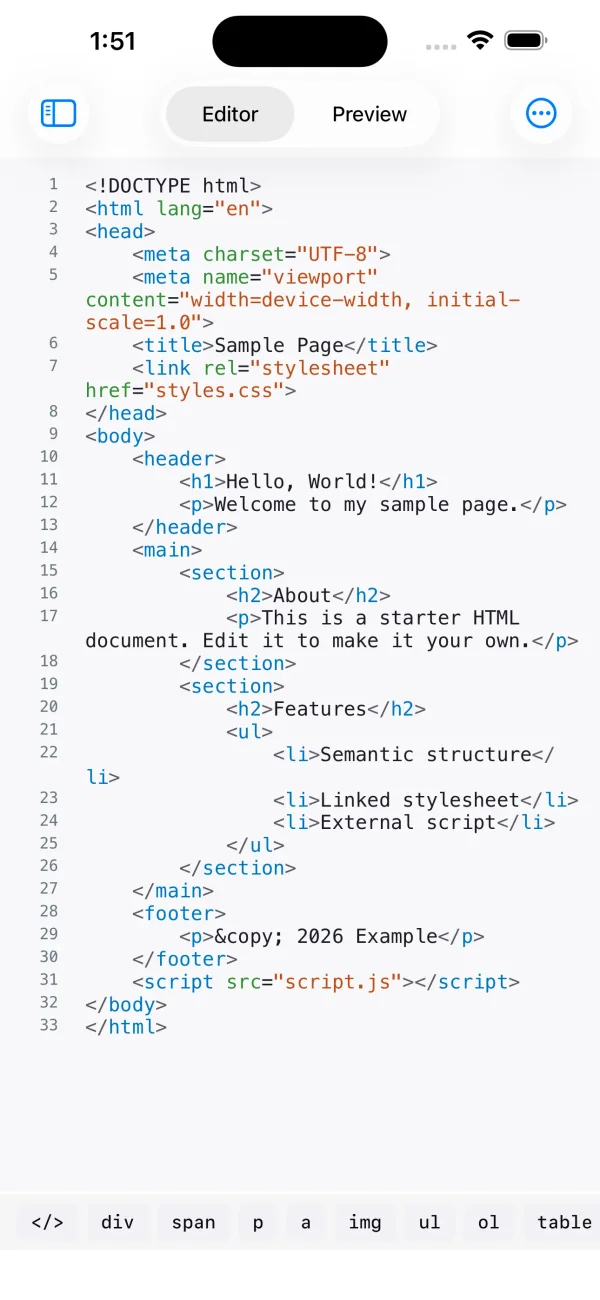
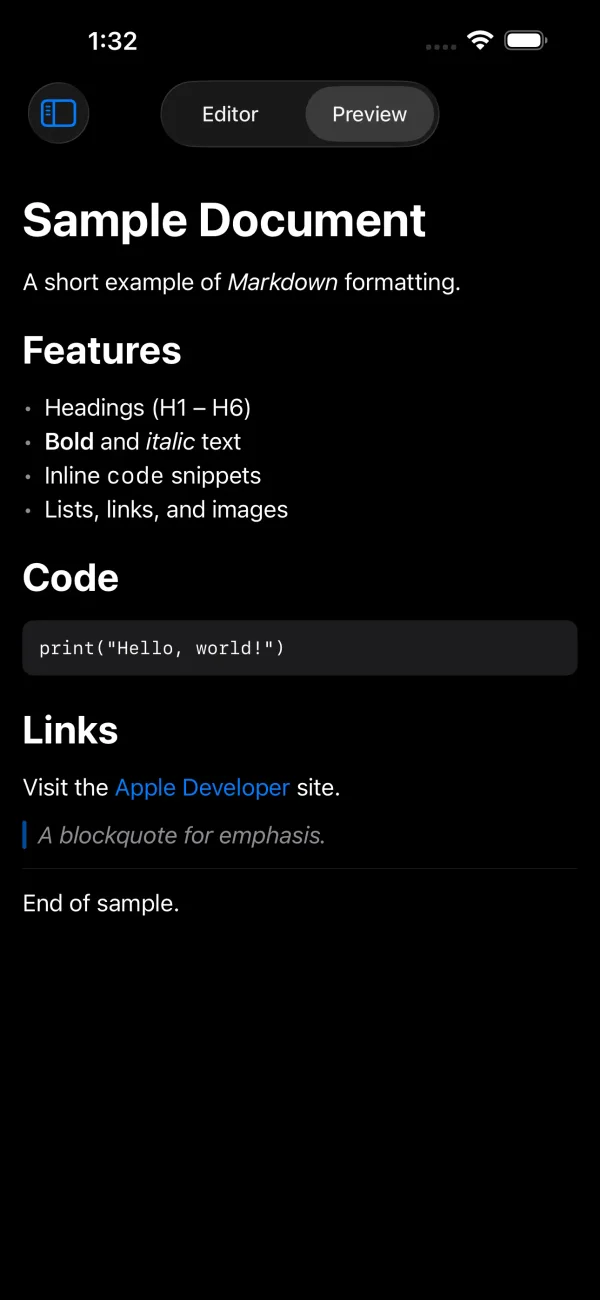
HTML Editor is the fastest way to build, edit, and preview web pages directly on your iPhone and iPad. Whether you're learning to code, prototyping a landing page, polishing CSS on the go, or shipping a quick one-pager, HTML Editor gives you a focused editor and a true live preview powered by WKWebView.
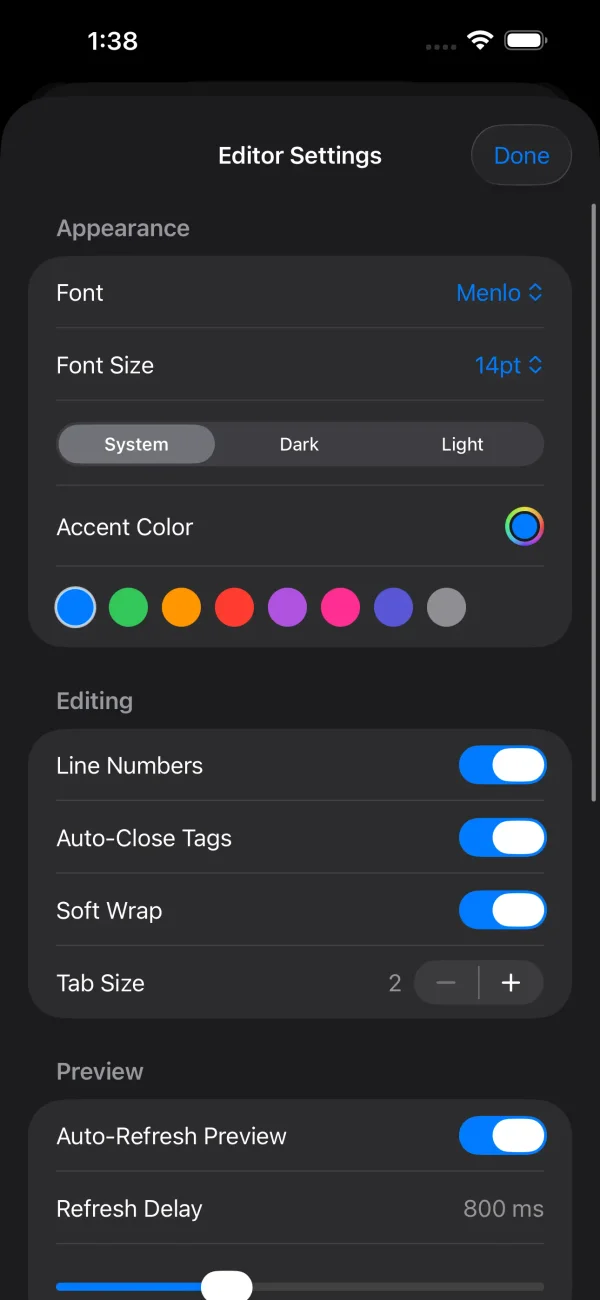
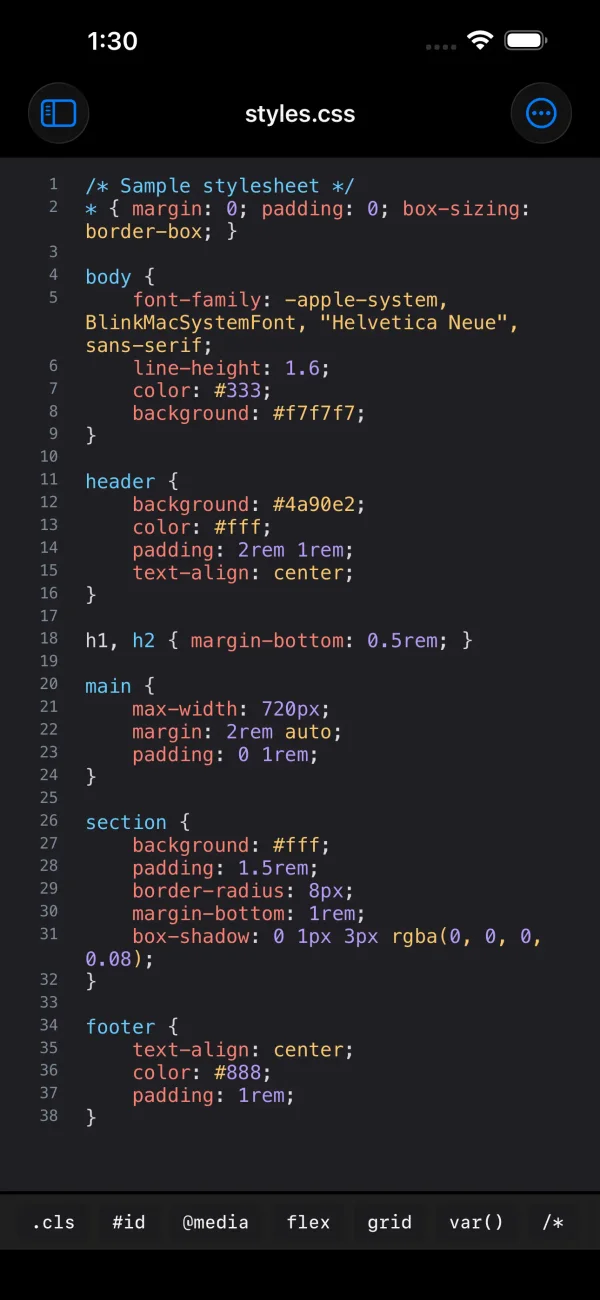
Write HTML, CSS, JavaScript, PHP, JSON, XML, and Markdown with syntax highlighting tuned for readability. Toggle line numbers, auto-close tags, soft wrap, and tab size from a single Settings screen. Pick your favorite font — Menlo, SF Mono, Fira Code, JetBrains Mono, or Courier New — choose Light, Dark, or System appearance, and set a custom accent color to make the app yours.
KEY FEATURES
• Syntax-highlighted code editor for HTML, CSS, JavaScript, PHP, JSON, XML, and Markdown
• Live WebKit preview that updates as you type, with adjustable refresh delay
• Editor, Preview, and Hybrid split-view modes on iPad
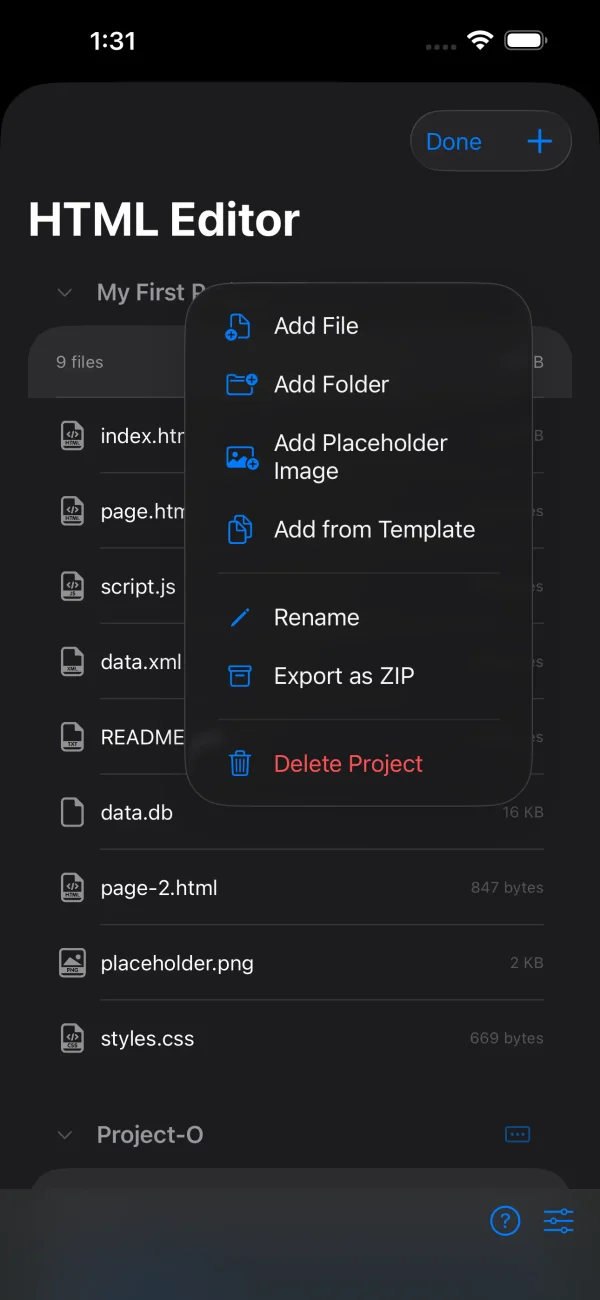
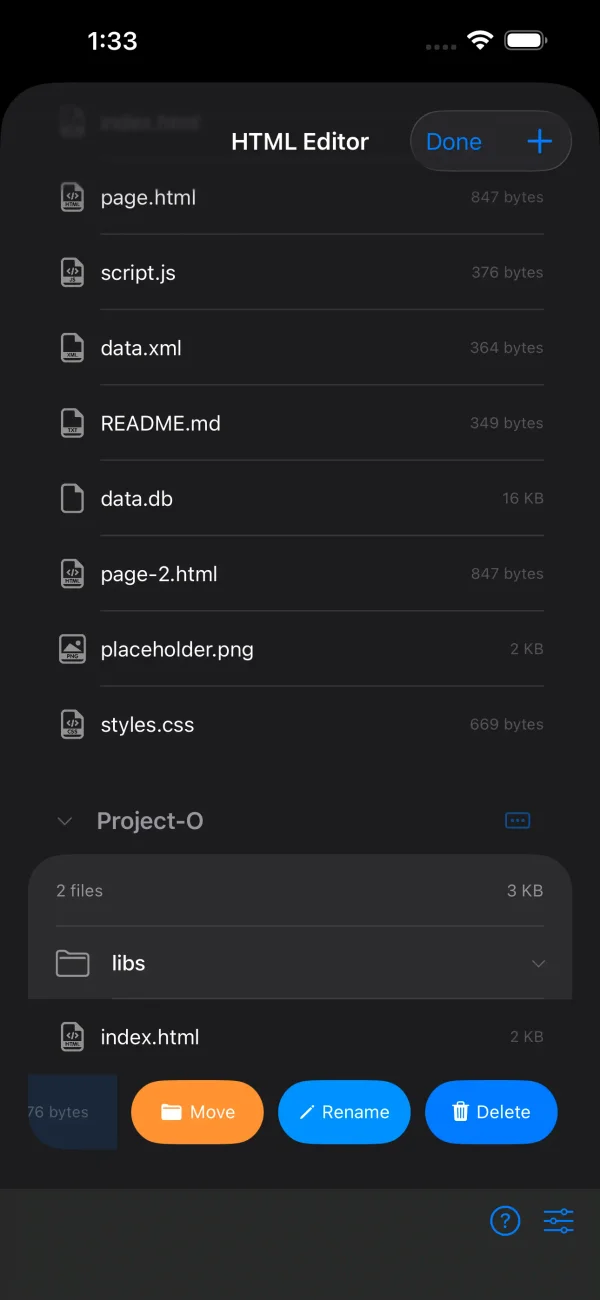
• Project-based file manager with folders, drag-and-drop, and templates
• Built-in HTML5 starter template and placeholder image generator
• Import files via Files, Mail, AirDrop, Safari, and the Share sheet
• Export entire projects as ZIP archives
• Multi-file upload to your own server via multipart/form-data POST
• iCloud Drive sync to keep projects in step across all your devices
• Image, video, audio, PDF, CSV, JSON, XML, and SQLite preview built in
• In-app reference sheet with guides, tips, and troubleshooting
• Lightweight native editor built with SwiftUI for maximum performance
• Small app size with fast launch times and smooth editing
DESIGNED FOR APPLE PLATFORMS
Built natively in SwiftUI with full support for iPhone and iPad, Light and Dark Mode, Dynamic Type, external keyboards, and Apple Pencil. The interface adopts a refined Liquid Glass aesthetic that feels right at home on iOS.
PRIVATE BY DEFAULT
Your projects stay on your device or in your personal iCloud Drive. No accounts. No tracking. No ads. Server uploads only happen when you configure them yourself.
Whether you're a student, web developer, designer, or hobbyist, HTML Editor turns your iPhone or iPad into a complete portable workspace for the modern web.
• Quick Start with HTML Editor
- Tap the Plus button to create a new project. A new HTML file will be created.
- Tap any HTML file, then tap Done to enter edit mode.
- Edit the HTML and preview the results by pressing the Preview button.
- For convenience, you can copy HTML files into the File Manager using iTunes File Sharing or the Files app.
• About HTML, CSS, and JavaScript
HTML (HyperText Markup Language):
The standard markup language for documents displayed in a web browser. It works alongside technologies like Cascading Style Sheets (CSS) and JavaScript.
CSS (Cascading Style Sheets):
A style sheet language used to define the presentation of documents written in HTML or XML. CSS is a core technology of the web, enabling developers to customize the appearance of web pages.
JavaScript (JS):
A versatile programming language that powers web page behavior on the client side. As of 2022, 98% of websites use JavaScript, often alongside third-party libraries.
HTML is essential for structuring web documents (web pages), while CSS defines their appearance. Together, they form the backbone of web design.
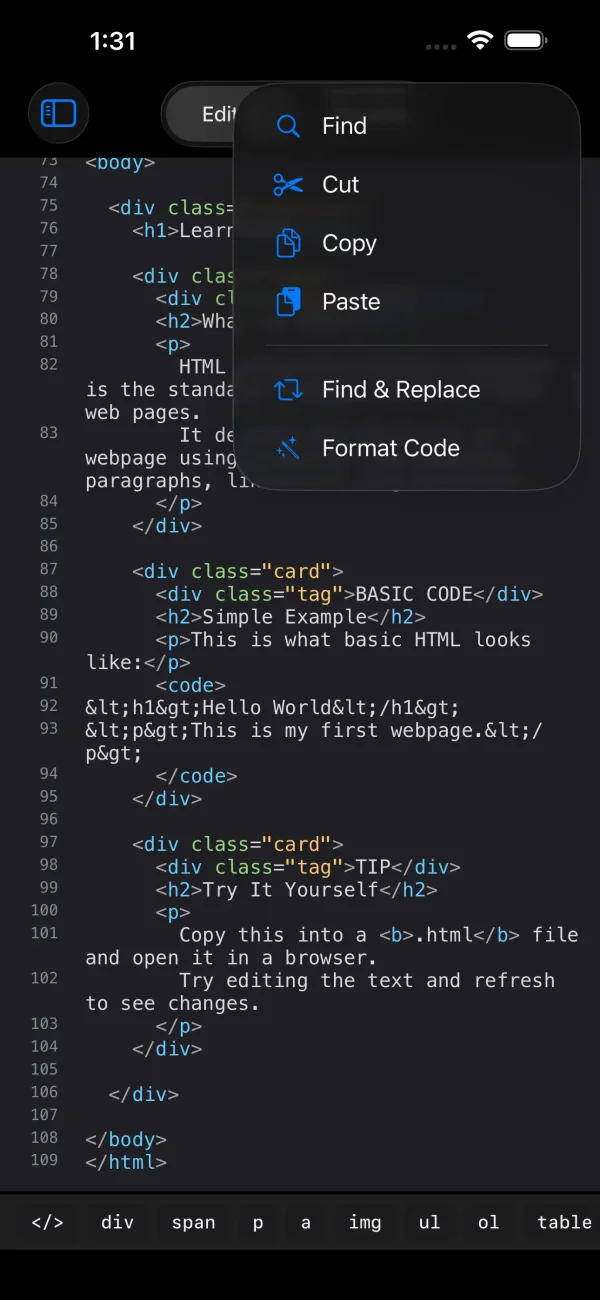
HTML Editor makes it easy to read or edit HTML files stored on your iOS devices. Test your HTML/CSS code on the go or experiment with JavaScript code directly from your mobile device.
Thank you for your support! Visit nitrio.com for more apps designed for your iOS devices.
Có gì mới
Phiên bản 1.8 · 28/05/2026
- Optimized for the latest devices.
- Fixed minor bugs.
- Improved and redesigned the UI.
Quyền riêng tư của ứng dụng
Những gì Heng Jia Liang khai báo trên App Store về cách ứng dụng này xử lý dữ liệu.
-
Dữ liệu không được thu thập
Nhà phát triển không thu thập bất kỳ dữ liệu nào từ ứng dụng này.
Phương thức đảm bảo quyền riêng tư có thể khác nhau, chẳng hạn như tuỳ theo các tính năng bạn sử dụng hoặc độ tuổi của bạn.
Thông tin
- Người bán
- Heng Jia Liang
- Danh mục
- Công Cụ Nhà Phát Triển
- Phiên bản
- 1.8
- Cập nhật
- 28/05/2026
- Phát hành
- 05/08/2022
- Kích thước
- 1,8 MB
- Yêu cầu
- iOS 17.6 trở lên
- Độ tuổi
- 4+
- Giá
- 149.000đ
- Ngôn ngữ
- Tiếng Anh, Tiếng Pháp, Tiếng Đức, Tiếng Nhật, Tiếng Hàn, Tiếng Bồ Đào Nha, Tiếng Trung Giản thể, Tiếng Tây Ban Nha, Tiếng Trung Phồn thể
- Bản quyền
- © Heng Jia Liang
Có thể bạn cũng thích
-
 php$ - programming languageCông Cụ Nhà Phát Triển
-
 MarkGitCông Cụ Nhà Phát Triển
-
 App reviews - StoreReviewKitCông Cụ Nhà Phát Triển
-
 Python Recipes ProPython và SQL, chạy được ngay
-
 DevToolkit - SSH & FTPCông Cụ Nhà Phát Triển
-
 Container ExpressCông Cụ Nhà Phát Triển
-
 Source Code ReaderCông Cụ Nhà Phát Triển
-
 URL Editor PortableTrình xem và sửa tham số URL
-
 Smart JSON & XML EditorCông Cụ Nhà Phát Triển
-
 Text Editor : Code EditorCông Cụ Nhà Phát Triển