Krux - Markdown Editor
Outline, Write, Own Your Files
Được thiết kế cho iPhone, iPad
149.000đ
- Độ tuổi4+
- Danh mụcHiệu Suất
- Nhà phát triểnDaniel Murray
- Ngôn ngữTiếng Anh
- Kích thước16,8 MB
Liên kết đến trang App Store chính thức
Download.org không lưu trữ tệp nào của Krux - Markdown Editor. Nút này mở trang ứng dụng trên App Store, nơi Daniel Murray phát hành ứng dụng. Trang được kiểm tra lần cuối: 21/11/2026.
Ảnh chụp màn hình

Giới thiệu
Nhà phát triển chưa cung cấp nội dung này bằng ngôn ngữ của bạn.
You open a long markdown document on your iPhone. You need section four. You scroll. And scroll. And scroll.
Your current editor -- the one that costs $19.99, or charges you every month -- doesn't have a document outline on iPhone. It never has. You've been asking for years.
Krux has it. Day one.
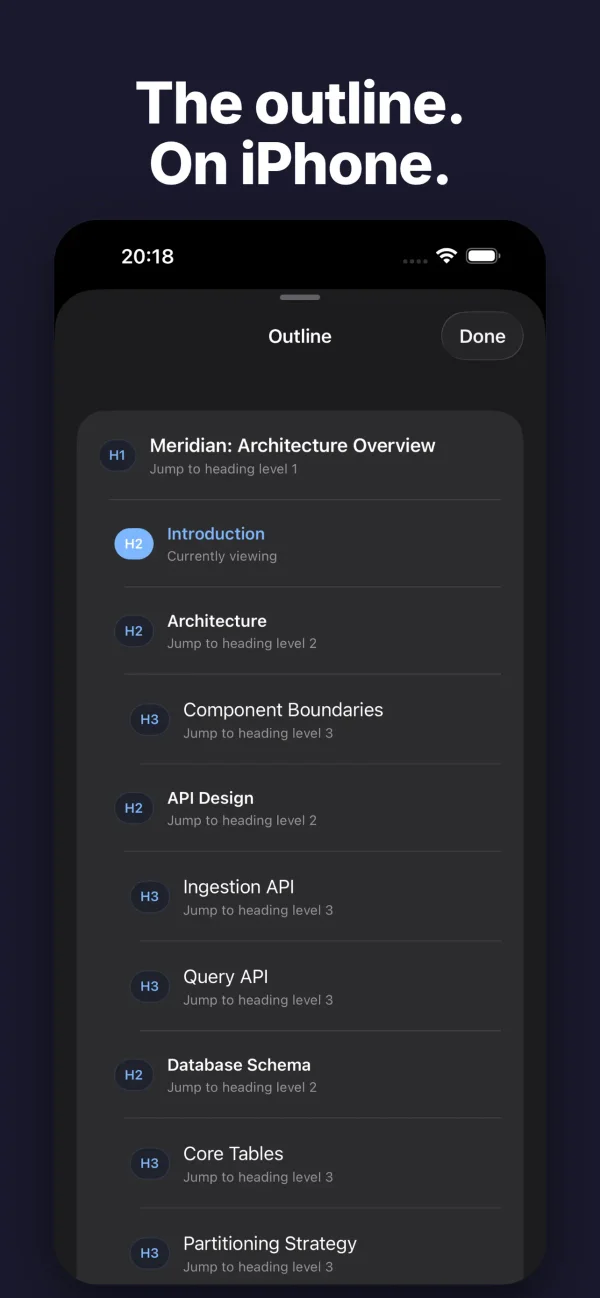
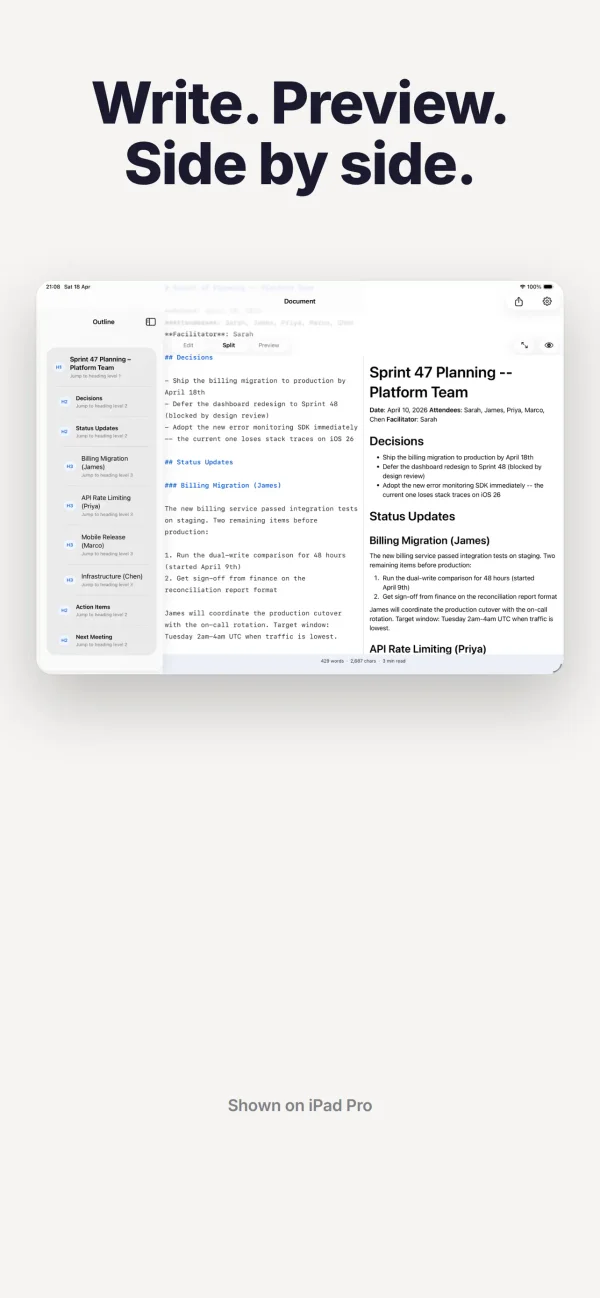
Tap the outline panel and jump to any heading in your document instantly. On iPhone. On iPad. On Mac. It works the way it should have always worked.
---
WRITE EVERYWHERE
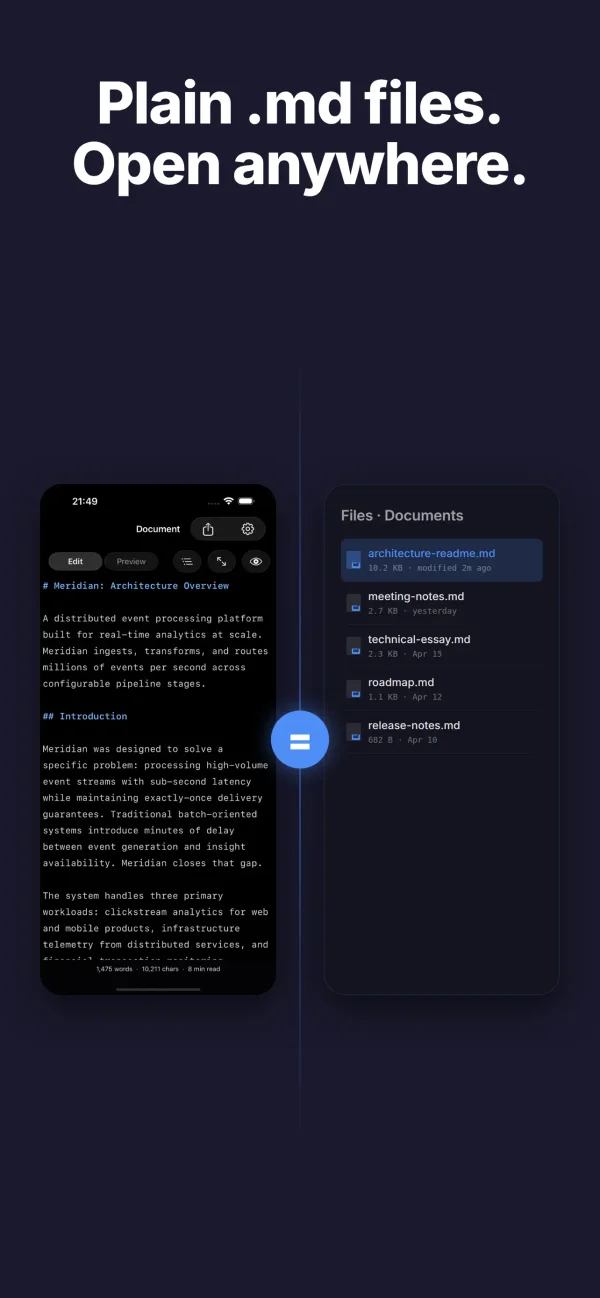
Krux is a native markdown editor built for every Apple device you own. iPhone, iPad, Mac, Apple Watch. Your documents sync through iCloud Drive as standard .md files -- the same files you open in VS Code, BBEdit, or any editor you choose.
Dictate a note on your Apple Watch while your phone is in your bag. It's in your Files app by the time you sit down.
---
WHAT YOU GET
-- Document outline with jump-to-heading navigation on every platform
-- Live syntax highlighting with real-time preview
-- Side-by-side preview on iPad and Mac, tabbed preview on iPhone
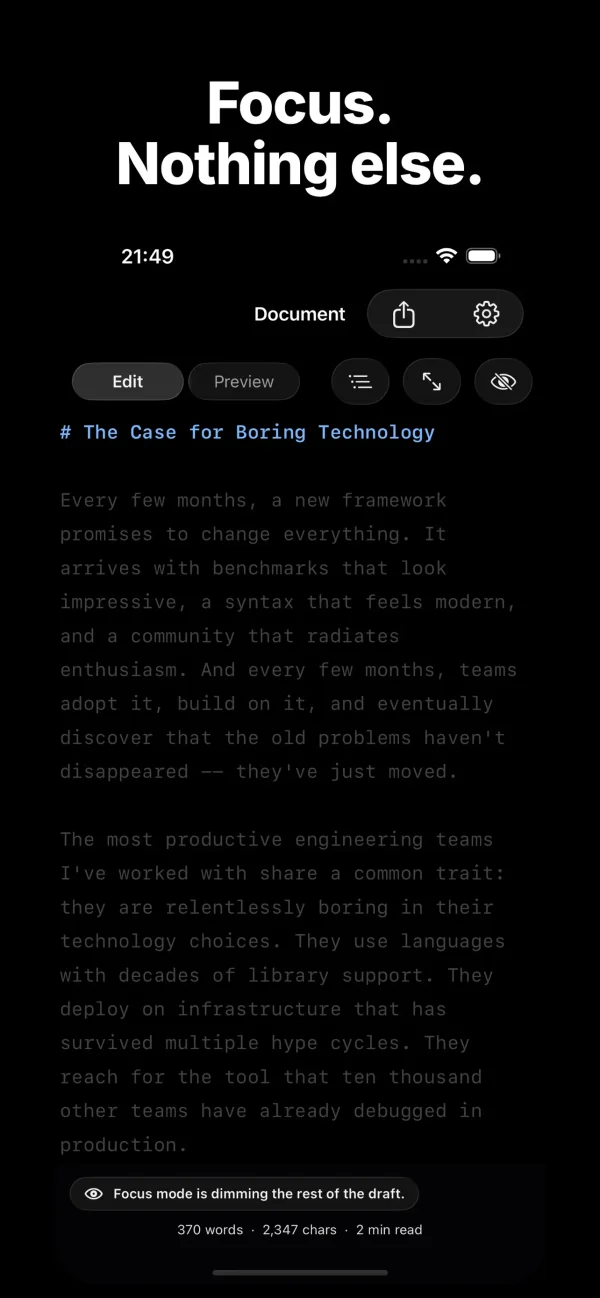
-- Focus mode that dims everything but the current paragraph
-- Apple Watch companion with dictation, offline reading, and watch face complication
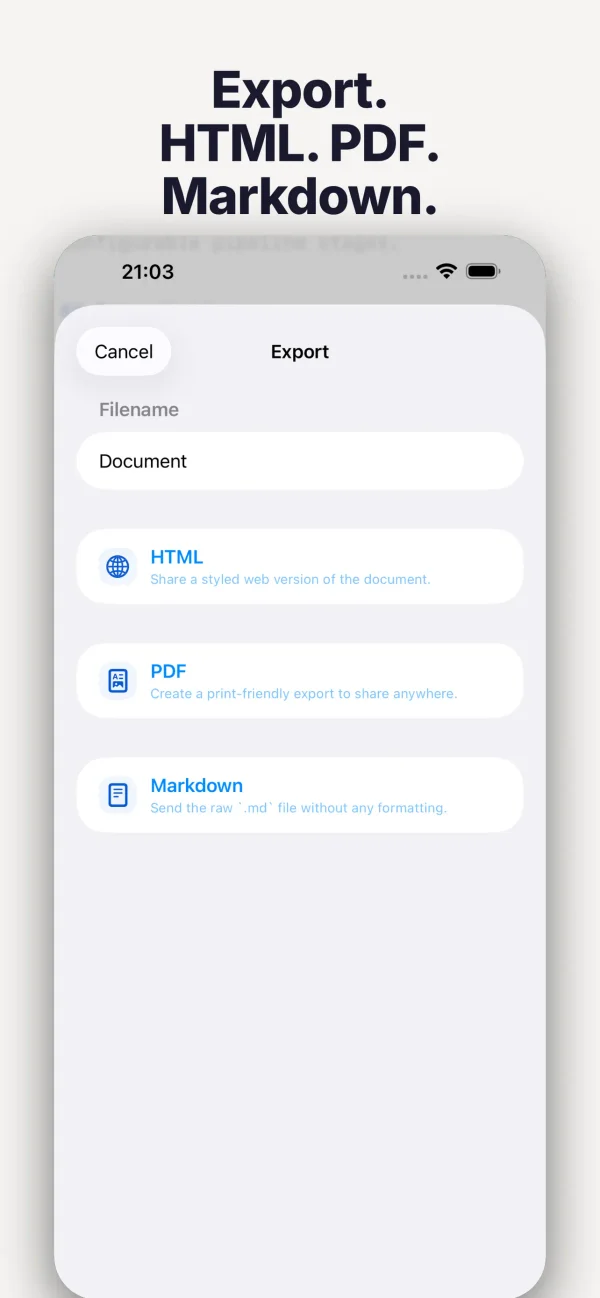
-- Export to HTML, PDF, or raw markdown in one tap
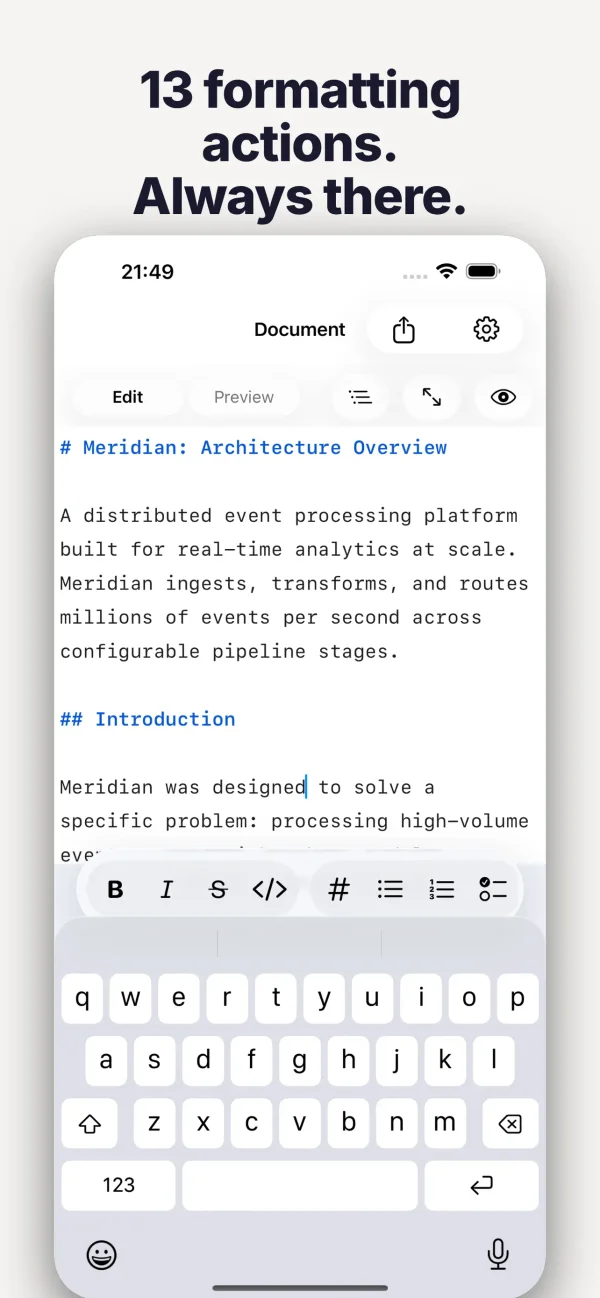
-- Formatting toolbar with 13 actions plus full keyboard shortcuts
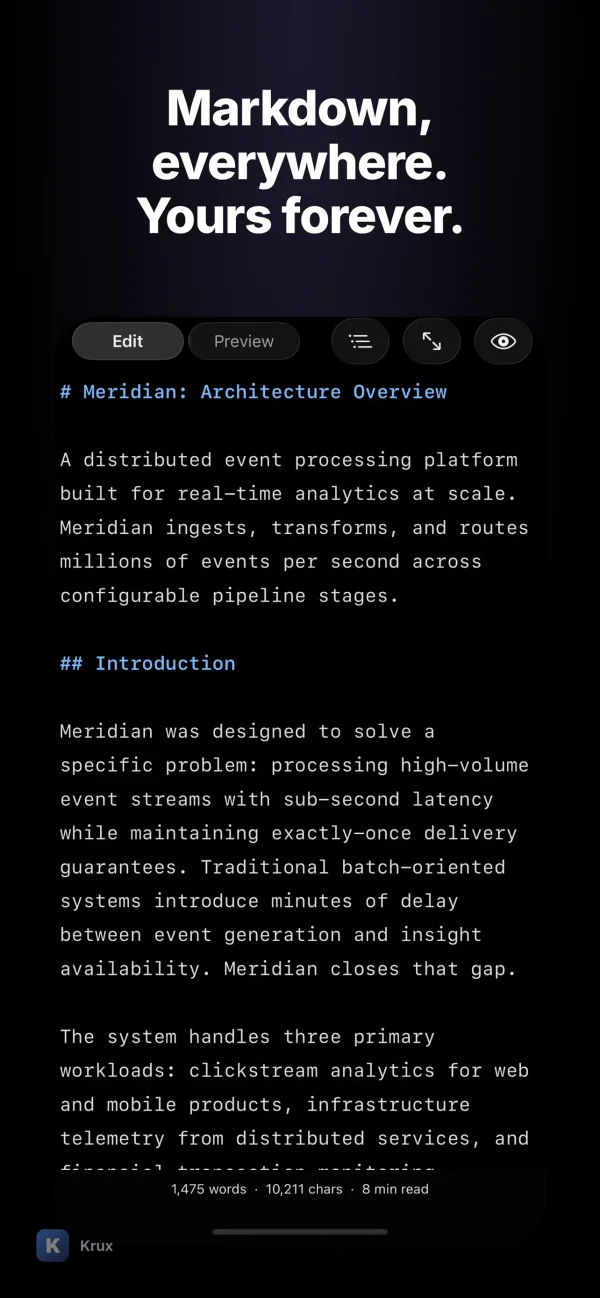
-- OLED-optimized pure-black dark mode
-- iOS 26 Liquid Glass design, built in Swift
---
YOUR FILES. YOUR FORMAT. FOREVER.
Every file Krux creates is a plain .md file. No proprietary database. No invisible metadata. No lock-in.
Open a Krux file in any other editor -- it looks exactly the same. Because it is exactly the same. Standard markdown, stored in your iCloud Drive, readable everywhere.
Zero data collection. No accounts. No tracking. Confirmed by Apple's required PrivacyInfo.xcprivacy declaration.
---
ONE PRICE. NO SUBSCRIPTION.
Pay once. Write forever. No monthly fee. No annual renewal. No "upgrade to Pro."
Krux for iPhone and iPad: $4.99.
Krux for Mac: $9.99.
Apple Watch companion: included.
---
THE LANGUAGE OF AI, NATIVELY
Claude Code, ChatGPT, and GitHub Copilot all write in markdown. Krux is where that output lives on your iPhone -- rendered cleanly, navigated with the outline, stored as plain files that feed right back into your workflow.
Markdown is the language of AI. Krux is its native home.
---
Built for iOS 26 with Liquid Glass. Runs on iPhone and iPad.
---
Có gì mới
Phiên bản 1.2 · 31/08/2026
Krux 1.2 — task lists done right, Writing Tools back, and a faster editor for big documents.
TASK LISTS
- [ ] becomes a real checkbox. The preview on iPhone and iPad renders task lists as boxes etc, your Apple Watch shows them the same way, and HTML and PDF exports now tick exactly the boxes you ticked — 1.1 could export an unticked box as ticked if the same line mentioned "[x]" further along. Insert a task list from the formatting toolbar.
WRITING TOOLS ARE BACK
Apple Intelligence Proofread and Rewrite return to the selection menu, presented as a panel. This is the system's own feature, on your device, at your command — Krux still ships no AI of its own, and behaves identically with Apple Intelligence switched off.
BIG DOCUMENTS
Documents over 200 KB now edit at full typing speed: Krux pauses live analysis (highlighting, outline, statistics) and says so with a clear indicator, instead of stuttering through it. Everything resumes automatically when the document drops back under the threshold.
EXPORT, FIXED AND HARDENED
The filename you type in the export sheet now names the file you share. A failed PDF render reports an error instead of sharing a blank file. And exported HTML now escapes everything — a document that quotes HTML or scripts exports as visible text, never as live markup.
APPLE WATCH
Dictated captures are now durable: the watch keeps retrying until your iPhone confirms the note is safely written, so a capture can't be lost to a dropped connection. Nested headings render correctly, and numbered lists keep their starting number.
ALSO
• UTF-16 files and UTF-8 files with a byte-order mark now round-trip byte-identically
• Outline navigation can no longer jump to the wrong heading when two headings share a name
• Reduce Motion is honored throughout
• The What's New sheet works at the largest accessibility text sizes
Quyền riêng tư của ứng dụng
Những gì Daniel Murray khai báo trên App Store về cách ứng dụng này xử lý dữ liệu.
-
Dữ liệu không được thu thập
Nhà phát triển không thu thập bất kỳ dữ liệu nào từ ứng dụng này.
Phương thức đảm bảo quyền riêng tư có thể khác nhau, chẳng hạn như tuỳ theo các tính năng bạn sử dụng hoặc độ tuổi của bạn.
Thông tin
- Người bán
- Daniel Murray
- Danh mục
- Hiệu Suất
- Phiên bản
- 1.2
- Cập nhật
- 31/08/2026
- Phát hành
- 28/04/2026
- Kích thước
- 16,8 MB
- Yêu cầu
- iOS 26.4 trở lên
- Độ tuổi
- 4+
- Giá
- 149.000đ
- Ngôn ngữ
- Tiếng Anh
- Bản quyền
- © 2026 Dan Murray
Có thể bạn cũng thích
-
 Markleaf - Markdown EditorHiệu Suất
-
 Annota NotesHiệu Suất
-
 Avocado - AI AssistantHiệu Suất
-
 OffScribeHiệu Suất
-
 Markflow — Markdown ReaderHiệu Suất
-
 Dawn - MarkdownHiệu Suất
-
 MarkUp - Word, Markdown, LaTeXHiệu Suất
-
 Notelane - Markdown EditorHiệu Suất
-
 AIConnect: World of AIHiệu Suất
-
 MD Preview: Đọc MarkdownXem, sửa & xuất PDF, HTML,DOCX