LeafThru
Read PDFs like a paper book
Được thiết kế cho iPad
Miễn phí · Mua hàng trong ứng dụng
- Độ tuổi4+
- Danh mụcSách
- Nhà phát triểnShinnosuke Takano
- Ngôn ngữTiếng Nhật+ 11 ngôn ngữ khác
- Kích thước2,3 MB
Liên kết đến trang App Store chính thức
Download.org không lưu trữ tệp nào của LeafThru. Nút này mở trang ứng dụng trên App Store, nơi Shinnosuke Takano phát hành ứng dụng. Trang được kiểm tra lần cuối: 12/11/2026.
Ảnh chụp màn hình


Giới thiệu
Nhà phát triển chưa cung cấp nội dung này bằng ngôn ngữ của bạn.
LeafThru shows a PDF the way a printed book shows its pages: two pages side by side, with a leaf that actually turns.
It was built for long documents — textbooks, manuals and reference works that run to hundreds or thousands of pages — where scrolling stops being useful and you want to move through the book the way you would with paper in your hands.
TWO-PAGE SPREADS
Hold the iPad in landscape and you get a proper opening: a left page and a right page with the gutter between them. Turn it upright and you get a single page. Your place is kept either way, and you can pin the layout to two pages or one if you prefer.
A PAGE THAT TURNS
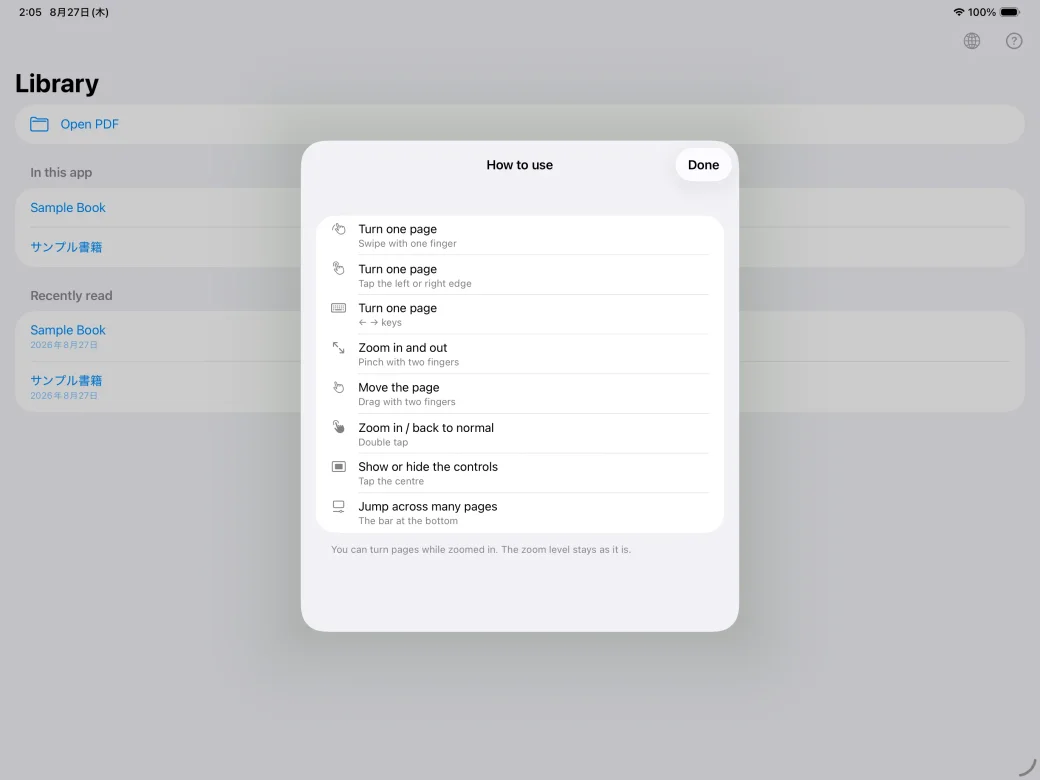
Swipe with one finger and the leaf lifts, rotates on the spine and lands on the other side. One swipe turns exactly one page, however hard you flick it, so the book never gets away from you. To cover a long distance, use the bar at the bottom.
BUILT FOR LARGE FILES
The first time you open a book, every page is prepared in the background, so turning stays smooth even in a volume of several thousand pages. All of the work happens on your iPad.
ZOOM THAT STAYS PUT
Many books are printed with wide margins. Pinch with two fingers to crop them away, and the enlargement is kept as you turn, so you stay on the body text instead of setting the zoom again on every page.
LEFT-OPENING AND RIGHT-OPENING
Western books open from the left; Japanese and Arabic books open from the right. Choose it per book, and the bar at the bottom follows the same direction.
ALSO
• Opens PDFs from Files, or from any app that can share one
• Remembers where you stopped in every book
• Arrow keys turn pages when a keyboard is attached
• Twelve languages, switchable inside the app
• No account, no network access, no data collected
Có gì mới
Phiên bản 1.1 · 26/09/2026
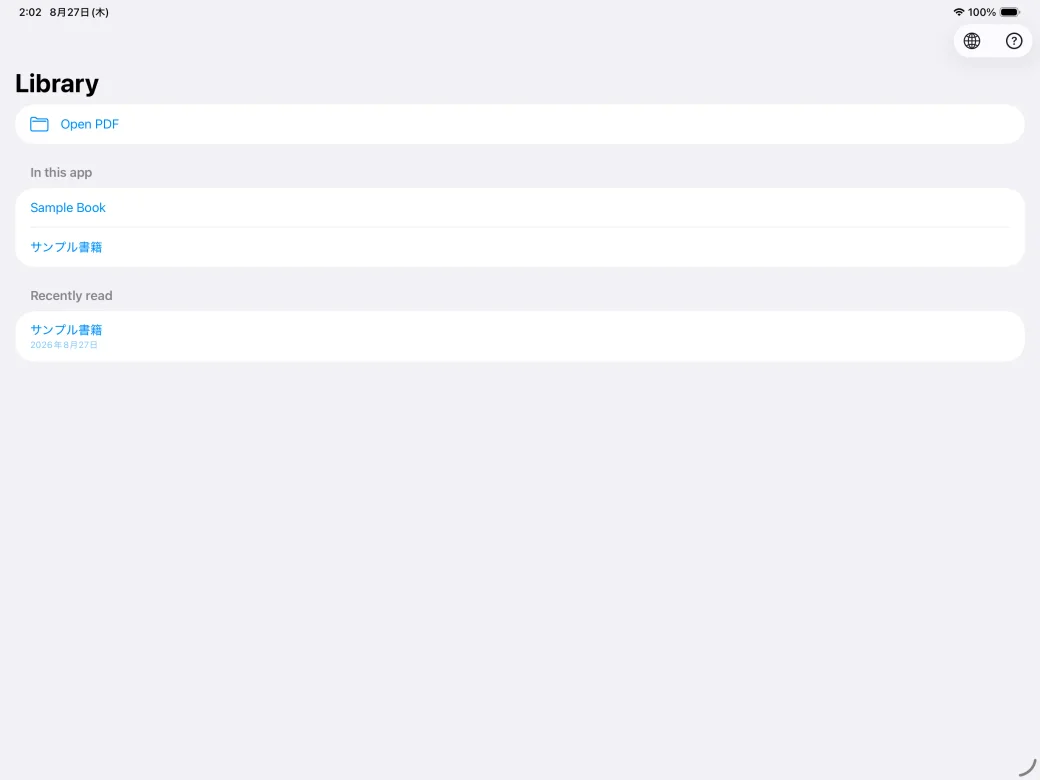
• Write a review on the App Store right from the library
• Share LeafThru with friends from the library
Quyền riêng tư của ứng dụng
Những gì Shinnosuke Takano khai báo trên App Store về cách ứng dụng này xử lý dữ liệu.
-
Dữ liệu không được thu thập
Nhà phát triển không thu thập bất kỳ dữ liệu nào từ ứng dụng này.
Phương thức đảm bảo quyền riêng tư có thể khác nhau, chẳng hạn như tuỳ theo các tính năng bạn sử dụng hoặc độ tuổi của bạn.
Thông tin
- Người bán
- Shinnosuke Takano
- Danh mục
- Sách
- Phiên bản
- 1.1
- Cập nhật
- 26/09/2026
- Phát hành
- 02/09/2026
- Kích thước
- 2,3 MB
- Yêu cầu
- iOS 17.0 trở lên
- Độ tuổi
- 4+
- Giá
- Miễn phí
- Mua hàng trong ứng dụng
- Có
- Ngôn ngữ
- Tiếng Nhật, Tiếng Ả Rập, Tiếng Ý, Tiếng Tây Ban Nha, Tiếng Đức, Tiếng Pháp, Tiếng Bồ Đào Nha, Tiếng Nga, Tiếng Trung Giản thể, Tiếng Trung Phồn thể, Tiếng Anh, Tiếng Hàn
- Bản quyền
- © 2026 Shinnosuke Takano