
- Age rating4+
- CategoryBooks
- DeveloperShinnosuke Takano
- LanguagesJapanese+ 11 more
- Size2.3 MB
Links to the official App Store page
Download.org hosts no file of LeafThru. The button opens its official App Store page, published by Shinnosuke Takano. Listing last checked on Nov 12, 2026.
Screenshots


About
LeafThru shows a PDF the way a printed book shows its pages: two pages side by side, with a leaf that actually turns.
It was built for long documents — textbooks, manuals and reference works that run to hundreds or thousands of pages — where scrolling stops being useful and you want to move through the book the way you would with paper in your hands.
TWO-PAGE SPREADS
Hold the iPad in landscape and you get a proper opening: a left page and a right page with the gutter between them. Turn it upright and you get a single page. Your place is kept either way, and you can pin the layout to two pages or one if you prefer.
A PAGE THAT TURNS
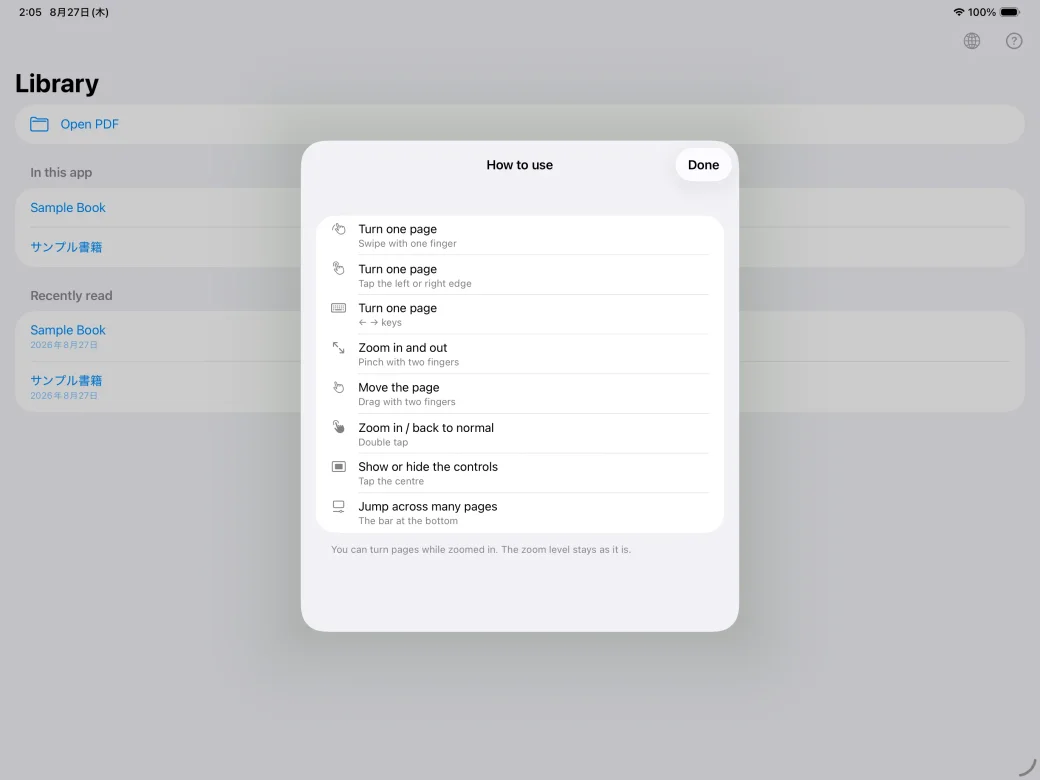
Swipe with one finger and the leaf lifts, rotates on the spine and lands on the other side. One swipe turns exactly one page, however hard you flick it, so the book never gets away from you. To cover a long distance, use the bar at the bottom.
BUILT FOR LARGE FILES
The first time you open a book, every page is prepared in the background, so turning stays smooth even in a volume of several thousand pages. All of the work happens on your iPad.
ZOOM THAT STAYS PUT
Many books are printed with wide margins. Pinch with two fingers to crop them away, and the enlargement is kept as you turn, so you stay on the body text instead of setting the zoom again on every page.
LEFT-OPENING AND RIGHT-OPENING
Western books open from the left; Japanese and Arabic books open from the right. Choose it per book, and the bar at the bottom follows the same direction.
ALSO
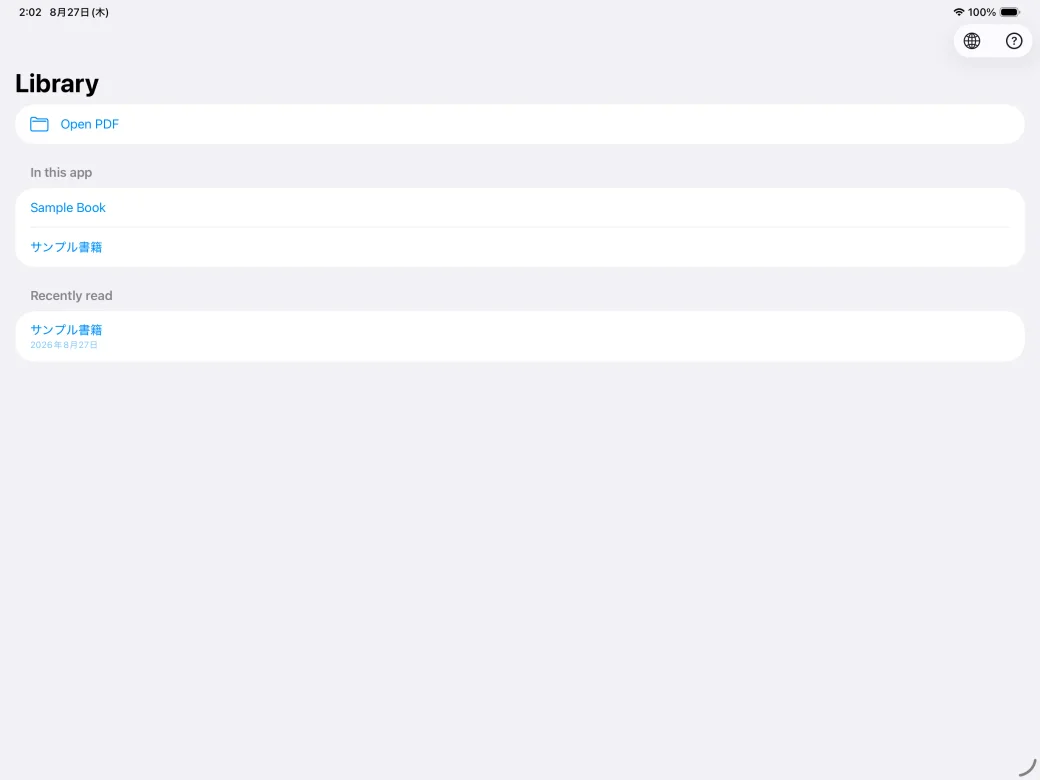
• Opens PDFs from Files, or from any app that can share one
• Remembers where you stopped in every book
• Arrow keys turn pages when a keyboard is attached
• Twelve languages, switchable inside the app
• No account, no network access, no data collected
What’s new
Version 1.1 · Sep 26, 2026
• Write a review on the App Store right from the library
• Share LeafThru with friends from the library
App privacy
What Shinnosuke Takano declares on the App Store about how this app handles data.
-
Data not collected
The developer does not collect any data from this app.
Privacy practices may vary, for example with the features you use or your age.
Information
- Seller
- Shinnosuke Takano
- Category
- Books
- Version
- 1.1
- Updated
- Sep 26, 2026
- Released
- Sep 2, 2026
- Size
- 2.3 MB
- Requires
- iOS 17.0 or later
- Age rating
- 4+
- In-app purchases
- Yes
- Languages
- Japanese, Arabic, Italian, Spanish, German, French, Portuguese, Russian, Simplified Chinese, Traditional Chinese, English, Korean
- Copyright
- © 2026 Shinnosuke Takano
You might also like
-
 BookPDFBooks
-
 FolderShelf: PDF & ImagesManga, photos & PDFs by folder
-
 Idyllic ReaderEbook, Comic & Manga Reader
-
 QuiverBooksYour library, leveled up
-
 Lucid ReaderSimple PDF reader for books
-
 Anyview - Comic & Book ReaderBooks
-
 AOJ ReaderRead, highlight & annotate PDF
-
 PDF Reader : CustomizationRead, Highlight & Annotate PDF
-
 Realbook: EPUB PDF Book Reader3D Page Flip & Audiobook TTS
-
 Flippy: AI PDF & EPUB ReaderRead Aloud, Chat & Flashcards