
- Độ tuổi4+
- Danh mụcHiệu Suất
- Nhà phát triểnByungMo Ahn
- Ngôn ngữTiếng Hàn+ 2 ngôn ngữ khác
- Kích thước49,0 MB
LensTi hiện có thể không có trên App Store
Ở lần kiểm tra gần nhất, chúng tôi không truy cập được trang trên cửa hàng. Liên kết vẫn dẫn đến trang App Store chính thức.
Ảnh chụp màn hình
Giới thiệu
Nhà phát triển chưa cung cấp nội dung này bằng ngôn ngữ của bạn.
Tired of retyping text from photos?
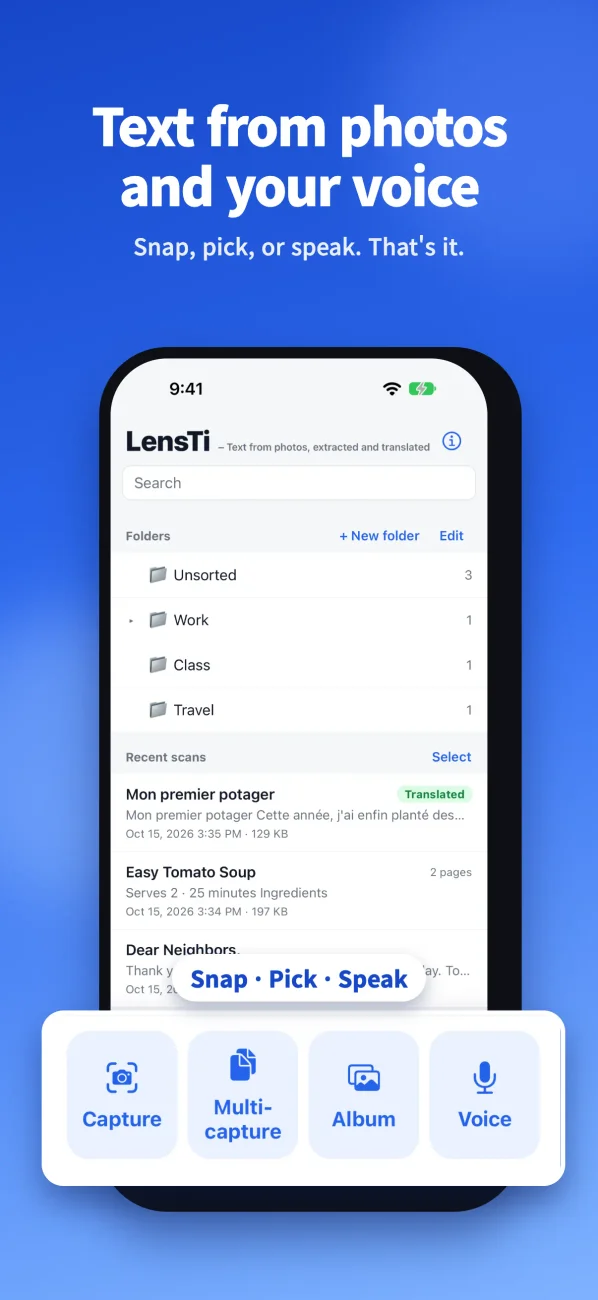
LensTi pulls the text out of a document photo or screenshot and saves it for you. No more opening Photos and selecting words one by one. Now you can also keep voice memos as text and summarize long passages.
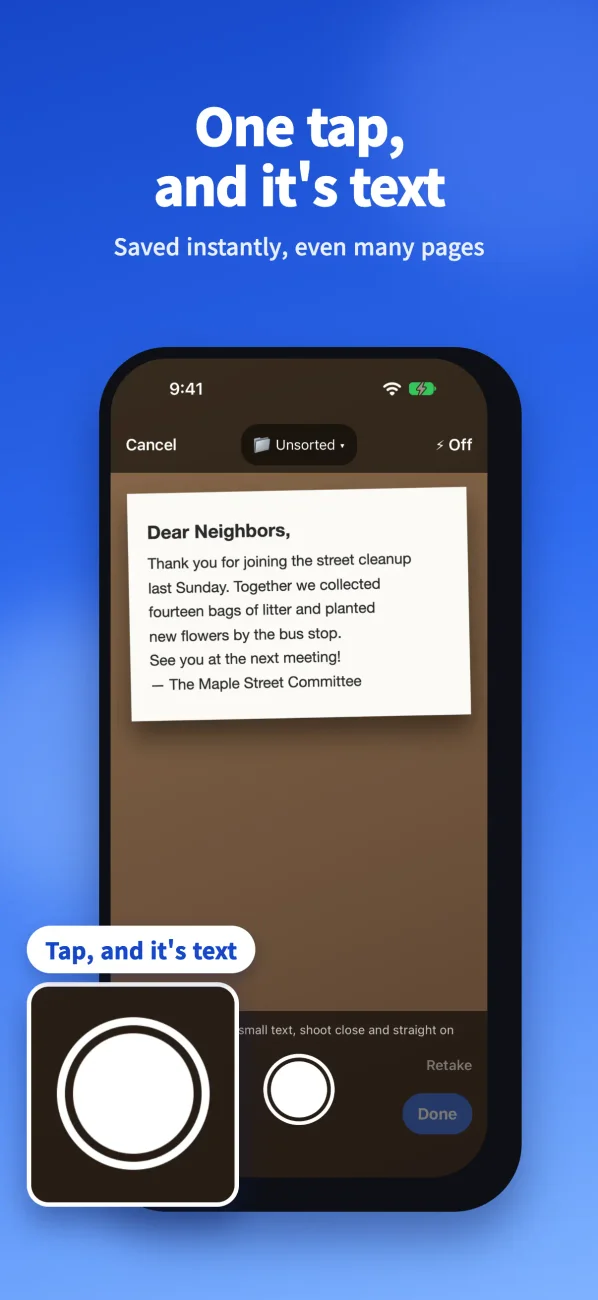
■ Just snap — get text
- One tap turns the words in a photo into text.
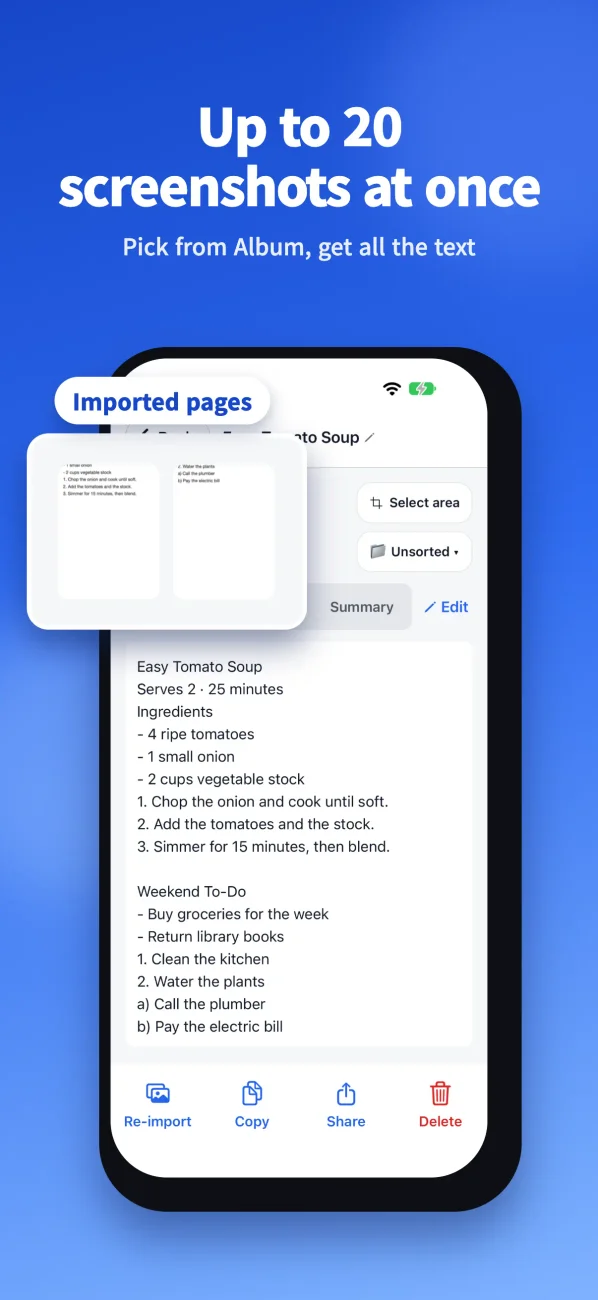
- Use Multi-capture to combine up to 20 pages of a book or document into one scan.
- Import up to 20 photos or screenshots from your album at once.
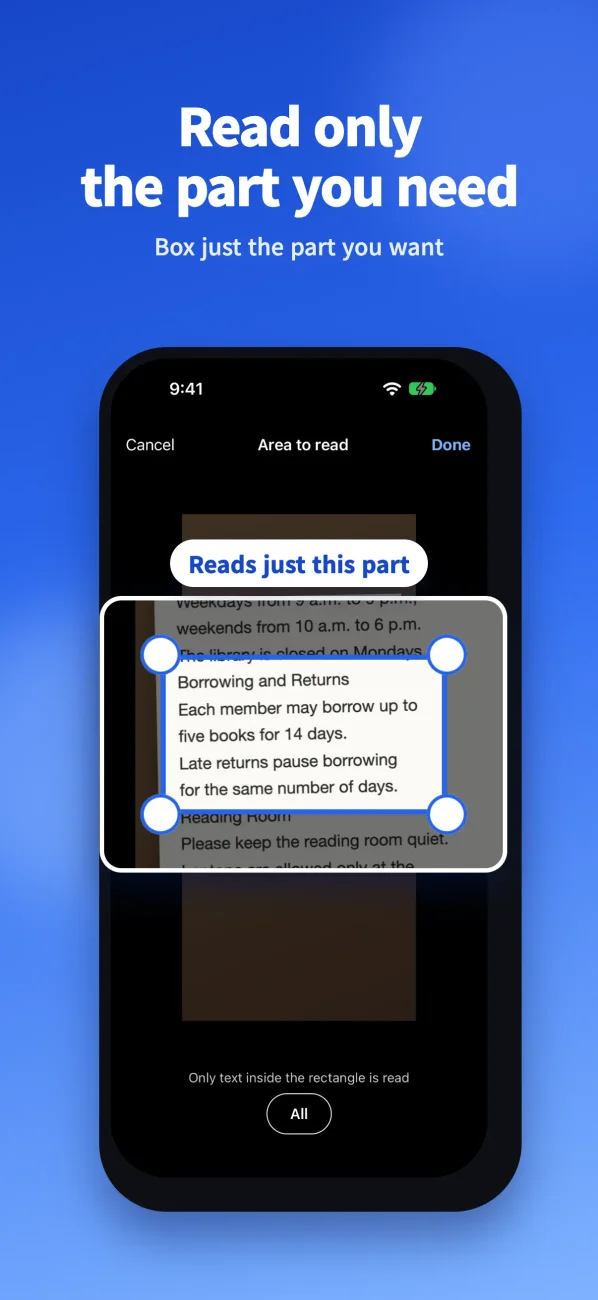
- Draw a rectangle to read only the part you need — skip ads and menus, keep the main text.
- Line breaks from print are tidied into natural paragraphs.
■ Translate in one step
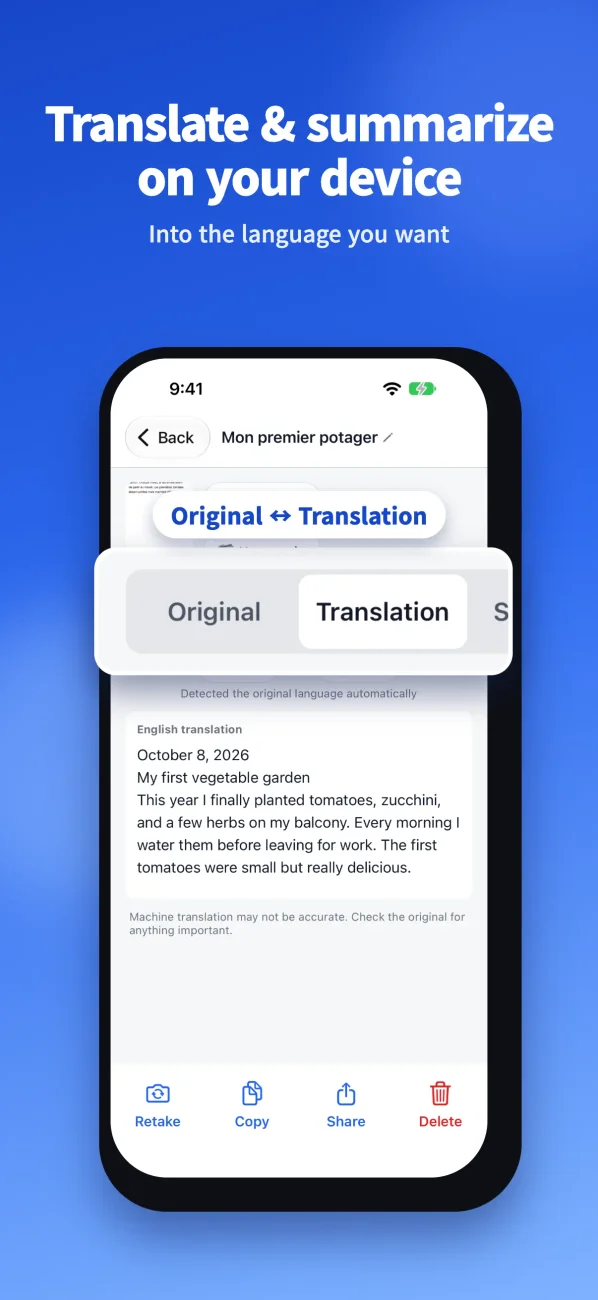
- Translate English, Japanese, Chinese, German and more into your language.
- With many pages, each page appears as soon as it is translated.
- Edit both the original text and the translation.
■ Voice memos
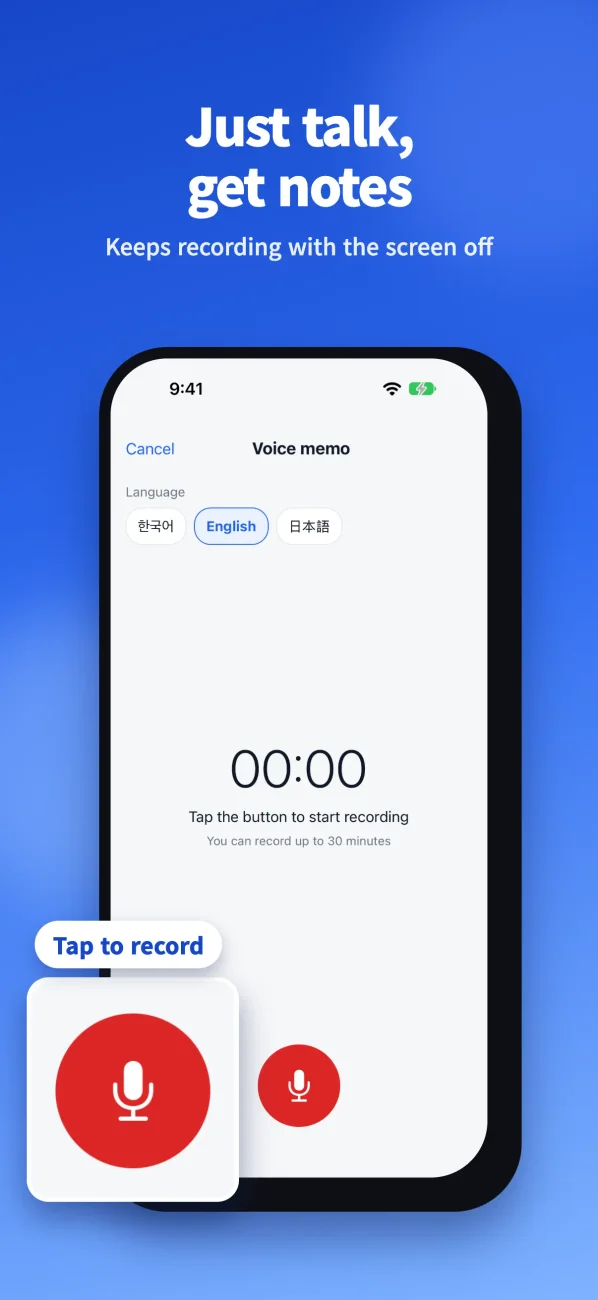
- Record, and LensTi transcribes it on your iPhone and polishes it to read naturally (you can still view the raw transcript).
- Recording keeps going when the screen turns off or you switch apps. Up to 30 minutes.
- The recording stays in the app so you can listen again.
■ 3-point summaries
- On-device AI sums up long text in 3 key points. Not quite right? Tap "Summarize again".
- Copy or share the summary.
■ Stay organized
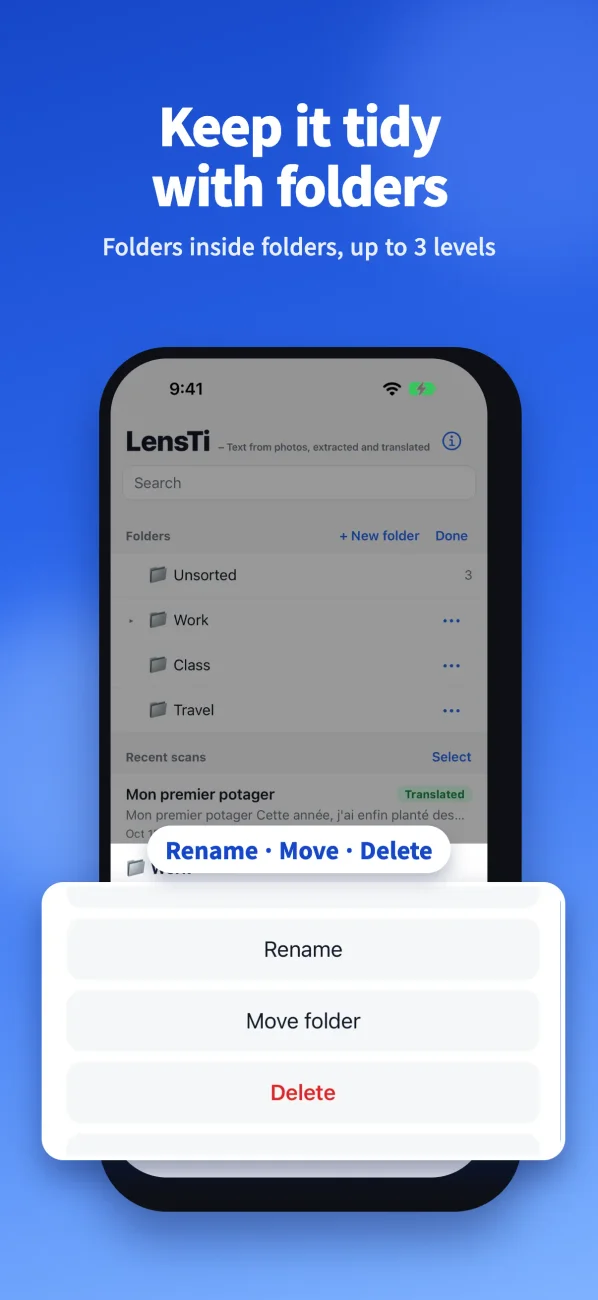
- Keep scans in folders and subfolders (up to 3 levels).
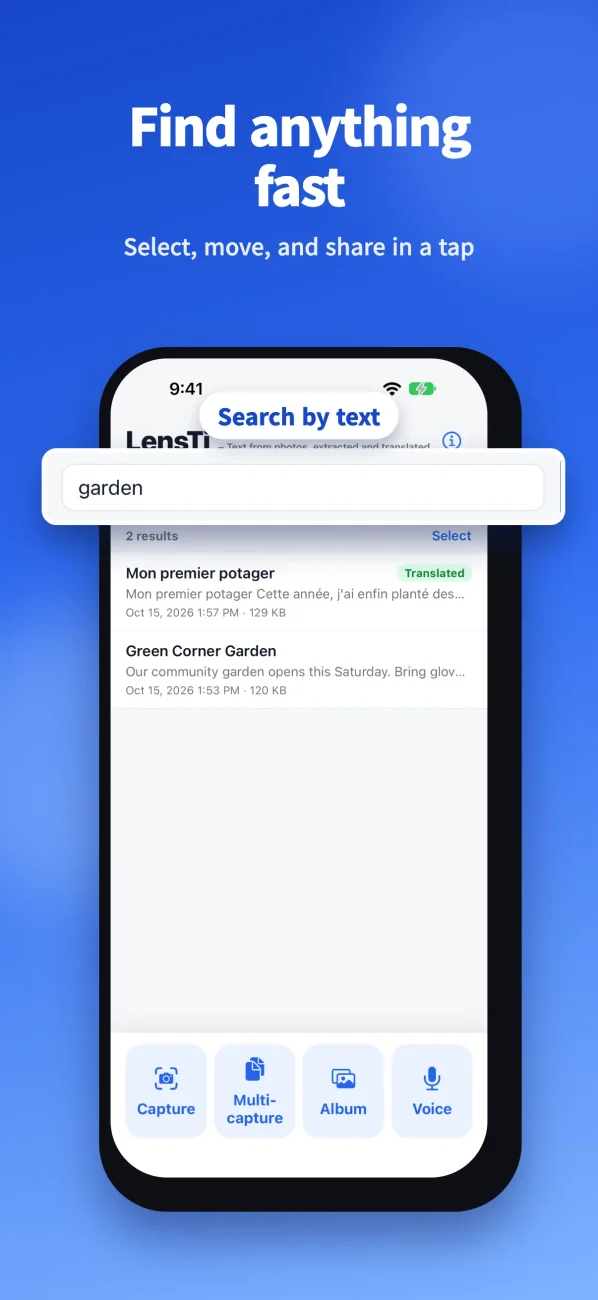
- Search across original text and translations.
- Sort by newest, oldest or title, and rename scans any way you like.
- Copy the text or share it as a .txt file.
■ Your photo library stays yours
- Photos taken in LensTi stay inside the app and are never saved to your Camera Roll, so work and school papers don't mix with family photos.
- You can delete the original screenshots you imported, if you want.
■ Private by design
- Text recognition, translation, transcription and summaries all happen on your iPhone.
- No sign-up. LensTi doesn't collect any information or send anything to a server.
※ Translation requires iOS 18 or later. The first time you use a language, iOS may download its language data.
※ Voice memos need an iPhone that supports on-device speech recognition, and summaries need an iPhone that supports Apple Intelligence (iOS 26 or later).
※ Automatic recognition, translation, transcription and summaries are for reference only. Check the original for anything important.
Có gì mới
Phiên bản 1.2.4 · 19/10/2026
· New users now get a quick guide to Capture, Album, Select area, translation and summary, Voice memos, and folders. View it again anytime from About > View the guide again.
· About now shows which features this device supports, so you can see why Voice memos or summary might be missing.
· A shooting tip on the camera screen: for screens and small text, shoot close and straight on.
· Fixed whole lines of text going missing in photos of computer screens.
Quyền riêng tư của ứng dụng
Những gì ByungMo Ahn khai báo trên App Store về cách ứng dụng này xử lý dữ liệu.
-
Dữ liệu không được thu thập
Nhà phát triển không thu thập bất kỳ dữ liệu nào từ ứng dụng này.
Phương thức đảm bảo quyền riêng tư có thể khác nhau, chẳng hạn như tuỳ theo các tính năng bạn sử dụng hoặc độ tuổi của bạn.
Thông tin
- Người bán
- ByungMo Ahn
- Danh mục
- Hiệu Suất
- Phiên bản
- 1.2.4
- Cập nhật
- 19/10/2026
- Phát hành
- 08/10/2026
- Kích thước
- 49,0 MB
- Yêu cầu
- iOS 17.0 trở lên
- Độ tuổi
- 4+
- Ngôn ngữ
- Tiếng Hàn, Tiếng Anh, Tiếng Nhật
- Bản quyền
- © 2026 BM99 Studio