
- Age rating4+
- CategoryProductivity
- DeveloperByungMo Ahn
- LanguagesKorean+ 2 more
- Size49.0 MB
Links to the official App Store page
Download.org hosts no file of LensTi. The button opens its official App Store page, published by ByungMo Ahn. Listing last checked on Nov 8, 2026.
Screenshots
About
Tired of retyping text from photos?
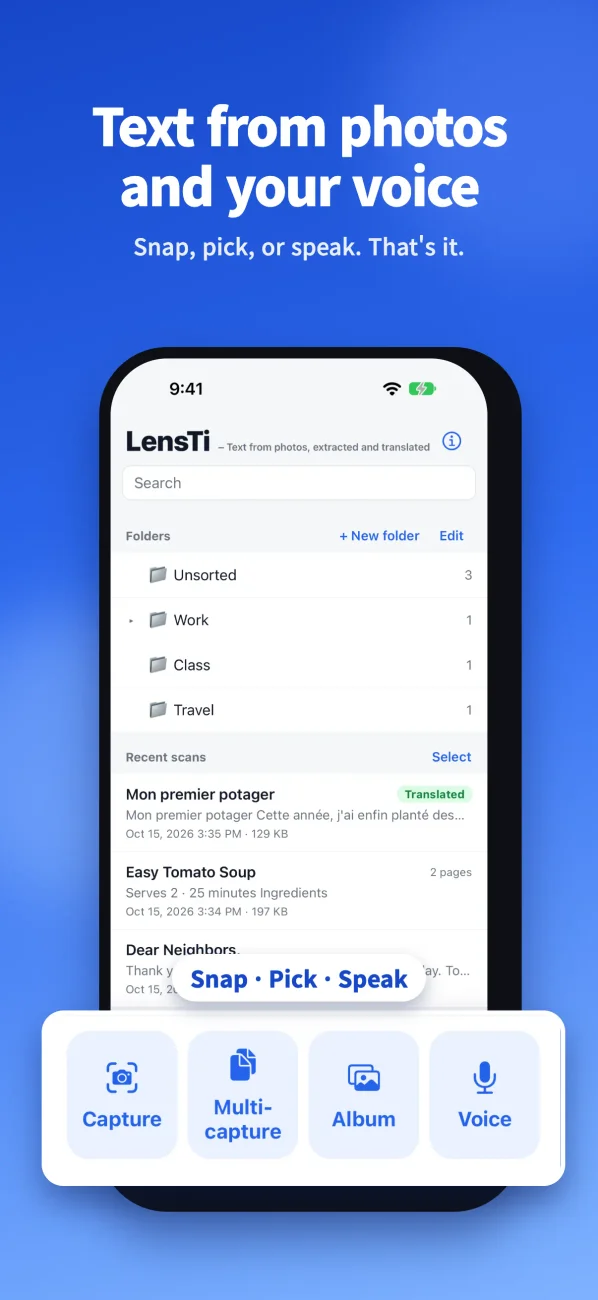
LensTi pulls the text out of a document photo or screenshot and saves it for you. No more opening Photos and selecting words one by one. Now you can also keep voice memos as text and summarize long passages.
■ Just snap — get text
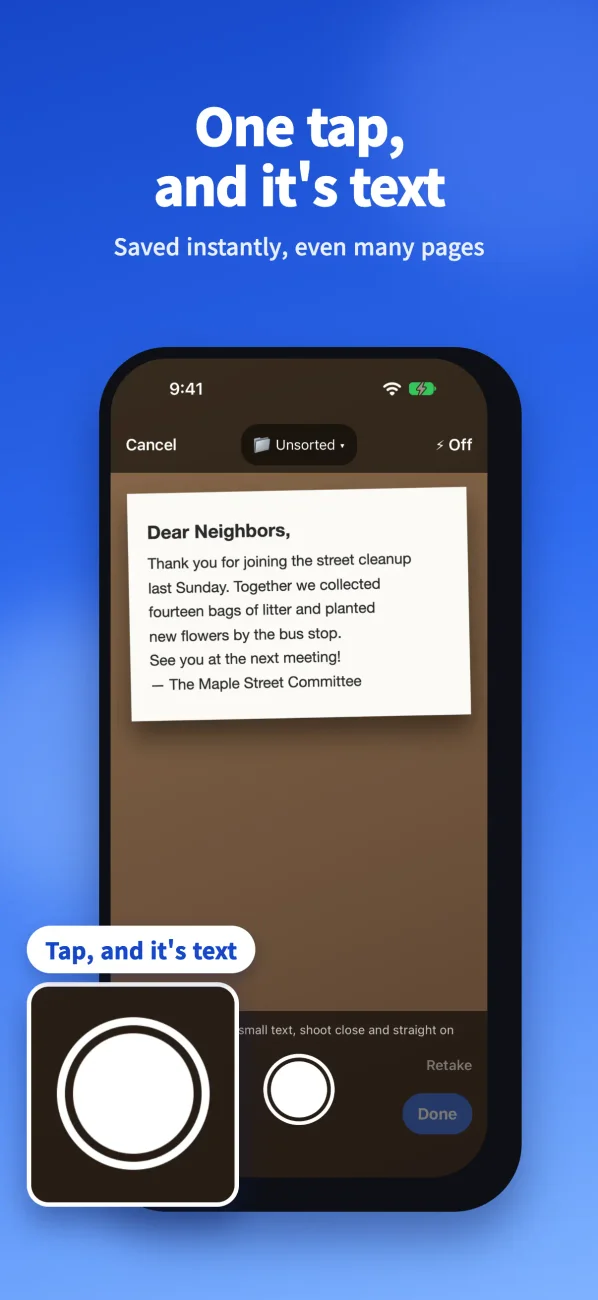
- One tap turns the words in a photo into text.
- Use Multi-capture to combine up to 20 pages of a book or document into one scan.
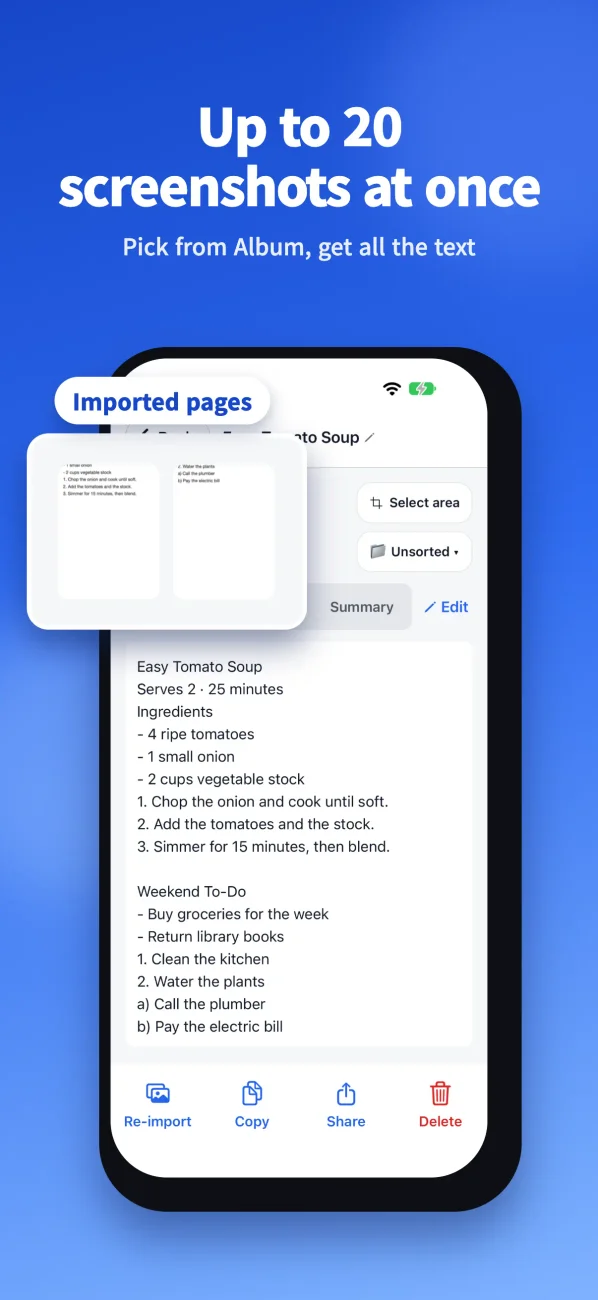
- Import up to 20 photos or screenshots from your album at once.
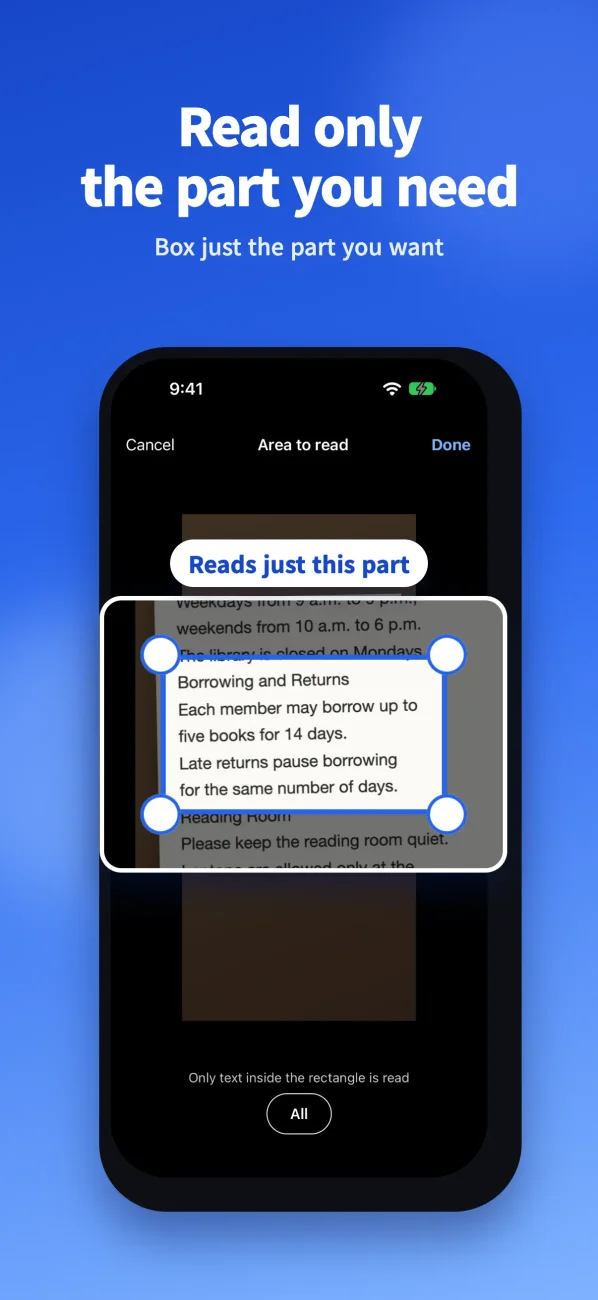
- Draw a rectangle to read only the part you need — skip ads and menus, keep the main text.
- Line breaks from print are tidied into natural paragraphs.
■ Translate in one step
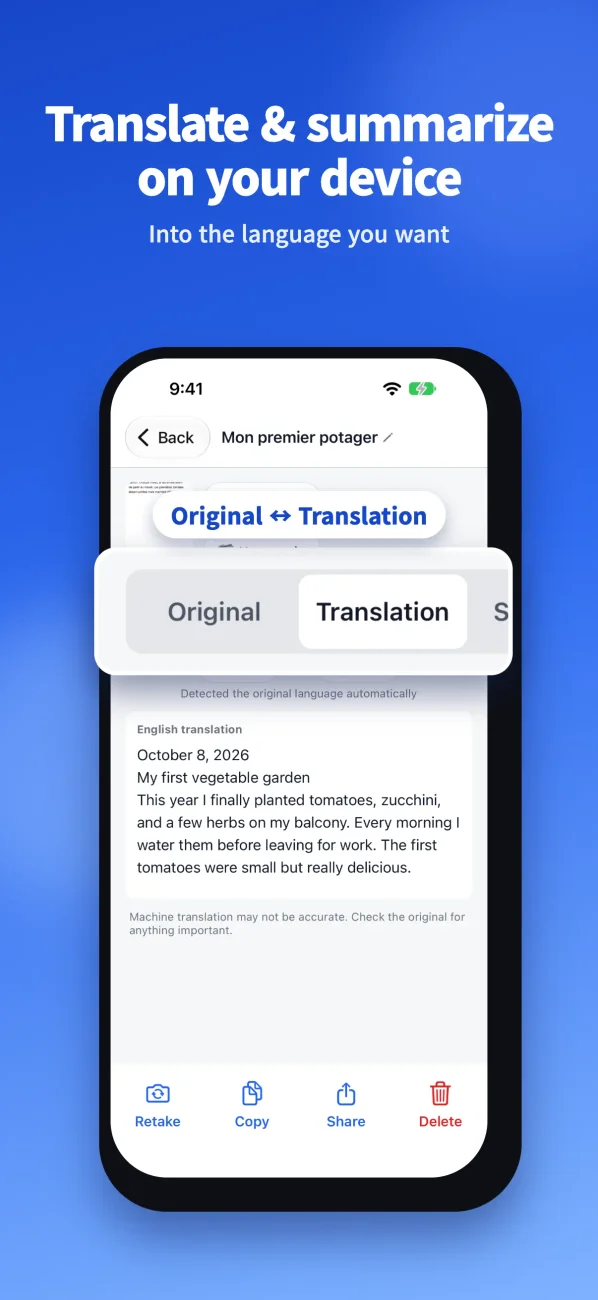
- Translate English, Japanese, Chinese, German and more into your language.
- With many pages, each page appears as soon as it is translated.
- Edit both the original text and the translation.
■ Voice memos
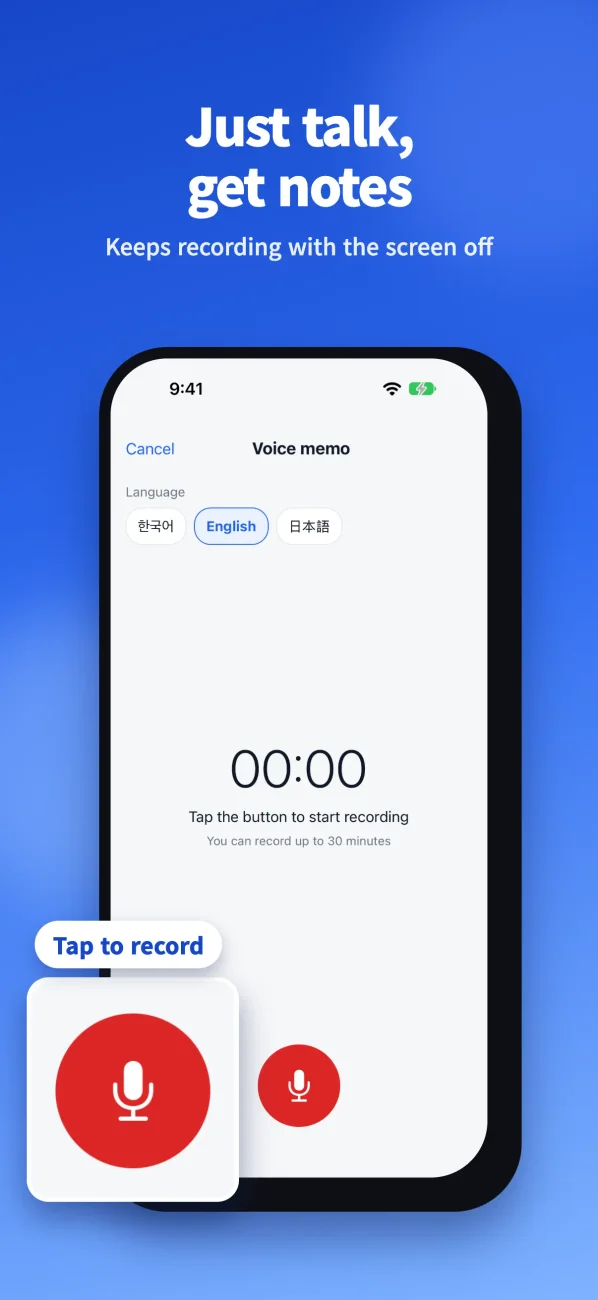
- Record, and LensTi transcribes it on your iPhone and polishes it to read naturally (you can still view the raw transcript).
- Recording keeps going when the screen turns off or you switch apps. Up to 30 minutes.
- The recording stays in the app so you can listen again.
■ 3-point summaries
- On-device AI sums up long text in 3 key points. Not quite right? Tap "Summarize again".
- Copy or share the summary.
■ Stay organized
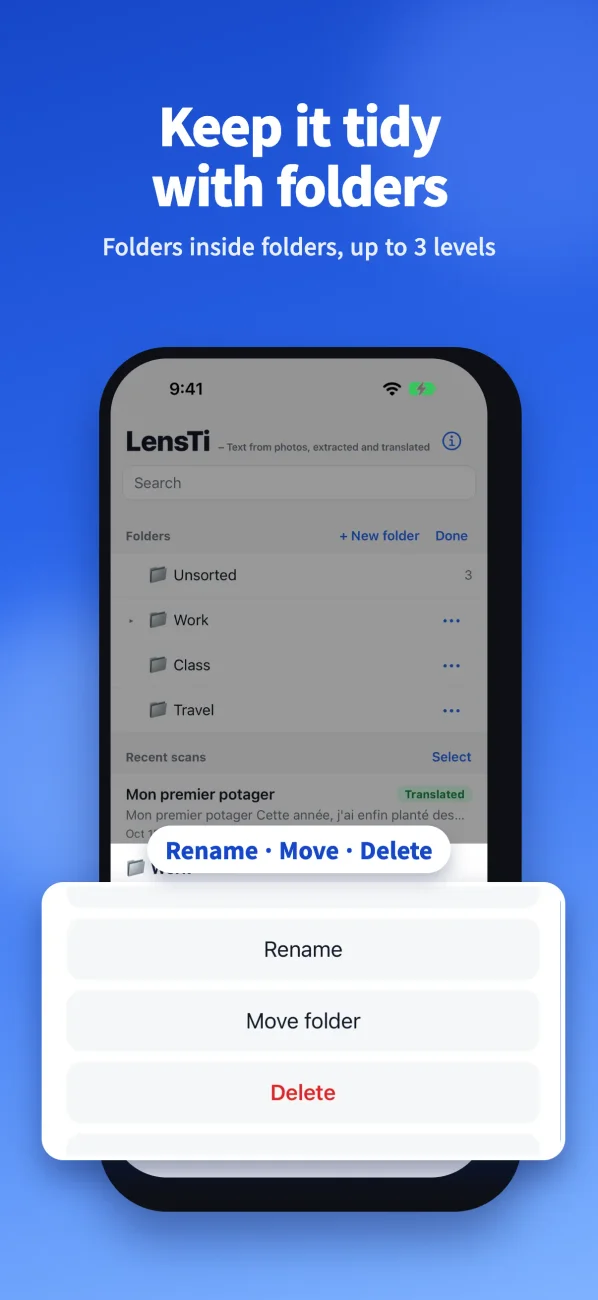
- Keep scans in folders and subfolders (up to 3 levels).
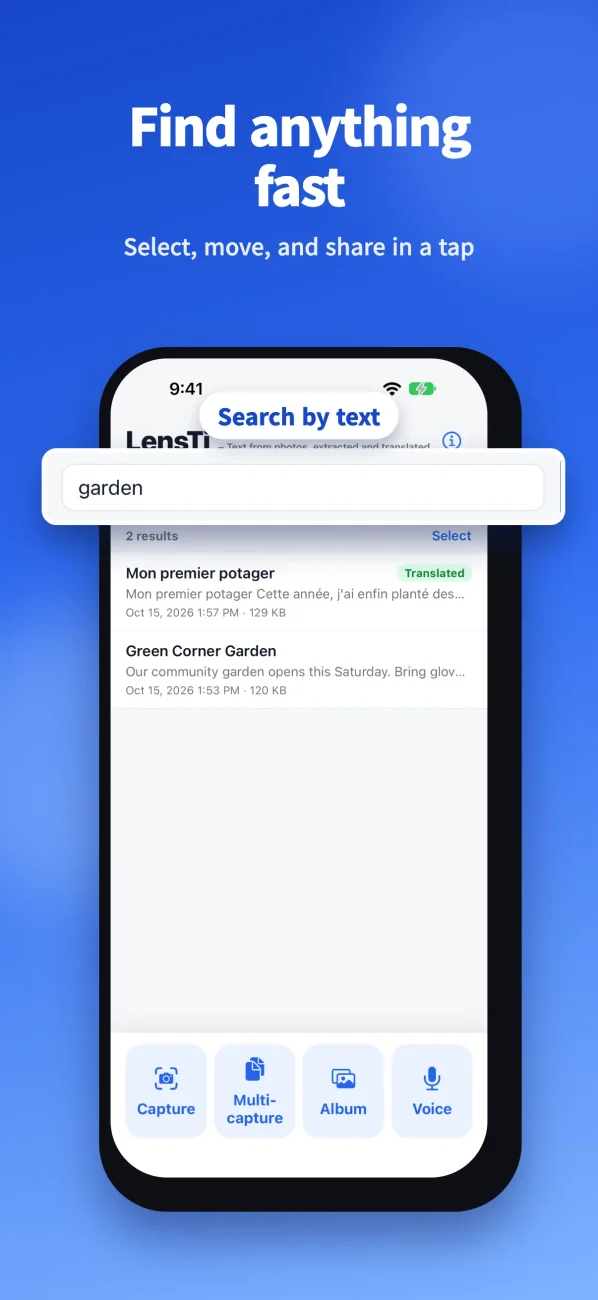
- Search across original text and translations.
- Sort by newest, oldest or title, and rename scans any way you like.
- Copy the text or share it as a .txt file.
■ Your photo library stays yours
- Photos taken in LensTi stay inside the app and are never saved to your Camera Roll, so work and school papers don't mix with family photos.
- You can delete the original screenshots you imported, if you want.
■ Private by design
- Text recognition, translation, transcription and summaries all happen on your iPhone.
- No sign-up. LensTi doesn't collect any information or send anything to a server.
※ Translation requires iOS 18 or later. The first time you use a language, iOS may download its language data.
※ Voice memos need an iPhone that supports on-device speech recognition, and summaries need an iPhone that supports Apple Intelligence (iOS 26 or later).
※ Automatic recognition, translation, transcription and summaries are for reference only. Check the original for anything important.
What’s new
Version 1.2.4 · Oct 19, 2026
· New users now get a quick guide to Capture, Album, Select area, translation and summary, Voice memos, and folders. View it again anytime from About > View the guide again.
· About now shows which features this device supports, so you can see why Voice memos or summary might be missing.
· A shooting tip on the camera screen: for screens and small text, shoot close and straight on.
· Fixed whole lines of text going missing in photos of computer screens.
App privacy
What ByungMo Ahn declares on the App Store about how this app handles data.
-
Data not collected
The developer does not collect any data from this app.
Privacy practices may vary, for example with the features you use or your age.
Information
- Seller
- ByungMo Ahn
- Category
- Productivity
- Version
- 1.2.4
- Updated
- Oct 19, 2026
- Released
- Oct 8, 2026
- Size
- 49.0 MB
- Requires
- iOS 17.0 or later
- Age rating
- 4+
- Languages
- Korean, English, Japanese
- Copyright
- © 2026 BM99 Studio
You might also like
-
 AI-대한민국CCTVProductivity
-
 ocr text scanner appProductivity
-
 ChoiPon - かわいいTodo・タスク管理続けられるTodoリスト・タスク管理
-
 MissionTodo:Game Task ManagerMake tasks feel like quests!
-
 Norrsken House KigaliProductivity
-
 initial (이니셜)Productivity
-
 Grid ToDo - Plan 64 Actions9×9 Grid Goal Planner
-
 Timers – HIIT & Interval TimerMulti Timer for Study & Tabata
-
 もくもくちゃんカレンダーProductivity