LibreTracks
Multitrack playback for live
Được thiết kế cho iPhone, iPad, iPod touch
Miễn phí
- Độ tuổi4+
- Danh mụcNhạc
- Nhà phát triểnOtoniel Perez
- Ngôn ngữTiếng Anh+ 1 ngôn ngữ khác
- Kích thước92,5 MB
Liên kết đến trang App Store chính thức
Download.org không lưu trữ tệp nào của LibreTracks. Nút này mở trang ứng dụng trên App Store, nơi Otoniel Perez phát hành ứng dụng. Trang được kiểm tra lần cuối: 18/11/2026.
Ảnh chụp màn hình

Giới thiệu
Nhà phát triển chưa cung cấp nội dung này bằng ngôn ngữ của bạn.
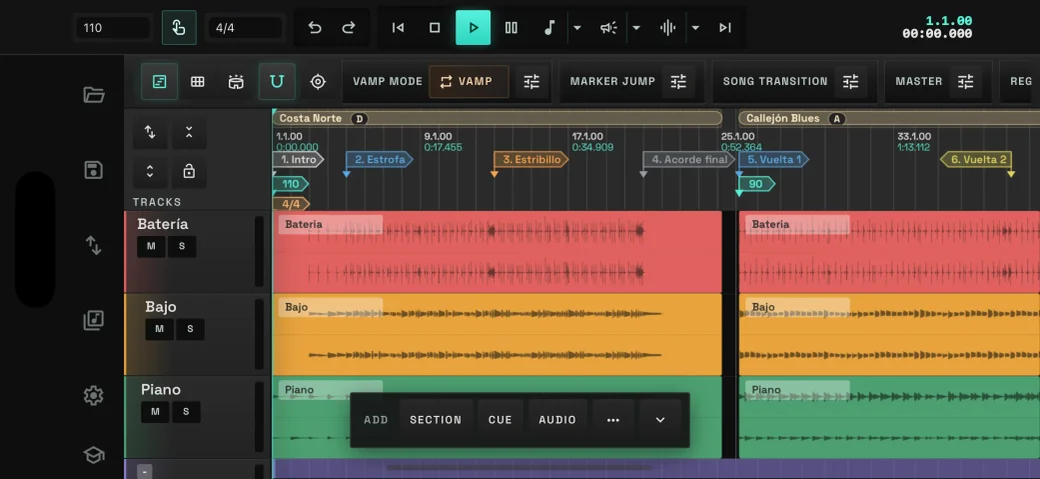
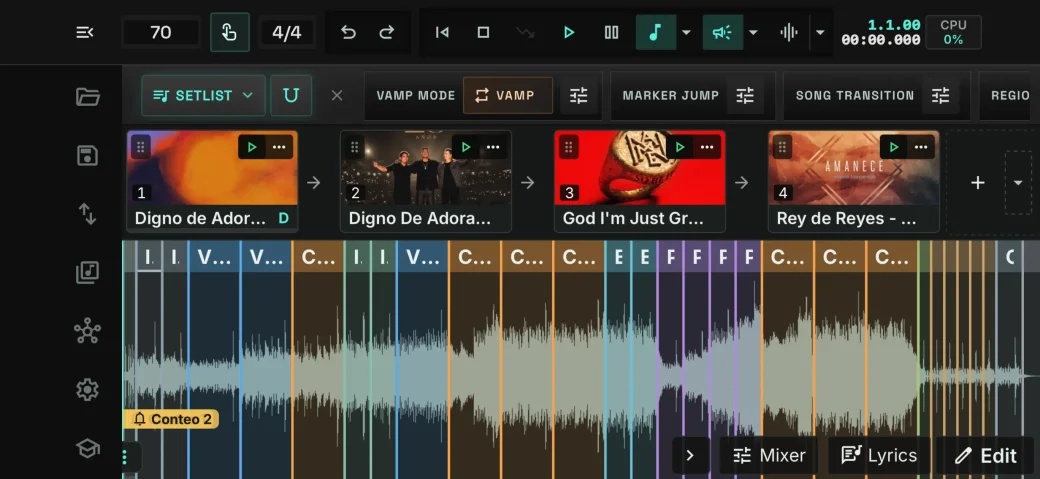
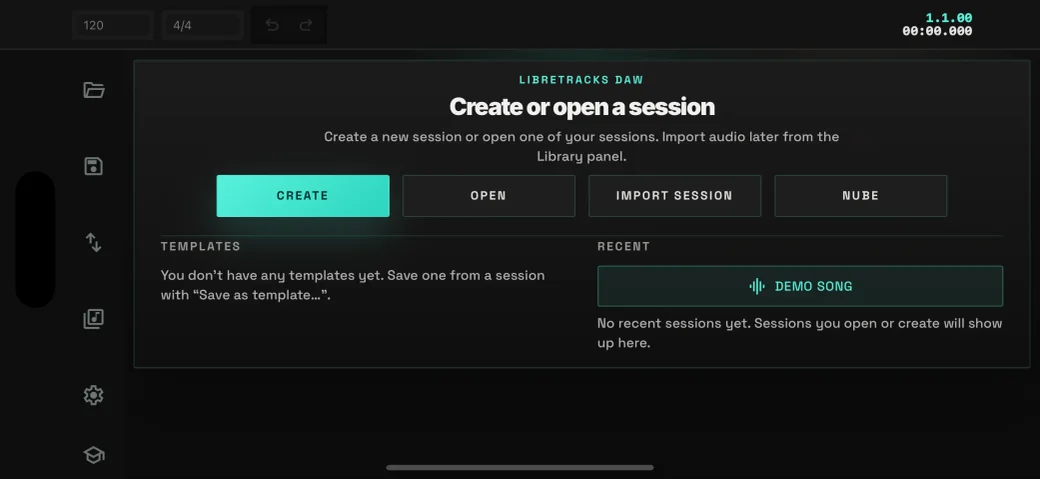
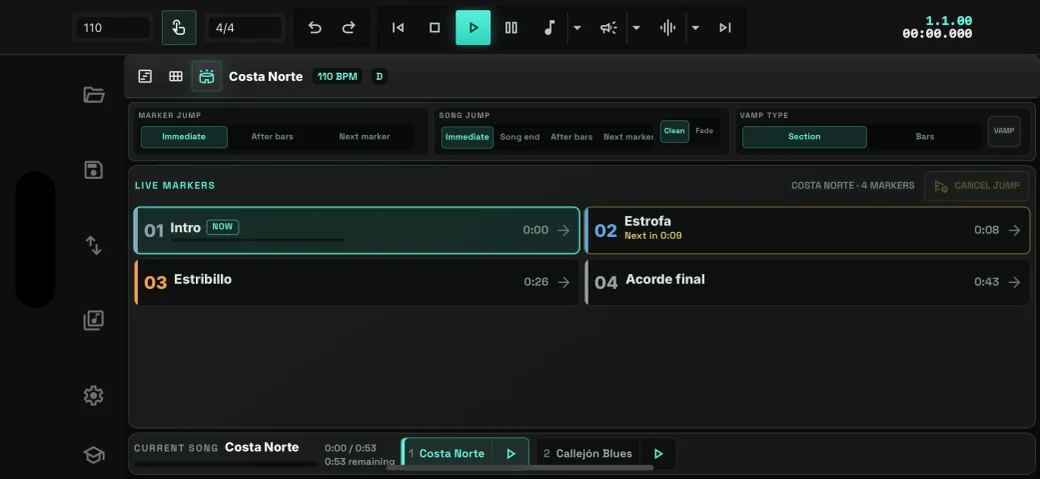
LibreTracks is a multitrack workstation for playing live. Load each song's stems, set up the sections, and on stage you just play.
LIVE PLAYBACK
• Separate stems, each with its own level, mute and solo.
• Click and guide vocals on the output you choose.
• Ambient pads in each song's key.
• Section jumps, vamps and seamless transitions between songs.
PREPARING SONGS
• Import audio and sessions from the Files app: WAV, AIFF, MP3 and FLAC.
• Mark intro, verse, chorus and bridge, and jump between them with one tap.
• Change a song's key and tempo without touching the original files.
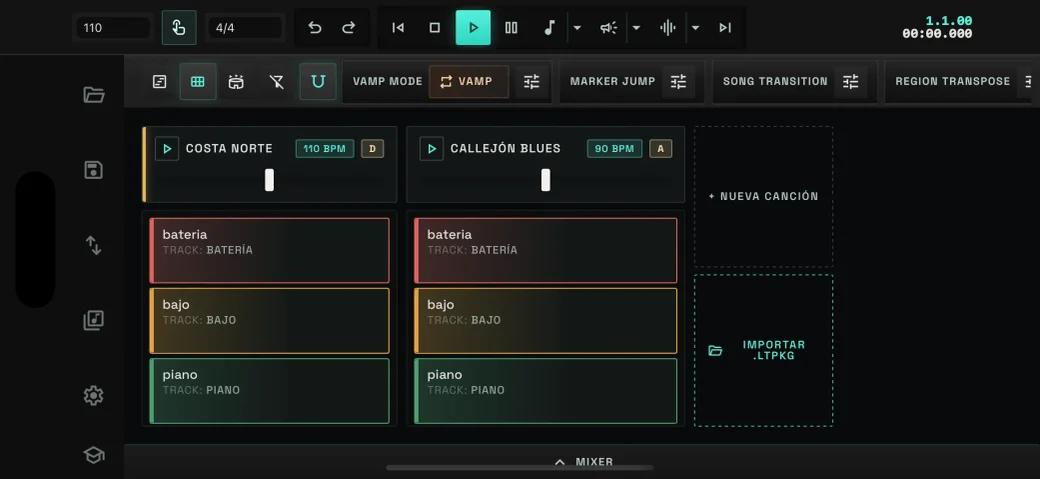
• Tempo, time signature and key per song, not per session.
BUILT FOR TOUCH
• Touch DAW view: tap to select, drag to move.
• Compact stage view with the mixer one tap away.
• Live view with only the essentials, big.
YOUR FILES STAY YOURS
• Everything works offline. No account, no subscription.
• Sessions are ordinary folders you can copy, export or open on a computer.
• Export and import through Google Drive to move sessions between your devices.
FREE AND OPEN SOURCE
LibreTracks is free software: no ads, no paid features, no data collection by default. Usage statistics are optional, anonymous and off unless you turn them on.
Có gì mới
Phiên bản 1.17.1 · 14/11/2026
What's new in 1.17.1
Channels per track: each track can play in Stereo, Mono, Left only or Right only. If a song comes as a single audio file with the click and guide on one side, "Split L/R channels" turns it into two tracks without using more space. The waveform draws only the channel you hear, and "Analyze song" separates the click from the voice guide even when they share a track. How: select the track, three dots, "Channels".
Render with automations: when you render a song, the audio can follow its jumps, volume and pan ramps, mutes, scenes and click, guide and pad changes, just like live. How: long-press the song, "Render audio…", "Apply the automations".
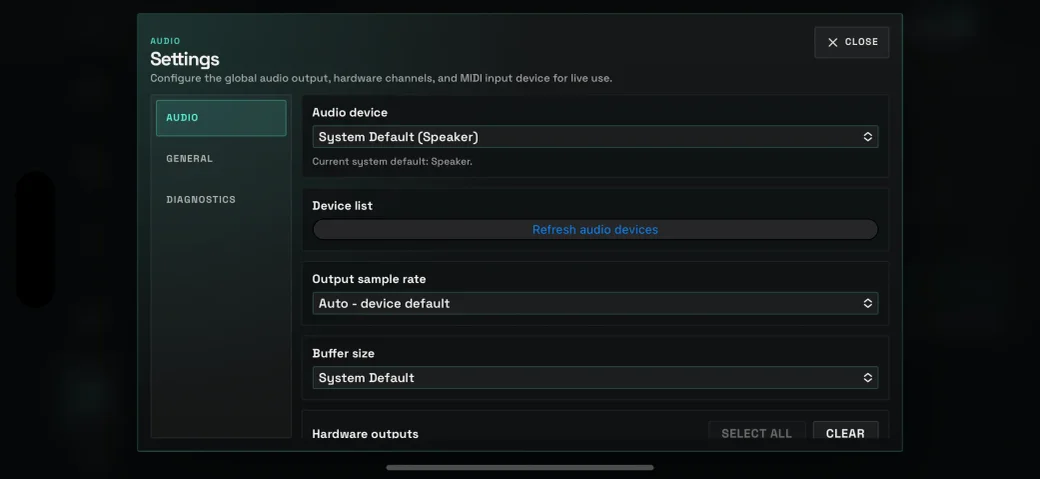
A more comfortable mixer on iPad: bigger faders, M/S/T buttons and strips, the fader no longer jumps when you touch it near the cap, and in the Setlist view you can make the console taller by dragging its edge. The interface size goes up to 150%, and Settings, General, Interface, "Mixer size" makes only the mixer bigger.
Reorder songs: drag them in the DAW view and the others rearrange to show you the new order. "Move earlier" and "Move later" in the song's menu do the same.
Startup view: choose the view your sessions open in, DAW, Setlist, Compact or Live, for example straight into Setlist to play. How: Settings, General, Interface, "Startup view".
Also, Settings are split into tabs, tempo and time signature come out right even when the spoken count-in plays over the click, and moving a song no longer misplaces the clips next to the following one.
Quyền riêng tư của ứng dụng
Những gì Otoniel Perez khai báo trên App Store về cách ứng dụng này xử lý dữ liệu.
-
Dữ liệu không liên kết với bạn
Có thể được thu thập nhưng không liên kết với danh tính của bạn.
- Dữ liệu sử dụng
Phương thức đảm bảo quyền riêng tư có thể khác nhau, chẳng hạn như tuỳ theo các tính năng bạn sử dụng hoặc độ tuổi của bạn.
Thông tin
- Người bán
- Otoniel Perez
- Danh mục
- Nhạc
- Phiên bản
- 1.17.1
- Cập nhật
- 14/11/2026
- Phát hành
- 24/09/2026
- Kích thước
- 92,5 MB
- Yêu cầu
- iOS 15.0 trở lên
- Độ tuổi
- 4+
- Giá
- Miễn phí
- Ngôn ngữ
- Tiếng Anh, Tiếng Tây Ban Nha
- Bản quyền
- © 2026 Otoniel Pérez Velarde