Maestro Switch
A magic wand for your home
Được thiết kế cho iPhone
Miễn phí · Mua hàng trong ứng dụng
- Độ tuổi4+
- Danh mụcTiện Ích
- Nhà phát triểnDavid Ruiz
- Ngôn ngữTiếng Anh+ 12 ngôn ngữ khác
- Kích thước150,9 MB
Liên kết đến trang App Store chính thức
Download.org không lưu trữ tệp nào của Maestro Switch. Nút này mở trang ứng dụng trên App Store, nơi David Ruiz phát hành ứng dụng. Trang được kiểm tra lần cuối: 24/11/2026.
Ảnh chụp màn hình
Giới thiệu
Nhà phát triển chưa cung cấp nội dung này bằng ngôn ngữ của bạn.
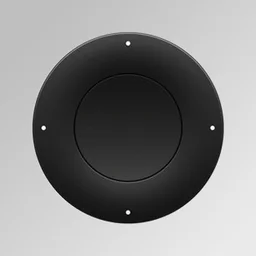
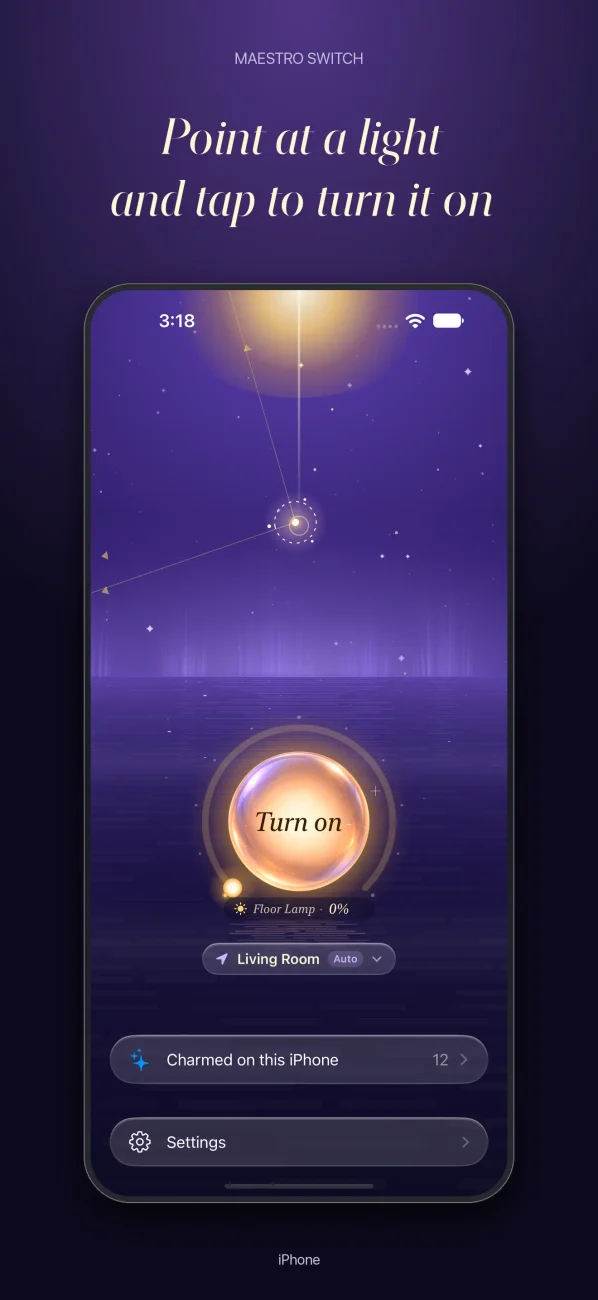
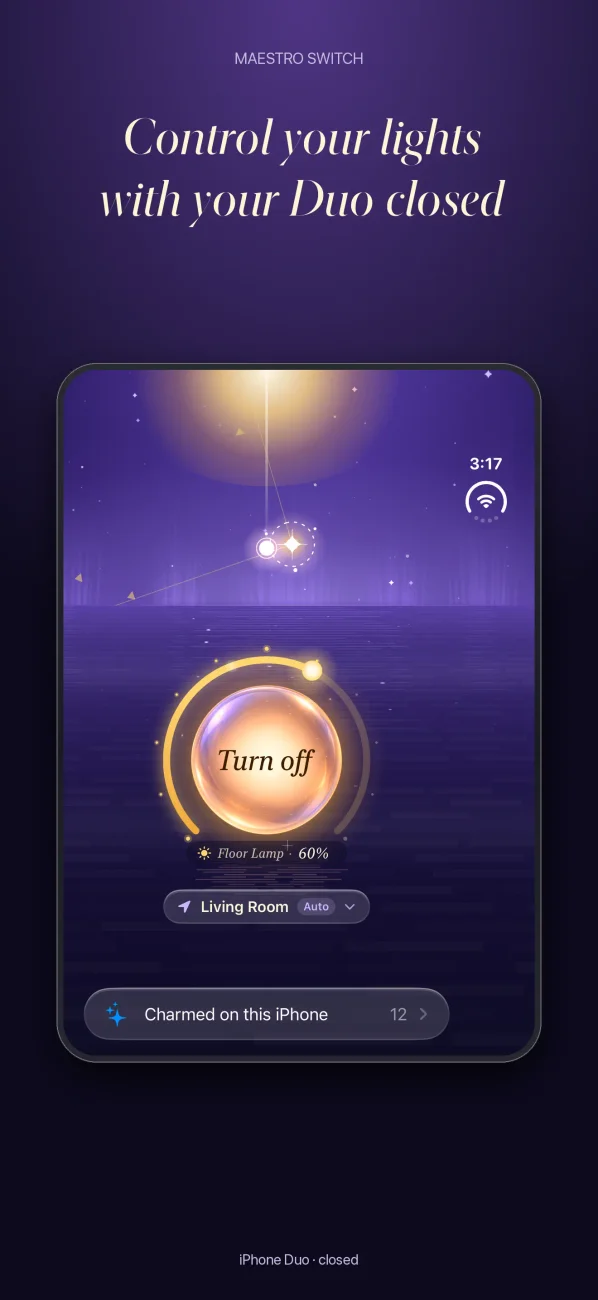
Point the top of your iPhone at a light and tap the orb to switch it on or off. Maestro Switch turns your phone into a wand for Apple Home and Home Assistant.
Skip the scrolling
You shouldn't need a tour of your Home Assistant dashboard or the Home app just to turn on a light. Point at what you want to control and tap.
Share the magic. Take the credit.
You built an epic Home Assistant setup. Now your family can use it without learning your dashboards. Set up Maestro on each phone and teach it the devices. They get to point and tap. You get the glory.
Charm your lights
Point at a device, hold the orb until the ring fills, then choose it from your home's list. That's how you teach Maestro where it is. It works with fans and TVs too.
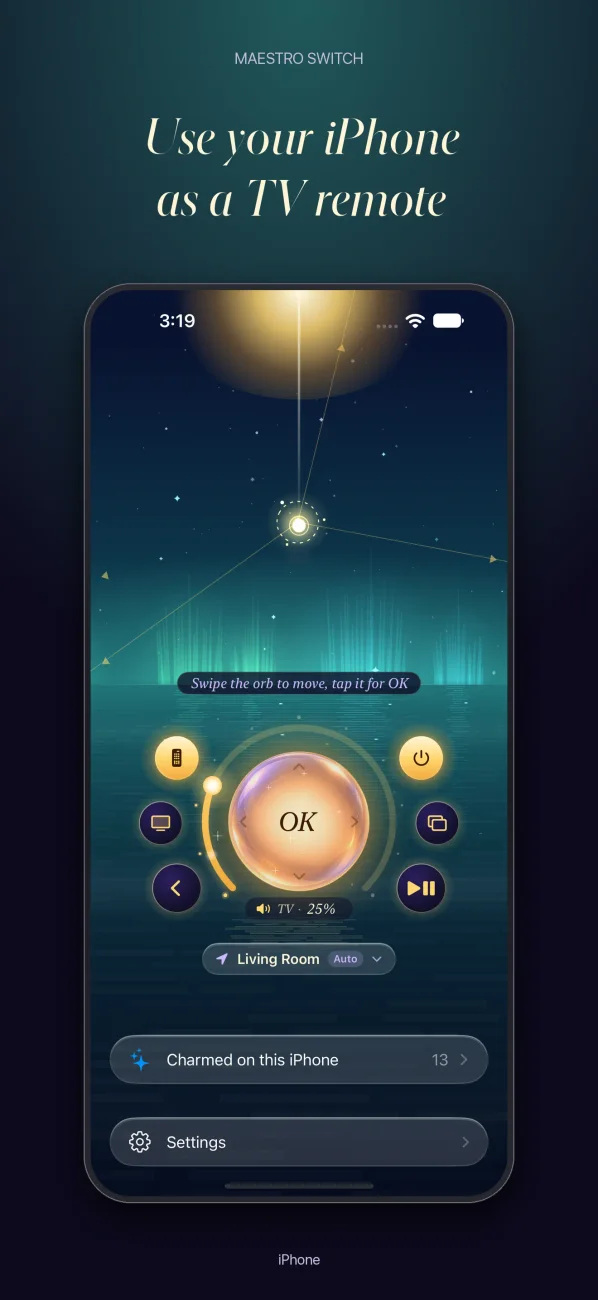
Stop hunting for the remote
Point at your TV to bring up its controls around the orb. Adjust the volume, and use remote buttons on compatible TVs. The remote can stay between the cushions.
Dim the lights. Raise the blinds.
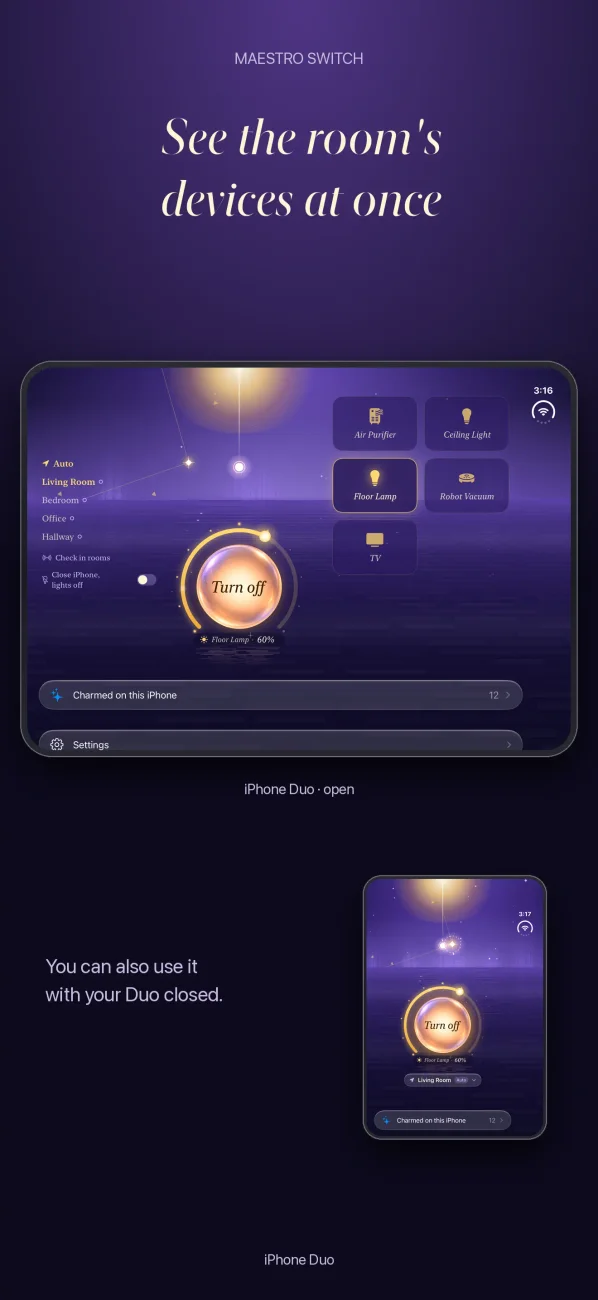
Point at a different device and the controls change with it. Adjust brightness, blinds or temperature around the orb. Locks and garage doors need a second tap to confirm.
A room full of stars
Each device you teach becomes a star. Each room gets its own constellation. Pick a sky to match your mood.
Still learning
Maestro can pick the wrong device or room, especially at first. Tap the right one to help it learn. It uses your pointing direction and nearby Bluetooth signals to work out the room.
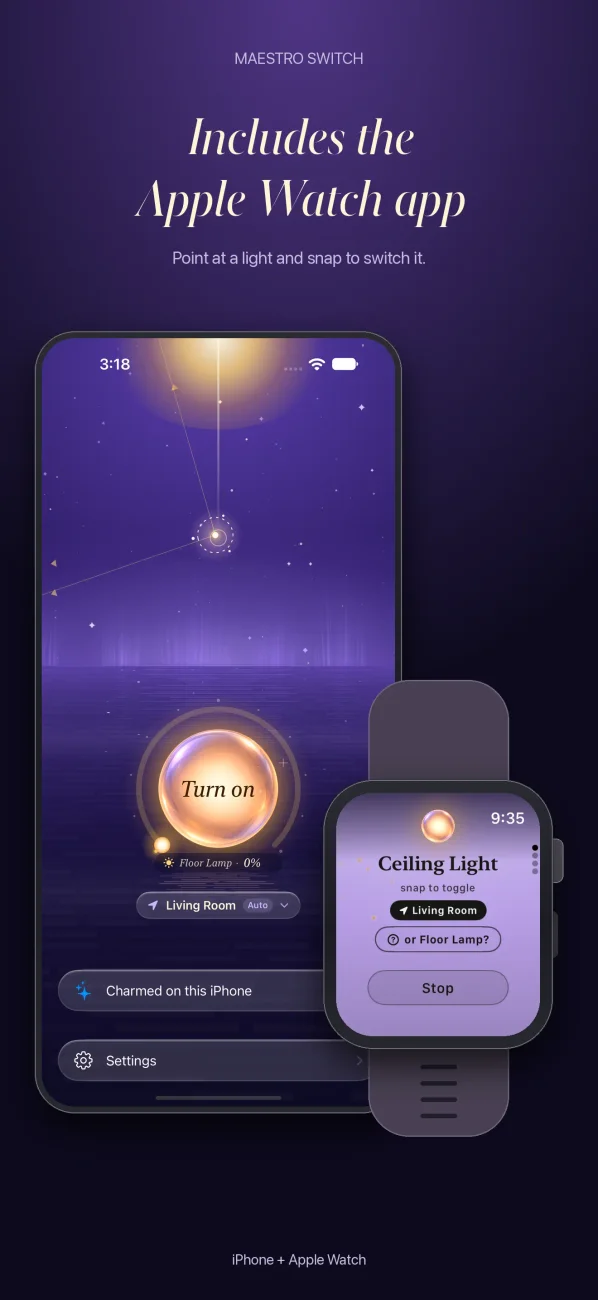
On Apple Watch, it's a snap
Point your arm and snap your fingers, or tap two fingers together. The watch learns its own directions and can work without your iPhone once connected to your home service.
Open it from Control Center, the Lock Screen or the Action button on iOS 18 or later. Try the demo house even without a smart home.
Free and Unlimited
One device in one room is free. Maestro Unlimited is a one-time purchase for more devices and rooms, five more skies, webhooks, and extra snap effects, sounds and app icons.
Before you start
Needs iOS 17 or later. The watch app needs Apple Watch Series 5 or later, including SE and Ultra. Home Assistant needs an administrator account to read your devices and areas. Nothing is installed on your server.
Privacy
Recognition runs on your iPhone and watch. The watch backs up what it learned to your iPhone. There's no Maestro account and no advertising or analytics SDKs. If you send a support report, we receive your message and any diagnostics you include.
https://maestroswitch.com/privacy.html
Có gì mới
Phiên bản 2.0.2 · 23/11/2026
- Charm a device on your iPhone and Maestro offers to charm it on your Apple Watch too. One tap and the watch takes over.
- Tap at nothing and Maestro offers to charm a device from where you stand.
- Free: charm your one device from more spots. The Unlimited page opens only when you ask to charm another device.
- Apple Home: when a device can't be reached, Maestro says so and asks about Wi-Fi.
Quyền riêng tư của ứng dụng
Những gì David Ruiz khai báo trên App Store về cách ứng dụng này xử lý dữ liệu.
-
Dữ liệu không được thu thập
Nhà phát triển không thu thập bất kỳ dữ liệu nào từ ứng dụng này.
Phương thức đảm bảo quyền riêng tư có thể khác nhau, chẳng hạn như tuỳ theo các tính năng bạn sử dụng hoặc độ tuổi của bạn.
Thông tin
- Người bán
- David Ruiz
- Danh mục
- Tiện Ích
- Phiên bản
- 2.0.2
- Cập nhật
- 23/11/2026
- Phát hành
- 30/07/2026
- Kích thước
- 150,9 MB
- Yêu cầu
- iOS 17.0 trở lên
- Độ tuổi
- 4+
- Giá
- Miễn phí
- Mua hàng trong ứng dụng
- Có
- Ngôn ngữ
- Tiếng Anh, Tiếng Hà Lan, Tiếng Pháp, Tiếng Đức, Tiếng Ý, Tiếng Nhật, Tiếng Hàn, Tiếng Ba Lan, Tiếng Bồ Đào Nha, Tiếng Trung Giản thể, Tiếng Tây Ban Nha, Tiếng Thụy Điển + 1 ngôn ngữ khác
- Bản quyền
- © 2026 David Ruiz