
Markdown Editor & Notes
Memo, To-Do, Journal & Viewer
Được thiết kế cho iPhone, iPad, Mac, iPod touch
Miễn phí
- Độ tuổi4+
- Danh mụcHiệu Suất
- Nhà phát triểnMakoto Kobayashi
- Ngôn ngữTiếng Anh+ 11 ngôn ngữ khác
- Kích thước13,4 MB
Liên kết đến trang App Store chính thức
Download.org không lưu trữ tệp nào của Markdown Editor & Notes. Nút này mở trang ứng dụng trên App Store, nơi Makoto Kobayashi phát hành ứng dụng. Trang được kiểm tra lần cuối: 26/11/2026.
Ảnh chụp màn hình

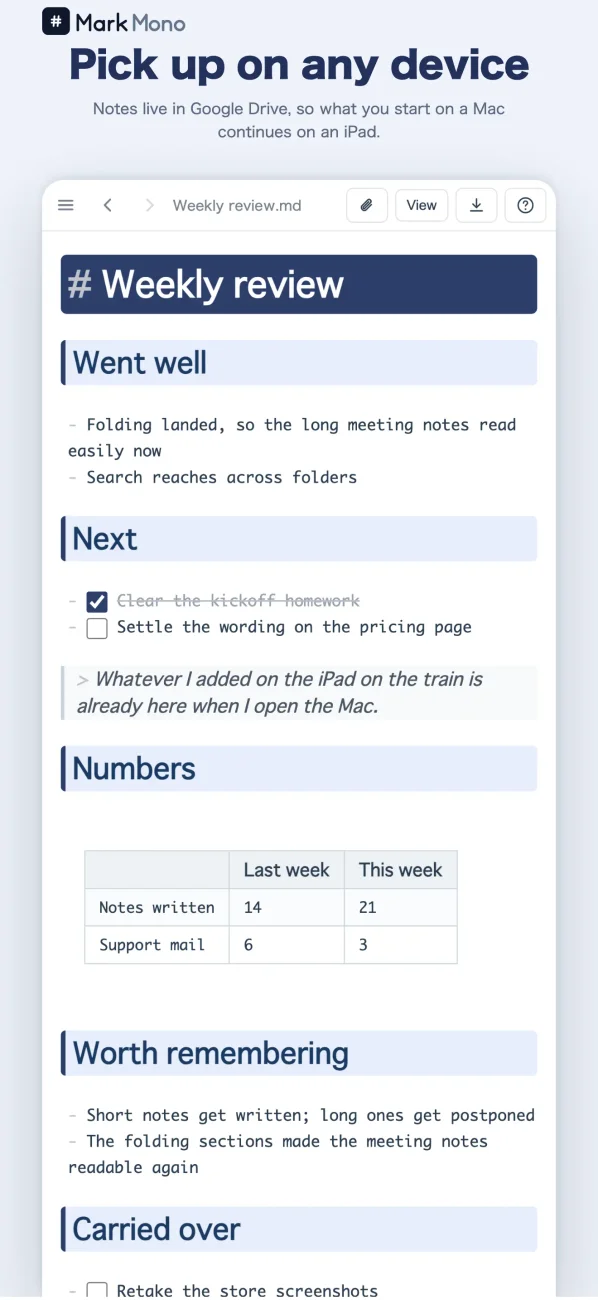
Giới thiệu
Nhà phát triển chưa cung cấp nội dung này bằng ngôn ngữ của bạn.
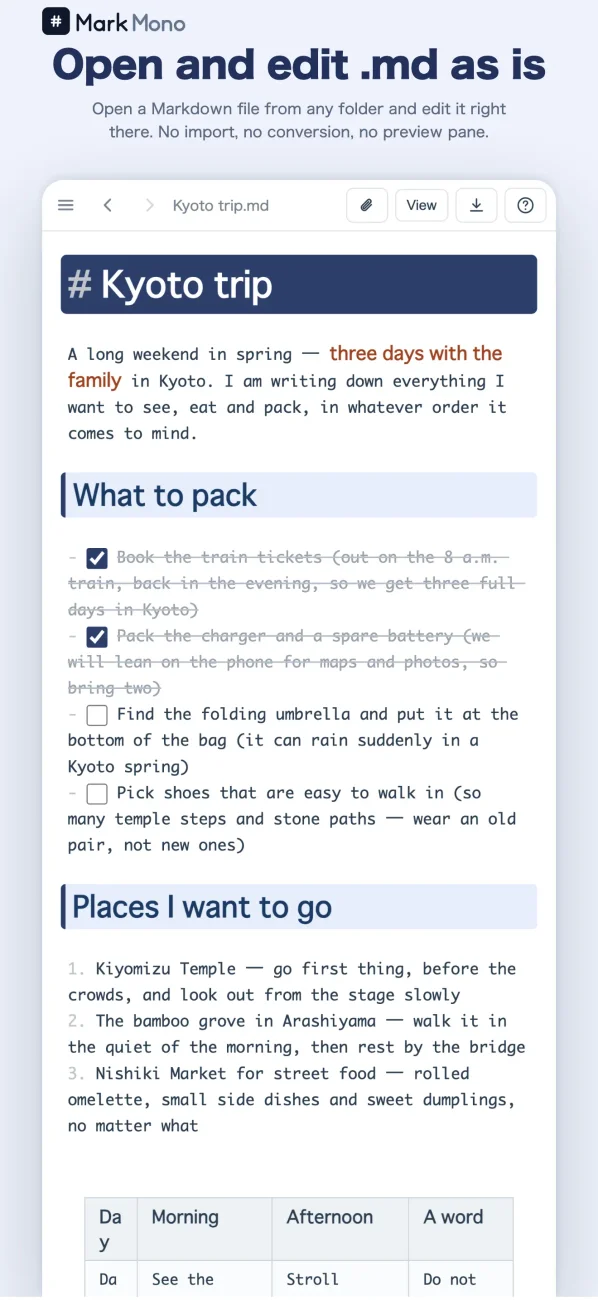
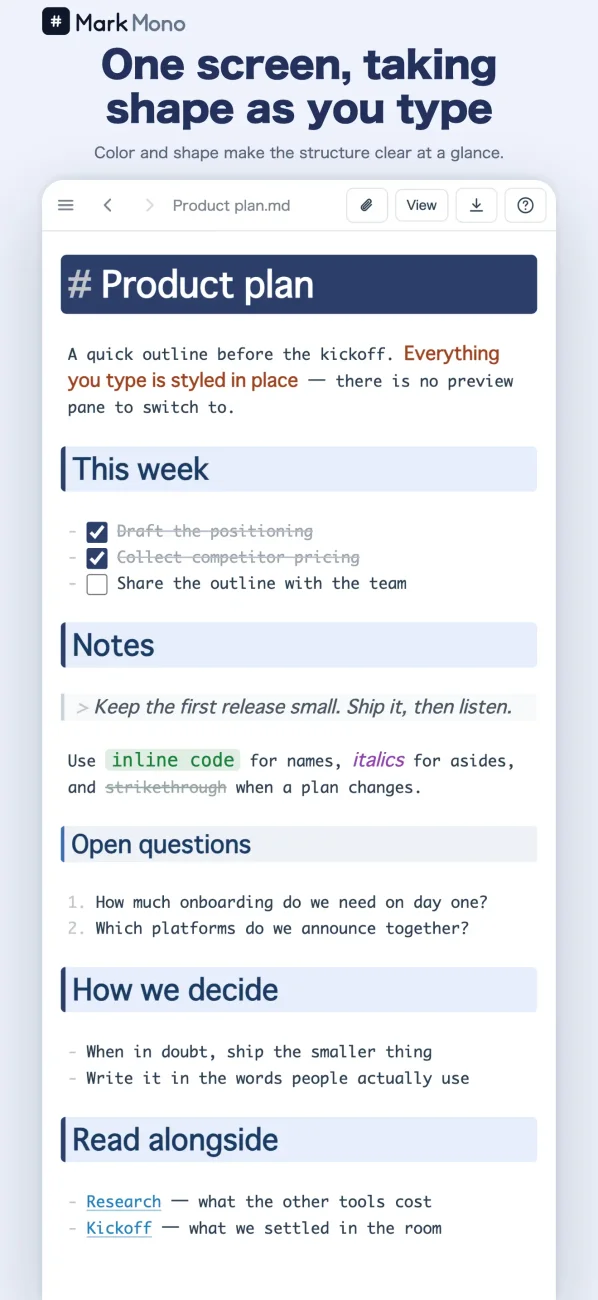
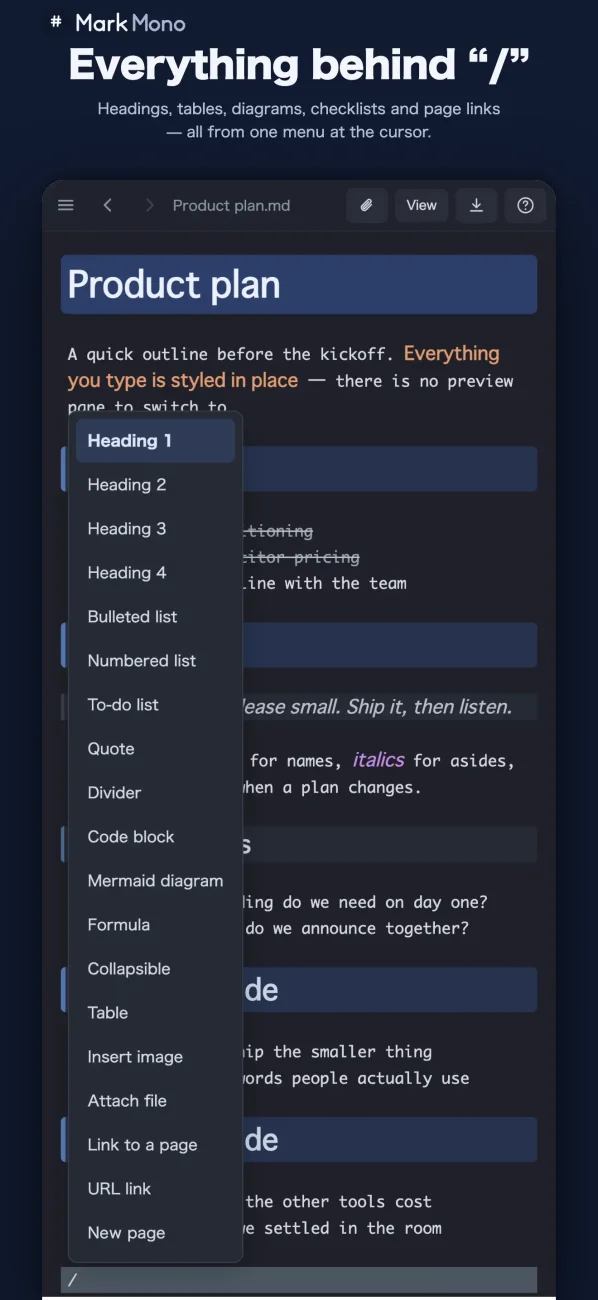
There is no separate input and preview screen. Everything happens on one screen: what you type takes shape right where you typed it. Headings, nested lists and code get distinct colors and shapes, so the structure of a note is clear at a glance. You don’t have to memorize Markdown — type / at the start of a line and pick headings, tables, checklists or diagrams from a menu. With no styling to fiddle with, you can keep writing as you think.
On Mac and Windows you can edit plain Markdown (.md) files right where they are. Connect Google Drive and you can pick the same notes up on any device; the files are saved in your own Google Drive. No Google account is needed for local files on Mac and Windows. On iPhone and iPad, notes are kept in the app’s folder or in Google Drive.
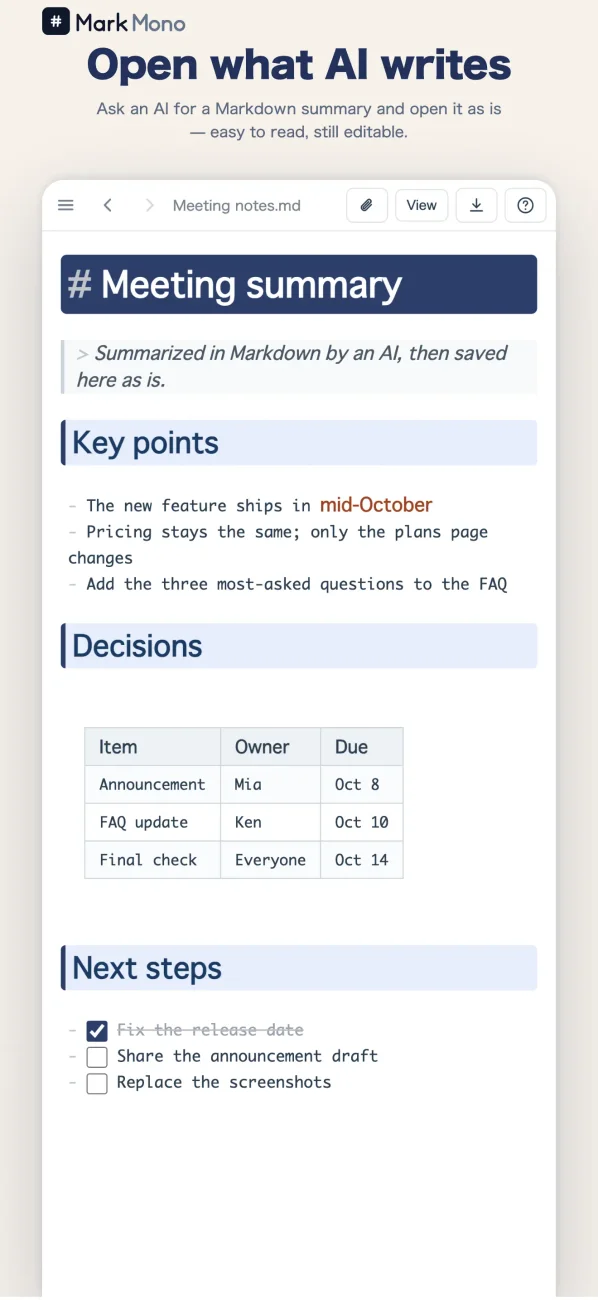
■ Open what AI writes
Ask ChatGPT, Claude, Gemini or another AI to summarize something in Markdown, then open it here as is — it reads cleanly and stays editable. It's a plain Markdown file, so you can paste it back into an AI to keep going, or drop it straight into Notion or GitHub without reformatting.
■ Ask AI (with your own API key)
Add an API key for OpenAI (GPT), Anthropic (Claude) or Google (Gemini) and you can ask AI from inside the app.
· On selected text — polish, shorten, make formal, translate, turn into a table or a diagram
· From the whole note — meeting notes & to-dos, summarize, extract to-dos, tidy into Markdown, continue writing
· In your own words — have it draft a how-to or a first version
Check the answer before it goes into your note, and undo it in one step. Usage is billed by the service you choose, and your key stays on this device.
■ What people use it for
· A notepad that reads better — jot things down and they turn into tidy headings and bullet points. As light as a plain text editor, far easier to read back
· Meeting notes — organize the discussion as it happens and put decisions in a table
· To-do lists and tasks — list what needs doing as a checklist and tick items off
· Journal, diary and daily log — keep a note per day and find anything later with full-text search
· A personal wiki — link notes to one another and build a notebook of what you know
· Docs, how-tos and blog drafts — outline with headings, then paste the plain Markdown anywhere
· A Markdown viewer — open an .md file and read it with its tables and headings in place
· Code and command snippets — kept with syntax highlighting, copied in one click
■ Features
· Styling as you type — headings, bold, italic, quotes, rules, footnotes and nested lists are formatted the moment you write them
· Type / at the start of a line to insert tables, checklists, diagrams, math and more
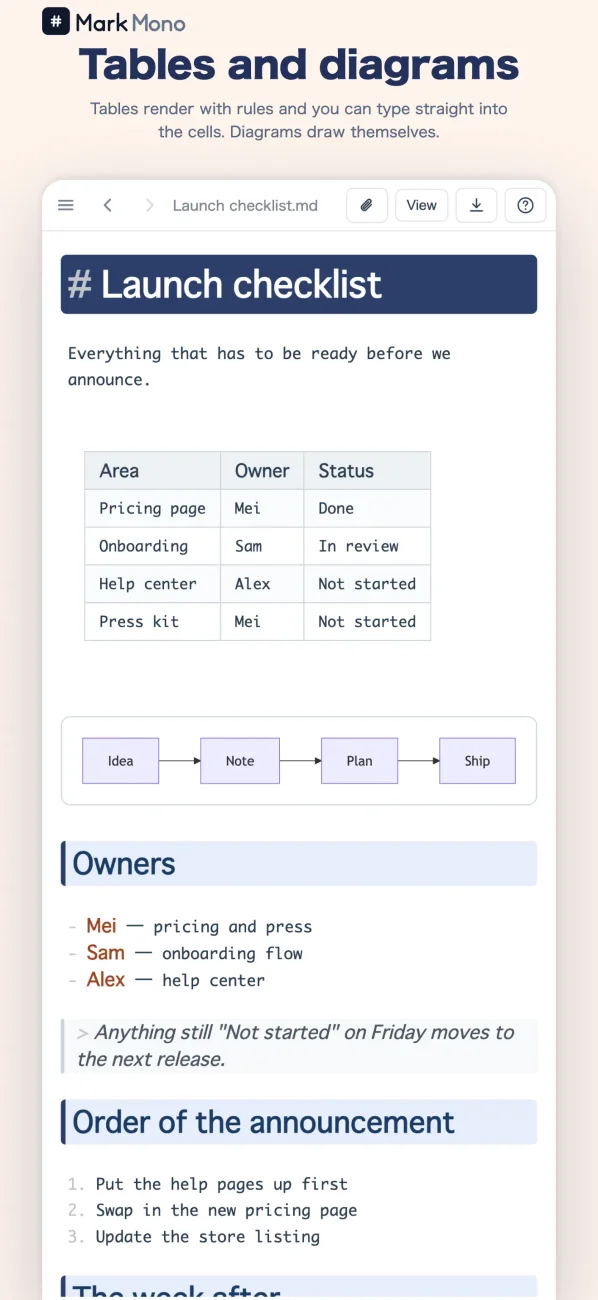
· Tables render as tables — click one to go back to the raw Markdown and edit it
· Diagrams (flowcharts, sequence diagrams and more) from mermaid syntax, and math from TeX, drawn inline
· Collapsible sections (details) and clickable checkboxes
· Code blocks with syntax highlighting and a one-click copy button
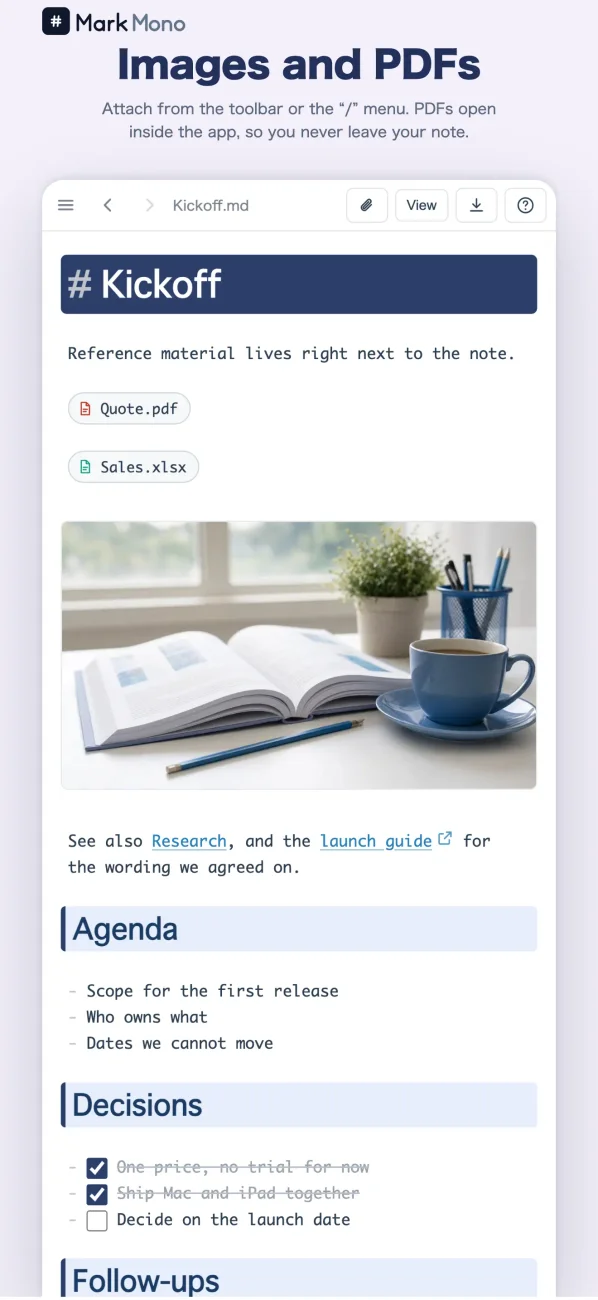
· Images and file attachments, with PDFs opening right in the app
· Paste a URL and get a link preview card
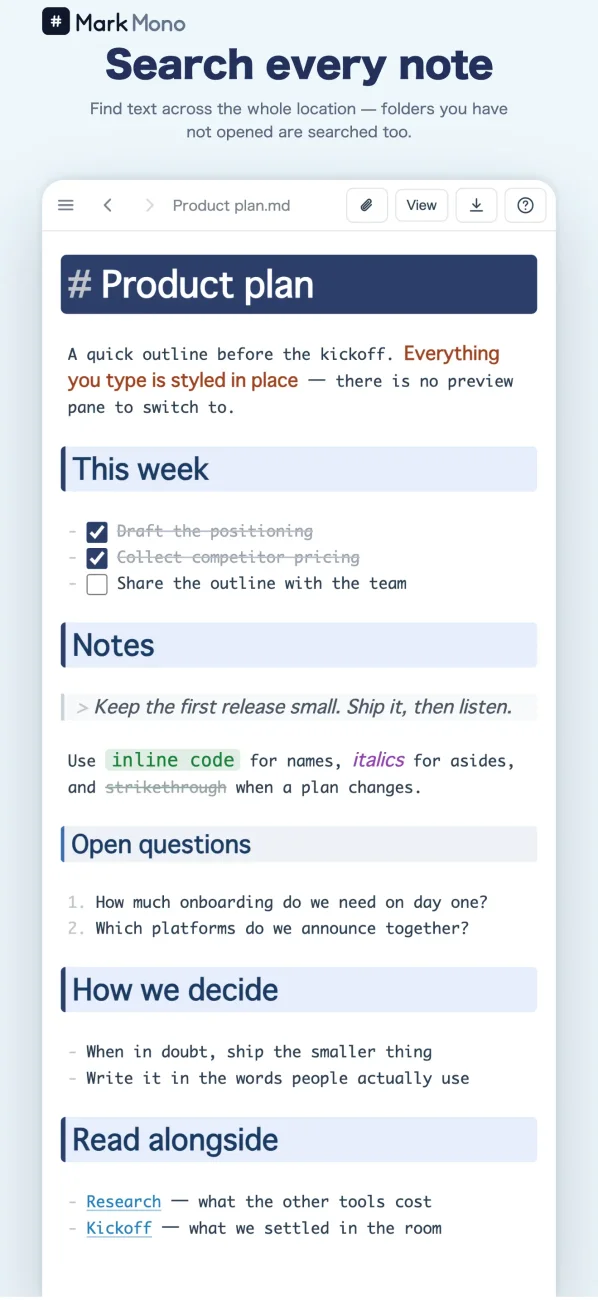
· Full-text search across all your notes
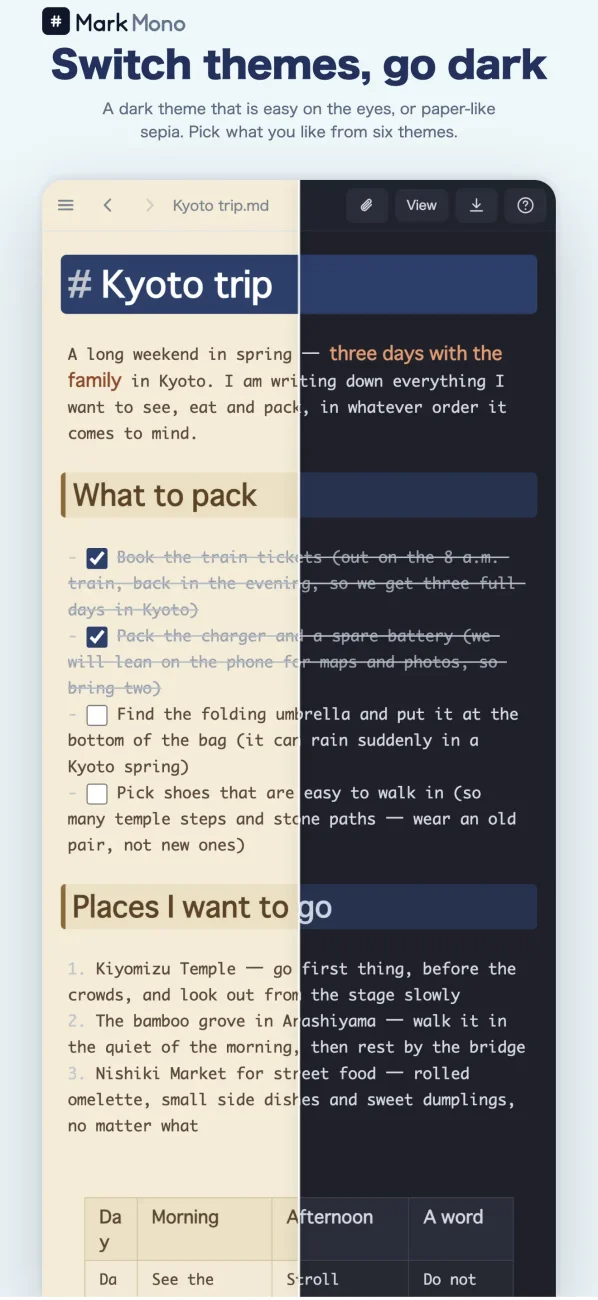
· Six themes (Light, Sepia, Solar, Dark, Night, Contrast) and three text sizes
· Available in 12 languages
■ Choose where your notes live
· Google Drive — saved automatically, with no save button. Your Drive folders stay as they are, and shared drives and multiple Google accounts are supported
· On this device — no sign-in needed. On Mac and Windows you can also open any folder you already have
· In Google Drive, the app only touches files it created and files you explicitly open
■ About usage
· Free to use.
Có gì mới
Phiên bản 2.0.4 · 24/11/2026
• Improved stability and tidied up the app internally.
Quyền riêng tư của ứng dụng
Những gì Makoto Kobayashi khai báo trên App Store về cách ứng dụng này xử lý dữ liệu.
-
Dữ liệu không liên kết với bạn
Có thể được thu thập nhưng không liên kết với danh tính của bạn.
- Mã định danh
- Dữ liệu sử dụng
Phương thức đảm bảo quyền riêng tư có thể khác nhau, chẳng hạn như tuỳ theo các tính năng bạn sử dụng hoặc độ tuổi của bạn.
Thông tin
- Người bán
- Makoto Kobayashi
- Danh mục
- Hiệu Suất
- Phiên bản
- 2.0.4
- Cập nhật
- 24/11/2026
- Phát hành
- 22/07/2026
- Kích thước
- 13,4 MB
- Yêu cầu
- iOS 15.0 trở lên
- Độ tuổi
- 4+
- Giá
- Miễn phí
- Ngôn ngữ
- Tiếng Anh, Tiếng Pháp, Tiếng Đức, Hindi, Tiếng Indonesia, Tiếng Ý, Tiếng Nhật, Tiếng Hàn, Tiếng Bồ Đào Nha, Tiếng Trung Giản thể, Tiếng Tây Ban Nha, Tiếng Trung Phồn thể
- Bản quyền
- © 2026 Makoto Kobayashi
Có thể bạn cũng thích
-
 Markdown.md - Đọc & SửaĐọc, sửa Markdown ngoại tuyến
-
 Đọc Markdown: MD ReaderXem, viết, tô sáng, ghi chú
-
 PreviewMDHiệu Suất
-
 Marko: Markdown ViewerHiệu Suất
-
 MD Preview: Đọc MarkdownXem, sửa & xuất PDF, HTML,DOCX
-
 Markdot: Trình đọc MarkdownSửa .md, AI, Mermaid, LaTeX
-
 Nanonote ProHiệu Suất
-
 # Type - Markdown EditorHiệu Suất
-
 Markdown Viewer: Copy for AIHiệu Suất
-
 PureOpen — Markdown EditorHiệu Suất