MeerTimer: Time Tracker
Project Timer & Work Hours Log
Được thiết kế cho iPhone, iPad, Mac
Miễn phí · Mua hàng trong ứng dụng
- Độ tuổi4+
- Danh mụcHiệu Suất
- Nhà phát triểnRockstarsoft
- Ngôn ngữTiếng Anh+ 14 ngôn ngữ khác
- Kích thước20,2 MB
Liên kết đến trang App Store chính thức
Download.org không lưu trữ tệp nào của MeerTimer: Time Tracker. Nút này mở trang ứng dụng trên App Store, nơi Rockstarsoft phát hành ứng dụng. Trang được kiểm tra lần cuối: 18/11/2026.
Ảnh chụp màn hình

Giới thiệu
Nhà phát triển chưa cung cấp nội dung này bằng ngôn ngữ của bạn.
Tap a project — the timer starts. Tap another — time switches over. MeerTimer shows where your hours really go, project by project and task by task, in clear reports. No account: everything stays on your device.
HOW IT WORKS
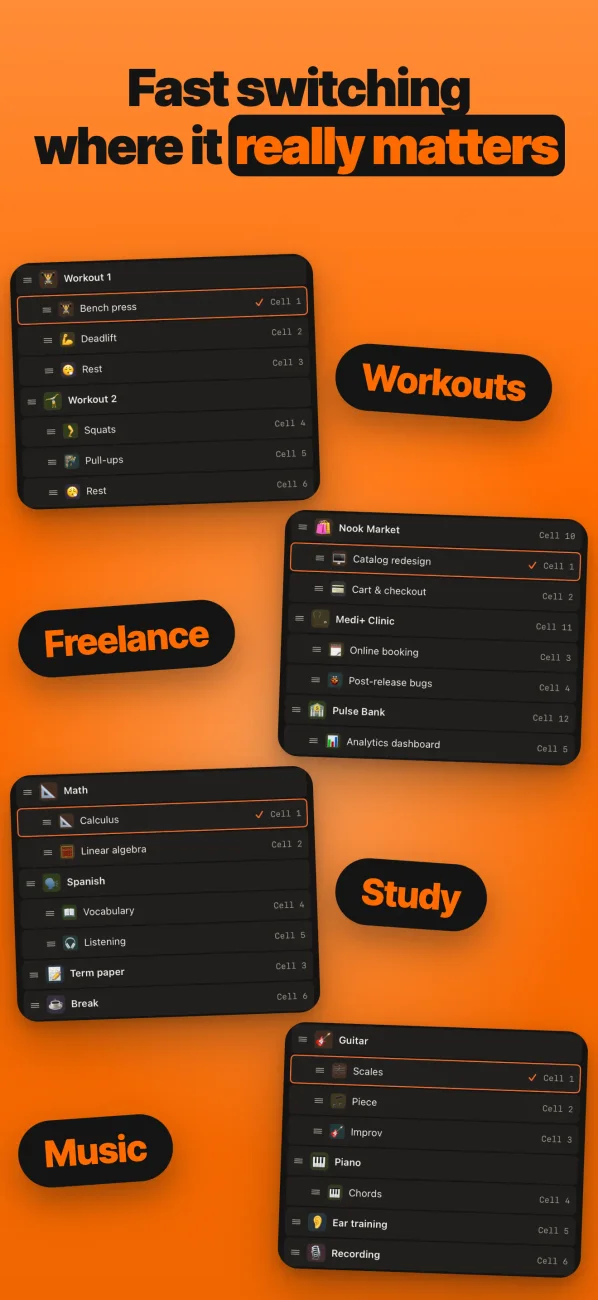
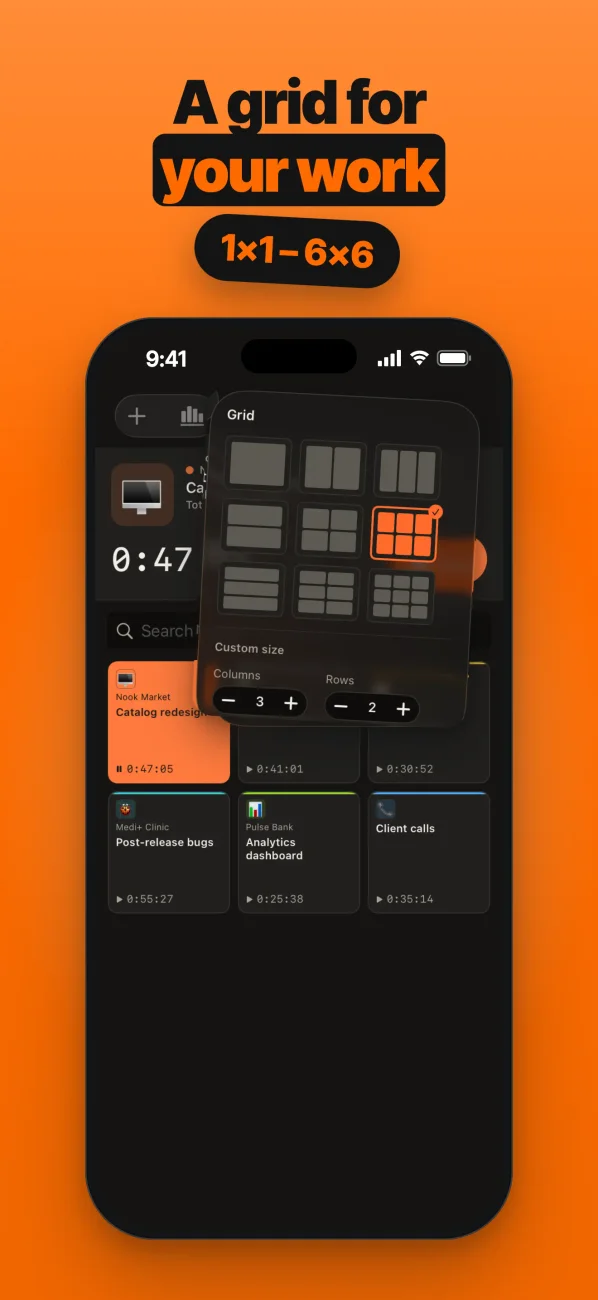
• The main screen is a big timer for the current task and a grid of your projects. One tap starts, a second tap stops, a tap on another cell switches — no extra buttons.
• The grid goes from 1×1 to 6×6, and the cells fit your iPhone or iPad screen.
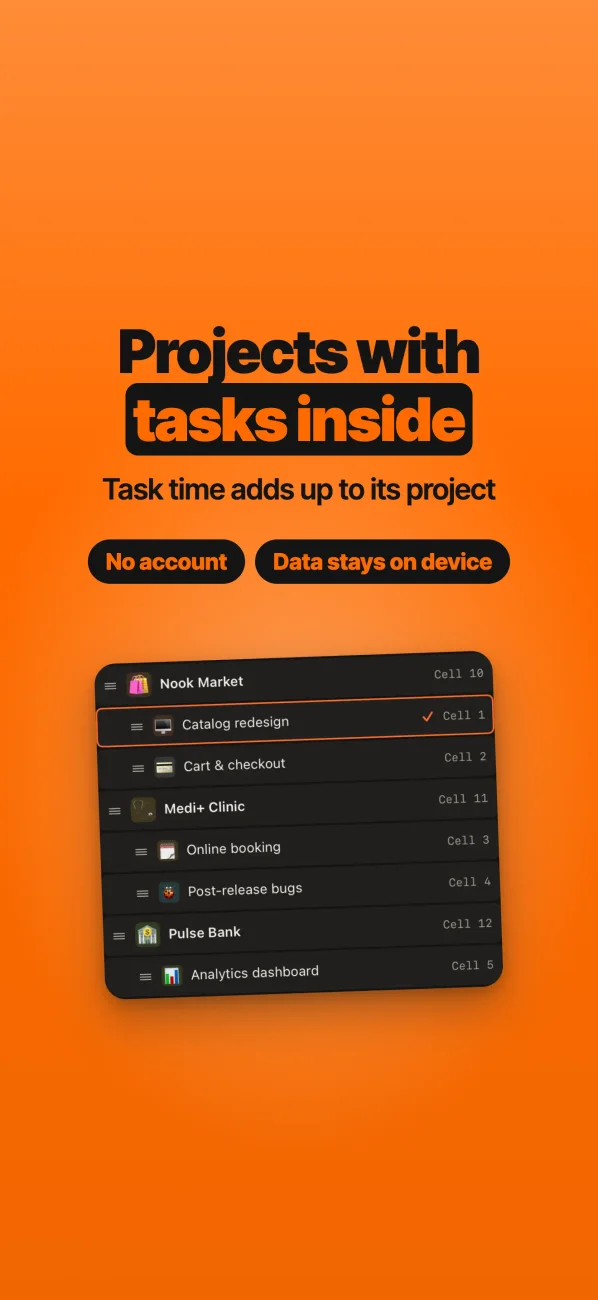
• Projects with tasks inside: "Client website" → "Design feedback", "Order form". Task time adds up to the project.
• A color and icon for each one — emoji, photo or your own color — so the right cell is found at a glance.
• Search finds any project or task; Go on the keyboard starts its timer.
ALWAYS AT HAND
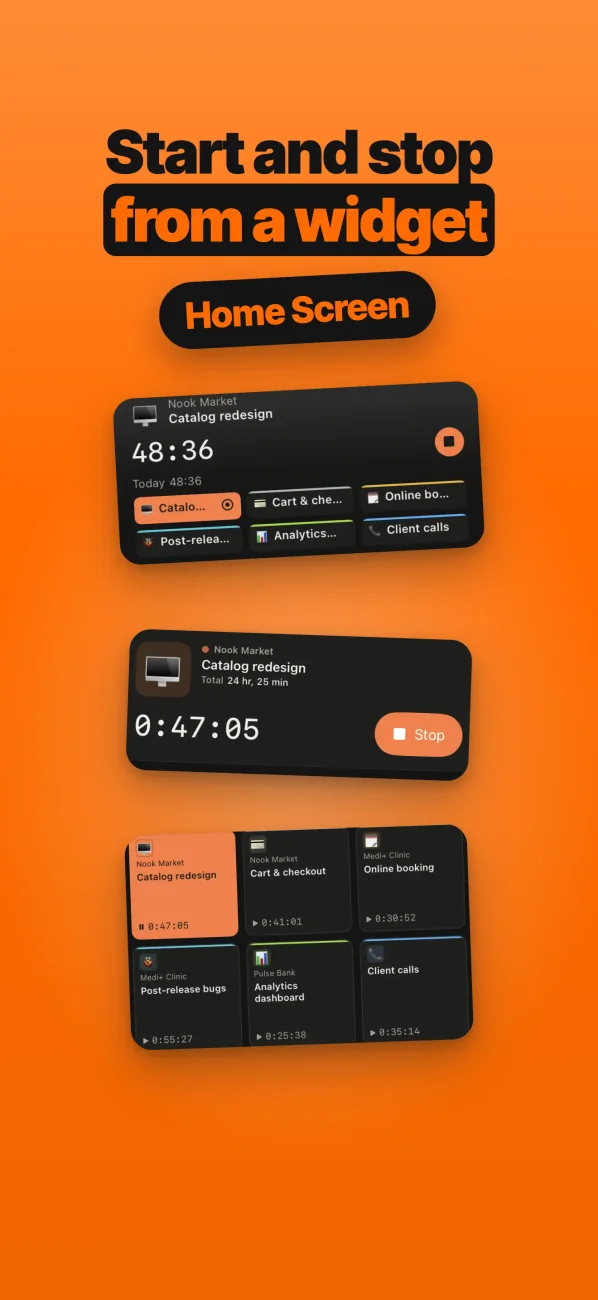
• Home Screen widget: start and switch projects without opening the app. In the widget's settings you choose which projects it shows.
• Lock Screen widget under the clock: what's running, live time and a Stop button.
• Live Activity and Dynamic Island: stop the timer with one tap.
• Siri and Shortcuts: "Start … in MeerTimer", "Stop timer", "What is running".
REPORTS
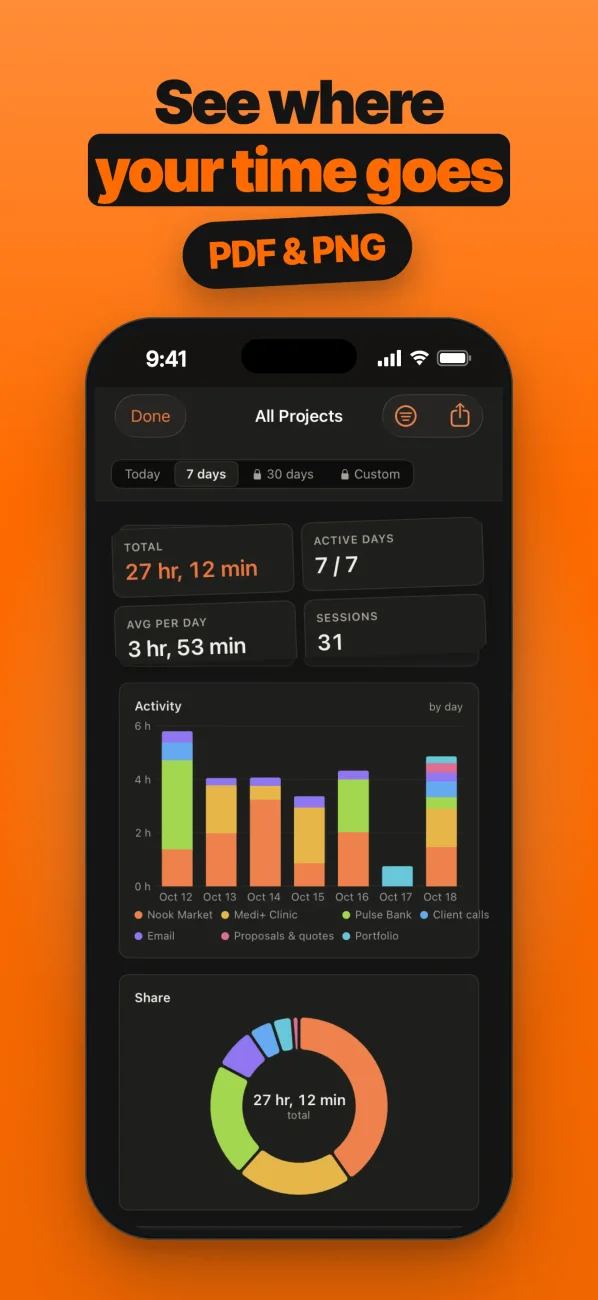
• Today, 7 days, 30 days or a custom range down to the minute.
• All projects: total hours, active days, daily average, each project's share.
• Project report: breakdown by task, by hour of day and day of week, plus every session.
• Export to PDF and PNG — send it to a client with Share or save it to Files.
A TIMER YOU CAN TRUST
• The timer keeps going in the background: close the app or lock the screen — time counts from the start of the session until you stop it.
PRIVACY
• No sign-up, no cloud. Your data lives in a database on your device and is never sent anywhere.
FREE AND PRO
• Free: timer, projects, tasks, grid, widgets and reports for the last 7 days.
• Pro unlocks reports and export for any period — monthly, yearly or lifetime. History older than a week is never deleted and appears right after purchase.
• One purchase covers iPhone, iPad and Mac.
Light and dark themes. 15 interface languages.
Terms of Use: https://docs.google.com/document/d/11r3fTmOSopmZ0d0Hs5Eo5FXmB3H1XWZ2/view
Privacy Policy: https://docs.google.com/document/d/1DmUIL-3e1paxgJRliMqhiZT1yq5vox3D/view
Quyền riêng tư của ứng dụng
Những gì Rockstarsoft khai báo trên App Store về cách ứng dụng này xử lý dữ liệu.
-
Dữ liệu không liên kết với bạn
Có thể được thu thập nhưng không liên kết với danh tính của bạn.
- Mục mua
- Mã định danh
Phương thức đảm bảo quyền riêng tư có thể khác nhau, chẳng hạn như tuỳ theo các tính năng bạn sử dụng hoặc độ tuổi của bạn.
Thông tin
- Người bán
- ROCKSTARSOFT, UAB
- Danh mục
- Hiệu Suất
- Phiên bản
- 1.0.0
- Cập nhật
- 22/10/2026
- Phát hành
- 22/10/2026
- Kích thước
- 20,2 MB
- Yêu cầu
- iOS 17.0 trở lên
- Độ tuổi
- 4+
- Giá
- Miễn phí
- Mua hàng trong ứng dụng
- Có
- Ngôn ngữ
- Tiếng Anh, Tiếng Hà Lan, Tiếng Pháp, Tiếng Đức, Tiếng Ý, Tiếng Nhật, Tiếng Hàn, Tiếng Ba Lan, Tiếng Bồ Đào Nha, Tiếng Nga, Tiếng Trung Giản thể, Tiếng Tây Ban Nha + 3 ngôn ngữ khác
- Bản quyền
- © 2026 ROCKSTARSOFT, UAB
Có thể bạn cũng thích
-
 Mazaly - Event plannerHiệu Suất
-
 DaySlice - Quản lý thời gianChạm một lần, ghi lại cả ngày
-
 Galka: Tasks & ProjectsHiệu Suất
-
 NickmateHiệu Suất
-
 Tickd: Daily Planner & To-DoHiệu Suất
-
 Tracked - Time TrackerHiệu Suất
-
 Ommio: Tasks, Habits & FocusHiệu Suất
-
 Maybe: One Task at a TimeHiệu Suất
-
 TimestuHiệu Suất
-
 Penna: ADHD Visual ScheduleHiệu Suất