Mobile Data Collection
Collect using custom forms
Được thiết kế cho iPhone, iPad
Miễn phí · Mua hàng trong ứng dụng
- Độ tuổi4+
- Danh mụcHiệu Suất
- Nhà phát triểnGIS Cloud Inc.
- Ngôn ngữTiếng Anh+ 9 ngôn ngữ khác
- Kích thước24,5 MB
Liên kết đến trang App Store chính thức
Download.org không lưu trữ tệp nào của Mobile Data Collection. Nút này mở trang ứng dụng trên App Store, nơi GIS Cloud Inc. phát hành ứng dụng. Trang được kiểm tra lần cuối: 22/11/2026.
Ảnh chụp màn hình

Giới thiệu
Nhà phát triển chưa cung cấp nội dung này bằng ngôn ngữ của bạn.
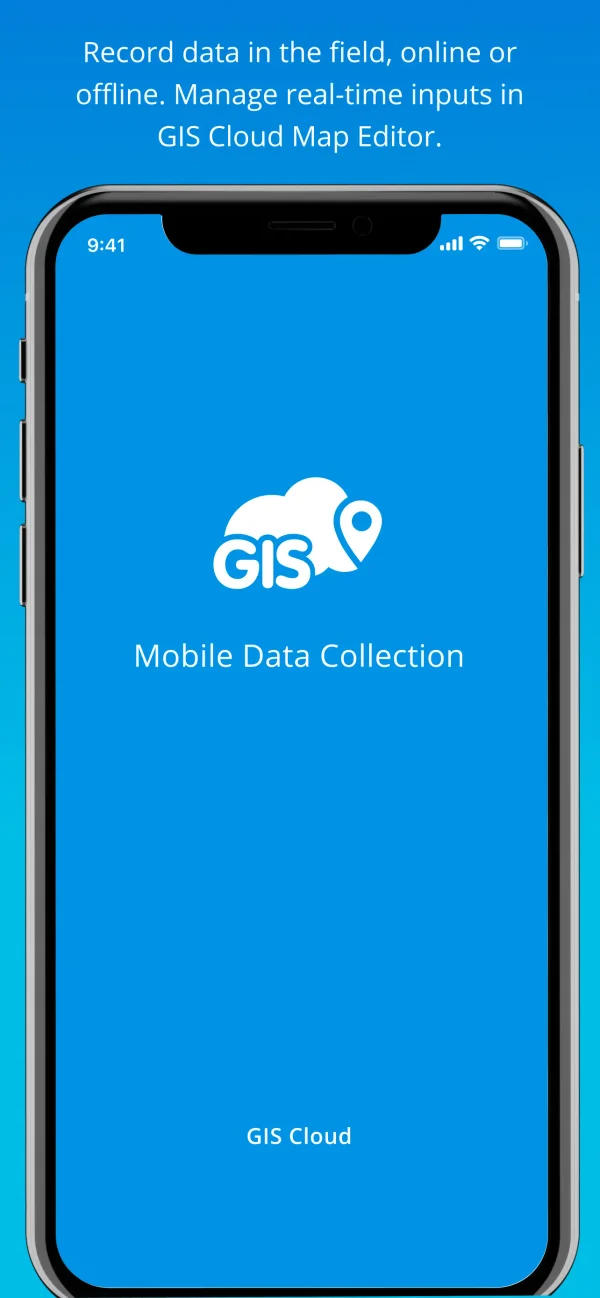
GIS Cloud Mobile Data Collection is a solution for recording and updating data in the field with mobile devices in real time, also allowing instant data access from the office. Digitize your workflow and eliminate errors and time-consuming paperwork!
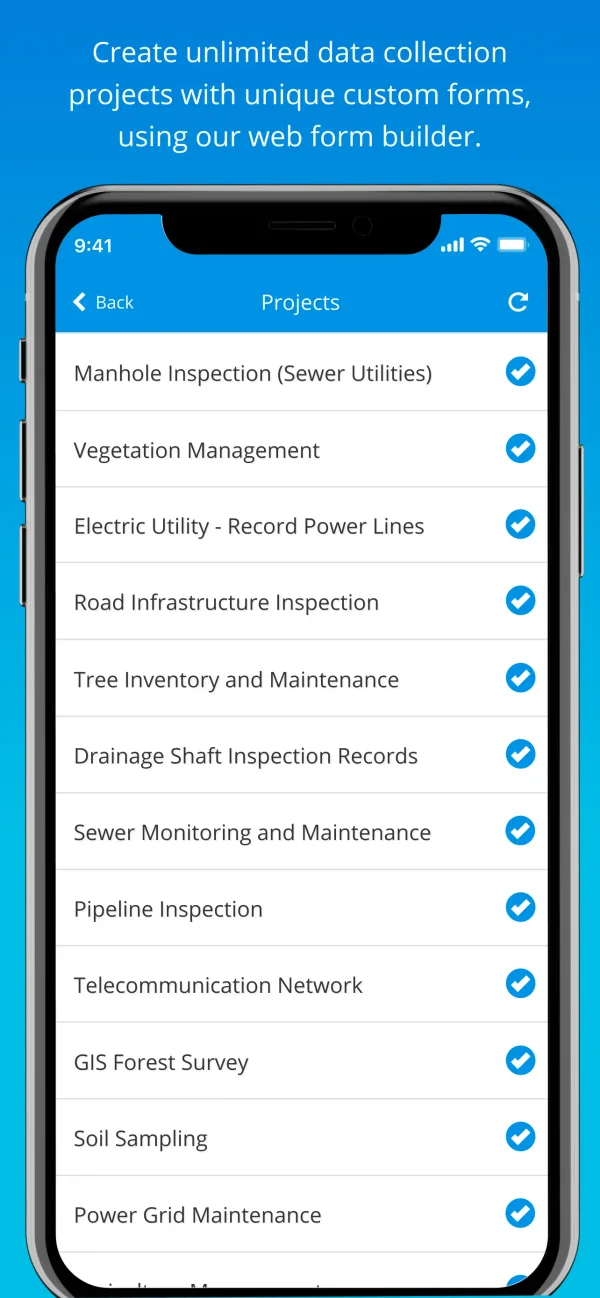
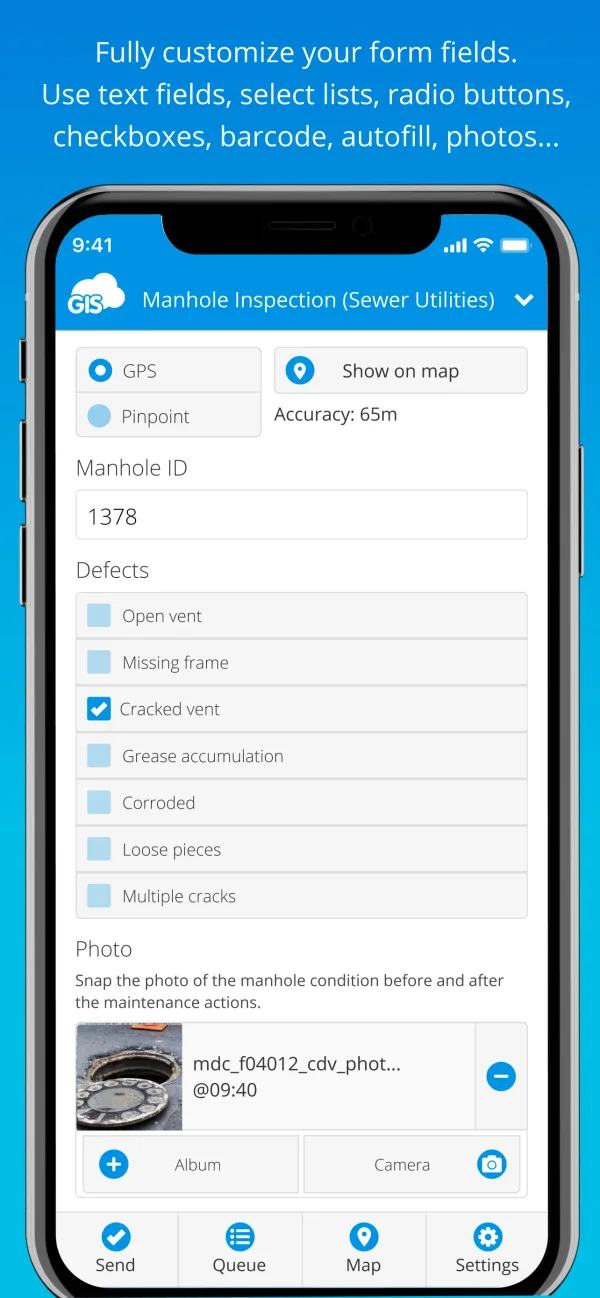
The mobile app enables you to accurately record data, online or offline, by filling in digital custom survey forms. You can create an unlimited number of your own unique forms in the user-friendly form builder, in the connected web app (Mobile Data Collection Portal).
Continue working on your data, edit, share, and collaborate through GIS Cloud powerful web Map Editor app. Find everything you need for your workflow in one platform, no need for integrations.
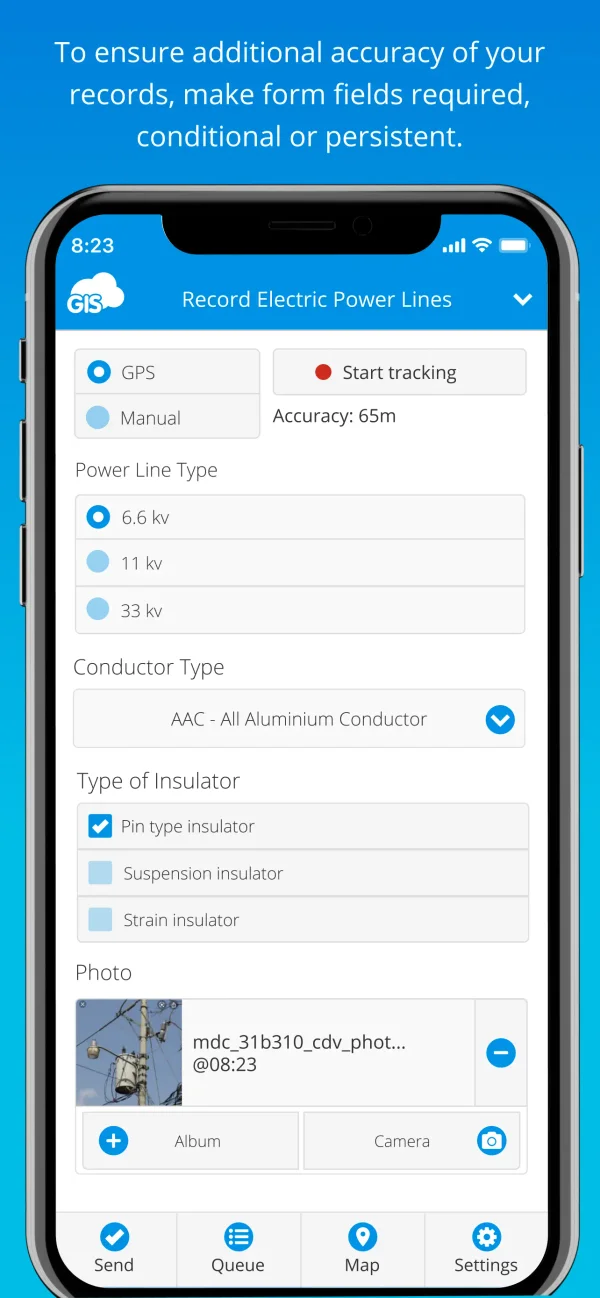
Collect points, lines, or polygons! Use GPS to capture data on the go, or switch to manual and use pinpoint and drawing tools for even better precision.
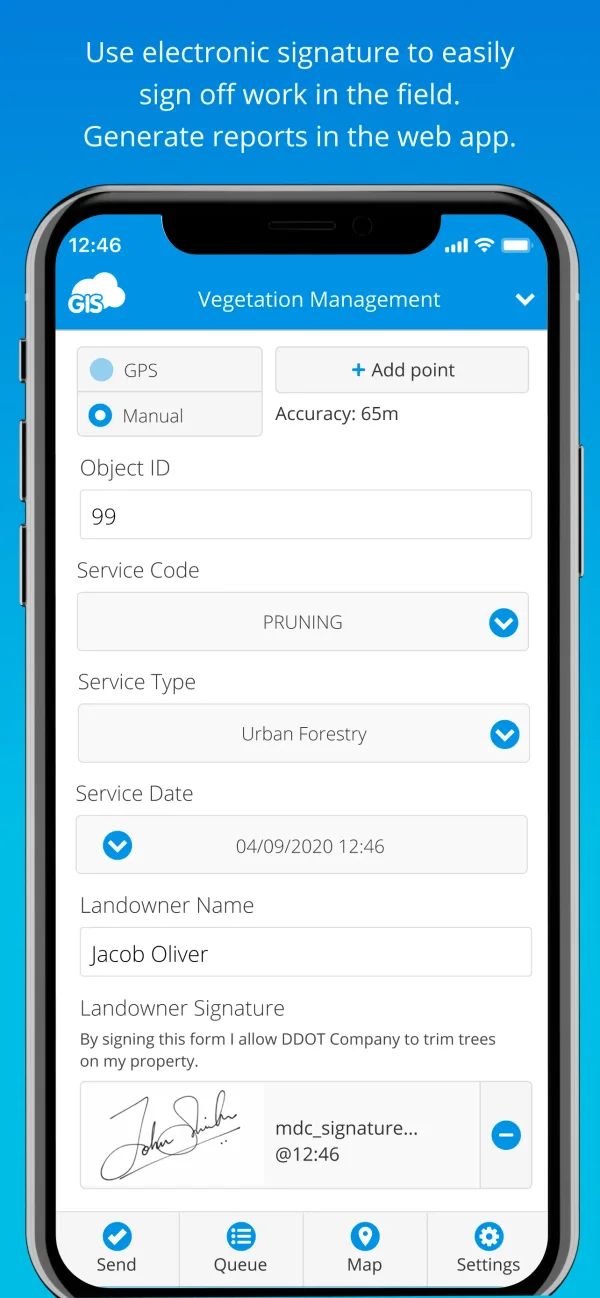
Form fields are fully customizable and you can choose from text fields, selects lists, radio buttons, checkboxes, electronic signature, autofill, barcode, photo and audio, hidden fields, and much more. To control data accuracy and eliminate errors, make your form fields required, conditional (dependent on other form fields or data input), or persistent.
Manage your field staff and share projects with custom forms to field workers by assigning them the collect and update permissions, and they can instantly start collecting data in the field.
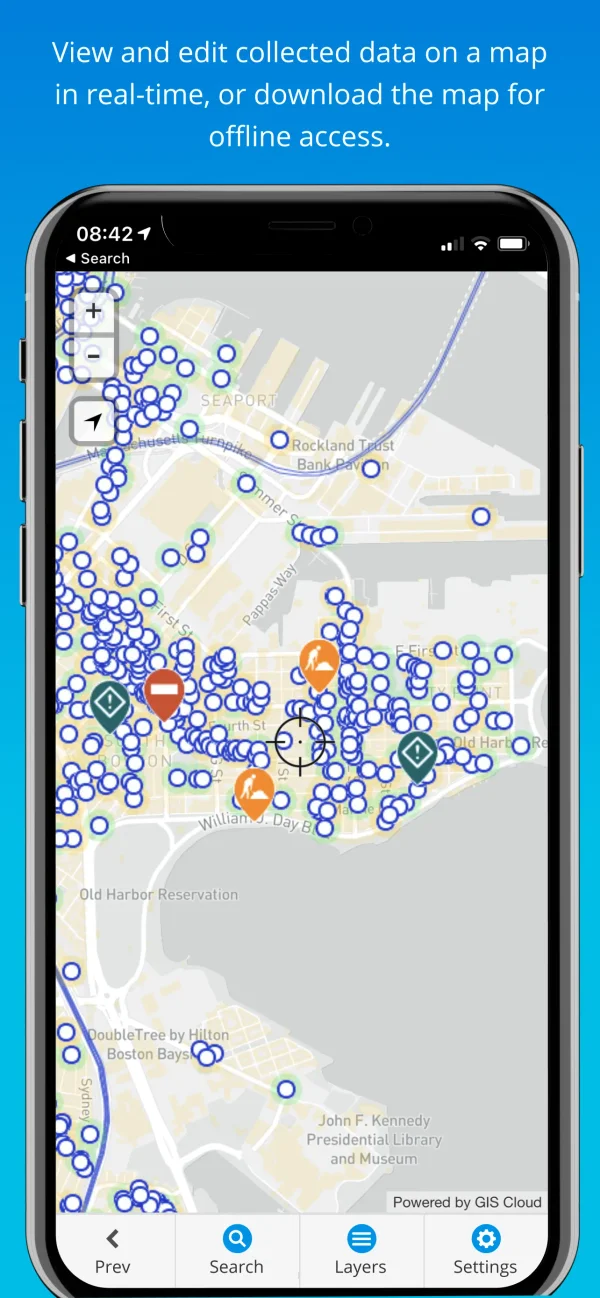
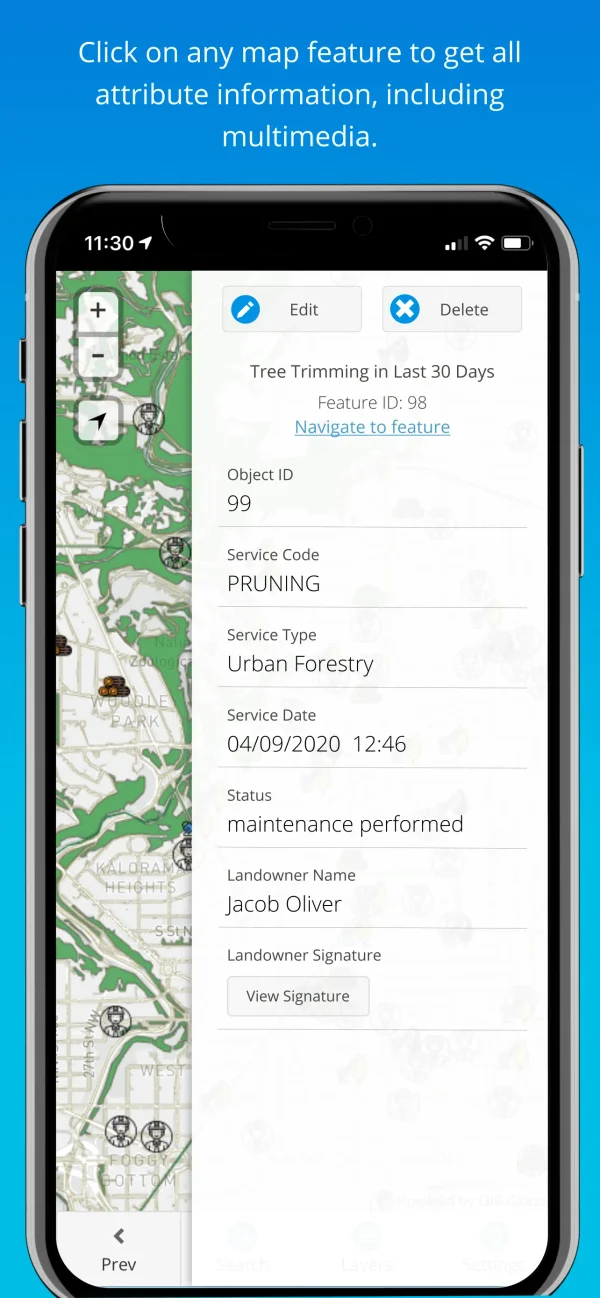
Simply sign into your GIS Cloud account (or sign up for free) and send collected data directly to your GIS Cloud app in the cloud. Data is immediately represented on a map, just click on any map feature to access collected data. Generate reports from the web app.
Access data through GIS Cloud Map Editor, where you can further edit and style your data, overlay with additional data layers analyze data, share data with colleagues with different permissions to collaborate on projects. You can also export data and much more.
Collect field data and conduct field surveys faster and easier than ever before. Start creating forms in the MDC Portal web app on https://giscloud.com and have your team out and about in a quarter of an hour!
All you need in the field:
- Offline data capture
- Offline maps
- Points, Lines, and Polygons geometry support
- Media (photos & audio) enriched location information
- QR code and barcode support
- Electronic signature
- Dropdowns, lists, input boxes, and comments based on custom forms
- Review data attributes directly in the app
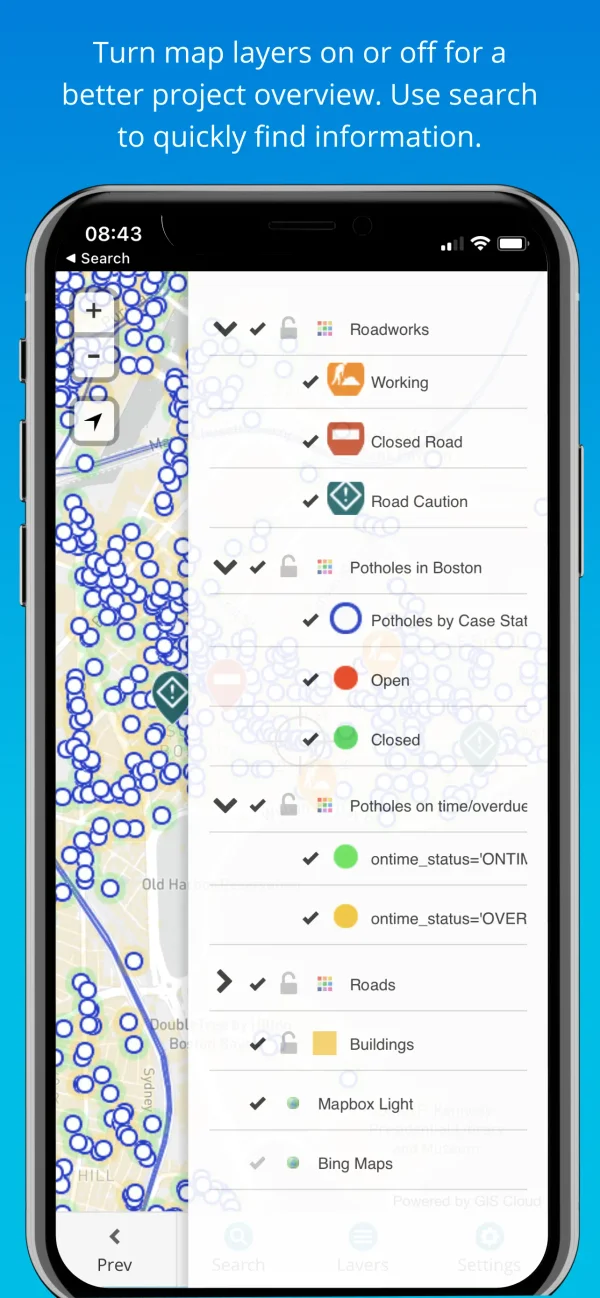
- Search through data on the map
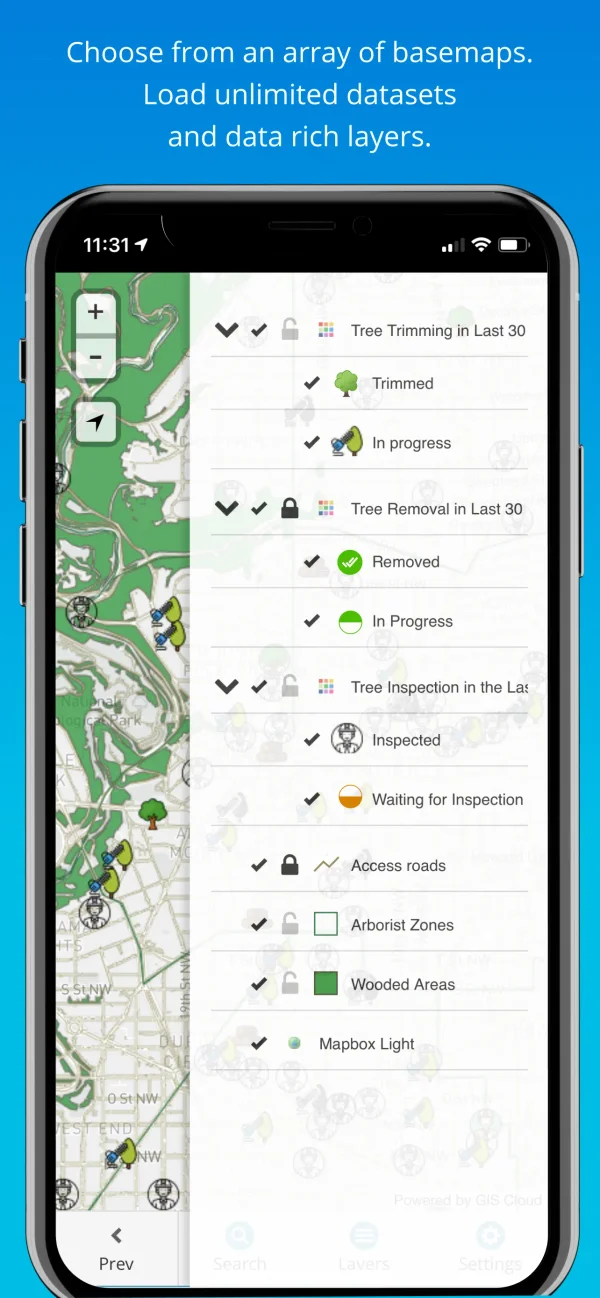
- Control different layers in the map
- Edit existing data
- Listen to audio and view images
- Real-time GPS location
- View and explore maps in the field
Prepare and analyze in the office:
- Cloud-based web apps
- Custom forms designer
- Rich GIS symbology and visualization
- Data editing and exporting
- One-click map and data sharing
- Real-time collaboration
- Map publishing
- Spatial Queries & Analysis
- Account administration
Note! This app will use GPS in the background to give you the most accurate and current location. Continued use of GPS running in the background can dramatically decrease battery life.
If you have any questions or comments, feel free to contact us at support@giscloud.com.
Privacy Policy: https://www.giscloud.com/wp-content/uploads/privacy-policy.html
Terms of Use: https://www.giscloud.com/wp-content/uploads/terms-of-use.html
Có gì mới
Phiên bản 10.6.107 · 19/11/2026
New in this update: Bulk edit
Update dozens or hundreds of features at once, right on site. Select them on the map, fill in one form, send. No more opening features one by one, and no more waiting to get back to a laptop to finish the job.
You've had Bulk Edit on the web since May. Now field crews have it too, with the same form rules and automations they already rely on.
Thanks for using the app. With every release, we're working to make field inspections easier and the data in your maps more reliable.
Quyền riêng tư của ứng dụng
Những gì GIS Cloud Inc. khai báo trên App Store về cách ứng dụng này xử lý dữ liệu.
-
Dữ liệu được sử dụng để theo dõi bạn
Có thể được sử dụng để theo dõi bạn trên các ứng dụng và trang web do công ty khác sở hữu.
- Thông tin liên hệ
-
Dữ liệu liên kết với bạn
Có thể được thu thập và liên kết với danh tính của bạn.
- Vị trí
- Thông tin liên hệ
- Nội dung của người dùng
- Mã định danh
-
Dữ liệu không liên kết với bạn
Có thể được thu thập nhưng không liên kết với danh tính của bạn.
- Lịch sử tìm kiếm
Phương thức đảm bảo quyền riêng tư có thể khác nhau, chẳng hạn như tuỳ theo các tính năng bạn sử dụng hoặc độ tuổi của bạn.
Thông tin
- Người bán
- GIS Cloud ltd.
- Danh mục
- Hiệu Suất
- Phiên bản
- 10.6.107
- Cập nhật
- 19/11/2026
- Phát hành
- 02/05/2013
- Kích thước
- 24,5 MB
- Yêu cầu
- iOS 16.0 trở lên
- Độ tuổi
- 4+
- Giá
- Miễn phí
- Mua hàng trong ứng dụng
- Có
- Ngôn ngữ
- Tiếng Anh, Tiếng Catalan, Tiếng Pháp, Tiếng Đức, Tiếng Ý, Tiếng Nhật, Tiếng Ba Lan, Tiếng Bồ Đào Nha, Tiếng Trung Giản thể, Tiếng Tây Ban Nha
- Bản quyền
- © GIS Cloud Ltd.