mSecure: Password Manager
Secure Storage Digital Wallet
Được thiết kế cho iPhone, iPad
Miễn phí · Mua hàng trong ứng dụng
- Độ tuổi17+
- Danh mụcHiệu Suất
- Nhà phát triểnmSeven Software, LLC
- Ngôn ngữTiếng Anh+ 4 ngôn ngữ khác
- Kích thước125,7 MB
Liên kết đến trang App Store chính thức
Download.org không lưu trữ tệp nào của mSecure: Password Manager. Nút này mở trang ứng dụng trên App Store, nơi mSeven Software, LLC phát hành ứng dụng. Trang được kiểm tra lần cuối: 23/11/2026.
Ảnh chụp màn hình
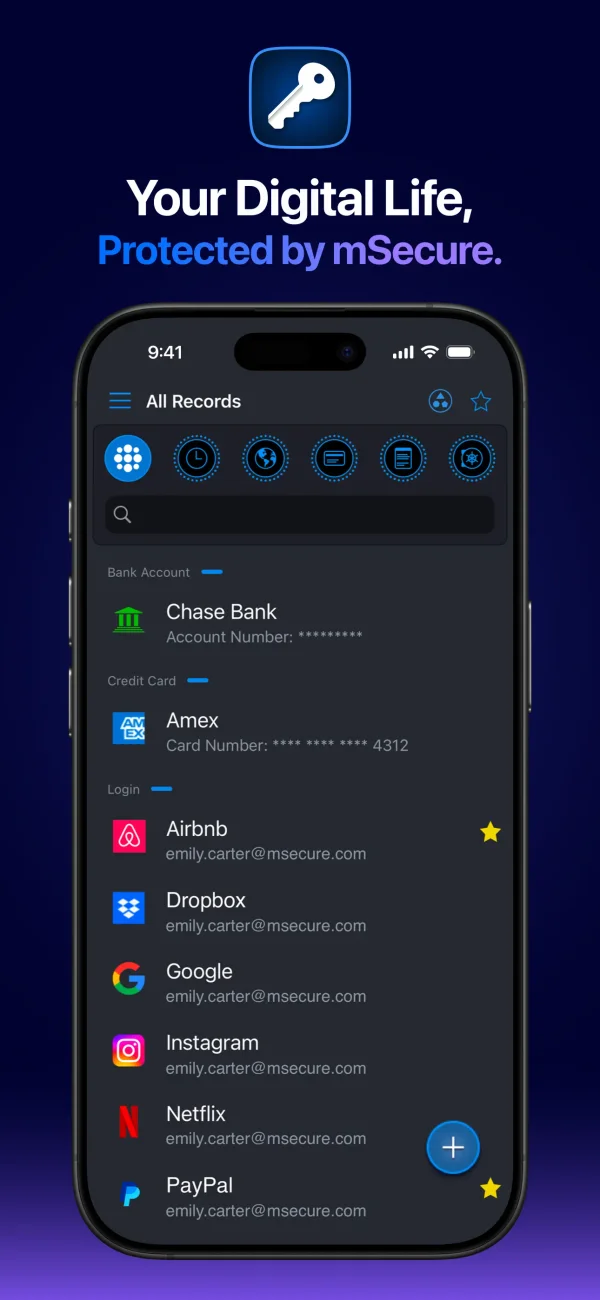
Giới thiệu
Nhà phát triển chưa cung cấp nội dung này bằng ngôn ngữ của bạn.
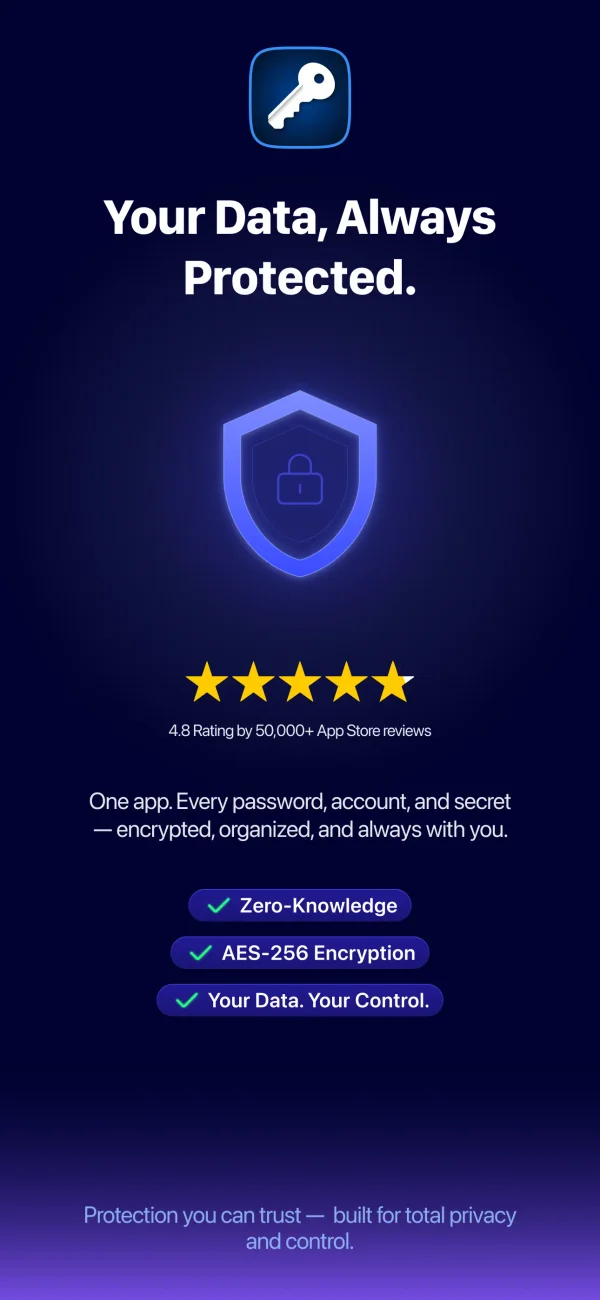
Don't take chances with your passwords or private information. mSecure is the simple, secure way to manage logins, passkeys, 2FA codes, and sensitive data across every device you own — protected by industry-standard AES-256 encryption and zero-knowledge architecture.
WHAT'S NEW IN MSECURE 7
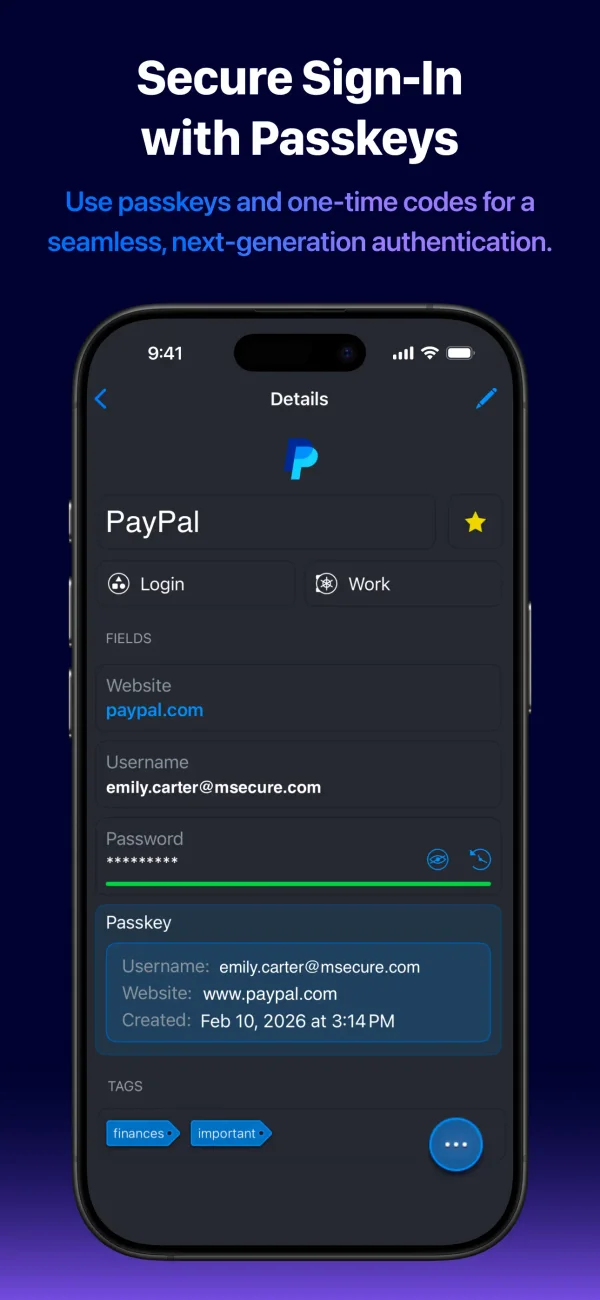
● Passkeys — sign in to passkey-enabled sites without a password.
● Built-in one-time passwords (OTP) — keep your 2FA codes alongside your logins, no separate authenticator app required.
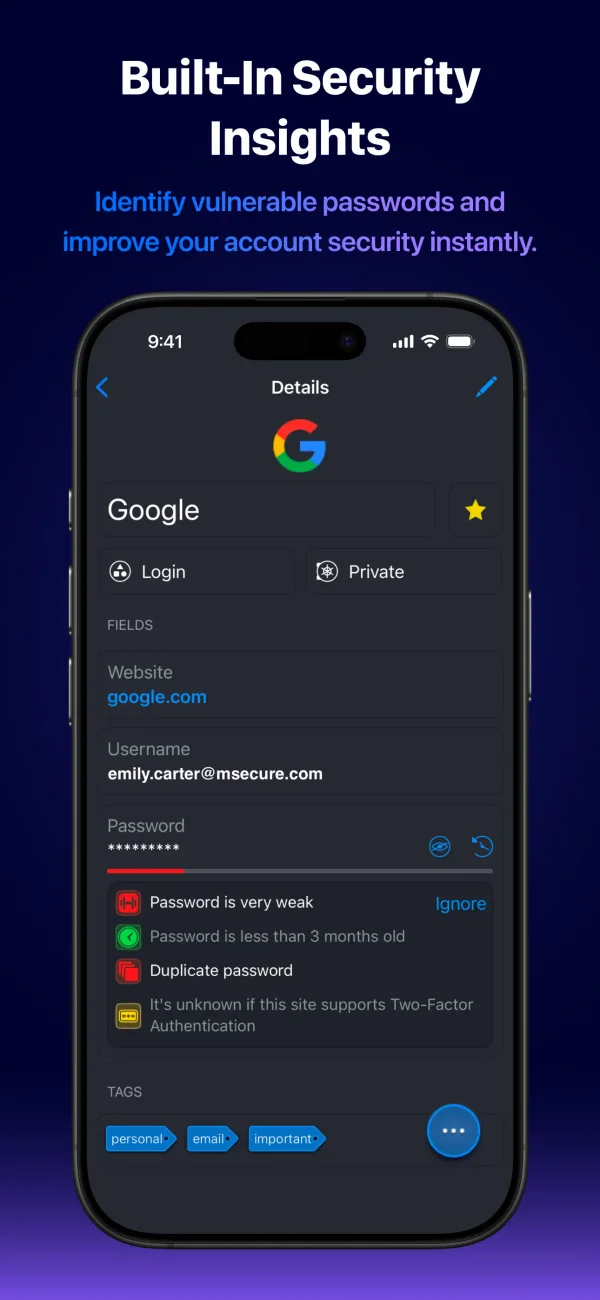
● Two-Factor Aware — see which of your logins support two-factor authentication, so you know where it's worth turning on.
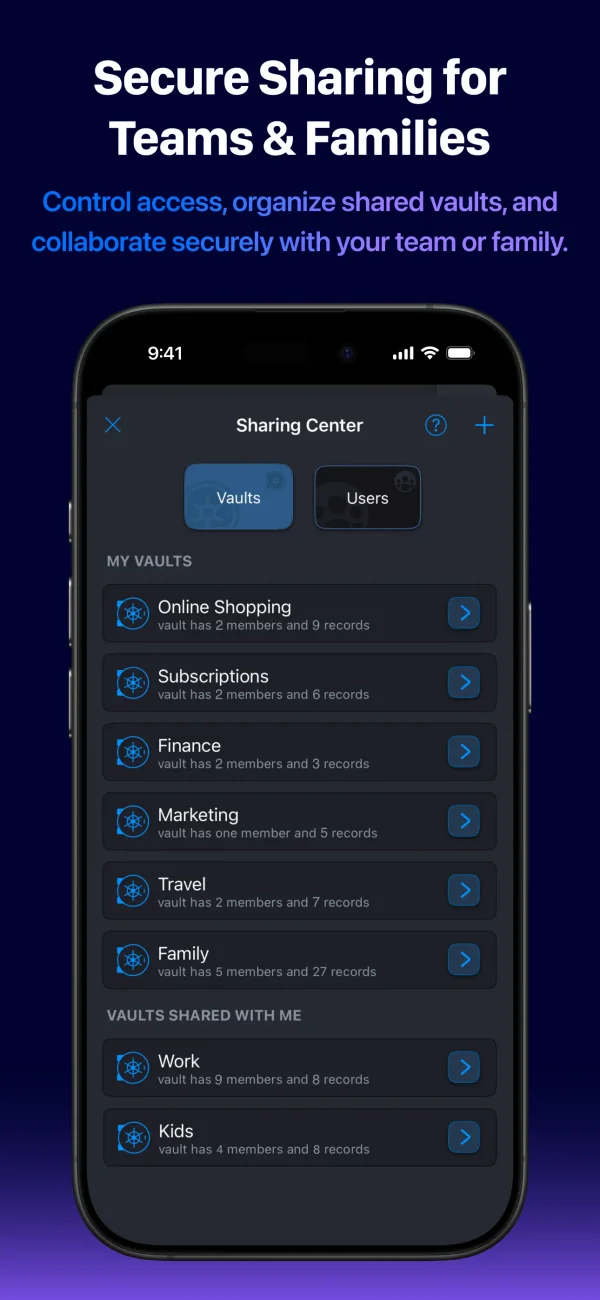
● Sharing Center — a unified place to manage vaults and shared records.
● Redesigned Record Details, Edit, and Recents views.
● Custom filters — save up to 5 views.
● Enhanced search with the search bar pinned to the top.
● Improved password generator and a refreshed light mode.
—————————————————
CHOOSE THE PLAN THAT FITS
Every tier is protected by the same AES-256 encryption and zero-knowledge architecture.
● Free — unlimited records, password generator, smart search and sorting, over 20 built-in templates, and AES-256 encryption with auto-lock.
● Essentials — adds AutoFill, cloud syncing (mSecure Cloud, Dropbox, iCloud, or Wi-Fi), Face ID and Touch ID unlock, passkeys, built-in one-time passwords, Two-Factor Aware, Security Center, custom templates, custom icons, file attachments, backup and CSV import, and Apple Watch support.
● Premium — adds the Sharing Center, custom filters, advanced field settings, multiple tags per record, and username selection.
● Family — every Premium feature for you plus 4 family members, with shared vaults and a Family Sharing Center for admins.
● Teams — 10 licenses so you and up to 9 colleagues are covered under one plan, with shared vaults, monthly add and remove of members, more licenses available at cost, and a separate Family plan included for the team admin.
—————————————————
SECURE — Protect your information with confidence
● AES-256 encryption, end to end, on every plan.
● Zero-knowledge architecture — your master password never leaves your device.
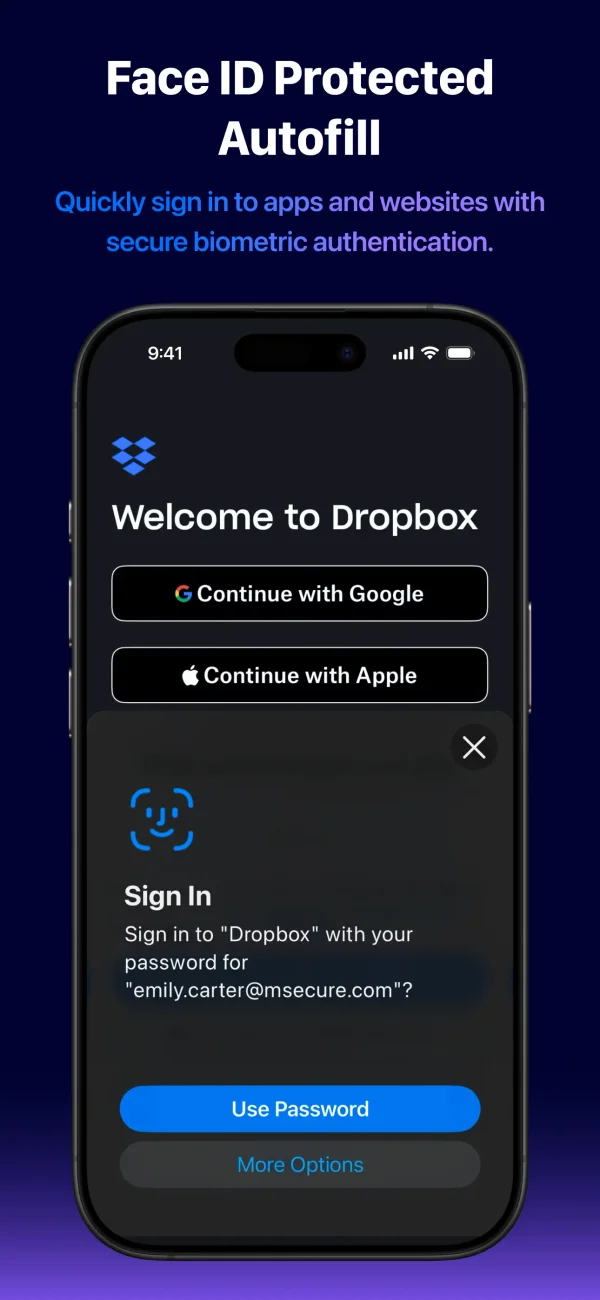
● Biometric unlock with Face ID or Touch ID.
● Auto-lock keeps your vault safe when you step away.
● Security Center surfaces weak, duplicate, and old passwords, and flags which accounts support two-factor authentication.
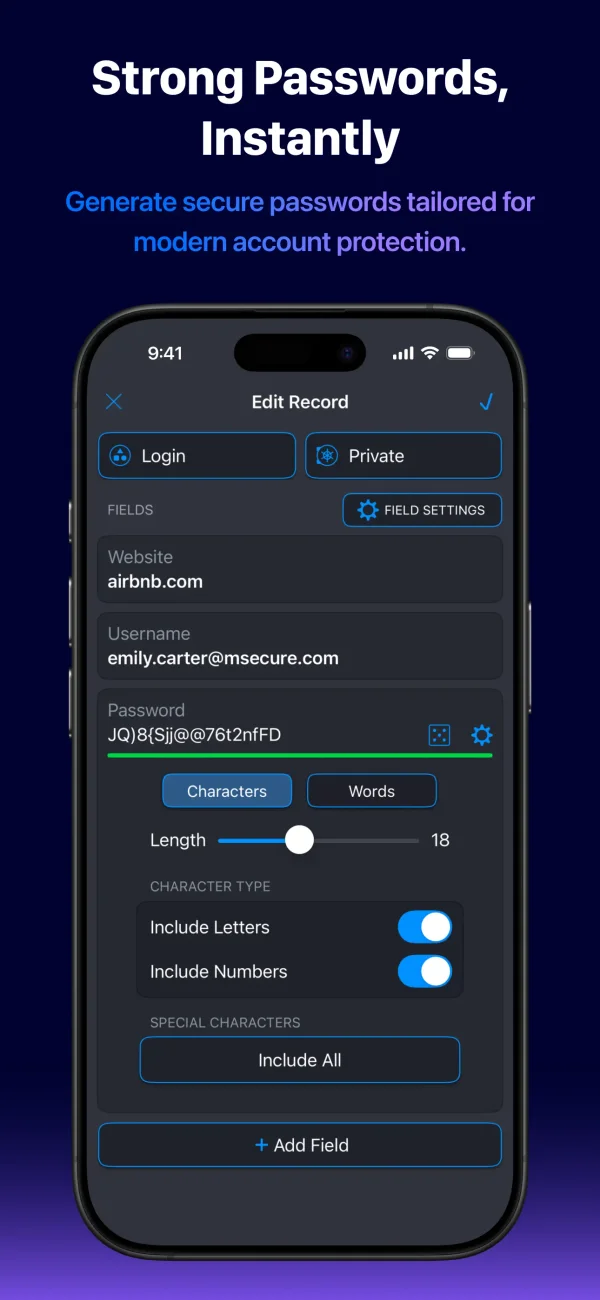
● Password generator with customizable length, symbols, and complexity.
SIMPLE — Add, find, and organize without friction
● iOS Password AutoFill in Safari and supported third-party apps.
● Over 20 built-in templates, plus full custom templates.
● Powerful search, smart sorting, tags, and custom filters.
● Redesigned Record Details and Edit views speed up data entry.
● Apple Watch support for quick lookups on the go.
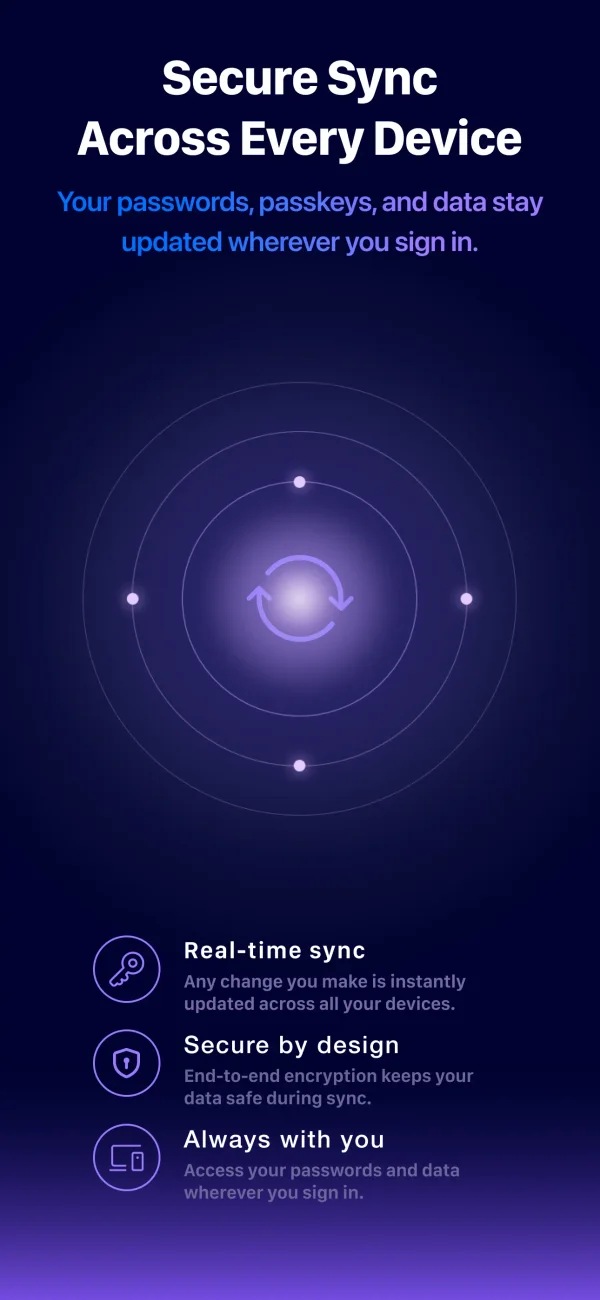
SEAMLESS — Sync all of your devices seamlessly. Choose to sync via mSecure Cloud, Dropbox, iCloud, or Wi-Fi to access your records on all of your devices across multiple platforms. Keep your data safe and secure with mSecure.
—————————————————
SUPPORT
Questions or feedback? Visit support.msecure.com/support/discussions or email support@msevensoftware.com.
Terms of Use: https://www.apple.com/legal/internet-services/itunes/dev/stdeula/
Privacy Policy: https://redirect.msecure.com/ios/privacy
Có gì mới
Phiên bản 7.1.1 · 22/11/2026
7.1.1
● Added capability to send users important messages
● Added an export to CSV feature
● Search feature to find records with Passkeys and One time passwords
● Bug fixes
7.1.0
● Support for iPhone Duo
● Other bug fixes and minor improvements
7.0.2
● Bug fixes and minor improvements
7.0.1
● Bug fixes and minor improvements
7.0.0
● Passkeys — sign in to passkey-enabled sites without a password.
● Built-in one-time passwords (OTP) — keep your 2FA codes alongside your logins, no separate authenticator app required.
● Sharing Center — a unified place to manage vaults and shared records.
● Redesigned Record Details, Edit, and Recents views.
● Custom filters — up to 5 saved views.
● Enhanced search with the search bar pinned to the top.
● Improved password generator and a refreshed light mode.
Quyền riêng tư của ứng dụng
Những gì mSeven Software, LLC khai báo trên App Store về cách ứng dụng này xử lý dữ liệu.
-
Dữ liệu liên kết với bạn
Có thể được thu thập và liên kết với danh tính của bạn.
- Thông tin liên hệ
-
Dữ liệu không liên kết với bạn
Có thể được thu thập nhưng không liên kết với danh tính của bạn.
- Mã định danh
- Dữ liệu sử dụng
Phương thức đảm bảo quyền riêng tư có thể khác nhau, chẳng hạn như tuỳ theo các tính năng bạn sử dụng hoặc độ tuổi của bạn.
Thông tin
- Người bán
- mSeven Software, LLC
- Danh mục
- Hiệu Suất
- Phiên bản
- 7.1.1
- Cập nhật
- 22/11/2026
- Phát hành
- 15/05/2017
- Kích thước
- 125,7 MB
- Yêu cầu
- iOS 17.6 trở lên
- Độ tuổi
- 17+
- Giá
- Miễn phí
- Mua hàng trong ứng dụng
- Có
- Ngôn ngữ
- Tiếng Anh, Tiếng Pháp, Tiếng Đức, Tiếng Ý, Tiếng Tây Ban Nha
- Bản quyền
- © 2008-2026 mSeven Software LLC
Có thể bạn cũng thích
-
 Keeper Password ManagerHiệu Suất
-
 iPassworder Password ManagerHiệu Suất
-
 My Passwords ManagerHiệu Suất
-
 Dashlane Password ManagerHiệu Suất
-
 RoboForm Password ManagerHiệu Suất
-
 SecureSafe Password ManagerHiệu Suất
-
 Enpass Password ManagerGenerate & Autofill Passwords
-
 Password Manager - Safe LockHiệu Suất
-
 Password Manager: SafeHiệu Suất
-
 Password Manager'Hiệu Suất