- Độ tuổi17+
- Danh mụcTiện Ích
- Nhà phát triển新棋 佘
- Ngôn ngữTiếng Anh+ 1 ngôn ngữ khác
- Kích thước4,9 MB
Liên kết đến trang App Store chính thức
Download.org không lưu trữ tệp nào của MuseTap. Nút này mở trang ứng dụng trên App Store, nơi 新棋 佘 phát hành ứng dụng. Trang được kiểm tra lần cuối: 12/11/2026.
Ảnh chụp màn hình



Giới thiệu
Nhà phát triển chưa cung cấp nội dung này bằng ngôn ngữ của bạn.
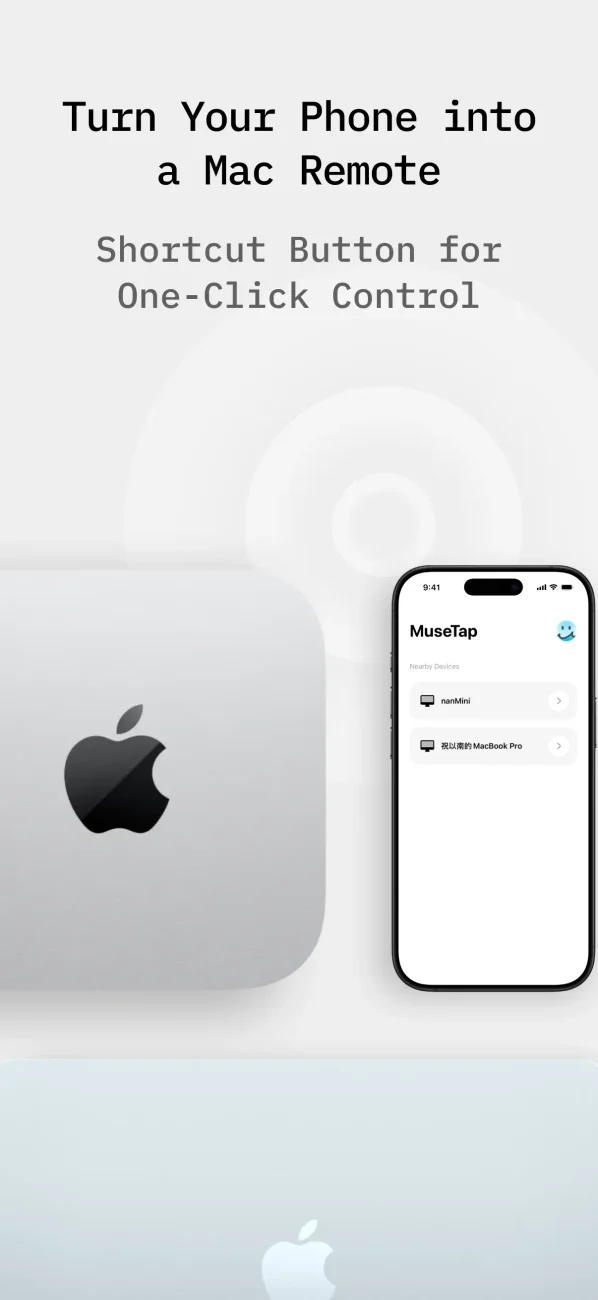
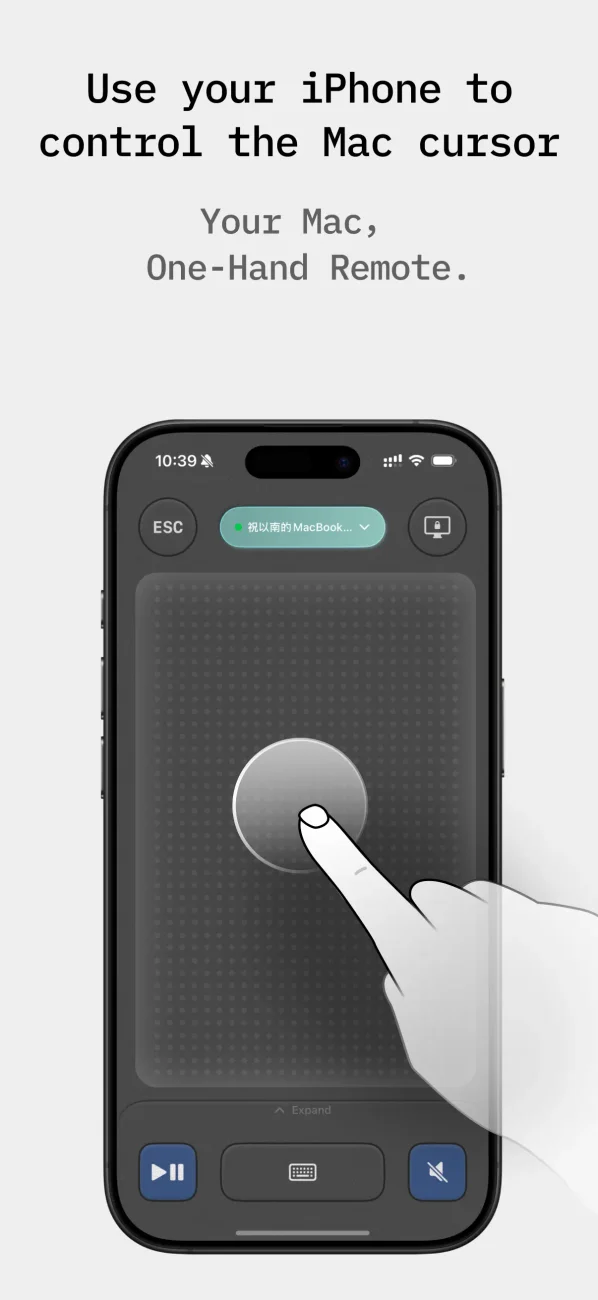
Turn your iPhone into a Mac remote control. On the same local network, it quickly discovers and connects to your Mac.MuseTap is specifically designed for "couch users," refreshing your Mac experience on the living room TV screen with the smooth fluidity of using Apple TV.
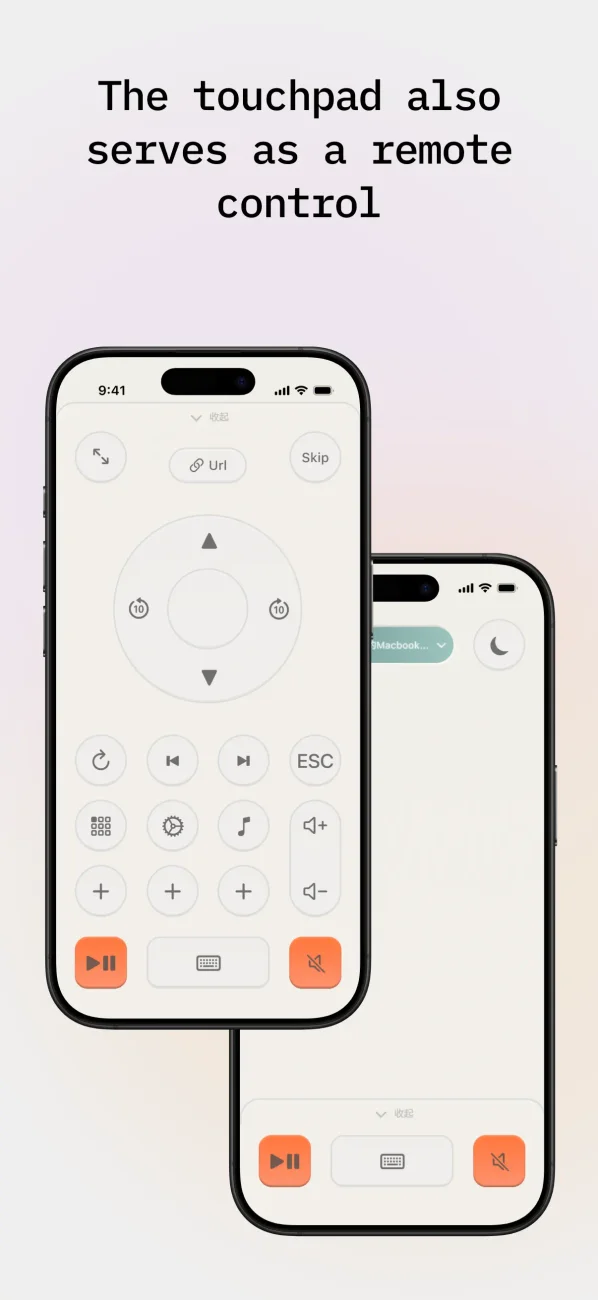
With customizable shortcuts, you can launch apps, open websites with one tap, and freely operate your Mac. MuseTap also provides convenient media and system controls, including play/pause, volume, and display management (e.g., switching displays/screensavers). Pair once, connect faster—perfect for browsing on the couch, controlling media, or using your Mac without leaving your seat.
Main Features
Seamless Touch Control Experience: High-precision touchpad supports gesture swipes, taps, and scrolling. Optimized for large screens with responsive and fluid operation.
Remote Keyboard Input: Type directly on your Mac using your iPhone's keyboard. Searching for videos, entering passwords, or replying to messages has never been this convenient.
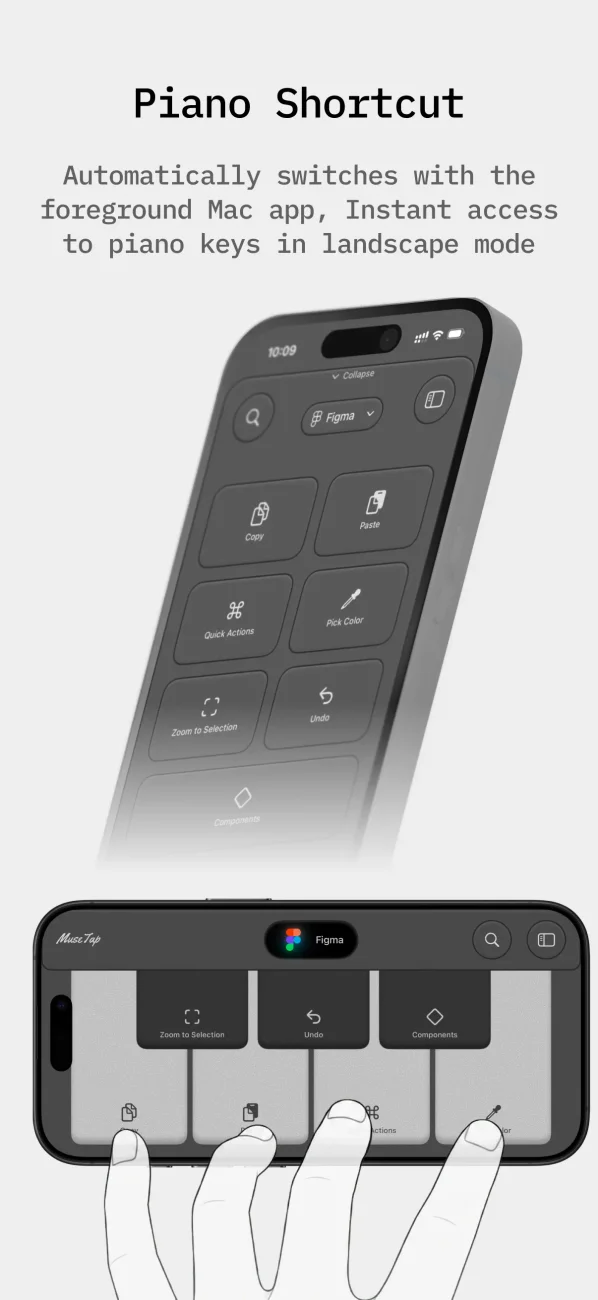
Rapid App Launching: Built-in customizable quick launcher. Open browsers, video software, or specific web pages with a single click, instantly accessing content.
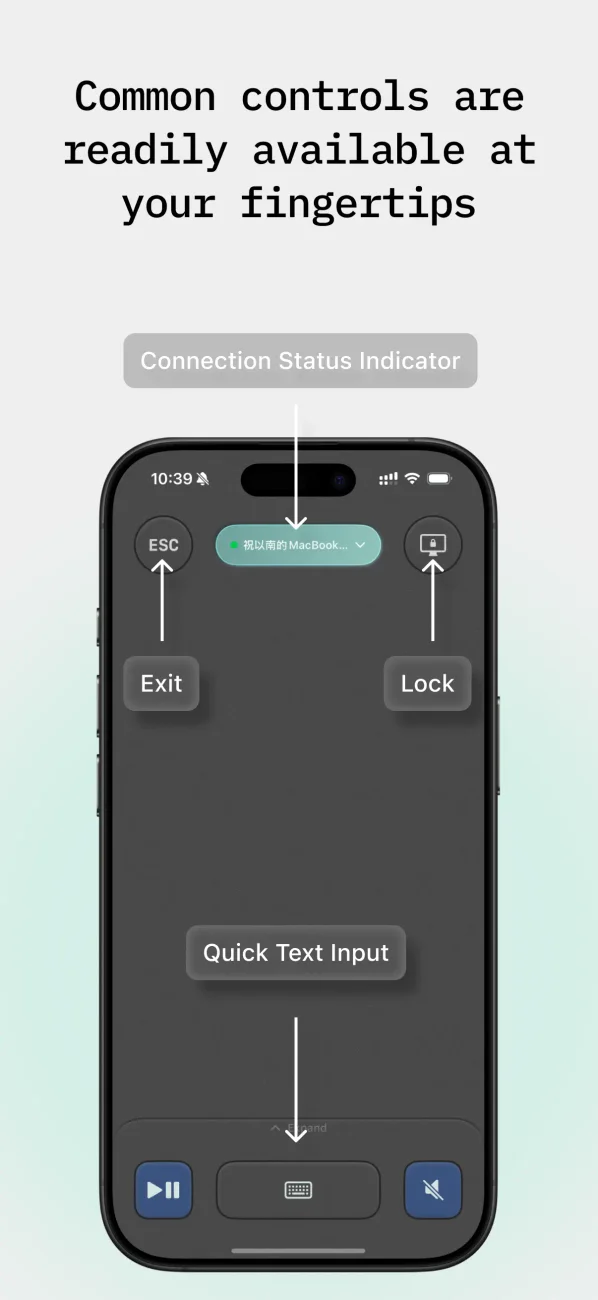
Media and System Controls: Easily adjust volume, play/pause. Supports remote sleep, shutdown, and network wake-on-LAN for your Mac.
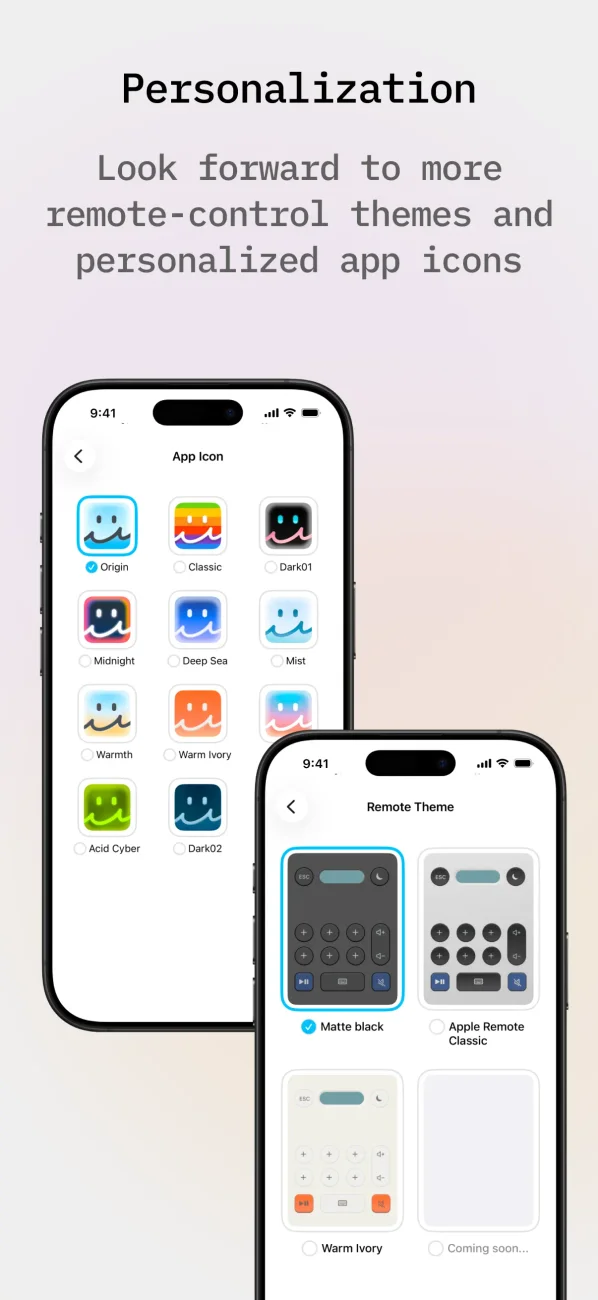
Original remote control themes: Featuring multiple custom app icon designs with continuously updated remote control themes.
Có gì mới
Phiên bản 1.3.0 · 30/10/2026
This update
-Dot feedback on the trackpad. When your finger touches the trackpad, the dots light up and follow it, so control is easier to see.
-Press and hold to drag. Hold on the trackpad to drag windows, progress bars, and volume sliders on your Mac.
-A new Pure Black icon. Switch to it in Icon Style.
-A new Pure Black remote theme for OLED screens. It uses less power.
Quyền riêng tư của ứng dụng
Những gì 新棋 佘 khai báo trên App Store về cách ứng dụng này xử lý dữ liệu.
-
Dữ liệu không được thu thập
Nhà phát triển không thu thập bất kỳ dữ liệu nào từ ứng dụng này.
Phương thức đảm bảo quyền riêng tư có thể khác nhau, chẳng hạn như tuỳ theo các tính năng bạn sử dụng hoặc độ tuổi của bạn.
Thông tin
- Người bán
- 新棋 佘
- Danh mục
- Tiện Ích
- Phiên bản
- 1.3.0
- Cập nhật
- 30/10/2026
- Phát hành
- 09/02/2026
- Kích thước
- 4,9 MB
- Yêu cầu
- iOS 17.0 trở lên
- Độ tuổi
- 17+
- Giá
- 599.000đ
- Ngôn ngữ
- Tiếng Anh, Tiếng Trung Giản thể
- Bản quyền
- © 2025Shukuinan