myGPS Map Camera
Stamp location on photos
Được thiết kế cho iPhone, iPad, iPod touch
Miễn phí
- Độ tuổi4+
- Danh mụcẢnh & Video
- Nhà phát triểnOur Apps World
- Ngôn ngữTiếng Anh
- Kích thước28,6 MB
Liên kết đến trang App Store chính thức
Download.org không lưu trữ tệp nào của myGPS Map Camera. Nút này mở trang ứng dụng trên App Store, nơi Our Apps World phát hành ứng dụng. Trang được kiểm tra lần cuối: 12/11/2026.
Ảnh chụp màn hình
Giới thiệu
Nhà phát triển chưa cung cấp nội dung này bằng ngôn ngữ của bạn.
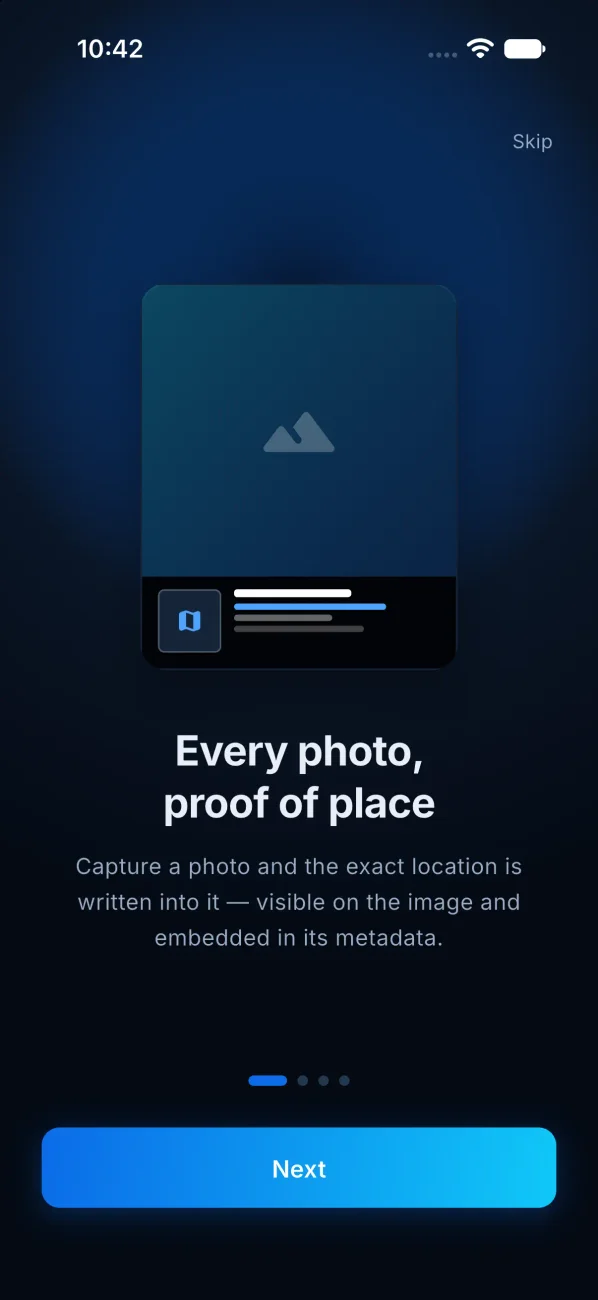
Every photo, proof of place. myGPS Map Camera stamps the location details that matter straight onto your photos — ready for site visits, inspections, deliveries, field reports and travel.
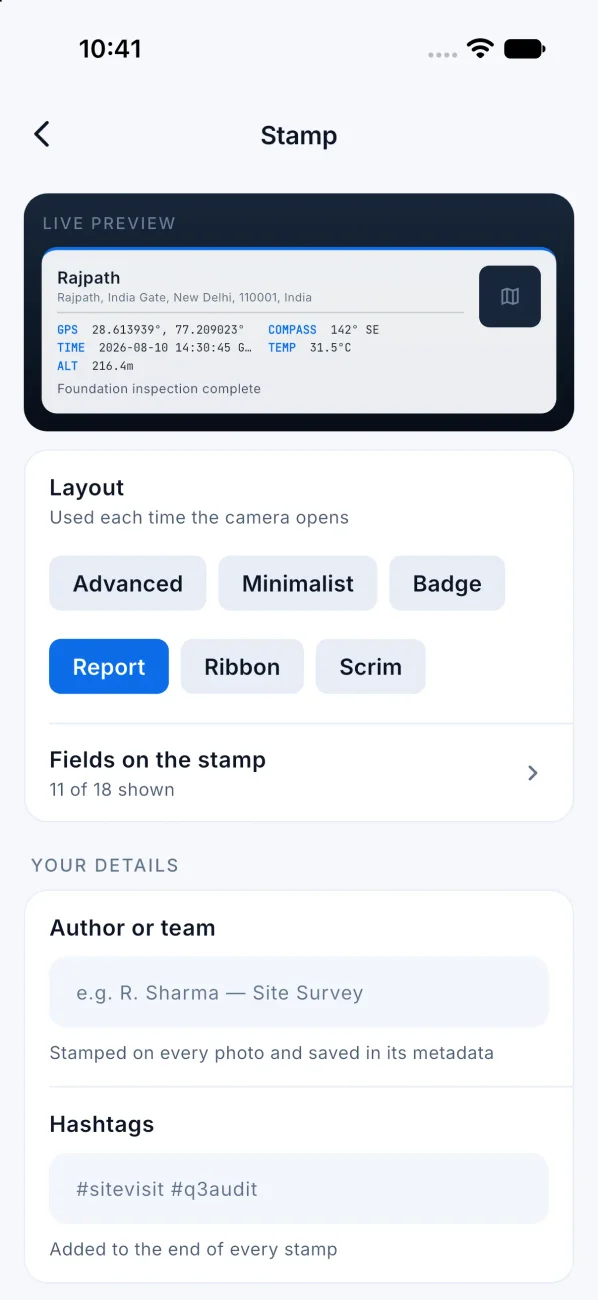
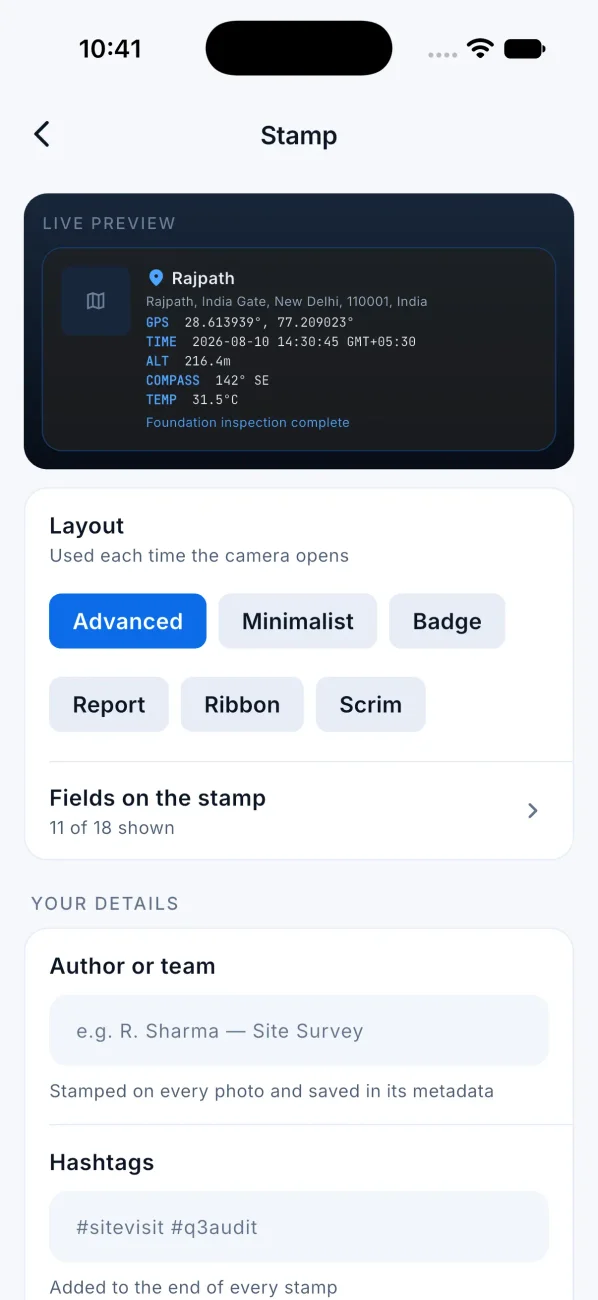
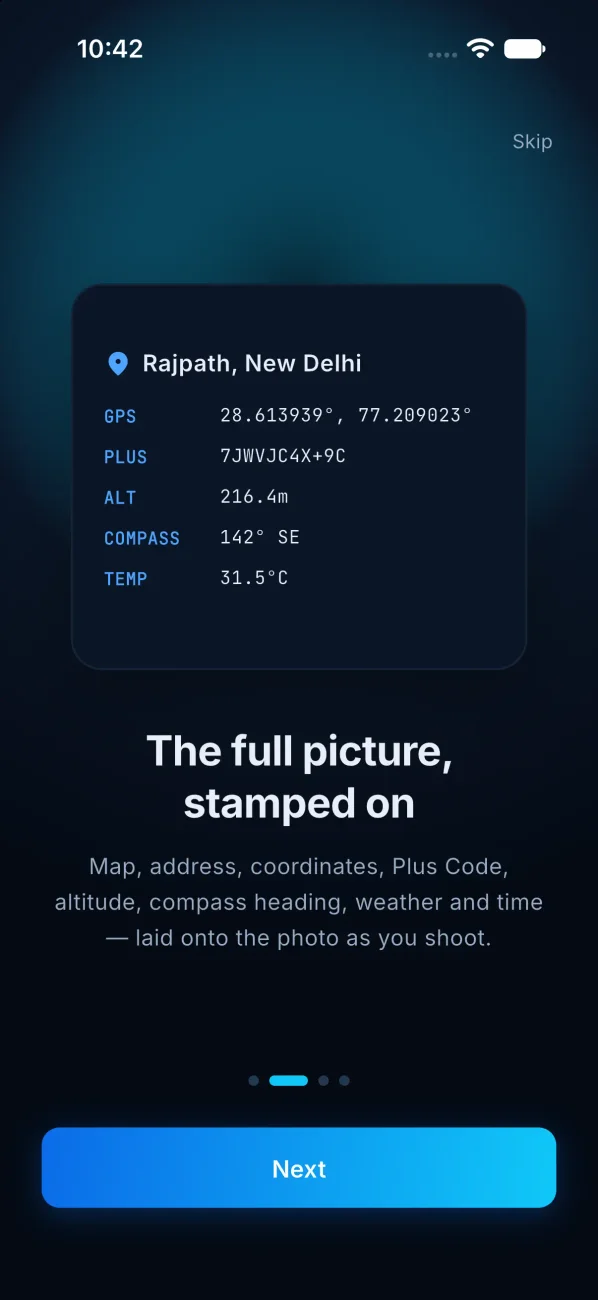
Pick exactly what each job needs: coordinates, street address, Plus Code, map thumbnail, altitude, compass heading, GPS accuracy, date and time, and optional weather. Six stamp layouts take you from a detailed report panel to a compact ribbon that stays out of the way.
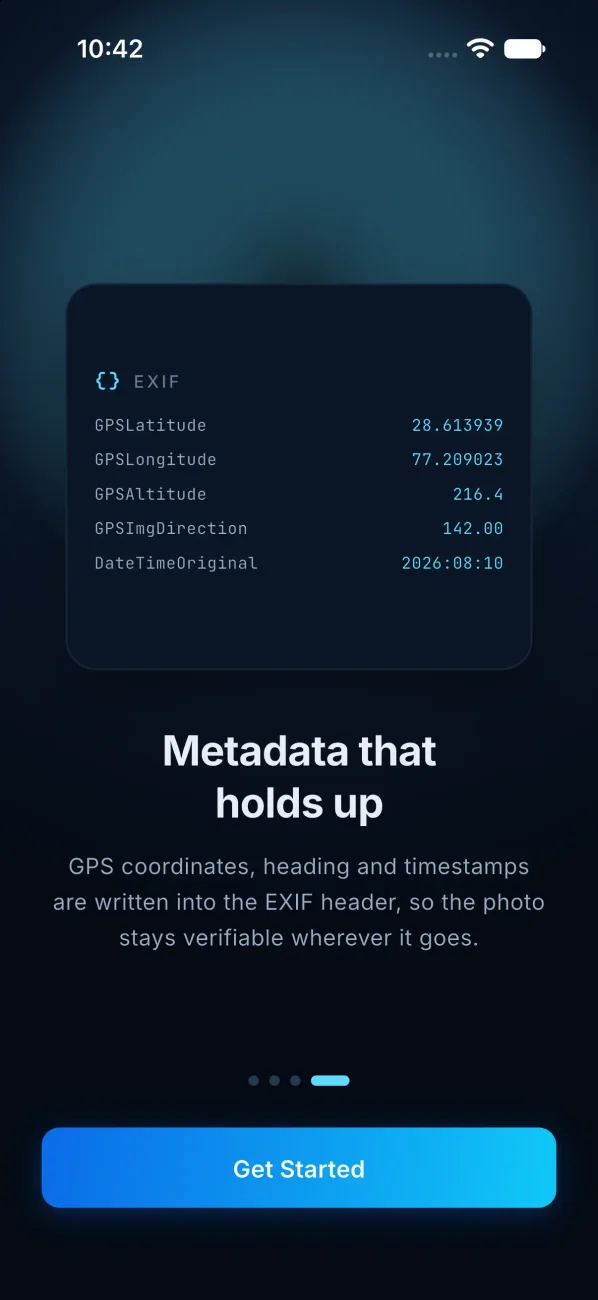
The same GPS details are written into each photo's EXIF metadata, so the location travels with the file — not just in the picture.
WHAT YOU SEE IS WHAT YOU SAVE
• Live preview of the exact stamp burned into the photo
• Works in portrait and landscape
• Compass heading measured along the camera lens, even when the phone is tilted
MAKE IT YOURS
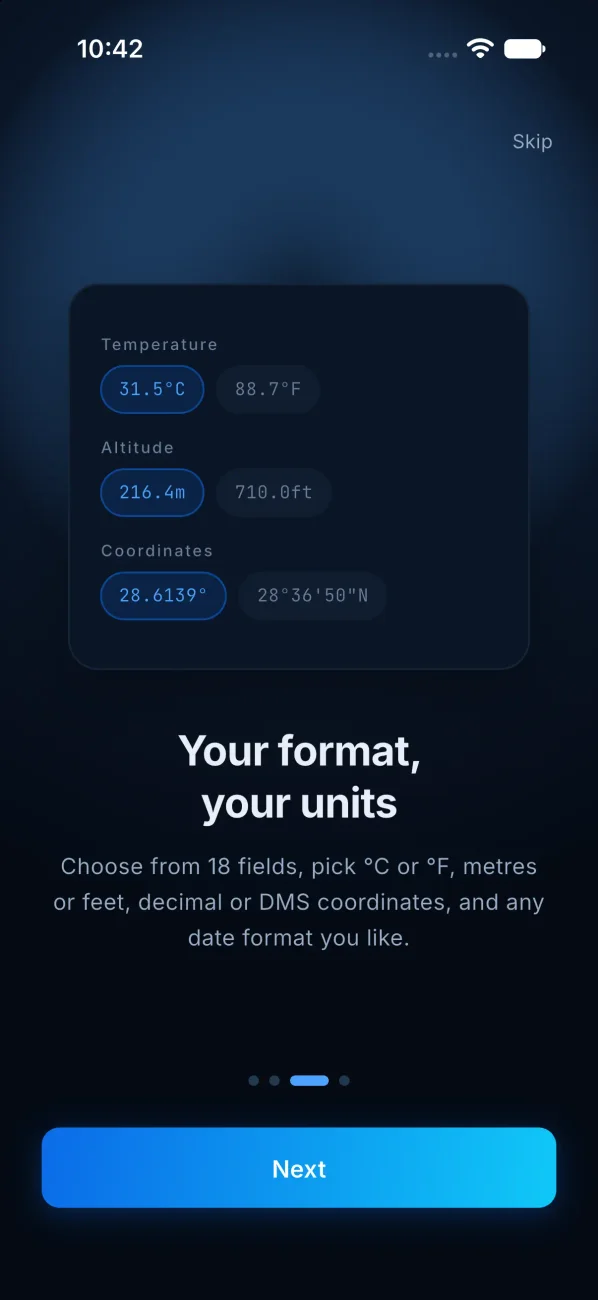
• Decimal or degrees-minutes-seconds coordinates
• Multiple date, time, time-zone and unit formats (metric or imperial)
• Author name, note and hashtag fields on every stamp
• Choose which fields appear and in what layout
KEEP YOUR PHOTOS ORGANISED
• In-app gallery grouped by day
• Inspect each photo's location metadata
• Share or delete one photo or many at once
BUILT FOR EVERY SCREEN
• Runs natively on iPhone and iPad
• On iPad and other large screens, the gallery shows photos side by side with the one you're viewing, and Settings opens as a sidebar
• Layouts adapt to Split View and folding screens
PRIVATE BY DESIGN
• Your photos, notes and settings stay on your device
• No account, no subscription, no ads
• Location is used only while the app is open
• Saving to Photos is add-only — the app never reads your existing library
Optional extras: weather readings using your own free OpenWeatherMap key, and occasional notifications you can switch off any time in Settings.
Camera and location access are required to create a geotagged photo. Photo library access is optional and used only to save a copy to Photos. An internet connection is needed for the street address, map and weather; coordinates, Plus Code and compass work offline.
Có gì mới
Phiên bản 1.1.6 · 04/11/2026
Accurate photo times
• Fixed: if you stayed in one place, a photo could show the time of your last movement instead of the moment it was taken. The stamp and the photo's metadata now always use the time of capture. Photos you've already taken aren't changed.
• The time on the live camera view now updates every second.
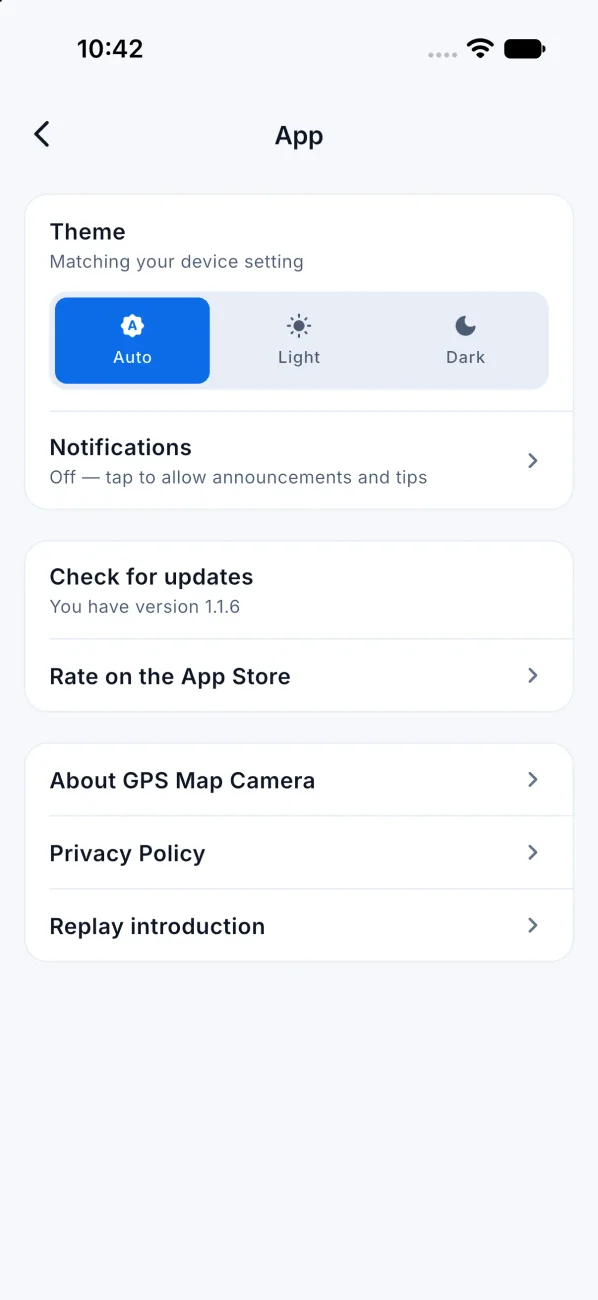
Redesigned Settings
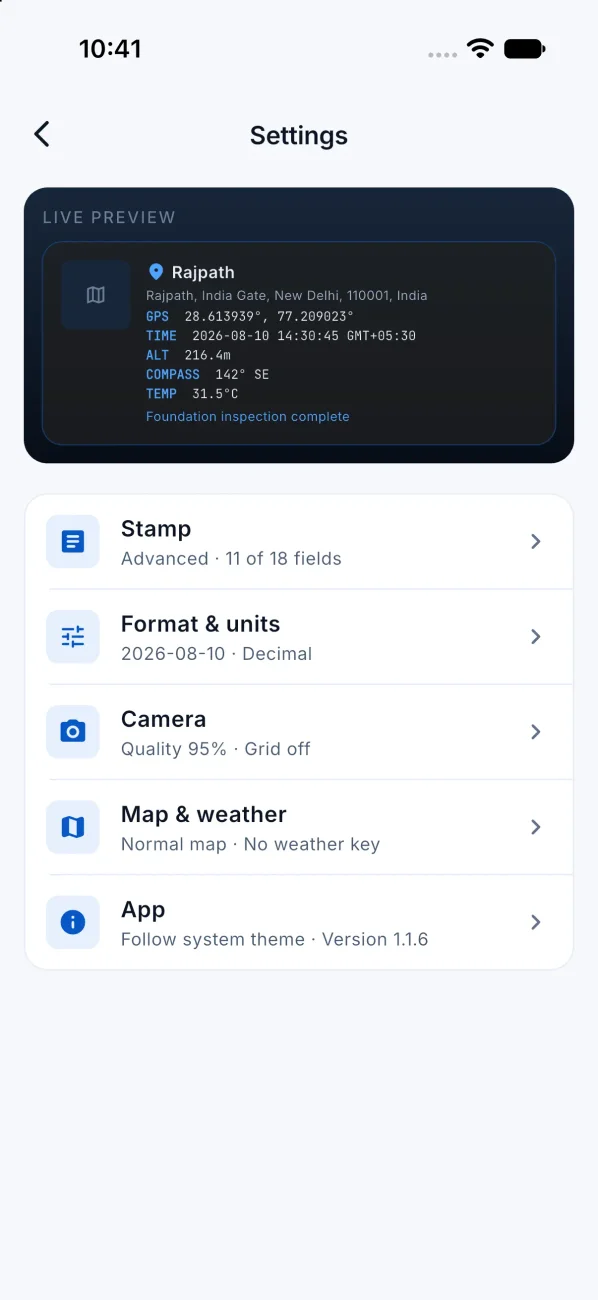
• Settings are now organised into five clear sections, with a live preview of your stamp.
• Stamp Fields previews the layout you've actually chosen.
• Tap anywhere on a row to switch a field on or off, or turn a whole group on or off at once.
• Reset to defaults can now be undone.
Better on iPad and foldables
• Settings, Stamp Fields, Privacy and About now make full use of larger screens.
• The gallery and photo viewer are laid out better on iPad and foldable iPhones.
Clearer camera and stamps
• The Settings button and zoom level stay visible over bright scenes.
• Minimalist and Scrim layouts now show every reading in the live view, matching the saved photo.
• Stamp text wraps more neatly on saved photos.
• Messages no longer cover the shutter button.
• The photo viewer's buttons no longer cover the stamp. Tap the photo to view it full screen.
Also in this update
• Update prompts now work on iPhone, so you'll know when a new version is ready.
• Tidier launch screen and other small fixes.
Quyền riêng tư của ứng dụng
Những gì Our Apps World khai báo trên App Store về cách ứng dụng này xử lý dữ liệu.
-
Dữ liệu không được thu thập
Nhà phát triển không thu thập bất kỳ dữ liệu nào từ ứng dụng này.
Phương thức đảm bảo quyền riêng tư có thể khác nhau, chẳng hạn như tuỳ theo các tính năng bạn sử dụng hoặc độ tuổi của bạn.
Thông tin
- Người bán
- OAW INFOTECH LLP
- Danh mục
- Ảnh & Video
- Phiên bản
- 1.1.6
- Cập nhật
- 04/11/2026
- Phát hành
- 15/09/2026
- Kích thước
- 28,6 MB
- Yêu cầu
- iOS 15.0 trở lên
- Độ tuổi
- 4+
- Giá
- Miễn phí
- Ngôn ngữ
- Tiếng Anh
- Bản quyền
- © 2026 Our Apps World | IMRAN ALAM
Có thể bạn cũng thích
-
 berkbrainẢnh & Video
-
 RawlitẢnh & Video
-
 Traxxtar VideoviewẢnh & Video
-
 Four Keeps: Photo BoothẢnh & Video
-
 Photo Clean: Dọn ảnhẢnh và video lớn theo ngày xem
-
 MosineẢnh & Video
-
 Luxa RAW Pro CameraẢnh & Video
-
 Tilt-ShiftẢnh & Video
-
 Sumi - Redact & Blur PhotosẢnh & Video
-
 AspectTake: Dual Format CameraẢnh & Video