- Độ tuổi4+
- Danh mụcHiệu Suất
- Nhà phát triểnJoerg Ammann
- Ngôn ngữTiếng Đức+ 1 ngôn ngữ khác
- Kích thước3,3 MB
Next Worktime hiện có thể không có trên App Store
Ở lần kiểm tra gần nhất, chúng tôi không truy cập được trang trên cửa hàng. Liên kết vẫn dẫn đến trang App Store chính thức.
Ảnh chụp màn hình



Giới thiệu
Nhà phát triển chưa cung cấp nội dung này bằng ngôn ngữ của bạn.
Next WorkTime – mobile time tracking for Nextcloud WorkTime
Log your working hours and request absences – native, fast, and without detours through the browser.
Next WorkTime is an iOS client for the open-source app Nextcloud WorkTime (by Axel Deffner / cpcMomentum). The app connects to your Nextcloud server and gives you time and absence tracking on your iPhone. It also adapts to iPhone Duo and large displays.
For the full range of WorkTime features, the web interface is recommended. This app works as a companion that makes the most important functions easier to use on your iPhone.
-----
TIME TRACKING
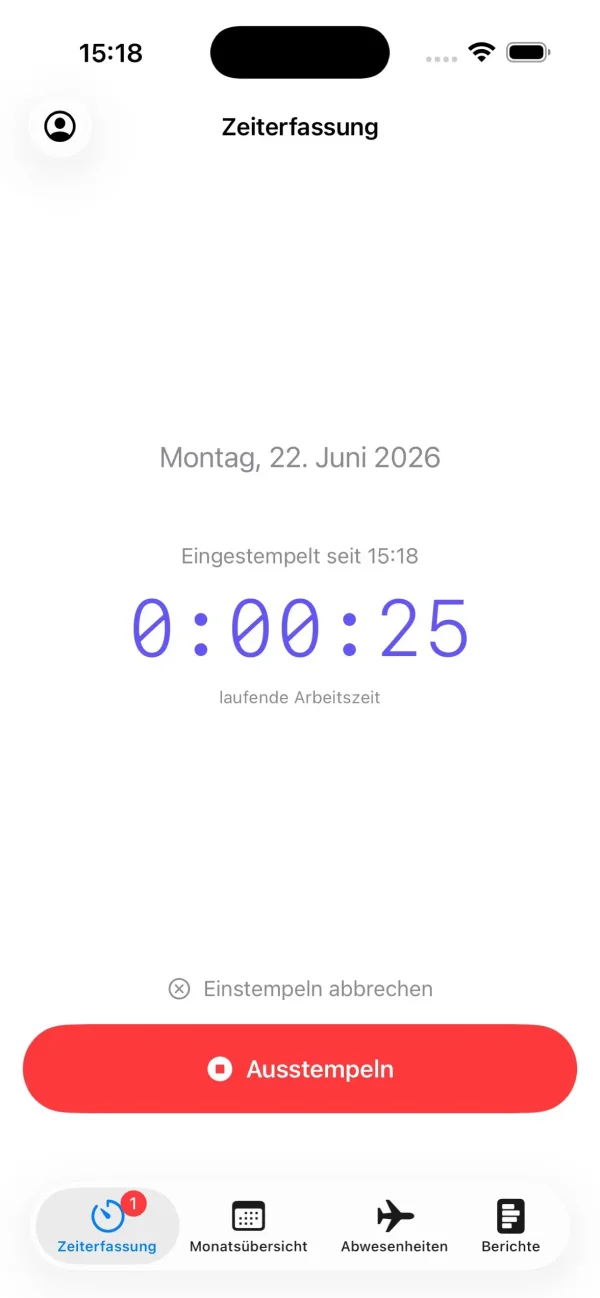
• Punch clock: punch in and out with a running timer; times can still be corrected before saving
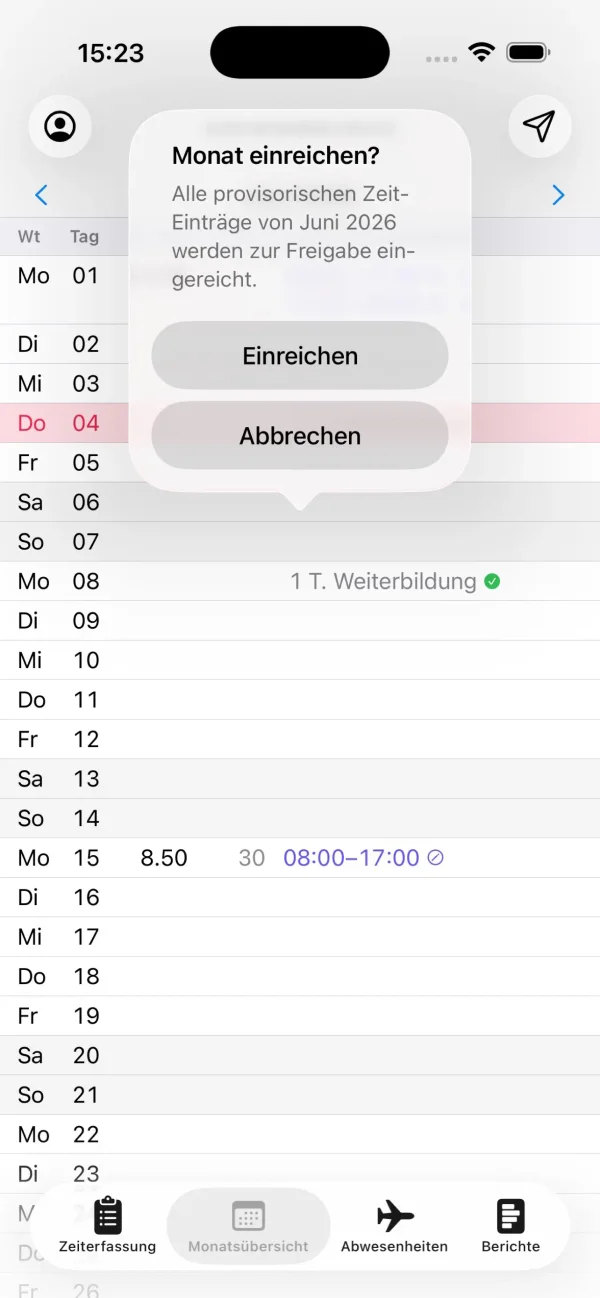
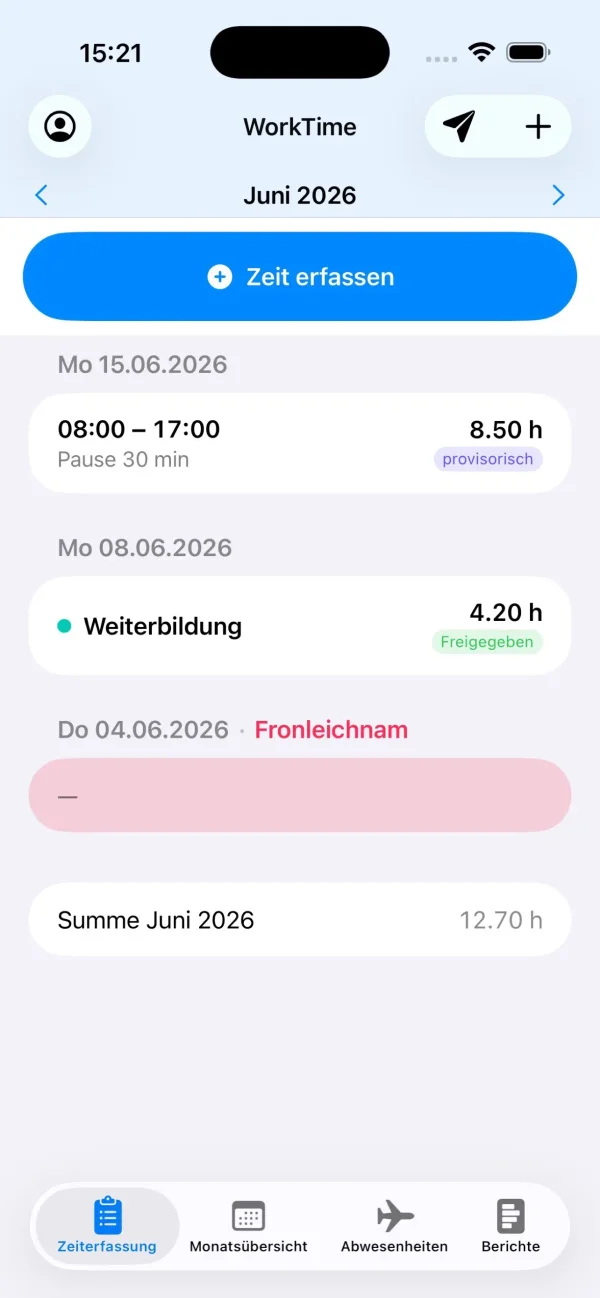
• Or a list of all entries of the month, grouped by day
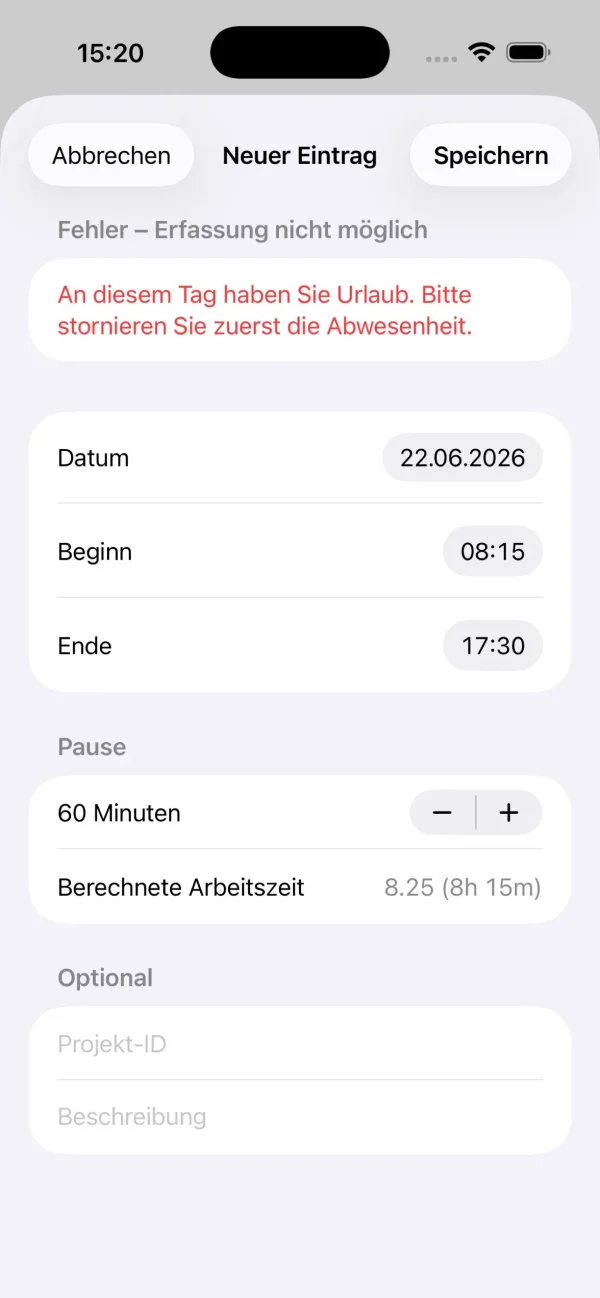
• Create, view, edit, and delete time entries
• Start, end, break, and optionally project and note for each entry
• Break suggestion from the server or as a fixed value
• Submit logged working hours for approval, one by one or the whole month
• Swipe gestures to submit and delete individual entries
PROJECTS
• Choose a project for each entry, with search
• Favorites appear at the top; a single favorite is preselected automatically
ABSENCES
• All absences of the month at a glance
• Types: vacation, sick leave, child sick, special leave, training, unpaid leave, time off in lieu
• Request a new absence – with a notice about entries already recorded in the selected period
• Delete absences that were requested by mistake or rejected
• Vacation overview with entitlement, used days, and remaining vacation
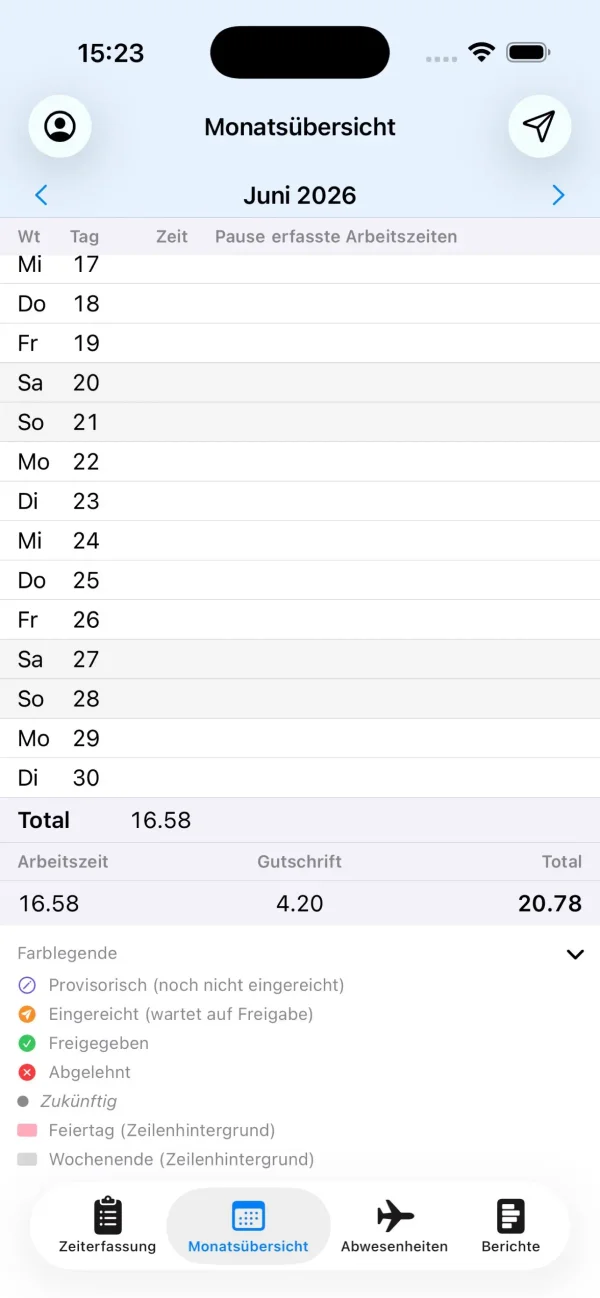
MONTHLY OVERVIEW
• Standard view: target/actual/difference per day, holiday highlighting, overtime at a glance
• Simplified view: compact table with times and breaks
• Color legend for status, holidays, and weekends
REPORTS
• Monthly report straight from the server: hours worked, absence credits, total hours, overtime
IPHONE DUO AND LARGE DISPLAYS
• List on the left, details on the right – on iPhone Duo the divider sits exactly on the fold
• Applies to time tracking, punch clock, monthly overview, reports, and absences
REMINDER
• On launch the app points out workdays from the last 7 days without time tracking (can be turned off)
LANGUAGES
• German and English
SECURITY & PRIVACY
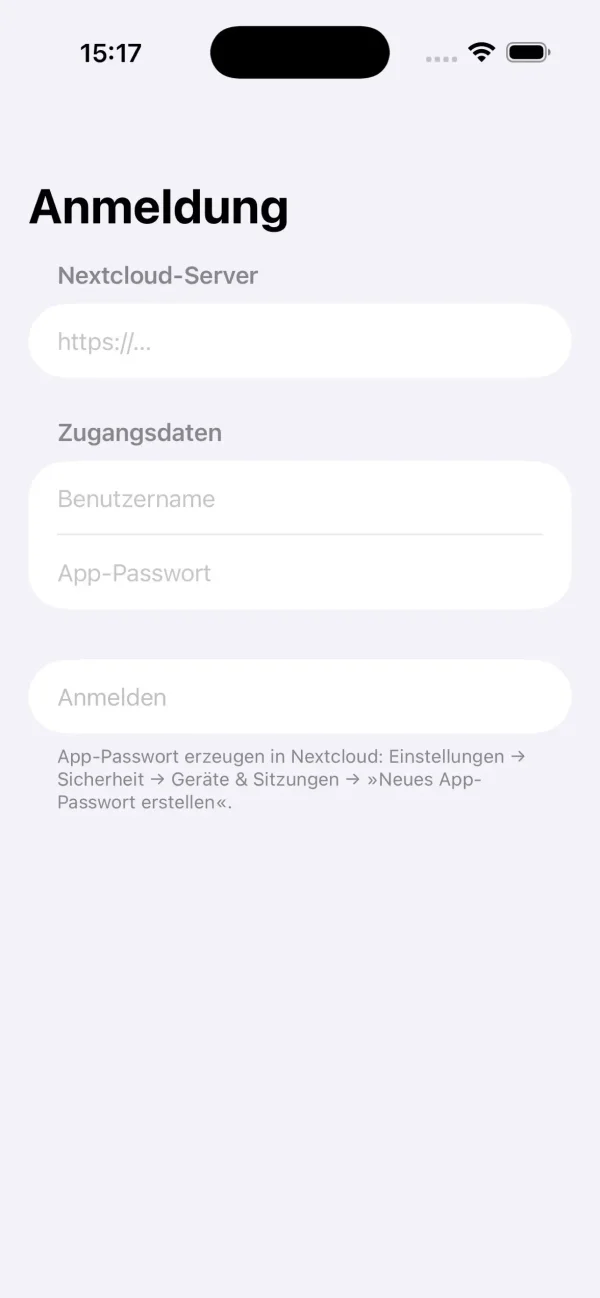
• Sign in through your Nextcloud server in the browser (Login Flow) or with an app password
• Credentials stored securely in the iOS Keychain
• No third-party libraries, no external data transfer – the app only talks to your Nextcloud server
-----
Requirements
• Your own Nextcloud instance with the WorkTime app installed (tested with version 0.15.3)
• iOS 18 or later (iPhone Duo: iOS 27.1)
-----
Next WorkTime is not an official Nextcloud or WorkTime product.
Có gì mới
Phiên bản 1.2 · 21/10/2026
What's new in 1.2
• iPhone Duo and large displays: the app now uses the whole screen. List on the left, details on the right – on Duo the divider sits right on the fold. Applies to time tracking, punch clock, monthly overview, reports and absences.
• Punch clock: after punching out, the form appears right next to the clock while the timer stays put.
• Projects and favorites: pick a project when logging time (with search). Favorites appear at the top, a single favorite is preselected.
• Reminder: on launch the app points out workdays from the last 7 days without time tracking. Can be turned off in Settings.
• View and edit entries: open an entry to look at it first, then edit on purpose. "Save" only becomes active once something has changed.
• English language, your Nextcloud profile picture in the menu, and easier sign-in (the URL gets "https://" added automatically).
Quyền riêng tư của ứng dụng
Những gì Joerg Ammann khai báo trên App Store về cách ứng dụng này xử lý dữ liệu.
-
Dữ liệu không được thu thập
Nhà phát triển không thu thập bất kỳ dữ liệu nào từ ứng dụng này.
Phương thức đảm bảo quyền riêng tư có thể khác nhau, chẳng hạn như tuỳ theo các tính năng bạn sử dụng hoặc độ tuổi của bạn.
Thông tin
- Người bán
- Joerg Ammann
- Danh mục
- Hiệu Suất
- Phiên bản
- 1.2
- Cập nhật
- 21/10/2026
- Phát hành
- 14/07/2026
- Kích thước
- 3,3 MB
- Yêu cầu
- iOS 18 trở lên
- Độ tuổi
- 4+
- Ngôn ngữ
- Tiếng Đức, Tiếng Anh
- Bản quyền
- © 2026 Jörg Ammann