PDF Creator & Document Editor
Scan, Merge & Create PDFs
Được thiết kế cho iPhone, iPad
Miễn phí
- Độ tuổi17+
- Danh mụcHiệu Suất
- Nhà phát triểnSelcuk KAYA
- Ngôn ngữTiếng Anh
- Kích thước21,7 MB
Liên kết đến trang App Store chính thức
Download.org không lưu trữ tệp nào của PDF Creator & Document Editor. Nút này mở trang ứng dụng trên App Store, nơi Selcuk KAYA phát hành ứng dụng. Trang được kiểm tra lần cuối: 14/11/2026.
Ảnh chụp màn hình
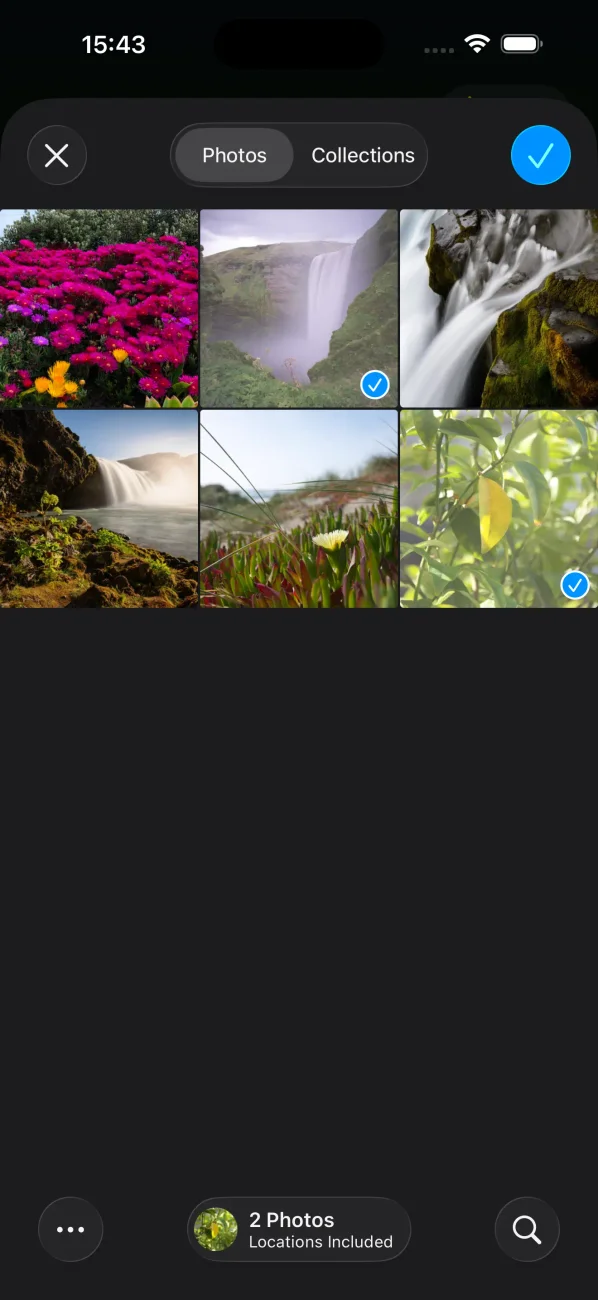
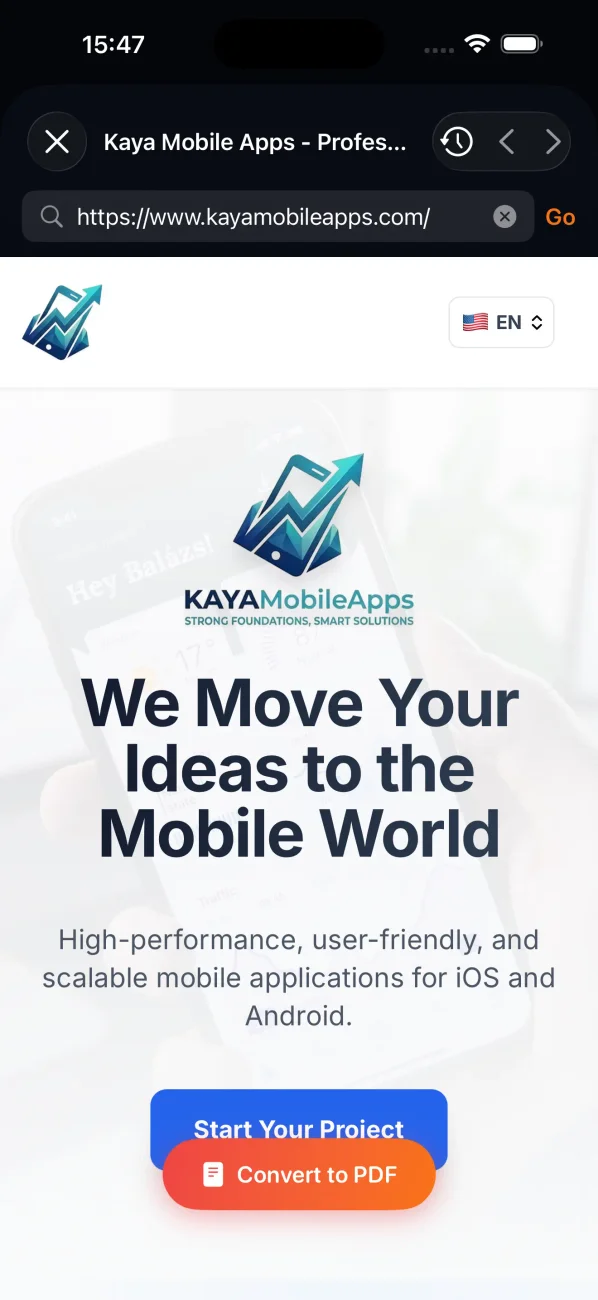
Giới thiệu
Nhà phát triển chưa cung cấp nội dung này bằng ngôn ngữ của bạn.
PDF Creator & Document Editor is your ultimate all-in-one offline utility for generating, merging, scanning, and protecting PDF documents directly on your iPhone or iPad. Built for maximum speed, security, and visual clarity, the app operates 100% locally on your device to keep your confidential documents private.
Whether you need to scan contracts with smart edge detection, convert web pages for offline reference, draft rich text documents, extract text from screenshots using local OCR, or combine multiple PDF files into one clean document, PDF Creator has you covered.
CORE FEATURES:
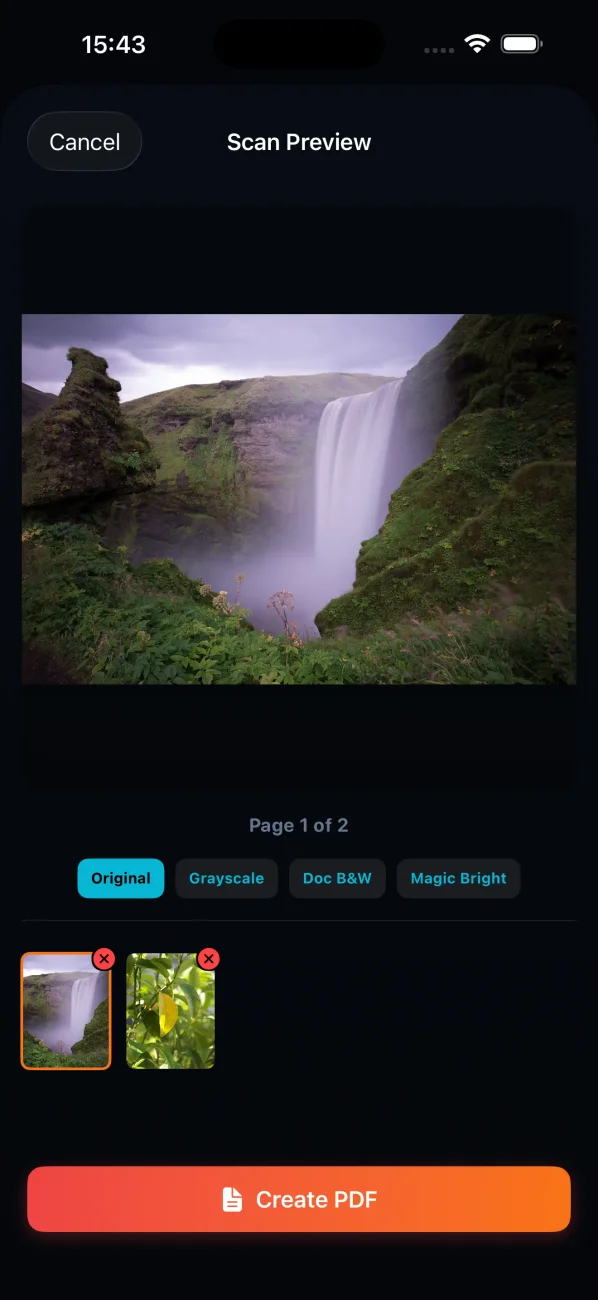
1. Smart Document Scanner
- Auto Edge Detection: Capture documents using your camera with built-in perspective correction, auto-rotation, and automatic bounding box crop.
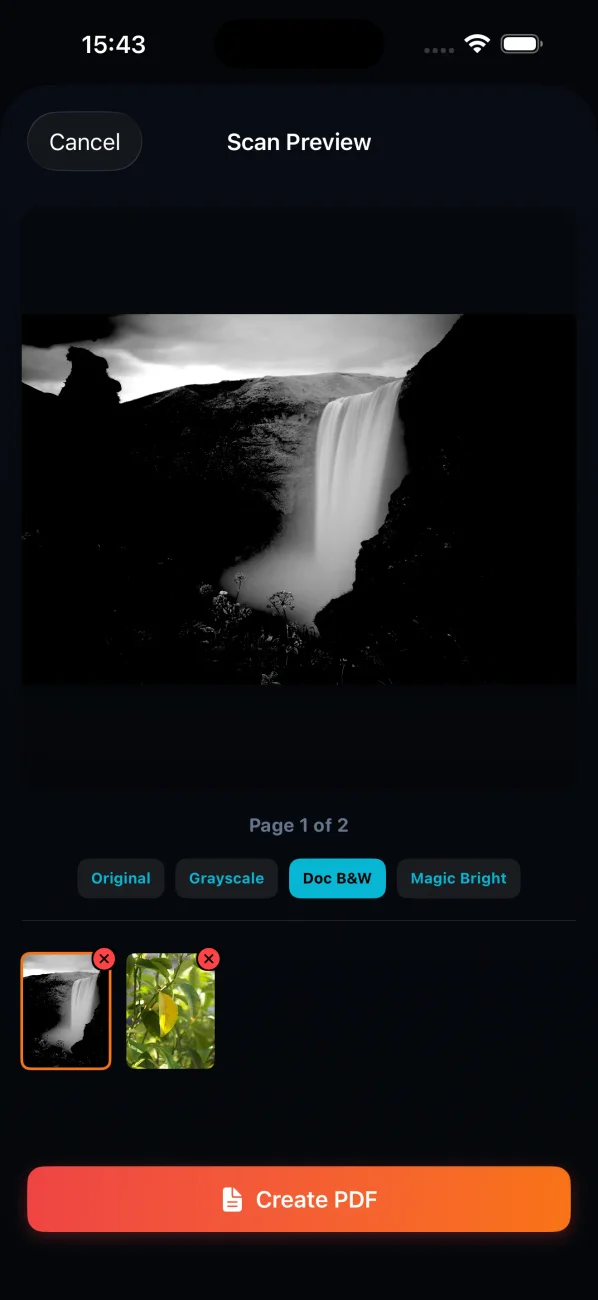
- Professional Enhancements: Clean up scans using high-quality filters:
- Original: Maintain the exact colors of the capture.
- Grayscale: Clean monochromatic layout.
- Document B&W: High-contrast black and white for sharp text readability.
- Magic Bright: Boost exposure, contrast, and sharpness to remove shadows.
- Scan Preview: Review all scanned pages in a fluid scrolling list, delete unneeded pages, and adjust filters page-by-page.
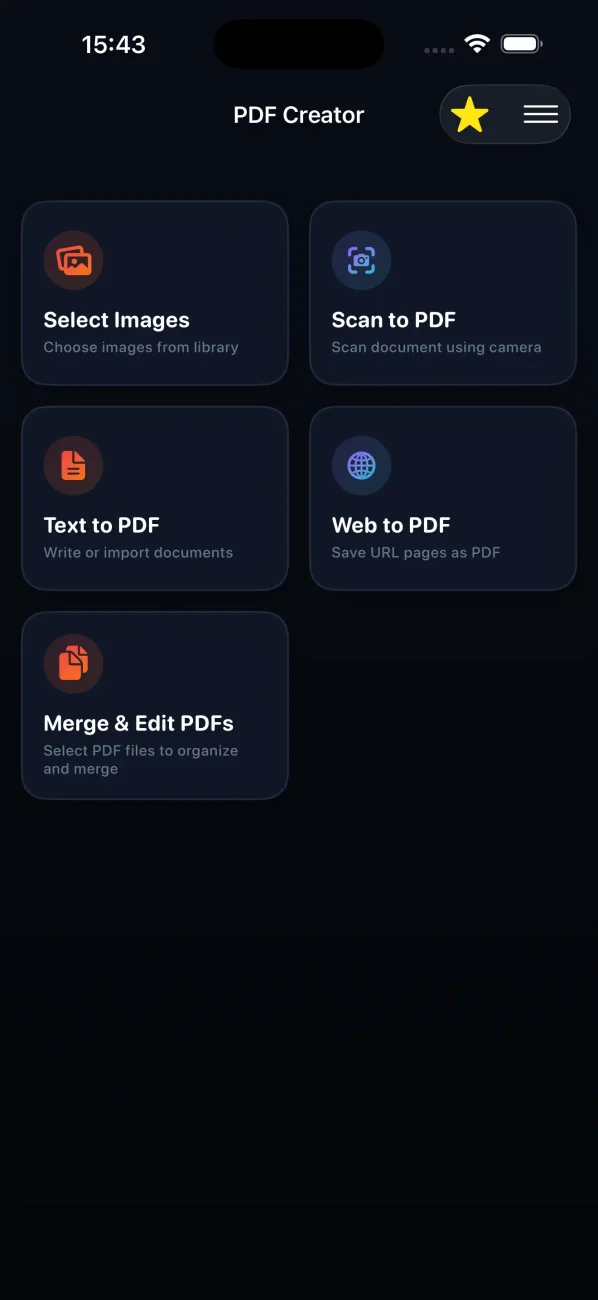
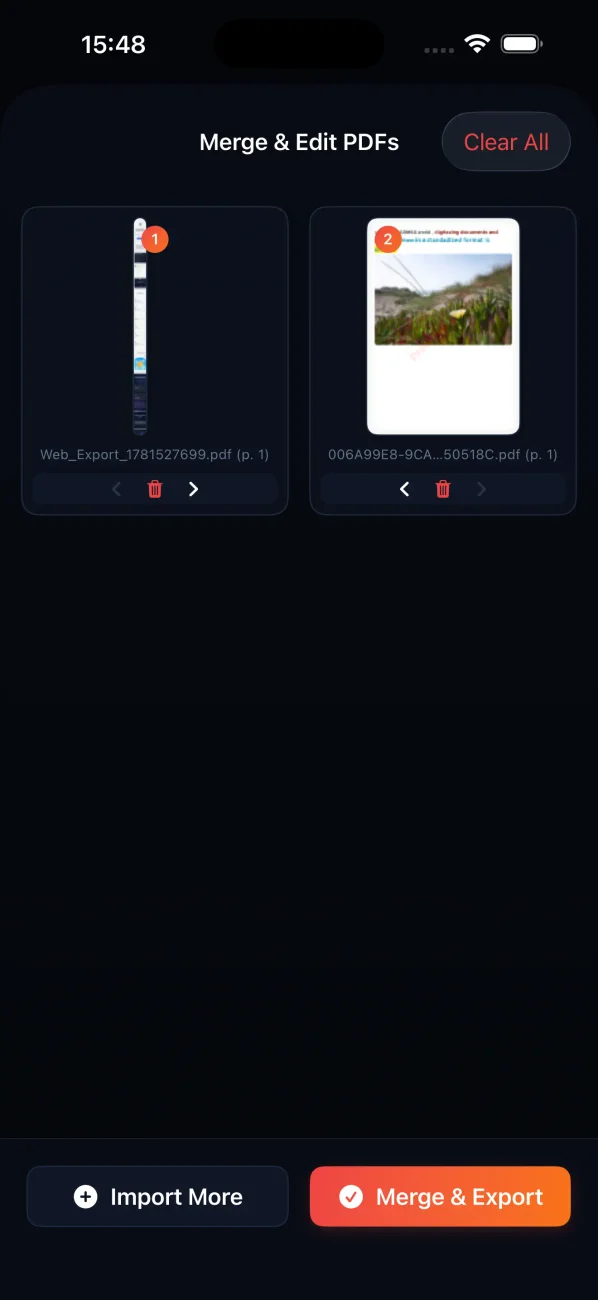
2. Advanced Multi-PDF Organizer & Merger
- Merge Multiple PDFs: Select multiple PDF documents from your device's files.
- Page-Level Control: Extract and render pages as thumbnails, and sort them dynamically.
- Interactive Sorting: Move pages left/right or delete individual pages in a single tap before exporting. Combine pages into a single merged PDF instantly.
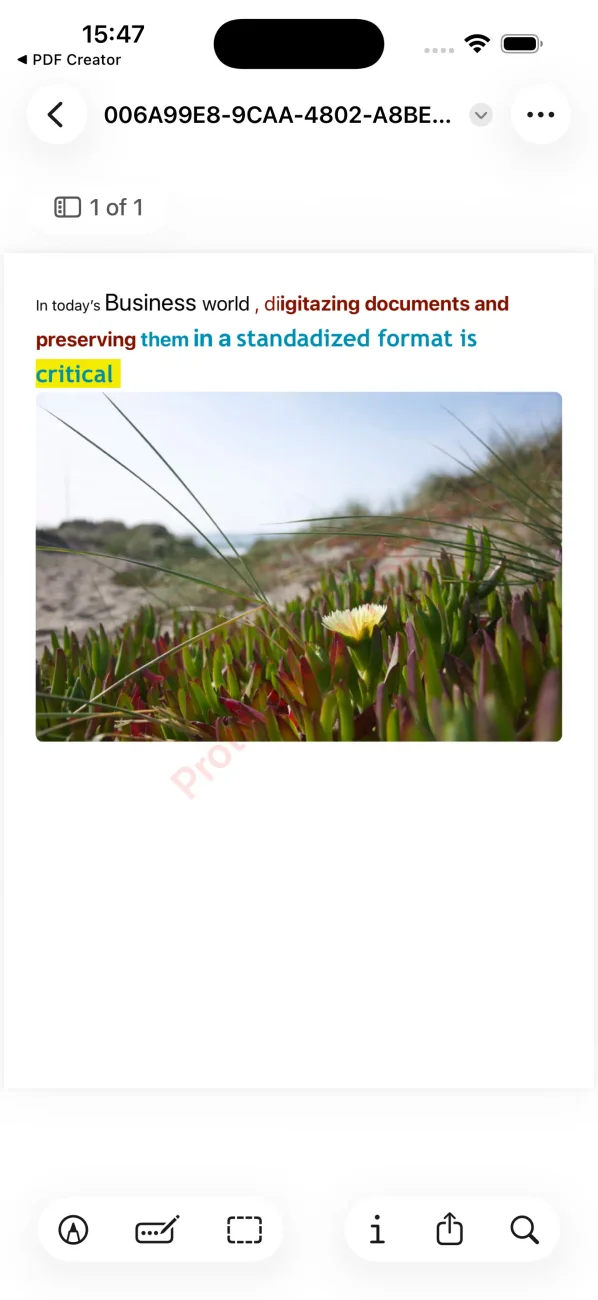
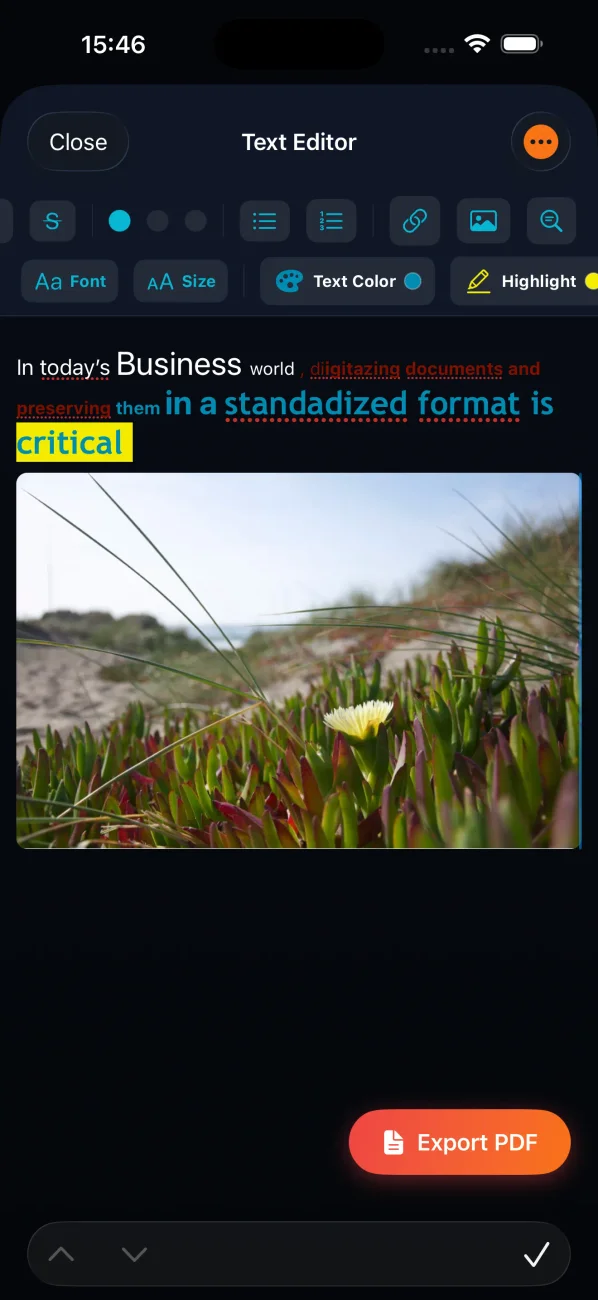
3. Rich Text to PDF Editor
- Complete Formatting: Custom font selection, sizes, colors, text alignment (left, center, right), bold, italic, underline, strikethrough, links, and bullet/numbered lists.
- Highlight Color Control: Highlight text with tailored colors and full opacity adjustments. Clear highlighting instantly with a dedicated sweep button.
- Local Image Insertion: Insert images from your library or camera directly into the editor document. Images are compressed and scaled for optimized, offline PDF generation.
- Local OCR Text Scanner: Capture a photo of printed text, and the app will instantly read the text offline and insert it directly at your editor's cursor position.
4. Web to PDF Converter
- Clean Web Rendering: Type a URL or search to load pages in the secure browser. Save entire web pages as formatted PDFs.
- Smart URL Normalization: Automatically formats entered text into secure https URLs.
- Search History: Access past successful browsing paths via the history menu. Clear records with one-tap clearing.
5. PDF Security & Watermarking
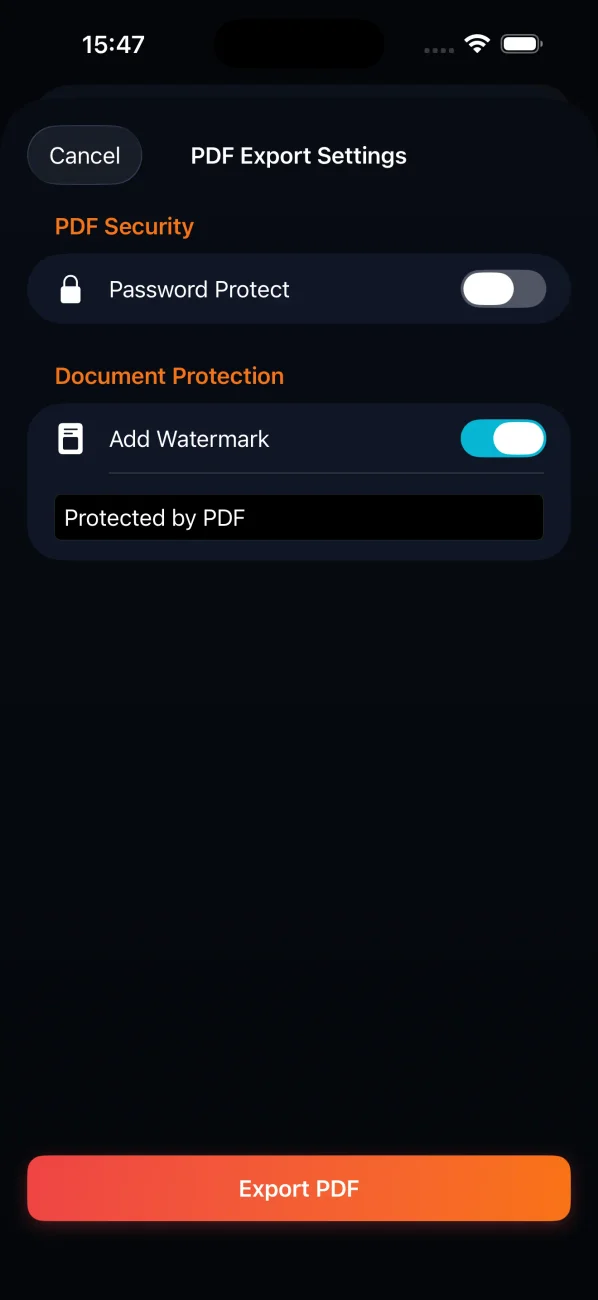
- Secure PDF Encryption: Lock exported files with robust password protection. Unauthorized users will be prompted for a password when opening the document on any compatible PDF reader.
- Text Watermarks: Prevent plagiarism by applying a semi-transparent, diagonal text watermark (e.g., "CONFIDENTIAL" or "DRAFT") across each page.
6. Multi-Language Localization
- The entire app interface is localized into 20 languages: English, Español, Türkçe, Français, Deutsch, Italiano, Português, Русский, 简体中文, 日本語, 한국어, العربية, हिन्दी, Nederlands, Polski, Tiếng Việt, Bahasa Indonesia, Svenska, Українська, and Română.
Có gì mới
Phiên bản 1.0.2 · 23/06/2026
UI Improvements
Quyền riêng tư của ứng dụng
Những gì Selcuk KAYA khai báo trên App Store về cách ứng dụng này xử lý dữ liệu.
-
Dữ liệu được sử dụng để theo dõi bạn
Có thể được sử dụng để theo dõi bạn trên các ứng dụng và trang web do công ty khác sở hữu.
- Mã định danh
-
Dữ liệu không liên kết với bạn
Có thể được thu thập nhưng không liên kết với danh tính của bạn.
- Thông tin liên hệ
- Nội dung của người dùng
- Mã định danh
- Dữ liệu sử dụng
- Chẩn đoán
Phương thức đảm bảo quyền riêng tư có thể khác nhau, chẳng hạn như tuỳ theo các tính năng bạn sử dụng hoặc độ tuổi của bạn.
Thông tin
- Người bán
- Selcuk KAYA
- Danh mục
- Hiệu Suất
- Phiên bản
- 1.0.2
- Cập nhật
- 23/06/2026
- Phát hành
- 18/06/2026
- Kích thước
- 21,7 MB
- Yêu cầu
- iOS 26.5 trở lên
- Độ tuổi
- 17+
- Giá
- Miễn phí
- Ngôn ngữ
- Tiếng Anh
- Bản quyền
- © 2026 KayaMobileApps
Có thể bạn cũng thích
-
 PDF Editor - PDF4.comHiệu Suất
-
 Pialist - Nhạc mục PianoTheo dõi nhạc mục piano
-
 Lịch khối đơn giản: TimeToneLên lịch theo khối & ADHD
-
 Modeler 3DHiệu Suất
-
 Quran Majeed Offline(16 Lines)Hiệu Suất
-
 PixyCAD - 3D Solid ModellingHiệu Suất
-
 ZoomNotesHiệu Suất
-
 Chuyển Ảnh và Excel sang PDFTrình chuyển đổi PDF sang Word
-
 AI VoiceWriterHiệu Suất
-
 DirghayuHiệu Suất