PDF Editor & Scanner Pro
Sign, Fill Forms & Merge Docs
Được thiết kế cho iPhone, iPad
Miễn phí
- Độ tuổi4+
- Danh mụcHiệu Suất
- Nhà phát triểnRahul Jalavadiya
- Ngôn ngữTiếng Anh
- Kích thước44,4 MB
Liên kết đến trang App Store chính thức
Download.org không lưu trữ tệp nào của PDF Editor & Scanner Pro. Nút này mở trang ứng dụng trên App Store, nơi Rahul Jalavadiya phát hành ứng dụng. Trang được kiểm tra lần cuối: 08/11/2026.
Ảnh chụp màn hình

Giới thiệu
Nhà phát triển chưa cung cấp nội dung này bằng ngôn ngữ của bạn.
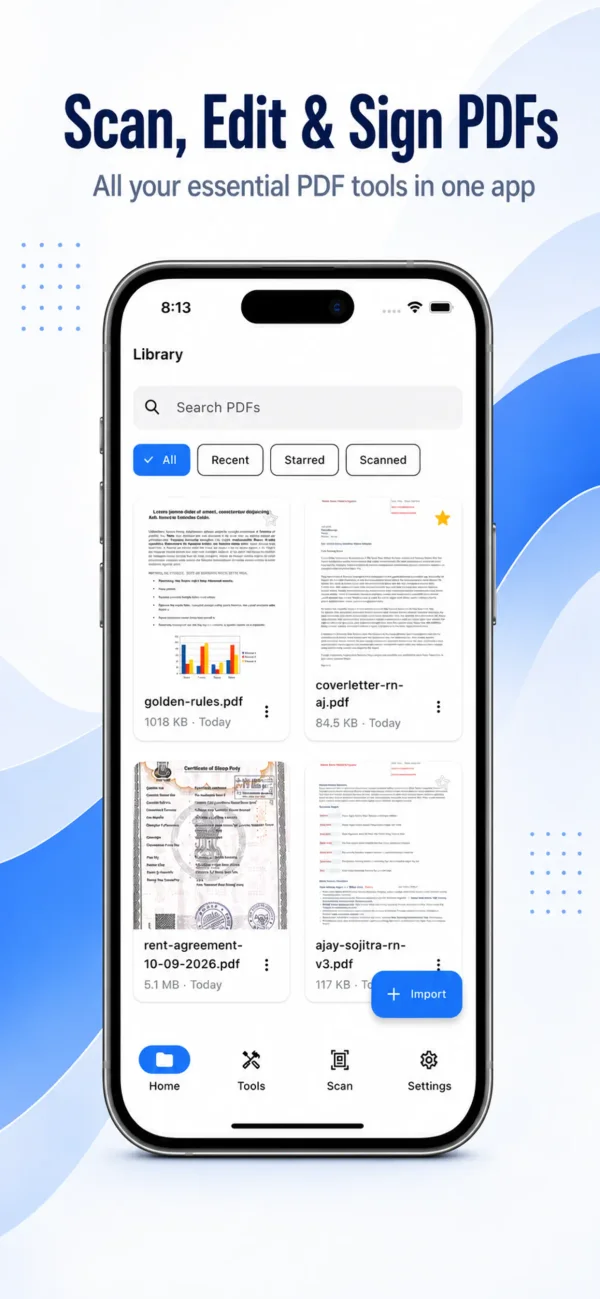
The ultimate all-in-one PDF workspace for your iPhone and iPad.
Whether you are a student highlighting lecture notes, a professional signing a business contract, or someone needing a quick mobile scanner, PDF Editor & Scanner Pro gives you the ultimate desktop-grade tools right in your pocket.
Download for free and start viewing, editing, and scanning your documents instantly!
Key Features Included:
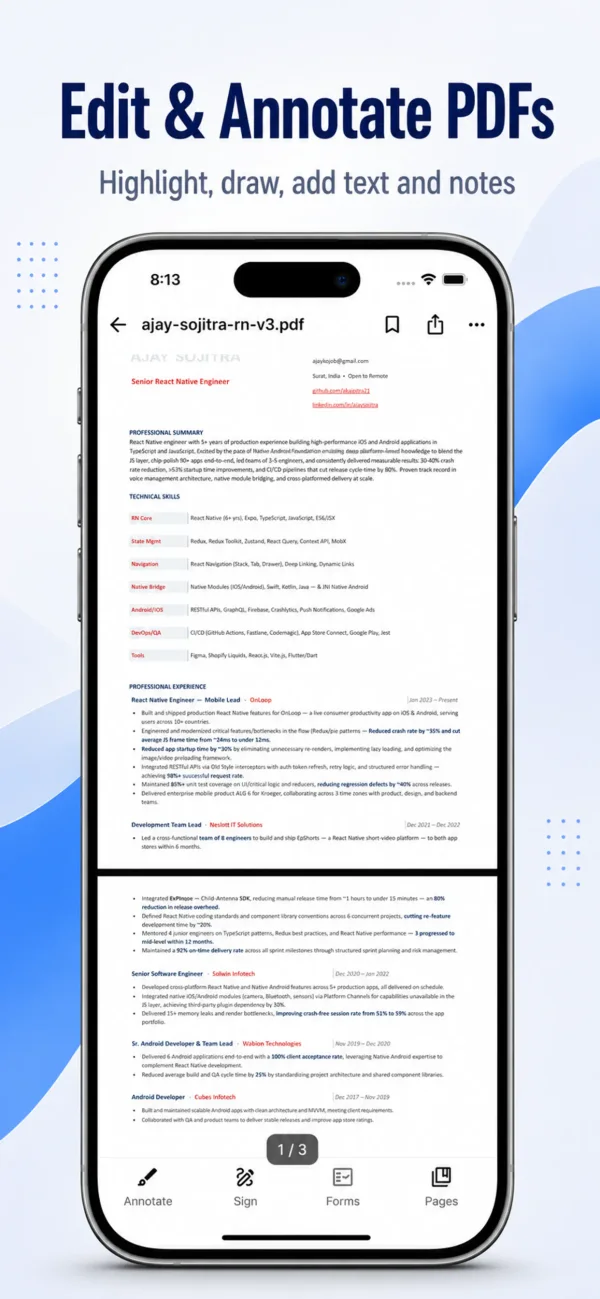
POWERFUL PDF EDITOR & ANNOTATION TOOLS
Make changes to any PDF file with our intuitive markup and drawing suite.
• Draw and write smoothly using a precise Pen, Highlighter, and Eraser.
• Highlight text, underline critical data, or apply strike-through marks.
• Type text boxes, drop custom sticky notes, or insert images into any file.
• Secure your privacy by using the Redact tool to permanently hide sensitive information.
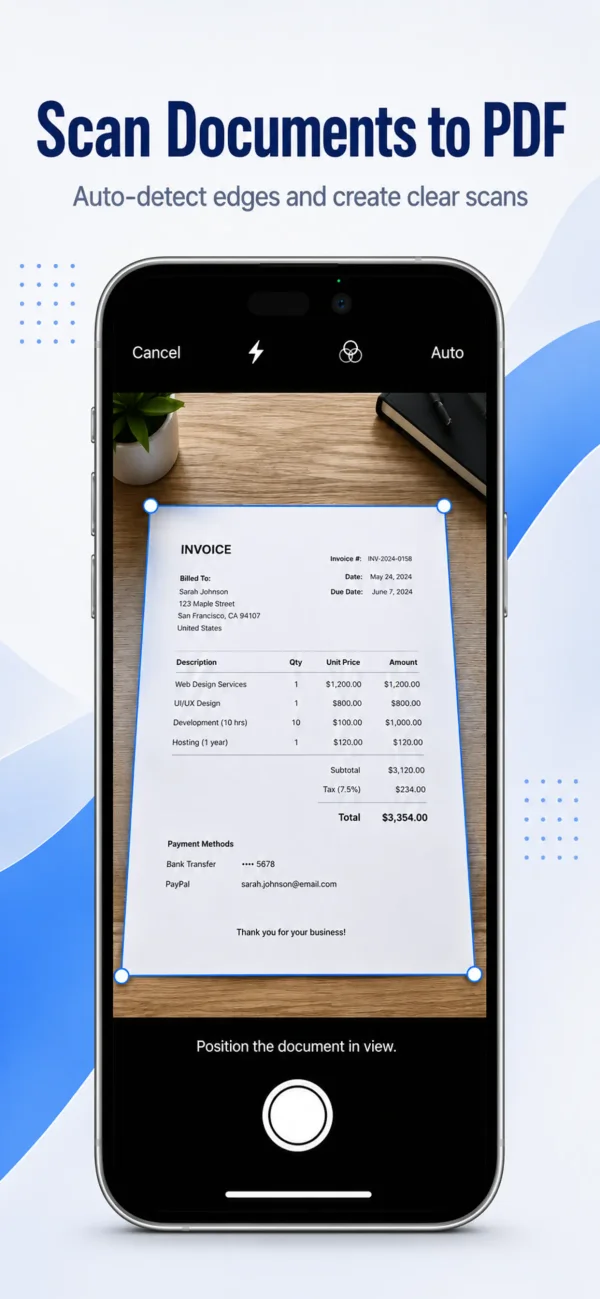
SMART MOBILE SCANNER
Turn your physical paperwork into crisp, professional digital files.
• Capture documents flawlessly with Autocapture edge detection or manual mode.
• Crop, straighten, and clean up scans automatically.
• Turn receipts, multi-page contracts, or book pages into high-quality PDFs.
FILL FORMS & SIGN SECURELY
Complete paperwork digitally and eliminate printing entirely.
• Type directly into interactive or static PDF form fields.
• Create your unique electronic signature using your fingertip or stylus.
• Place your saved signature onto contracts and legal forms in one tap.
ADVANCED DOCUMENT TOOLS
Handle complex document tasks on the move.
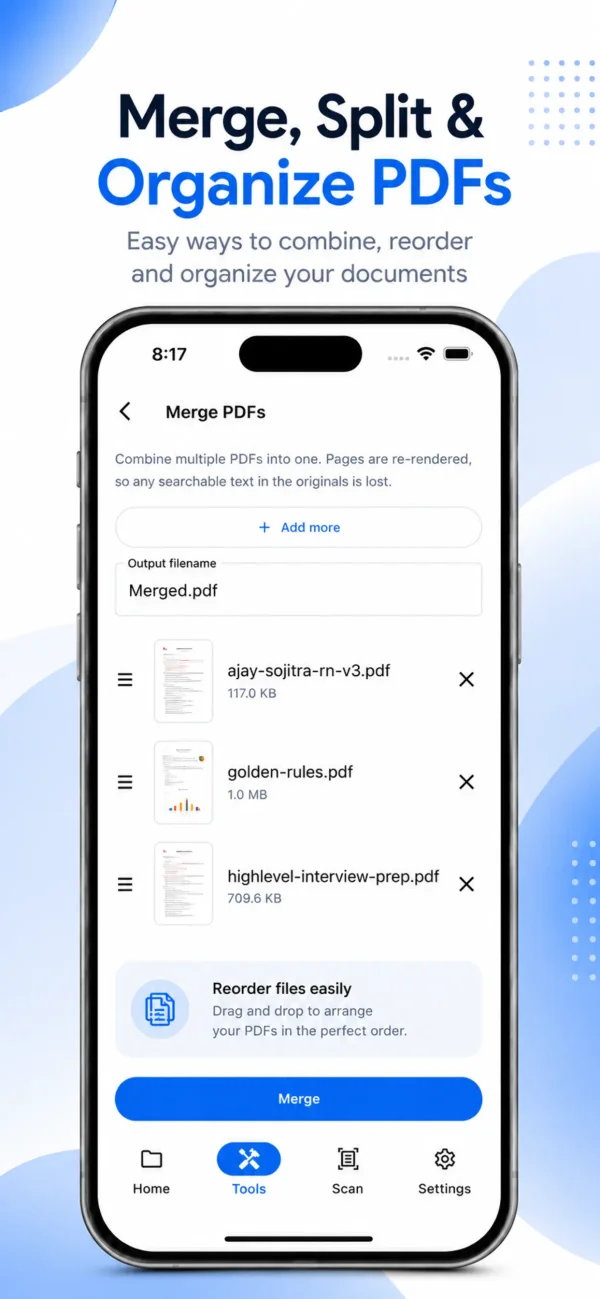
• Merge & Split: Combine multiple files or extract individual pages effortlessly.
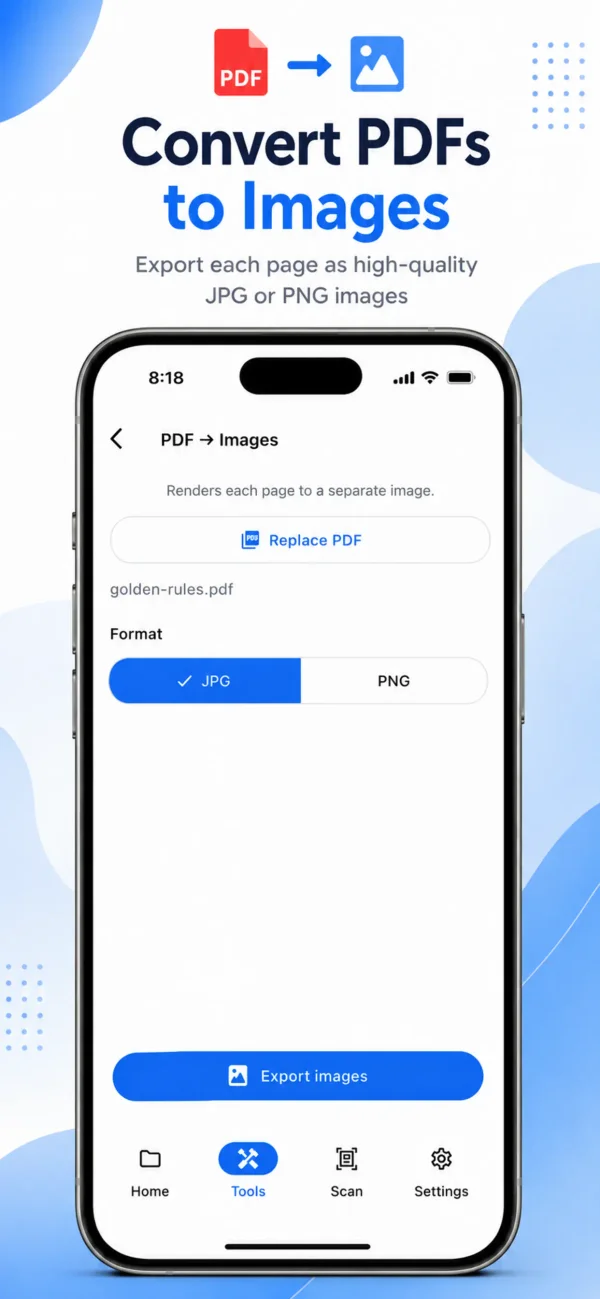
• File Conversions: Turn images to PDF instantly, or export pages as clean images.
• Compress PDF: Reduce document file sizes for quick, trouble-free email attachments.
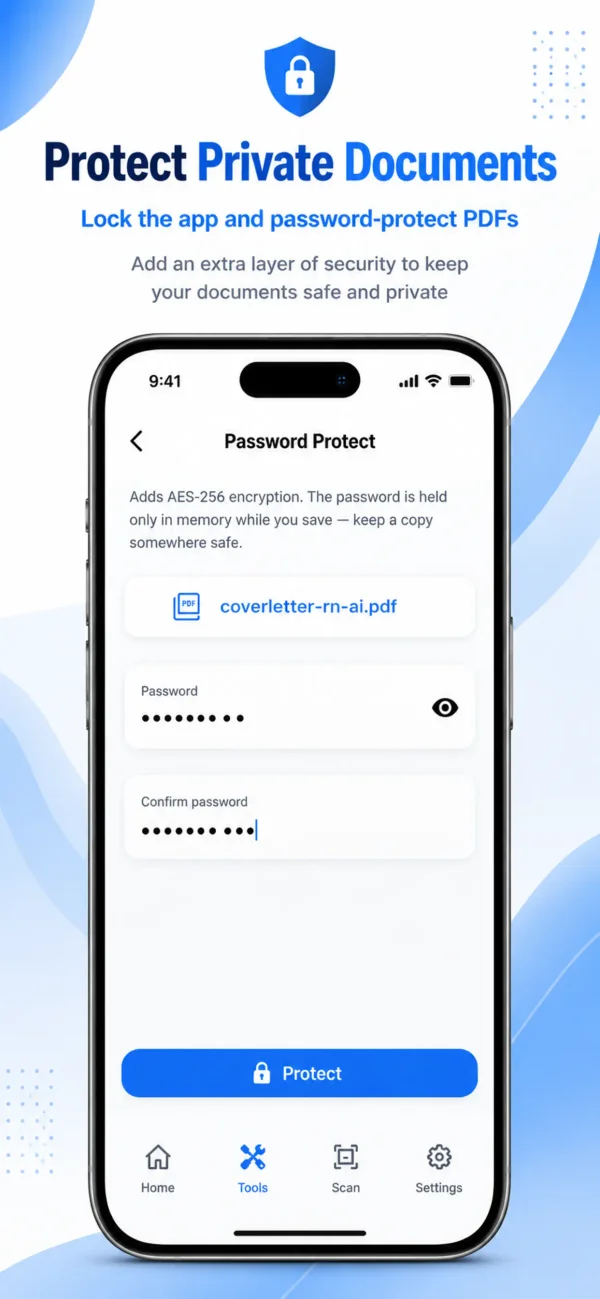
• PDF Security: Add strong password protection, or safely remove existing passwords.
PAGE MANAGEMENT & NAVIGATION
Stay organized with total control over your files.
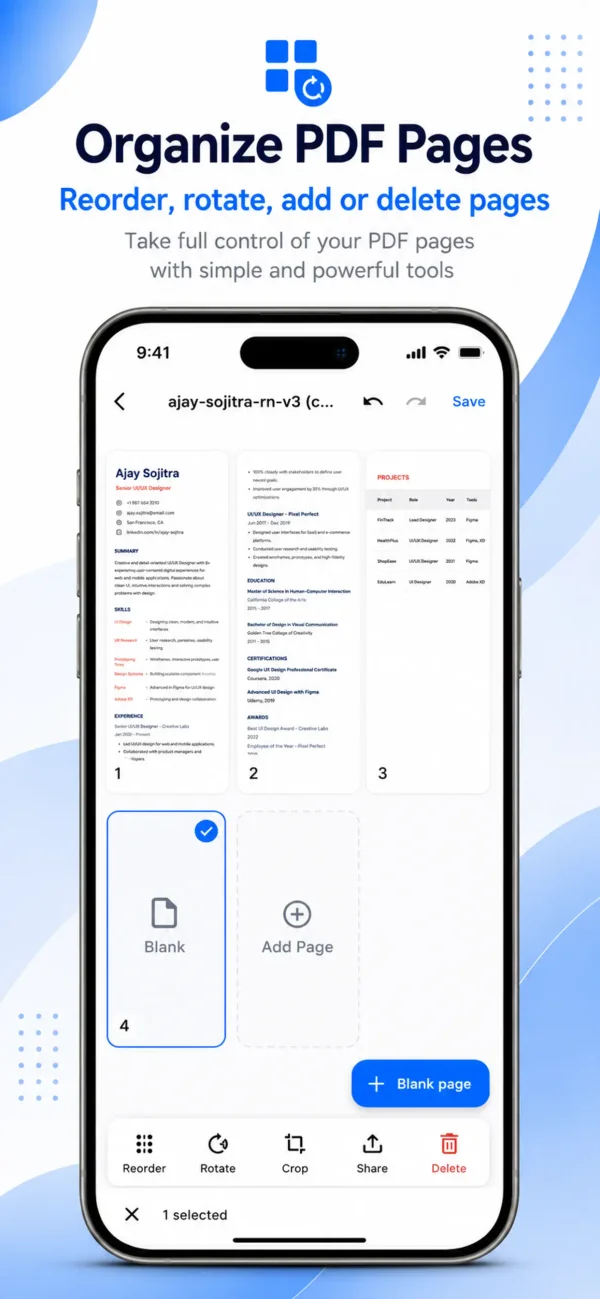
• Rearrange, delete, rotate, or add fresh, blank pages to any existing document.
• Search text inside a PDF to find exact keywords in seconds.
• Bookmarks & Go To Page shortcuts let you navigate massive files with ease.
SYNC, STORAGE & ACCOUNT SECURITY
• Secure your entire app using App Lock with FaceID or TouchID authentication.
• Custom configurations: Pick Dark Mode, adjust default page views, and set default tool colors.
• Seamlessly import files from or save your work directly to your favorite Cloud storage.
• Easily share your completed work via email, messages, or cloud links.
Go Pro for Unlimited Power
Enjoy a robust suite of viewing and editing tools completely free. Upgrade to our Premium subscription to unlock unlimited advanced tools including bulk merging, file compression, OCR text recognition, and premium cloud integrations.
Your subscription will be charged to your iTunes account at confirmation of purchase. Subscriptions automatically renew unless auto-renew is turned off at least 24 hours before the end of the current period. Manage your subscription and auto-renewal settings easily in your App Store Account Settings.
Privacy Policy: https://doc-hosting.flycricket.io/srkwebstudio-privacy-policy/64f68df3-4304-4de0-84b6-8b293a40f23b/privacy
Có gì mới
Phiên bản 7.0 · 23/07/2026
Performance Improvements!
Quyền riêng tư của ứng dụng
Những gì Rahul Jalavadiya khai báo trên App Store về cách ứng dụng này xử lý dữ liệu.
-
Dữ liệu được sử dụng để theo dõi bạn
Có thể được sử dụng để theo dõi bạn trên các ứng dụng và trang web do công ty khác sở hữu.
- Mã định danh
-
Dữ liệu không liên kết với bạn
Có thể được thu thập nhưng không liên kết với danh tính của bạn.
- Vị trí
- Mã định danh
- Dữ liệu sử dụng
- Chẩn đoán
Phương thức đảm bảo quyền riêng tư có thể khác nhau, chẳng hạn như tuỳ theo các tính năng bạn sử dụng hoặc độ tuổi của bạn.
Thông tin
- Người bán
- Rahul Jalavadiya
- Danh mục
- Hiệu Suất
- Phiên bản
- 7.0
- Cập nhật
- 23/07/2026
- Phát hành
- 16/06/2026
- Kích thước
- 44,4 MB
- Yêu cầu
- iOS 16.0 trở lên
- Độ tuổi
- 4+
- Giá
- Miễn phí
- Ngôn ngữ
- Tiếng Anh
- Bản quyền
- © SRKWebstudio
Có thể bạn cũng thích
-
 Editify: PDF Editor & AI ChatHiệu Suất
-
 OnePDF: Scanner & EditorHiệu Suất
-
 Scanly: Scanner & PDFHiệu Suất
-
 PDF to Word Converter: EditorHiệu Suất
-
 ScanNest: PDF Scanner & OCRHiệu Suất
-
 Image Converter: Batch & PDFHiệu Suất
-
 PDF Editor ConverterHiệu Suất
-
 Batch PDF Scanner & OCR LiteHiệu Suất
-
 DocDesk: PDF Scanner OCRHiệu Suất
-
 Magic PDF Pro: Offline EditorHiệu Suất