- Age rating4+
- CategoryProductivity
- DeveloperRahul Jalavadiya
- LanguagesEnglish
- Size44.4 MB
Links to the official App Store page
Download.org hosts no file of PDF Editor & Scanner Pro. The button opens its official App Store page, published by Rahul Jalavadiya. Listing last checked on Nov 8, 2026.
Screenshots

About
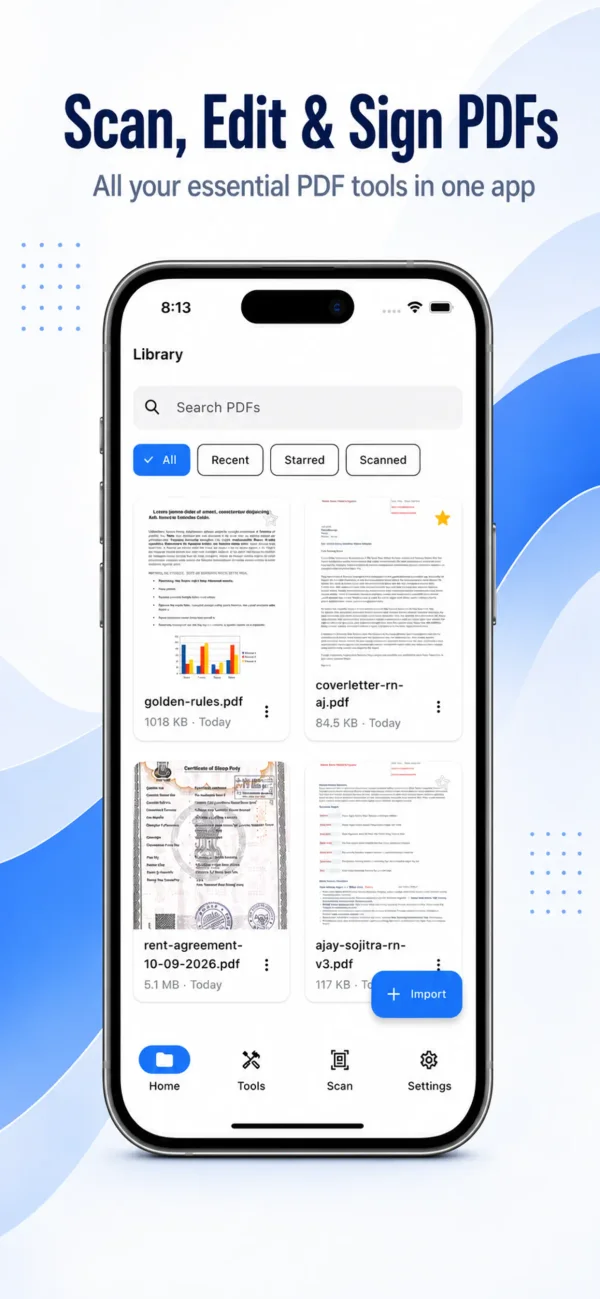
The ultimate all-in-one PDF workspace for your iPhone and iPad.
Whether you are a student highlighting lecture notes, a professional signing a business contract, or someone needing a quick mobile scanner, PDF Editor & Scanner Pro gives you the ultimate desktop-grade tools right in your pocket.
Download for free and start viewing, editing, and scanning your documents instantly!
Key Features Included:
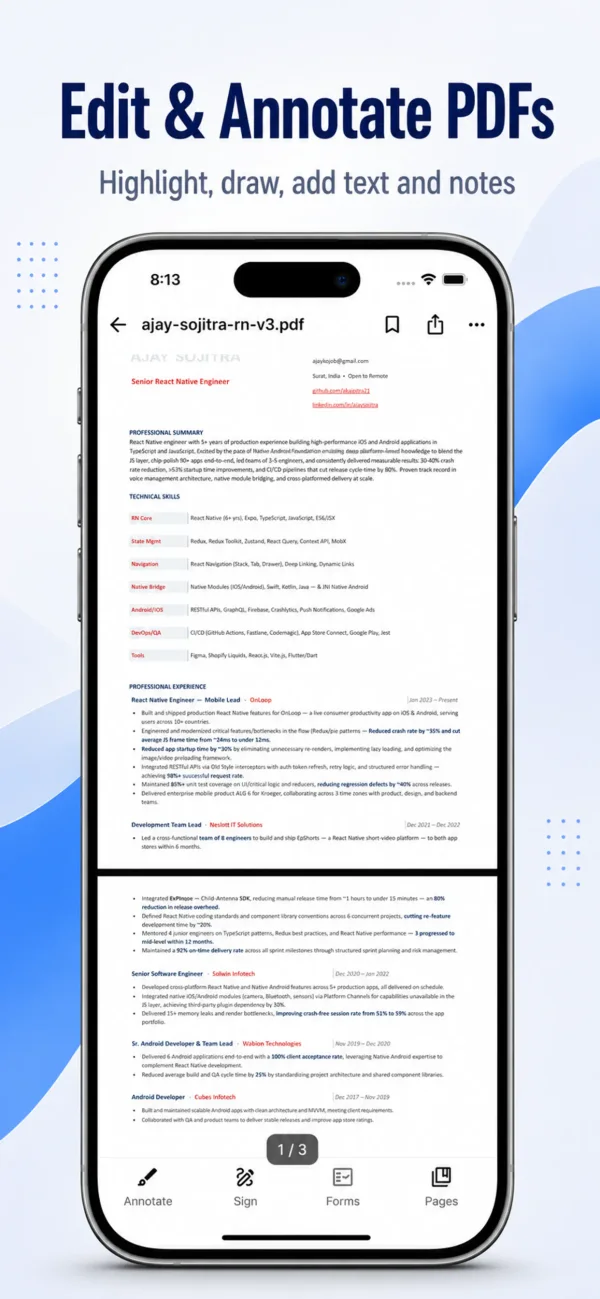
POWERFUL PDF EDITOR & ANNOTATION TOOLS
Make changes to any PDF file with our intuitive markup and drawing suite.
• Draw and write smoothly using a precise Pen, Highlighter, and Eraser.
• Highlight text, underline critical data, or apply strike-through marks.
• Type text boxes, drop custom sticky notes, or insert images into any file.
• Secure your privacy by using the Redact tool to permanently hide sensitive information.
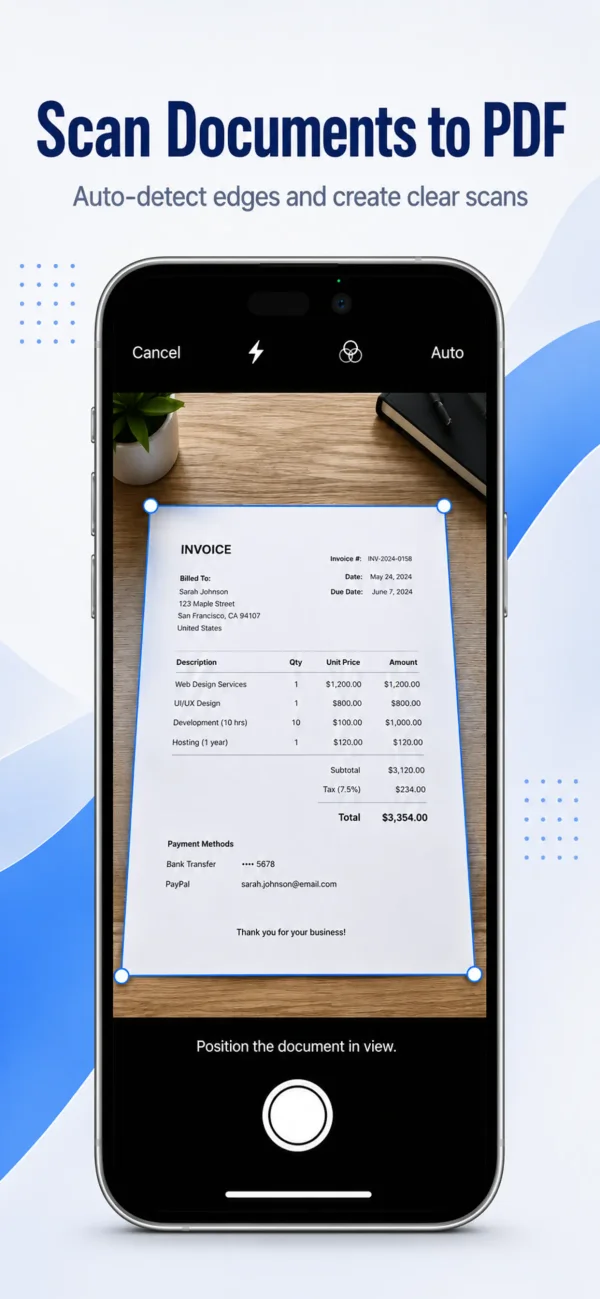
SMART MOBILE SCANNER
Turn your physical paperwork into crisp, professional digital files.
• Capture documents flawlessly with Autocapture edge detection or manual mode.
• Crop, straighten, and clean up scans automatically.
• Turn receipts, multi-page contracts, or book pages into high-quality PDFs.
FILL FORMS & SIGN SECURELY
Complete paperwork digitally and eliminate printing entirely.
• Type directly into interactive or static PDF form fields.
• Create your unique electronic signature using your fingertip or stylus.
• Place your saved signature onto contracts and legal forms in one tap.
ADVANCED DOCUMENT TOOLS
Handle complex document tasks on the move.
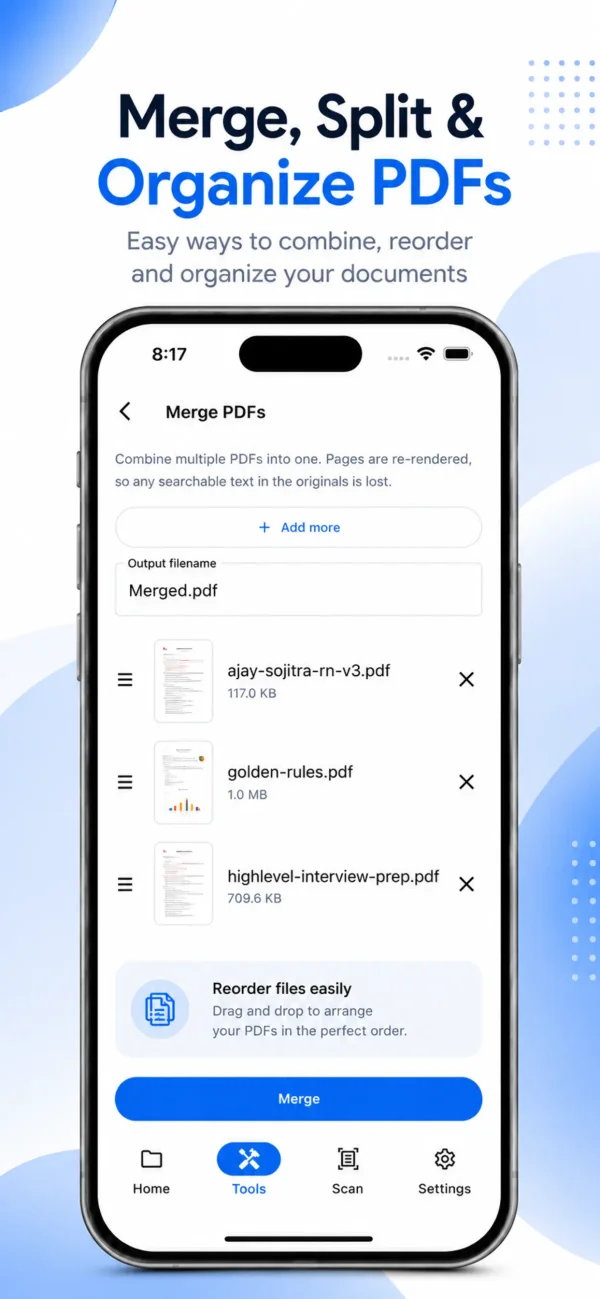
• Merge & Split: Combine multiple files or extract individual pages effortlessly.
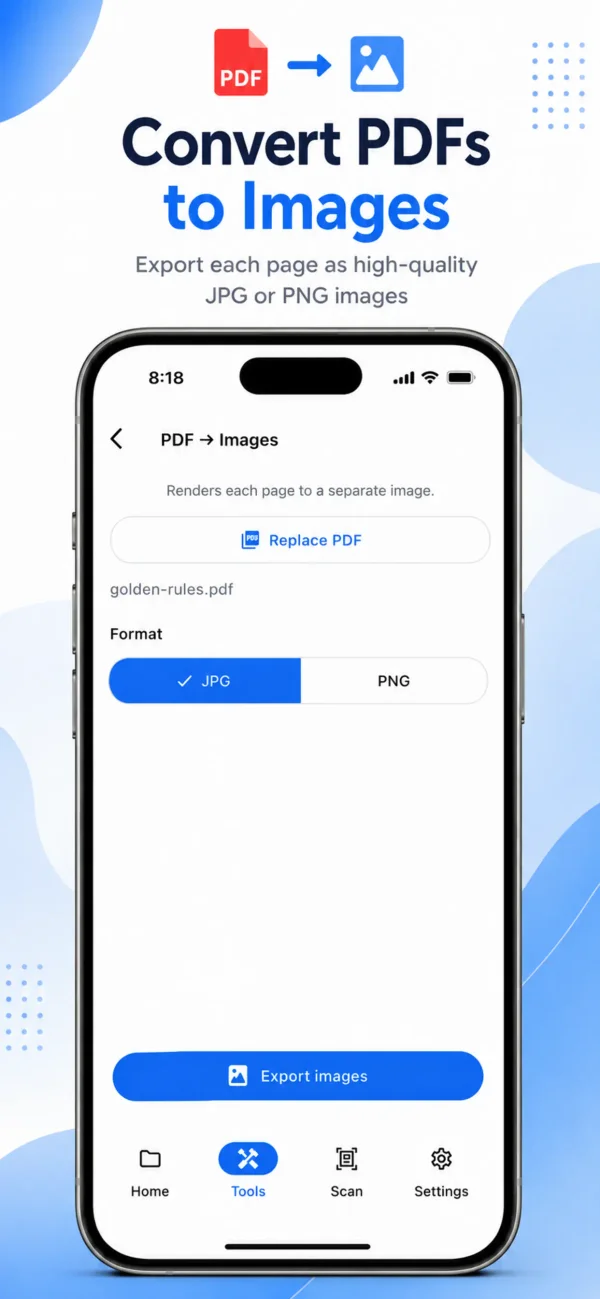
• File Conversions: Turn images to PDF instantly, or export pages as clean images.
• Compress PDF: Reduce document file sizes for quick, trouble-free email attachments.
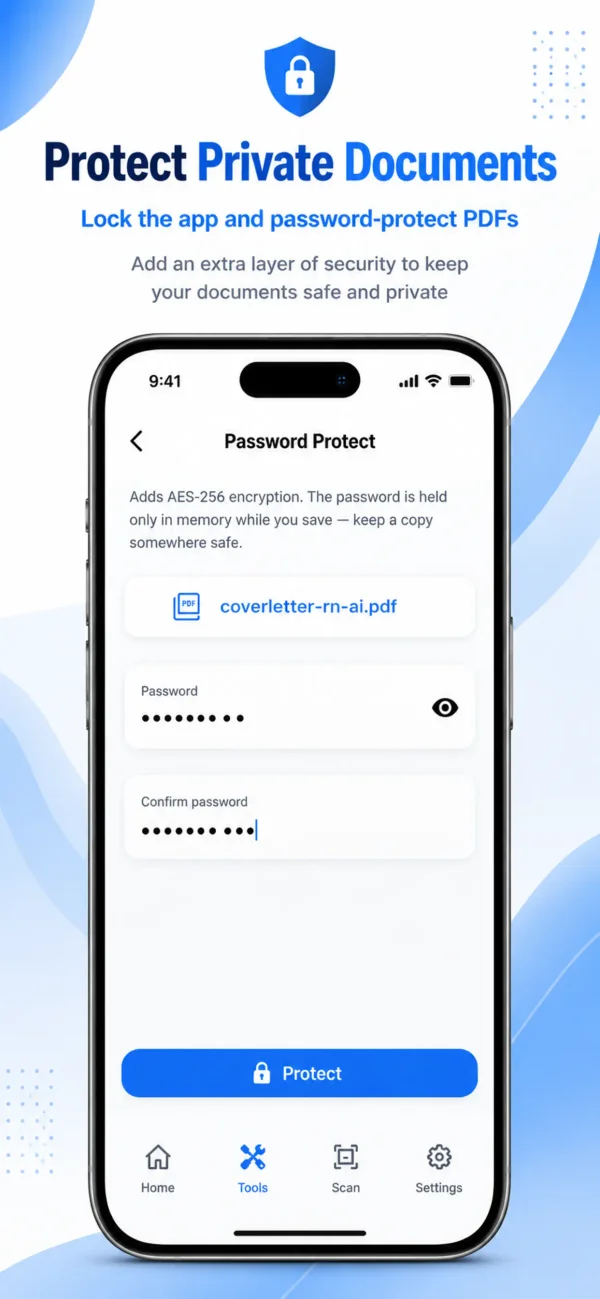
• PDF Security: Add strong password protection, or safely remove existing passwords.
PAGE MANAGEMENT & NAVIGATION
Stay organized with total control over your files.
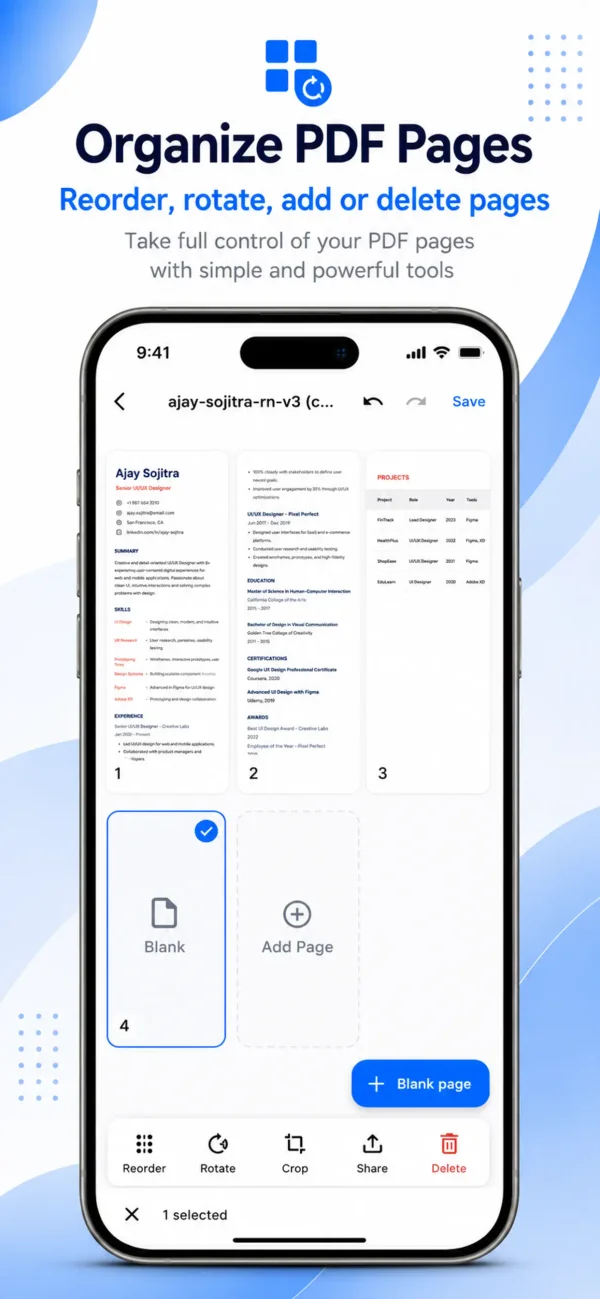
• Rearrange, delete, rotate, or add fresh, blank pages to any existing document.
• Search text inside a PDF to find exact keywords in seconds.
• Bookmarks & Go To Page shortcuts let you navigate massive files with ease.
SYNC, STORAGE & ACCOUNT SECURITY
• Secure your entire app using App Lock with FaceID or TouchID authentication.
• Custom configurations: Pick Dark Mode, adjust default page views, and set default tool colors.
• Seamlessly import files from or save your work directly to your favorite Cloud storage.
• Easily share your completed work via email, messages, or cloud links.
Go Pro for Unlimited Power
Enjoy a robust suite of viewing and editing tools completely free. Upgrade to our Premium subscription to unlock unlimited advanced tools including bulk merging, file compression, OCR text recognition, and premium cloud integrations.
Your subscription will be charged to your iTunes account at confirmation of purchase. Subscriptions automatically renew unless auto-renew is turned off at least 24 hours before the end of the current period. Manage your subscription and auto-renewal settings easily in your App Store Account Settings.
Privacy Policy: https://doc-hosting.flycricket.io/srkwebstudio-privacy-policy/64f68df3-4304-4de0-84b6-8b293a40f23b/privacy
What’s new
Version 7.0 · Jul 23, 2026
Performance Improvements!
App privacy
What Rahul Jalavadiya declares on the App Store about how this app handles data.
-
Data used to track you
May be used to track you across apps and websites owned by other companies.
- Identifiers
-
Data not linked to you
May be collected but is not linked to your identity.
- Location
- Identifiers
- Usage data
- Diagnostics
Privacy practices may vary, for example with the features you use or your age.
Information
- Seller
- Rahul Jalavadiya
- Category
- Productivity
- Version
- 7.0
- Updated
- Jul 23, 2026
- Released
- Jun 16, 2026
- Size
- 44.4 MB
- Requires
- iOS 16.0 or later
- Age rating
- 4+
- Languages
- English
- Copyright
- © SRKWebstudio
You might also like
-
 Editify: PDF Editor & AI ChatFill, Sign, Compress · Offline
-
 OnePDF: Scanner & EditorScan, OCR, Convert & Sign
-
 Scanly: Scanner & PDFScan, OCR, sign & lock PDFs
-
 PDF to Word Converter: EditorAI Translator & PDF Reader
-
 ScanNest: PDF Scanner & OCRSmart PDF Scanner & OCR Tool
-
 Image Converter: Batch & PDFConvert HEIC JPG PNG EXIF WebP
-
 PDF Editor ConverterPDF Toolbox
-
 Batch PDF Scanner & OCR LiteOCR Scanner With Secure Vault
-
 DocDesk: PDF Scanner OCRRedact, sign, compress
-
 Magic PDF Pro: Offline EditorEdit, Scan & Sign PDF Offline