
PinWall: Lock Screen Notes
Photo Stickers & Wallpaper
Được thiết kế cho iPhone
Miễn phí · Mua hàng trong ứng dụng
- Độ tuổi4+
- Danh mụcĐồ Họa & Thiết Kế
- Nhà phát triểnYang Wang
- Ngôn ngữTiếng Anh+ 3 ngôn ngữ khác
- Kích thước3,4 MB
Liên kết đến trang App Store chính thức
Download.org không lưu trữ tệp nào của PinWall: Lock Screen Notes. Nút này mở trang ứng dụng trên App Store, nơi Yang Wang phát hành ứng dụng. Trang được kiểm tra lần cuối: 15/11/2026.
Ảnh chụp màn hình
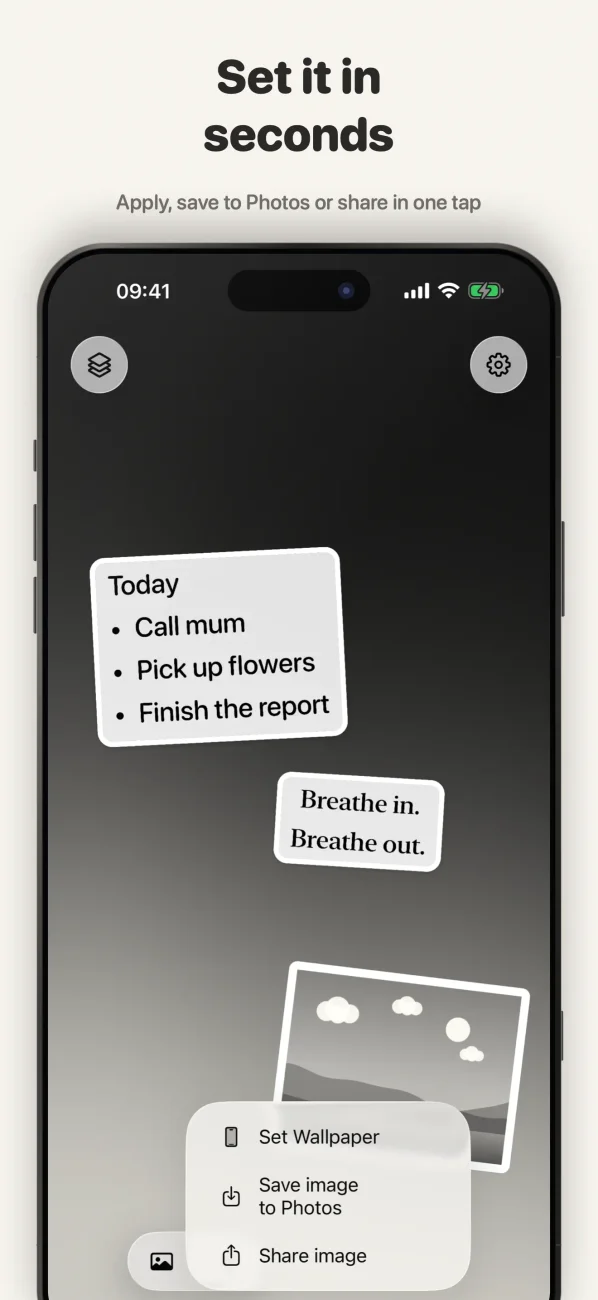
Giới thiệu
Nhà phát triển chưa cung cấp nội dung này bằng ngôn ngữ của bạn.
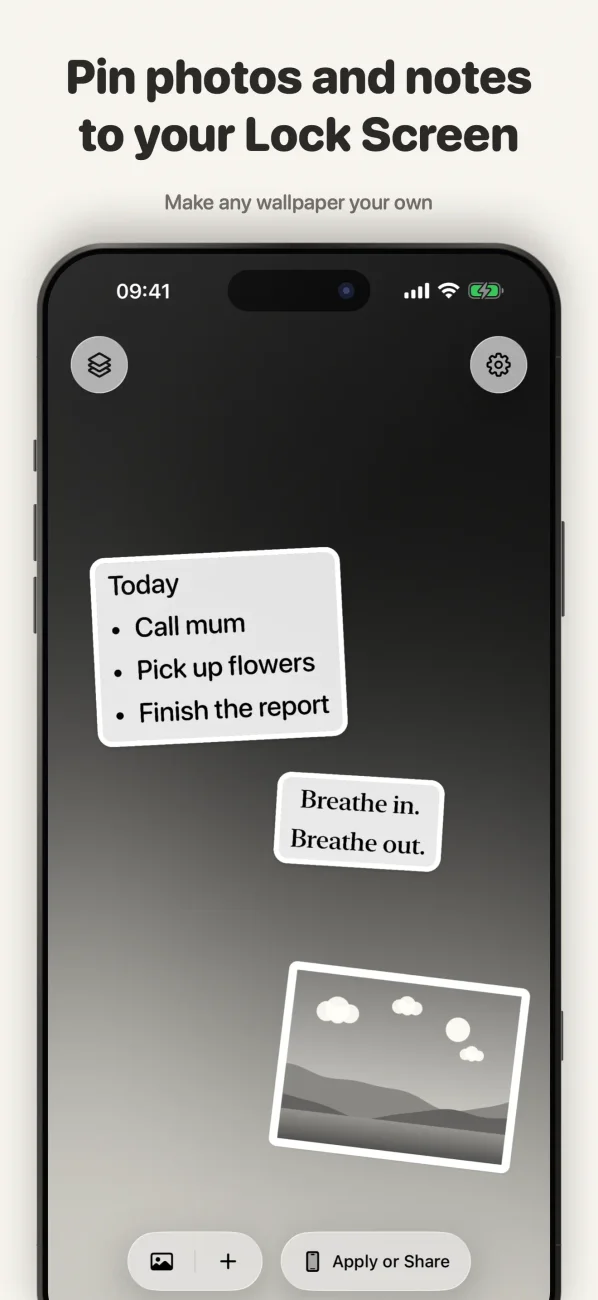
Create a personal iPhone Lock Screen with sticky notes, reminders, quotes, and photo stickers.
PinWall is a wallpaper editor for the things you want to keep in view. Add a to-do list, an inspiring sentence, or a favorite photo to your own background. Move, resize, rotate, and style each element to make a Lock Screen that feels like yours.
MAKE IT YOURS
- Choose a wallpaper background from Photos or Files.
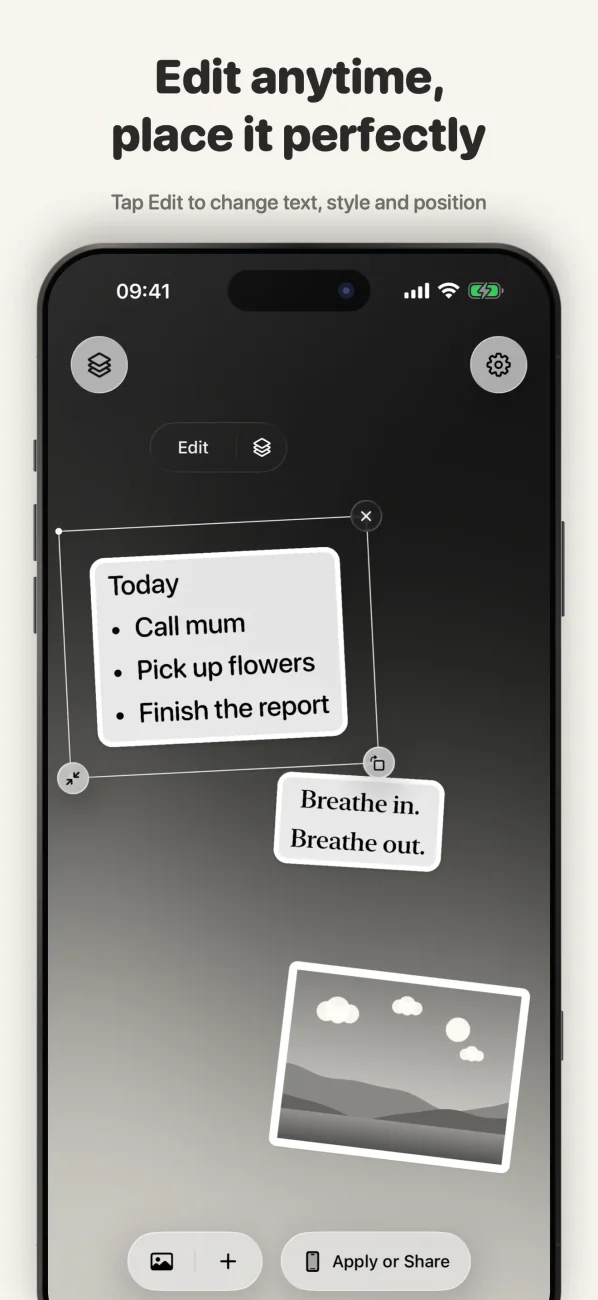
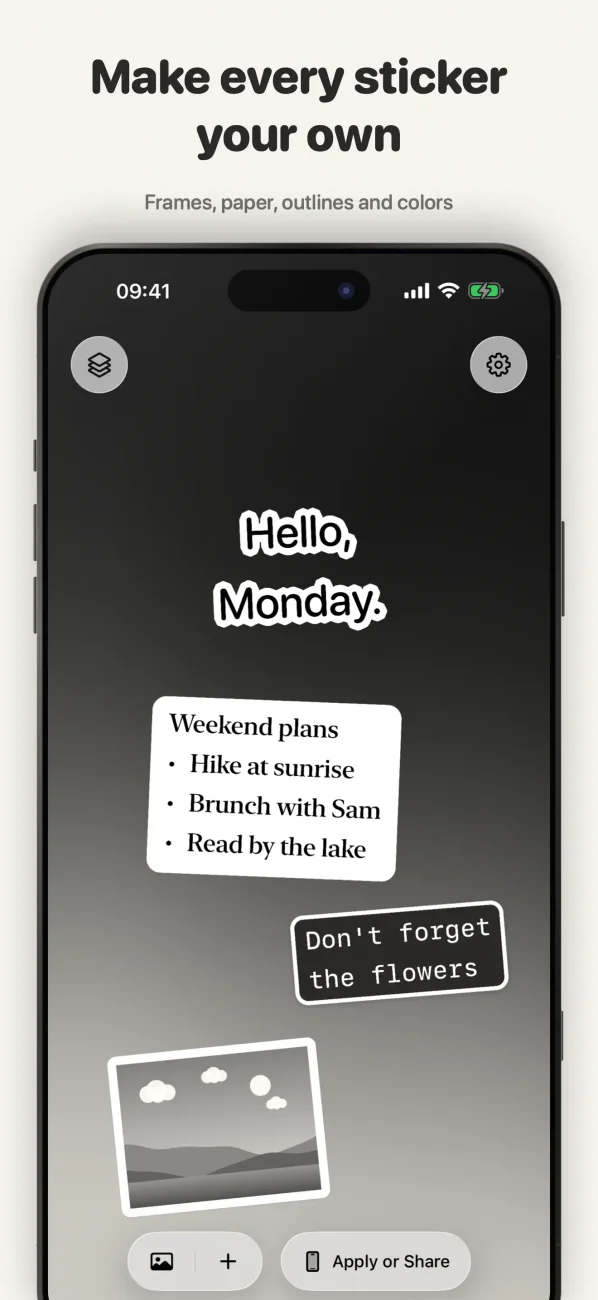
- Add notes with custom fonts, colors, alignment, and backgrounds.
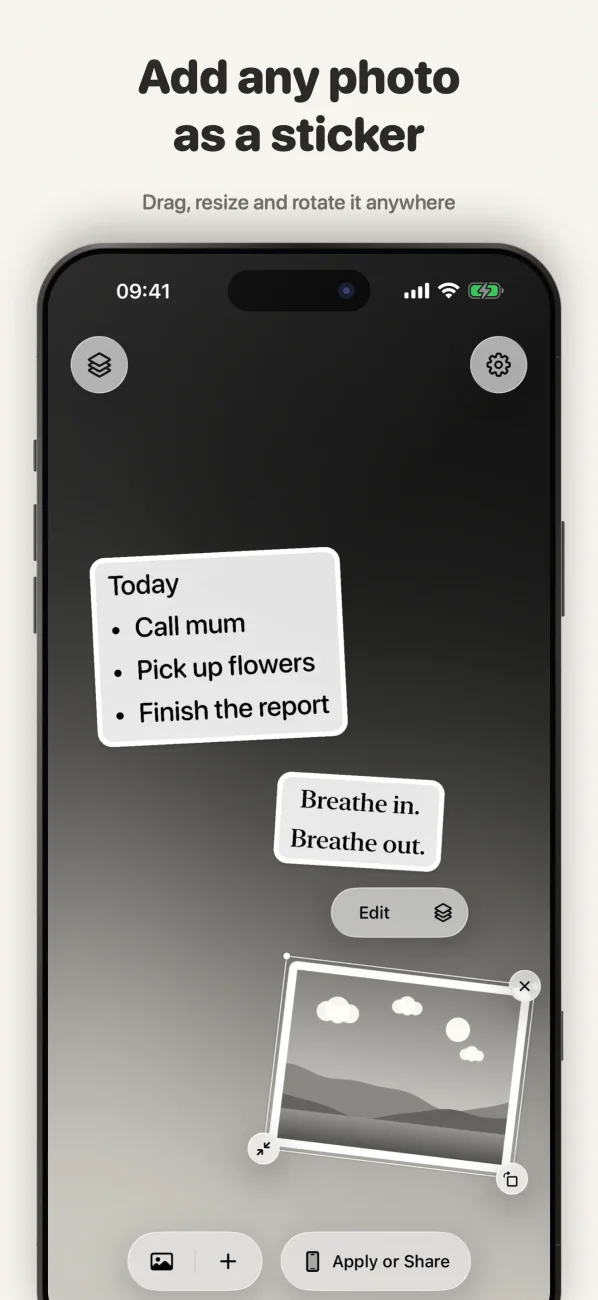
- Add photos or transparent images and give them sticker outlines or a paper backing.
- Arrange notes and images in layers with drag, pinch, rotation, and alignment guides.
SAVE AND APPLY
- Your current wallpaper draft saves automatically on your device.
- Save the finished PNG to Photos or share it with another app.
- Follow the illustrated guide in Settings to set your wallpaper manually on your iPhone.
- Or add the included companion shortcut to set your Lock Screen through Apple Shortcuts.
- If photo saving is denied, open iPhone Settings from PinWall to allow adding photos.
PRIVATE BY DESIGN
Your text, photos, and wallpaper draft are processed on your device. No account is required, and PinWall includes no ads or third-party analytics SDKs.
PinWall supports portrait iPhone layouts on iOS 18 or later. Saving and sharing images, and following the manual wallpaper guide, do not require Shortcuts. The Set Wallpaper action uses Apple's Shortcuts app and requires adding the companion shortcut. Notes are part of the exported image; they are not interactive widgets or notification alerts.
PINWALL PRO
The free plan includes one note and one image per wallpaper. All sticker styles, export and Shortcuts are included. Upgrade to PinWall Pro for unlimited notes and images with a lifetime one-time purchase or a monthly auto-renewable subscription. Prices are shown in the app for your App Store region. When Pro ends, each wallpaper keeps only its most recently added note and image. Older items are permanently deleted and are not restored if you purchase Pro again.
Payment is charged to your Apple Account. Monthly subscriptions renew automatically unless cancelled at least 24 hours before the end of the current period. Manage or cancel your subscription in App Store subscription settings. Restore Purchases is available in PinWall Settings.
Privacy Policy: https://github.com/ywang035/pinwall-ios-app/blob/main/PRIVACY.md
Terms of Use: https://www.apple.com/legal/internet-services/itunes/dev/stdeula/
Có gì mới
Phiên bản 1.1 · 18/10/2026
Make your wallpaper with fewer interruptions.
- Follow a new illustrated guide to set your wallpaper manually from iPhone Settings.
- Re-enable photo saving from Settings if you previously denied permission, with clearer guidance when saving is blocked.
- Dismiss the keyboard with one tap while editing notes or your shortcut name.
- Enjoy a refreshed app icon and a coordinated light and dark appearance.
Quyền riêng tư của ứng dụng
Những gì Yang Wang khai báo trên App Store về cách ứng dụng này xử lý dữ liệu.
-
Dữ liệu không được thu thập
Nhà phát triển không thu thập bất kỳ dữ liệu nào từ ứng dụng này.
Phương thức đảm bảo quyền riêng tư có thể khác nhau, chẳng hạn như tuỳ theo các tính năng bạn sử dụng hoặc độ tuổi của bạn.
Thông tin
- Người bán
- Yang Wang
- Danh mục
- Đồ Họa & Thiết Kế
- Phiên bản
- 1.1
- Cập nhật
- 18/10/2026
- Phát hành
- 16/10/2026
- Kích thước
- 3,4 MB
- Yêu cầu
- iOS 18.0 trở lên
- Độ tuổi
- 4+
- Giá
- Miễn phí
- Mua hàng trong ứng dụng
- Có
- Ngôn ngữ
- Tiếng Anh, Tiếng Nhật, Tiếng Trung Giản thể, Tiếng Tây Ban Nha
- Bản quyền
- © 2026 Yang Wang
Có thể bạn cũng thích
-
 TypePick - Compare FontsĐồ Họa & Thiết Kế
-
 Toybox: SwiftUI & Metal LabĐồ Họa & Thiết Kế
-
 Image Utils - Image EditorĐồ Họa & Thiết Kế
-
 3minders - Lock Screen NotesĐồ Họa & Thiết Kế
-
 EmoGen AI - Emoji GeneratorĐồ Họa & Thiết Kế
-
 Await - Make Anything a WidgetĐồ Họa & Thiết Kế
-
 DS Card - Markdown text cardĐồ Họa & Thiết Kế
-
 yoi: Photo Editor & Live PhotoĐồ Họa & Thiết Kế
-
 Mixy-Themes, Lock WidgetĐồ Họa & Thiết Kế
-
 GenTheme: Theme cực đẹpHình nền, icon & widget