
PixelsMeasure
Measure what you see in pixels
Được thiết kế cho iPhone, iPad, Mac
Miễn phí · Mua hàng trong ứng dụng
- Độ tuổi4+
- Danh mụcCông Cụ Nhà Phát Triển
- Nhà phát triển东东 张
- Ngôn ngữTiếng Anh+ 9 ngôn ngữ khác
- Kích thước18,2 MB
Liên kết đến trang App Store chính thức
Download.org không lưu trữ tệp nào của PixelsMeasure. Nút này mở trang ứng dụng trên App Store, nơi 东东 张 phát hành ứng dụng. Trang được kiểm tra lần cuối: 24/11/2026.
Ảnh chụp màn hình


Giới thiệu
Nhà phát triển chưa cung cấp nội dung này bằng ngôn ngữ của bạn.
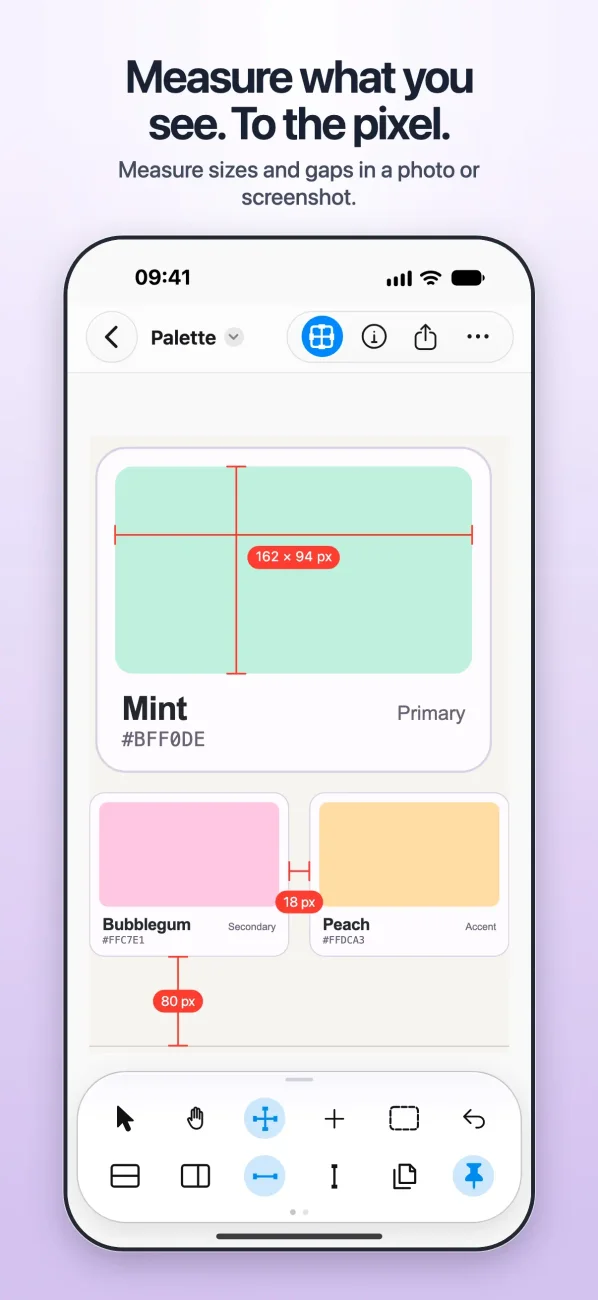
Measure widths, heights, and gaps in screenshots, photos, and mockups with PixelsMeasure. Open an image from Photos or Files, or send it to PixelsMeasure from the share sheet.
• Check spacing and alignment. Move the Probe over the image to measure between nearby edges, pin the values you want to keep, or use Cross to read coordinates and line up elements.
• Inspect the details. Pinch to zoom in to individual pixels, adjust edge detection tolerance, and edit the position and size of saved measurements in the inspector. Organize them in layers as your document grows.
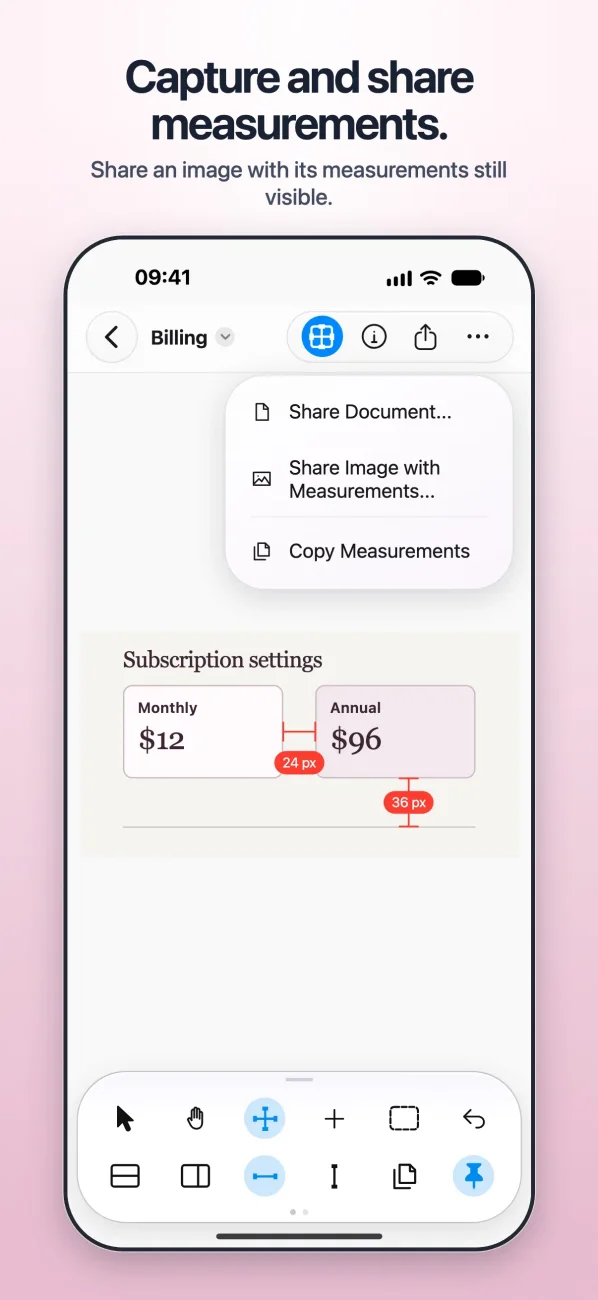
• Keep measuring later. Save and share editable .pixelsmeasure files, open them on Mac, iPhone, and iPad using iCloud Drive, or export an annotated PNG for a design review or bug report.
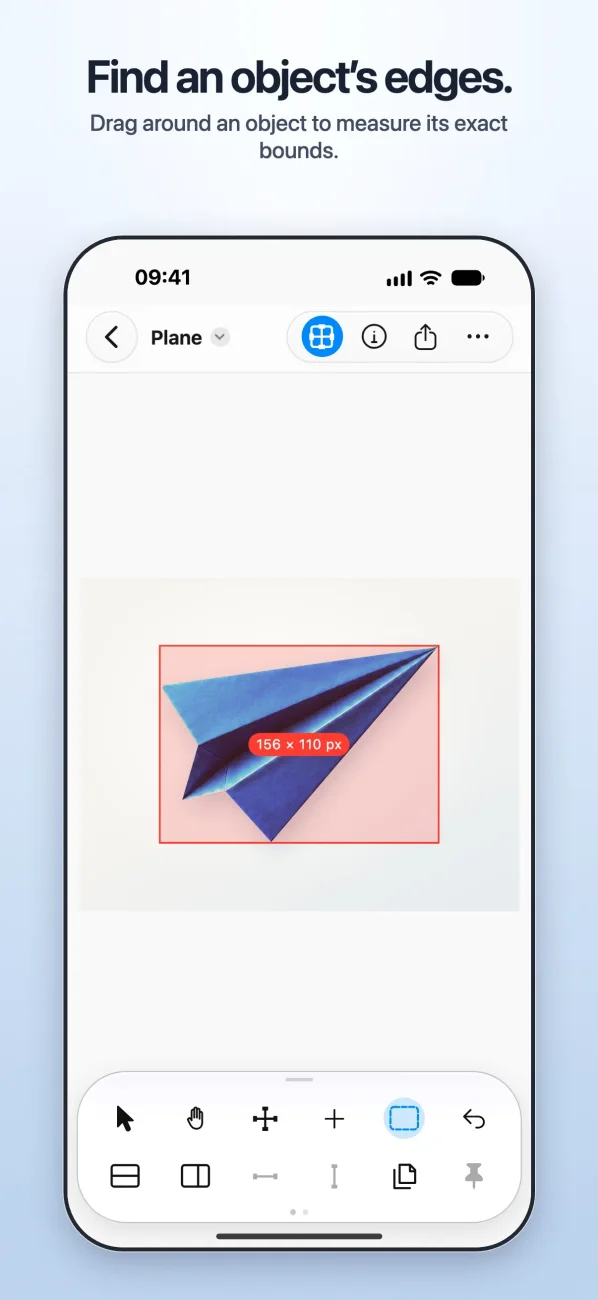
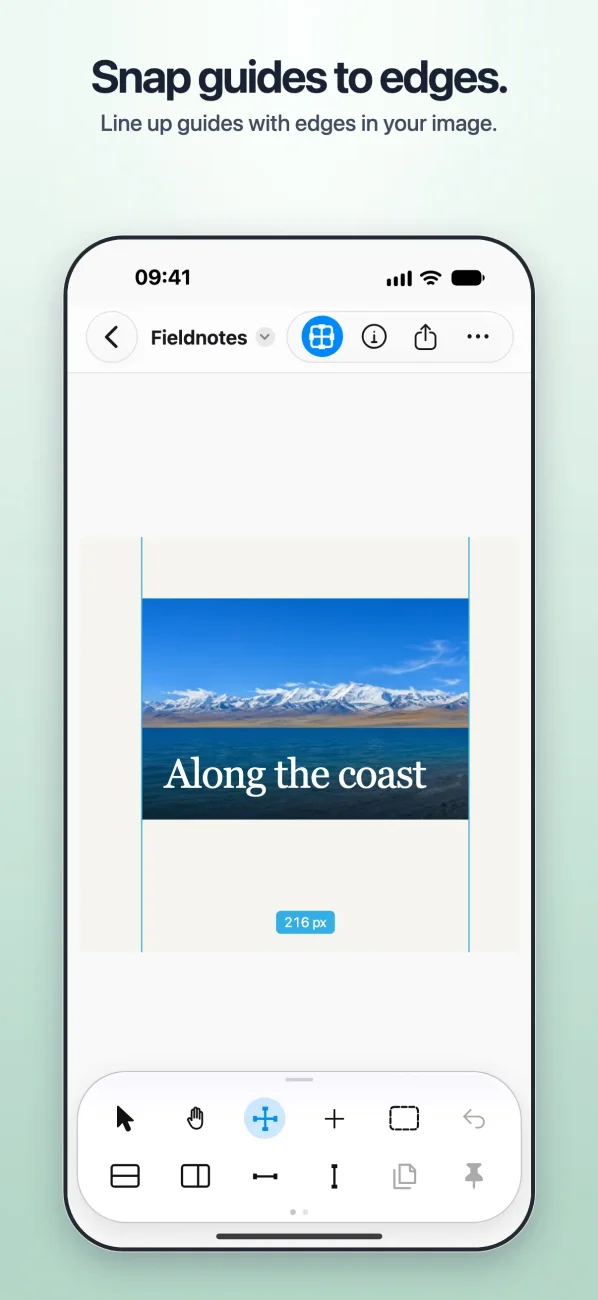
Free tools include Probe, Cross, saving and sharing documents, and adding up to three measurements per document. PixelsMeasure Pro unlocks unlimited measurements, object and area measurement, snapping guides, batch copying, and image cropping and rotation. Pro is available as a monthly or yearly subscription or a one-time lifetime purchase. Try the Pro tools in the included sample document.
Terms of Service: https://pixelsmeasure.com/#/terms-of-service
Privacy Policy: https://pixelsmeasure.com/#/privacy
Có gì mới
Phiên bản 5.0.1 · 22/11/2026
• Pixel rulers show image coordinates, and the inspector previews the copied output for selected measurements. Measurements are copied in layer order.
• The sample document includes a video walkthrough of the measurement tasks. You can open it from Settings.
• Document previews refresh after autosave, and saving and closing edited documents is more reliable.
Quyền riêng tư của ứng dụng
Những gì 东东 张 khai báo trên App Store về cách ứng dụng này xử lý dữ liệu.
-
Dữ liệu không được thu thập
Nhà phát triển không thu thập bất kỳ dữ liệu nào từ ứng dụng này.
Phương thức đảm bảo quyền riêng tư có thể khác nhau, chẳng hạn như tuỳ theo các tính năng bạn sử dụng hoặc độ tuổi của bạn.
Thông tin
- Người bán
- 东东 张
- Danh mục
- Công Cụ Nhà Phát Triển
- Phiên bản
- 5.0.1
- Cập nhật
- 22/11/2026
- Phát hành
- 12/08/2022
- Kích thước
- 18,2 MB
- Yêu cầu
- iOS 17.0 trở lên
- Độ tuổi
- 4+
- Giá
- Miễn phí
- Mua hàng trong ứng dụng
- Có
- Ngôn ngữ
- Tiếng Anh, Tiếng Pháp, Tiếng Đức, Tiếng Ý, Tiếng Nhật, Tiếng Hàn, Tiếng Nga, Tiếng Trung Giản thể, Tiếng Tây Ban Nha, Tiếng Trung Phồn thể
- Bản quyền
- Copyright © 2022-2026 ZDDHUB. All rights reserved.
Có thể bạn cũng thích
-
 PixelKit: Design & Dev ToolsCông Cụ Nhà Phát Triển
-
 Libraried: UI ComponentsCông Cụ Nhà Phát Triển
-
 ResolutionerCông Cụ Nhà Phát Triển
-
 Device Info ToolCông Cụ Nhà Phát Triển
-
 WebSSH - Sysadmin ToolboxCông Cụ Nhà Phát Triển
-
 a-Shell miniCông Cụ Nhà Phát Triển
-
 Proxyman - Capture HTTPSCông Cụ Nhà Phát Triển
-
 Pyto IDECông Cụ Nhà Phát Triển
-
 ScriptableCông Cụ Nhà Phát Triển
-
 Web InspectorCông Cụ Nhà Phát Triển