Pocket Docs - Document Storage
Docs Manager & File Organizer
Được thiết kế cho iPhone, iPad
Miễn phí · Mua hàng trong ứng dụng
- Độ tuổi4+
- Danh mụcHiệu Suất
- Nhà phát triểnEvgeniy Konev
- Ngôn ngữTiếng Anh+ 9 ngôn ngữ khác
- Kích thước9,5 MB
Liên kết đến trang App Store chính thức
Download.org không lưu trữ tệp nào của Pocket Docs - Document Storage. Nút này mở trang ứng dụng trên App Store, nơi Evgeniy Konev phát hành ứng dụng. Trang được kiểm tra lần cuối: 14/11/2026.
Ảnh chụp màn hình
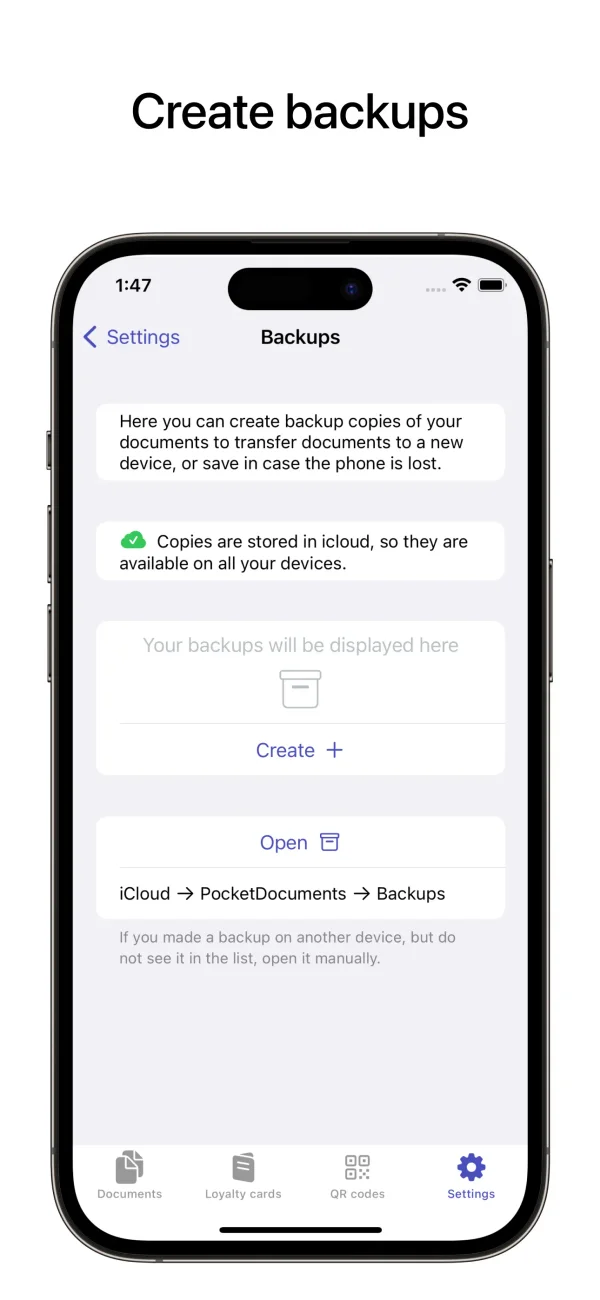
Giới thiệu
Nhà phát triển chưa cung cấp nội dung này bằng ngôn ngữ của bạn.
- SAFE -
We don't use servers to store data, your documents are stored only on your device. For extra security, you can set a password and use TouchId or FaceId to quickly unlock.
- OFFLINE -
Create and view documents offline, the app works without an internet connection.
- DOCUMENT UPLOADING -.
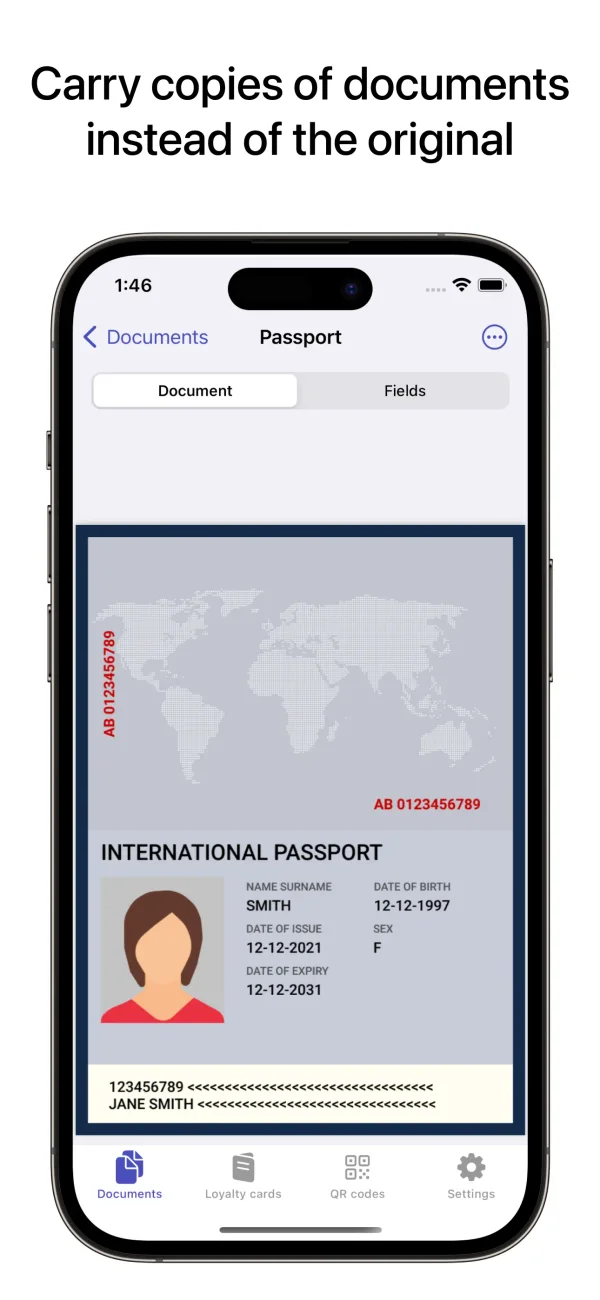
You can add a document to the app in several ways. Scan with the built-in scanner, upload a pdf from your device, or upload photos of a document. Documents are stored in PDF format.
- DOCUMENT FIELDS -
In the app you can create fields for each document. This way you can record the most frequently used data and not have to search through the entire PDF document. Saved fields can easily be copied to use where you need them. You can copy individual fields or all fields at once.
- QR DOCUMENTS -
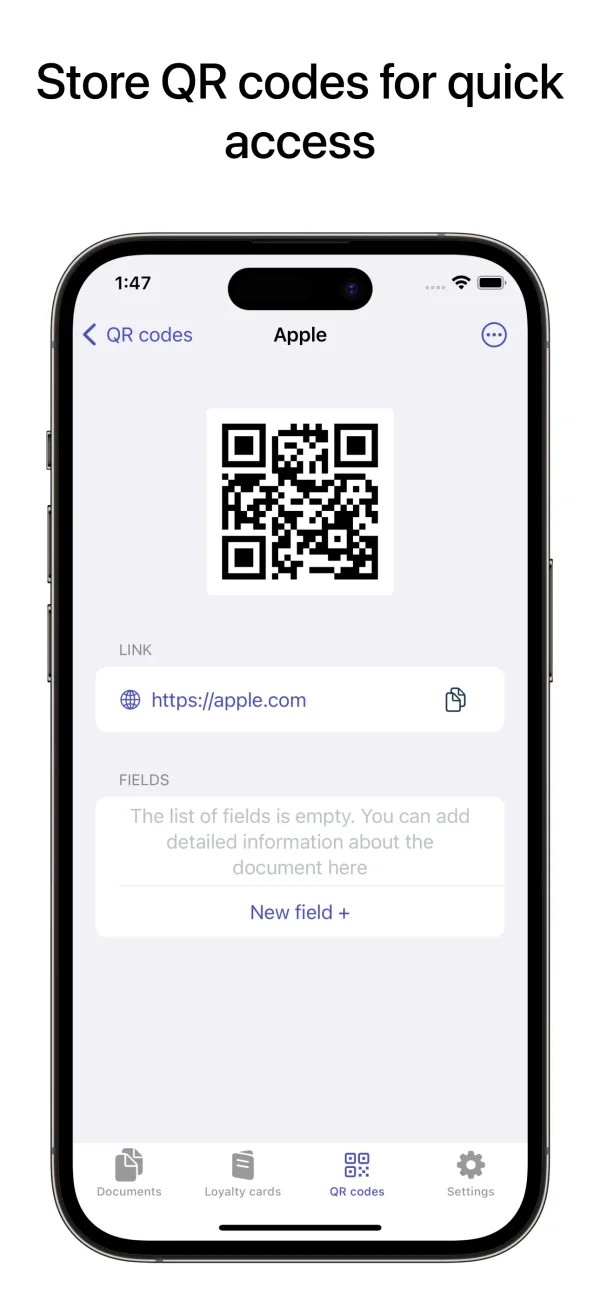
A new section of the app allows you to store qr codes. So you can scan movie tickets, transport tickets and any other information which is stored as a QR code.
- QR-codes -
Save qr codes for quick access. Here you can also create fields to quickly copy important information. For example, you can store ticket information, qr and any other information available as qr.
- SENDING DOCUMENTS -
Send PDF documents via email, social media, and other available methods.
Có gì mới
Phiên bản 4.4.0 · 01/08/2024
- Added text recognition feature. Now you can view the document page by page and copy text even from scanned document pages;
- Discontinued support for some localizations due to translation difficulties.
Quyền riêng tư của ứng dụng
Những gì Evgeniy Konev khai báo trên App Store về cách ứng dụng này xử lý dữ liệu.
-
Dữ liệu không liên kết với bạn
Có thể được thu thập nhưng không liên kết với danh tính của bạn.
- Mục mua
- Dữ liệu sử dụng
Phương thức đảm bảo quyền riêng tư có thể khác nhau, chẳng hạn như tuỳ theo các tính năng bạn sử dụng hoặc độ tuổi của bạn.
Thông tin
- Người bán
- Evgeniy Konev
- Danh mục
- Hiệu Suất
- Phiên bản
- 4.4.0
- Cập nhật
- 01/08/2024
- Phát hành
- 30/11/2020
- Kích thước
- 9,5 MB
- Yêu cầu
- iOS 16.0 trở lên
- Độ tuổi
- 4+
- Giá
- Miễn phí
- Mua hàng trong ứng dụng
- Có
- Ngôn ngữ
- Tiếng Anh, Tiếng Đan Mạch, Tiếng Pháp, Tiếng Đức, Tiếng Ý, Tiếng Nhật, Tiếng Bồ Đào Nha, Tiếng Nga, Tiếng Trung Giản thể, Tiếng Tây Ban Nha
- Bản quyền
- © 2022 Konev E.O.
Có thể bạn cũng thích
-
 Digital Document OrganizerHiệu Suất
-
 Secure X- Data Vault & WalletHiệu Suất
-
 Docs24 - Organize documentsHiệu Suất
-
 My Documents: Digital StorageHiệu Suất
-
 GoodID – Your digital walletHiệu Suất
-
 PDF Document Scanner - CaptizeHiệu Suất
-
 Document Manager:Docs,SheetsHiệu Suất
-
 FileCentral for iPhoneHiệu Suất
-
 Prisidio: Digital VaultHiệu Suất
-
 KeepLink: Organize your LifeHiệu Suất