
Pocket Note Pro
Handwriting Notebook
Được thiết kế cho iPhone, iPad, iPod touch
119.000đ
- Độ tuổi4+
- Danh mụcHiệu Suất
- Nhà phát triểnNAOAKI SEKIGUCHI
- Ngôn ngữTiếng Anh+ 10 ngôn ngữ khác
- Kích thước11,6 MB
Liên kết đến trang App Store chính thức
Download.org không lưu trữ tệp nào của Pocket Note Pro. Nút này mở trang ứng dụng trên App Store, nơi NAOAKI SEKIGUCHI phát hành ứng dụng. Trang được kiểm tra lần cuối: 12/11/2026.
Ảnh chụp màn hình

Giới thiệu
Nhà phát triển chưa cung cấp nội dung này bằng ngôn ngữ của bạn.
Would you like to make your smartphone or tablet PC into a useful business tool?
Pocket Note is a notepad application specially designed for the business scene.
With Pocket Note, you can quickly put your ideas together by a straightforward, simple operation.
[Major functions]
- We provided grid lines and horizontal ruled lines on the notepad to make it easier to organize what you write down.And when you don't need a grid or horizontal lines, you can choose "blank".
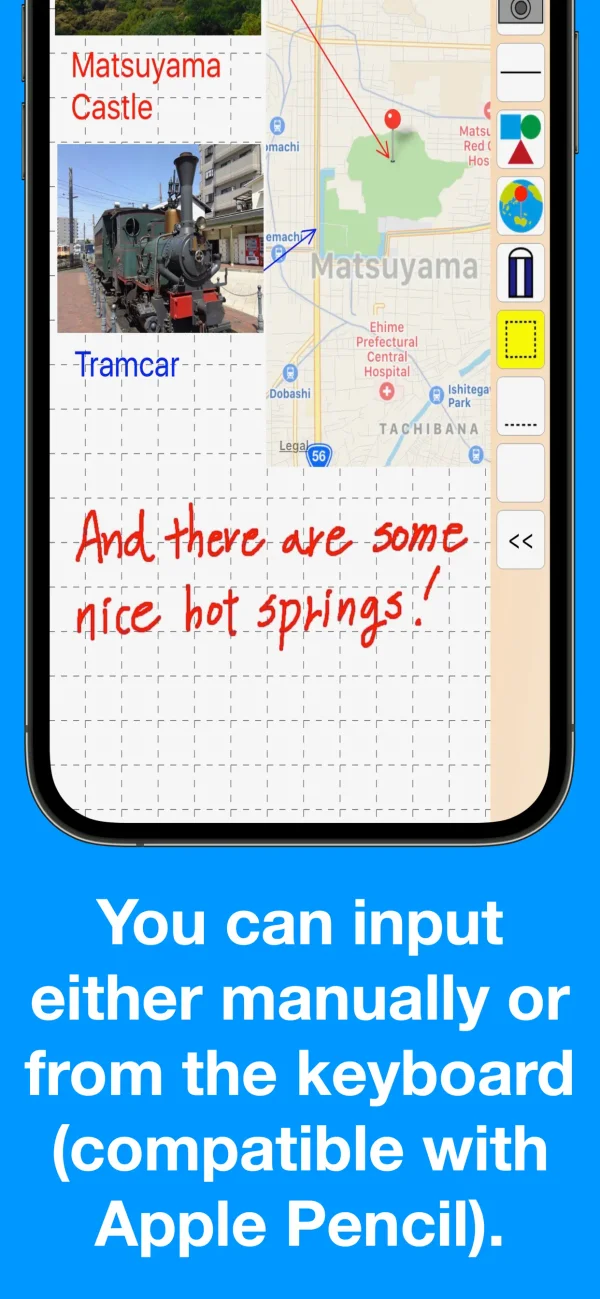
- You can input either manually or from the keyboard (compatible with Apple Pencil).
For manual input, choose from 2 pens, "regular" or "thick", and an eraser.
For pen size and color, choose from 20 sizes and 25 colors.
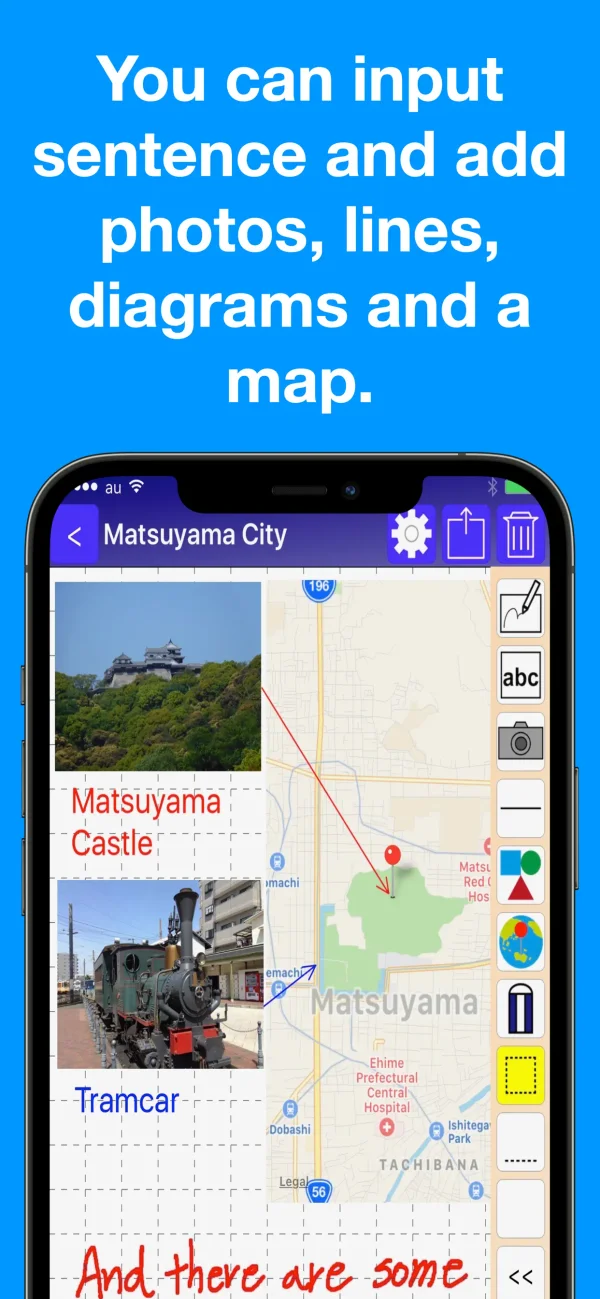
- You can paste up to 20 photos on each page.
- You can paste maps.
With a map, you can do the following:
You can display your current position on the map using GPS.
By continuously pressing down at a given location on the map, you can place a pin at the location.
By inputting a name or address, you can place a pin at that location.
You can also specify the zoom factor as you wish.
- By pasting figures and lines, you can display your notes graphically.
For figures, choose from rectangles, triangles or circles.
You can specify their size and shape freely.
Lines may be with or without arrows.
For figures and lines, choose from 25 different colors.
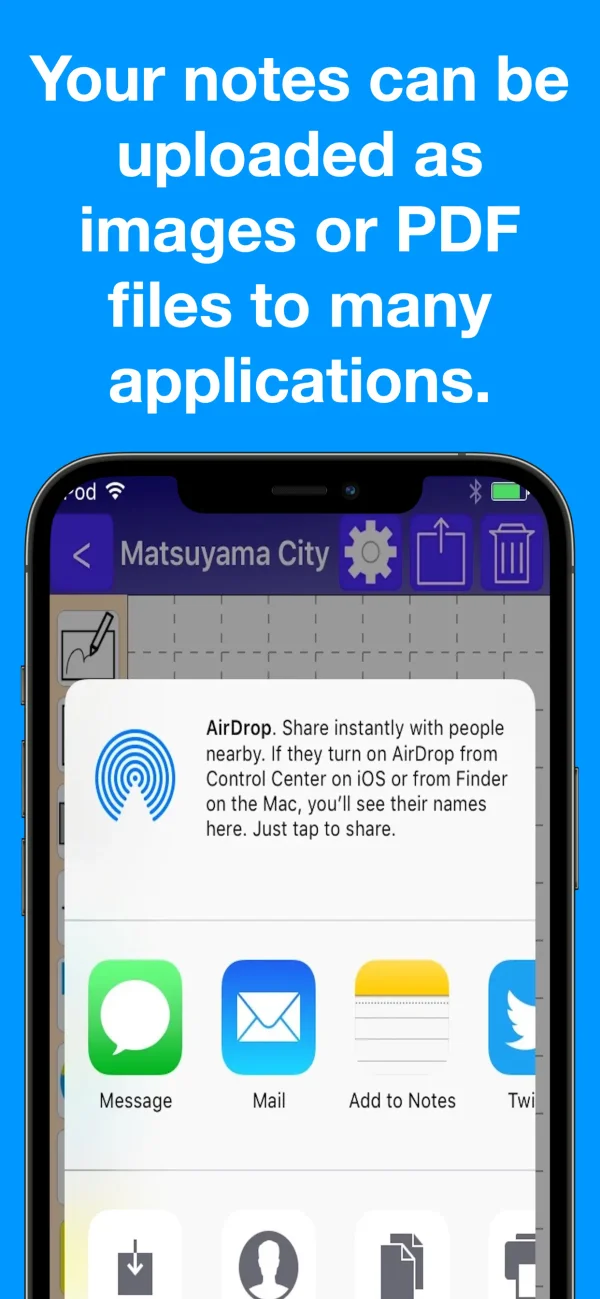
- You can save your notes as an image or a PDF file. You can do the following:
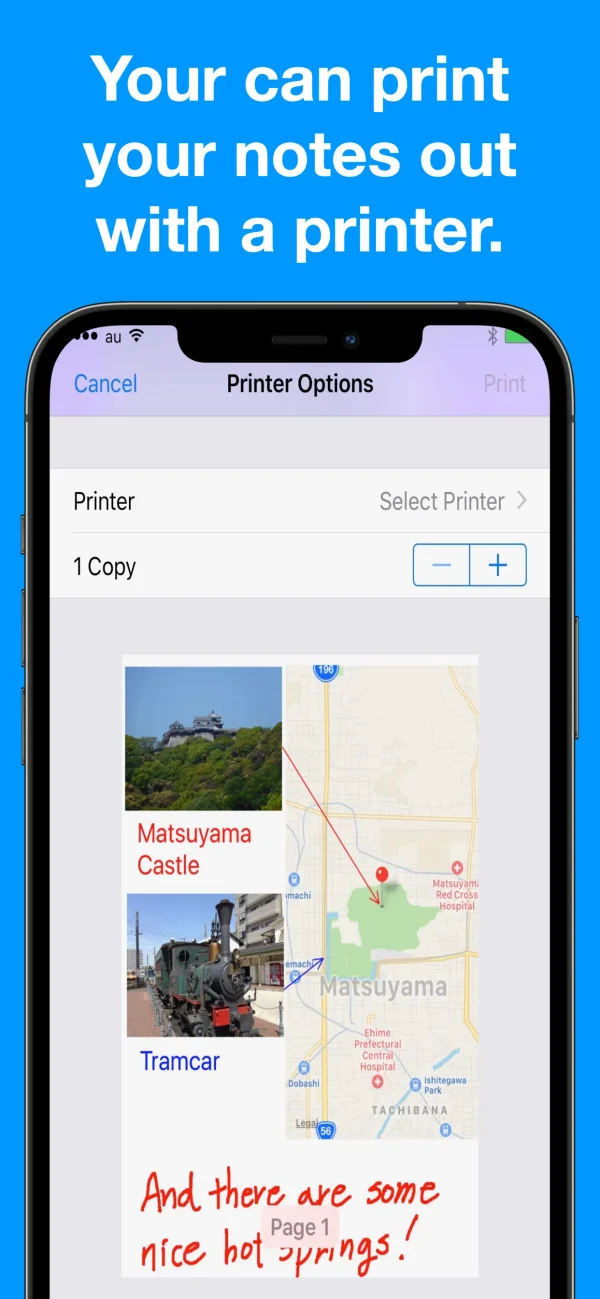
Print them out with a printer.
Save them as images in iOS "Photos".
Attach them to emails as images or PDF files.
Share them as images with iCloud Photo Sharing.
Paste them as images in iOS standard "Notes".
Save them as PDF files in iOS standard "iBooks".
They can be uploaded as images to Twitter, Facebook, Google+, Instagram, Evernote, Flickr, Line, etc.
(If these applications are installed. Also, if the application is compatible with iOS App Extensions, they can be uploaded as images.)
- Notes can be organized into groups.
Several groups can be set for each note.
Notes can be displayed by group, or by modified date.
- It's compatible with iCloud, so you can share your notes on your iPhone or iPad.
- Compatible with Siri Shortcuts.
[Contact us]
https://www.studioks.net/en/contact-us/
[Studio K's - Business Applications Maker]
https://www.studioks.net/en/
Có gì mới
Phiên bản 15.0 · 03/03/2024
This update contains stability and performance improvements.
Quyền riêng tư của ứng dụng
Những gì NAOAKI SEKIGUCHI khai báo trên App Store về cách ứng dụng này xử lý dữ liệu.
-
Dữ liệu không liên kết với bạn
Có thể được thu thập nhưng không liên kết với danh tính của bạn.
- Vị trí
- Nội dung của người dùng
Phương thức đảm bảo quyền riêng tư có thể khác nhau, chẳng hạn như tuỳ theo các tính năng bạn sử dụng hoặc độ tuổi của bạn.
Thông tin
- Người bán
- NAOAKI SEKIGUCHI
- Danh mục
- Hiệu Suất
- Phiên bản
- 15.0
- Cập nhật
- 03/03/2024
- Phát hành
- 10/09/2016
- Kích thước
- 11,6 MB
- Yêu cầu
- iOS 9.3 trở lên
- Độ tuổi
- 4+
- Giá
- 119.000đ
- Ngôn ngữ
- Tiếng Anh, Tiếng Pháp, Tiếng Đức, Tiếng Ý, Tiếng Nhật, Tiếng Hàn, Tiếng Bồ Đào Nha, Tiếng Nga, Tiếng Trung Giản thể, Tiếng Tây Ban Nha, Tiếng Trung Phồn thể
- Bản quyền
- © 2016 - 2024 Naoaki Sekiguchi & Studio K's
Có thể bạn cũng thích
-
 Ribbon - Aufgaben & NotizenHiệu Suất
-
 Note Scanner by PapercutHiệu Suất
-
 JotCalendarHiệu Suất
-
 SimpleList - TodoList&PlannerHiệu Suất
-
 DeskNote: Inspire & RewardHiệu Suất
-
 Memendo — Notes, Tasks & AIHiệu Suất
-
 PixFind - AI Photo FinderHiệu Suất
-
 SiteWalk: Smart Field NotesHiệu Suất
-
 Fast MemoGhi chú và văn bản nhanh
-
 St. Mark's Men of the RosaryHiệu Suất