- Age rating4+
- CategoryProductivity
- DeveloperNAOAKI SEKIGUCHI
- LanguagesEnglish+ 10 more
- Size11.6 MB
Links to the official App Store page
Download.org hosts no file of Pocket Note Pro. The button opens its official App Store page, published by NAOAKI SEKIGUCHI. Listing last checked on Nov 12, 2026.
Screenshots

About
Would you like to make your smartphone or tablet PC into a useful business tool?
Pocket Note is a notepad application specially designed for the business scene.
With Pocket Note, you can quickly put your ideas together by a straightforward, simple operation.
[Major functions]
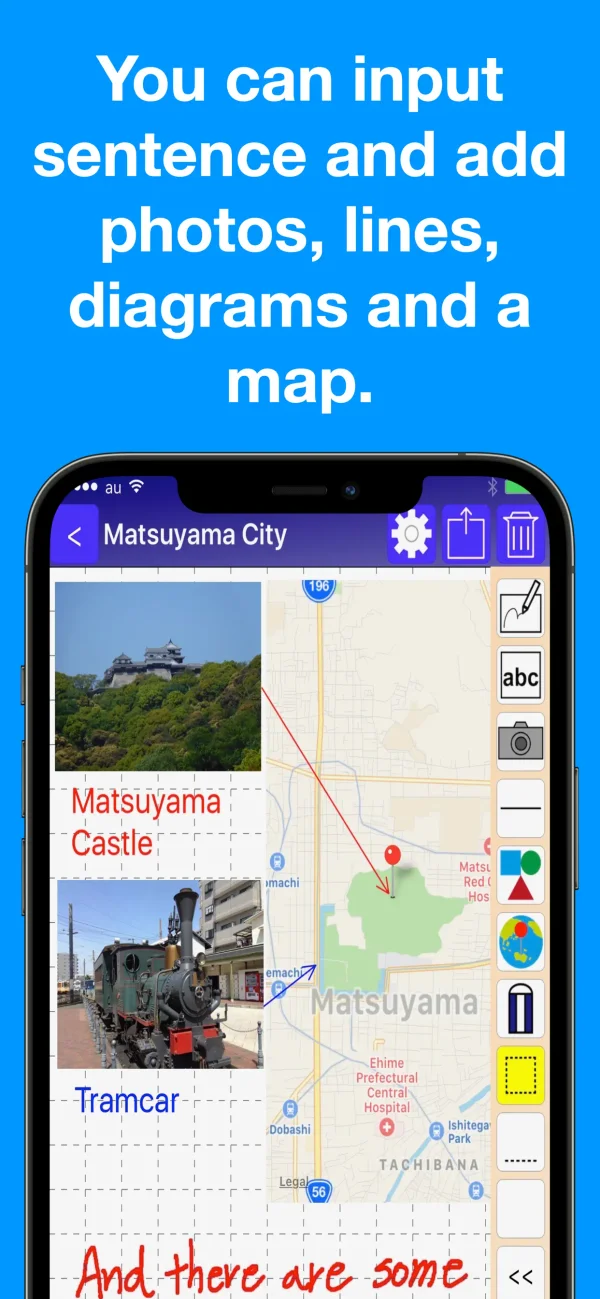
- We provided grid lines and horizontal ruled lines on the notepad to make it easier to organize what you write down.And when you don't need a grid or horizontal lines, you can choose "blank".
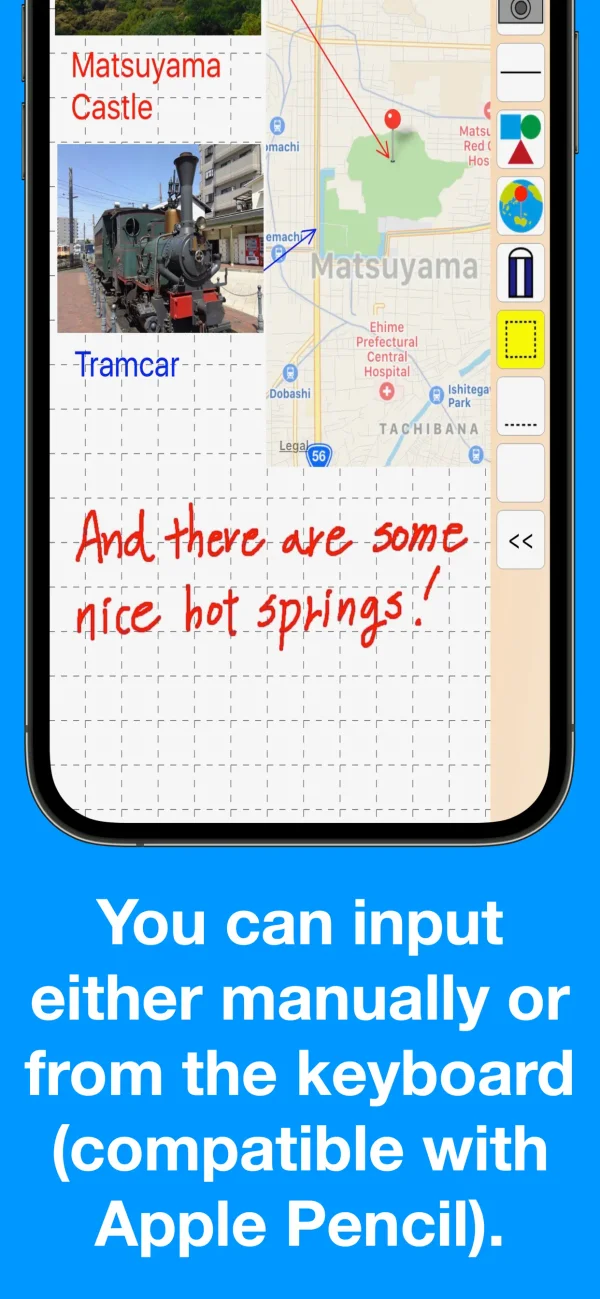
- You can input either manually or from the keyboard (compatible with Apple Pencil).
For manual input, choose from 2 pens, "regular" or "thick", and an eraser.
For pen size and color, choose from 20 sizes and 25 colors.
- You can paste up to 20 photos on each page.
- You can paste maps.
With a map, you can do the following:
You can display your current position on the map using GPS.
By continuously pressing down at a given location on the map, you can place a pin at the location.
By inputting a name or address, you can place a pin at that location.
You can also specify the zoom factor as you wish.
- By pasting figures and lines, you can display your notes graphically.
For figures, choose from rectangles, triangles or circles.
You can specify their size and shape freely.
Lines may be with or without arrows.
For figures and lines, choose from 25 different colors.
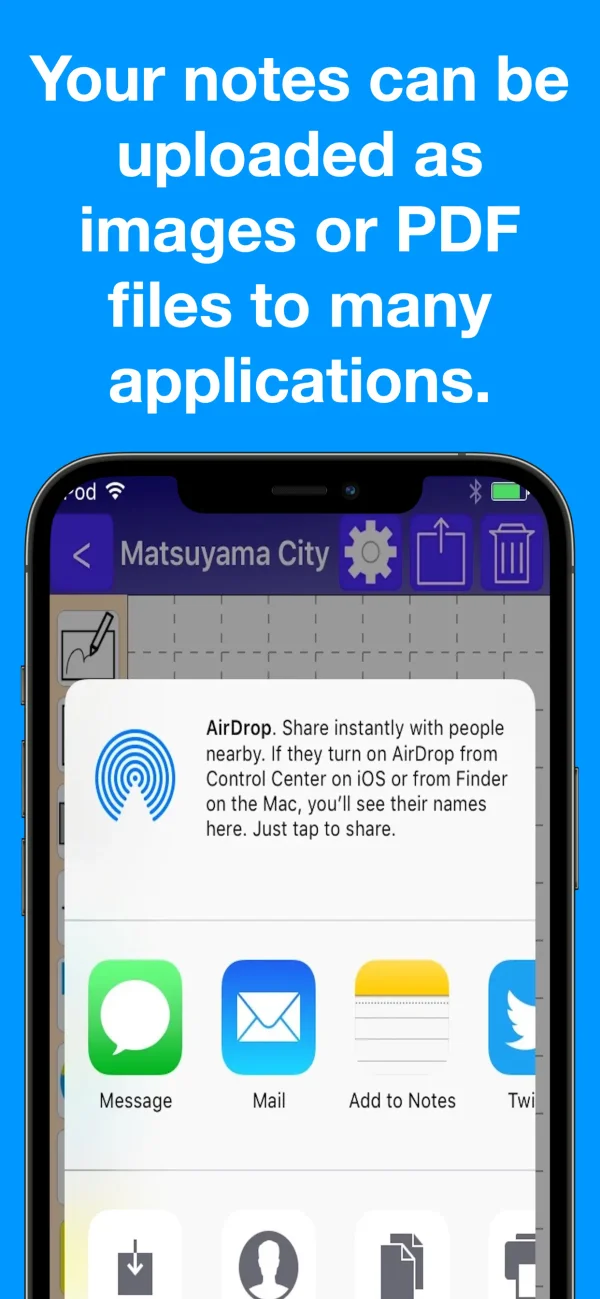
- You can save your notes as an image or a PDF file. You can do the following:
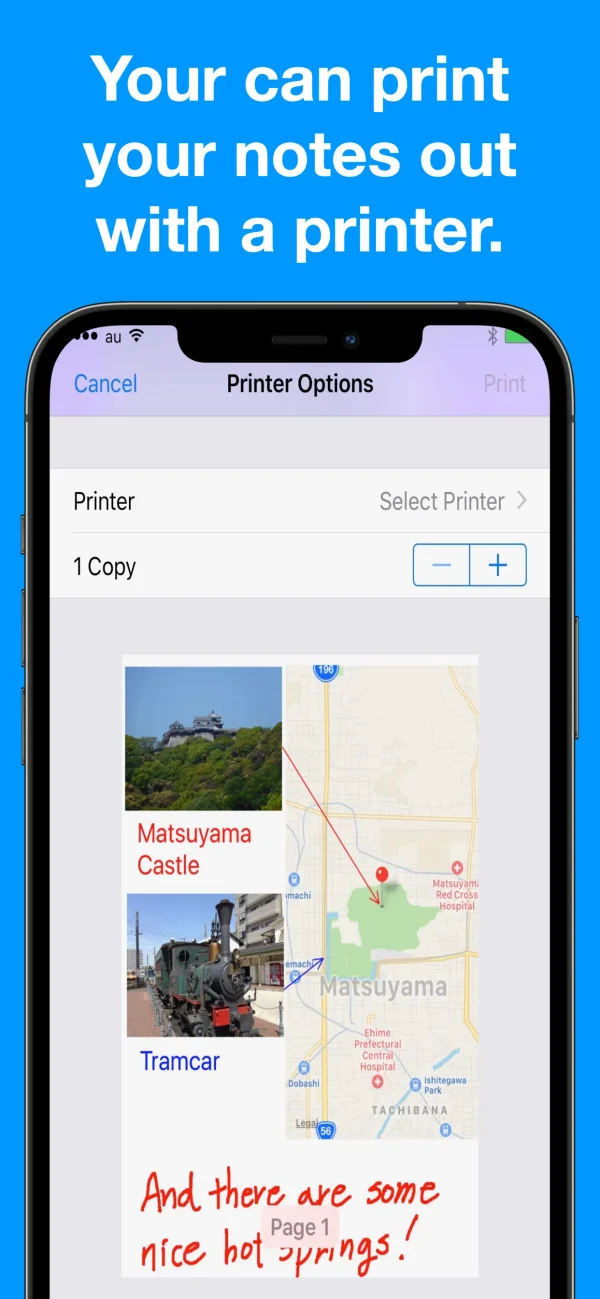
Print them out with a printer.
Save them as images in iOS "Photos".
Attach them to emails as images or PDF files.
Share them as images with iCloud Photo Sharing.
Paste them as images in iOS standard "Notes".
Save them as PDF files in iOS standard "iBooks".
They can be uploaded as images to Twitter, Facebook, Google+, Instagram, Evernote, Flickr, Line, etc.
(If these applications are installed. Also, if the application is compatible with iOS App Extensions, they can be uploaded as images.)
- Notes can be organized into groups.
Several groups can be set for each note.
Notes can be displayed by group, or by modified date.
- It's compatible with iCloud, so you can share your notes on your iPhone or iPad.
- Compatible with Siri Shortcuts.
[Contact us]
https://www.studioks.net/en/contact-us/
[Studio K's - Business Applications Maker]
https://www.studioks.net/en/
What’s new
Version 15.0 · Mar 3, 2024
This update contains stability and performance improvements.
App privacy
What NAOAKI SEKIGUCHI declares on the App Store about how this app handles data.
-
Data not linked to you
May be collected but is not linked to your identity.
- Location
- User content
Privacy practices may vary, for example with the features you use or your age.
Information
- Seller
- NAOAKI SEKIGUCHI
- Category
- Productivity
- Version
- 15.0
- Updated
- Mar 3, 2024
- Released
- Sep 10, 2016
- Size
- 11.6 MB
- Requires
- iOS 9.3 or later
- Age rating
- 4+
- Price
- $3.99
- Languages
- English, French, German, Italian, Japanese, Korean, Portuguese, Russian, Simplified Chinese, Spanish, Traditional Chinese
- Copyright
- © 2016 - 2024 Naoaki Sekiguchi & Studio K's
You might also like
-
 Ribbon - Aufgaben & NotizenProductivity
-
 Note Scanner by PapercutTurn scribbles into pages
-
 JotCalendarJot, Plan, Schedule.
-
 SimpleList - TodoList&PlannerTasks, & Reminders
-
 DeskNote: Inspire & RewardHandwritten digital desk cards
-
 Memendo — Notes, Tasks & AIPlanner, Calendar & Organizer
-
 PixFind - AI Photo FinderFind photos with AI search.
-
 SiteWalk: Smart Field NotesFrom photos & video to reports
-
 Fast MemoQuick Notes and Text
-
 St. Mark's Men of the RosaryProductivity