Qr Code Scan + Generate
QR Code Scan Generate Share
Được thiết kế cho iPhone, iPad
Miễn phí · Mua hàng trong ứng dụng
- Độ tuổi4+
- Danh mụcHiệu Suất
- Nhà phát triểnMUSTAFA OZDEMIR
- Ngôn ngữTiếng Anh+ 1 ngôn ngữ khác
- Kích thước8,2 MB
Liên kết đến trang App Store chính thức
Download.org không lưu trữ tệp nào của Qr Code Scan + Generate. Nút này mở trang ứng dụng trên App Store, nơi MUSTAFA OZDEMIR phát hành ứng dụng. Trang được kiểm tra lần cuối: 15/11/2026.
Ảnh chụp màn hình
Giới thiệu
Nhà phát triển chưa cung cấp nội dung này bằng ngôn ngữ của bạn.
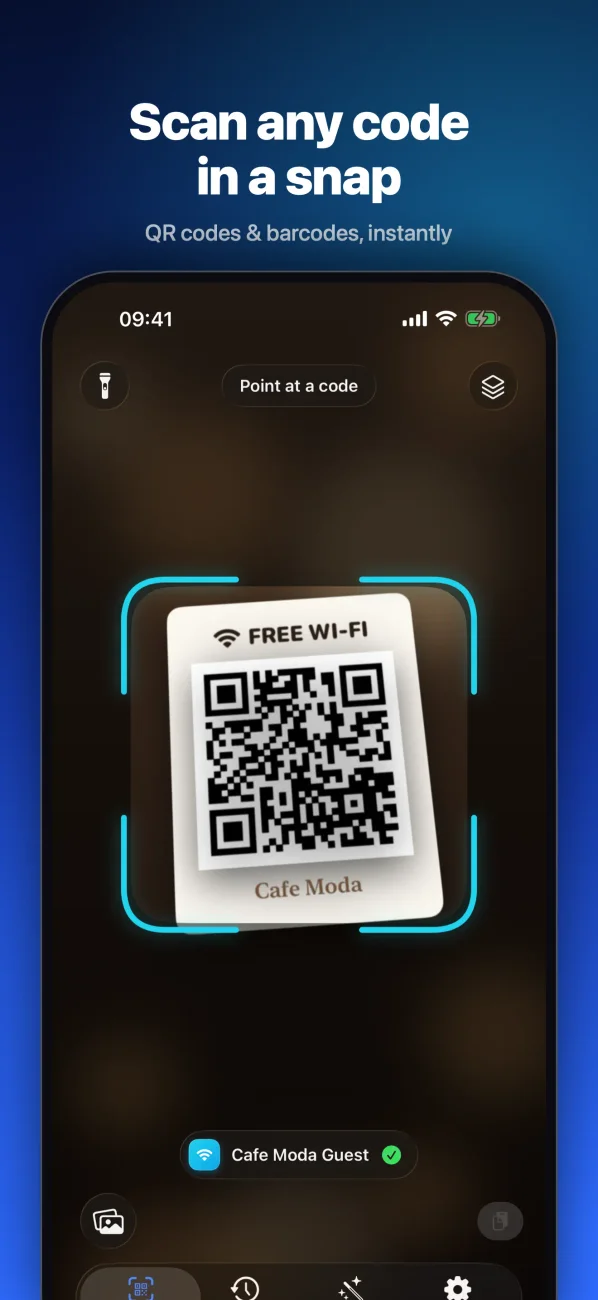
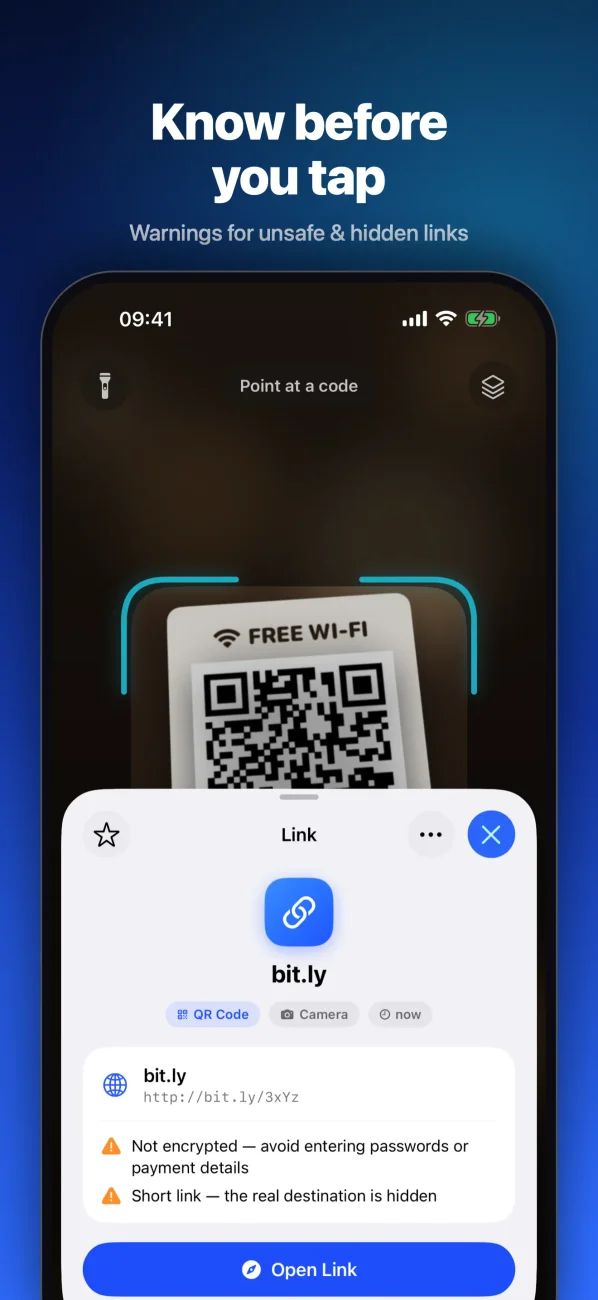
Developed by a professional engineering team, this is the most lightweight (but fast, efficient, and feature-rich) QR code scanner and barcode scanner app for iOS you could ever find on AppStore.
QR code reader, barcode scanner app focuses on the core functionality to scan and read the most common types of QR codes and barcodes with super fast speed and delightful user experience, designed for all iOS devices.
QR code reader, barcode scanner app is extremely easy to use. It simply uses the iPhone's camera to scan and read QR code and barcode in a second then allows you to do appropriate actions effectively.
QR code scanner, barcode scanner iOS app helps you to scan and read all types of QR code and barcodes: Contact Info, Phone, Email, Website, Product, Text, SMS, Wifi, Map Location, Calendar Event and more…
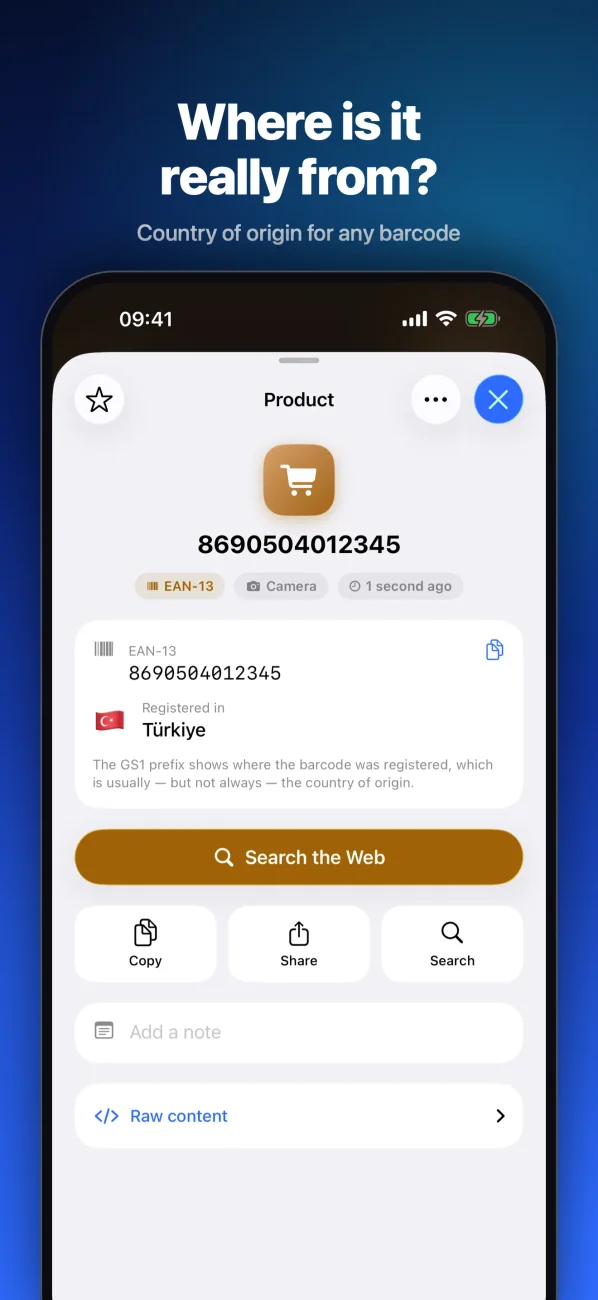
QR code scanner, barcode scanner app can also read and help you to check the country origin and product information of a barcode to reduce the possibility of buying low quality or unknown origin products.
QR code scanner, barcode scanner app doesn’t require any special permission, it doesn’t collect any personal information or access to your device storage, contact list, or anything else. It’s simply a QR code reader app to help you scan QR codes and scan barcodes on the go, everywhere, using iPhones.
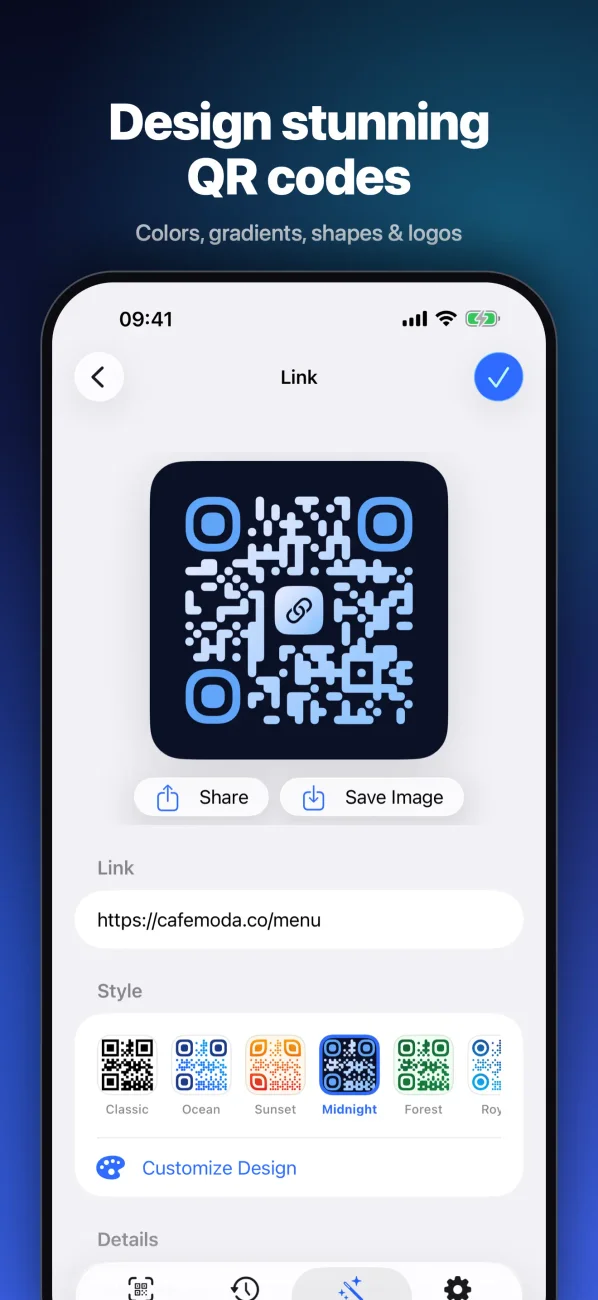
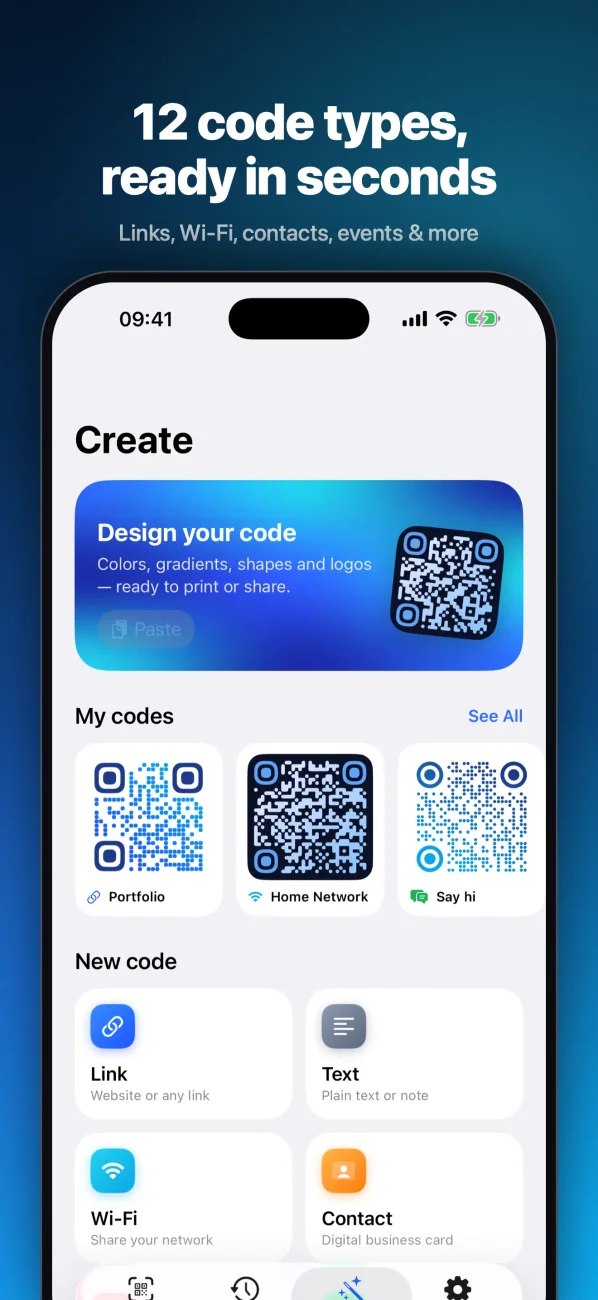
QR code scanner, barcode reader app also has a QR generator feature allowing you to generate your own QR codes with different types easily.
No ads
Super-fast, super-lightweight, and easy to use
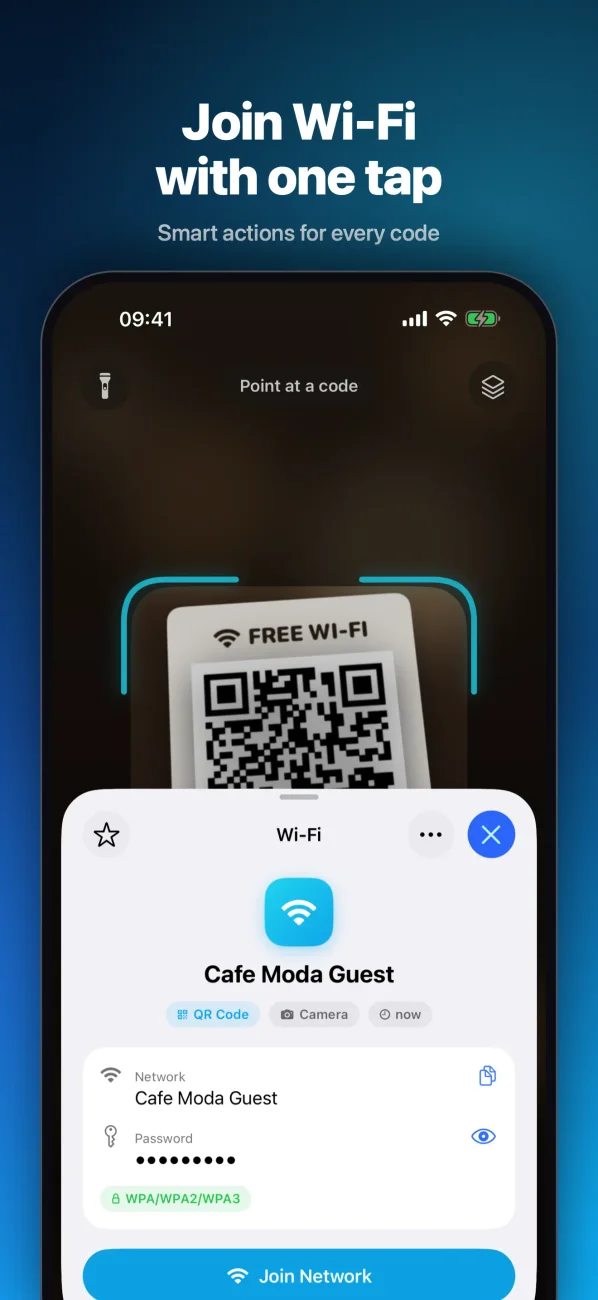
Appropriate actions on each QR code or Barcode: search on All Web Browsers and open a webpage, add a contact, send an email, call a phone number, connect to a wifi network, add an event to calendar...
Advanced setting options to ensure the scanner is optimized for your own iPhone's camera
Batch scan mode: Scan multiple QR codes and barcodes at once
QR code generator: generate QR code using your iPhone.
HOW TO USE:
- To scan a QR code or barcode, simply open the QR scanner and barcode scanner app, point the camera in front of the QR code or barcode, and the app will automatically read the code and show you its content efficiently.
- To scan images from your device's gallery or even from content in any other apps, simply use the "Share" functionality in the iOS menu: select the image in your gallery -> click the "Share" option -> select "Scan Image" with the QR scanner and barcode scanner app.
- To generate QR codes: simply open the QR code reader and barcode reader app -> select "Generate" at the bottom menu. There are many types of QR codes that you can generate based on your needs, such as contents from clipboards, website URL, text, contact information, phone number, SMS, calendar event, wifi... The QR code is created and the app allows you to save it to the device's gallery, or share the code image anywhere.
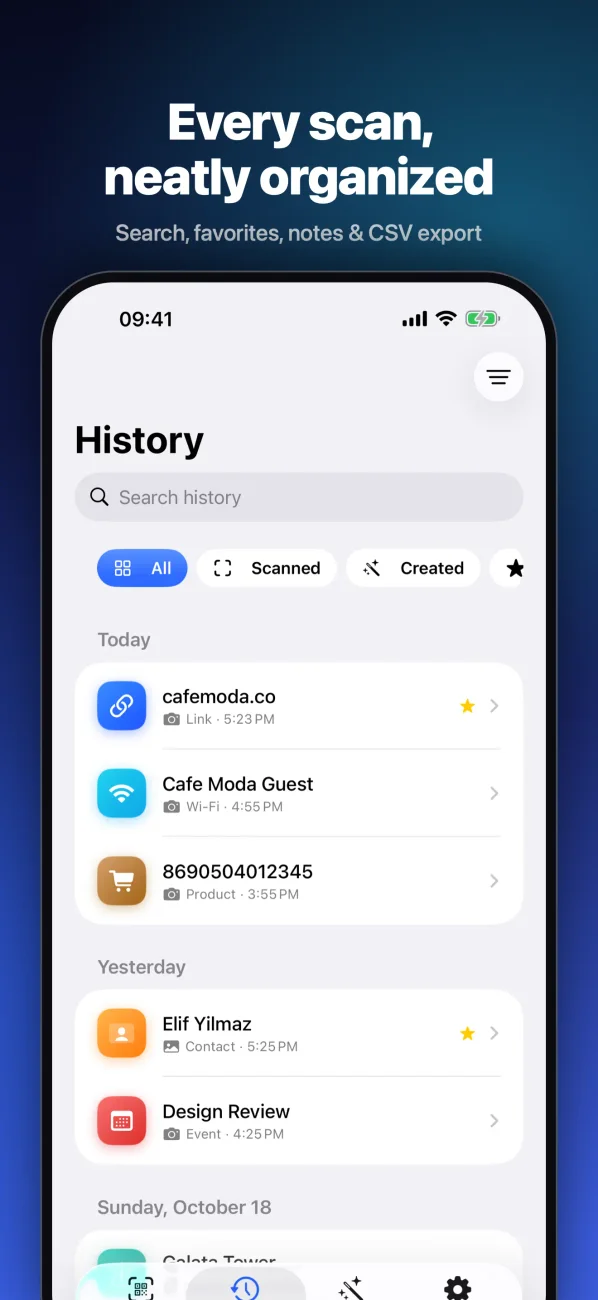
- History feature allows you to view all the QR codes and barcodes that have been scanned from the QR code reader and barcode reader app. The history is organized clearly thus helping you to find your information as efficiently as possible.
- In the settings menu, there are many options to optimize the QR code reader and barcode scanner app for your own device as well as your preferences.
Terms of Use: https://www.apple.com/legal/internet-services/itunes/dev/stdeula/
Có gì mới
Phiên bản 2.0.1 · 26/10/2026
Version 2.0.1
• Uninterrupted scanning: no more full-screen ads after you scan a code
• Ads moved away from buttons and the tab bar, so you won't tap one by accident
• Banners only appear when there's an ad to show, with no empty space left behind
• Small layout fixes and polish
Quyền riêng tư của ứng dụng
Những gì MUSTAFA OZDEMIR khai báo trên App Store về cách ứng dụng này xử lý dữ liệu.
-
Dữ liệu được sử dụng để theo dõi bạn
Có thể được sử dụng để theo dõi bạn trên các ứng dụng và trang web do công ty khác sở hữu.
- Chẩn đoán
-
Dữ liệu không liên kết với bạn
Có thể được thu thập nhưng không liên kết với danh tính của bạn.
- Mã định danh
- Dữ liệu sử dụng
- Chẩn đoán
Phương thức đảm bảo quyền riêng tư có thể khác nhau, chẳng hạn như tuỳ theo các tính năng bạn sử dụng hoặc độ tuổi của bạn.
Thông tin
- Người bán
- MUSTAFA OZDEMIR
- Danh mục
- Hiệu Suất
- Phiên bản
- 2.0.1
- Cập nhật
- 26/10/2026
- Phát hành
- 23/06/2021
- Kích thước
- 8,2 MB
- Yêu cầu
- iOS 26.0 trở lên
- Độ tuổi
- 4+
- Giá
- Miễn phí
- Mua hàng trong ứng dụng
- Có
- Ngôn ngữ
- Tiếng Anh, Tiếng Thổ Nhĩ Kỳ
- Bản quyền
- © Mustafa OZDEMIR
Có thể bạn cũng thích
-
 DejaView – Your QR Code CardHiệu Suất
-
 Máy quét QRQuét và tạo mã
-
 Paw Agenda: Pet Care TrackerHiệu Suất
-
 Wake on LAN: Magnova AirLinkHiệu Suất
-
 Draw Ai: AI Presentation MakerHiệu Suất
-
 BeeVaro: Arıcılık YönetimiHiệu Suất
-
 OnloiHiệu Suất
-
 Oto Yıka İşletmeHiệu Suất
-
 CastellaHiệu Suất
-
 CNC Machining ToolkitHiệu Suất