QR Kit - Code Scanner & Maker
Barcode, Design & History
Được thiết kế cho iPhone, iPad
Miễn phí · Mua hàng trong ứng dụng
- Độ tuổi4+
- Danh mụcTiện Ích
- Nhà phát triểnCan Bi
- Ngôn ngữTiếng Anh+ 8 ngôn ngữ khác
- Kích thước39,5 MB
Liên kết đến trang App Store chính thức
Download.org không lưu trữ tệp nào của QR Kit - Code Scanner & Maker. Nút này mở trang ứng dụng trên App Store, nơi Can Bi phát hành ứng dụng. Trang được kiểm tra lần cuối: 23/11/2026.
Ảnh chụp màn hình
Giới thiệu
Nhà phát triển chưa cung cấp nội dung này bằng ngôn ngữ của bạn.
Scan any QR or barcode instantly, create QR codes in your own colors, shapes and logo, and keep a private history — all on your device.
QR Kit is your all-in-one QR code and barcode toolkit. Point, scan, create, and organize — no account required.
▸ NEW: MADE FOR IPHONE DUO
Open a scan beside your history, Settings pages beside their list, and the QR design with its preview next to the controls. The scanner keeps its viewfinder clear of the fold.
▸ DESIGN YOUR QR CODE
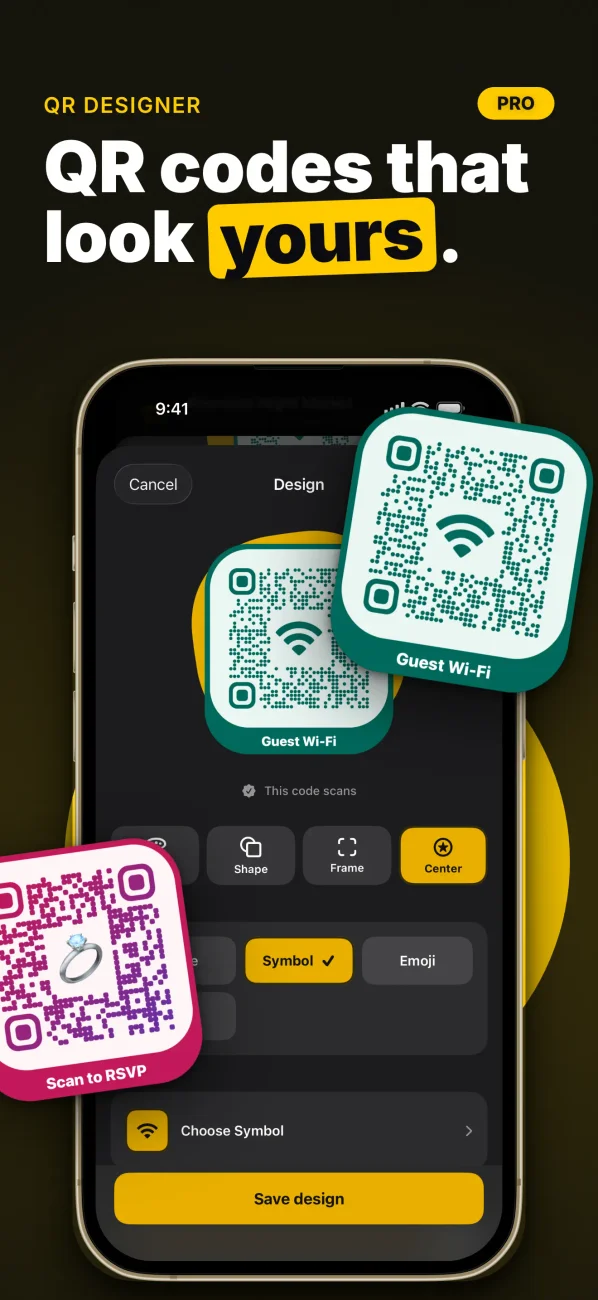
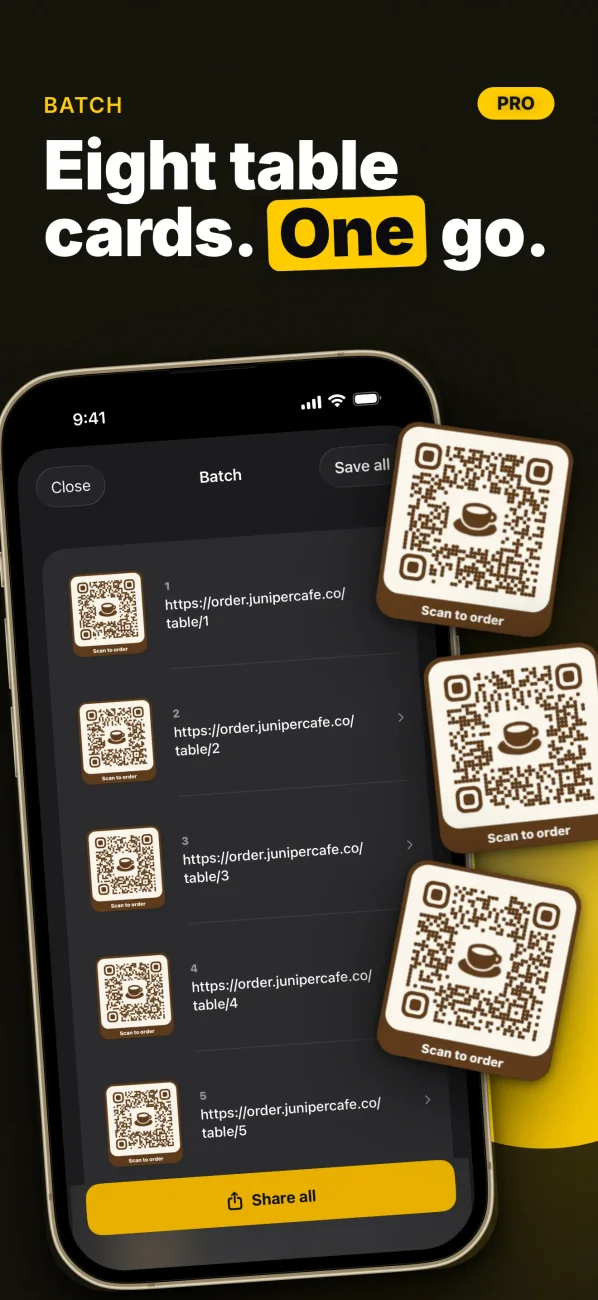
Make a code that looks like you. Pick its colors, change the shape of the dots and corners, add a frame with your own words, and put an emoji, a symbol or your logo in the center. A code is checked to make sure it still scans before you save it. Open any code you created later to change its design or edit its content. Free includes color presets; Pro unlocks custom colors, gradients, shapes, frames and logos.
▸ QUICK SCAN WIDGETS
Tap once from Control Center (iOS 18) or from your Lock Screen widget to open the QR reader instantly. No unlocking, no searching for the app. The fastest way to scan.
▸ INSTANT SCANNING
Point your camera at any QR code or barcode for instant results. You can also scan codes from photos in your library. Every scan is confirmed with haptic and sound feedback.
▸ CREATE QR CODES
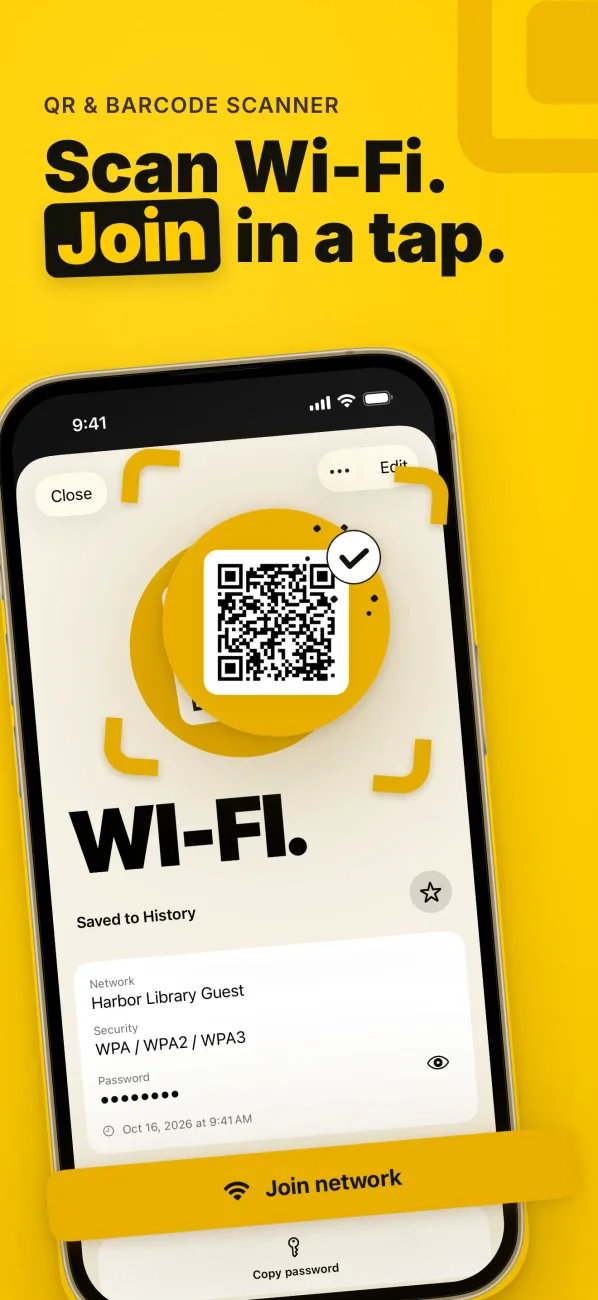
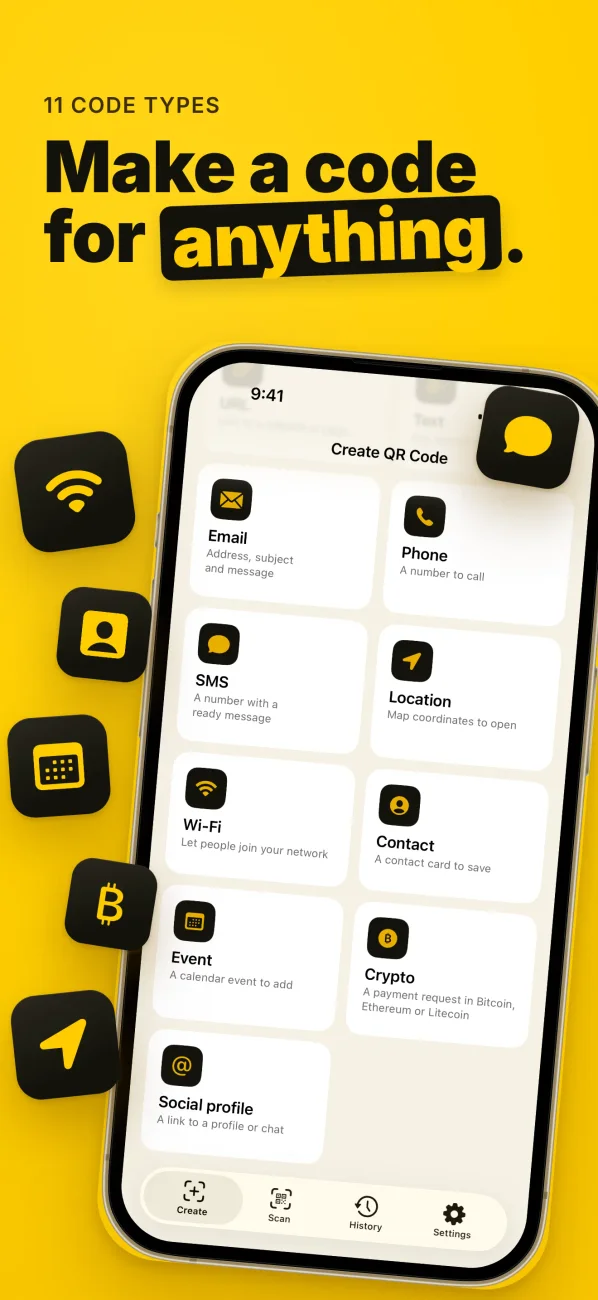
Create QR codes for URLs, plain text, email, phone numbers, SMS, locations, Wi-Fi networks, contact cards, calendar events, crypto payments, and social profiles. Fill in a number or email from Contacts, or pick a place on a map. Share your created QR codes instantly or save them to your photo library. Every code you create is saved to your history.
▸ AUTOMATIC HISTORY
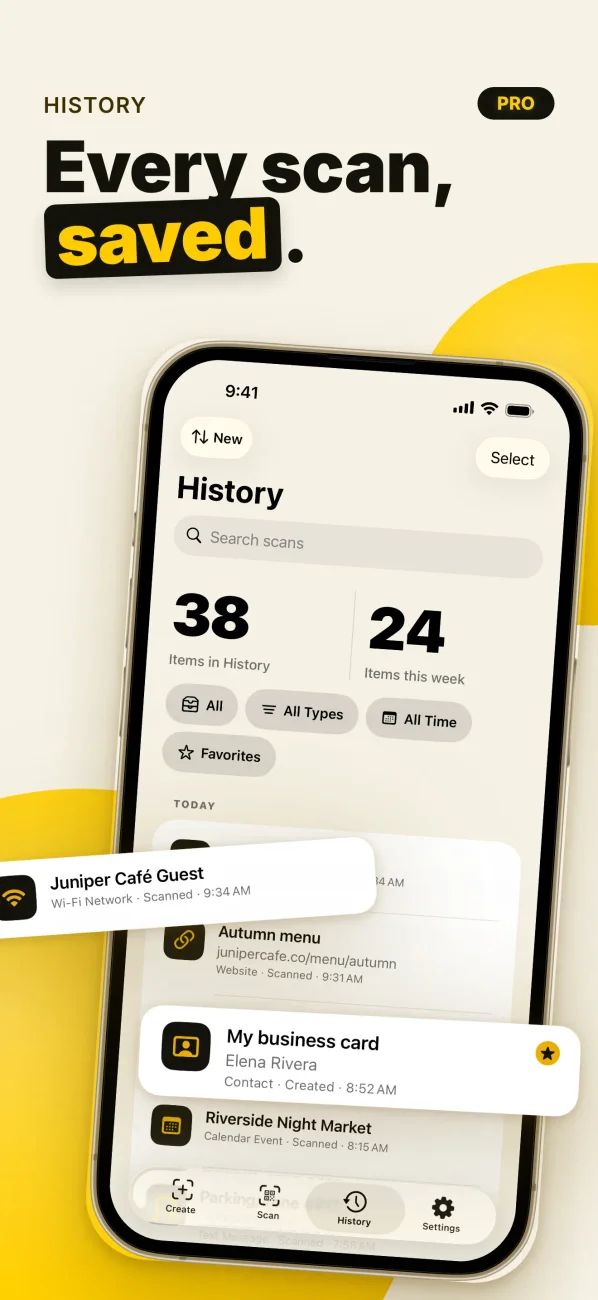
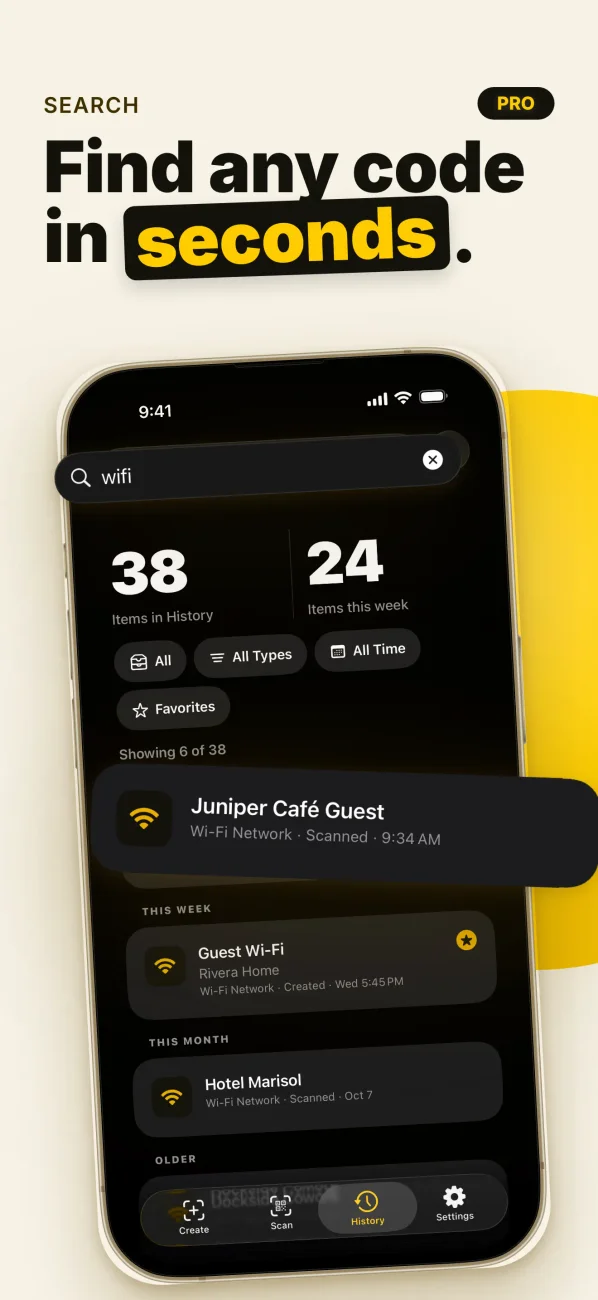
Every scan and created code is saved automatically. Today, this week, this month, or older — everything is organized by date. Filter between scanned and created codes. When you scan the same code again, you'll see how many times it's been scanned before.
▸ 18 CODE TYPES
Website, WiFi network, contact card (vCard/MeCard), calendar event, phone number, email, SMS, location, social media, video, music, payment, cryptocurrency, App Store link, product barcode, and more — every type is automatically detected and classified.
▸ SEARCH, FILTER & SORT
Find any scan with full-text search. Filter by type, date, source, or favorites. Sort by newest, oldest, alphabetical, category, or most frequent.
▸ FAVORITES & EDITING
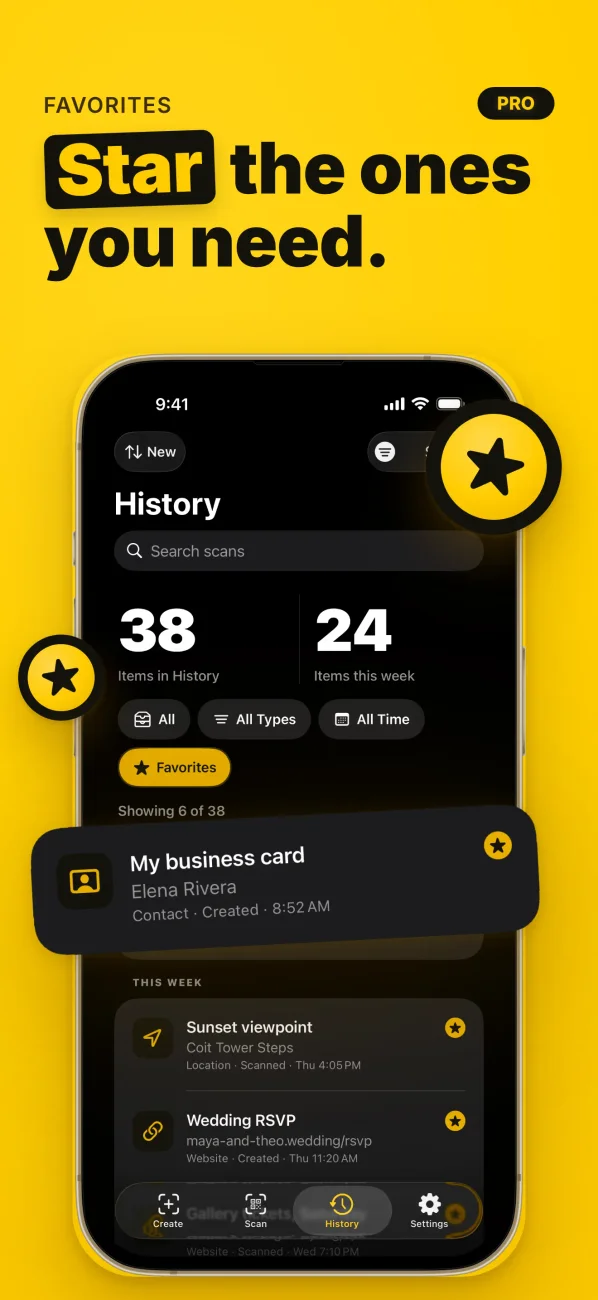
Star important scans for quick access. Add a title and notes to any scan, change its type. Use bulk selection to delete or favorite multiple scans at once.
▸ PRIVATE FROM THE START
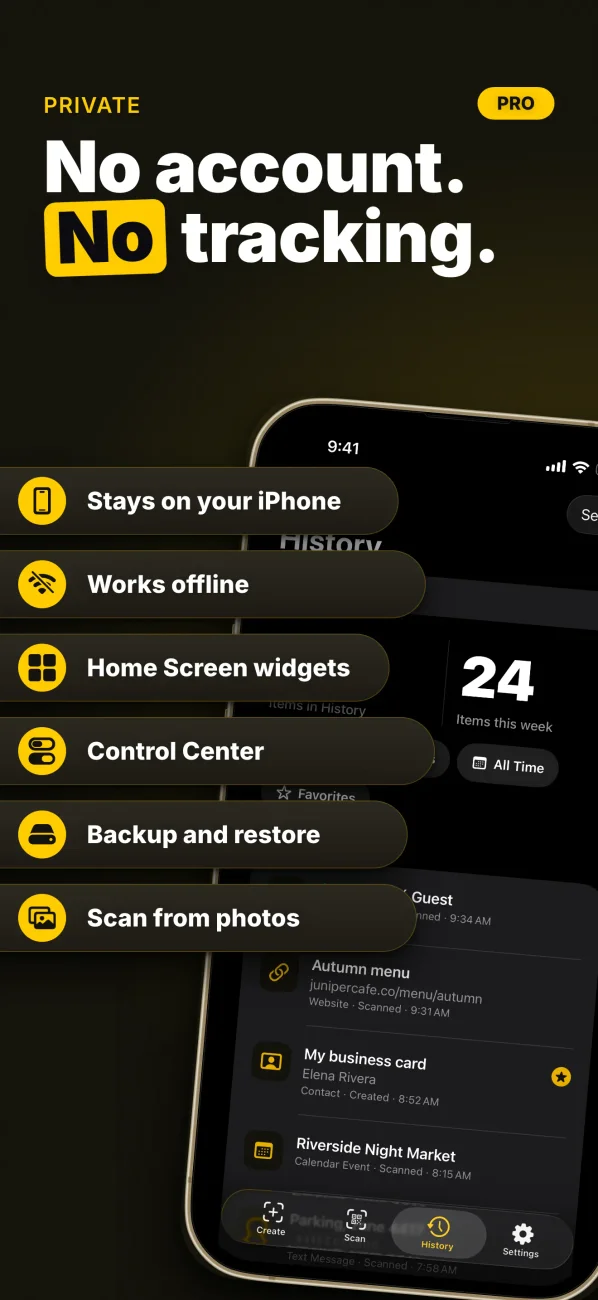
No account. No cloud. No tracking. Your codes and history stay on your device. Scanning, creating and searching work in airplane mode; only the map for Location codes needs a connection.
▸ EASY MANAGEMENT
Copy, share, or open directly — open websites in Safari, connect to WiFi networks, save contacts. Everything with a single tap.
▸ TRY FREE
Free includes 7 scans a week and 3 codes a week (URL, text, email or phone) — enough to finish a real QR job before you pay. Your 3 newest codes stay visible, and older history waits safely in your vault. Free images carry a small watermark at 512 px; Pro exports full quality with the watermark off.
▸ PRO UNLOCKS THE VAULT
Unlimited history, full search and filters, .qrkit backup & restore, Pro widgets, the Beam and Stack app icons, plus Wi-Fi, contact, event, crypto, social, SMS and location codes and the full QR design. Choose monthly, annual, or lifetime.
Have feedback? Reach us at support@can.bi
Privacy Policy: https://can.bi/qrhistory/privacy
Terms of Use (EULA): https://can.bi/qrhistory/terms
Có gì mới
Phiên bản 2.2.0 · 21/11/2026
New
• Shortcuts and Spotlight know your codes now: check a QR code in an image, find or open a scan from your History, and search for it right from Spotlight.
Improved
• The welcome screen and its setup button stay readable at the largest text sizes.
• Selecting many scans to delete or favorite is more dependable, and a tap you make meanwhile is kept.
Fixed
• Things you share to QR Kit arrive exactly once, and a failed one says so with a single message.
• A .qrkit backup you open as the app launches now restores, and Restore Purchases handles cancelling and pending approval smoothly.
Have feedback? Write to support@can.bi
Quyền riêng tư của ứng dụng
Những gì Can Bi khai báo trên App Store về cách ứng dụng này xử lý dữ liệu.
-
Dữ liệu không được thu thập
Nhà phát triển không thu thập bất kỳ dữ liệu nào từ ứng dụng này.
Phương thức đảm bảo quyền riêng tư có thể khác nhau, chẳng hạn như tuỳ theo các tính năng bạn sử dụng hoặc độ tuổi của bạn.
Thông tin
- Người bán
- Can Bi
- Danh mục
- Tiện Ích
- Phiên bản
- 2.2.0
- Cập nhật
- 21/11/2026
- Phát hành
- 26/03/2026
- Kích thước
- 39,5 MB
- Yêu cầu
- iOS 18.0 trở lên
- Độ tuổi
- 4+
- Giá
- Miễn phí
- Mua hàng trong ứng dụng
- Có
- Ngôn ngữ
- Tiếng Anh, Tiếng Pháp, Tiếng Đức, Tiếng Nhật, Tiếng Hàn, Tiếng Bồ Đào Nha, Tiếng Trung Giản thể, Tiếng Tây Ban Nha, Tiếng Thổ Nhĩ Kỳ
- Bản quyền
- © 2026 Can Bi