QR Code Reader for iPhone
QR Scanner, Generator & Reader
Được thiết kế cho iPhone, iPad, iPod touch
Miễn phí · Mua hàng trong ứng dụng
- Độ tuổi4+
- Danh mụcTiện Ích
- Nhà phát triểnDAJIRAJ INFOTECH PRIVATE LIMITED
- Ngôn ngữTiếng Anh
- Kích thước87,7 MB
Liên kết đến trang App Store chính thức
Download.org không lưu trữ tệp nào của QR Code Reader for iPhone. Nút này mở trang ứng dụng trên App Store, nơi DAJIRAJ INFOTECH PRIVATE LIMITED phát hành ứng dụng. Trang được kiểm tra lần cuối: 12/11/2026.
Ảnh chụp màn hình
Giới thiệu
Nhà phát triển chưa cung cấp nội dung này bằng ngôn ngữ của bạn.
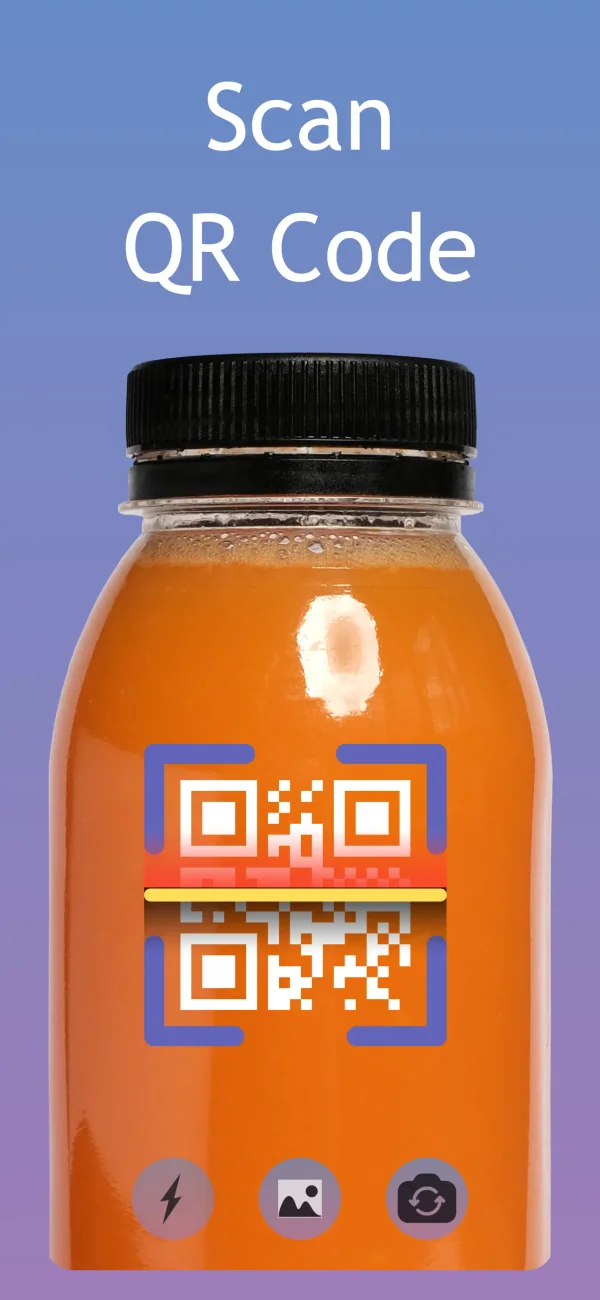
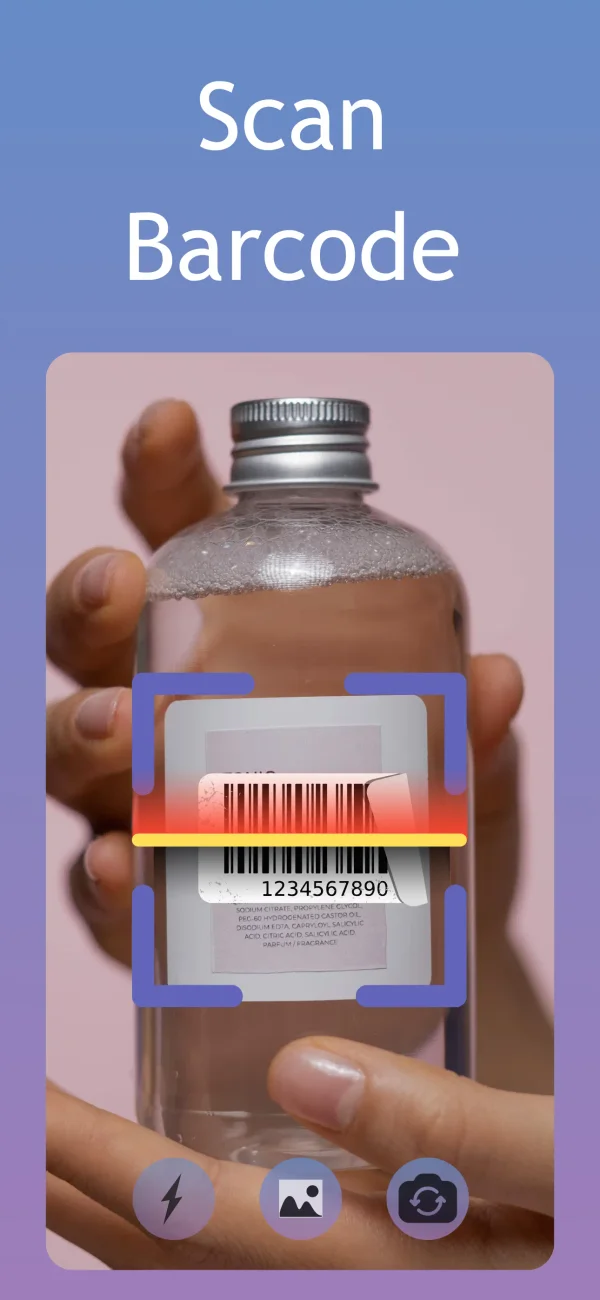
QR & Barcode Scanner App is a powerful and versatile tool that allows you to scan and decode any QR code or barcode with ease. This app is designed to simplify your life and help you access information quickly and easily, without having to type in lengthy URLs or product codes.
QR codes and barcodes have become an essential part of our daily lives. They are found everywhere, from grocery stores to movie theaters, and even on our personal belongings. With the rise of e-commerce, the importance of QR and barcodes has increased even more. However, scanning them can be a hassle, especially if you have to manually input the information. This is where the QR & Barcode Scanner App comes in.
Simple Guide to Use this QR & Barcode Scanner:
- Download a QR code & barcode scanner app from your device's app store and install it.
- Open the app and allow it to access your device's camera.
- Hold the camera over the QR code or barcode you want to scan, ensuring the code is within the frame.
- Wait for the app to recognize the code and process it.
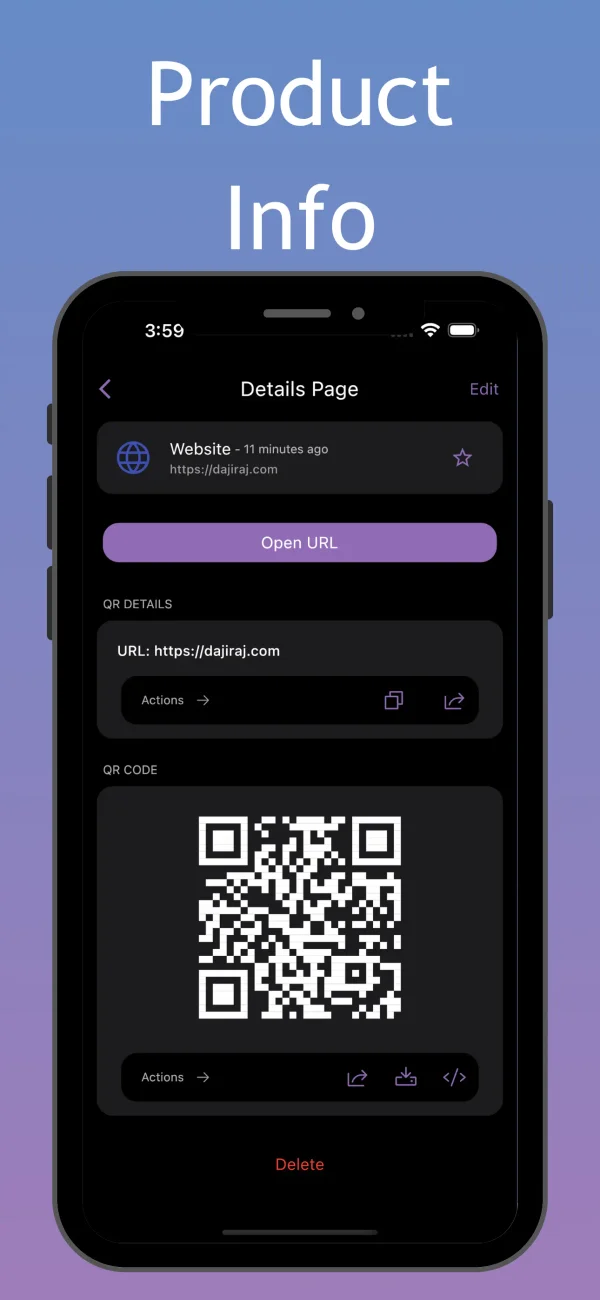
- Once the code is scanned, the app will display the information contained within the code or barcode.
- If it's a QR code, the information may include a URL, contact information, or other text-based data. If it's a barcode, the information may include the product name, price, and other details.
- Follow the instructions displayed on the app to complete the desired action associated with the code or barcode, such as visiting a website or making a purchase.
- If the QR Code App doesn't recognize the code or barcode, try adjusting the camera angle or ensuring the code is properly aligned within the frame.
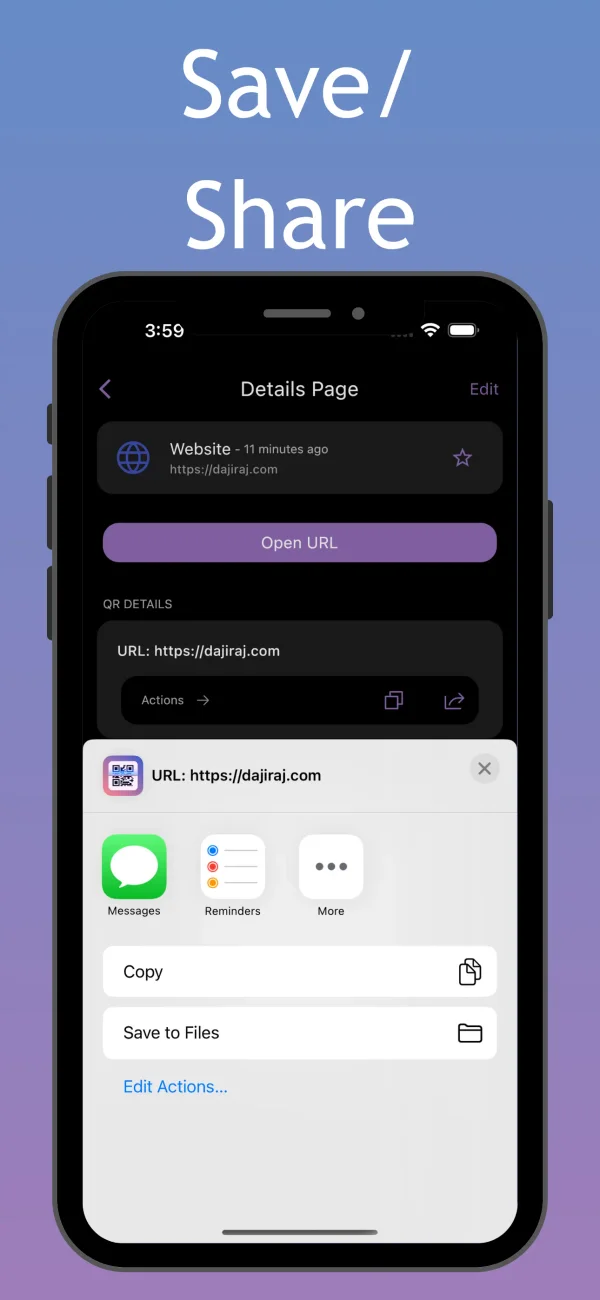
- QR Code and Barcode scanner App may also allow you to save scanned codes for future reference or share the information with others through email or messaging platforms.
Useful Features:
- Easy scanning: Ability to quickly and easily scan QR codes and barcodes using the device's camera.
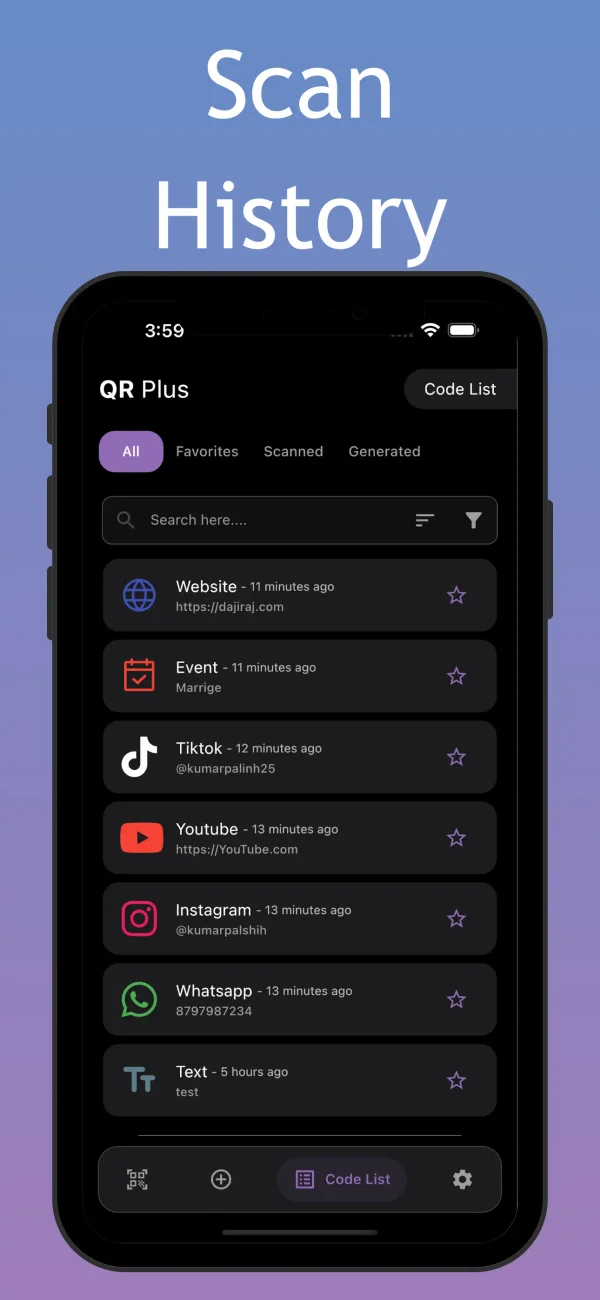
- Scan history: Ability to view a history of previously scanned codes for easy reference.
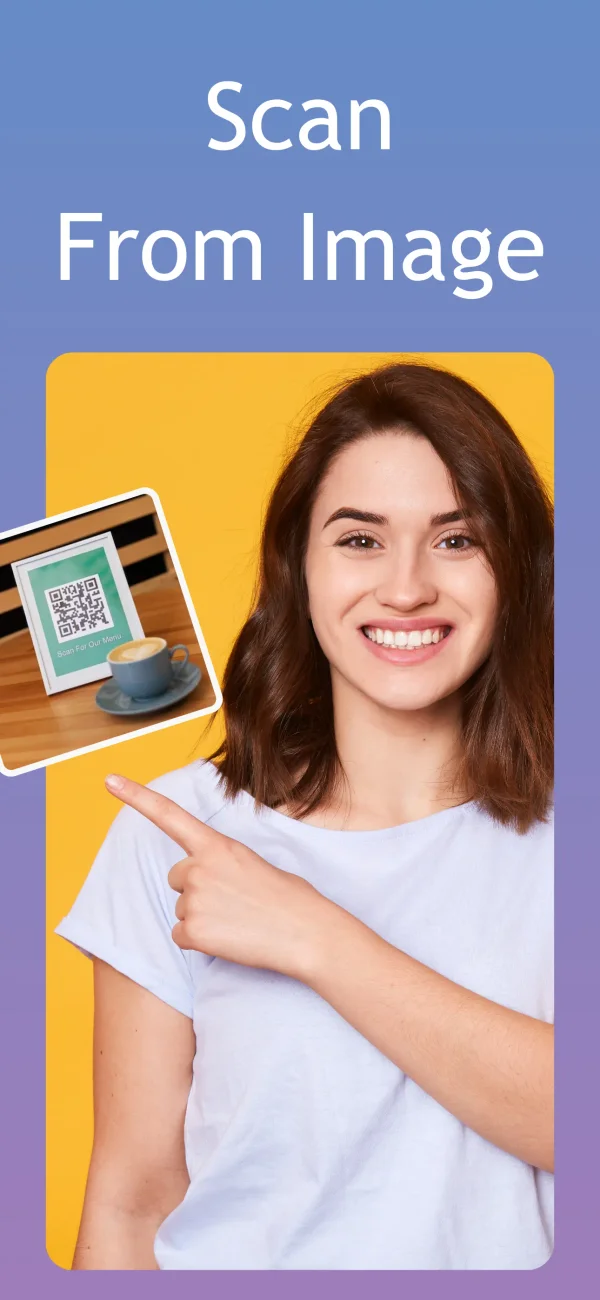
- Scan QR Code from images: You can directly scan QR or barcode from the images of your device gallery with this QR code maker app.
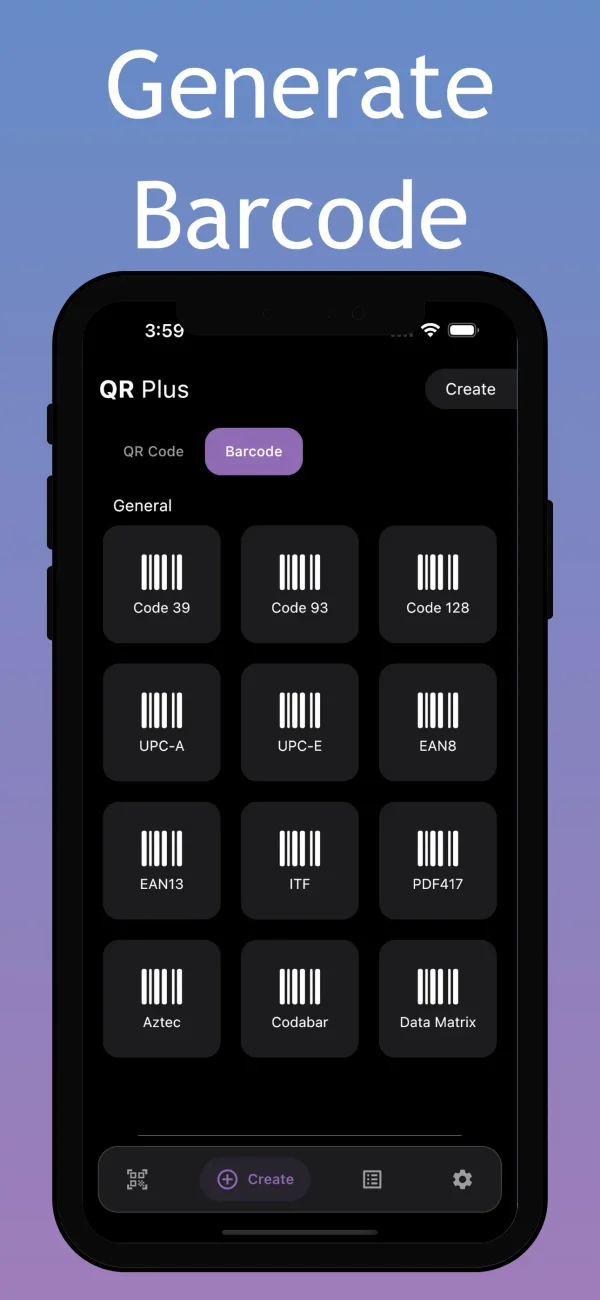
- Barcode formats: Ability to scan & generate a variety of barcode formats, including UPC, EAN-8, EAN-13, Code 39, Code 93, Code 128, ITF, PDF417, Aztec, Codabar, Data Matrix and ISBN, .
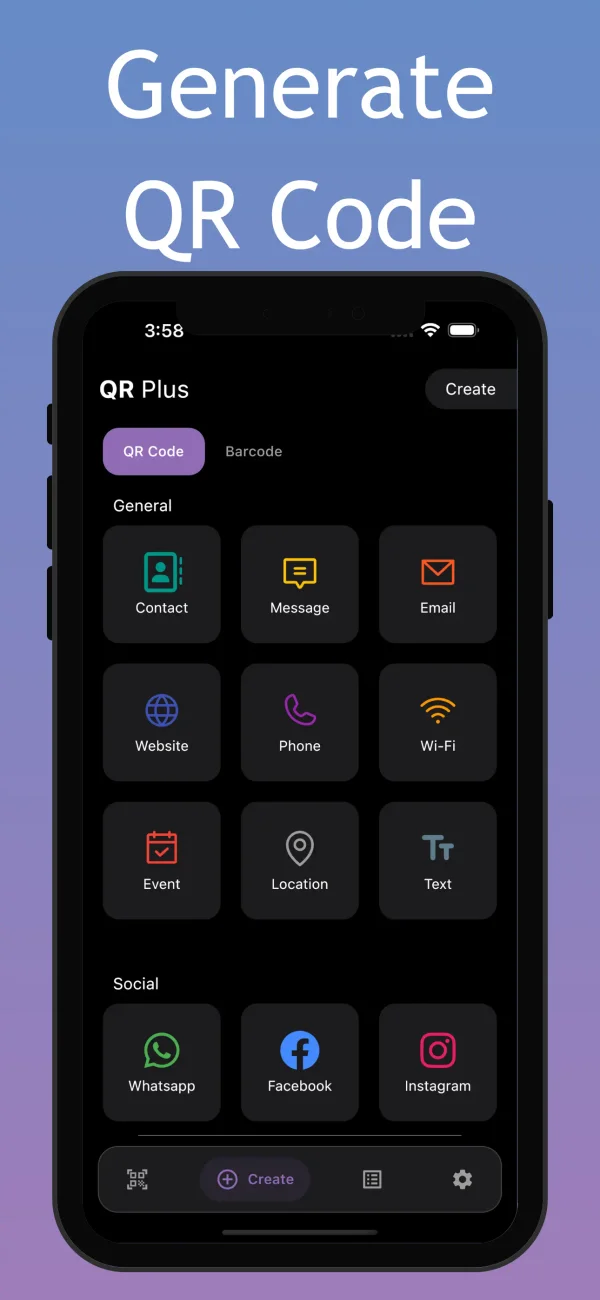
- Code generation: Ability to generate QR codes for different social media platforms, sharing website URLs, contact information, or other data.
- Social media sharing: Ability to share scanned codes and their associated information on popular social media platforms.
- Auto-focus: Ability to adjust the camera focus automatically to ensure accurate code scanning.
- Customizable settings: Ability to customize settings such as beep sound, vibration, and flash when scanning a code.
- Offline scanning: Ability to scan codes without an internet connection and store information for later use.
Overall, the QR & Barcode Scanner App is an essential tool for anyone who needs to scan and decode codes on a regular basis. Its ease of use, versatility, and customization options make it a must-have app for professionals and casual users alike. So why wait? Download the QR & Barcode Scanner App today and start scanning!
QR Scanner Pro Subscription Info:
- Weekly Subscription - $1.99
- Monthly Subscription - $4.99
- Yearly Subscription - $39.99
Payment will be charged to iTunes Account at confirmation of purchase
Subscriptions are automatically renewed unless automatic renewal is turned off at least 24 hours before the end of the current period, user can cancel in account settings
Privacy Policy: https://www.dajiraj.com/qrplus-privacy-policy
Terms of use: https://www.dajiraj.com/qrplus-terms-of-use
Có gì mới
Phiên bản 1.1.19 · 30/07/2026
Minor Fixes
Quyền riêng tư của ứng dụng
Những gì DAJIRAJ INFOTECH PRIVATE LIMITED khai báo trên App Store về cách ứng dụng này xử lý dữ liệu.
-
Dữ liệu được sử dụng để theo dõi bạn
Có thể được sử dụng để theo dõi bạn trên các ứng dụng và trang web do công ty khác sở hữu.
- Mã định danh
-
Dữ liệu không liên kết với bạn
Có thể được thu thập nhưng không liên kết với danh tính của bạn.
- Mã định danh
- Dữ liệu sử dụng
- Chẩn đoán
Phương thức đảm bảo quyền riêng tư có thể khác nhau, chẳng hạn như tuỳ theo các tính năng bạn sử dụng hoặc độ tuổi của bạn.
Thông tin
- Người bán
- DAJIRAJ INFOTECH PRIVATE LIMITED
- Danh mục
- Tiện Ích
- Phiên bản
- 1.1.19
- Cập nhật
- 30/07/2026
- Phát hành
- 24/05/2023
- Kích thước
- 87,7 MB
- Yêu cầu
- iOS 13.0 trở lên
- Độ tuổi
- 4+
- Giá
- Miễn phí
- Mua hàng trong ứng dụng
- Có
- Ngôn ngữ
- Tiếng Anh
- Bản quyền
- © DAJIRAJ INFOTECH PRIVATE LIMITED
Có thể bạn cũng thích
-
 Bar Code Scanner | QCSQR Code Maker & Reader
-
 Quét mã vạch - Đọc mã QR codeTiện Ích
-
 QR Code Reader/QR Scanner AppTiện Ích
-
 QR Code Reader & Code ScannerTiện Ích
-
 QR Pro - Quét và tạo mãĐọc mã vạch · Lưu và chia sẻ
-
 My Wi-Fi with QR CodeTiện Ích
-
 Trình quét, tạo & kiểm tra mãQuét mã QR và mã vạch sản phẩm
-
 Máy quét mã QR · Mã vạchĐọc QR & Tạo Mã Vạch
-
 QR, Barcode Scanner for iPhoneQR Code Reader & Authenticator
-
 NFC.cool Tools Tag ReaderĐọc và ghi thẻ RFID, chip CCCD