QR Tools: QR Code Reader
Generator, WiFi & Batch Export
Được thiết kế cho iPhone, iPad, Mac, iPod touch
Miễn phí
- Độ tuổi4+
- Danh mụcTiện Ích
- Nhà phát triển培克 罗
- Ngôn ngữTiếng Anh+ 7 ngôn ngữ khác
- Kích thước7,6 MB
Liên kết đến trang App Store chính thức
Download.org không lưu trữ tệp nào của QR Tools: QR Code Reader. Nút này mở trang ứng dụng trên App Store, nơi 培克 罗 phát hành ứng dụng. Trang được kiểm tra lần cuối: 24/11/2026.
Ảnh chụp màn hình
Giới thiệu
Nhà phát triển chưa cung cấp nội dung này bằng ngôn ngữ của bạn.
Open a flyer or event program and read its QR codes without taking screenshots. QR Tools also creates codes for links, Wi-Fi and contacts, shares Safari pages and makes printable labels on your device.
READ QR CODES IN A PDF OR IMAGE
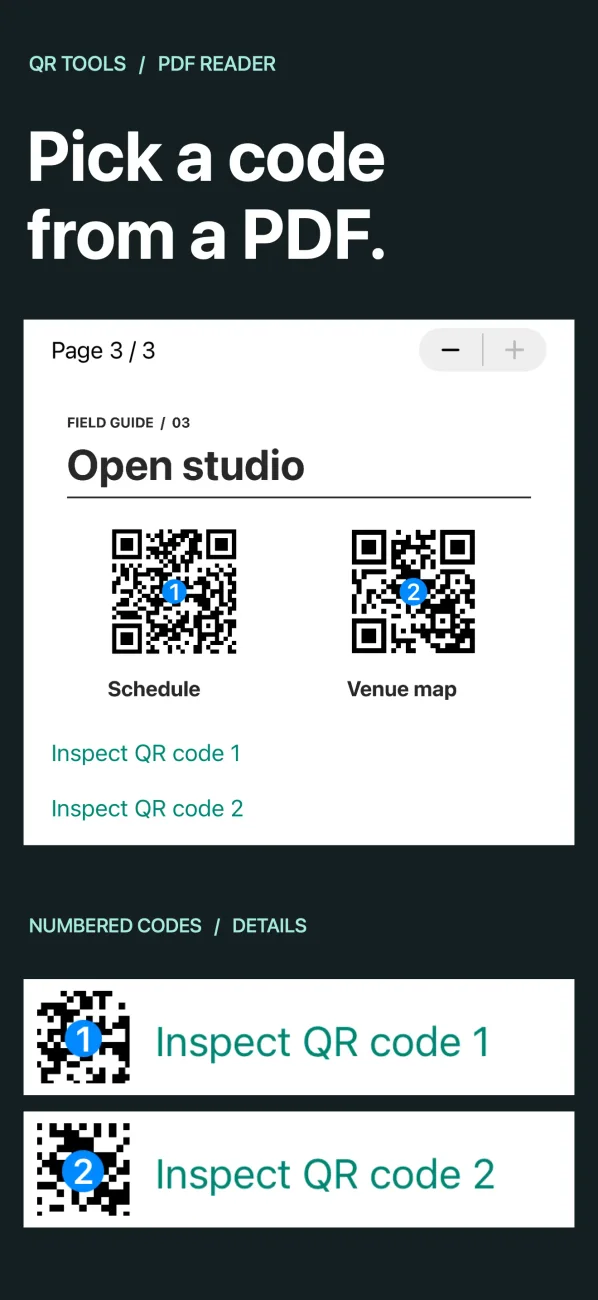
Browse a PDF page by page or open an image. When several codes appear together, select a numbered code to inspect it. You can also scan with the camera. Inspect the destination, protocol and URL parameters before opening a link. See local warning signals and remove common tracking parameters. These checks do not guarantee that a website is safe.
BATCH LABELS AND PRINTABLE SIGNS
Import CSV to generate up to 100 QR labels. Export PNG or SVG files in a ZIP, or print label sheets as A4 or Letter PDF. Create Wi-Fi, event and menu signs with a title and caption; save an image, show it full screen or print it. Using a partly used sheet? Choose the first free label in the 30-label US Letter layout (Avery 5160). Before printing, check the finished PDF against your CSV to find unreadable codes or labels with the wrong content.
A SAFARI PAGE ON ANOTHER DEVICE
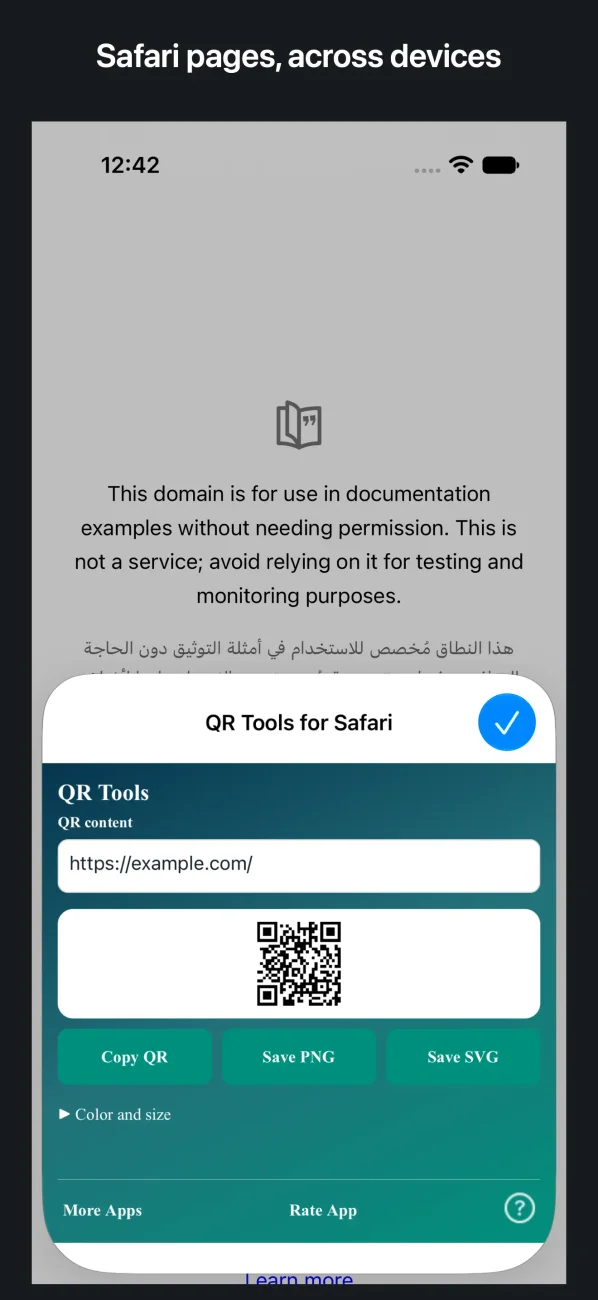
Enable the extension in Safari settings, then open QR Tools on the page you want to share. Scan its QR code with another device to open the same address. Edit the URL or text first if needed, and choose whether to remove common tracking parameters. Copy the QR image or save PNG/SVG from the extension. On a localhost page, enter a network address your phone can reach to share the same port and page path.
CREATE AND SHARE
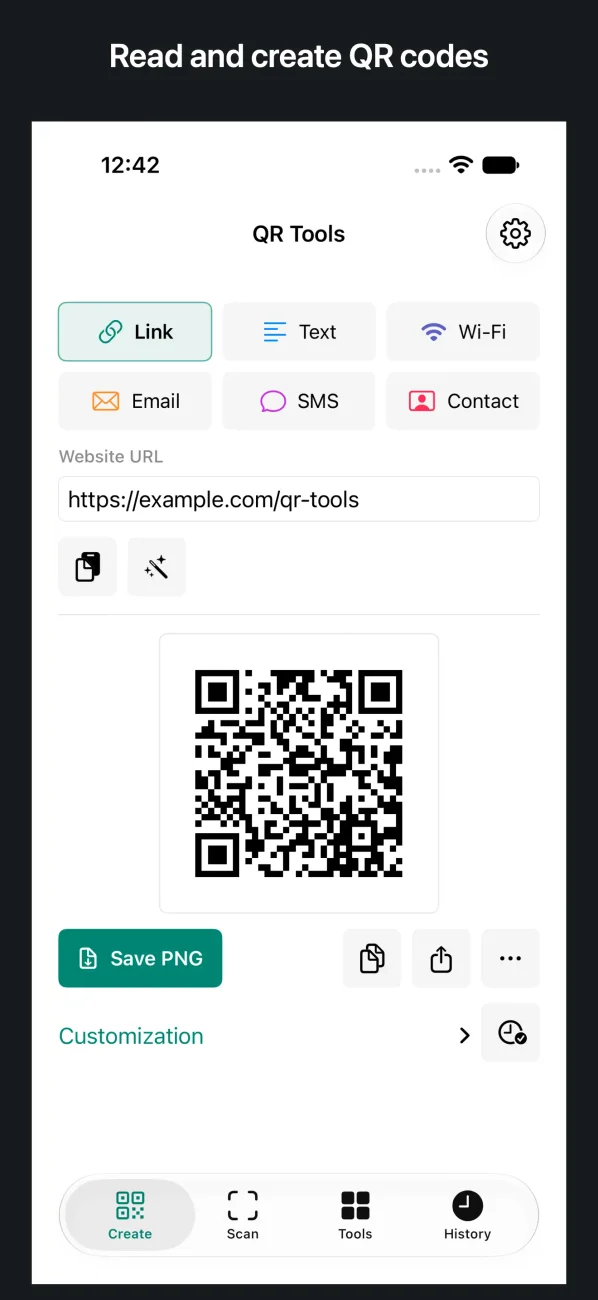
Make codes for links, text, Wi-Fi, email, SMS and contacts. Adjust colors and error correction, then copy, share or export PNG and SVG. Save selected content to local history for reuse.
CALENDAR EVENTS
Enter an event and time zone to create a calendar-link QR code and export an ICS file. People scanning the calendar link need an internet connection.
LOCAL BY DESIGN
QR generation, image decoding, CSV processing and content inspection happen on your device. Your QR content is not uploaded to a server. No account is required. Camera access is optional; imported images and CSV files are selected by you.
On iOS 17 or later, add events with the system calendar editor. Earlier versions can export ICS. Enable the Safari extension in Safari settings to create a QR code for the current tab.
Có gì mới
Phiên bản 1.6.0 · 23/11/2026
- Read codes directly from PDF pages. When a page or image has several codes, choose the one you want to inspect.
- Start a 30-label Letter sheet at the first unused position and check the finished PDF against your CSV before printing.
Quyền riêng tư của ứng dụng
Những gì 培克 罗 khai báo trên App Store về cách ứng dụng này xử lý dữ liệu.
-
Dữ liệu không được thu thập
Nhà phát triển không thu thập bất kỳ dữ liệu nào từ ứng dụng này.
Phương thức đảm bảo quyền riêng tư có thể khác nhau, chẳng hạn như tuỳ theo các tính năng bạn sử dụng hoặc độ tuổi của bạn.
Thông tin
- Người bán
- 培克 罗
- Danh mục
- Tiện Ích
- Phiên bản
- 1.6.0
- Cập nhật
- 23/11/2026
- Phát hành
- 11/07/2024
- Kích thước
- 7,6 MB
- Yêu cầu
- iOS 15.0 trở lên
- Độ tuổi
- 4+
- Giá
- Miễn phí
- Ngôn ngữ
- Tiếng Anh, Tiếng Pháp, Tiếng Đức, Tiếng Nhật, Tiếng Hàn, Tiếng Trung Giản thể, Tiếng Tây Ban Nha, Tiếng Trung Phồn thể
- Bản quyền
- © Copyright 2026 LUO PEIKE. All rights reserved.