RAYS - 3D Path Tracer
A Pocket Path Tracer
Được thiết kế cho iPhone, iPad
299.000đ
- Độ tuổi4+
- Danh mụcĐồ Họa & Thiết Kế
- Nhà phát triểnSketchbot Studios, Inc.
- Ngôn ngữTiếng Anh
- Kích thước32,0 MB
Liên kết đến trang App Store chính thức
Download.org không lưu trữ tệp nào của RAYS - 3D Path Tracer. Nút này mở trang ứng dụng trên App Store, nơi Sketchbot Studios, Inc. phát hành ứng dụng. Trang được kiểm tra lần cuối: 13/11/2026.
Ảnh chụp màn hình

Giới thiệu
Nhà phát triển chưa cung cấp nội dung này bằng ngôn ngữ của bạn.
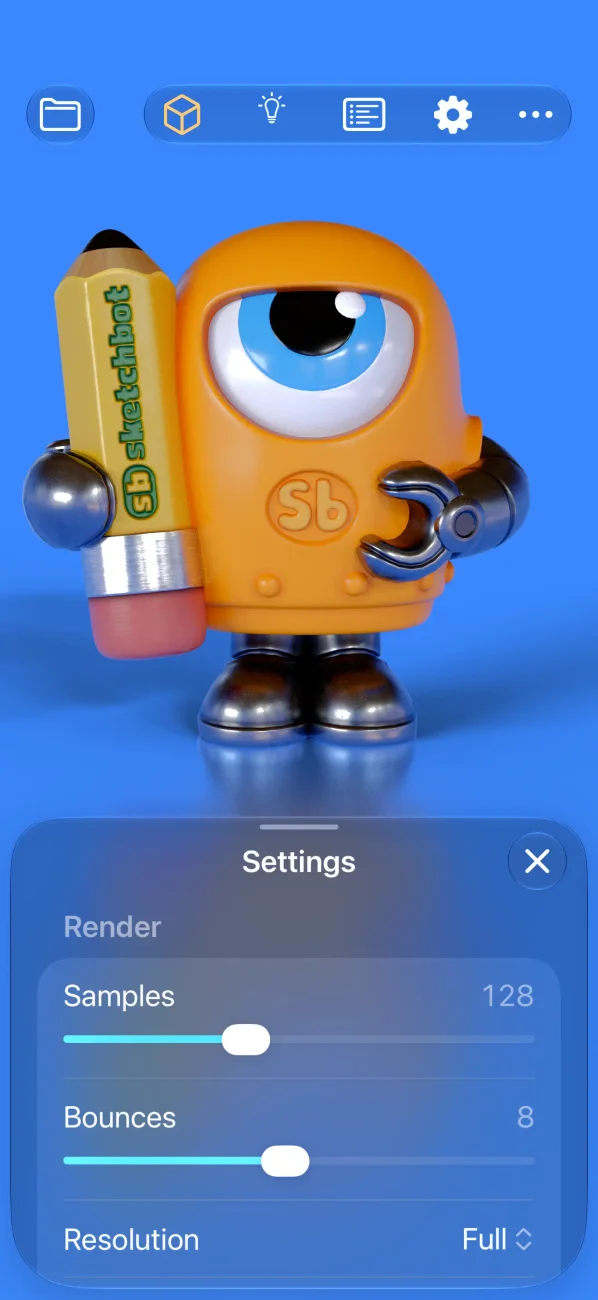
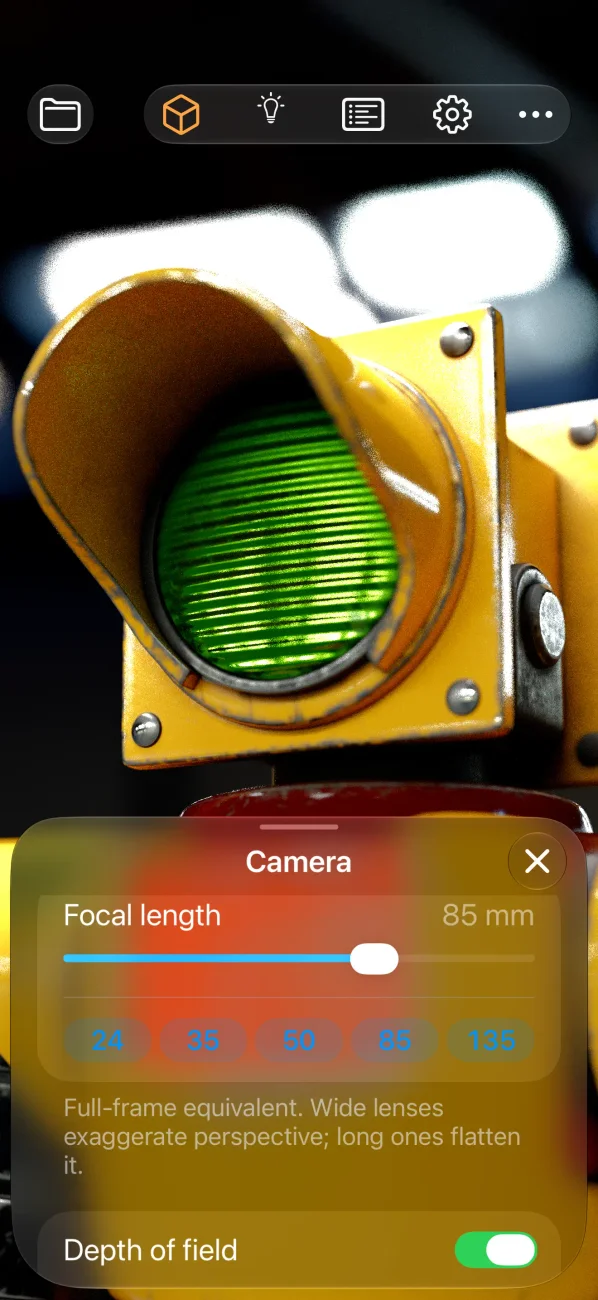
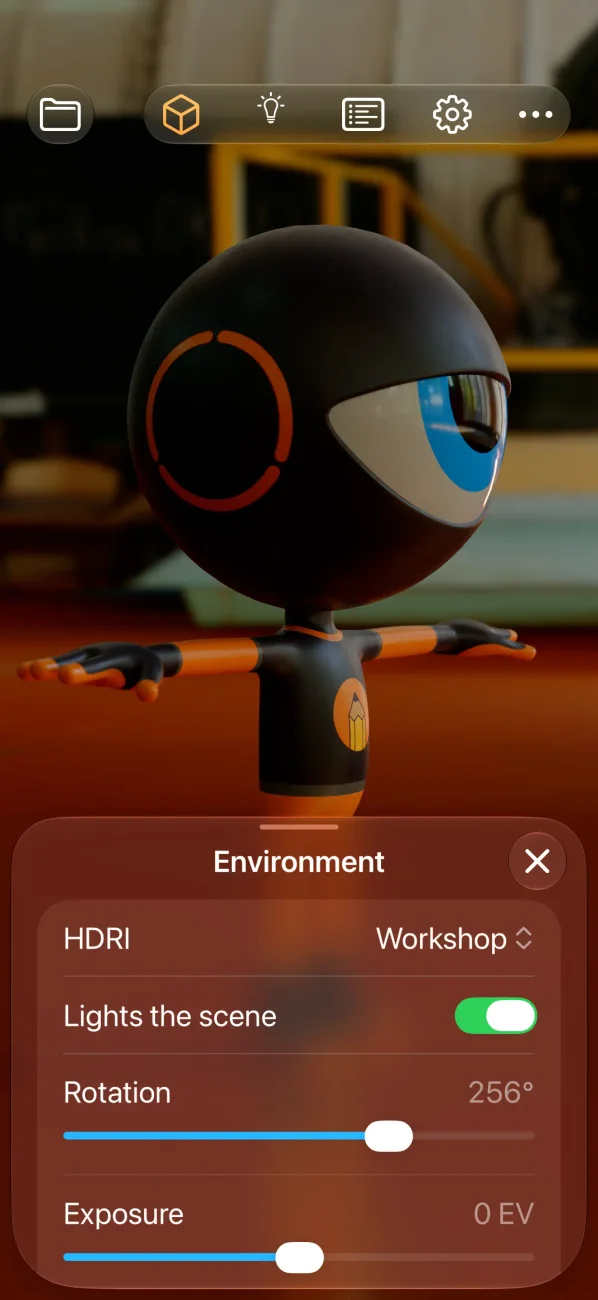
RAYS is a real path tracer for iPhone and iPad: the same kind of light simulation used by film and product-visualization renderers, running on your device's hardware ray tracing. Hit Render, and watch a photoreal image come together in seconds.
IMPORT
• Open USDZ, USD, glTF, GLB and OBJ models, from Files, Mail, Messages or AirDrop ("Open in RAYS").
• Materials, textures, variants and lights come in with the model; your original file is never changed.
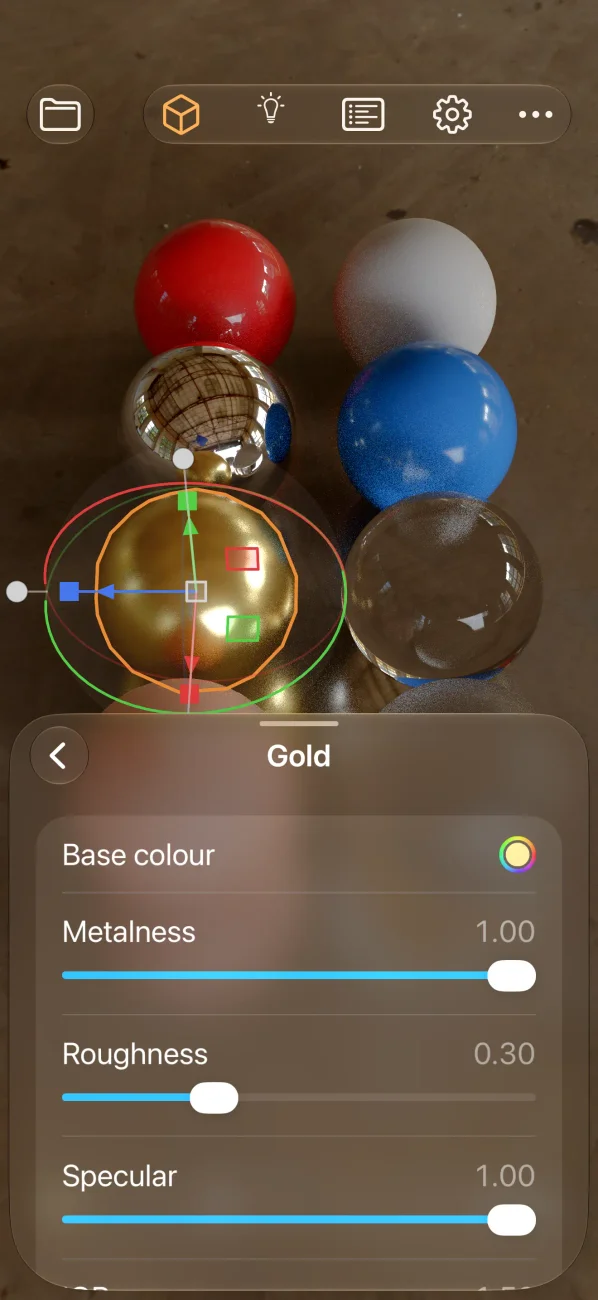
• Add several models to one scene; move, turn and scale them with an on-screen gizmo.
LIGHT
• Three studio HDRIs light your model with real image-based light. Turn them, set their exposure, or show them behind the model.
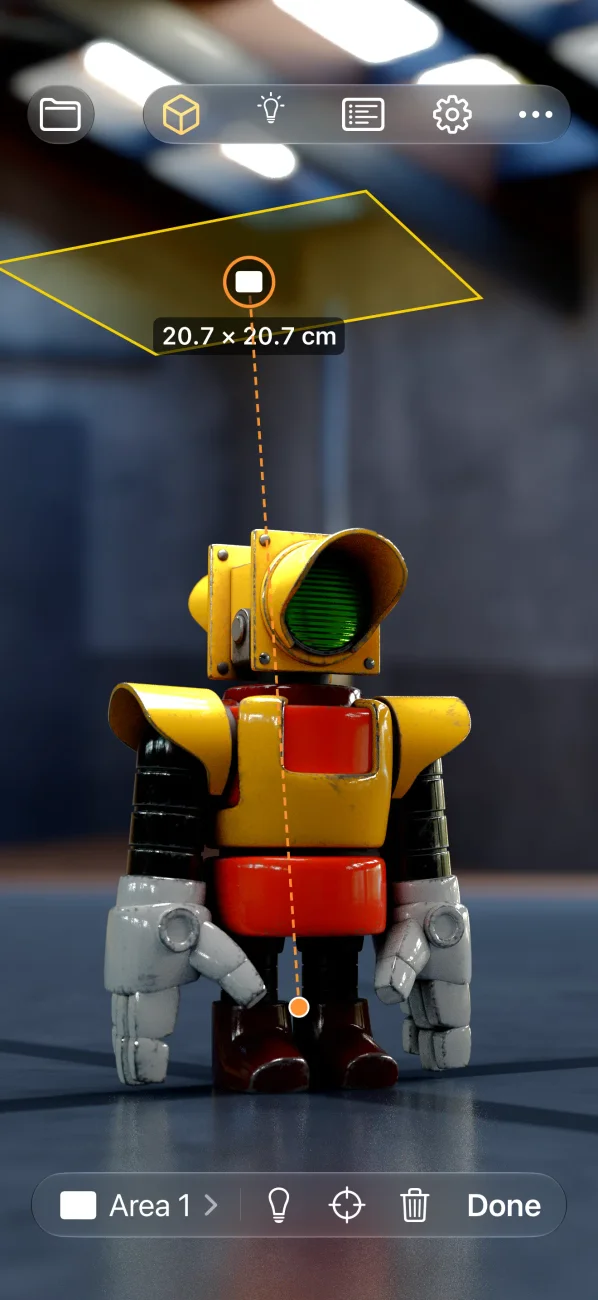
• Add sun, bulb, spot and area lights.
• Shadow catcher: an invisible floor that catches soft shadows and reflections.
• Ground projection lays the HDRI's floor under your model.
• Backdrop colors, with Bounce light: the set color lights your model back, like a colored studio cyc.
RENDER
• Progressive path tracing: soft shadows, reflections, glass and bounce light, refining with every sample.
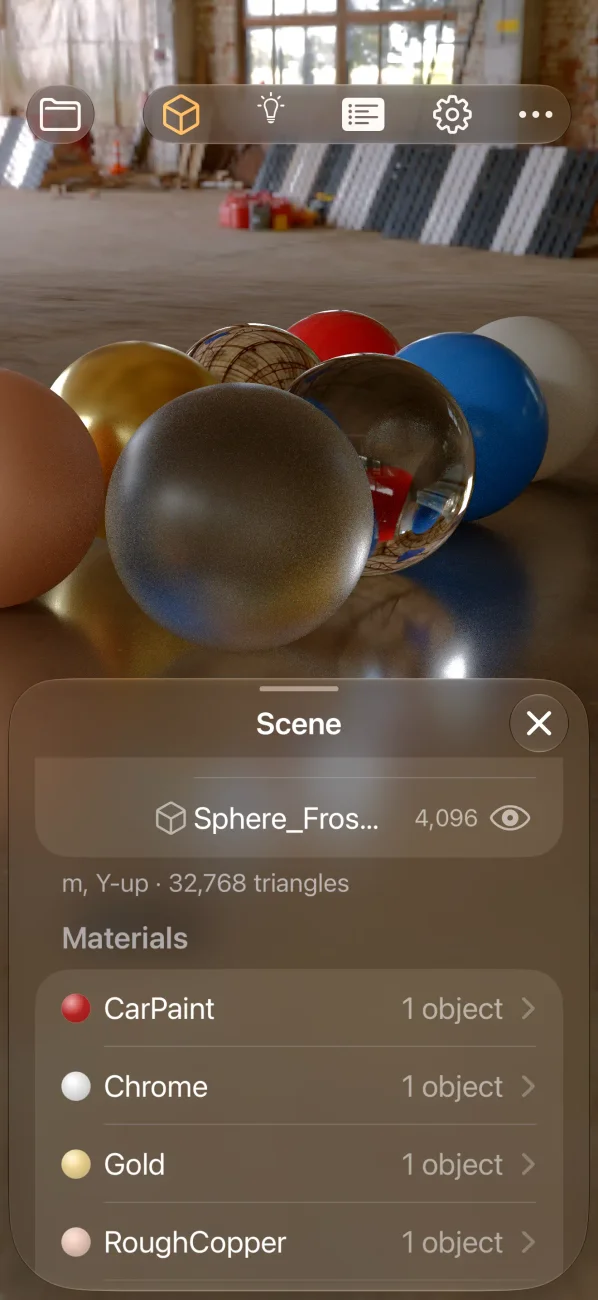
• Physically based materials: metal, glossy and rough surfaces, clear coat, clear and frosted glass.
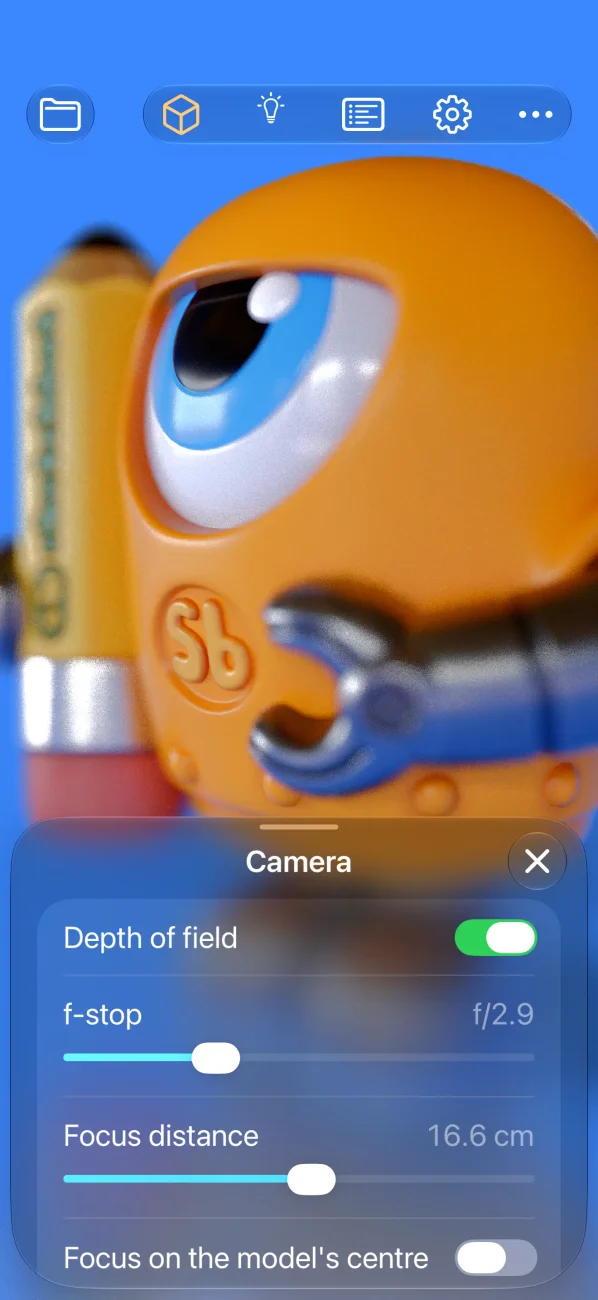
• A denoiser for clean images faster, and depth of field with real camera settings and Tap to Focus.
• Render at screen size or larger (2× and 3×), or at 720p, 1080p, 4K or 4:3.
• Save renders to Photos as PNG or HDR photos, plus EXR for compositing.
COMPOSITE
• Put your model into your own photo: pick a picture from Photos or Files, drag, pinch and twist it into place, and lock it.
• The shadow catcher sets your model on the photo's floor; the HDRI lights it to match.
• Depth of field blurs the picture along with the scene, and film grain (amount, size, color) ties render and photo together.
• Camera Roll tilts the camera to match a photo that wasn't shot level.
PREVIEW
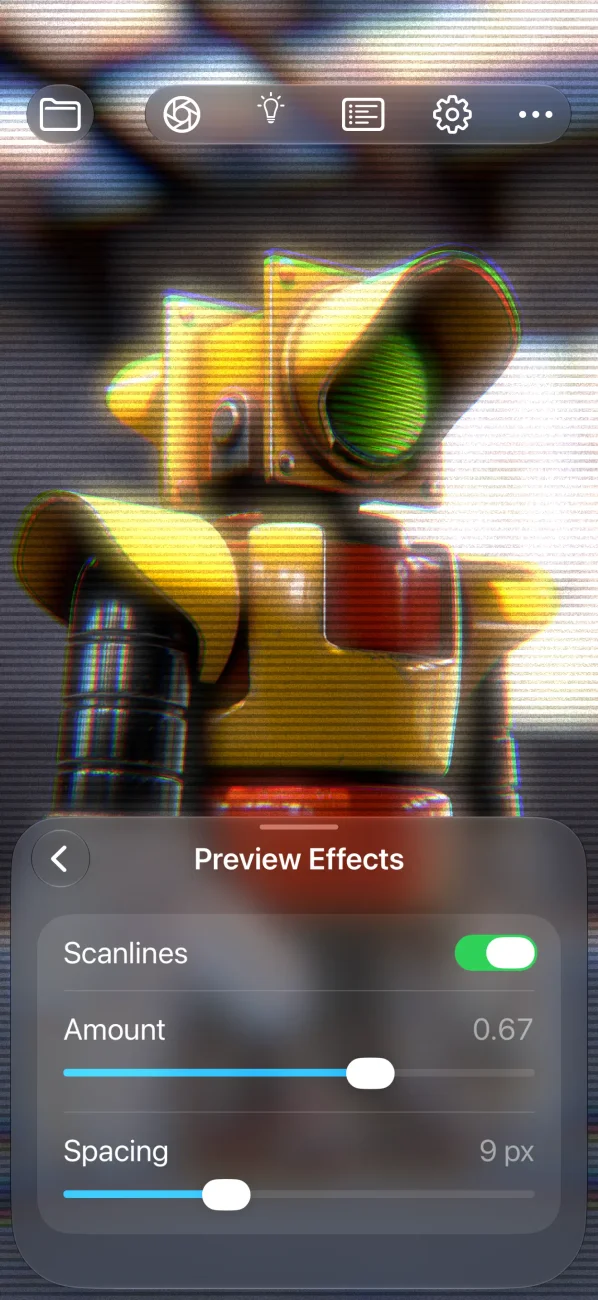
• A fast real-time Preview for framing and arranging, with Preview Effects: ambient occlusion, curvature, depth of field, bloom, tone mapping (Neutral, AgX, ACES), color balance, vignette, grain and more.
SCENES
• Save your scene, with every move, light, camera and material edit, as one file that opens in Quick Look and other USD apps.
• Start on iPhone, AirDrop the scene to your iPad, and pick up right where you left off: the models, lights, cameras and HDRI all travel in the one file.
• Saved cameras, including a Default camera to get back to the opening view.
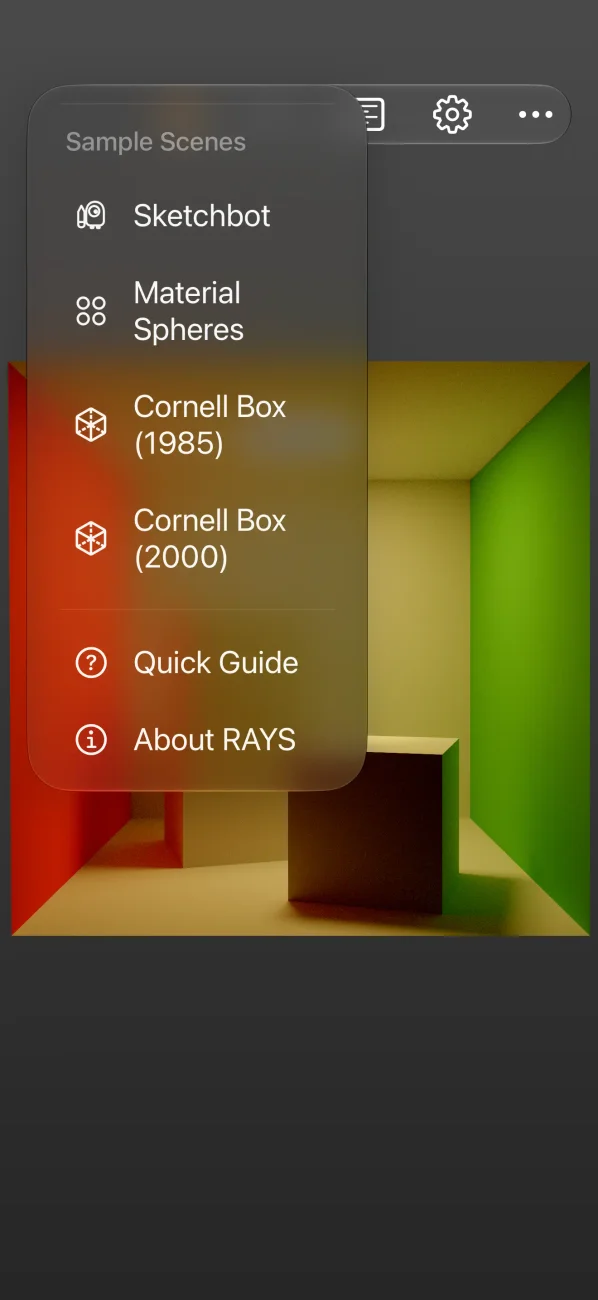
• Sample scenes to start from: Sketchbot, Material Spheres and two classic Cornell boxes.
Designed first for iPhone Duo, folded or open, and at home on iPhone and iPad.
REQUIREMENTS
Rendering is fastest with hardware ray tracing: iPhone 15 Pro, iPhone 16 or later; iPad Pro (M4 or later), iPad Air (M3 or later), iPad mini (A17 Pro or later). Older devices render more slowly.
Có gì mới
Phiên bản 1.1 · 12/11/2026
RAYS now runs on iPad: full screen in portrait and landscape, with the scene list, viewport and panels side by side, and a welcome screen laid out for the larger display.
Saved scenes now keep every part of a model, even when the parts sit side by side in the original file, so nothing goes missing when you open the saved scene in Quick Look or other apps.
Quyền riêng tư của ứng dụng
Những gì Sketchbot Studios, Inc. khai báo trên App Store về cách ứng dụng này xử lý dữ liệu.
-
Dữ liệu không được thu thập
Nhà phát triển không thu thập bất kỳ dữ liệu nào từ ứng dụng này.
Phương thức đảm bảo quyền riêng tư có thể khác nhau, chẳng hạn như tuỳ theo các tính năng bạn sử dụng hoặc độ tuổi của bạn.
Thông tin
- Người bán
- Sketchbot Studios, Inc.
- Danh mục
- Đồ Họa & Thiết Kế
- Phiên bản
- 1.1
- Cập nhật
- 12/11/2026
- Phát hành
- 11/11/2026
- Kích thước
- 32,0 MB
- Yêu cầu
- iOS 27.1 trở lên
- Độ tuổi
- 4+
- Giá
- 299.000đ
- Ngôn ngữ
- Tiếng Anh
- Bản quyền
- © 2026 Sketchbot Studios, Inc.
Có thể bạn cũng thích
-
 Rays – 3D StudioĐồ Họa & Thiết Kế
-
 Konjur3DĐồ Họa & Thiết Kế
-
 FormWright 3DĐồ Họa & Thiết Kế
-
 Paper: 3D Drawing StudioĐồ Họa & Thiết Kế
-
 Figmin XRĐồ Họa & Thiết Kế
-
 Denrim: ForgeĐồ Họa & Thiết Kế
-
 WaxĐồ Họa & Thiết Kế
-
 tamga - 3d sculptingĐồ Họa & Thiết Kế
-
 ArtiMesh: 3D ModelingĐồ Họa & Thiết Kế
-
 CozyBlanket ProĐồ Họa & Thiết Kế