- Độ tuổi4+
- Danh mụcThể Thao
- Nhà phát triểnSAMUEL LANE MADDOCK
- Ngôn ngữTiếng Anh
- Kích thước7,8 MB
Liên kết đến trang App Store chính thức
Download.org không lưu trữ tệp nào của Ref-Vision. Nút này mở trang ứng dụng trên App Store, nơi SAMUEL LANE MADDOCK phát hành ứng dụng. Trang được kiểm tra lần cuối: 14/11/2026.
Ảnh chụp màn hình
Giới thiệu
Nhà phát triển chưa cung cấp nội dung này bằng ngôn ngữ của bạn.
Ref-Vision captures a referee’s match on Apple Watch and iPhone: GPS, heart rate, speed, distance, match clock, event taps, and sideline video, all heading to one game on your Ref-Vision account.
Start the watch at kick-off. Put the iPhone on a tripod if you want film. The watch is built to be glanced at, not stared at. Large buttons, haptics, and an always-on clock.
APPLE WATCH
• Start at kick-off: one workout records GPS and heart rate for the whole appointment, including half-time
• Match clock with half-time, second half, and full-time
• Live heart rate, speed, distance, and GPS lock
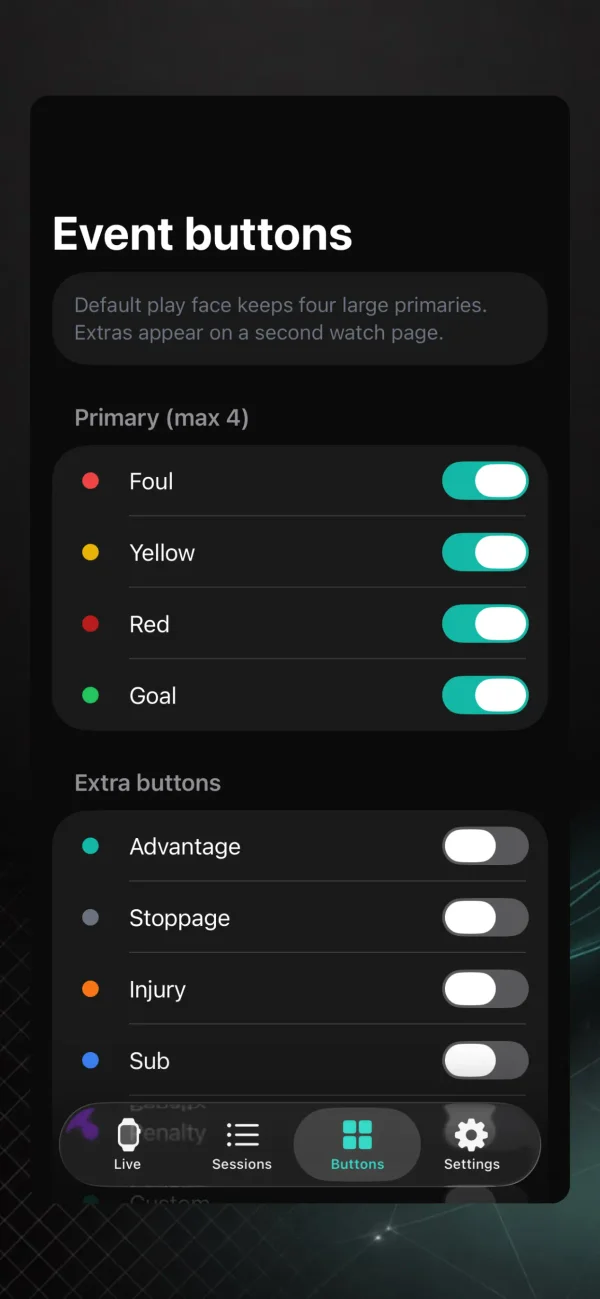
• Four large event buttons by default: Foul, Yellow, Red, Goal
• Extra buttons (Advantage, Stoppage, Injury, Sub, Penalty, and more) from a second page if you enable them on iPhone
• Undo the last event with a swipe
• Sessions are saved on the watch first, then sent to iPhone automatically. No network required during the match
IPHONE
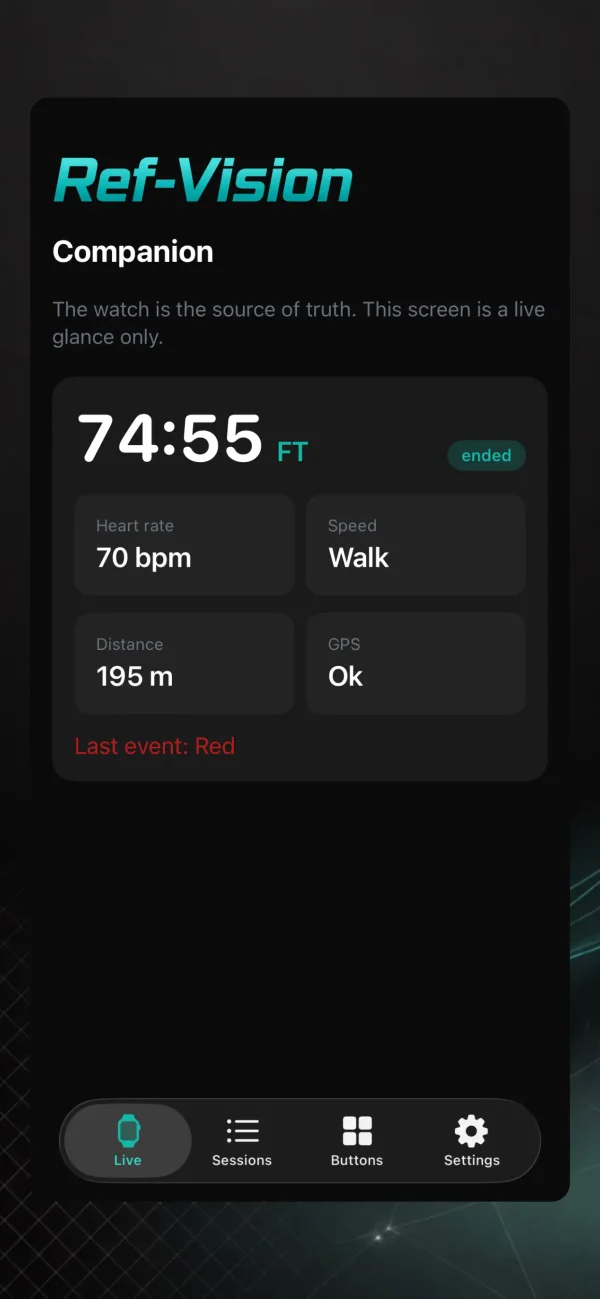
• Live glance of clock, heart rate, distance, and last event while the watch is recording
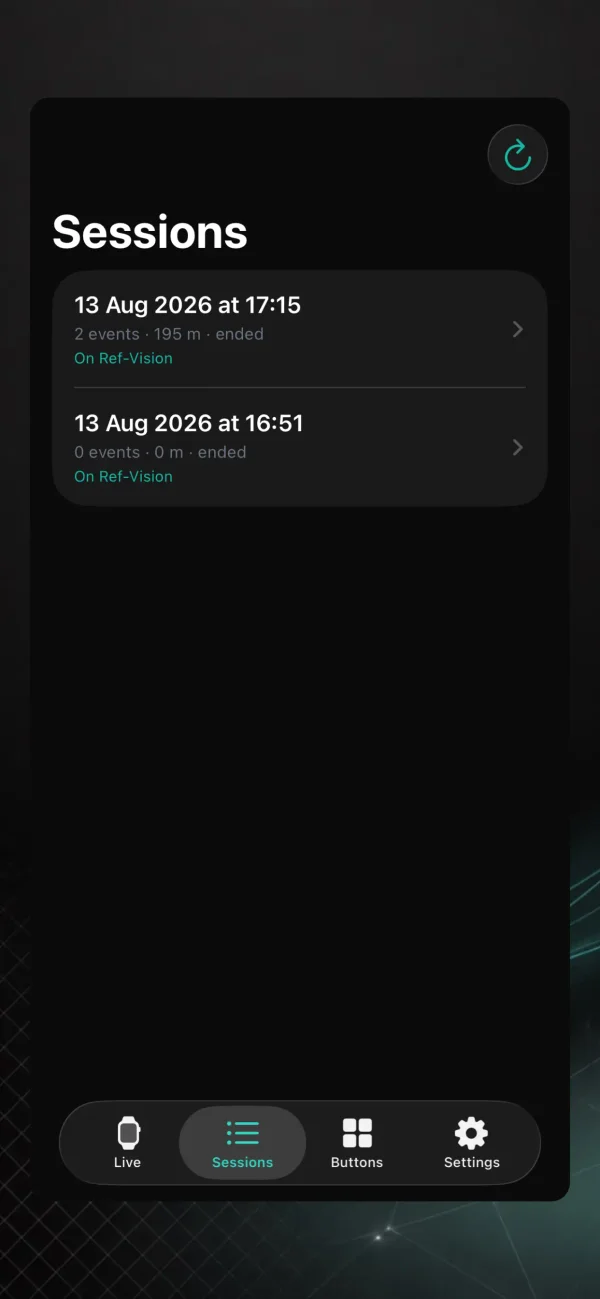
• Finished sessions arrive from the watch automatically
• Review distance, heart rate, and events after the match; edit or delete a mis-tap
• Attach the session to a game, or create one, then upload to your Ref-Vision account
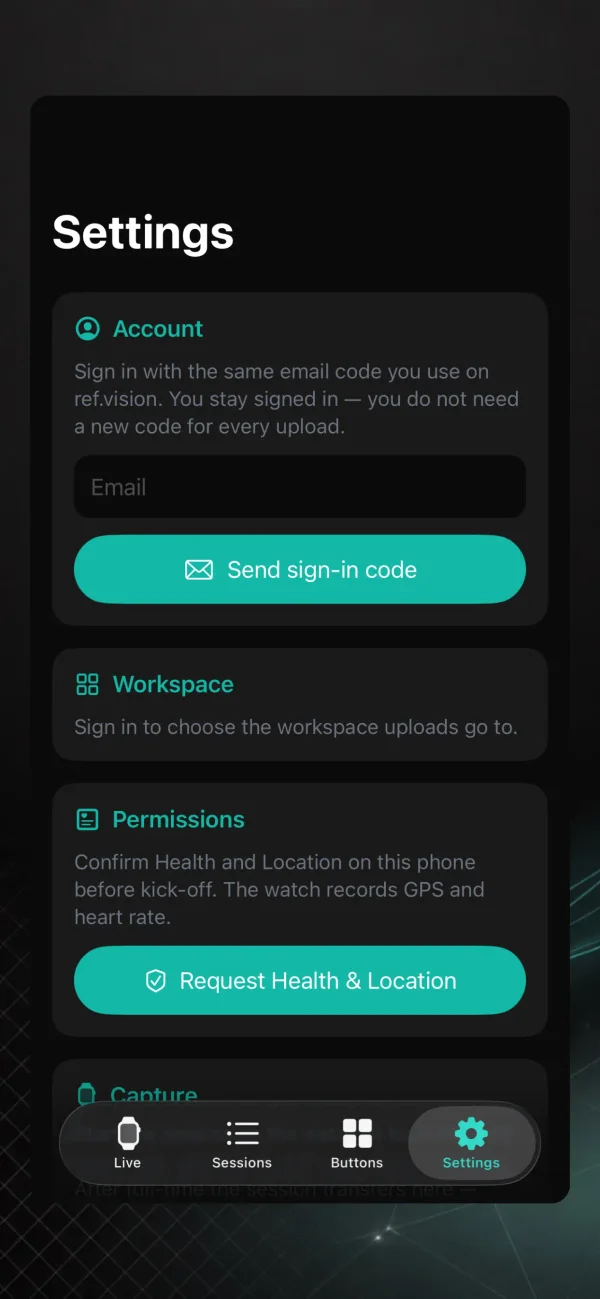
• Sign in once with the same email code you use on ref.vision
• Customise which event buttons appear on the watch and push the layout across
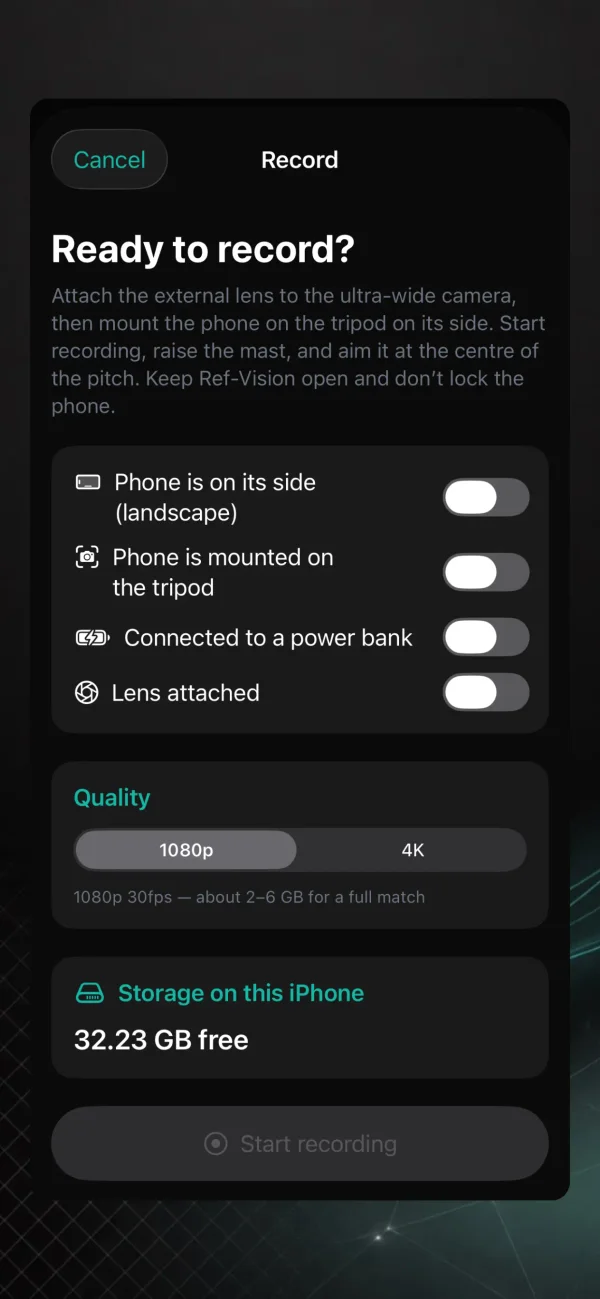
RECORD
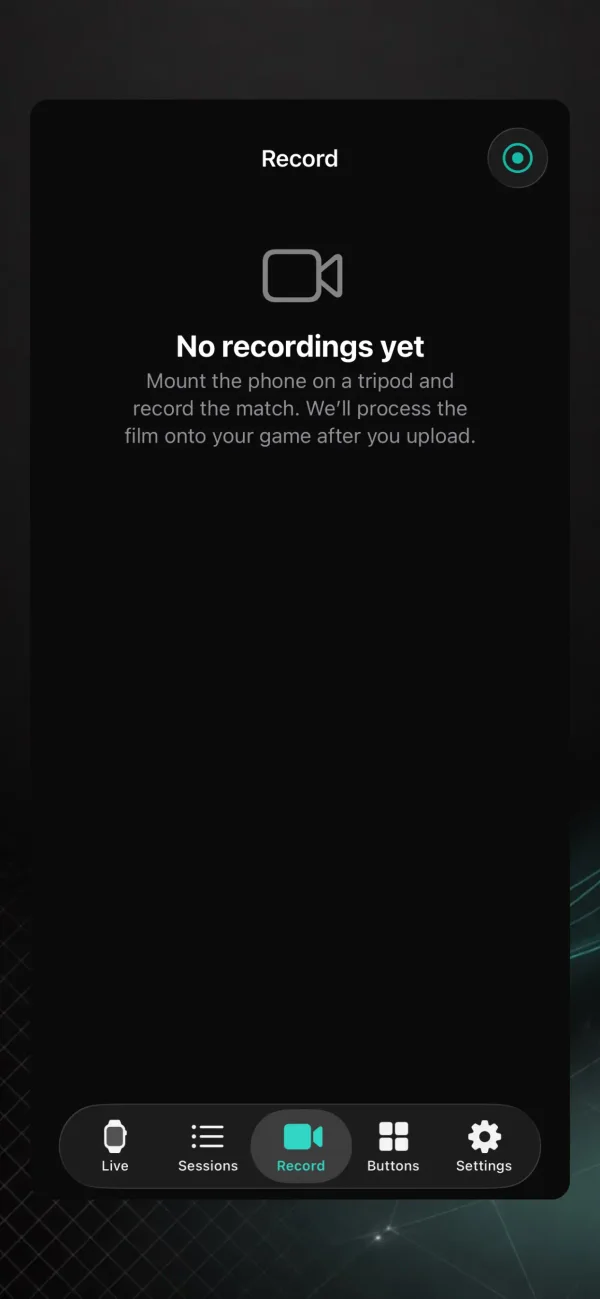
• New Record tab for sideline match film from a tripod-mounted iPhone
• Checks before you start: phone on its side (landscape), on the tripod, and on a power bank
• Ultra-wide (0.5x) so the pitch fills the frame; 1080p by default, 4K if you want it
• Built for a full match — keep the app open and don’t lock the phone
• Recordings stay on this iPhone first, even with no signal
• Attach or create a game, then upload. We’ll start processing the film onto that game soon
• Watch capture and phone film can run together: movement and events on the watch, video on the phone
AFTER UPLOAD
Watch sessions land on your game with GPS, heart rate, and event tags. Phone film is uploaded from the app; after we process it, it appears on the same game at ref.vision. Attach footage and set one sync offset so movement, heart rate, and watch events line up with the film together.
Capture works without an account. Upload to Ref-Vision requires sign-in.
Ref-Vision records referee performance (location, heart rate, and optional sideline video). It is not a medical device and does not provide medical advice.
Requires a compatible Apple Watch for GPS, heart rate, and event capture. Video recording uses iPhone. Designed for referees at every level.
Có gì mới
Phiên bản 2.4 · 23/10/2026
You can now send a watch GPS session to another game. If it is already on one game, attach a different one and upload it again. The first game keeps its copy, and the new game gets its own.
Quyền riêng tư của ứng dụng
Những gì SAMUEL LANE MADDOCK khai báo trên App Store về cách ứng dụng này xử lý dữ liệu.
-
Dữ liệu không được thu thập
Nhà phát triển không thu thập bất kỳ dữ liệu nào từ ứng dụng này.
Phương thức đảm bảo quyền riêng tư có thể khác nhau, chẳng hạn như tuỳ theo các tính năng bạn sử dụng hoặc độ tuổi của bạn.
Thông tin
- Người bán
- SAMUEL LANE MADDOCK
- Danh mục
- Thể Thao
- Phiên bản
- 2.4
- Cập nhật
- 23/10/2026
- Phát hành
- 07/11/2024
- Kích thước
- 7,8 MB
- Yêu cầu
- iOS 26.4 trở lên
- Độ tuổi
- 4+
- Giá
- Miễn phí
- Ngôn ngữ
- Tiếng Anh
- Bản quyền
- © 2026 Samuel Maddock