Remote Keyboard & Mouse
For PC, Mac & LG TV
Được thiết kế cho iPhone, iPad, iPod touch
Miễn phí · Mua hàng trong ứng dụng
- Độ tuổi4+
- Danh mụcHiệu Suất
- Nhà phát triểnJIE WANG
- Ngôn ngữTiếng Anh+ 13 ngôn ngữ khác
- Kích thước58,6 MB
Liên kết đến trang App Store chính thức
Download.org không lưu trữ tệp nào của Remote Keyboard & Mouse. Nút này mở trang ứng dụng trên App Store, nơi JIE WANG phát hành ứng dụng. Trang được kiểm tra lần cuối: 20/11/2026.
Ảnh chụp màn hình



Giới thiệu
Nhà phát triển chưa cung cấp nội dung này bằng ngôn ngữ của bạn.
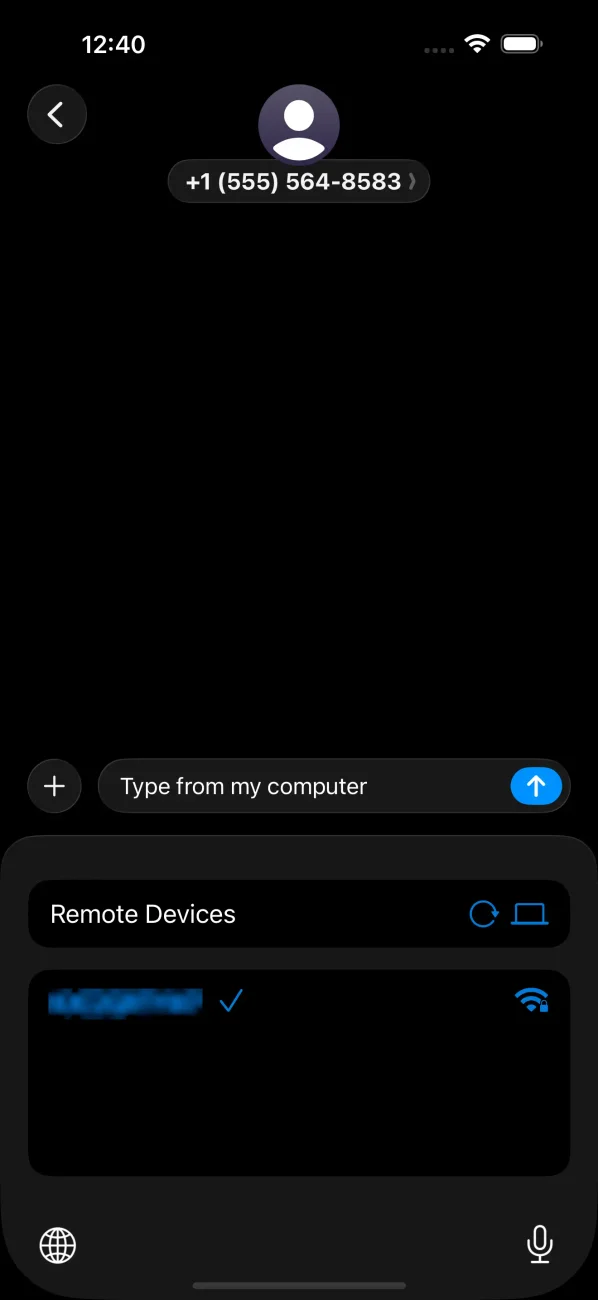
Remote Keyboard – Control Your Computer & LG TV from iPhone
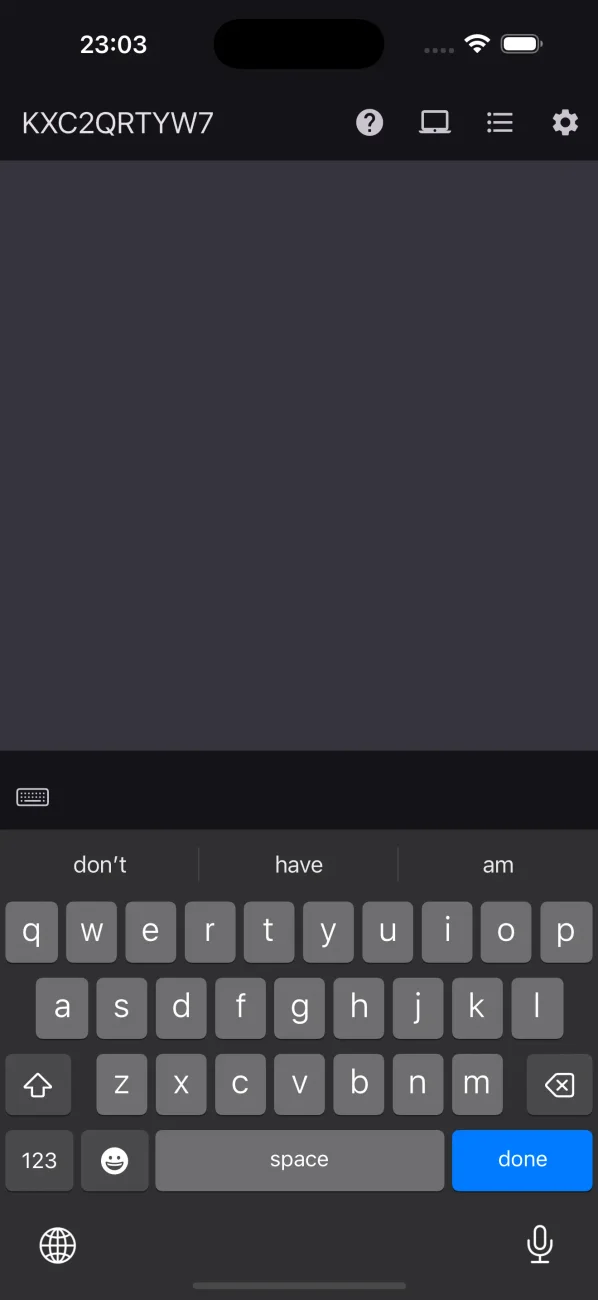
Remote Keyboard turns your iPhone into a wireless keyboard, mouse, trackpad, numeric keypad, media controller, and LG TV remote. Whether you’re presenting, watching movies, entering data, or controlling your computer from the couch, Remote Keyboard gives you flexible control right from your phone.
Pair your iPhone with the companion desktop app for Mac or Windows, connect over Wi‑Fi or QR code, and start typing, clicking, scrolling, dragging, and controlling media instantly.
Key Features
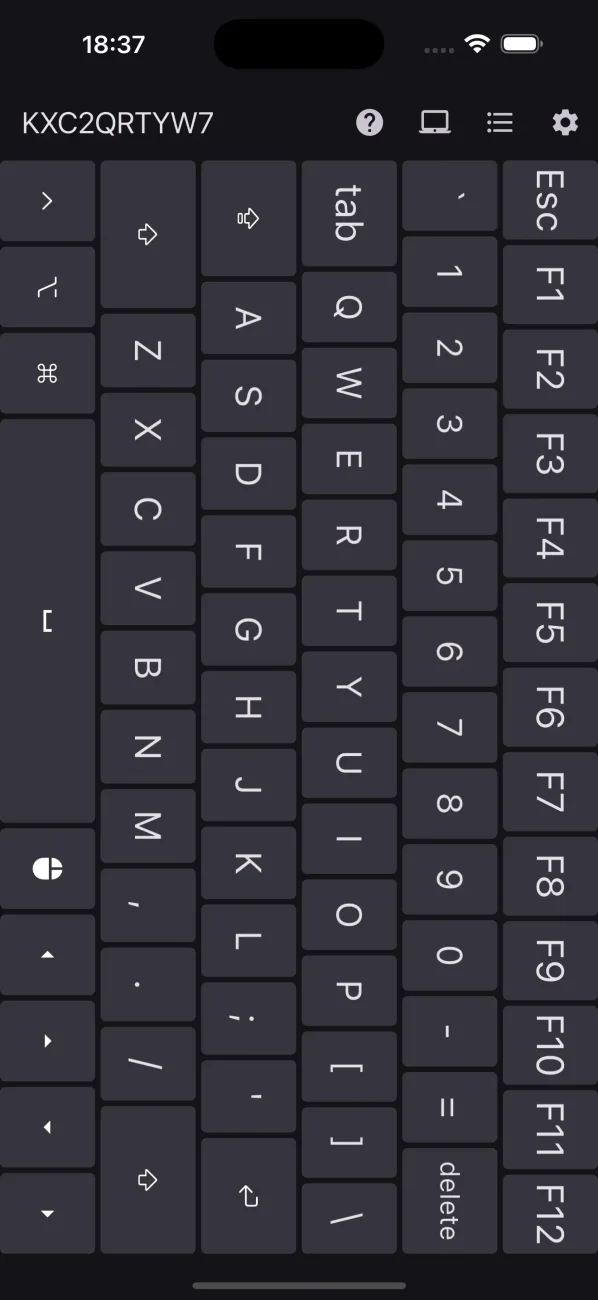
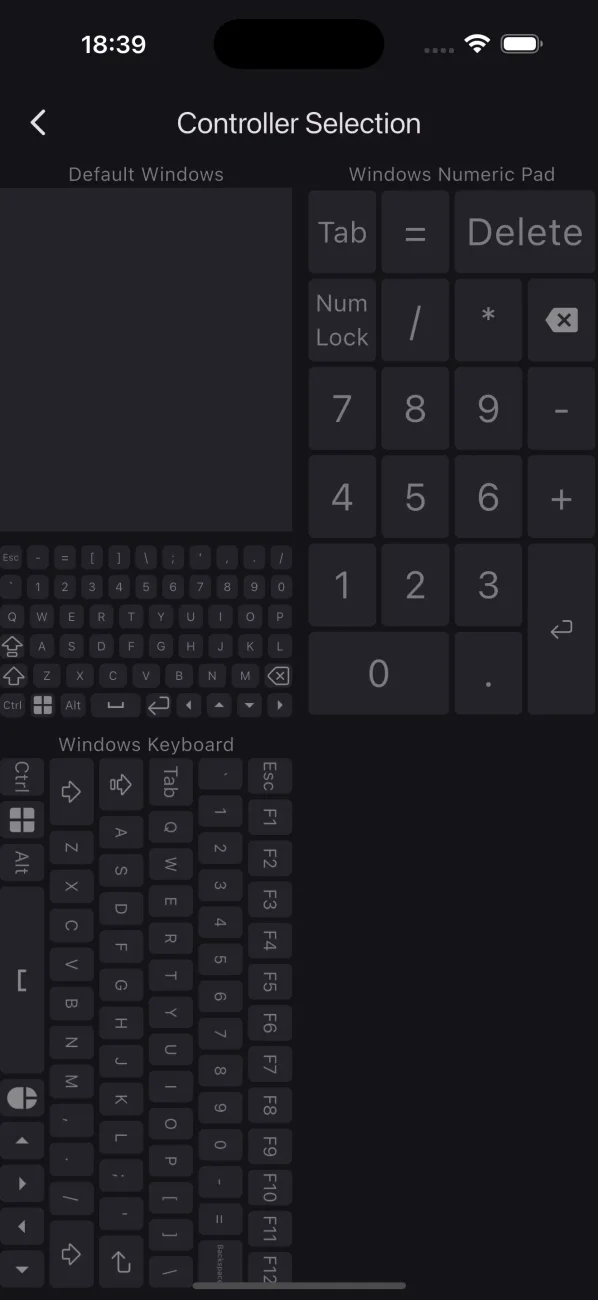
• Wireless Keyboard – Type on your Mac or Windows PC using full keyboard, native keyboard, and platform-specific layouts.
• Touchpad-Style Mouse Control – Move the cursor, tap to click, right-click, scroll, and drag with intuitive trackpad gestures.
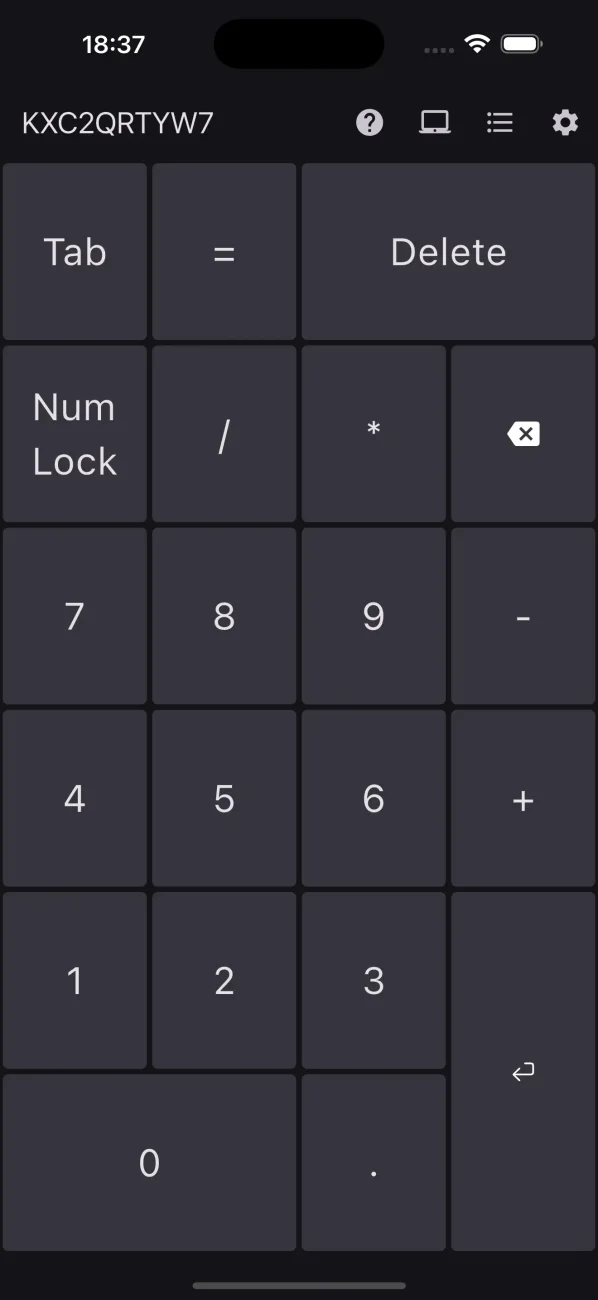
• Numeric Keypad Support – Enter numbers quickly with dedicated Mac and Windows number pad layouts, ideal for spreadsheets, finance, and data entry.
• Media Controls – Control playback, volume, arrow keys, and media shortcuts from your phone.
• LG WebOS TV Remote – Navigate your TV, adjust volume, change channels, control playback, and access supported TV shortcuts.
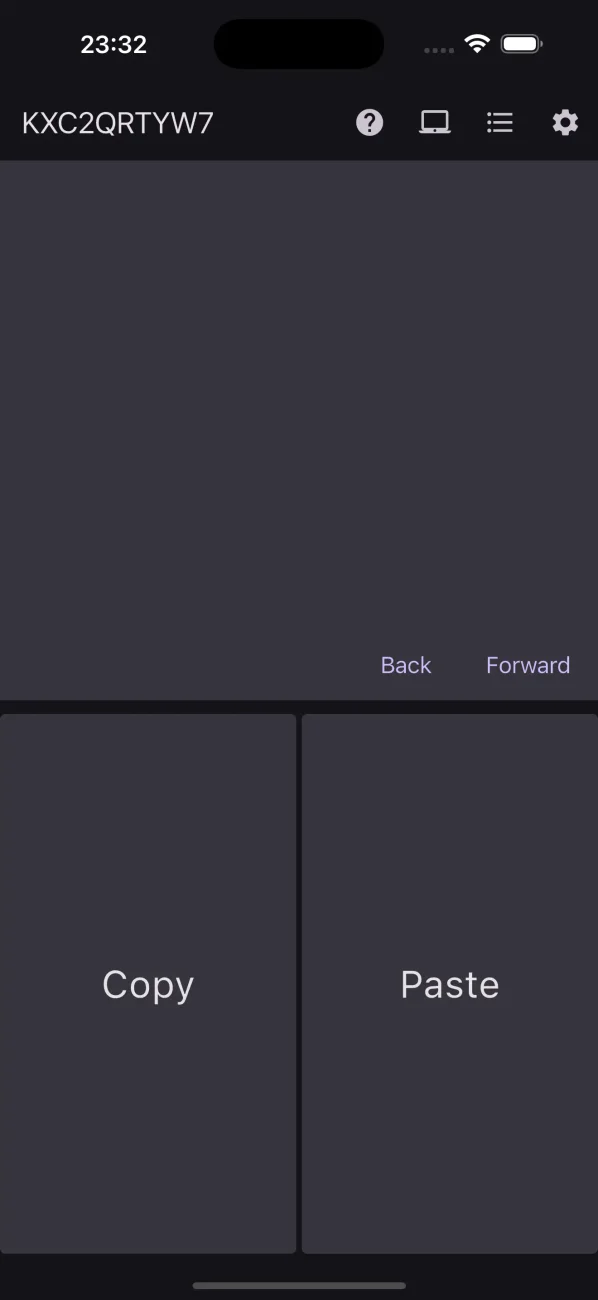
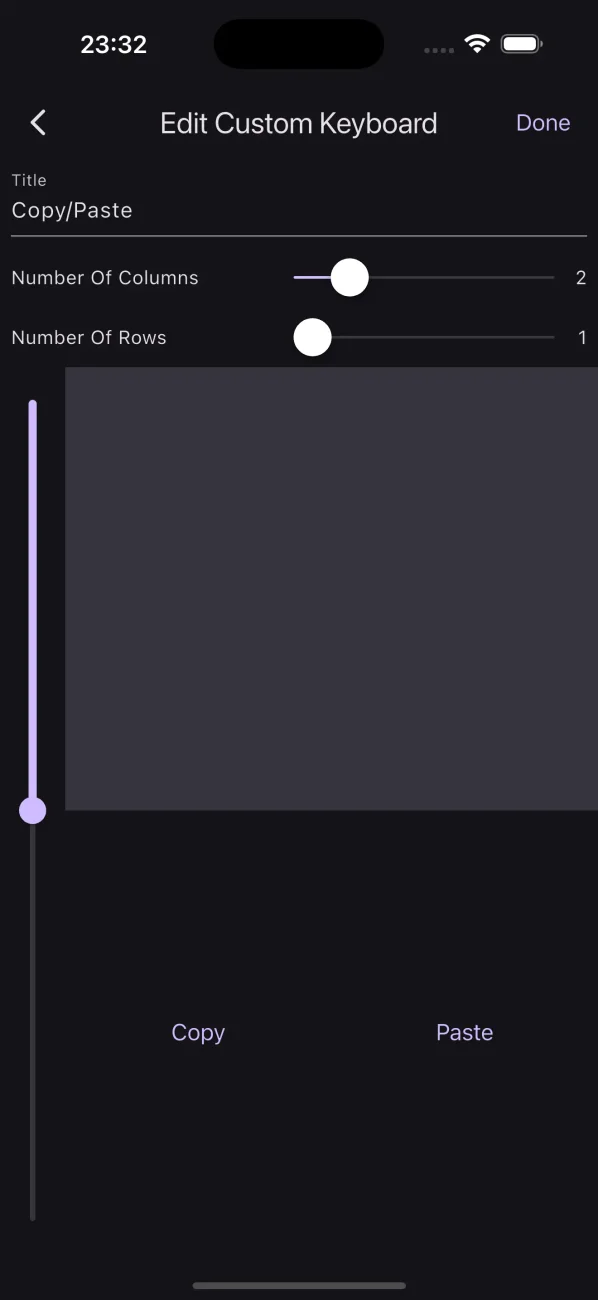
• Custom Keyboards – Create your own keyboard layouts with shortcuts, text input, trackpad actions, and delays.
• Quick Keyboard Switching – Save favorite keyboards and swipe between layouts quickly.
• Flexible Connection Options – Connect over local Wi‑Fi, scan a QR code from the desktop app, or use Premium remote connection when supported.
• Works Across Platforms – Control macOS, Windows, and LG WebOS devices from one app.
Use It For
• Home Theater Control – Control your Mac or PC as a smart TV from the couch.
• Presentations – Advance slides, control the cursor, and type notes during meetings.
• Productivity Anywhere – Work from across the room or from a standing desk without extra hardware.
• Efficient Number Input – Speed up Excel, accounting, and data-entry workflows with a dedicated numeric keypad.
• Media Playback – Adjust volume, pause, play, skip tracks, and browse comfortably.
• Accessible Remote Control – Helpful for users who prefer touchscreen input or need flexible assistive control options.
Requires the companion Remote Keyboard Desktop app for Mac/Windows computer control.
In-App Purchase Terms
• Payment will be charged to your iTunes account at purchase.
• Auto-renewable subscriptions will be charged for renewal within 24 hours before the end of the current subscription period unless auto-renew is turned off at least 24 hours before the end of the current period.
• Subscriptions may be managed and auto-renewal may be turned off in your iTunes Account Settings after purchase.
See https://remotecontrolio.web.app/eula.html for more details.
Có gì mới
Phiên bản 3.4.1 · 11/10/2026
New: Transfer files between your phone and computer! Send files and photos from the trackpad, including files copied to your clipboard. Receive files from your computer in the app or keyboard. File transfers require Premium and Remote Keyboard Desktop 3.4.0 or later.
We've also improved transfer progress and updated the in-app help.
Quyền riêng tư của ứng dụng
Những gì JIE WANG khai báo trên App Store về cách ứng dụng này xử lý dữ liệu.
-
Dữ liệu được sử dụng để theo dõi bạn
Có thể được sử dụng để theo dõi bạn trên các ứng dụng và trang web do công ty khác sở hữu.
- Mã định danh
-
Dữ liệu liên kết với bạn
Có thể được thu thập và liên kết với danh tính của bạn.
- Thông tin liên hệ
- Mã định danh
-
Dữ liệu không liên kết với bạn
Có thể được thu thập nhưng không liên kết với danh tính của bạn.
- Mã định danh
- Dữ liệu sử dụng
- Chẩn đoán
Phương thức đảm bảo quyền riêng tư có thể khác nhau, chẳng hạn như tuỳ theo các tính năng bạn sử dụng hoặc độ tuổi của bạn.
Thông tin
- Người bán
- JIE WANG
- Danh mục
- Hiệu Suất
- Phiên bản
- 3.4.1
- Cập nhật
- 11/10/2026
- Phát hành
- 11/05/2025
- Kích thước
- 58,6 MB
- Yêu cầu
- iOS 15.0 trở lên
- Độ tuổi
- 4+
- Giá
- Miễn phí
- Mua hàng trong ứng dụng
- Có
- Ngôn ngữ
- Tiếng Anh, Tiếng Pháp, Tiếng Đức, Tiếng Indonesia, Tiếng Ý, Tiếng Nhật, Tiếng Hàn, Tiếng Bồ Đào Nha, Tiếng Nga, Tiếng Trung Giản thể, Tiếng Tây Ban Nha, Tiếng Thái + 2 ngôn ngữ khác
- Bản quyền
- Copyright © 2025 WANGJIE
Có thể bạn cũng thích
-
 Chuột Và Bàn Phím Từ XaĐiều Khiển Máy Tính Qua ĐT
-
 Chuột · Bàn phímcho Mac hoặc PC
-
 VMouse - VNC Remote MouseHiệu Suất
-
 Smart Projector ControlHiệu Suất
-
 Remote Mouse, keyboard, moreHiệu Suất
-
 Game Emulator: Console GamepadHiệu Suất
-
 KDE ConnectHiệu Suất
-
 Mouse Jiggler UndetectableHiệu Suất
-
 UTM Remote Virtual MachinesHiệu Suất
-
 远程输入法用电脑给手机打字