Remotiq PC Remote
Remote control for computers
Được thiết kế cho iPhone, iPod touch
Miễn phí
- Độ tuổi4+
- Danh mụcTiện Ích
- Nhà phát triểnUmit Cagdas
- Ngôn ngữTiếng Anh+ 10 ngôn ngữ khác
- Kích thước30,8 MB
Liên kết đến trang App Store chính thức
Download.org không lưu trữ tệp nào của Remotiq PC Remote. Nút này mở trang ứng dụng trên App Store, nơi Umit Cagdas phát hành ứng dụng. Trang được kiểm tra lần cuối: 28/11/2026.
Ảnh chụp màn hình

Giới thiệu
Nhà phát triển chưa cung cấp nội dung này bằng ngôn ngữ của bạn.
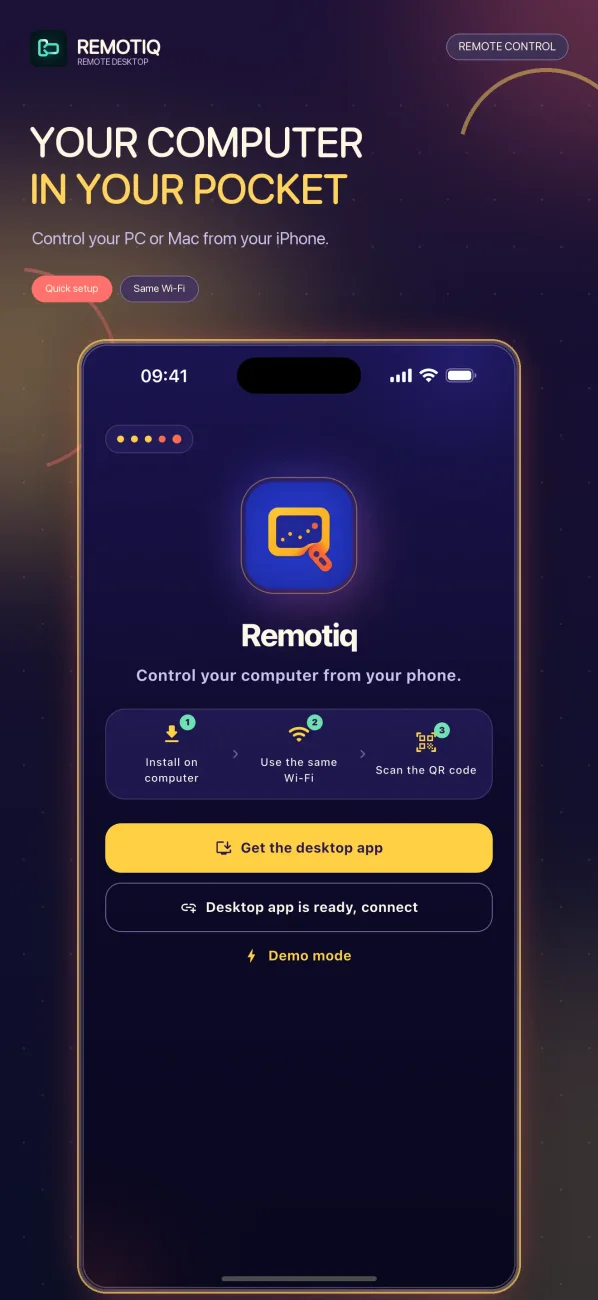
Control your computer comfortably from your iPhone. Remotiq turns your phone into a simple, responsive remote that works over the same Wi-Fi network.
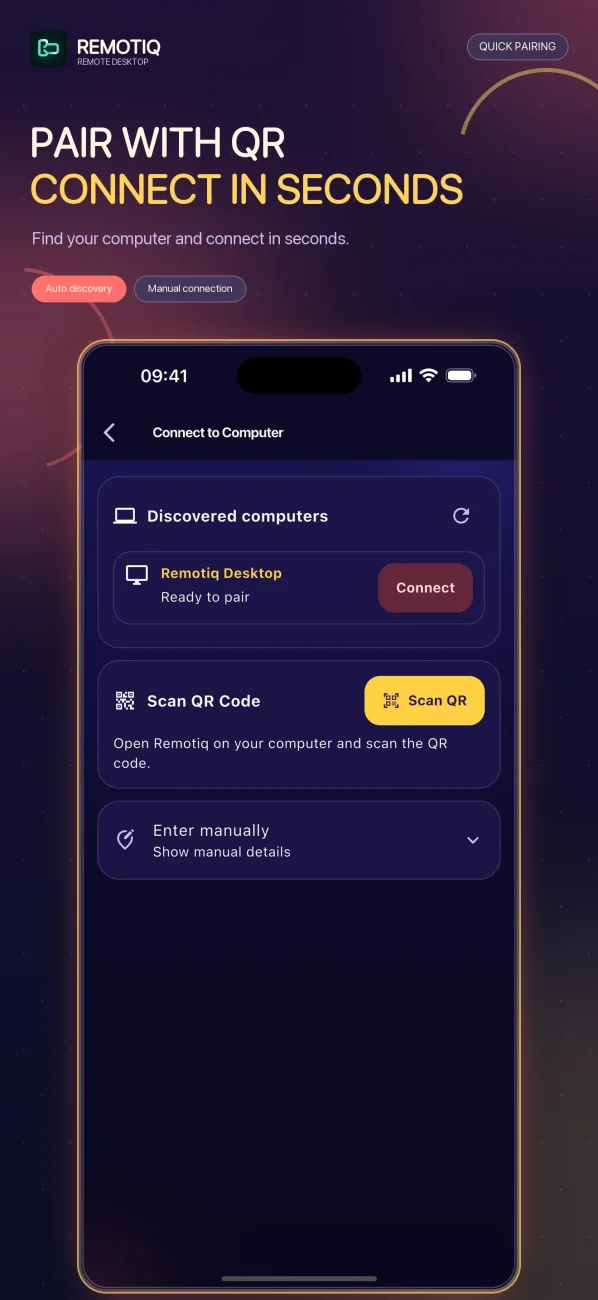
CONNECT IN SECONDS
Open Remotiq Desktop on your computer, scan the QR code, and pair. Use automatic discovery or enter the IP address, port, and pairing code manually.
HIGHLIGHTS
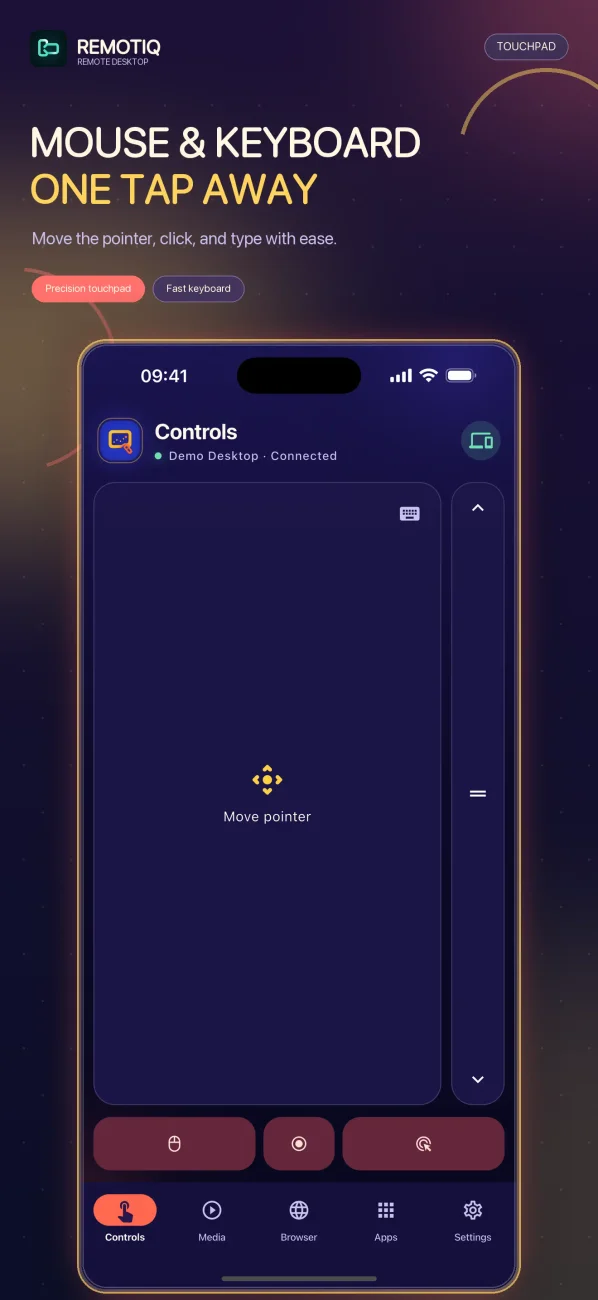
• Responsive touchpad for pointer movement and scrolling
• Left, middle, and right mouse clicks
• Send text with the iPhone keyboard
• Play, pause, skip, seek, and volume controls
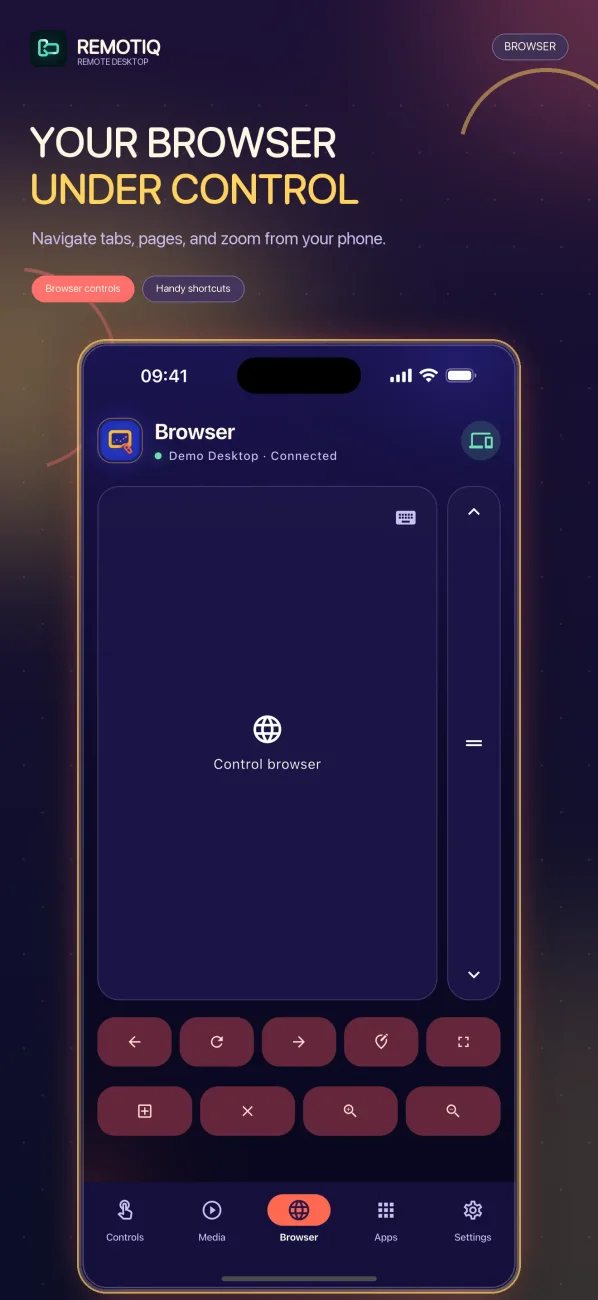
• Browser navigation, tab, and zoom shortcuts
• Launch shortcuts reported by the paired computer
• Remember multiple computers and reconnect quickly
• Connection checks and detailed diagnostics
LOCAL BY DESIGN
Remotiq does not require an account. Remote commands stay between your phone and paired computer on the local network; there is no internet relay or cloud transfer. Pseudonymous Firebase usage and diagnostic reporting can be disabled in Settings.
REQUIREMENTS
Remotiq Desktop Agent must be open on a Windows or macOS computer, and both devices must be on the same local network. Camera permission is used only to scan pairing QR codes. Local Network access is used only to find and connect to your computer.
Desktop download and support:
https://umitcagdas.github.io/Remotiq/
Có gì mới
Phiên bản 1.0.4 · 26/11/2026
Fixed an error when reconnecting to an offline or slow computer. You can retry from the same screen without losing your saved pairing. This update works with Remotiq Desktop 0.1.2.
Quyền riêng tư của ứng dụng
Những gì Umit Cagdas khai báo trên App Store về cách ứng dụng này xử lý dữ liệu.
-
Dữ liệu được sử dụng để theo dõi bạn
Có thể được sử dụng để theo dõi bạn trên các ứng dụng và trang web do công ty khác sở hữu.
- Mã định danh
-
Dữ liệu liên kết với bạn
Có thể được thu thập và liên kết với danh tính của bạn.
- Vị trí
- Mã định danh
- Dữ liệu sử dụng
-
Dữ liệu không liên kết với bạn
Có thể được thu thập nhưng không liên kết với danh tính của bạn.
- Chẩn đoán
Phương thức đảm bảo quyền riêng tư có thể khác nhau, chẳng hạn như tuỳ theo các tính năng bạn sử dụng hoặc độ tuổi của bạn.
Thông tin
- Người bán
- Umit Cagdas
- Danh mục
- Tiện Ích
- Phiên bản
- 1.0.4
- Cập nhật
- 26/11/2026
- Phát hành
- 09/06/2026
- Kích thước
- 30,8 MB
- Yêu cầu
- iOS 15.0 trở lên
- Độ tuổi
- 4+
- Giá
- Miễn phí
- Ngôn ngữ
- Tiếng Anh, Tiếng Pháp, Tiếng Đức, Tiếng Indonesia, Tiếng Ý, Tiếng Nhật, Tiếng Hàn, Tiếng Bồ Đào Nha, Tiếng Trung Giản thể, Tiếng Tây Ban Nha, Tiếng Thổ Nhĩ Kỳ
- Bản quyền
- © 2026 Umit Cagdas