
Remotiq PC Remote
Remote control for computers
Designed for iPhone, iPod touch
Free
- Age rating4+
- CategoryUtilities
- DeveloperUmit Cagdas
- LanguagesEnglish+ 10 more
- Size30.8 MB
Links to the official App Store page
Download.org hosts no file of Remotiq PC Remote. The button opens its official App Store page, published by Umit Cagdas. Listing last checked on Nov 18, 2026.
Screenshots

About
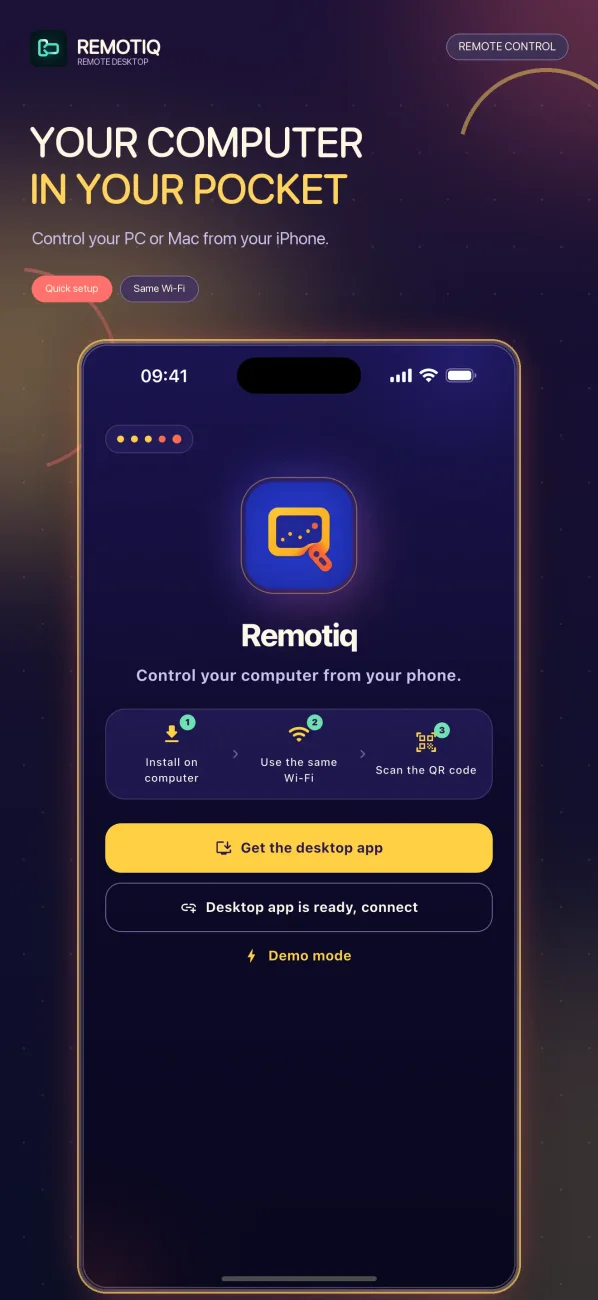
Control your computer comfortably from your iPhone. Remotiq turns your phone into a simple, responsive remote that works over the same Wi-Fi network.
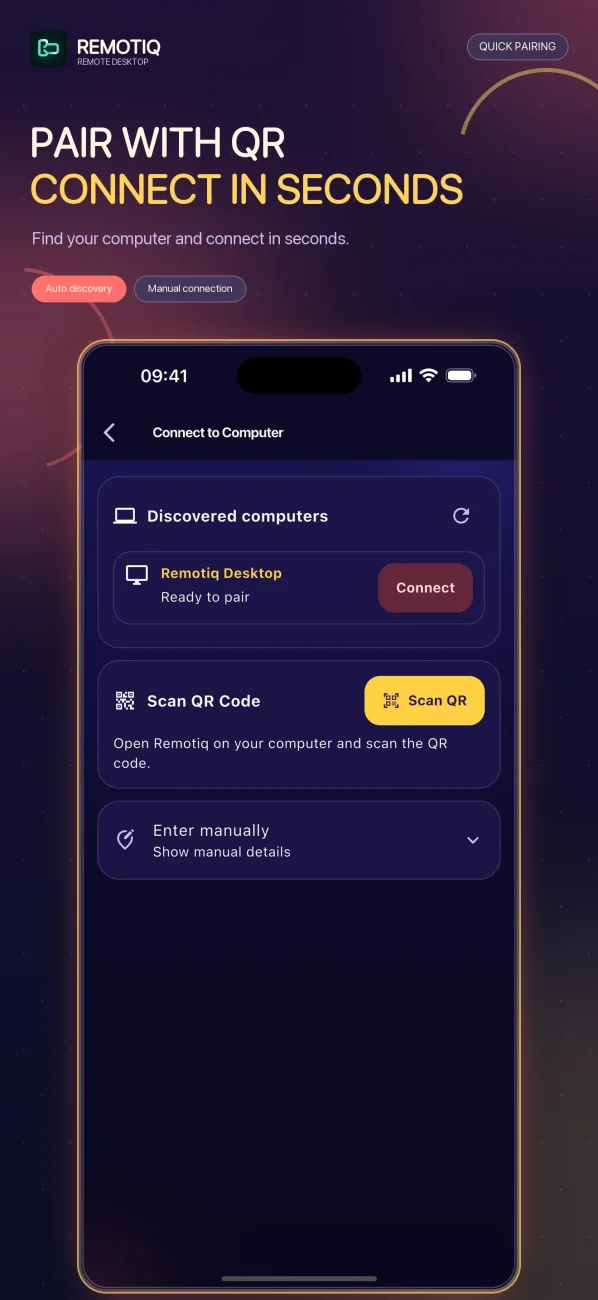
CONNECT IN SECONDS
Open Remotiq Desktop on your computer, scan the QR code, and pair. Use automatic discovery or enter the IP address, port, and pairing code manually.
HIGHLIGHTS
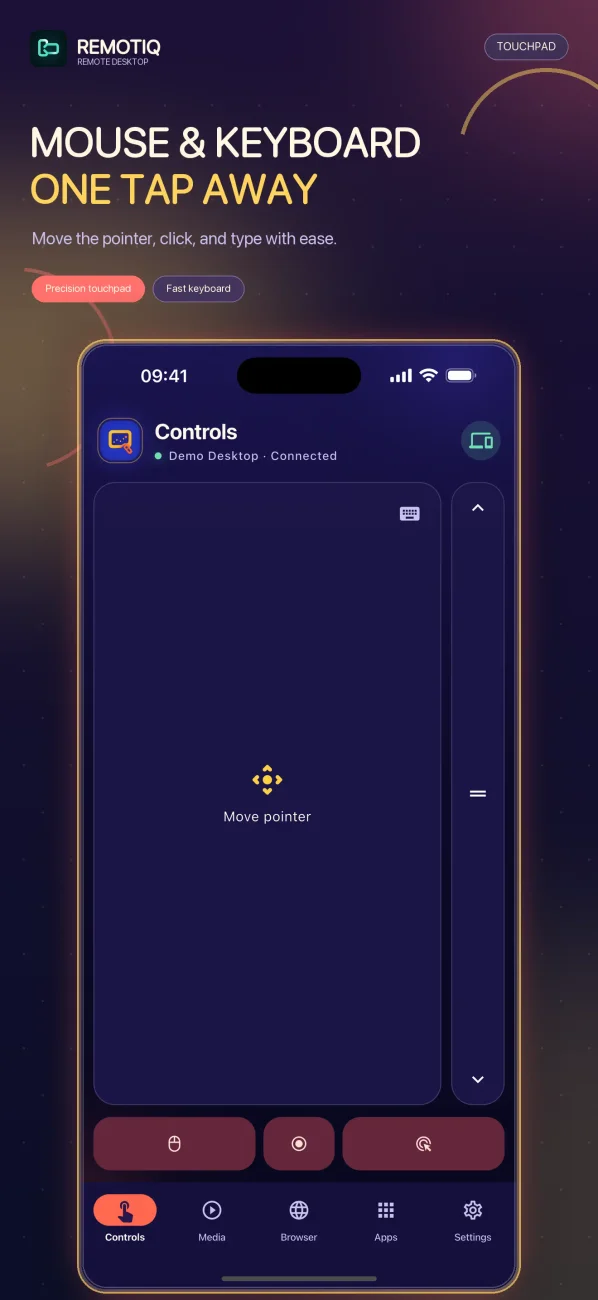
• Responsive touchpad for pointer movement and scrolling
• Left, middle, and right mouse clicks
• Send text with the iPhone keyboard
• Play, pause, skip, seek, and volume controls
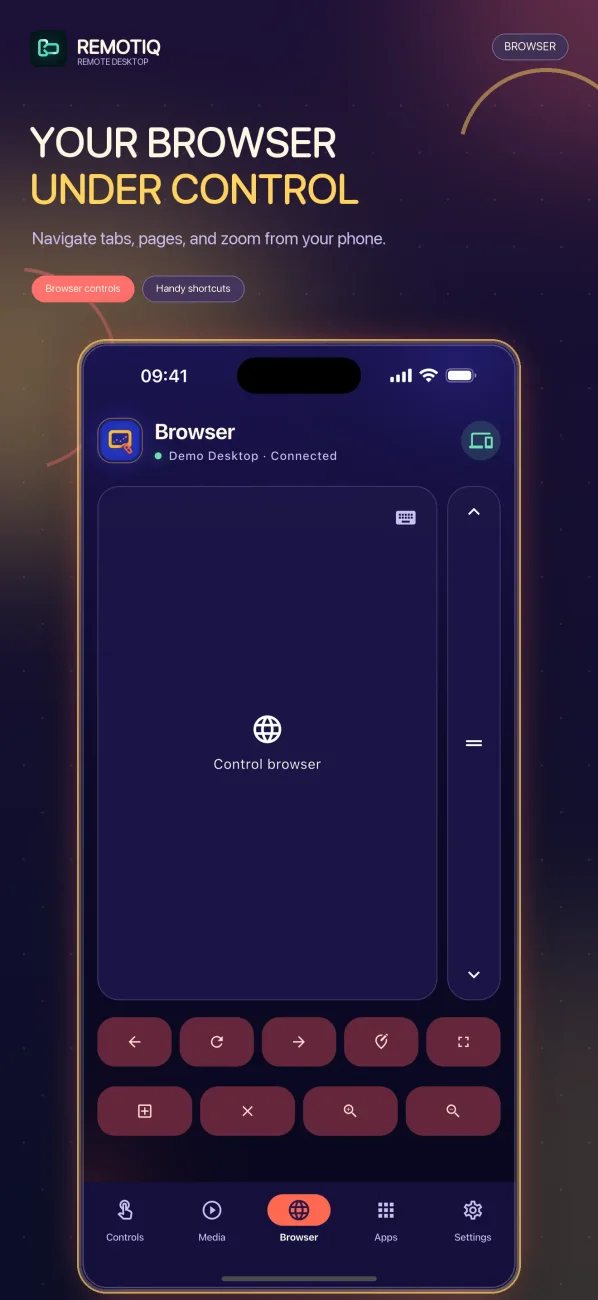
• Browser navigation, tab, and zoom shortcuts
• Launch shortcuts reported by the paired computer
• Remember multiple computers and reconnect quickly
• Connection checks and detailed diagnostics
LOCAL BY DESIGN
Remotiq does not require an account. Remote commands stay between your phone and paired computer on the local network; there is no internet relay or cloud transfer. Pseudonymous Firebase usage and diagnostic reporting can be disabled in Settings.
REQUIREMENTS
Remotiq Desktop Agent must be open on a Windows or macOS computer, and both devices must be on the same local network. Camera permission is used only to scan pairing QR codes. Local Network access is used only to find and connect to your computer.
Desktop download and support:
https://umitcagdas.github.io/Remotiq/
What’s new
Version 1.0.3 · Aug 4, 2026
Remotiq now supports even more languages.
• Added Korean, Simplified Chinese, and Indonesian
• Language names are always shown in their native form
• Your language preference is saved between launches
• The same languages are available in Remotiq Desktop
• Minor stability and usability improvements
App privacy
What Umit Cagdas declares on the App Store about how this app handles data.
-
Data used to track you
May be used to track you across apps and websites owned by other companies.
- Identifiers
-
Data linked to you
May be collected and linked to your identity.
- Location
- Identifiers
- Usage data
-
Data not linked to you
May be collected but is not linked to your identity.
- Diagnostics
Privacy practices may vary, for example with the features you use or your age.
Information
- Seller
- Umit Cagdas
- Category
- Utilities
- Version
- 1.0.3
- Updated
- Aug 4, 2026
- Released
- Jun 9, 2026
- Size
- 30.8 MB
- Requires
- iOS 15.0 or later
- Age rating
- 4+
- Price
- Free
- Languages
- English, French, German, Indonesian, Italian, Japanese, Korean, Portuguese, Simplified Chinese, Spanish, Turkish
- Copyright
- © 2026 Umit Cagdas
You might also like
-
 Thumb: Stream Deck for PCTrackpad & remote for your PC
-
 KATriggUtilities
-
 Lazy Remote for PCControl PC from Phone
-
 HizmarUtilities
-
 Thumbdial – Remote ControlMac mouse, keyboard & trackpad
-
 Gaze Browser-Focus Flow ReaderAI turns focus into results
-
 Touch TV ProSmart TV Remote
-
 Sofatap: Remote for PC & TVMouse & Keyboard for Computers
-
 Pulpit TimerStage Timer & Remote Control
-
 RemoteTV-XUtilities