RPI SSH Pro - for Linux/Debian
Run SSH commands faster
Được thiết kế cho iPhone, iPad, iPod touch
Miễn phí · Mua hàng trong ứng dụng
- Độ tuổi12+
- Danh mụcTiện Ích
- Nhà phát triểnAlbert Parti
- Ngôn ngữTiếng Anh+ 5 ngôn ngữ khác
- Kích thước42,4 MB
Liên kết đến trang App Store chính thức
Download.org không lưu trữ tệp nào của RPI SSH Pro - for Linux/Debian. Nút này mở trang ứng dụng trên App Store, nơi Albert Parti phát hành ứng dụng. Trang được kiểm tra lần cuối: 15/11/2026.
Ảnh chụp màn hình

Giới thiệu
Nhà phát triển chưa cung cấp nội dung này bằng ngôn ngữ của bạn.
RPI SSH PRO – fast SSH-based server management
RPI SSH PRO is a modern, fast, and intuitive SSH client that lets you manage your servers easily from your mobile device.
It supports Raspberry Pi, Linux, Debian, Synology (Linux-based) systems, and Windows servers with OpenSSH, providing quick access to system status, maintenance tasks, and command execution.
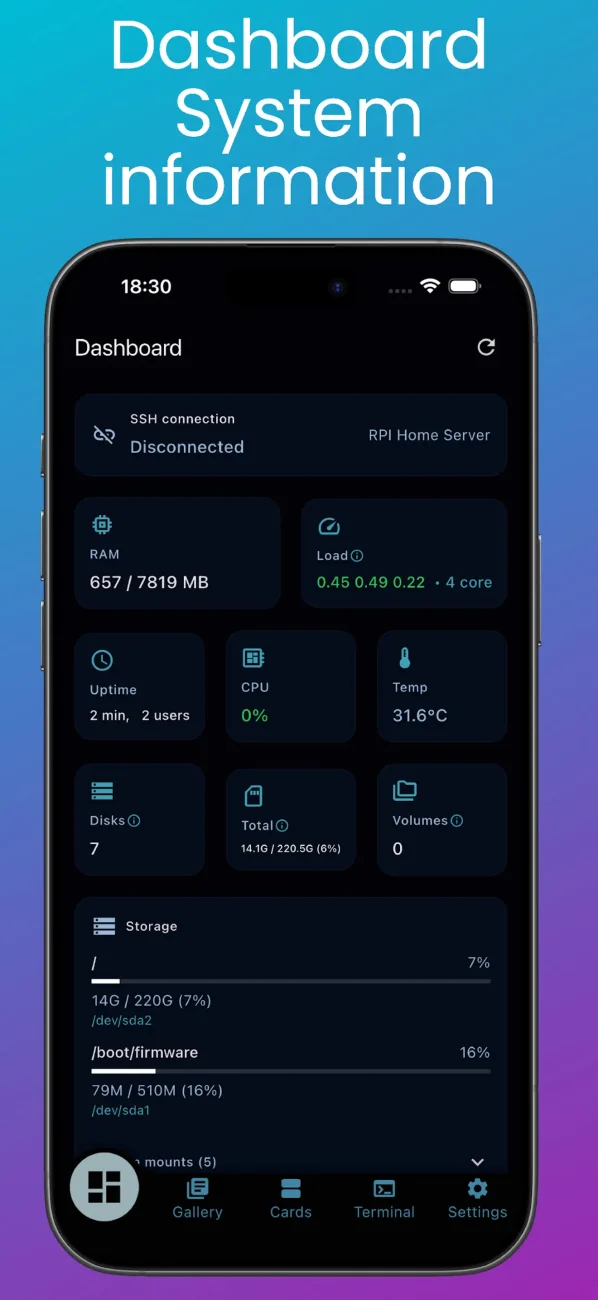
System Overview (Dashboard)
View the most important system information at a glance:
• Uptime
• CPU usage
• Temperature
• Disks and total storage
• Mounted file systems
• Number of connected drives
Designed for fast diagnostics and everyday server monitoring.
Command Gallery (Samples)
A wide range of prebuilt command templates:
• can be quickly added to your own Command Cards
• perfect for maintenance, diagnostics, and administration tasks
• works across Linux-based systems and Windows PowerShell environments
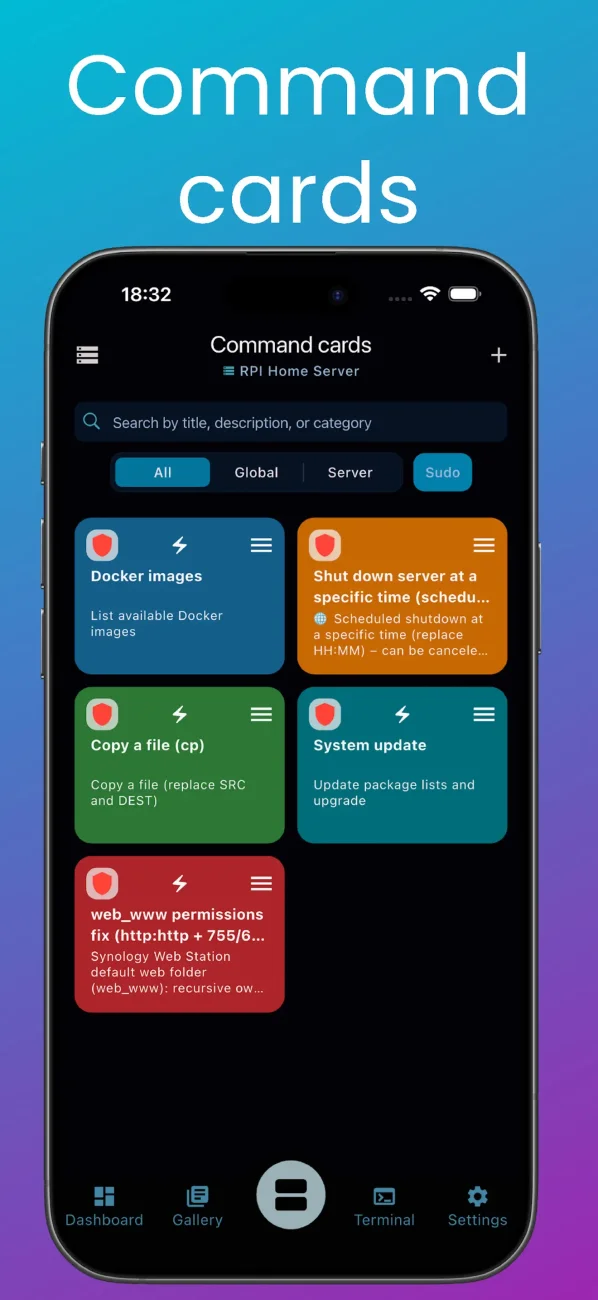
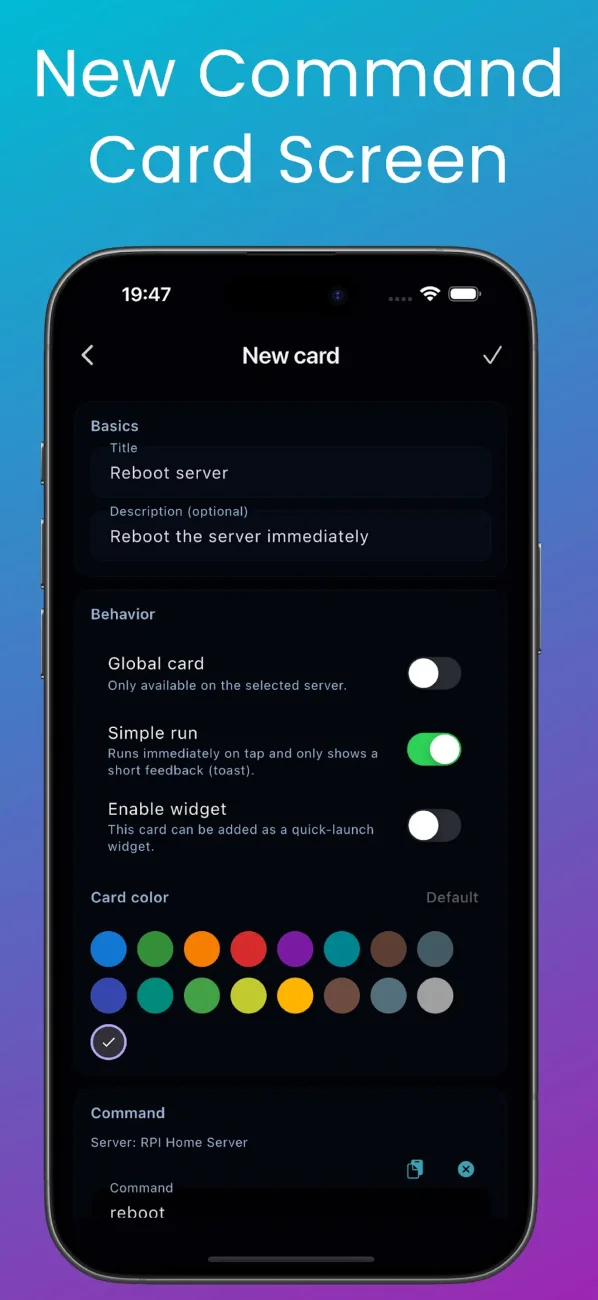
Command Cards
Manage your custom commands using cards:
• add, edit, and search command cards
• drag & drop reordering
• Quick Run mode for one-tap execution
• global cards or server-specific cards
• reusable commands across multiple servers and platforms
Widget Quick Launch
Your most important command cards can be added as widgets:
• run commands without opening the app
• ideal for frequently used maintenance and monitoring tasks
• instant access to your most important server actions
Multi-server support
• add and edit multiple servers
• switch between servers quickly
• secure connections using SSH host key verification
• manage mixed environments (Linux + Windows) from one app
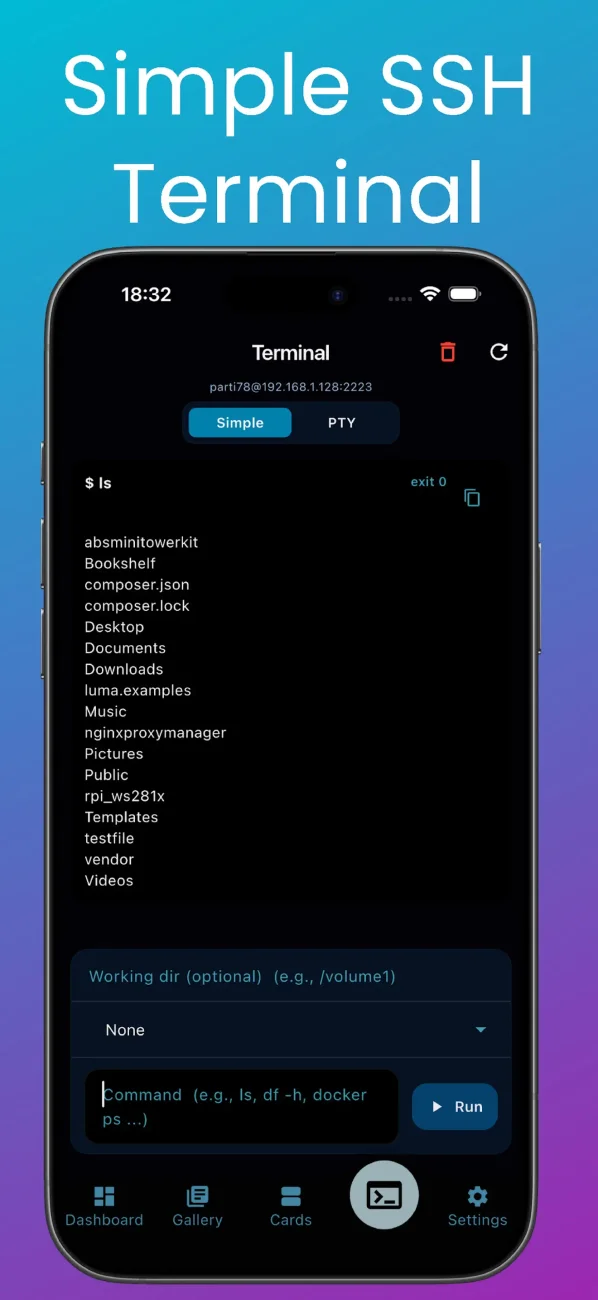
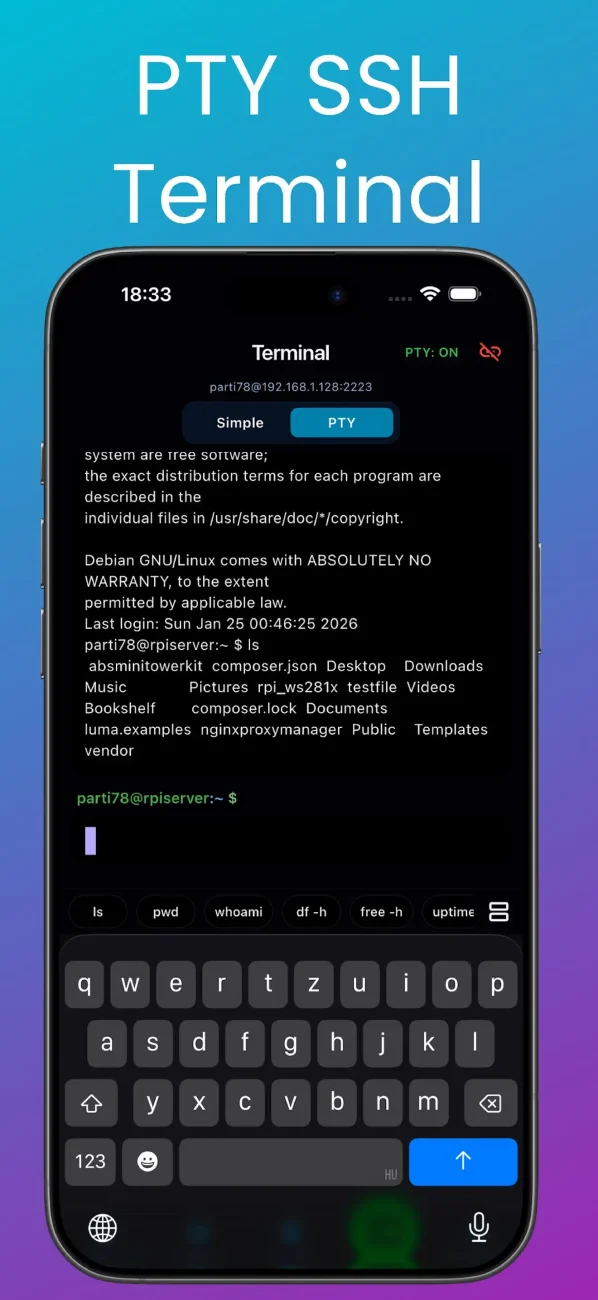
Terminal Modes
Choose the terminal experience that best fits your workflow:
• Simple terminal for basic commands and quick actions
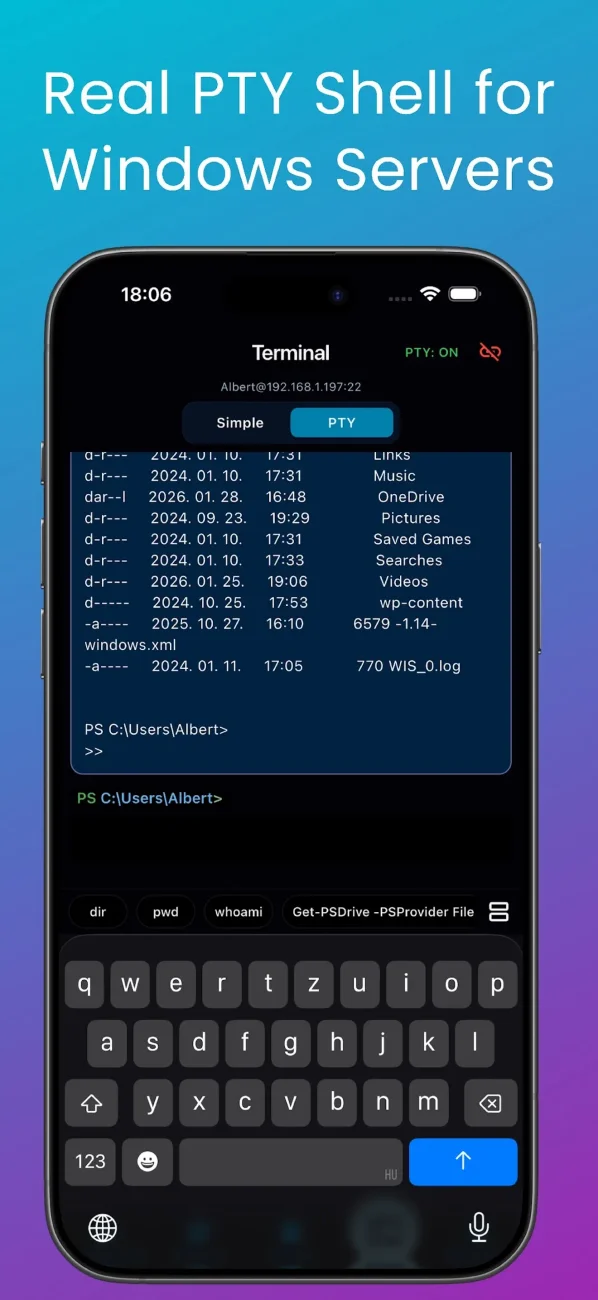
• Full PTY terminal for interactive shell usage
The Ping screen is also directly accessible from the terminal view, allowing you to:
• quickly check network connectivity
• test latency and host availability
• perform targeted ping tests toward the selected server
Ideal for troubleshooting and network diagnostics directly within the SSH workflow.
Windows PTY Support
• Full PTY SSH terminal for Windows servers
• Supports PowerShell and interactive commands
• Proper handling of interactive tools, prompts, and real shell behavior
• Ideal for Windows Server administration over SSH
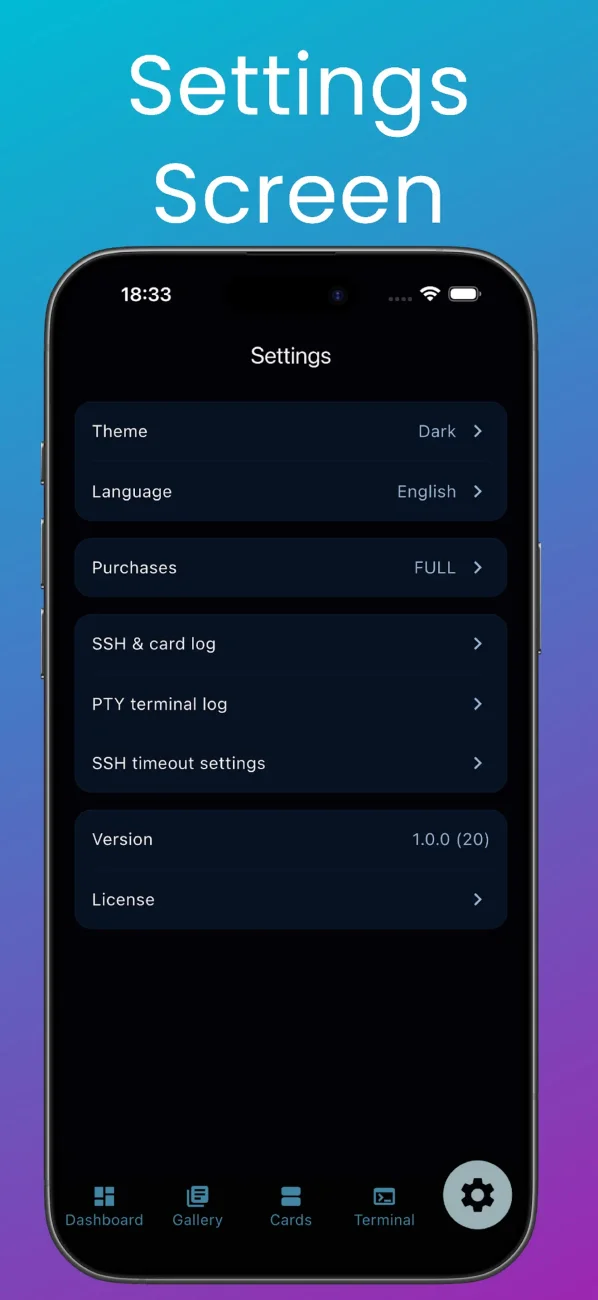
Settings & Customization
The application is fully customizable:
• dark / light / colorful / system default themes
• language selection
• command card size adjustment (compact or large card layout)
• SSH and PTY terminal logging
• Ping feature settings and configuration
• configurable SSH timeout settings
• optimized for touch interaction and extended terminal usage
Tools section in Settings
• Ping – TCP/ICMP network test
• LAN Scan – Discover devices on your local network
• Port Scan – Scan common ports or custom ranges
Full Version
All features of the application are available with the Full version purchase.
The purchase is one-time only, no subscription required, and helps support further development.
Có gì mới
Phiên bản 1.3.1 · 16/10/2026
New: Connect to servers using an SSH private key. Import your key into the app and use it with an optional passphrase. Password sign-in remains available.
Quyền riêng tư của ứng dụng
Những gì Albert Parti khai báo trên App Store về cách ứng dụng này xử lý dữ liệu.
-
Dữ liệu không liên kết với bạn
Có thể được thu thập nhưng không liên kết với danh tính của bạn.
- Dữ liệu sử dụng
- Chẩn đoán
Phương thức đảm bảo quyền riêng tư có thể khác nhau, chẳng hạn như tuỳ theo các tính năng bạn sử dụng hoặc độ tuổi của bạn.
Thông tin
- Người bán
- Albert Parti
- Danh mục
- Tiện Ích
- Phiên bản
- 1.3.1
- Cập nhật
- 16/10/2026
- Phát hành
- 01/02/2026
- Kích thước
- 42,4 MB
- Yêu cầu
- iOS 15.6 trở lên
- Độ tuổi
- 12+
- Giá
- Miễn phí
- Mua hàng trong ứng dụng
- Có
- Ngôn ngữ
- Tiếng Anh, Tiếng Pháp, Tiếng Đức, Tiếng Hungary, Tiếng Nga, Tiếng Tây Ban Nha
- Bản quyền
- © Albert Parti
Có thể bạn cũng thích
-
 CHMOD Lab: Linux PermissionsTiện Ích
-
 Pi SSH – Raspberry Pi ControlTiện Ích
-
 Open Pi - Raspberry Pi ManagerTiện Ích
-
 Tether - Linux CompanionTiện Ích
-
 Terminal Emulator PlusTiện Ích
-
 SimplePi for Raspberry PiTiện Ích
-
 RaspControllerRaspberry Pi: SSH và GPIO
-
 Pi-hole RemoteChặn quảng cáo, quyền riêng tư
-
 AppChoicesTiện Ích