- Độ tuổi17+
- Danh mụcGiáo Dục
- Nhà phát triểnkoji kamogawa
- Ngôn ngữTiếng Anh+ 1 ngôn ngữ khác
- Kích thước1,4 MB
Liên kết đến trang App Store chính thức
Download.org không lưu trữ tệp nào của RST Decoder Pro. Nút này mở trang ứng dụng trên App Store, nơi koji kamogawa phát hành ứng dụng. Trang được kiểm tra lần cuối: 14/11/2026.
Ảnh chụp màn hình
Giới thiệu
Nhà phát triển chưa cung cấp nội dung này bằng ngôn ngữ của bạn.
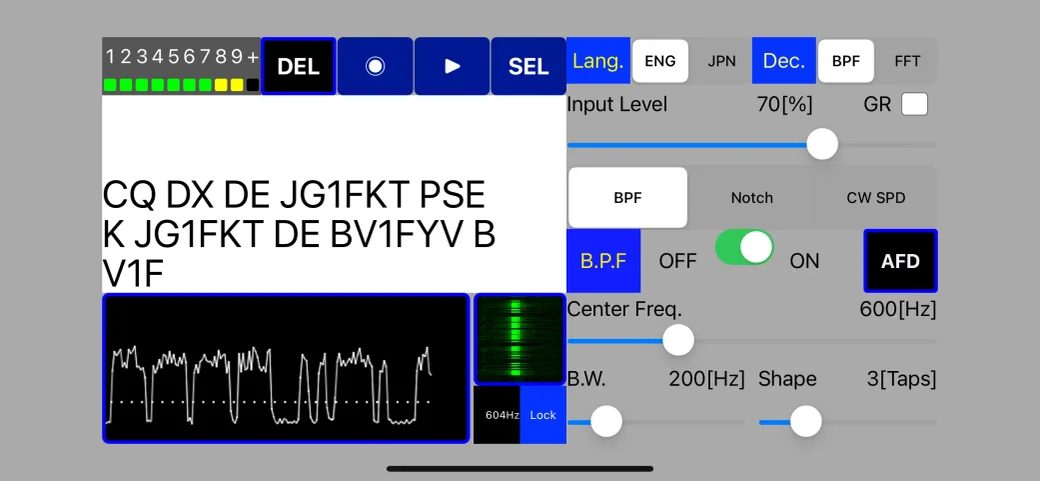
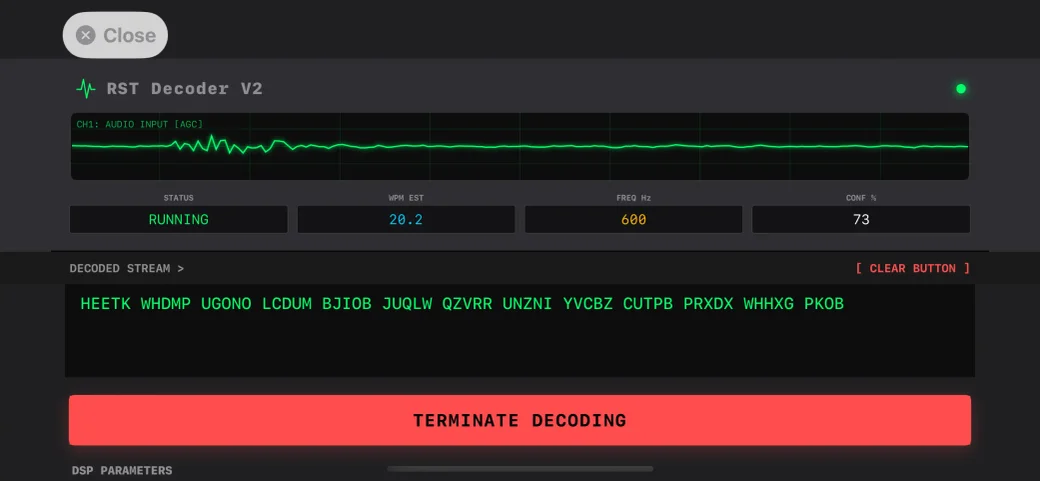
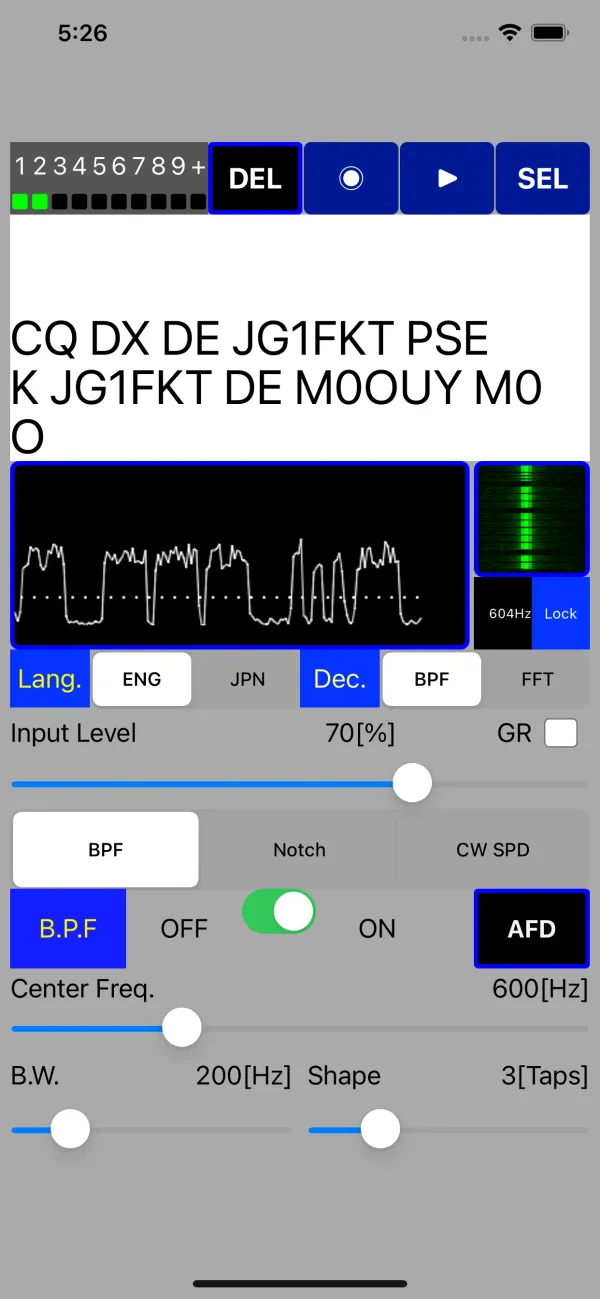
This is an App that decodes Morse code input from the microphone.
I recommend that you try the basic functions and usage with the free version before purchasing.
It is a Morse practice App that you can use to check if you are keying the correct code.
Signals with good S/N can be decoded correctly, but signals with bad S/N cannot be decoded correctly.
Also, the performance will be degraded for extremely slow or fast signals.
Usually about 5 to 10 characters are required for speed synchronization of Morse Code.
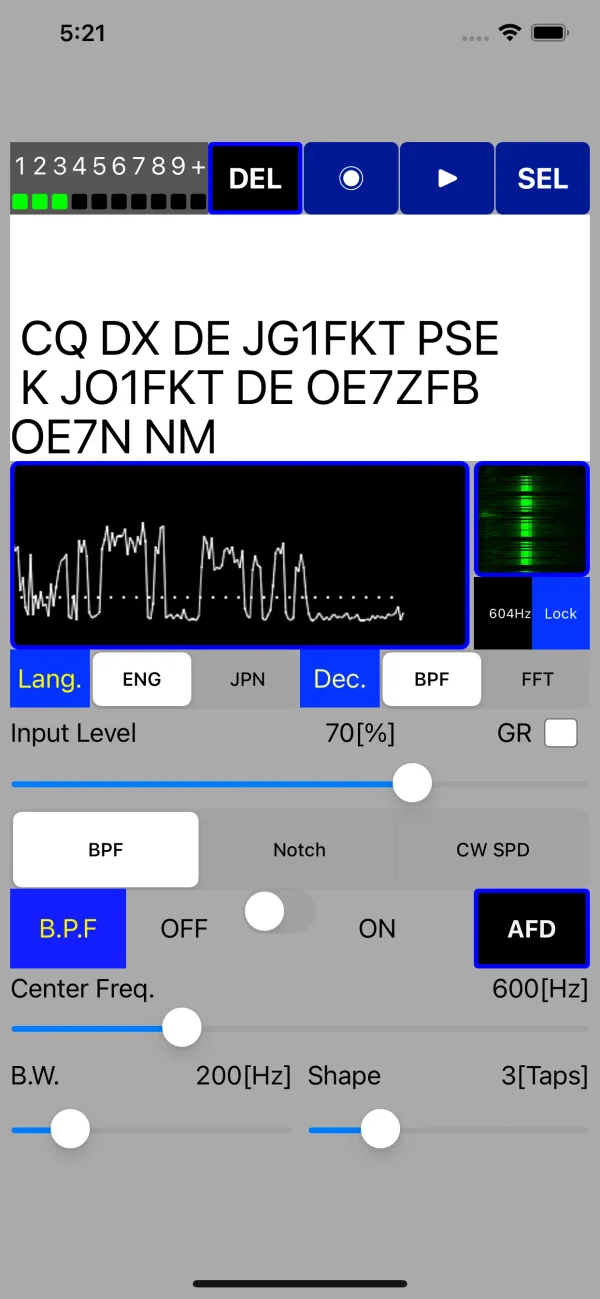
Adjust the input signal so that the peak value changes from level 6 to level 7.
Make fine adjustments to each parameter according to the reception status.
[Additional Functions]
-In addition to the decoder using BPF, a new decoder using FFT has been added so that it can be switched according to the usage.
-AFD (Auto Frequency Detector) function has been added to the decoder using BPF, and BPF can be set automatically by pressing the AFD button.
-The decoder using FFT automatically follows the strongest signal in the band by AFD (Auto Frequency Detector) and AGC (Auto Gain Control). You can also hold the AFD / AGC parameters by pressing the Lock button.
* There will be a time lag of about 1 to 2 seconds for AFD tracking.
* The Pro version also supports waterfall display.
[Control parameters]
1.Language select English and Japanese(KANA)
2.Audio Input Level
3.BPF ON/OFF
4.BPF of Center Frequency
5.BPF of Band Width
6.BPF of Shape
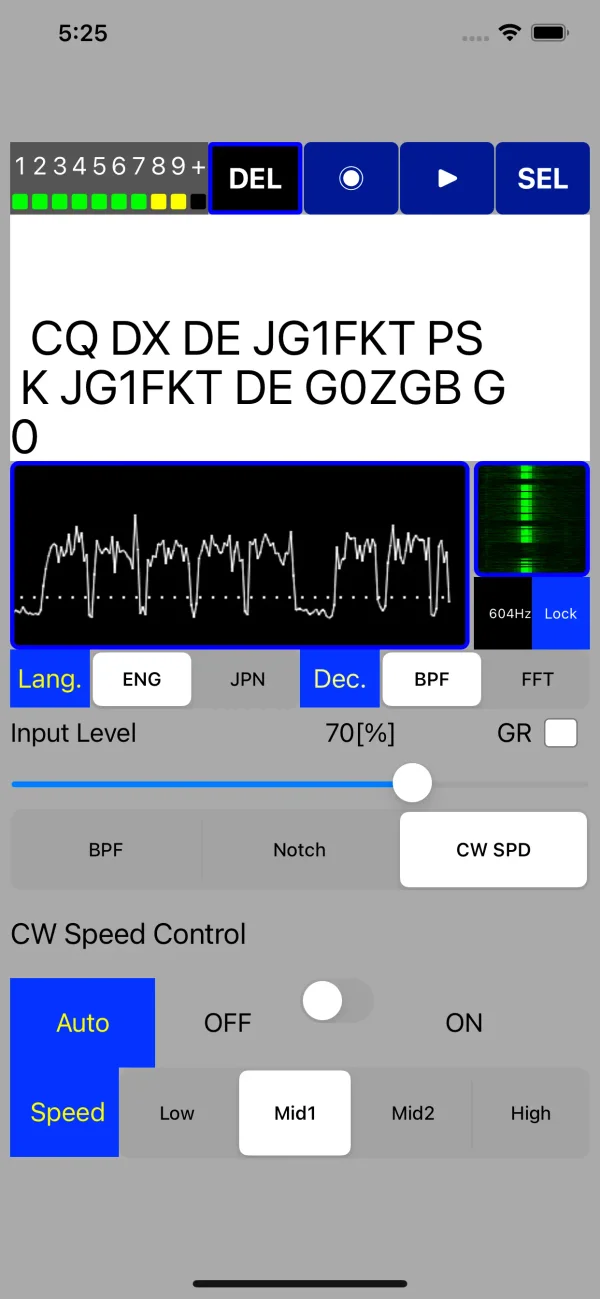
7.Notch ON/OFF
8.Notch of Center Frequency
9.CW Speed Control ON/OFF
10.CW Speed Control Low, Mid1, Mid2 or High
11.Delete All Decoded Text
12.Realtime CW Signal Display
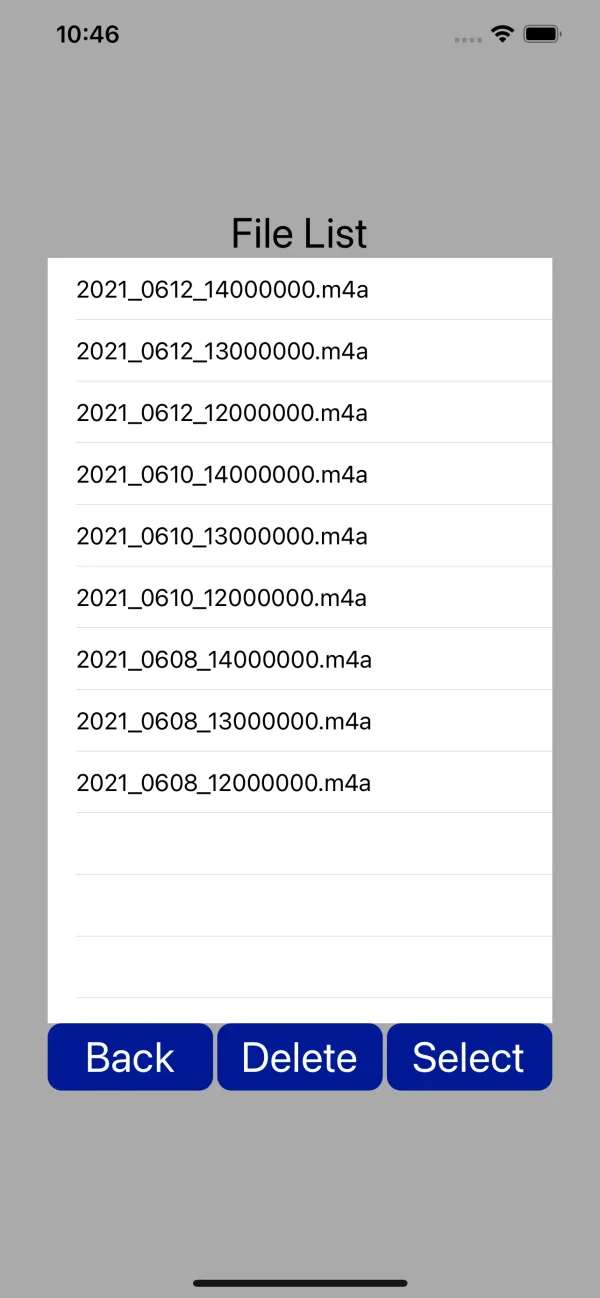
13.Input signal recording function.
14.Playback function from the file list.
15.Support the Garbage Data reduction function
[Note]
Since the signal after BPF is output to the audio output, it can also be used as an AF-CW filter.
[URL of this App(Free version) working example video]
The GUI is slightly different, but the basic functionality is the same.
https://youtu.be/Pwp7W4m-m34
Có gì mới
Phiên bản 3.1.0 · 30/08/2026
Update the Morse Decoder Logic both Old-UI and SwiftUI.
Quyền riêng tư của ứng dụng
Những gì koji kamogawa khai báo trên App Store về cách ứng dụng này xử lý dữ liệu.
-
Dữ liệu không được thu thập
Nhà phát triển không thu thập bất kỳ dữ liệu nào từ ứng dụng này.
Phương thức đảm bảo quyền riêng tư có thể khác nhau, chẳng hạn như tuỳ theo các tính năng bạn sử dụng hoặc độ tuổi của bạn.
Thông tin
- Người bán
- koji kamogawa
- Danh mục
- Giáo Dục
- Phiên bản
- 3.1.0
- Cập nhật
- 30/08/2026
- Phát hành
- 30/06/2020
- Kích thước
- 1,4 MB
- Yêu cầu
- iOS 17.0 trở lên
- Độ tuổi
- 17+
- Giá
- 59.000đ
- Ngôn ngữ
- Tiếng Anh, Tiếng Nhật
- Bản quyền
- © 2026, Koji Kamogawa
Có thể bạn cũng thích
-
 intelli-Morse / Morese AnalyzeGiáo Dục
-
 Mechanical Engr Dict (Jpn-Eng)Tham Khảo
-
 MorsePlayGiáo Dục
-
 回路計算機Giáo Dục
-
 Signal Ark: SETI ExplorerGiáo Dục
-
 CW Morse Code Exam Prep 2025Giáo Dục
-
 Math workout brain puzzleGiáo Dục
-
 CW Runner QTGiáo Dục
-
 HamOperatorsTham Khảo
-
 Nhận Dạng Rắn: Bò SátQuét rắn & nhận dạng loài