Rumskrot Remote
Remote desktop for your Mac
Được thiết kế cho iPhone, iPad
Miễn phí · Mua hàng trong ứng dụng
- Độ tuổi4+
- Danh mụcTiện Ích
- Nhà phát triểnDansk Rumskrot ApS
- Ngôn ngữTiếng Anh
- Kích thước17,4 MB
Liên kết đến trang App Store chính thức
Download.org không lưu trữ tệp nào của Rumskrot Remote. Nút này mở trang ứng dụng trên App Store, nơi Dansk Rumskrot ApS phát hành ứng dụng. Trang được kiểm tra lần cuối: 13/11/2026.
Ảnh chụp màn hình
Giới thiệu
Nhà phát triển chưa cung cấp nội dung này bằng ngôn ngữ của bạn.
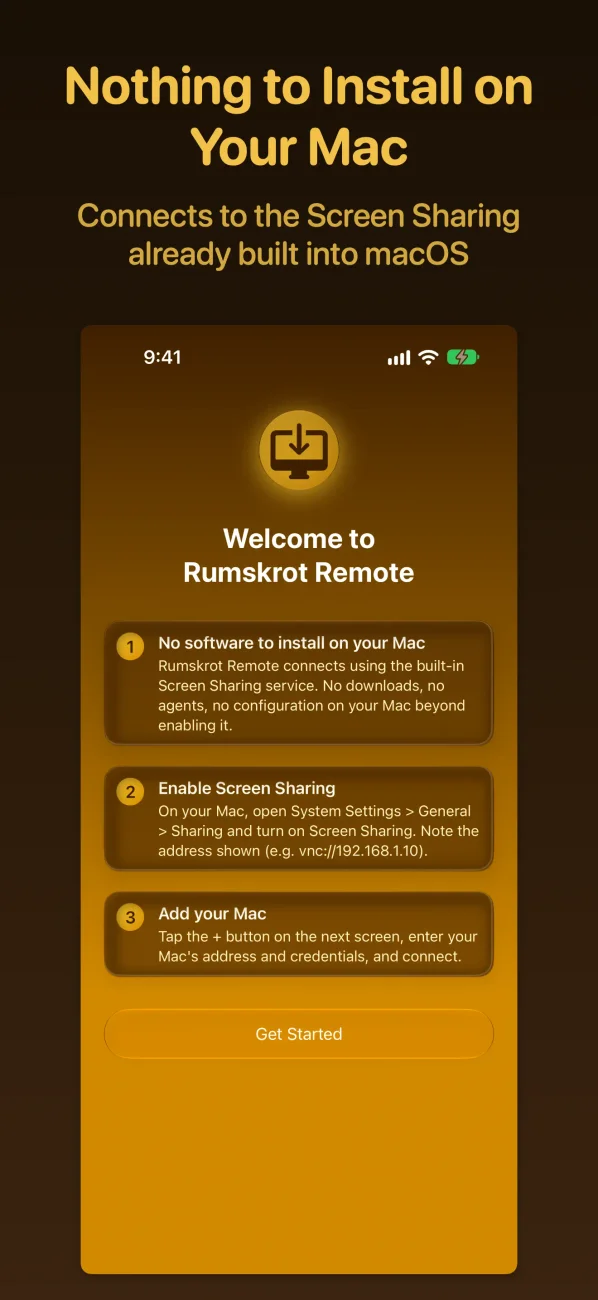
Rumskrot Remote puts your Mac's desktop on your iPhone or iPad, with nothing to install on the Mac.
Turn on Screen Sharing in your Mac's System Settings and Rumskrot Remote connects straight to it, using the VNC service macOS already ships with. No helper app, no account, no cloud relay.
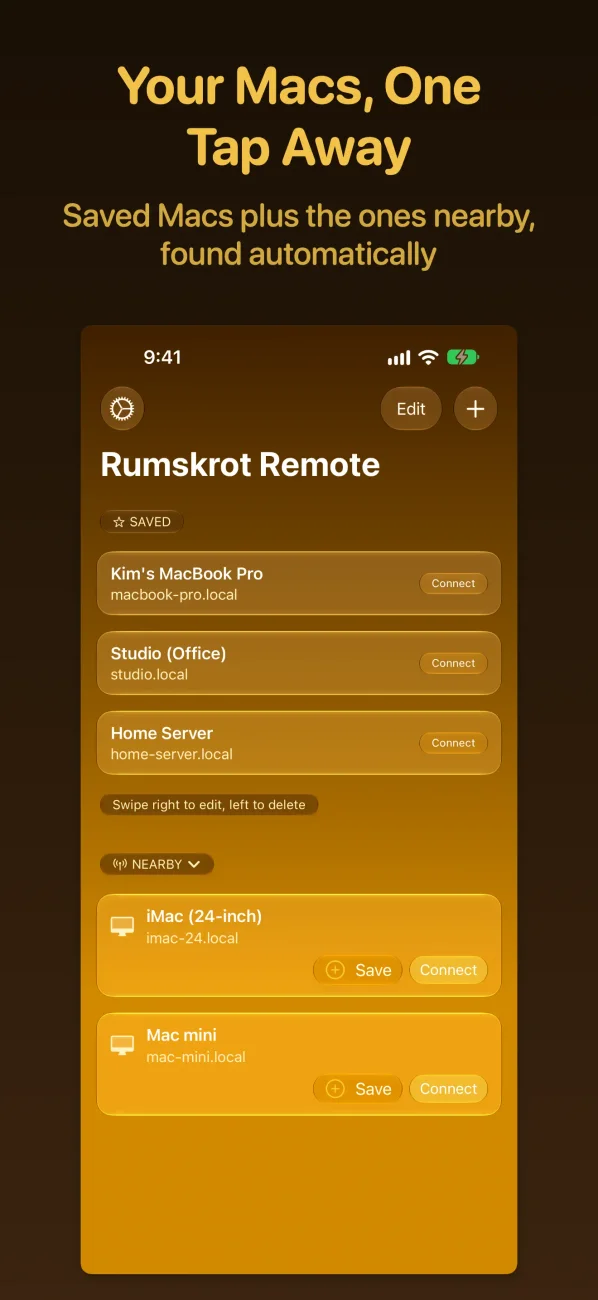
YOUR MACS, ONE TAP AWAY
Macs on your network appear automatically through Bonjour. Save the ones you use, and tap anywhere on a row to connect.
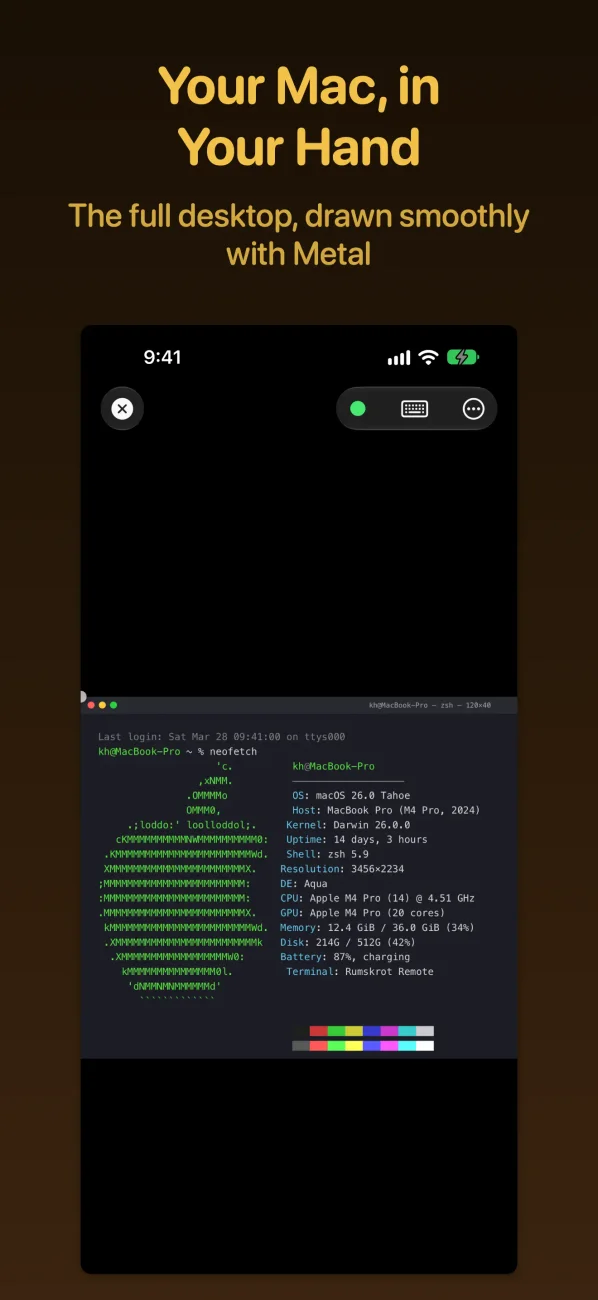
THE WHOLE DESKTOP, SMOOTHLY
The remote screen is drawn with Metal for a smooth, responsive picture. ZRLE, Hextile and other supported VNC encodings keep bandwidth low, and cursor tracking follows ProMotion on displays that have it.
TOUCH THAT FEELS LIKE A TRACKPAD
- Drag to move the pointer, tap to click, two-finger tap to right-click
- Two-finger drag to scroll, pinch to zoom and pan
- Three-finger swipes for Mission Control, App Exposé and jumping between monitors
- Haptics confirm clicks, drag lock, modifier keys and monitor jumps
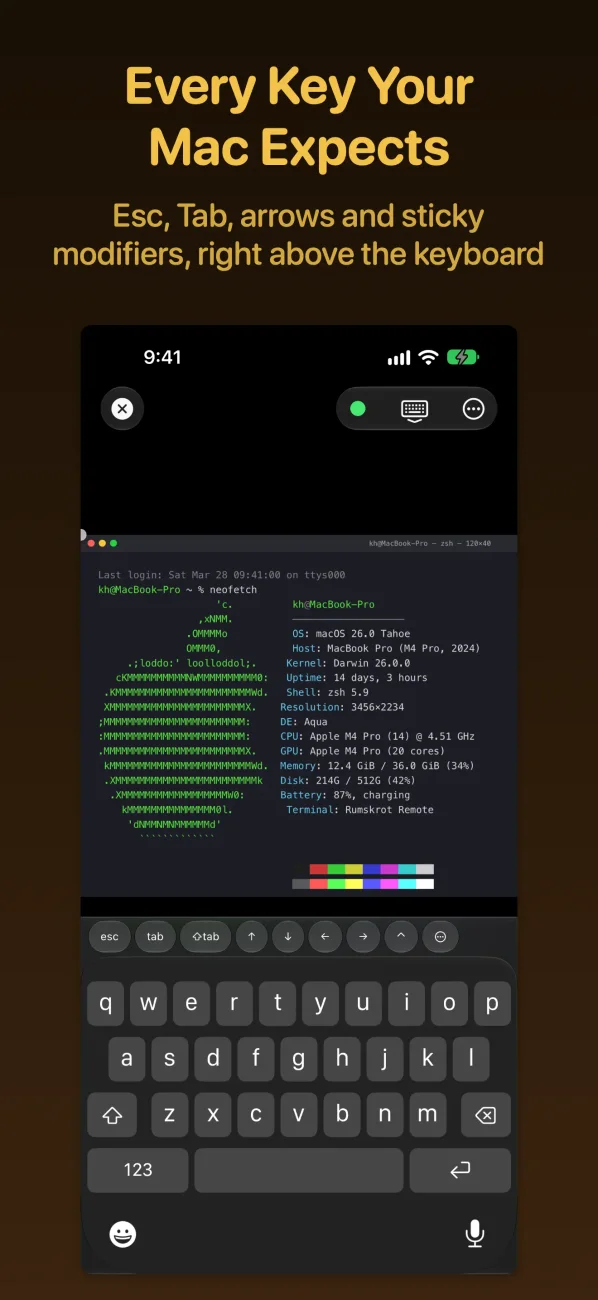
EVERY KEY YOUR MAC EXPECTS
A bar above the iOS keyboard adds the keys macOS needs and iOS lacks: Esc, Tab, arrow keys, F1–F12, Page Up/Down, Home/End, Forward Delete, Mission Control and App Exposé. Sticky Command, Control, Option and Shift arm with a tap and apply to your next key. Reorder or remove keys to suit you, and let the bar hide itself when a hardware keyboard is connected. Use a hardware keyboard, mouse or trackpad to control your Mac directly.
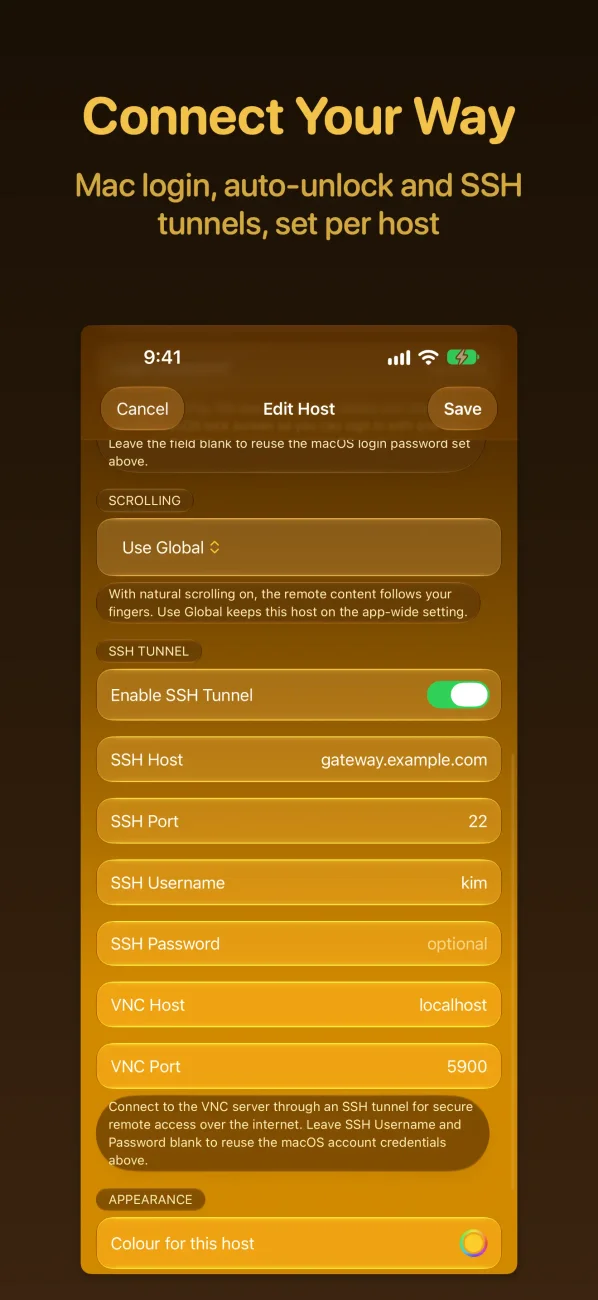
CONNECT YOUR WAY
- macOS login, VNC password or Apple Remote Desktop authentication
- SSH tunnel for Macs you reach through an SSH server, with host-key verification that refuses to send credentials if the server's identity ever changes
- Auto-unlock: opt in per host to type your macOS password after connecting, so you land at the desktop instead of the lock screen
- Custom ports, per-host scrolling and a per-host accent colour
MORE THAN ONE SCREEN
Choose which display to view on a Mac with several monitors, or swipe between them.
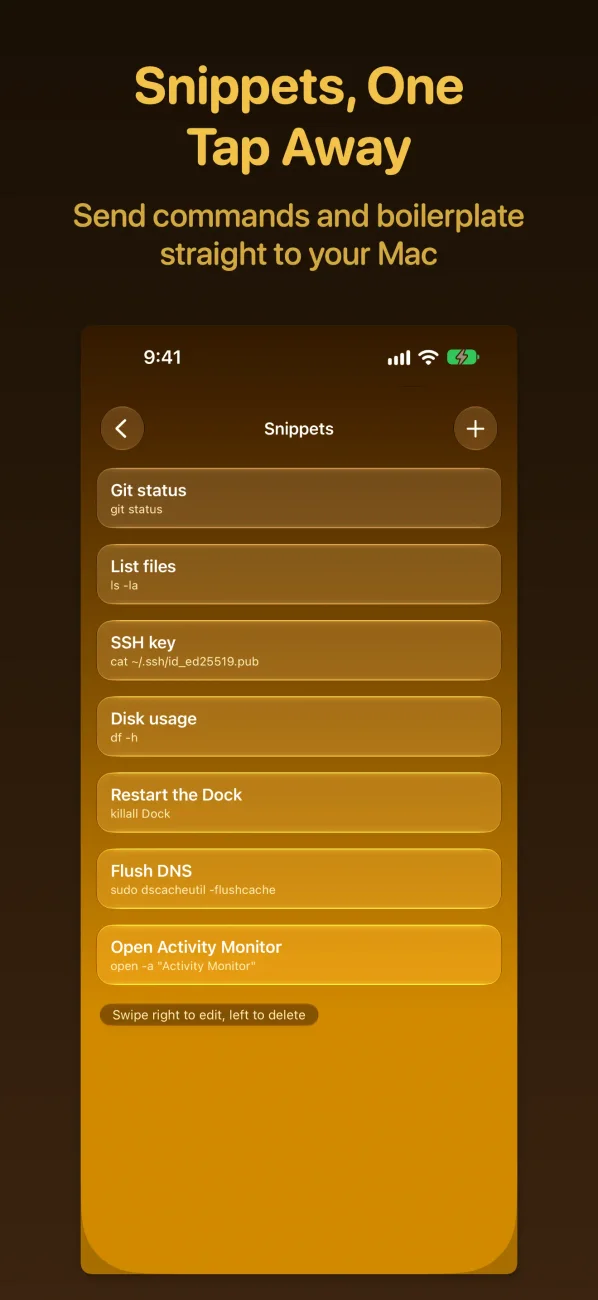
SNIPPETS
Save commands and text you type often and send them to your Mac with a tap. Paste as Keystrokes types text from your device's clipboard into the Mac, including when macOS Screen Sharing does not accept clipboard transfers.
SHORTCUTS AND SIRI
Connect to a saved Mac and disconnect again from Shortcuts, Siri or Spotlight, so one shortcut can open a session, do its job and close it.
PRIVATE BY DESIGN
Connections go straight from your device to your Mac. Saved passwords are kept in your device's Keychain without iCloud syncing. No accounts, no analytics, no tracking.
ALSO INCLUDED
- Receive clipboard text from your Mac; send clipboard text to compatible VNC servers
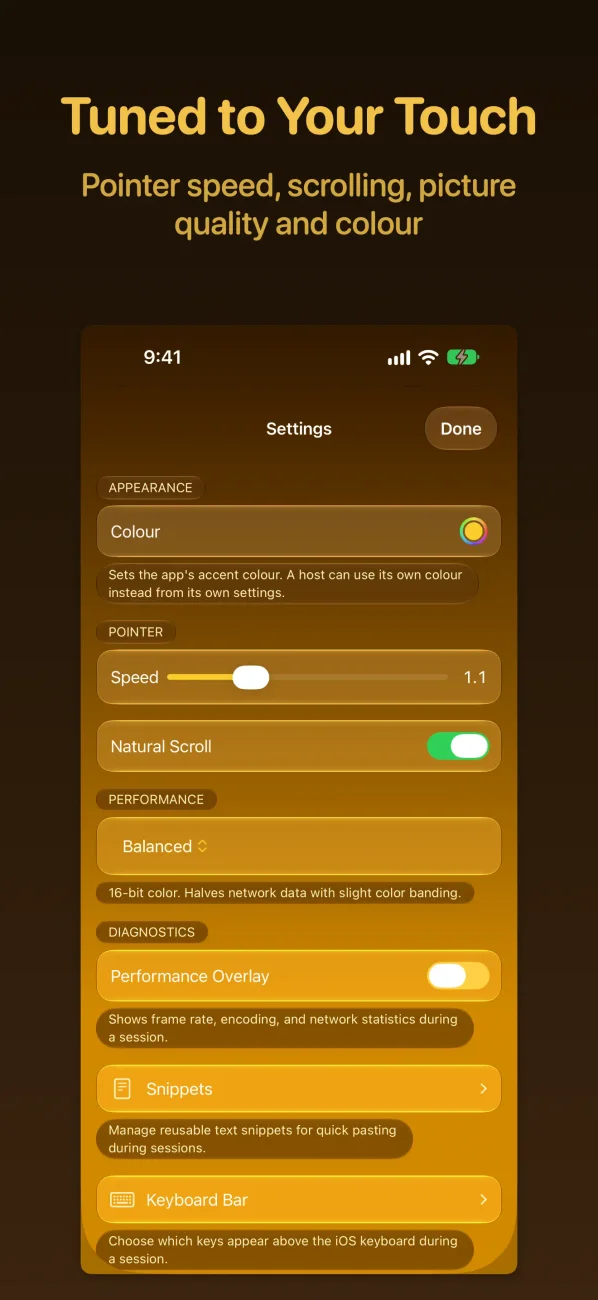
- Performance modes, including 16-bit colour for slower networks
- Live diagnostics overlay: frame rate, latency and bandwidth
- Adjustable pointer speed, scroll direction and accent colour
- Automatic reconnect when the network drops
Terms of Use (EULA): https://www.apple.com/legal/internet-services/itunes/dev/stdeula/
Privacy Policy: https://danskrumskrot.com/privacy
Có gì mới
Phiên bản 1.0.5 · 26/09/2026
• Paste as Keystrokes types clipboard text into your Mac, including through macOS Screen Sharing. Snippets use the same reliable typing path, and you can stop typing at any time.
• Control your Mac with a hardware keyboard, mouse or trackpad. Touch scrolling is faster and smoother, with inertia and a per-host scroll direction setting.
• Three-finger swipes open Mission Control and App Exposé or jump between monitors. Haptics confirm clicks, drag lock, modifier keys and monitor jumps.
• Connect to a saved Mac and disconnect from Shortcuts, Siri or Spotlight.
• Refreshed screens and a more legible keyboard accessory bar. Choose an app accent colour or a separate colour for each host, with improved layouts at larger text sizes.
• Editing a saved host now saves changes automatically. Session toolbar actions respond reliably while the desktop is streaming, and host deletion confirms beside the selected row.
• Saved host passwords now use device-local Keychain storage without iCloud syncing. Existing saved passwords are migrated automatically.
• Purchasing or restoring a subscription now stops the free-session countdown immediately.
• More reliable connections, clearer clipboard diagnostics, and fixes for display corruption, monitor ordering, cursor handling and crashes. Hardened input validation keeps unusual VNC server data from destabilising a session.
Quyền riêng tư của ứng dụng
Những gì Dansk Rumskrot ApS khai báo trên App Store về cách ứng dụng này xử lý dữ liệu.
-
Dữ liệu không được thu thập
Nhà phát triển không thu thập bất kỳ dữ liệu nào từ ứng dụng này.
Phương thức đảm bảo quyền riêng tư có thể khác nhau, chẳng hạn như tuỳ theo các tính năng bạn sử dụng hoặc độ tuổi của bạn.
Thông tin
- Người bán
- Dansk Rumskrot ApS
- Danh mục
- Tiện Ích
- Phiên bản
- 1.0.5
- Cập nhật
- 26/09/2026
- Phát hành
- 19/04/2026
- Kích thước
- 17,4 MB
- Yêu cầu
- iOS 26.4 trở lên
- Độ tuổi
- 4+
- Giá
- Miễn phí
- Mua hàng trong ứng dụng
- Có
- Ngôn ngữ
- Tiếng Anh
- Bản quyền
- © Dansk Rumskrot ApS