- Độ tuổi4+
- Danh mụcNhạc
- Nhà phát triểnRoGame Software
- Ngôn ngữTiếng Anh+ 9 ngôn ngữ khác
- Kích thước159,0 MB
Liên kết đến trang App Store chính thức
Download.org không lưu trữ tệp nào của ScalePlay. Nút này mở trang ứng dụng trên App Store, nơi RoGame Software phát hành ứng dụng. Trang được kiểm tra lần cuối: 20/11/2026.
Ảnh chụp màn hình


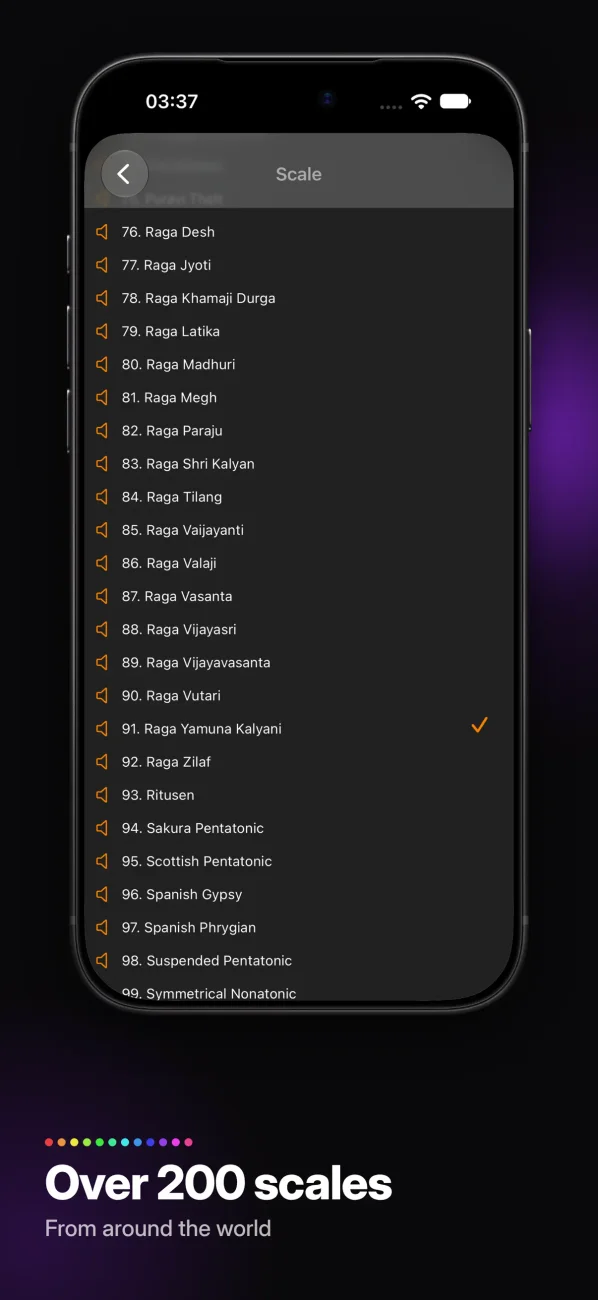

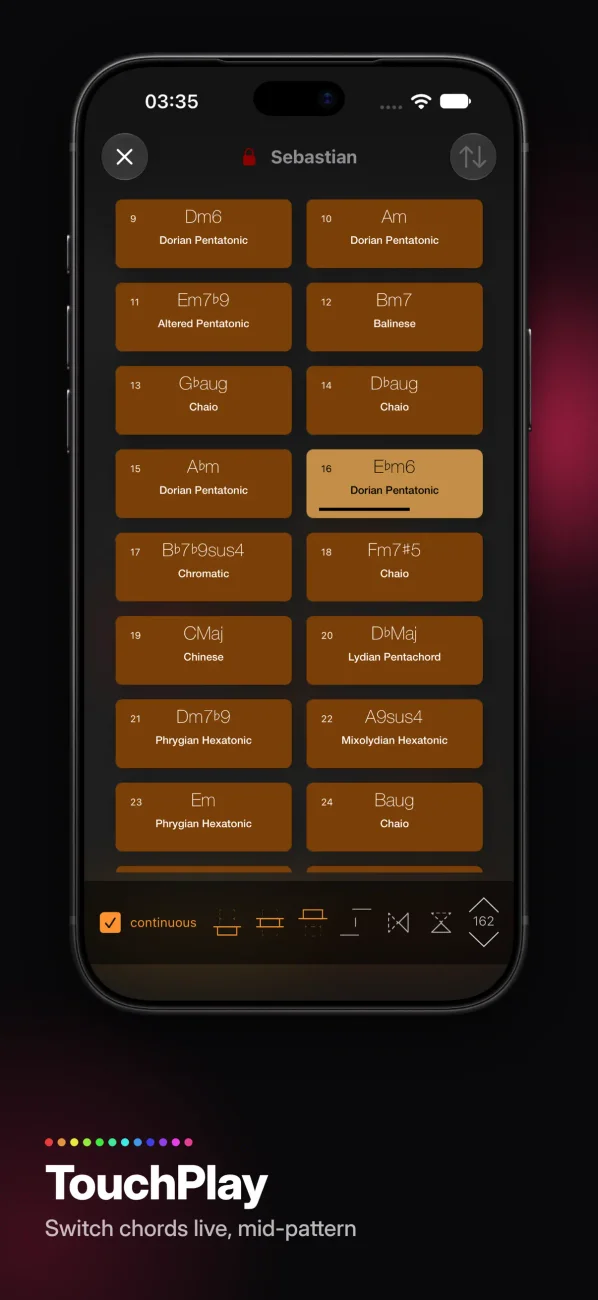
Giới thiệu
Nhà phát triển chưa cung cấp nội dung này bằng ngôn ngữ của bạn.
Generative, not AI. ScalePlay turns your chord changes, scale choices and melodic patterns into intricate ostinatos, textures and lines, and every note follows from a decision you made. Nothing is trained on anyone else's music, nothing is predicted, and the same song plays back exactly the same way every time. The structure is yours, it travels with your song file and your MIDI export, and when a label or distributor asks how a part was made, you can show them.
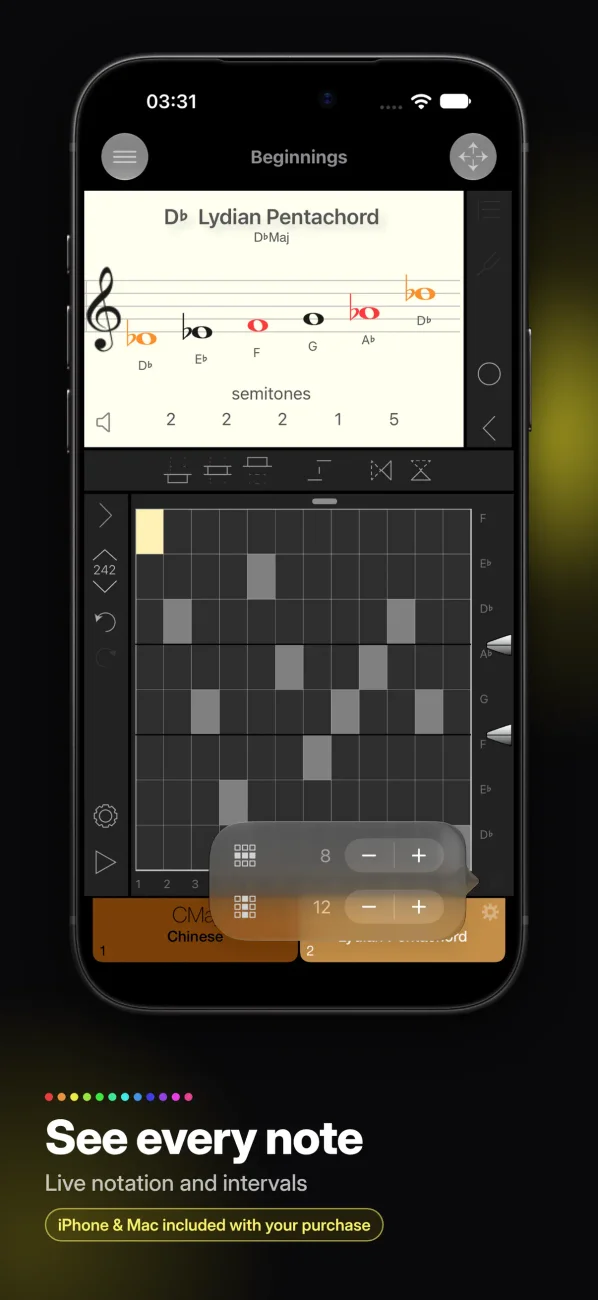
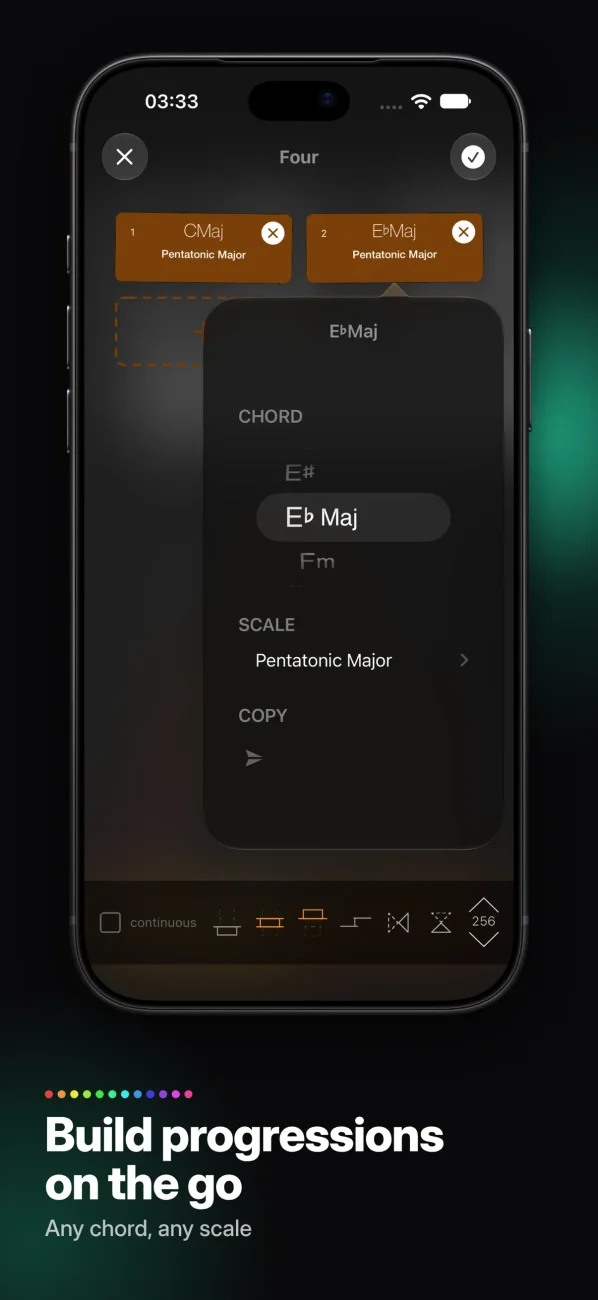
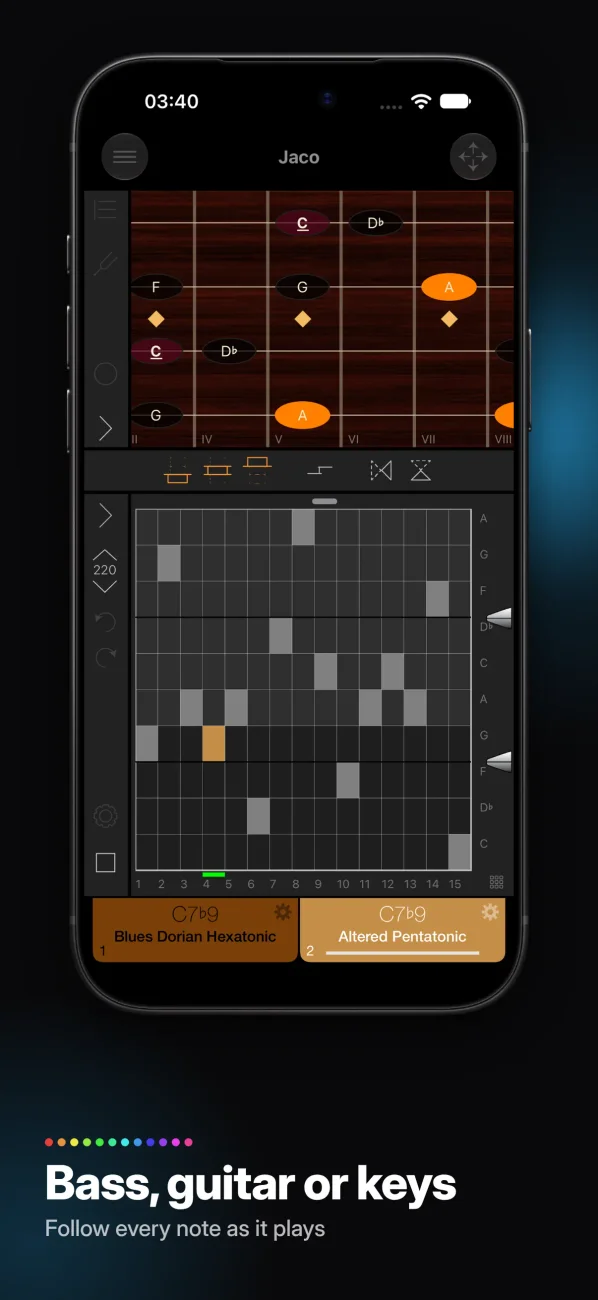
Enter a progression as chord symbols, give each harmony a chord scale, and choose a melodic pattern: thirds, fourths, broken sequences, or a figure you draw into the pattern matrix yourself. ScalePlay runs that pattern through every harmonic region of the song. Because the pattern steps through the scale rather than a chromatic grid, every note belongs to the scale you chose, and the stepwise motion creates a second layer of implied harmony above the changes: a shimmer of shifting upper-structure color you would rarely arrive at by hand.
ScalePlay feeds your DAW directly. It drives your own instruments over virtual MIDI, stays in tempo with Ableton Link, and exports standard MIDI files when you want the notes on your timeline to edit. On the Mac it sits in a compact window beside your session, a companion to the DAW rather than another workstation to learn.
There is no meter in the conventional sense. Pattern length and the number of pitch events per harmonic region are independent, so 13 against 27 sounds as convincing as 4 against 6. Layered under a regularly metered track, those cycles drift in and out of phase and produce polymetric textures that keep evolving across a long cue. Count-ins can feel unusual as a result; that is a consequence of the design.
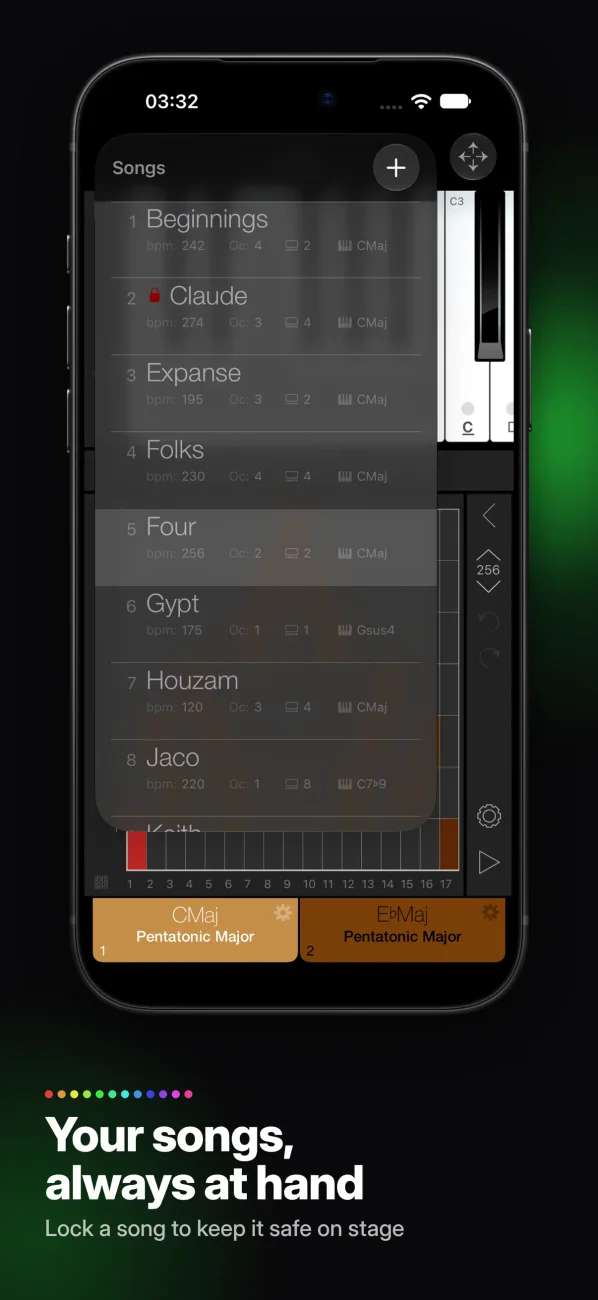
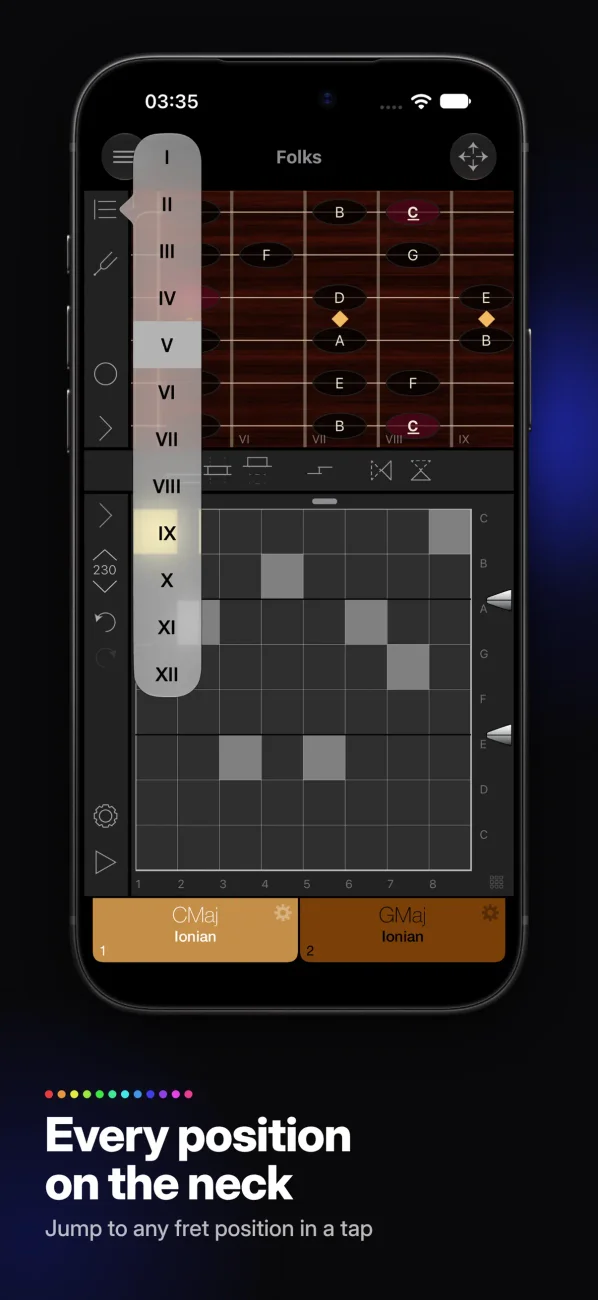
When the A section works, the B section is often one tap away. Any song can be mirrored vertically and horizontally, giving you inversion and retrograde, transformations composers have relied on for centuries, and a mirrored pattern often holds up as contrasting material on its own. Include or exclude the low, middle and high ranges to carve out a bass line, an inner voice or a top line. As the pattern passes through them, each range speaks only fragments of the phrase, and the ear hears implied polyphony with rhythms of its own. Pattern lock keeps the figure in one register as the harmony moves, like switching voice leading on and off. Lock a finished song against accidental edits; mirrors and ranges stay available during playback.
If your iPad is already part of the band's rig, ScalePlay becomes a bandmate. Join the Ableton Link session and it plays bass lines, ostinatos and textures in tempo with everyone else, through your own synths. TouchPlay turns every chord of a song into a tile: tap to start, tap another to switch on the spot mid-pattern, or leave one running to loop a harmony indefinitely. Nothing has to happen in order, so you can vamp until the solo ends and call up the bridge when the singer does. Ranges, mirrors and pattern lock all swap live inside TouchPlay, and against a drummer playing straight time, ScalePlay's free cycles drift against the beat and keep the texture moving.
Over a dozen example songs are included to play, take apart and rebuild, so the learning curve is short. If ScalePlay gives you one idea that finishes one cue or makes it into one set, it has paid for itself many times over.
This purchase allows you to install ScalePlay on your iPhone, Mac, iPad or all of them, since each device plays its own role. Your Mac or iPad is the workbench, with Ableton Link and MIDI file export. The unfolded iPhone Duo gives you the full interface on the go. On any iPhone, ScalePlay is your pocket companion: audition your songs, try mirrors and ranges, even sketch a new song while waiting in line.
Có gì mới
Phiên bản 2.0.1 · 19/11/2026
This release includes updates to Ableton Link as well as several graphic improvements and localization fixes.
Quyền riêng tư của ứng dụng
Những gì RoGame Software khai báo trên App Store về cách ứng dụng này xử lý dữ liệu.
-
Dữ liệu không được thu thập
Nhà phát triển không thu thập bất kỳ dữ liệu nào từ ứng dụng này.
Phương thức đảm bảo quyền riêng tư có thể khác nhau, chẳng hạn như tuỳ theo các tính năng bạn sử dụng hoặc độ tuổi của bạn.
Thông tin
- Người bán
- Arthur Roolfs
- Danh mục
- Nhạc
- Phiên bản
- 2.0.1
- Cập nhật
- 19/11/2026
- Phát hành
- 18/08/2016
- Kích thước
- 159,0 MB
- Yêu cầu
- iOS 26.5 trở lên
- Độ tuổi
- 4+
- Giá
- 299.000đ
- Ngôn ngữ
- Tiếng Anh, Tiếng Hà Lan, Tiếng Pháp, Tiếng Đức, Tiếng Ý, Tiếng Nhật, Tiếng Hàn, Tiếng Bồ Đào Nha, Tiếng Trung Giản thể, Tiếng Tây Ban Nha
- Bản quyền
- © 2026 RoGame Software