Scanly - PDF Document Scanner
Scan, Sign, OCR — No Watermark
Được thiết kế cho iPhone, iPod touch
Miễn phí · Mua hàng trong ứng dụng
- Độ tuổi4+
- Danh mụcHiệu Suất
- Nhà phát triểnOZLEM KAYA
- Ngôn ngữTiếng Anh
- Kích thước115,9 MB
Liên kết đến trang App Store chính thức
Download.org không lưu trữ tệp nào của Scanly - PDF Document Scanner. Nút này mở trang ứng dụng trên App Store, nơi OZLEM KAYA phát hành ứng dụng. Trang được kiểm tra lần cuối: 20/11/2026.
Ảnh chụp màn hình

Giới thiệu
Nhà phát triển chưa cung cấp nội dung này bằng ngôn ngữ của bạn.
Your documents. On your device. Only.
Scanly turns your phone into a professional document scanner — with no watermarks, no ads, and no account required. Your documents never leave your device unless you choose to back them up to your own Google Drive.
HOW IT WORKS
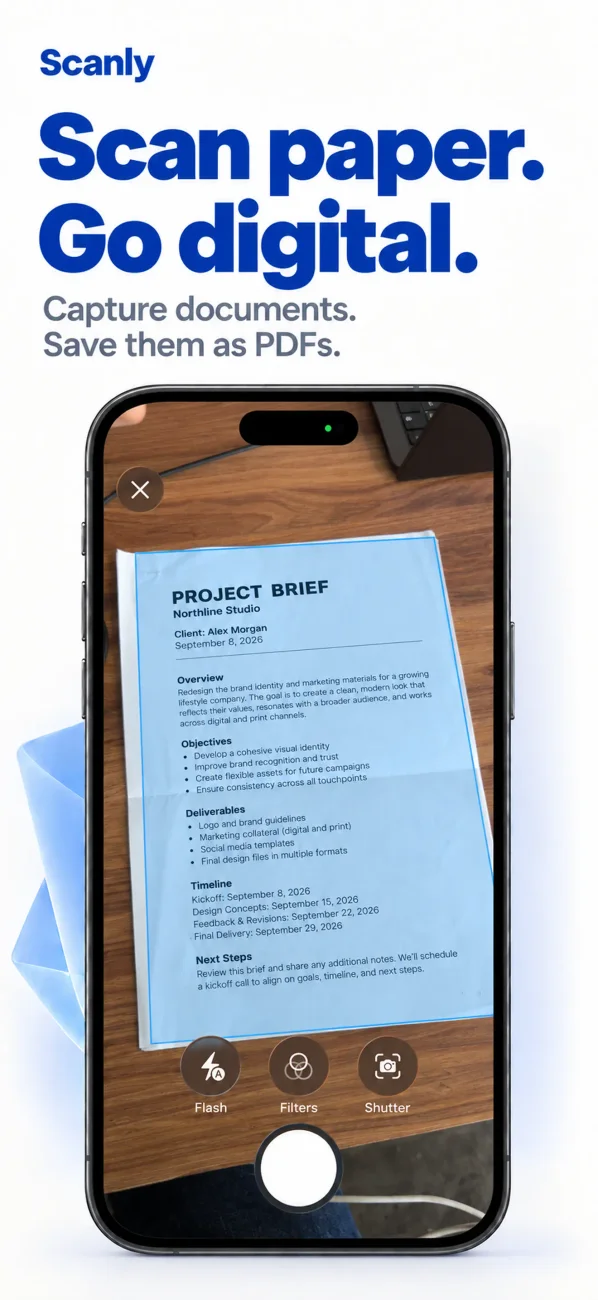
• Point your camera at any document — ID, contract, invoice, receipt
• Automatic edge detection and perspective correction
• Export as a clean, high-quality PDF — watermark-free
• Sign directly inside the app — no printing needed
• Optionally back up to your own Google Drive (Pro)
WHY SCANLY?
Unlike other scanner apps, Scanly never uploads your documents to its own servers — it doesn't have any. All scanning, OCR, and PDF processing happens entirely on your device. Your passport, ID, contracts — they stay yours.
When you choose to back up, your documents go to your own Google Drive account — not to Scanly. You're always in control, and you can disconnect at any time.
FEATURES
• Smart edge detection & perspective correction
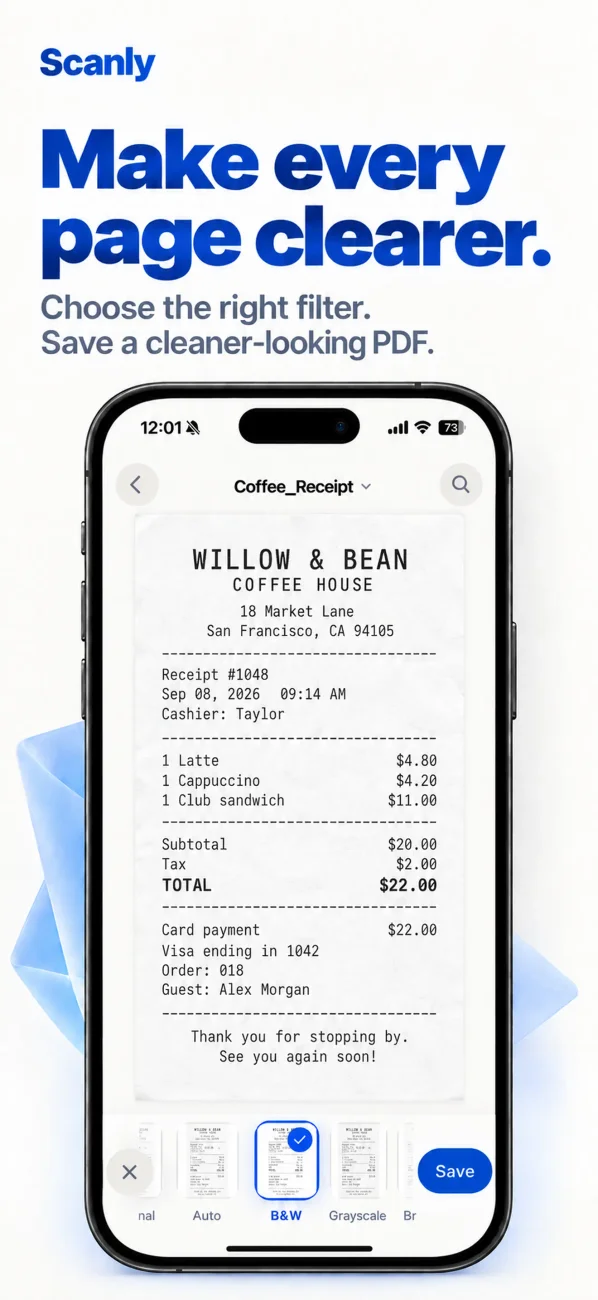
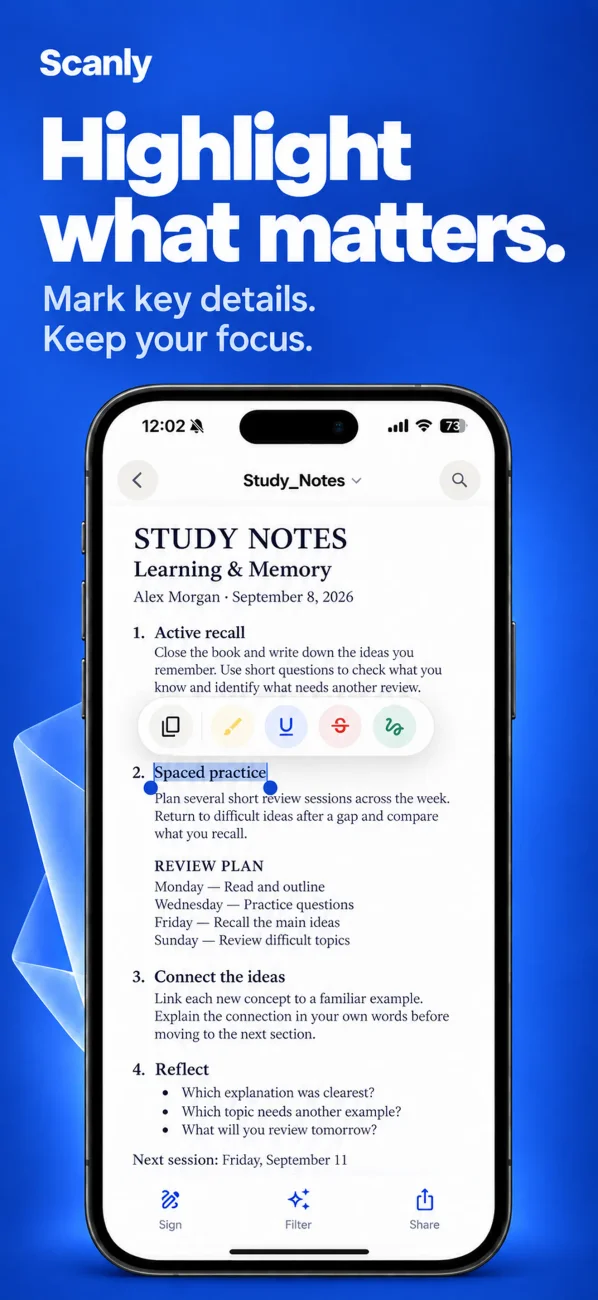
• Filters: auto-enhance, black & white, grayscale, original
• OCR text extraction — copy text and search inside your documents
• Digital signature — draw it once, place it on any page. 3 free signings, unlimited with Pro
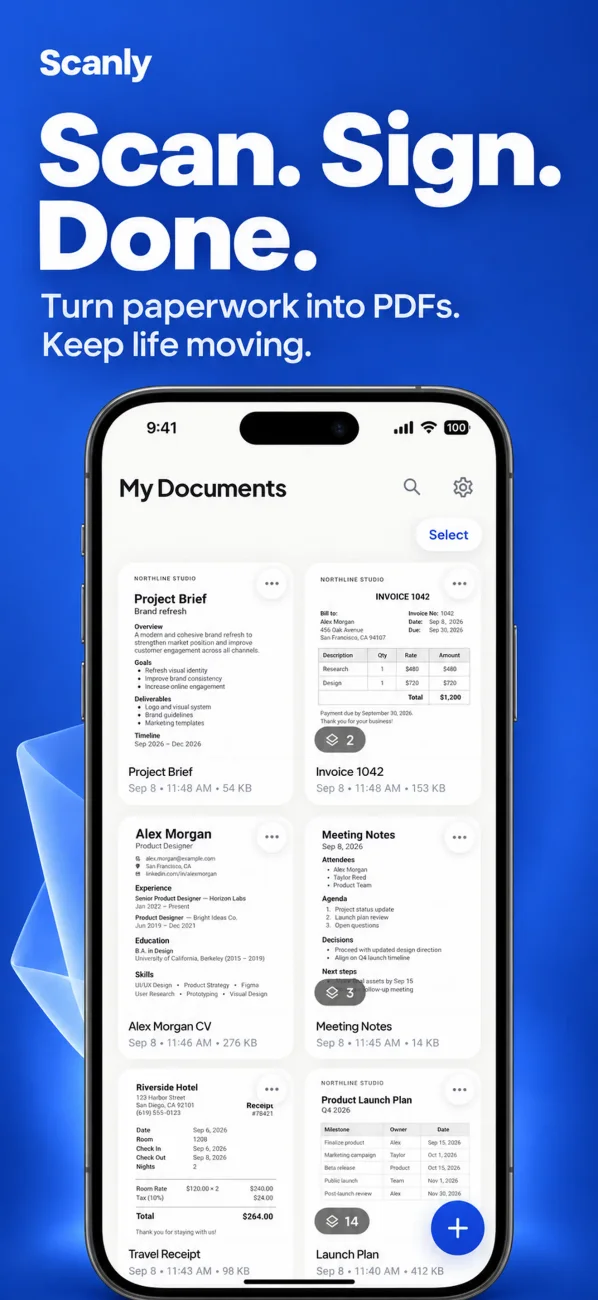
• Multi-page PDFs with drag-and-drop reorder and rotate
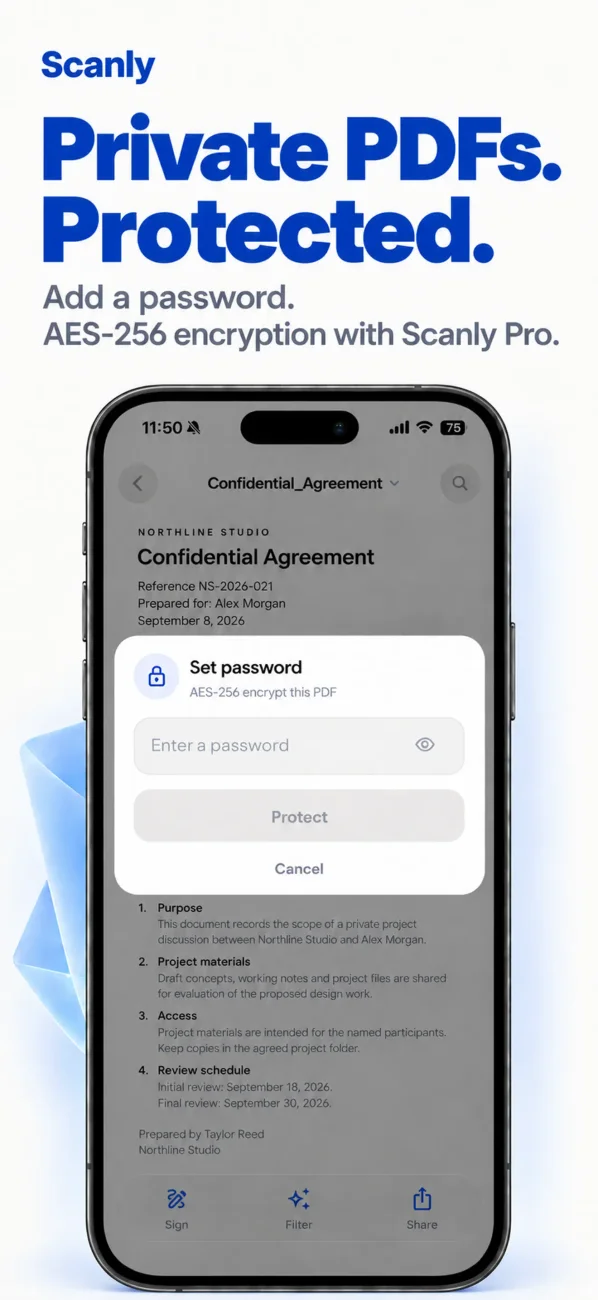
• Password-protect PDFs with real AES-256 encryption (Pro)
• Batch scanning — multiple documents at once
• Import photos and PDFs from your gallery or Files
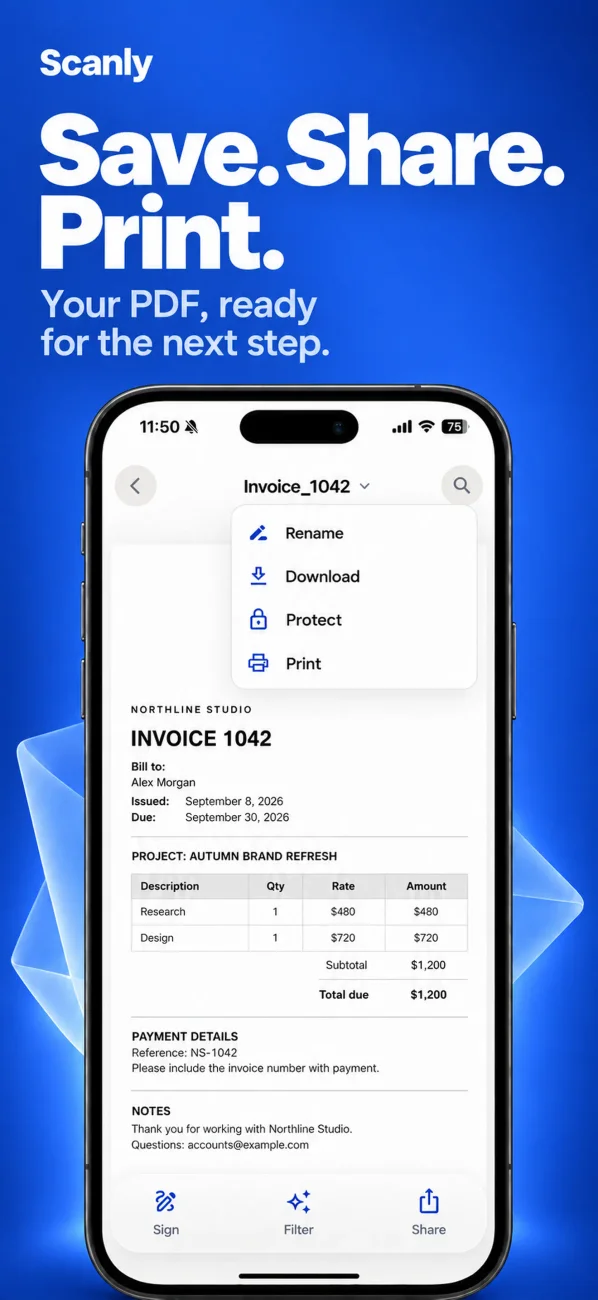
• Share, print, or save to Files and Photos
• Back up and restore with your own Google Drive (Pro) — never Scanly's servers
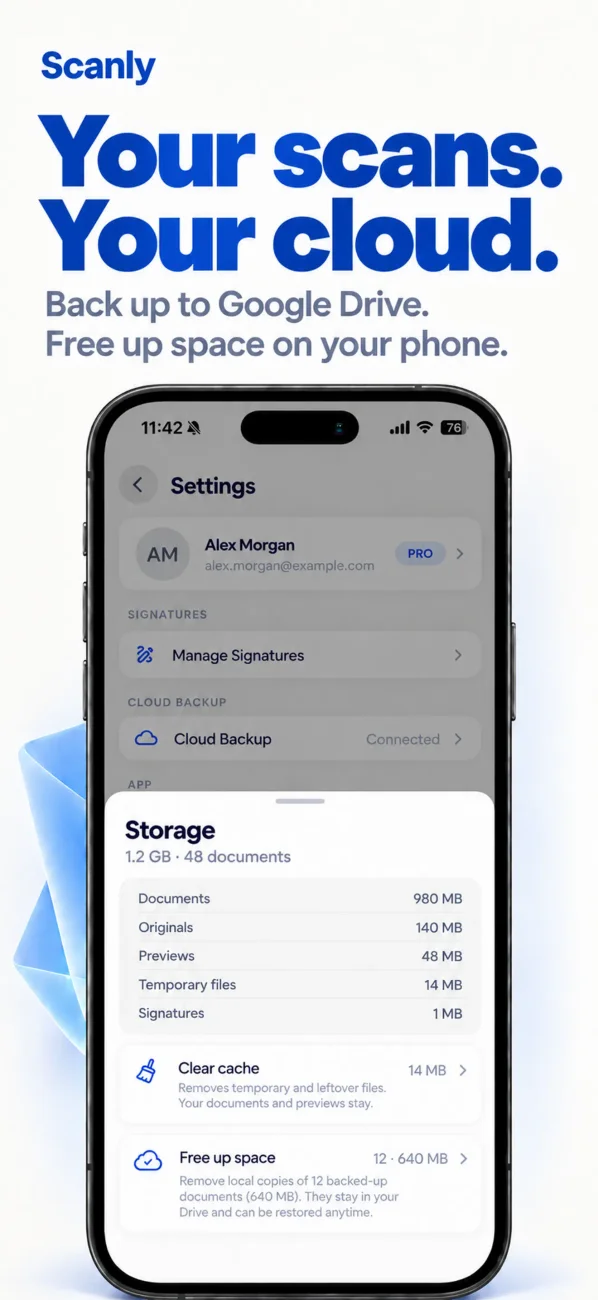
• Free up space: keep backed-up documents in Drive only and restore them anytime (Pro)
• Works fully offline — no internet needed to scan, sign, or export
• Available in 20 languages
PRIVACY
Scanly does not collect, store, or transmit your document content. All processing is performed on-device, and we have no access to your scanned documents. No account is required to use the app.
To improve Scanly, the app sends anonymous usage statistics and crash reports — never document content, images, or text. You can turn this off anytime in Settings › App.
SCANLY PRO
Pro unlocks unlimited signing, password protection, and backup and restore with your own Google Drive — plus Free up space, which keeps backed-up documents in Drive only. Choose a monthly or yearly subscription (yearly includes a free trial) or a one-time lifetime purchase. Subscriptions renew automatically unless cancelled at least 24 hours before the end of the current period. Manage or cancel anytime in your Apple ID settings.
PERFECT FOR YOU IF...
• You scan sensitive documents like IDs, passports, or contracts
• You're tired of watermarks and aggressive upsells
• You want your documents private — not on someone else's server
• You need to sign and return documents without a printer
Scan your first document. No watermarks. No cloud. No catch.
Privacy Policy: https://sites.google.com/view/scanly-pdf-privacy-policy/ana-sayfa
Terms of Use: https://sites.google.com/view/scanly-terms/ana-sayfa
Có gì mới
Phiên bản 1.0.1 · 28/09/2026
NEW: SMART TIPS ON YOUR HOME SCREEN
Scanly now notices what would help you next and offers it in one quiet card — documents that aren't backed up yet, storage worth freeing up, a signature you haven't tried. One suggestion at a time, never more. Tap it to act, or dismiss it and it's gone for good.
ALSO IN THIS UPDATE
- Clearer storage — previews and temporary files are now listed separately, and "Clear cache" tells you exactly what it removes. Your documents always stay.
- Smoother launch — the opening screen now flows straight into your documents.
- A fresh app icon.
- Refinements, performance improvements and bug fixes throughout.
Your documents. On your device. Only.
Quyền riêng tư của ứng dụng
Những gì OZLEM KAYA khai báo trên App Store về cách ứng dụng này xử lý dữ liệu.
-
Dữ liệu liên kết với bạn
Có thể được thu thập và liên kết với danh tính của bạn.
- Mục mua
- Thông tin liên hệ
- Nội dung của người dùng
- Mã định danh
- Dữ liệu sử dụng
Phương thức đảm bảo quyền riêng tư có thể khác nhau, chẳng hạn như tuỳ theo các tính năng bạn sử dụng hoặc độ tuổi của bạn.
Thông tin
- Người bán
- OZLEM KAYA
- Danh mục
- Hiệu Suất
- Phiên bản
- 1.0.1
- Cập nhật
- 28/09/2026
- Phát hành
- 15/09/2026
- Kích thước
- 115,9 MB
- Yêu cầu
- iOS 15.0 trở lên
- Độ tuổi
- 4+
- Giá
- Miễn phí
- Mua hàng trong ứng dụng
- Có
- Ngôn ngữ
- Tiếng Anh
- Bản quyền
- © Özlem Kaya
Có thể bạn cũng thích
-
 PaperGuard: Private ScannerHiệu Suất
-
 Privascan: PDF Scanner & OCRHiệu Suất
-
 ScanMate: Máy quét PDFKhông quảng cáo, không hình mờ
-
 Scanling – PDF Scanner & OCRHiệu Suất
-
 Signature Maker: Scan&Sign PDFHiệu Suất
-
 Máy quét văn bản tài liệuChuyển hình ảnh thành văn bản
-
 Quét văn bản chữ viết tayText Scanner,Quét Chữ Viết Tay
-
 NoLoss: Bỏ Cờ BạcChặn Trang Cá Cược & Casino
-
 Ký tài liệu: SignicaChữ ký của bạn, số hóa
-
 Bras My AI AssistantHiệu Suất