Scanly - PDF Document Scanner
Scan, Sign, OCR — No Watermark
Designed for iPhone, iPod touch
In-app purchases
- Age rating4+
- CategoryProductivity
- DeveloperOZLEM KAYA
- LanguagesEnglish
- Size115.9 MB
Links to the official App Store page
Download.org hosts no file of Scanly - PDF Document Scanner. The button opens its official App Store page, published by OZLEM KAYA. Listing last checked on Nov 20, 2026.
Screenshots

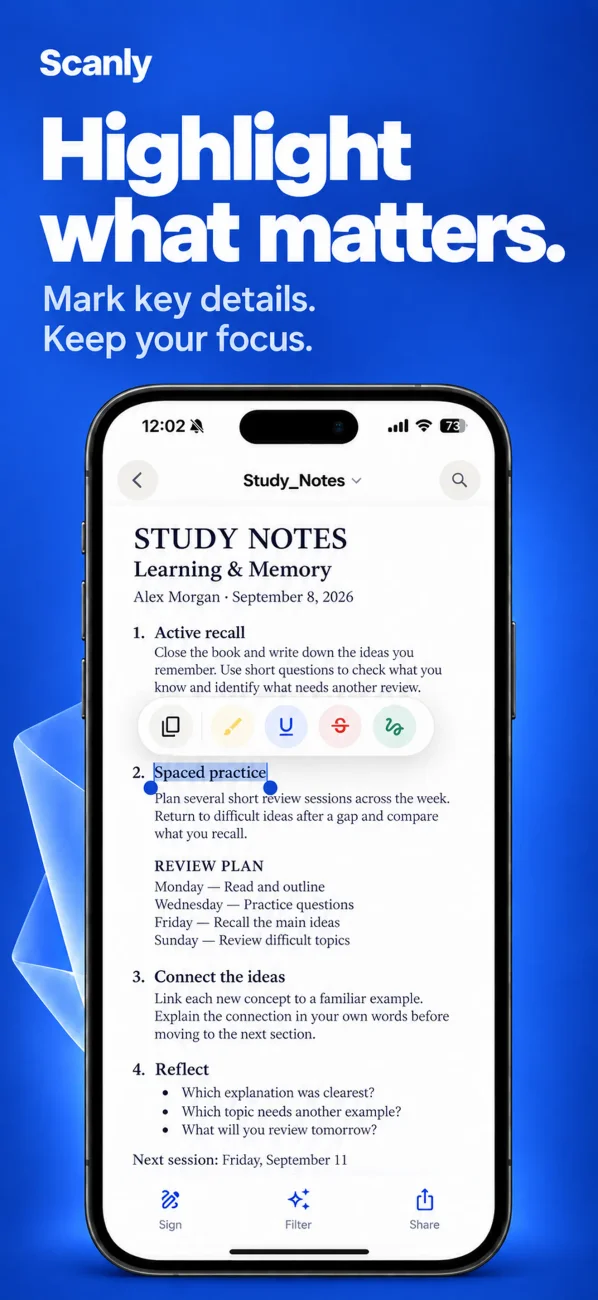
About
Your documents. On your device. Only.
Scanly turns your phone into a professional document scanner — with no watermarks, no ads, and no account required. Your documents never leave your device unless you choose to back them up to your own Google Drive.
HOW IT WORKS
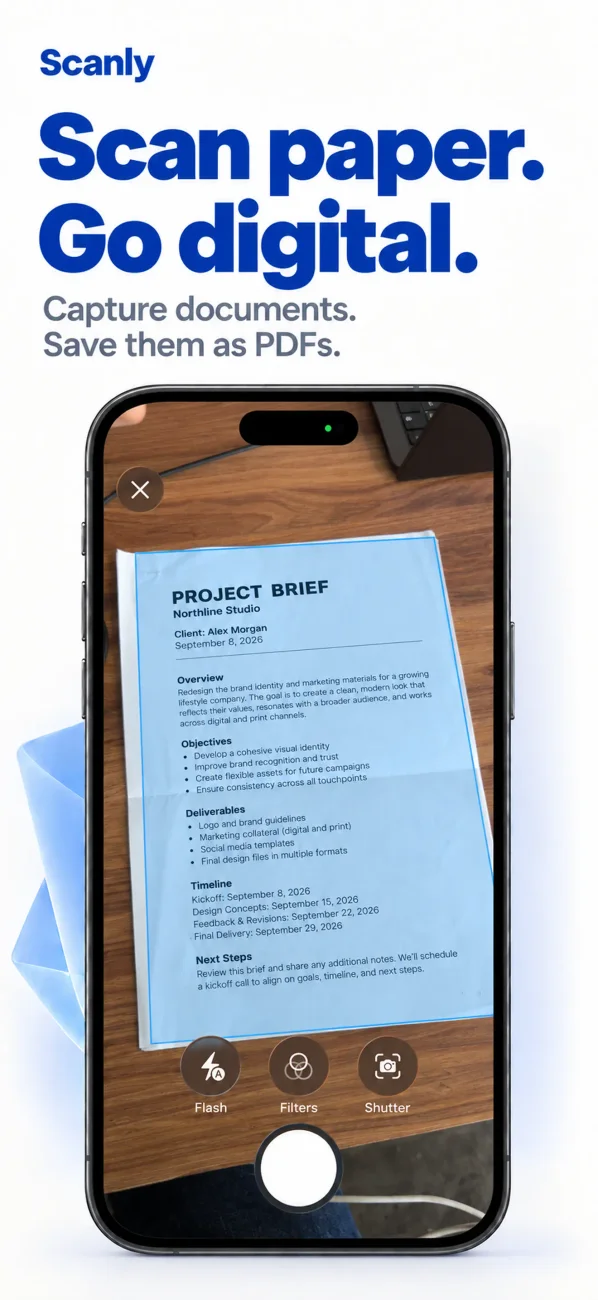
• Point your camera at any document — ID, contract, invoice, receipt
• Automatic edge detection and perspective correction
• Export as a clean, high-quality PDF — watermark-free
• Sign directly inside the app — no printing needed
• Optionally back up to your own Google Drive (Pro)
WHY SCANLY?
Unlike other scanner apps, Scanly never uploads your documents to its own servers — it doesn't have any. All scanning, OCR, and PDF processing happens entirely on your device. Your passport, ID, contracts — they stay yours.
When you choose to back up, your documents go to your own Google Drive account — not to Scanly. You're always in control, and you can disconnect at any time.
FEATURES
• Smart edge detection & perspective correction
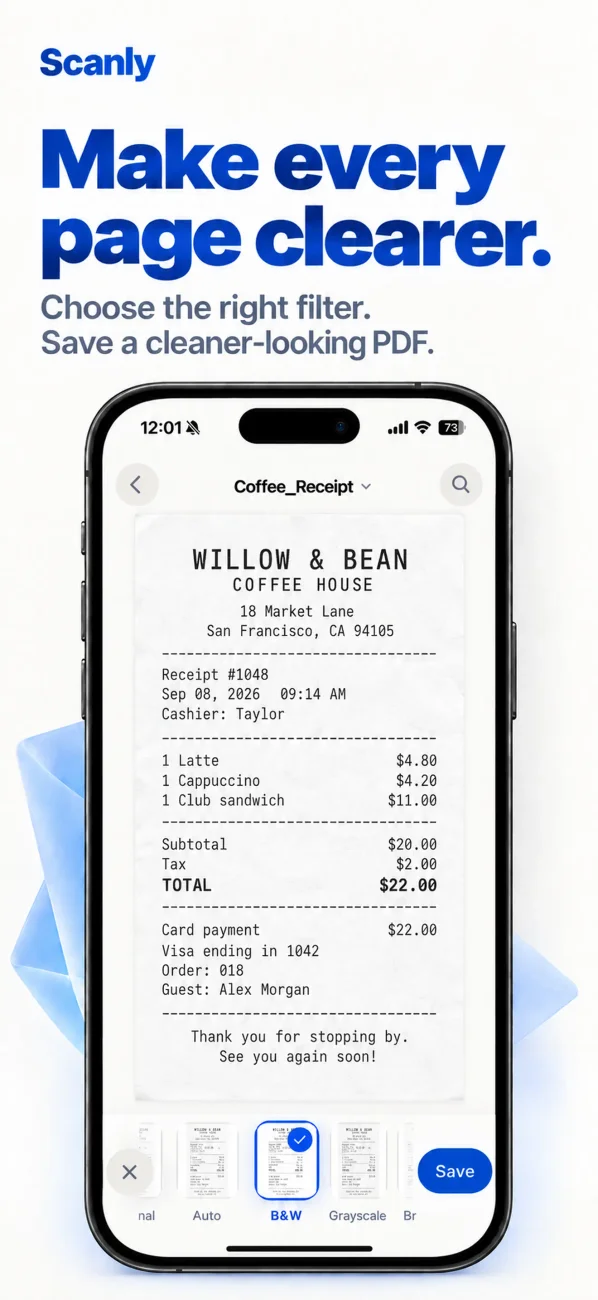
• Filters: auto-enhance, black & white, grayscale, original
• OCR text extraction — copy text and search inside your documents
• Digital signature — draw it once, place it on any page. 3 free signings, unlimited with Pro
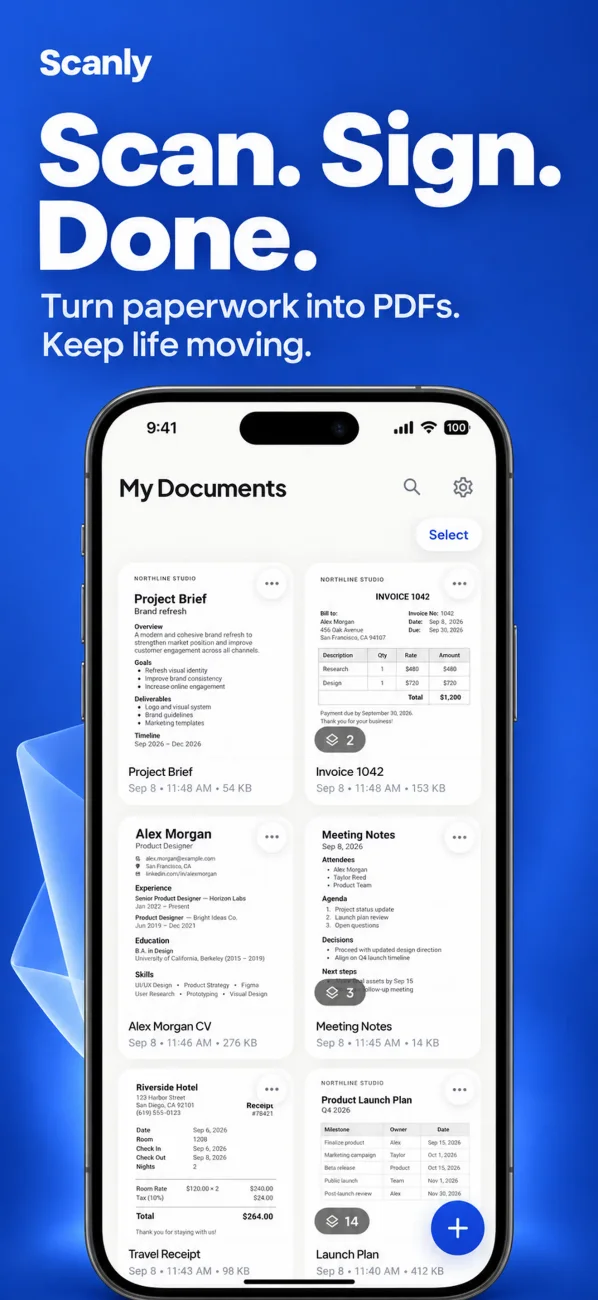
• Multi-page PDFs with drag-and-drop reorder and rotate
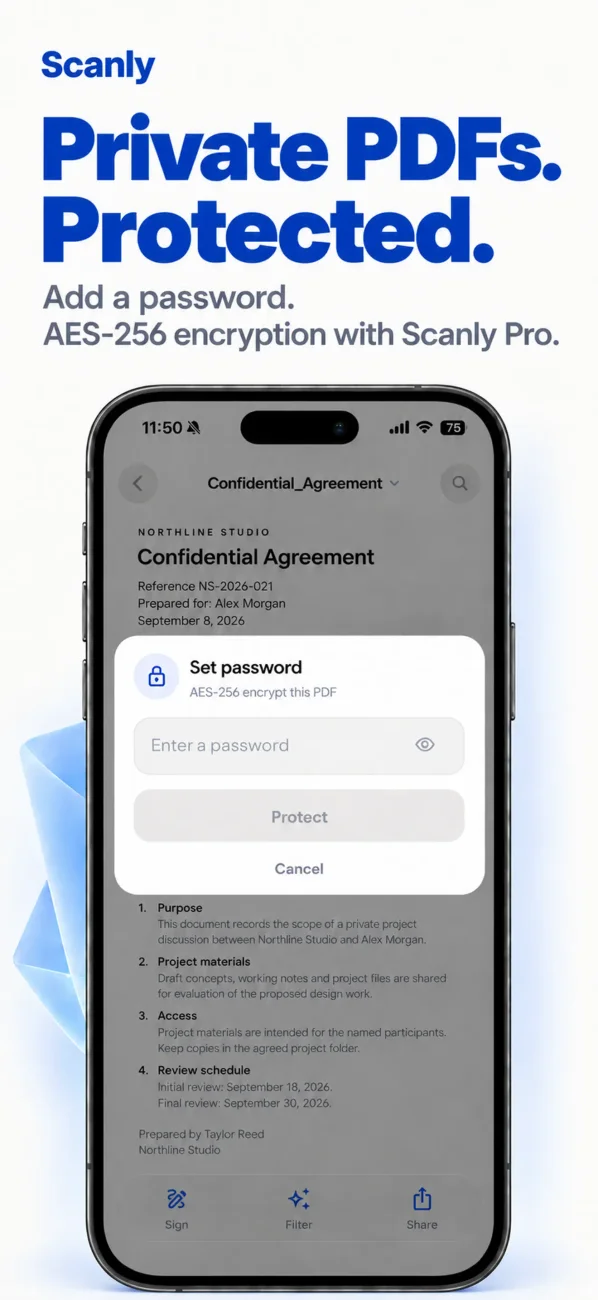
• Password-protect PDFs with real AES-256 encryption (Pro)
• Batch scanning — multiple documents at once
• Import photos and PDFs from your gallery or Files
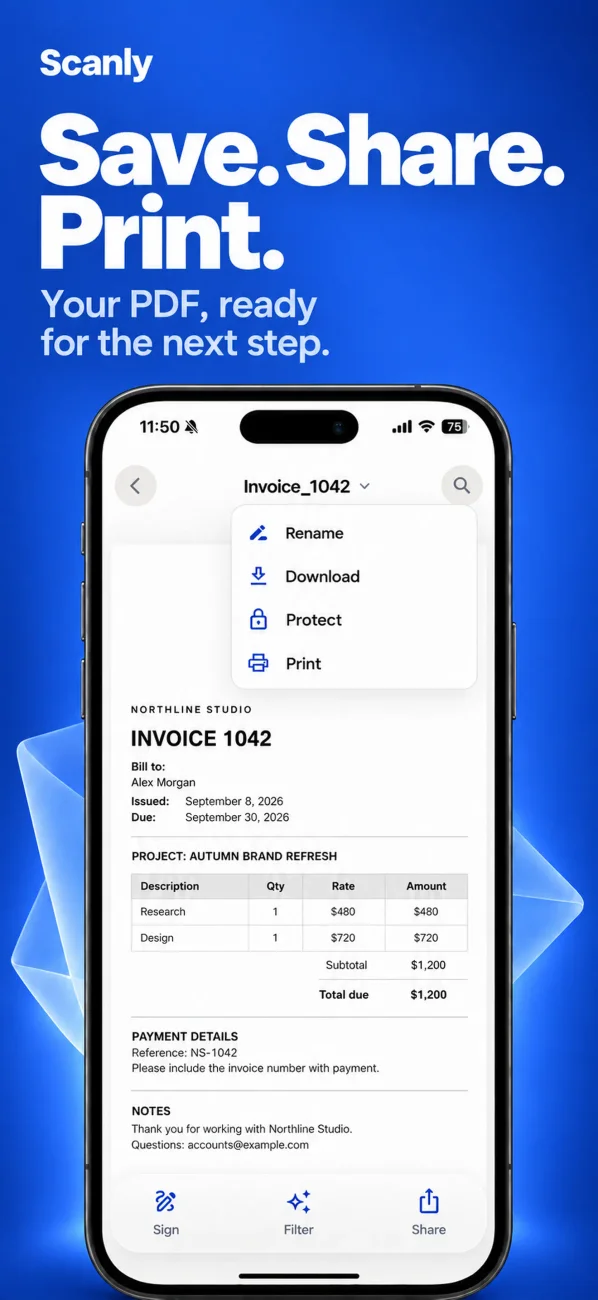
• Share, print, or save to Files and Photos
• Back up and restore with your own Google Drive (Pro) — never Scanly's servers
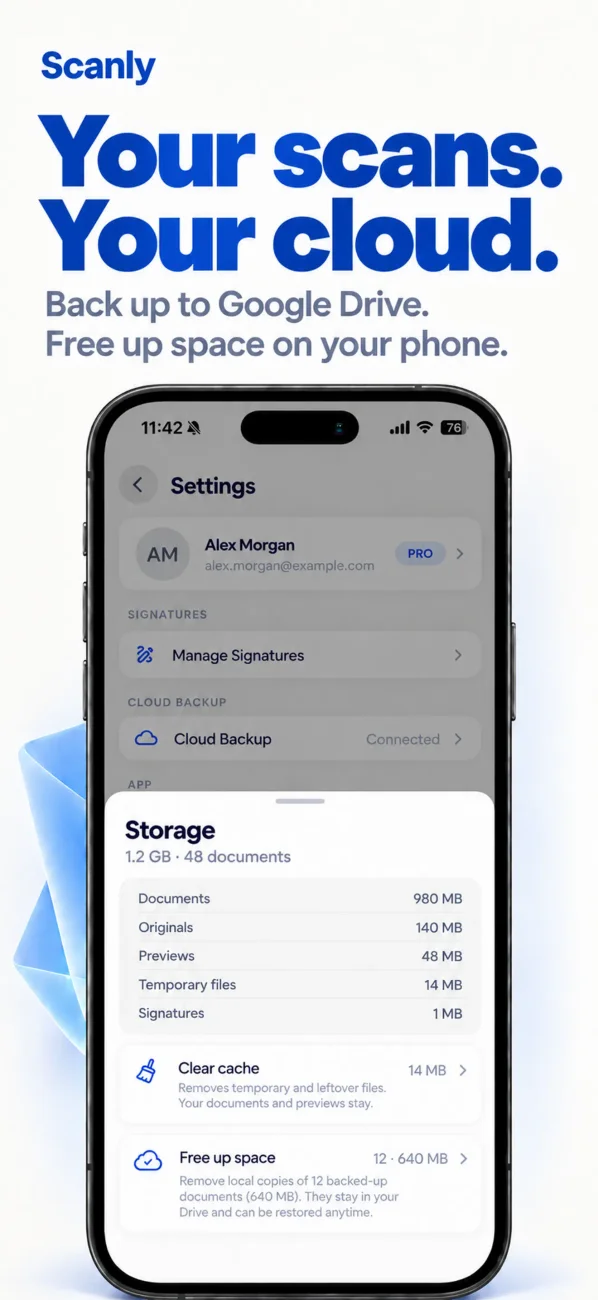
• Free up space: keep backed-up documents in Drive only and restore them anytime (Pro)
• Works fully offline — no internet needed to scan, sign, or export
• Available in 20 languages
PRIVACY
Scanly does not collect, store, or transmit your document content. All processing is performed on-device, and we have no access to your scanned documents. No account is required to use the app.
To improve Scanly, the app sends anonymous usage statistics and crash reports — never document content, images, or text. You can turn this off anytime in Settings › App.
SCANLY PRO
Pro unlocks unlimited signing, password protection, and backup and restore with your own Google Drive — plus Free up space, which keeps backed-up documents in Drive only. Choose a monthly or yearly subscription (yearly includes a free trial) or a one-time lifetime purchase. Subscriptions renew automatically unless cancelled at least 24 hours before the end of the current period. Manage or cancel anytime in your Apple ID settings.
PERFECT FOR YOU IF...
• You scan sensitive documents like IDs, passports, or contracts
• You're tired of watermarks and aggressive upsells
• You want your documents private — not on someone else's server
• You need to sign and return documents without a printer
Scan your first document. No watermarks. No cloud. No catch.
Privacy Policy: https://sites.google.com/view/scanly-pdf-privacy-policy/ana-sayfa
Terms of Use: https://sites.google.com/view/scanly-terms/ana-sayfa
What’s new
Version 1.0.1 · Sep 28, 2026
NEW: SMART TIPS ON YOUR HOME SCREEN
Scanly now notices what would help you next and offers it in one quiet card — documents that aren't backed up yet, storage worth freeing up, a signature you haven't tried. One suggestion at a time, never more. Tap it to act, or dismiss it and it's gone for good.
ALSO IN THIS UPDATE
- Clearer storage — previews and temporary files are now listed separately, and "Clear cache" tells you exactly what it removes. Your documents always stay.
- Smoother launch — the opening screen now flows straight into your documents.
- A fresh app icon.
- Refinements, performance improvements and bug fixes throughout.
Your documents. On your device. Only.
App privacy
What OZLEM KAYA declares on the App Store about how this app handles data.
-
Data linked to you
May be collected and linked to your identity.
- Purchases
- Contact info
- User content
- Identifiers
- Usage data
Privacy practices may vary, for example with the features you use or your age.
Information
- Seller
- OZLEM KAYA
- Category
- Productivity
- Version
- 1.0.1
- Updated
- Sep 28, 2026
- Released
- Sep 15, 2026
- Size
- 115.9 MB
- Requires
- iOS 15.0 or later
- Age rating
- 4+
- In-app purchases
- Yes
- Languages
- English
- Copyright
- © Özlem Kaya
You might also like
-
 PaperGuard: Private ScannerPDF & OCR docs, never uploaded
-
 Privascan: PDF Scanner & OCRPrivate, Offline, No Watermark
-
 ScanMate: PDF ScannerNo ads. No watermark. Ever.
-
 Scanling – PDF Scanner & OCRNo subscription. No account.
-
 Signature Maker: Scan&Sign PDFDoc scanner, photo converter
-
 PDF Text Scanner [OCR] : LensPDF & photo to text converter
-
 Picture To Text: Image To TextScan to Text: OCR Text Scanner
-
 NoLoss: Stop Gambling !Betting & Casino Site Blocker
-
 Sign Documents: SignicaYour Signature, Digitized
-
 Bras My AI AssistantYour expenses and income AI