ScreenStack Screenshot Manager
Swipe away screenshot clutter
Được thiết kế cho iPhone
Miễn phí · Mua hàng trong ứng dụng
- Độ tuổi4+
- Danh mụcHiệu Suất
- Nhà phát triển江 吴
- Ngôn ngữTiếng Anh+ 7 ngôn ngữ khác
- Kích thước8,0 MB
Liên kết đến trang App Store chính thức
Download.org không lưu trữ tệp nào của ScreenStack Screenshot Manager. Nút này mở trang ứng dụng trên App Store, nơi 江 吴 phát hành ứng dụng. Trang được kiểm tra lần cuối: 23/11/2026.
Ảnh chụp màn hình
Giới thiệu
Nhà phát triển chưa cung cấp nội dung này bằng ngôn ngữ của bạn.
ScreenStack is an AI-powered screenshot manager that helps you get screenshots in, find what matters, use the information inside them, and clean up with confidence. Local-first by design, with optional AI enhancement.
SHARE FROM ANYWHERE
Use the system share sheet in any app to send a screenshot or photo straight into ScreenStack—verified working from Photos, WeChat, and similar sources.
AI SORTING
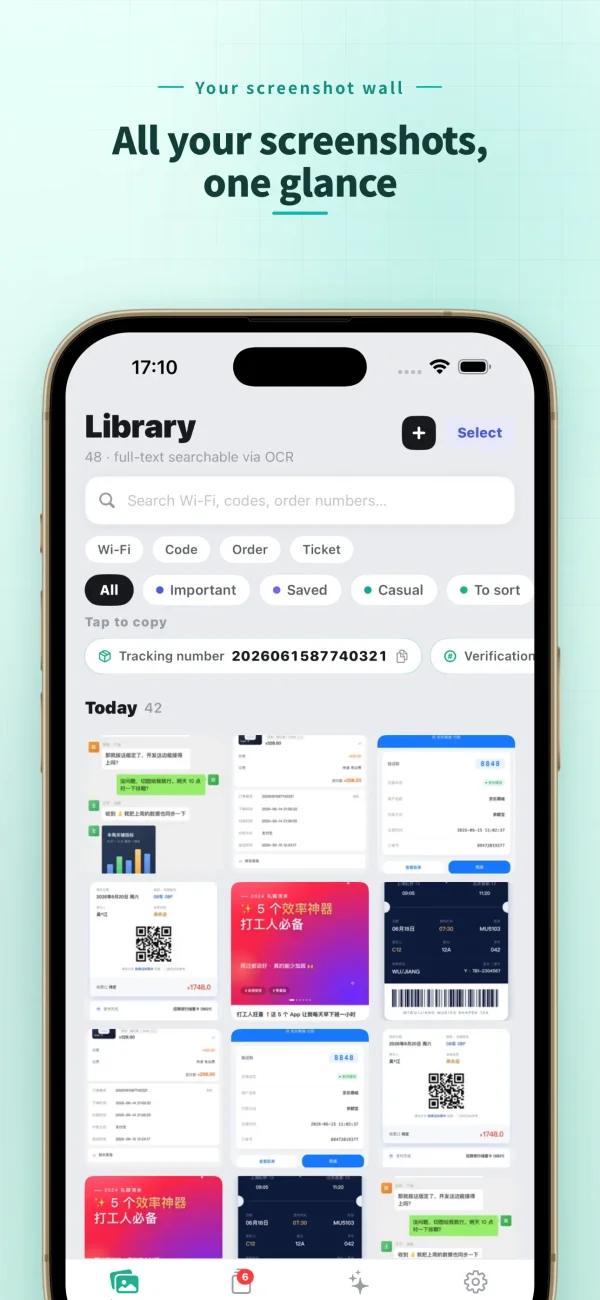
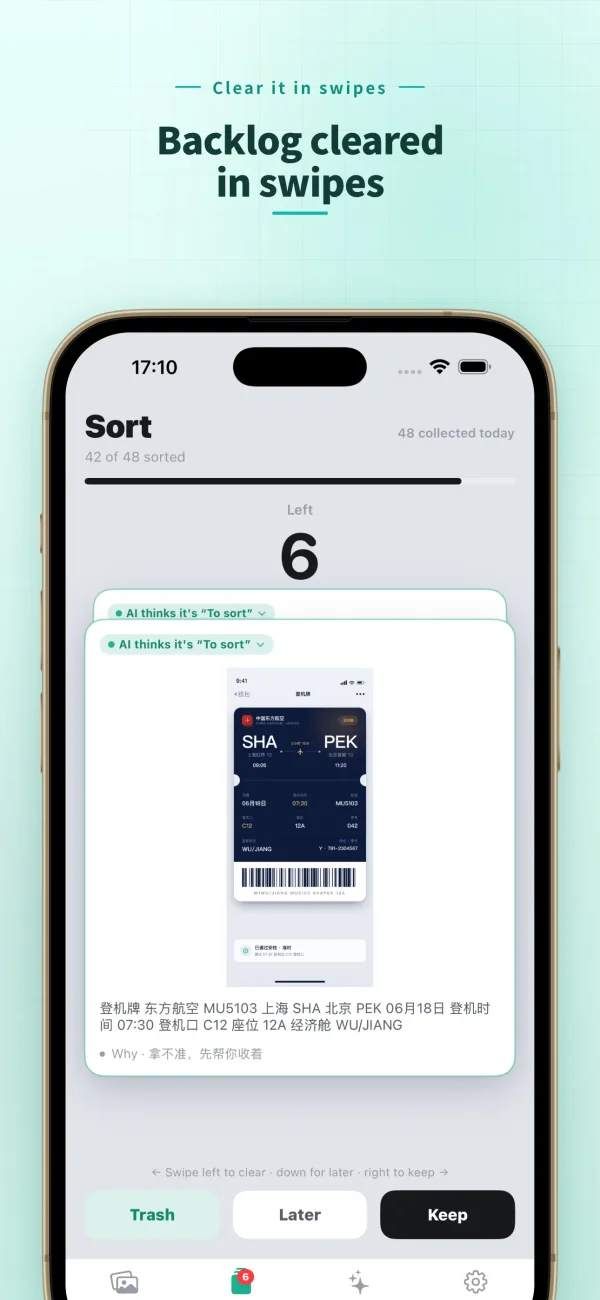
Open the app to a visual screenshot wall. New imports are routed into Important, Saved, Quick, or To Review. Your rules come first; uncertain items stay honest instead of being forced into the wrong category. Correct a suggestion once and ScreenStack remembers.
INSTANT OCR SEARCH
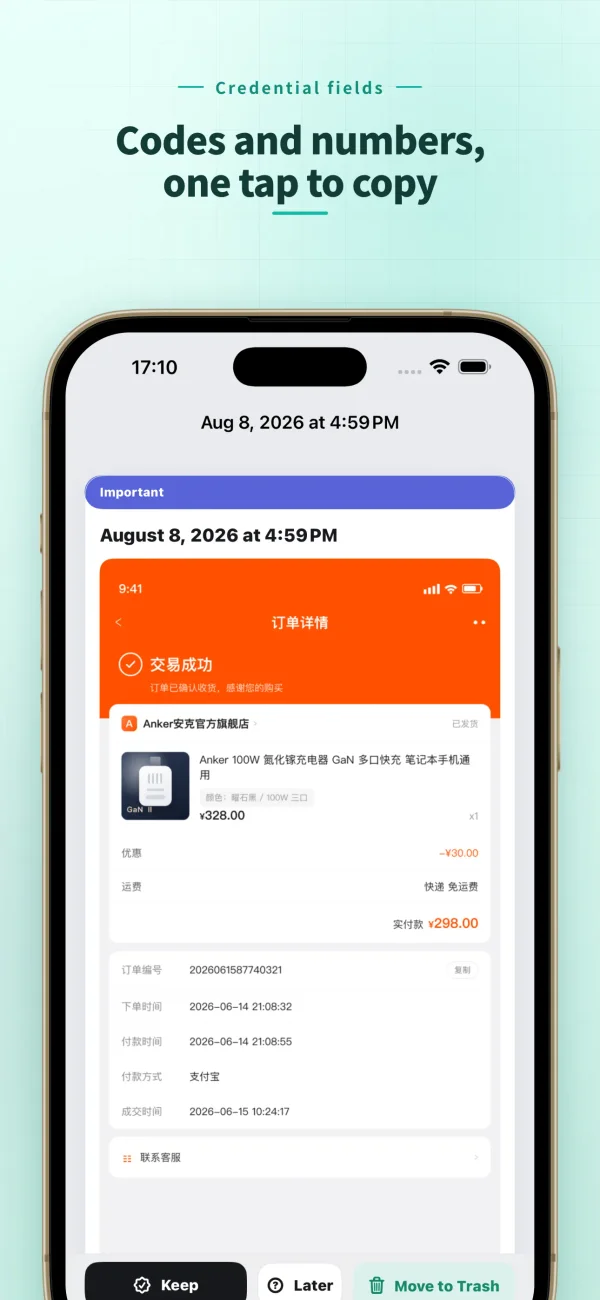
On-device OCR turns screenshot text into searchable information. Find verification codes, order numbers, Wi-Fi passwords, amounts, and tracking numbers in about half a second—and copy the field you need, not just the image.
OPTIONAL AI, YOUR KEY
Connect your own API key from 17+ model providers for more detailed classification and extraction. Your provider, model, and rules stay under your control. Core features work without a key.
SAFE CLEANUP
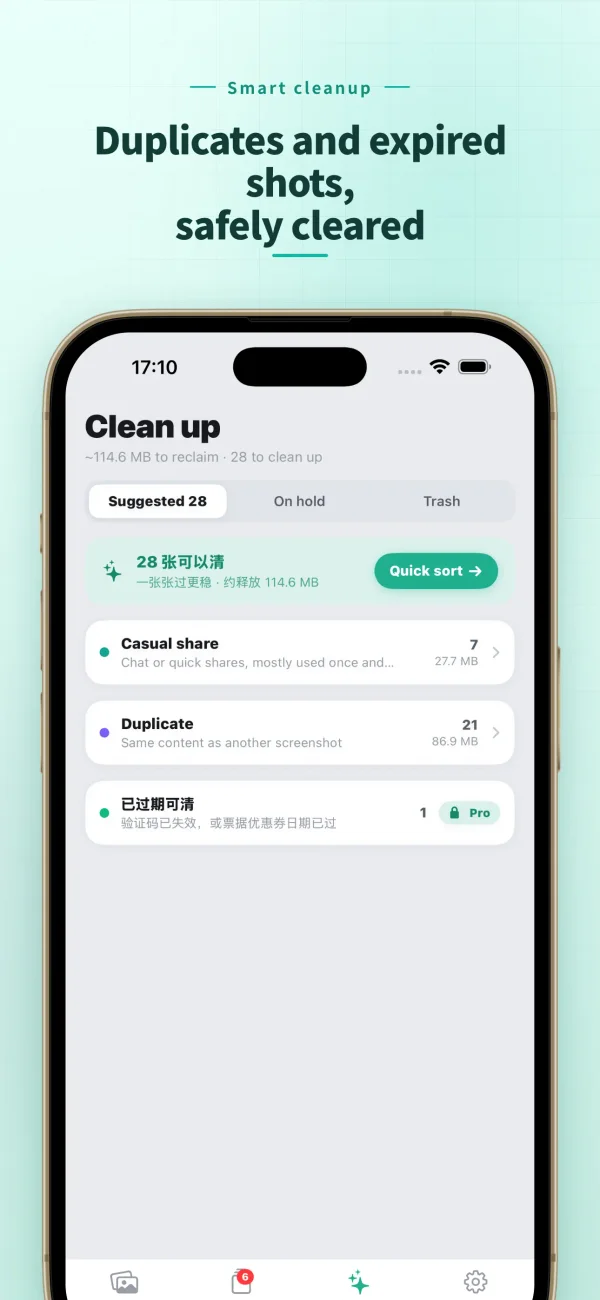
Review extracted fields before deleting. Soft-deleted screenshots go to a trash folder, while saved credentials and favorites can keep an original backup.
SAFE BACKUP & RESTORE
Export a free, offline backup that preserves original image copies, OCR text, extracted fields, notes, tags, and organization status. Restoring verifies the file, then merges it non-destructively—nothing is lost when you switch devices or reinstall.
SCREENSTACK PRO
Smart Cleanup groups visually similar screenshots and identifies expired credentials. Credential Wallet adds expiry reminders and batch CSV export. One-time purchase, no subscription.
PRIVACY FIRST
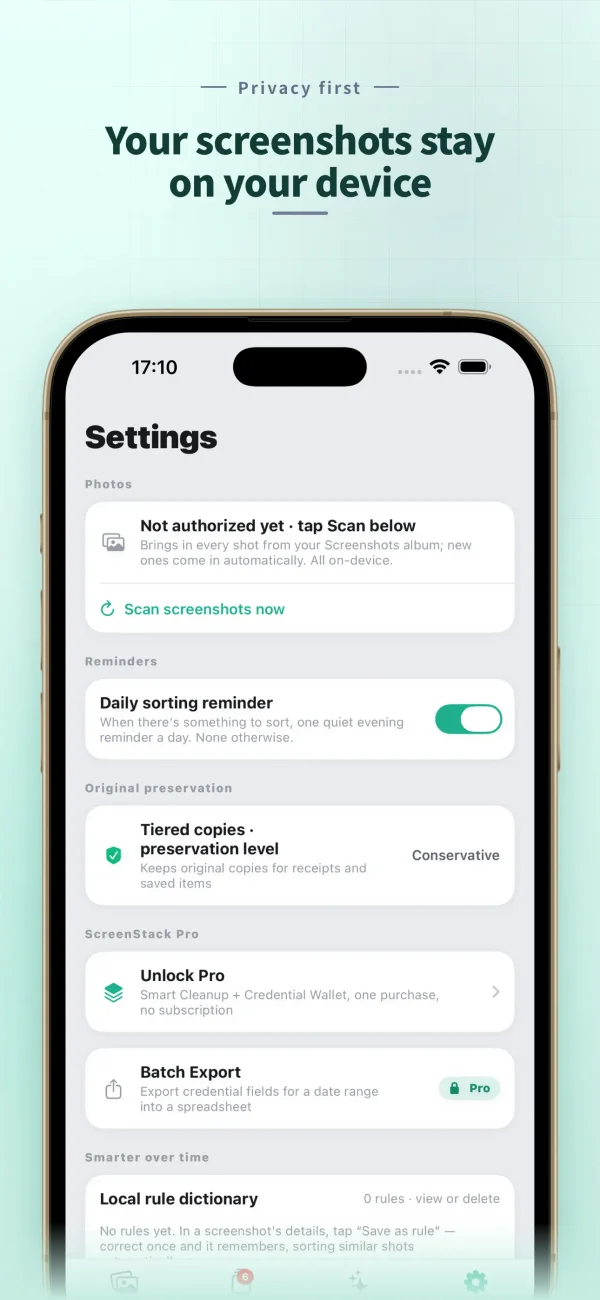
OCR, search, and organization run on your device. Original screenshots never leave it. Only when you enable AI and provide your own key are extracted words sent to the provider you choose.
Import, organize, search, and basic cleanup are free forever.
Có gì mới
Phiên bản 1.9.1 · 21/11/2026
The first import now shows its progress and picks up where it left off if you switch to another app.
After a cleanup or slim-down, a result card shows what was tidied and how much space you got back.
Quyền riêng tư của ứng dụng
Những gì 江 吴 khai báo trên App Store về cách ứng dụng này xử lý dữ liệu.
-
Dữ liệu liên kết với bạn
Có thể được thu thập và liên kết với danh tính của bạn.
- Thông tin liên hệ
- Nội dung của người dùng
-
Dữ liệu không liên kết với bạn
Có thể được thu thập nhưng không liên kết với danh tính của bạn.
- Mục mua
- Vị trí
- Mã định danh
- Dữ liệu sử dụng
- Chẩn đoán
Phương thức đảm bảo quyền riêng tư có thể khác nhau, chẳng hạn như tuỳ theo các tính năng bạn sử dụng hoặc độ tuổi của bạn.
Thông tin
- Người bán
- 江 吴
- Danh mục
- Hiệu Suất
- Phiên bản
- 1.9.1
- Cập nhật
- 21/11/2026
- Phát hành
- 18/06/2026
- Kích thước
- 8,0 MB
- Yêu cầu
- iOS 17.0 trở lên
- Độ tuổi
- 4+
- Giá
- Miễn phí
- Mua hàng trong ứng dụng
- Có
- Ngôn ngữ
- Tiếng Anh, Tiếng Pháp, Tiếng Đức, Tiếng Nhật, Tiếng Hàn, Tiếng Trung Giản thể, Tiếng Tây Ban Nha, Tiếng Trung Phồn thể
- Bản quyền
- © 2026 ScreenStack