Scrollar - Screen Time Control
App blocker & focus timer
Được thiết kế cho iPhone, iPad
Miễn phí · Mua hàng trong ứng dụng
- Độ tuổi4+
- Danh mụcHiệu Suất
- Nhà phát triểnNguyen Thao Uyen
- Ngôn ngữTiếng Anh
- Kích thước111,3 MB
Liên kết đến trang App Store chính thức
Download.org không lưu trữ tệp nào của Scrollar - Screen Time Control. Nút này mở trang ứng dụng trên App Store, nơi Nguyen Thao Uyen phát hành ứng dụng. Trang được kiểm tra lần cuối: 18/11/2026.
Ảnh chụp màn hình




Giới thiệu
Nhà phát triển chưa cung cấp nội dung này bằng ngôn ngữ của bạn.
We’ve all been there: You pick up your phone to check one thing… and suddenly an hour is gone. You tell yourself “I’ll cut back tomorrow.” But tomorrow never comes.
SCROLLAR WORKS - BECAUSE IT DOESN’T SHAME YOU
No guilt trips. No scary warnings.
Just a simple idea: give your attention a daily budget — like money.
Spend it how you want, just a little more intentionally.
YOUR DAILY SCREEN TIME GOAL
Start by setting a daily limit based on how you actually use your phone — not some unrealistic target.
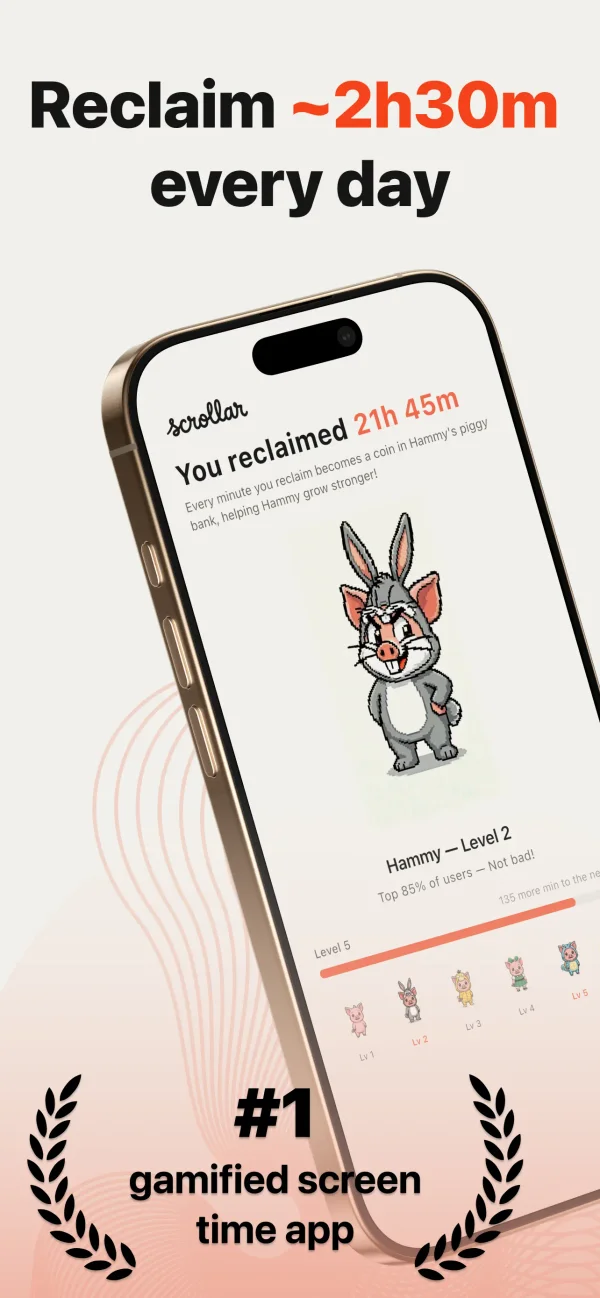
Every minute you save helps your Pixel Pig grow, evolving through 25 levels from a tiny piglet to a golden bank.
CREATE YOUR APP GROUPS, YOUR WAY
Organize apps in a way that makes sense to you — social, streaming, gaming, or anything else.
Each group gets its own shared daily budget, so you can be strict where it matters and flexible where it doesn’t.
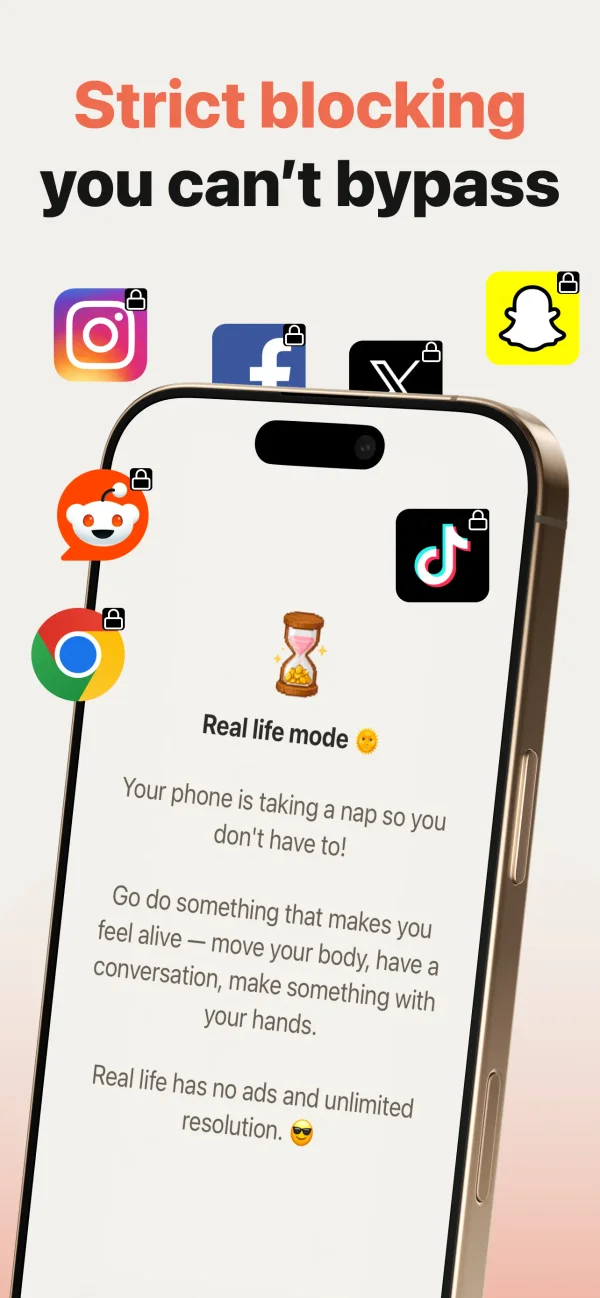
THREE WAYS TO BLOCK DISTRACTIONS
1. Limit Blocking
Go over a group’s limit? Those apps lock until tomorrow.
You set the rules — Scrollar enforces them.
2. Scheduled Blocking
Create boundaries that fit your life.
No social media during work. No scrolling before bed. Set it once and forget it.
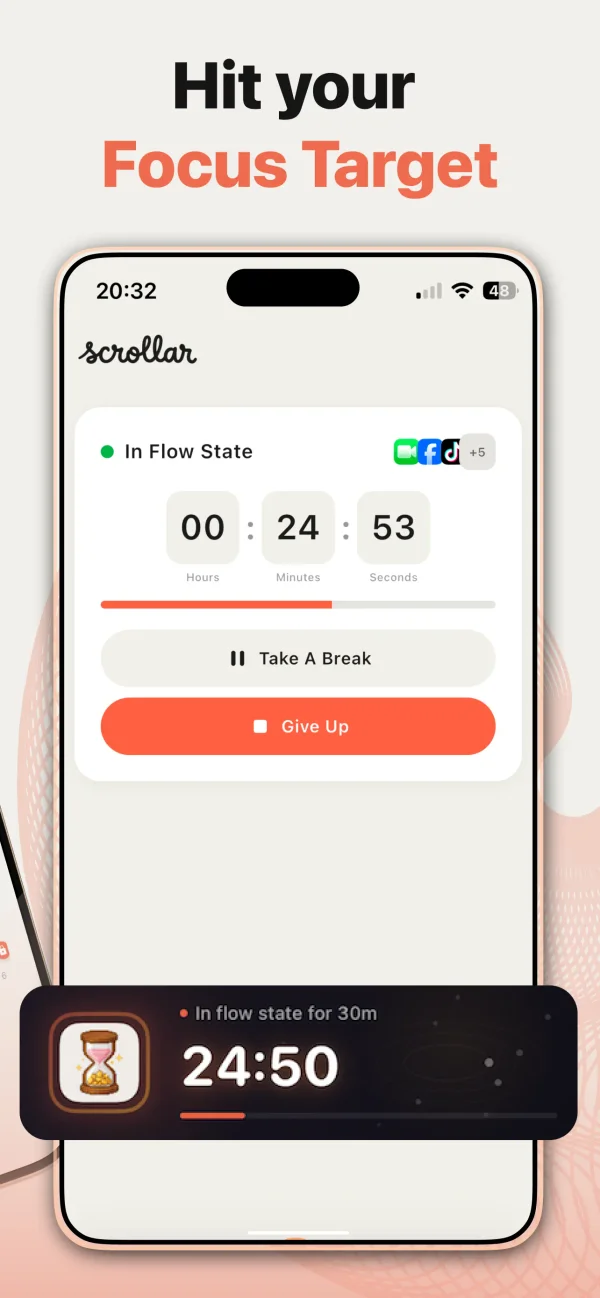
3. CEO Mode
Need to focus right now?
Start a session that blocks all your tracked apps until you’re done. No shortcuts.
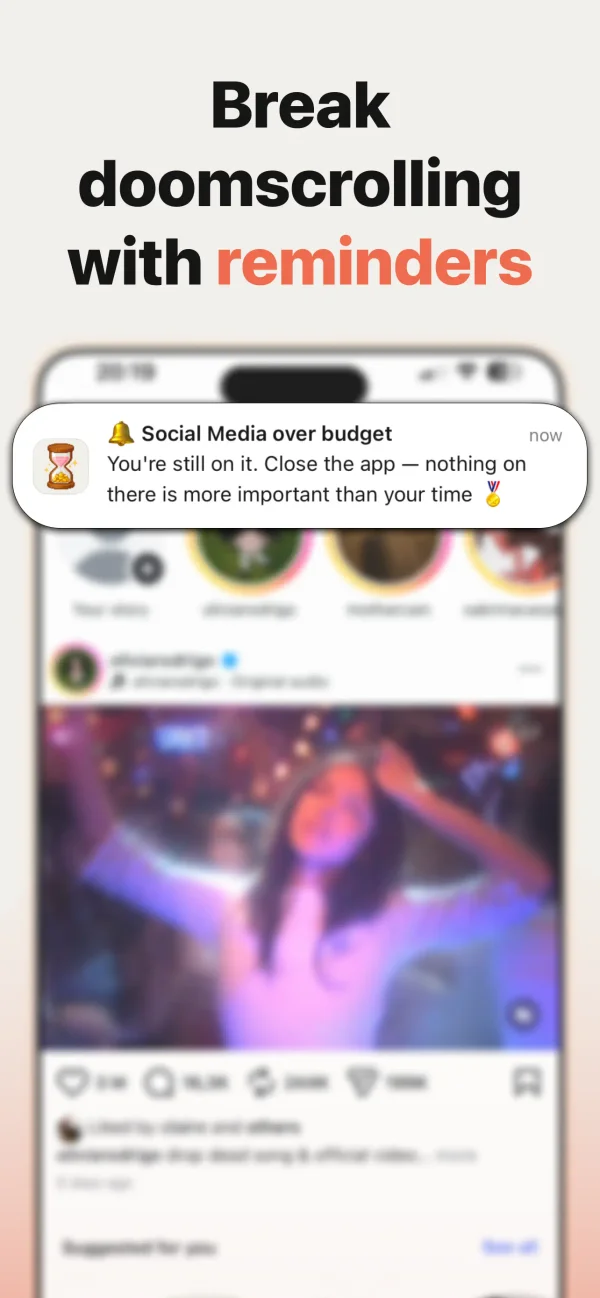
GENTLE NUDGES, NOT GUILT TRIPS
Get a heads-up right before you hit your limit.
No pressure. No shame.
Just a moment to decide if you want to keep going.
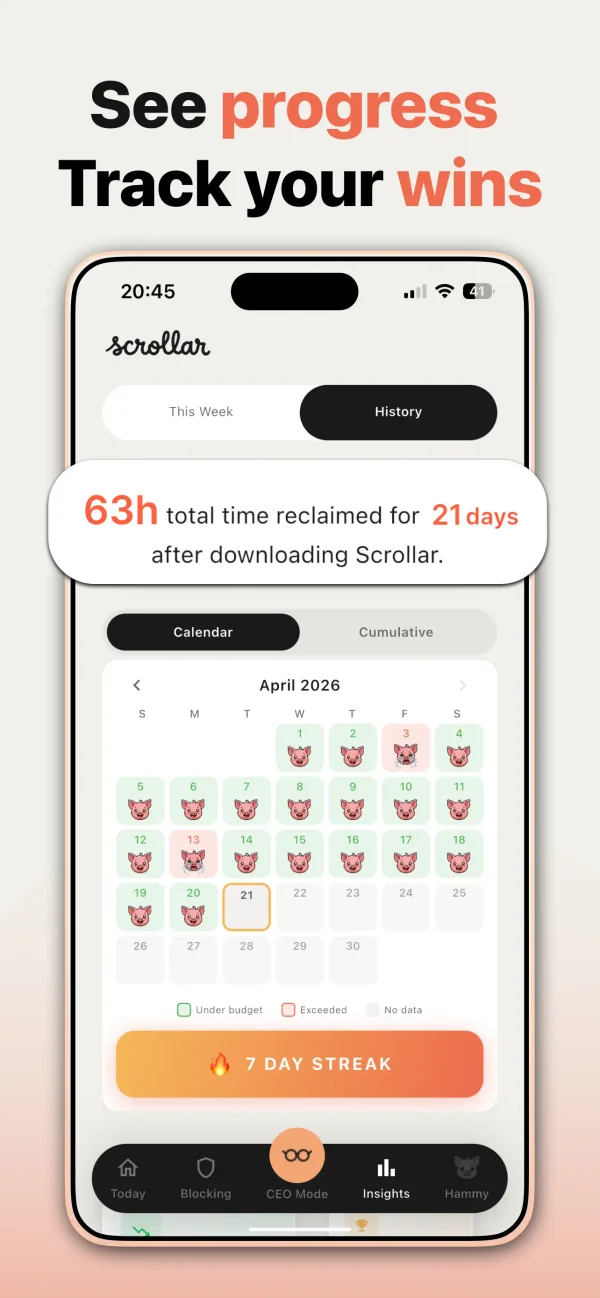
SEE WHERE YOUR TIME GOES
Clear, simple insights show your daily and weekly habits.
Spot what’s taking your time, track your streaks, and watch your progress build.
100% PRIVATE No accounts. No cloud. No tracking. Everything stays on your device — exactly where it belongs.
Scrollar doesn’t judge you.
It doesn’t try to control you.
It just helps you notice — and makes it easier to put your phone down.
Built for people who’ve tried Screen Time and gave up.
Built for people who want to scroll less, but don’t know how to start.
Built for you.
Terms of Use: https://ntudevelop.github.io/Scrollar/
Privacy Policy: https://ntudevelop.github.io/Scrollar/
Có gì mới
Phiên bản 1.0.4 · 18/05/2026
Bug fixes and UI Improvements
Quyền riêng tư của ứng dụng
Những gì Nguyen Thao Uyen khai báo trên App Store về cách ứng dụng này xử lý dữ liệu.
-
Dữ liệu không được thu thập
Nhà phát triển không thu thập bất kỳ dữ liệu nào từ ứng dụng này.
Phương thức đảm bảo quyền riêng tư có thể khác nhau, chẳng hạn như tuỳ theo các tính năng bạn sử dụng hoặc độ tuổi của bạn.
Thông tin
- Người bán
- Nguyen Thao Uyen
- Danh mục
- Hiệu Suất
- Phiên bản
- 1.0.4
- Cập nhật
- 18/05/2026
- Phát hành
- 24/04/2026
- Kích thước
- 111,3 MB
- Yêu cầu
- iOS 16.0 trở lên
- Độ tuổi
- 4+
- Giá
- Miễn phí
- Mua hàng trong ứng dụng
- Có
- Ngôn ngữ
- Tiếng Anh
- Bản quyền
- © 2026 NTU Labs
Có thể bạn cũng thích
-
 Daybreak: Screen Time ControlHiệu Suất
-
 Screen Time Control: ScrollCatHiệu Suất
-
 Unstuck:App BlockerHiệu Suất
-
 TundaHiệu Suất
-
 Hyud - Screen Time & FocusBlock apps & websites
-
 LockIn: App Launcher & BlockerHiệu Suất
-
 OpenAd: App BlockerHiệu Suất
-
 Promise: Screen Time ControlHiệu Suất
-
 Rotcut: Screen Time ControlHiệu Suất
-
 Fried: Screen Time ControlHiệu Suất