Scrollar - Screen Time Control
App blocker & focus timer
Designed for iPhone, iPad
Free · In-app purchases
- Age rating4+
- CategoryProductivity
- DeveloperNguyen Thao Uyen
- LanguagesEnglish
- Size111.3 MB
Links to the official App Store page
Download.org hosts no file of Scrollar - Screen Time Control. The button opens its official App Store page, published by Nguyen Thao Uyen. Listing last checked on Nov 18, 2026.
Screenshots




About
We’ve all been there: You pick up your phone to check one thing… and suddenly an hour is gone. You tell yourself “I’ll cut back tomorrow.” But tomorrow never comes.
SCROLLAR WORKS - BECAUSE IT DOESN’T SHAME YOU
No guilt trips. No scary warnings.
Just a simple idea: give your attention a daily budget — like money.
Spend it how you want, just a little more intentionally.
YOUR DAILY SCREEN TIME GOAL
Start by setting a daily limit based on how you actually use your phone — not some unrealistic target.
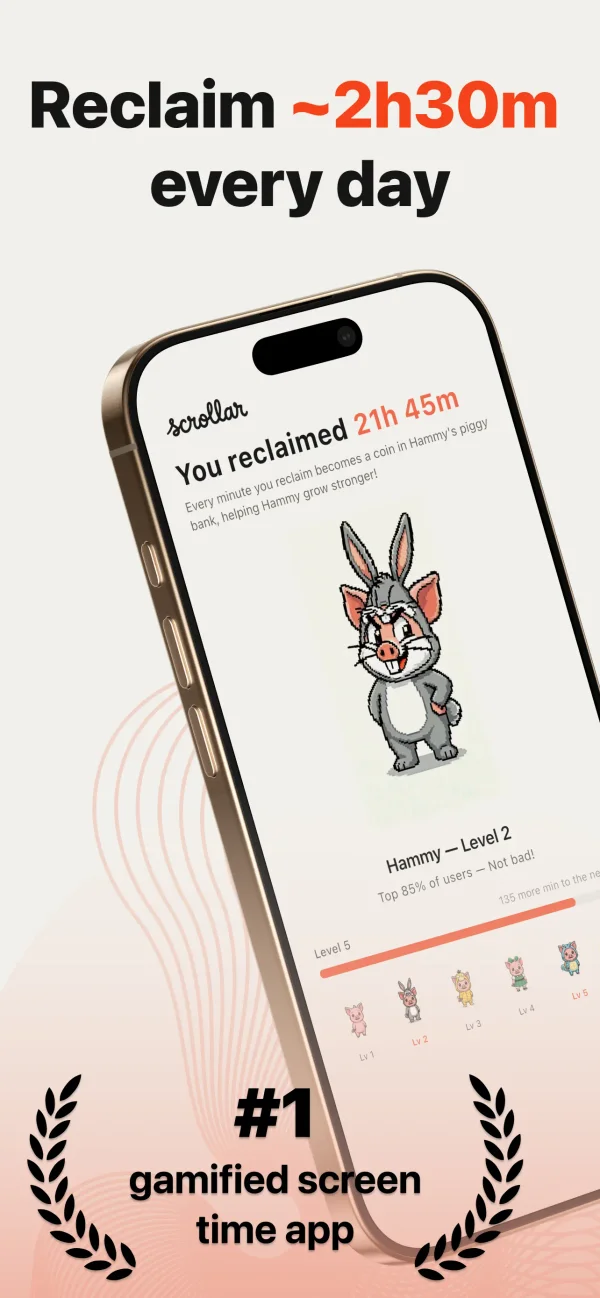
Every minute you save helps your Pixel Pig grow, evolving through 25 levels from a tiny piglet to a golden bank.
CREATE YOUR APP GROUPS, YOUR WAY
Organize apps in a way that makes sense to you — social, streaming, gaming, or anything else.
Each group gets its own shared daily budget, so you can be strict where it matters and flexible where it doesn’t.
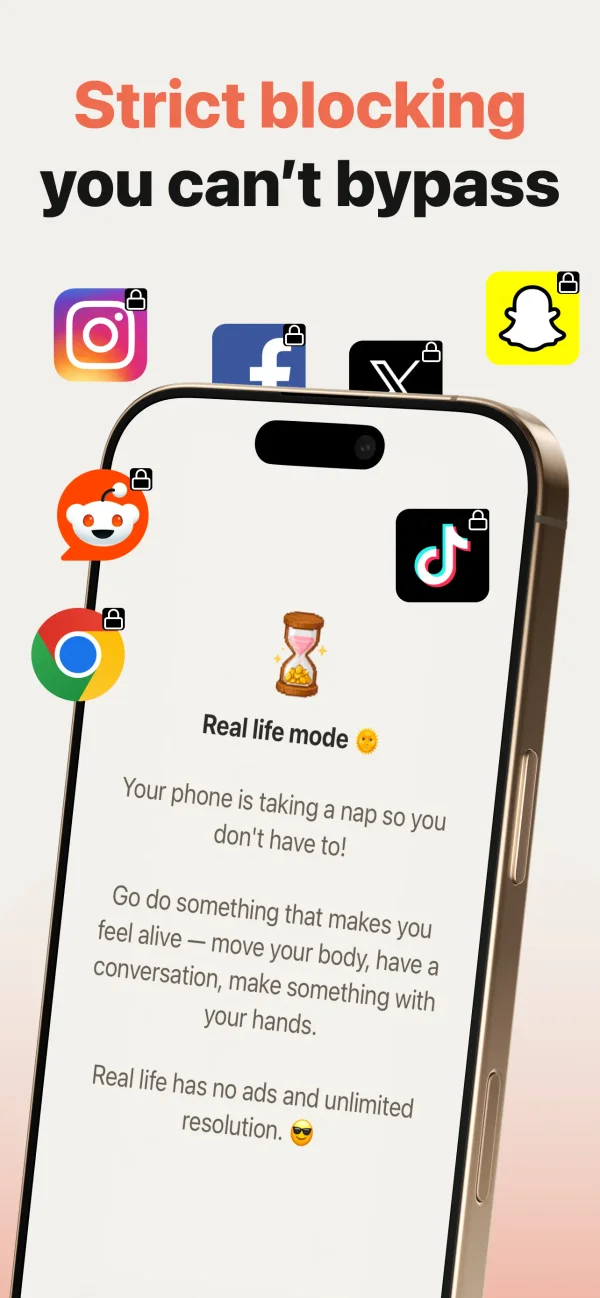
THREE WAYS TO BLOCK DISTRACTIONS
1. Limit Blocking
Go over a group’s limit? Those apps lock until tomorrow.
You set the rules — Scrollar enforces them.
2. Scheduled Blocking
Create boundaries that fit your life.
No social media during work. No scrolling before bed. Set it once and forget it.
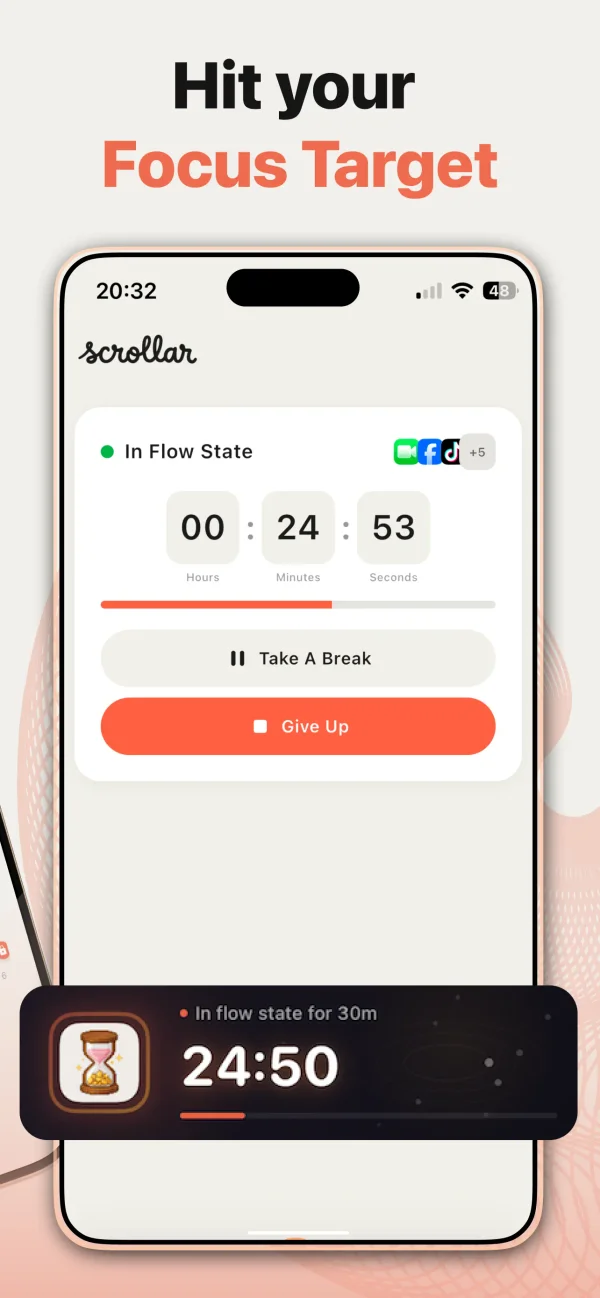
3. CEO Mode
Need to focus right now?
Start a session that blocks all your tracked apps until you’re done. No shortcuts.
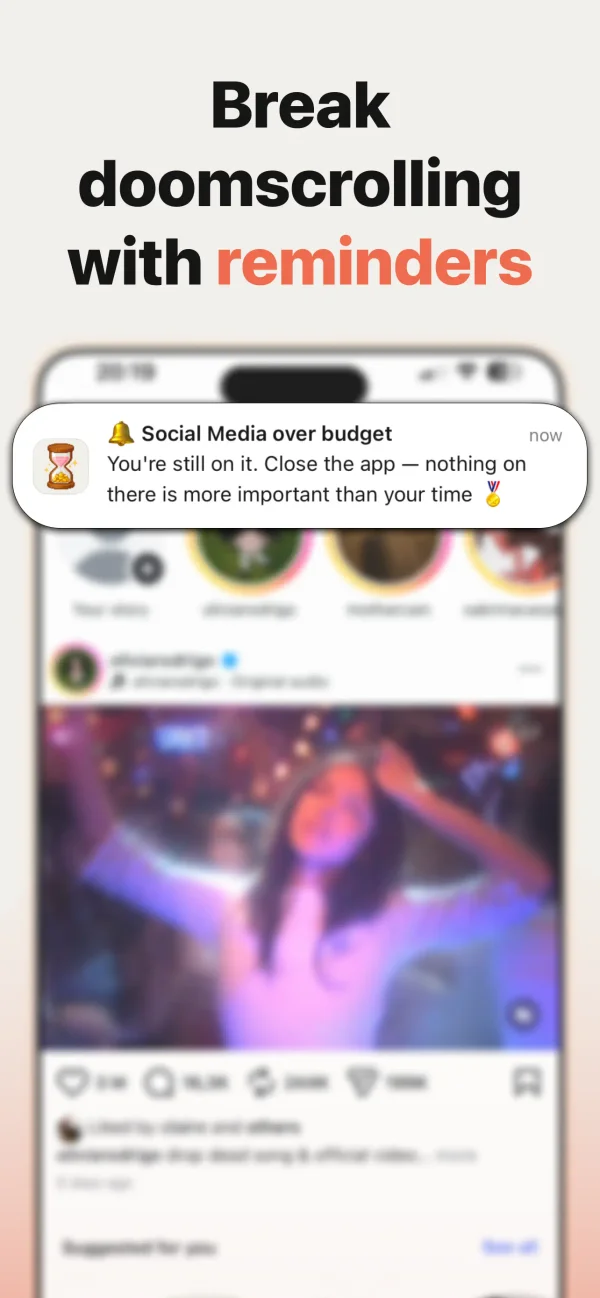
GENTLE NUDGES, NOT GUILT TRIPS
Get a heads-up right before you hit your limit.
No pressure. No shame.
Just a moment to decide if you want to keep going.
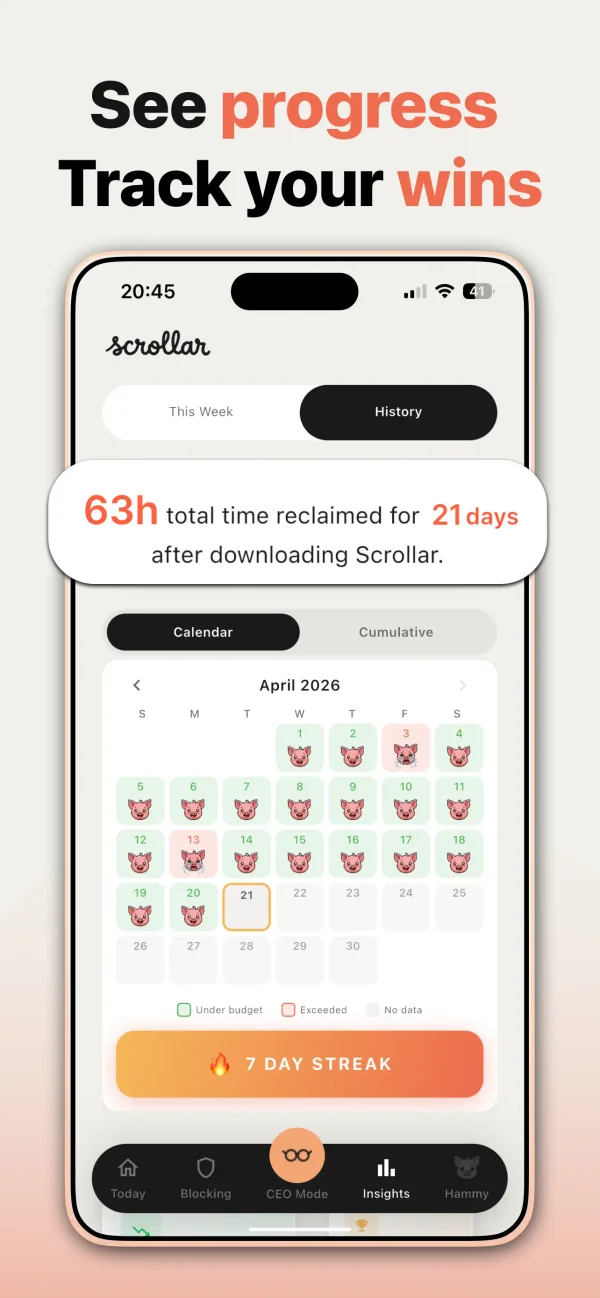
SEE WHERE YOUR TIME GOES
Clear, simple insights show your daily and weekly habits.
Spot what’s taking your time, track your streaks, and watch your progress build.
100% PRIVATE No accounts. No cloud. No tracking. Everything stays on your device — exactly where it belongs.
Scrollar doesn’t judge you.
It doesn’t try to control you.
It just helps you notice — and makes it easier to put your phone down.
Built for people who’ve tried Screen Time and gave up.
Built for people who want to scroll less, but don’t know how to start.
Built for you.
Terms of Use: https://ntudevelop.github.io/Scrollar/
Privacy Policy: https://ntudevelop.github.io/Scrollar/
What’s new
Version 1.0.4 · May 18, 2026
Bug fixes and UI Improvements
App privacy
What Nguyen Thao Uyen declares on the App Store about how this app handles data.
-
Data not collected
The developer does not collect any data from this app.
Privacy practices may vary, for example with the features you use or your age.
Information
- Seller
- Nguyen Thao Uyen
- Category
- Productivity
- Version
- 1.0.4
- Updated
- May 18, 2026
- Released
- Apr 24, 2026
- Size
- 111.3 MB
- Requires
- iOS 16.0 or later
- Age rating
- 4+
- Price
- Free
- In-app purchases
- Yes
- Languages
- English
- Copyright
- © 2026 NTU Labs
You might also like
-
 Daybreak: Screen Time ControlBlock apps until you focus
-
 Screen Time Control: ScrollCatApp Blocker, Focus & Limits
-
 Unstuck:App BlockerBlock apps. Get it done.
-
 TundaProductivity
-
 Hyud - Screen Time & FocusBlock apps & websites
-
 LockIn: App Launcher & BlockerScreen Time Limit, Focus Detox
-
 OpenAd: App BlockerFocus & Limit Screen Time
-
 Promise: Screen Time ControlApp Blocker, Focus & Timer
-
 Rotcut: Screen Time ControlComplete tasks to unlock phone
-
 Fried: Screen Time ControlApp Blocker & Focus Timer