
ShieldSphere Safety
AI-Powered OSHA Compliance
Được thiết kế cho iPhone, iPad, iPod touch
- Độ tuổi4+
- Danh mụcKinh Doanh
- Nhà phát triểnMatthew Thompson
- Ngôn ngữTiếng Anh
- Kích thước60,7 MB
ShieldSphere Safety hiện có thể không có trên App Store
Ở lần kiểm tra gần nhất, chúng tôi không truy cập được trang trên cửa hàng. Liên kết vẫn dẫn đến trang App Store chính thức.
Ảnh chụp màn hình



Giới thiệu
Nhà phát triển chưa cung cấp nội dung này bằng ngôn ngữ của bạn.
OSHA compliance is complicated. ShieldSphere makes it fast.
Whether you're a safety manager juggling audits, a small business owner figuring out compliance on your own, or an EHS consultant managing multiple client sites - ShieldSphere puts AI-powered OSHA expertise in your pocket.
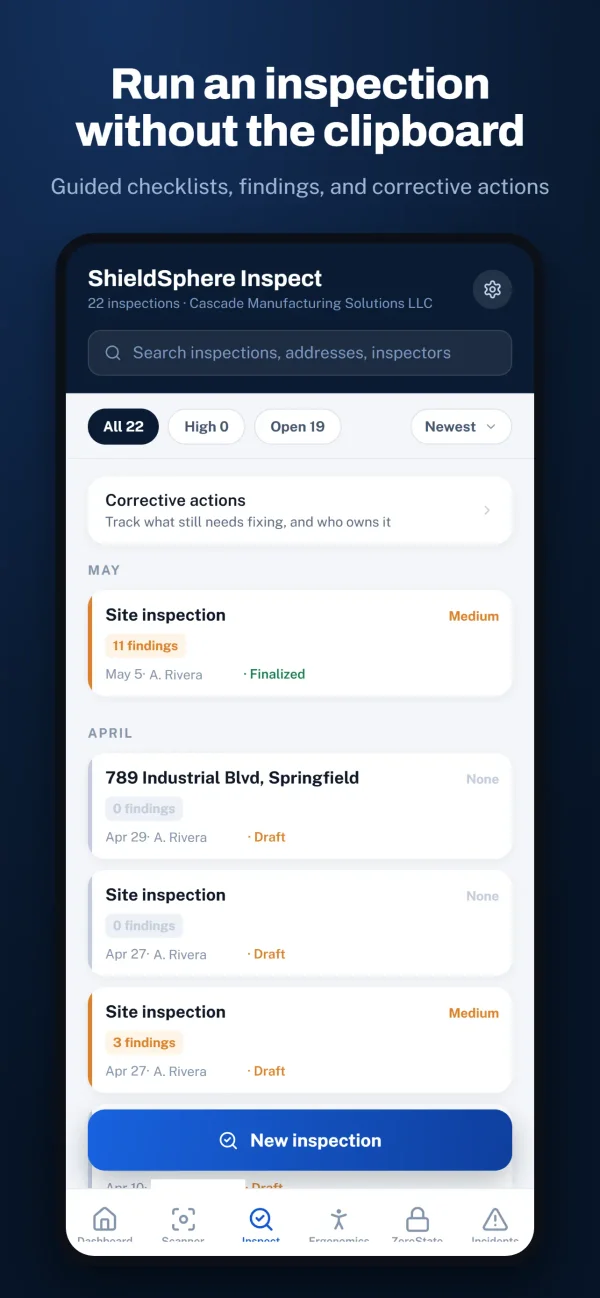
Run Smarter Inspections: Conduct field inspections from your phone, flag hazards in real time, and generate professional reports automatically. No more manual write-ups after a long day on the floor.
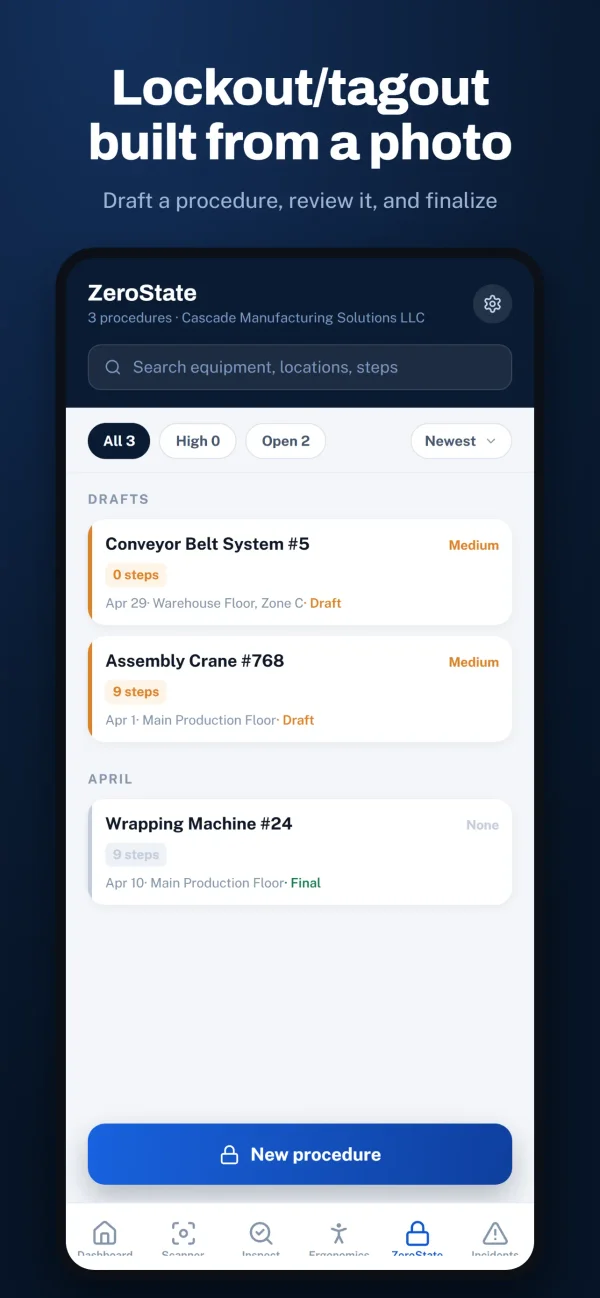
Build LOTO Procedures in Minutes: Create complete, regulation-ready Lockout/Tagout procedures with photo documentation and AI-assisted generation. What used to take hours now takes minutes.
AI That Knows OSHA: ShieldSphere's AI is trained on federal OSHA standards across General Industry, Construction, Maritime, and Agriculture, plus multiple state plan states. Get accurate, jurisdiction-aware guidance without digging through the CFR.
Built for the Field: ShieldSphere is designed for how safety work actually happens, on the floor, at the job site, and under time pressure. Fast, mobile-first, and built by a safety professional with 19+ years of OSHA experience.
Start free. Scale as you grow.
Có gì mới
Phiên bản 2.3.0 - Major Update and Forklift · 03/11/2026
Run training, forklift evaluations, and more from your phone. This is our biggest update yet.
NEW
• Training: start sessions and toolbox talks on the spot. People sign in with a signature on your phone or scan a QR code with their own.
• Forklift evaluations: score, sign, and complete operator evaluations. Add forklifts and manage evaluators in the app.
• Safety data sheets: view your chemical inventory, add chemicals, and scan labels in a walkthrough.
• Job hazard analyses: review JHAs and record a crew's in-person acknowledgment.
• Permits: raise, edit, and manage permits to work.
• Account deletion: request it from Settings.
HAZARD SCANNER
• Record or choose a video to scan, even while offline.
• Scan several angles at once and add equipment labels.
• See numbered hazard boxes, citations, and guidance in the results.
• Canadian sites can choose the jurisdiction for a scan.
ERGONOMICS
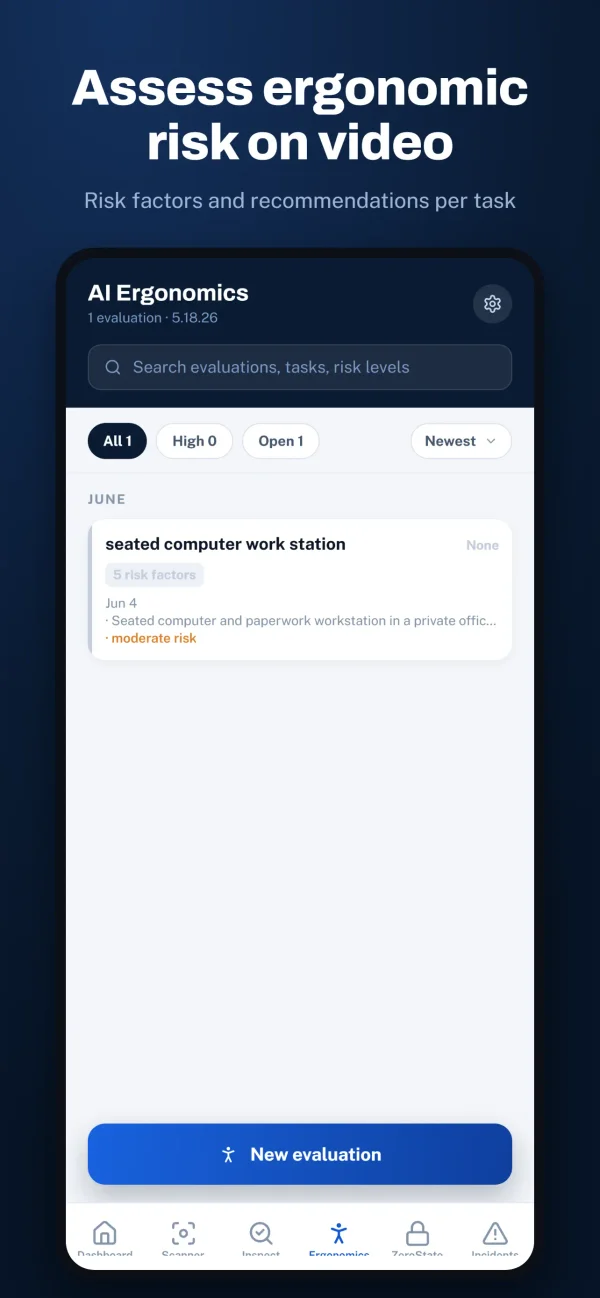
• Record video with body tracking, posture scores, and skeleton replay.
• See coaching tips in English and Spanish.
• Move evaluations between sites, delete them, and share PDFs.
INCIDENTS
• Edit the full OSHA 301 record and capture body parts and injury type.
• File near misses, and view incidents by year and site.
• Create corrective actions from an incident and view root cause analyses.
INSPECTIONS AND CORRECTIVE ACTIONS
• See findings grouped by photo, and edit, resolve, or delete a finding.
• Change a corrective action's status, assignee, and evidence.
• After a checklist, step through failed items to create corrective actions.
ZEROSTATE
• Edit saved procedures and their generated steps.
• Log periodic inspections and export procedures.
DASHBOARD
• See key numbers for your active site.
• View trends for incidents, ZeroState, and corrective actions.
FIXES
• Fixed corrective actions failing to load or save.
• Fixed checklist text, number, and date questions that kept a run from completing.
• An inspection with no findings can now be completed, and Complete waits until answers finish syncing.
• Fixed video hazard scans showing no hazards, and scans listed as "Untitled."
• Hazard scan and ergonomics lists now show only the active site.
• Video ergonomic evaluations no longer appear as photo sets, and clips now play.
• Fixed incident dates showing a day off, and corrected day counts.
• Employee names are now hidden on privacy-case incidents.
• Saving portal settings no longer clears other module settings.
• Fixed photo uploads in Inspect, Ergonomics, and ZeroState, including photos taken offline.
• Fixed ZeroState draft saving and effective dates.
• Fixed offline scans that failed to queue.
• Clearer messages when your monthly scans are used up or a module needs your admin.
• SDS label reads and Save all now resume if interrupted.
• Clearer progress while a video is being analyzed.
Quyền riêng tư của ứng dụng
Những gì Matthew Thompson khai báo trên App Store về cách ứng dụng này xử lý dữ liệu.
-
Dữ liệu không được thu thập
Nhà phát triển không thu thập bất kỳ dữ liệu nào từ ứng dụng này.
Phương thức đảm bảo quyền riêng tư có thể khác nhau, chẳng hạn như tuỳ theo các tính năng bạn sử dụng hoặc độ tuổi của bạn.
Thông tin
- Người bán
- Matthew Thompson
- Danh mục
- Kinh Doanh
- Phiên bản
- 2.3.0 - Major Update and Forklift
- Cập nhật
- 03/11/2026
- Phát hành
- 14/04/2026
- Kích thước
- 60,7 MB
- Yêu cầu
- iOS 15.1 trở lên
- Độ tuổi
- 4+
- Ngôn ngữ
- Tiếng Anh
- Bản quyền
- © 2026 ShieldSphere Safety LLC
Có thể bạn cũng thích
-
 Struck-By JHAHiệu Suất
-
 ShopXpertKinh Doanh
-
 FP Safety Solutions SMARTKinh Doanh
-
 LOTO-ProHiệu Suất
-
 FTQ360 Safety InspectionKinh Doanh
-
 VSI - Vehicle Safety & InspectKinh Doanh
-
 Safety Form: Inspection AppKinh Doanh
-
 Machine SafetyProKinh Doanh
-
 Essential - Field ServiceKinh Doanh
-
 Ethium E-LINK ConnectKinh Doanh