- Độ tuổi12+
- Danh mụcHiệu Suất
- Nhà phát triểnOmer ELMAS
- Ngôn ngữTiếng Anh+ 11 ngôn ngữ khác
- Kích thước29,9 MB
Liên kết đến trang App Store chính thức
Download.org không lưu trữ tệp nào của Shift4You. Nút này mở trang ứng dụng trên App Store, nơi Omer ELMAS phát hành ứng dụng. Trang được kiểm tra lần cuối: 15/11/2026.
Ảnh chụp màn hình


Giới thiệu
Nhà phát triển chưa cung cấp nội dung này bằng ngôn ngữ của bạn.
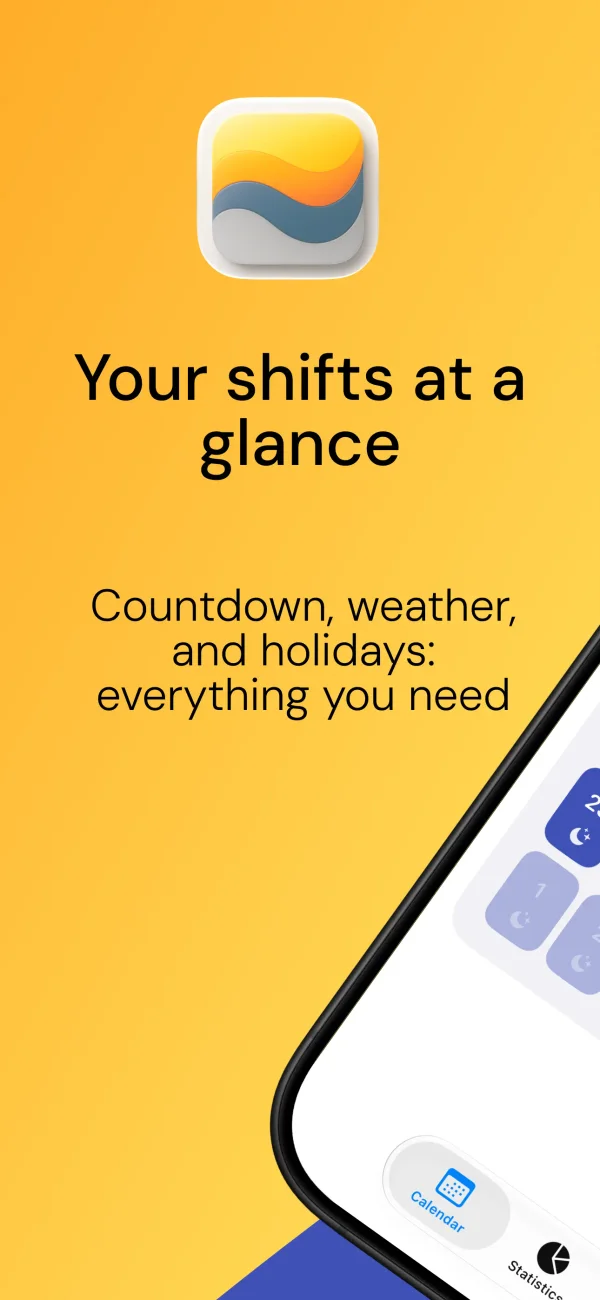
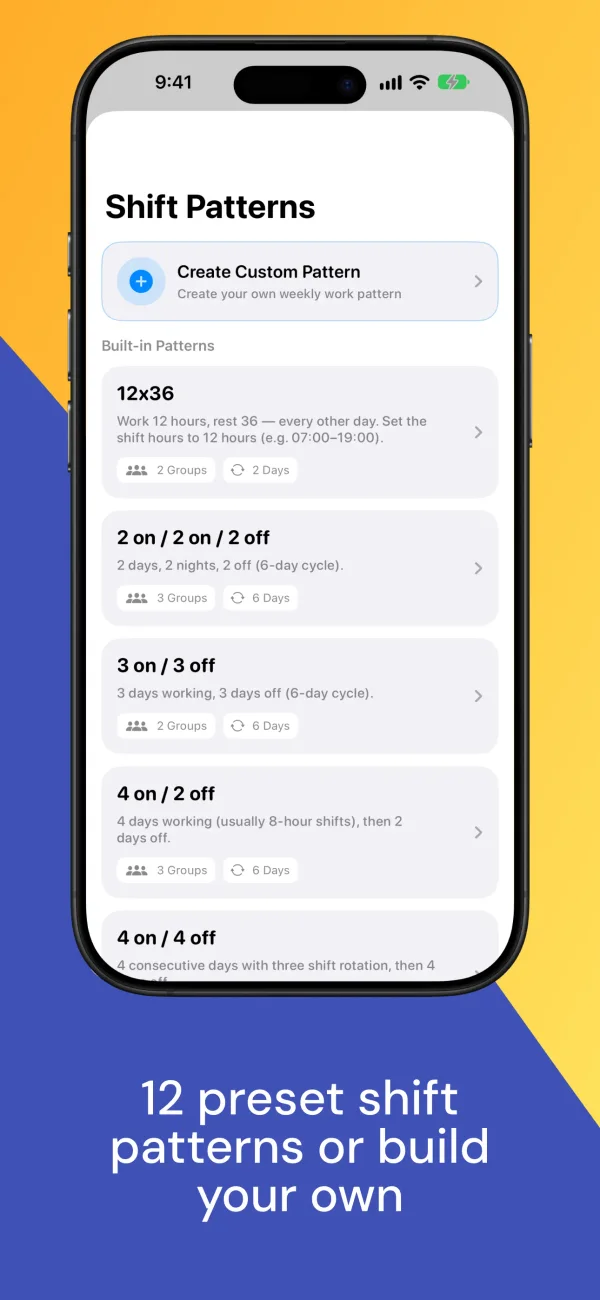
If you work shifts, your schedule is always on your mind. Shift4You keeps track of it for you: choose your pattern once and see your shift in widgets, on the Lock Screen and in the Dynamic Island.
PICK YOUR PATTERN, THE REST TAKES CARE OF ITSELF
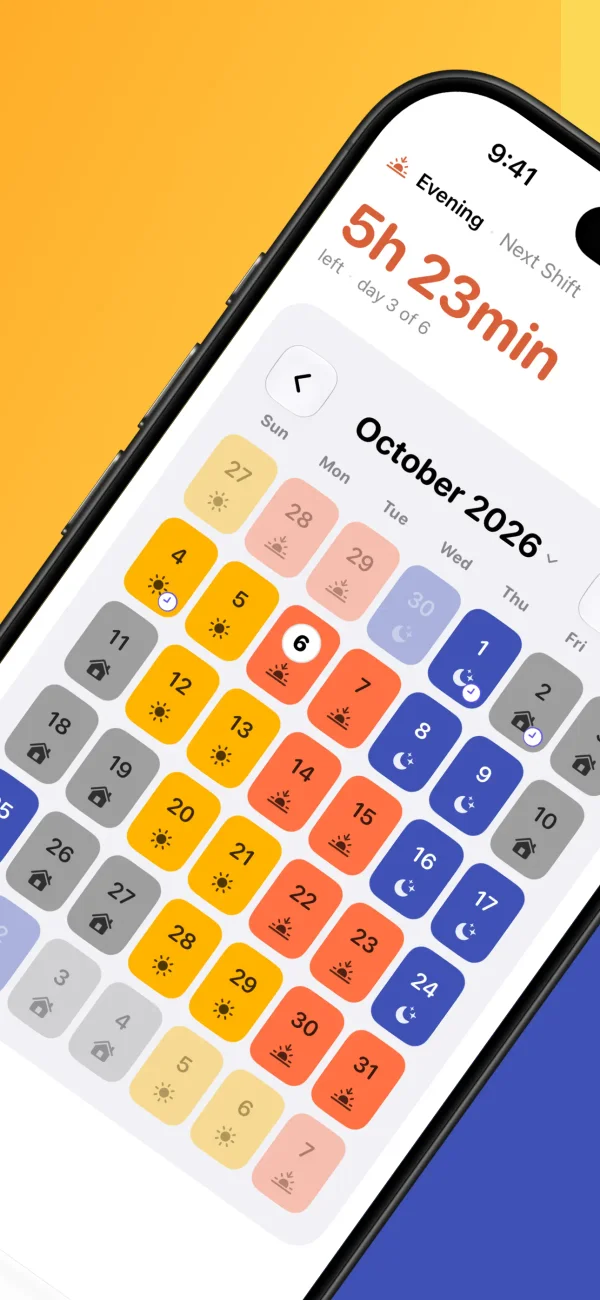
DuPont, Continental, Pitman (2-2-3), Panama (2-3-2), 12x36, 4/4, 3/3, 4/2, 2/2, weekly rotating 3 and 2 shifts, Mon–Fri and more — 17 ready-made patterns. Choose your team and start day, and your calendar fills in months ahead. Not on the list? Build your own: cycles from 1 to 56 days, up to 8 teams and your own shift types like on-call or training — or start from a template such as 24/48. No fixed rotation? Choose “New Roster Every Month” and fill your month in Stamp Mode: pick a shift, tap the days.
KNOW WITHOUT OPENING THE APP
Home Screen and Lock Screen widgets show today and the week. The time until your shift — and, once it starts, the time until it ends — counts down on the Lock Screen and in the Dynamic Island. Ask Siri: "Shift4You, what shift do I have today?"
NEVER MISS A HOLIDAY OPPORTUNITY
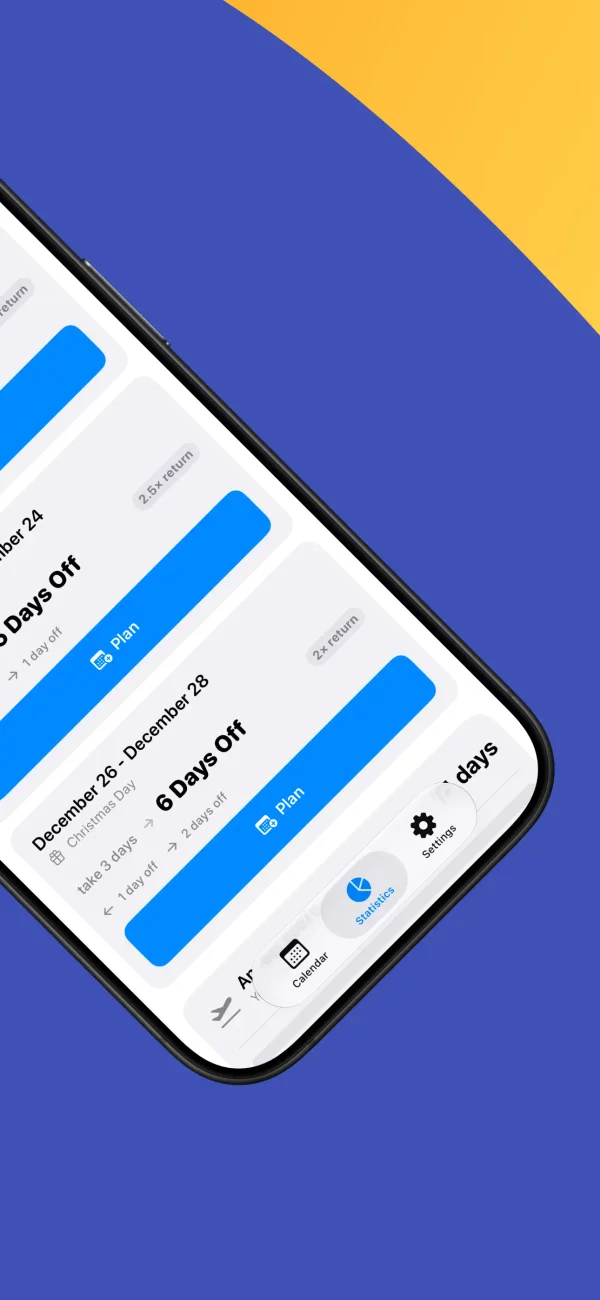
Public holidays for 75+ countries are on your calendar; in the US, Canada, Germany, the UK and more, pick your state or province to see only yours. Shift4You combines holidays with your days off and shows opportunities like "1 day of leave for 4 days off" — plan the one you like as annual leave in one tap. It also tracks your leave allowance and how much is left.
OVERTIME & EARNINGS
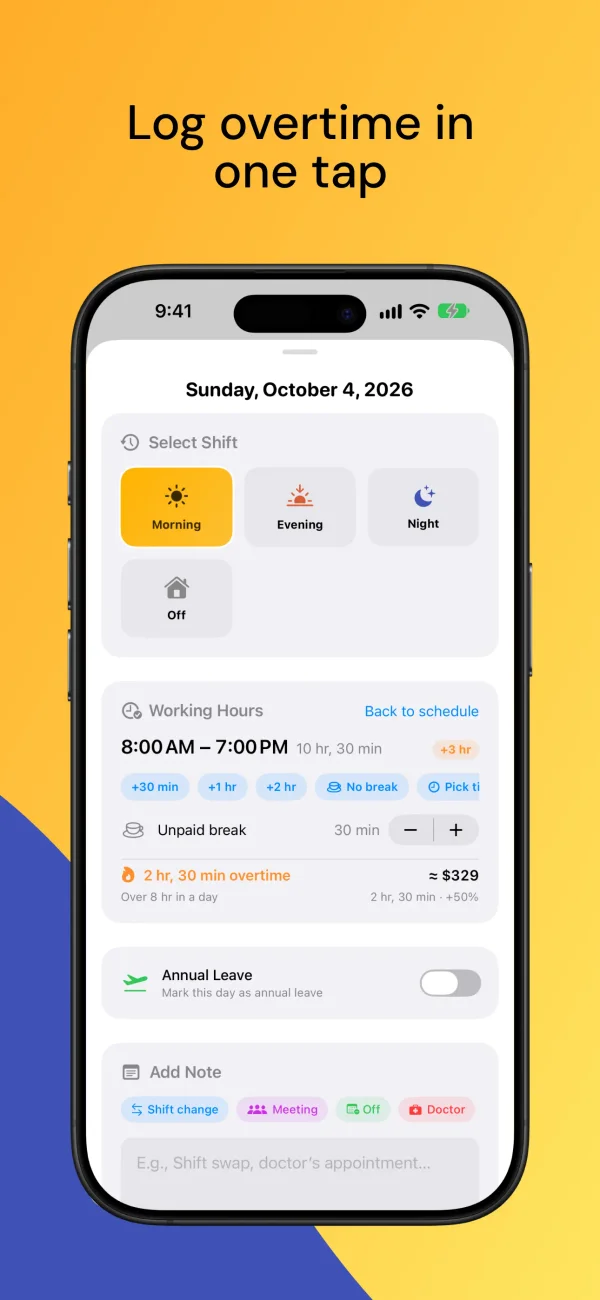
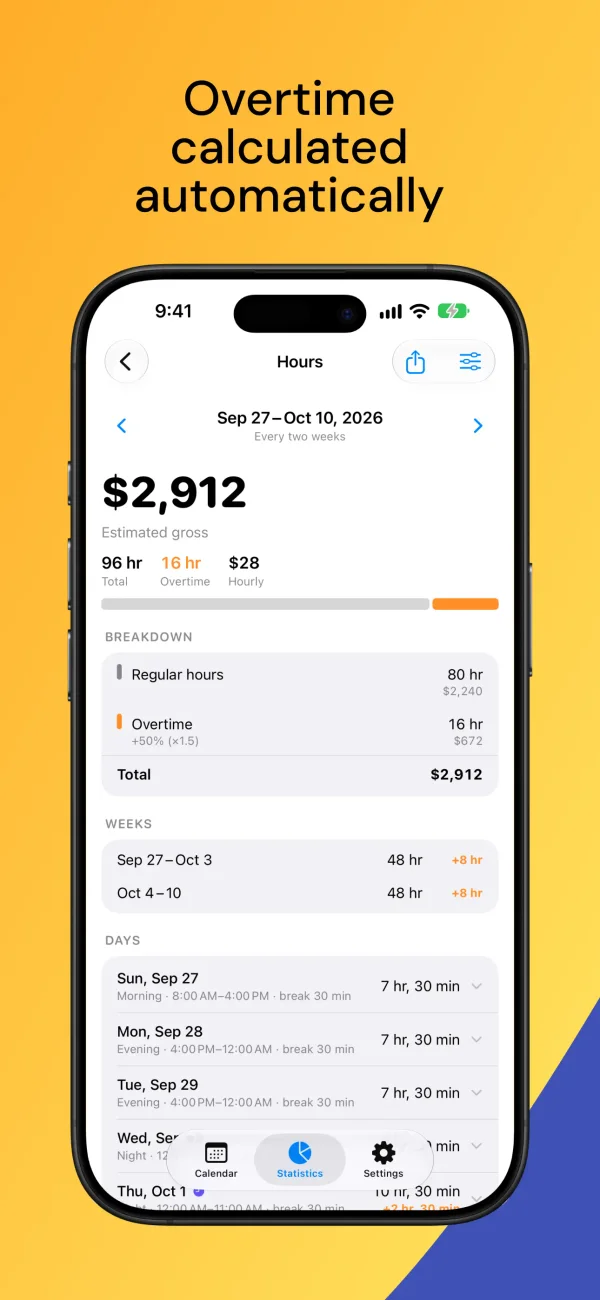
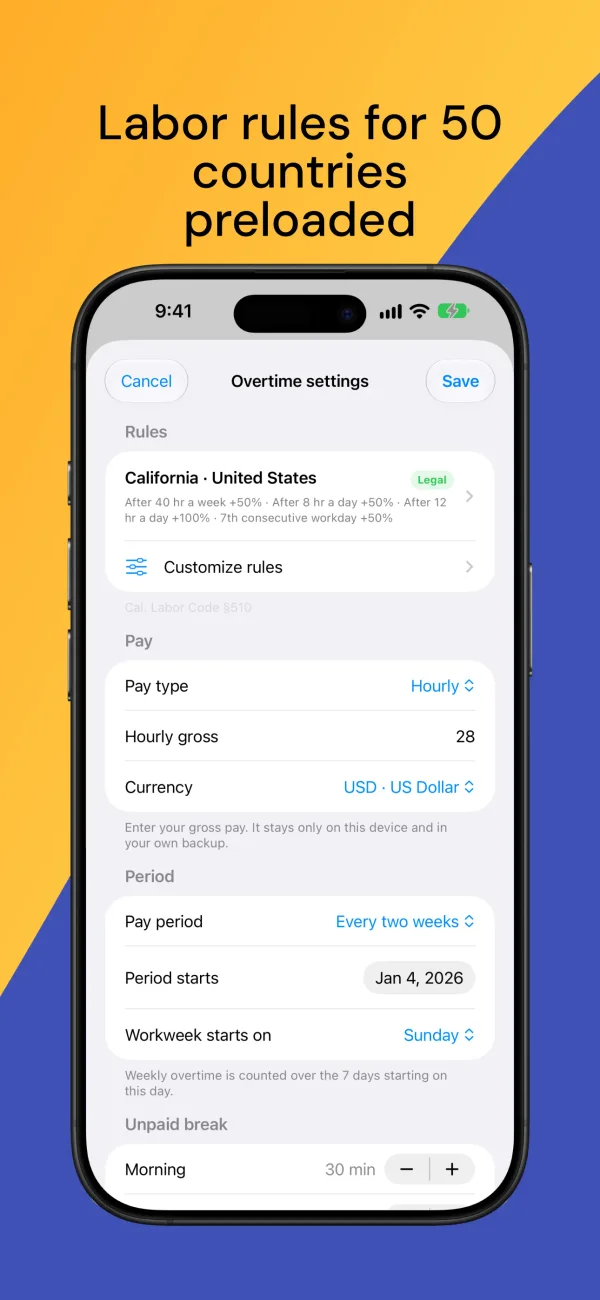
Your hours are already known from your shifts — you only enter the difference: “+1 hr”, “No break”. Shift4You applies your country’s rules — FLSA and California, every Canadian province, the NHS, Europe, the Gulf and 70+ more — to calculate overtime, night and holiday premiums and your estimated gross. It explains every day and lets you check your payslip. When a shift ends, add extra time straight from the notification.
CHANGES IN ONE TAP
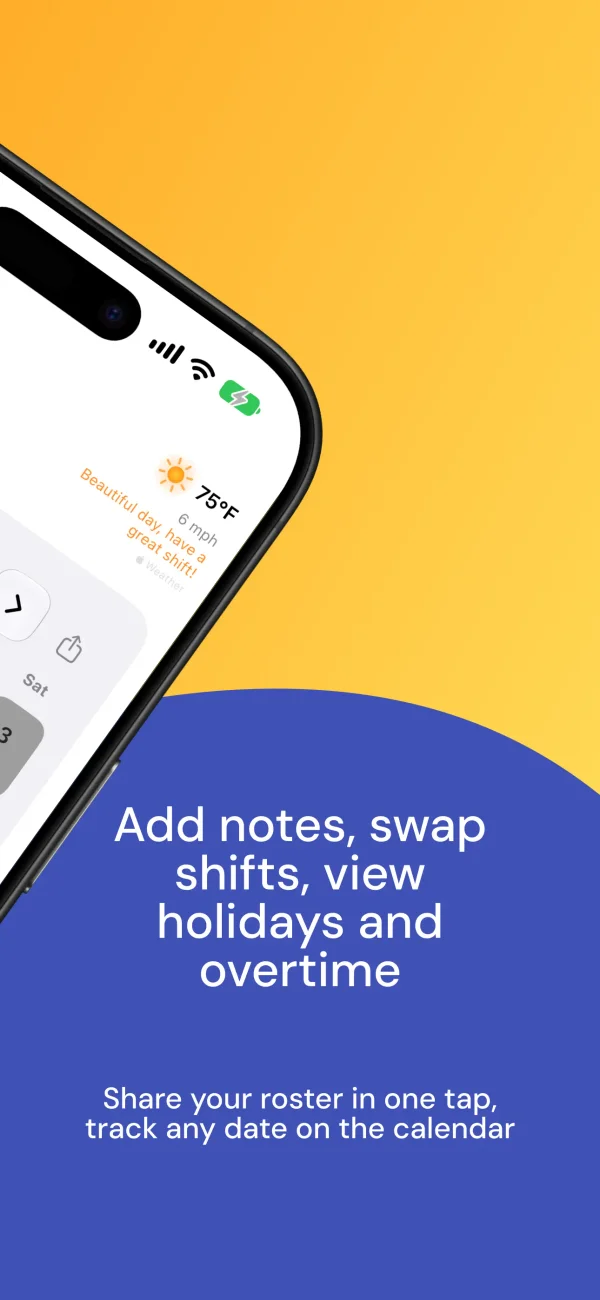
Swapped a shift with a colleague? Open the day and pick the new shift. Add a note, mark leave — your pattern stays intact, and "Reset" undoes it whenever you like.
SHARE WITH YOUR TEAM
“Share My Pattern” in Settings turns your pattern into a QR code or link. Your coworker scans it with “Scan QR” and gets the same calendar in seconds — shift hours and team names included if you like. Pay and salary are never shared.
REMINDERS ON TIME
Get reminded as far ahead of your shift as you choose. Separate reminders for your notes, and a weekly summary before the new week begins. Shift Alarm rings before your shift even in silent mode and with a Focus on, full screen on the Lock Screen, with a separate lead time for each shift type.
YOUR MONTH IN NUMBERS
How many days you worked, which shift dominated, your longest streak — all on the Stats screen.
YOUR DATA STAYS WITH YOU
No account needed. With iCloud, your calendar comes back even if you change phones or reinstall the app. You can also save a backup as a file.
AND MORE
• Team Schedule: see who works when.
• The weather for your next shift, right on the shift card (Apple Weather).
• Export your shifts to Apple Calendar, or share the month as an image.
• First day of the week, time format and °C/°F follow your region.
• High Contrast theme, VoiceOver and large text support.
• On iPhone, iPhone Duo and iPad, in 12 languages.
Có gì mới
Phiên bản 1.3.5 · 13/11/2026
• Leave types: open a day, turn on “Leave” and pick the type: annual leave, sick leave, time off in lieu, unpaid leave or other leave. Each type has its own icon in the calendar and its own line in Stats. Only annual leave counts against your balance.
• Stamp Mode: leave can now be stamped onto days just like shifts. The new “Copy Previous Week” fills the week you tap with the previous week’s plan, and “Undo” takes the whole week back in one tap.
• Short rest notice: when a swap or a changed time leaves less than 11 hours between two shifts, the day sheet tells you.
• Ask Siri: say “How much overtime Shift4You” to hear this period’s overtime and estimated gross pay.
• After importing a shared pattern or a backup, you can undo it from Settings.
• Shift4You is now available in Ukrainian. Translations were reviewed in every language.
Quyền riêng tư của ứng dụng
Những gì Omer ELMAS khai báo trên App Store về cách ứng dụng này xử lý dữ liệu.
-
Dữ liệu được sử dụng để theo dõi bạn
Có thể được sử dụng để theo dõi bạn trên các ứng dụng và trang web do công ty khác sở hữu.
- Mã định danh
- Dữ liệu sử dụng
-
Dữ liệu liên kết với bạn
Có thể được thu thập và liên kết với danh tính của bạn.
- Vị trí
- Mã định danh
- Dữ liệu sử dụng
-
Dữ liệu không liên kết với bạn
Có thể được thu thập nhưng không liên kết với danh tính của bạn.
- Chẩn đoán
Phương thức đảm bảo quyền riêng tư có thể khác nhau, chẳng hạn như tuỳ theo các tính năng bạn sử dụng hoặc độ tuổi của bạn.
Thông tin
- Người bán
- Omer ELMAS
- Danh mục
- Hiệu Suất
- Phiên bản
- 1.3.5
- Cập nhật
- 13/11/2026
- Phát hành
- 24/03/2026
- Kích thước
- 29,9 MB
- Yêu cầu
- iOS 26 trở lên
- Độ tuổi
- 12+
- Giá
- Miễn phí
- Ngôn ngữ
- Tiếng Anh, Tiếng Ả Rập, Tiếng Pháp, Tiếng Đức, Tiếng Ý, Tiếng Nhật, Tiếng Ba Lan, Tiếng Bồ Đào Nha, Tiếng Nga, Tiếng Tây Ban Nha, Tiếng Thổ Nhĩ Kỳ, Tiếng Ukraina
- Bản quyền
- © 2026 Ömer Elmas
Có thể bạn cũng thích
-
 Shift Calendar: Work RosterHiệu Suất
-
 Shiftpad: Lịch Ca LàmXếp ca, giờ làm việc và lương
-
 ShiftAlarm – Shift CalendarHiệu Suất
-
 Rotaro: Lịch Ca Làm ViệcCa, chu kỳ và nhắc nhở
-
 Turno: Shift Rota PlannerHiệu Suất
-
 Shift Calendar: Hours & WidgetHiệu Suất
-
 Lịch Làm Việc – Ca KípCa kíp, giờ công và lương
-
 Easy Work Shift CalendarHiệu Suất
-
 My Work Shift Planner: RotaHiệu Suất
-
 Lịch Ca Làm & Giờ CôngLịch Làm Việc & Ước Tính Lương