- Age rating12+
- CategoryProductivity
- DeveloperOmer ELMAS
- LanguagesEnglish+ 11 more
- Size29.9 MB
Links to the official App Store page
Download.org hosts no file of Shift4You. The button opens its official App Store page, published by Omer ELMAS. Listing last checked on Nov 15, 2026.
Screenshots


About
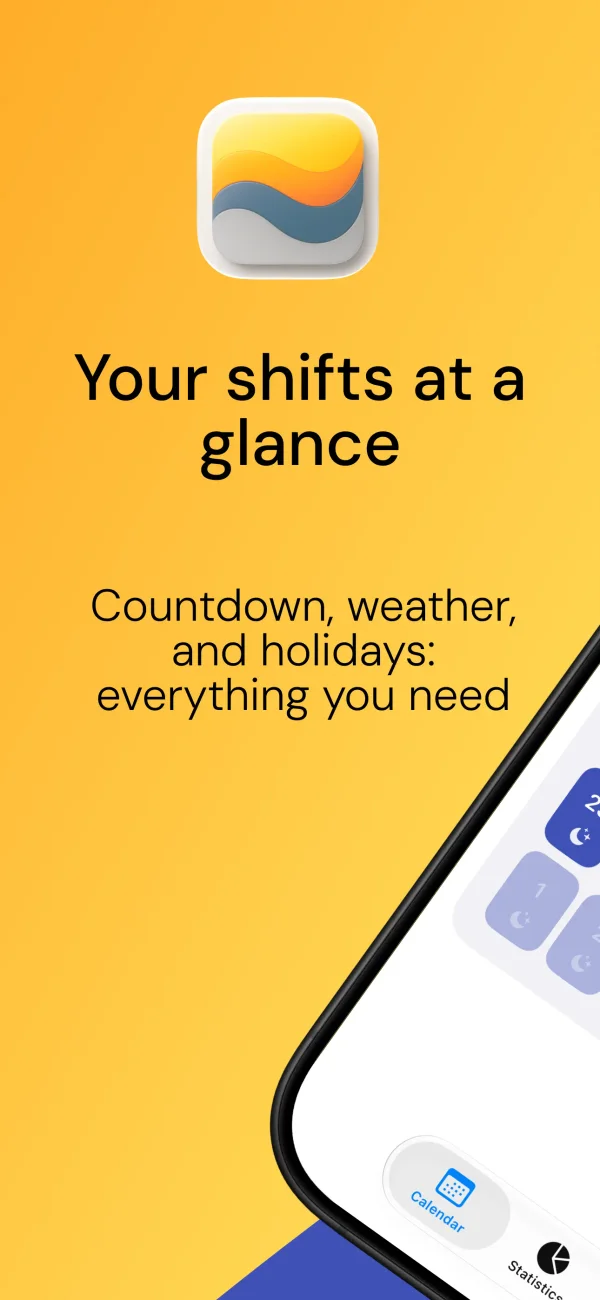
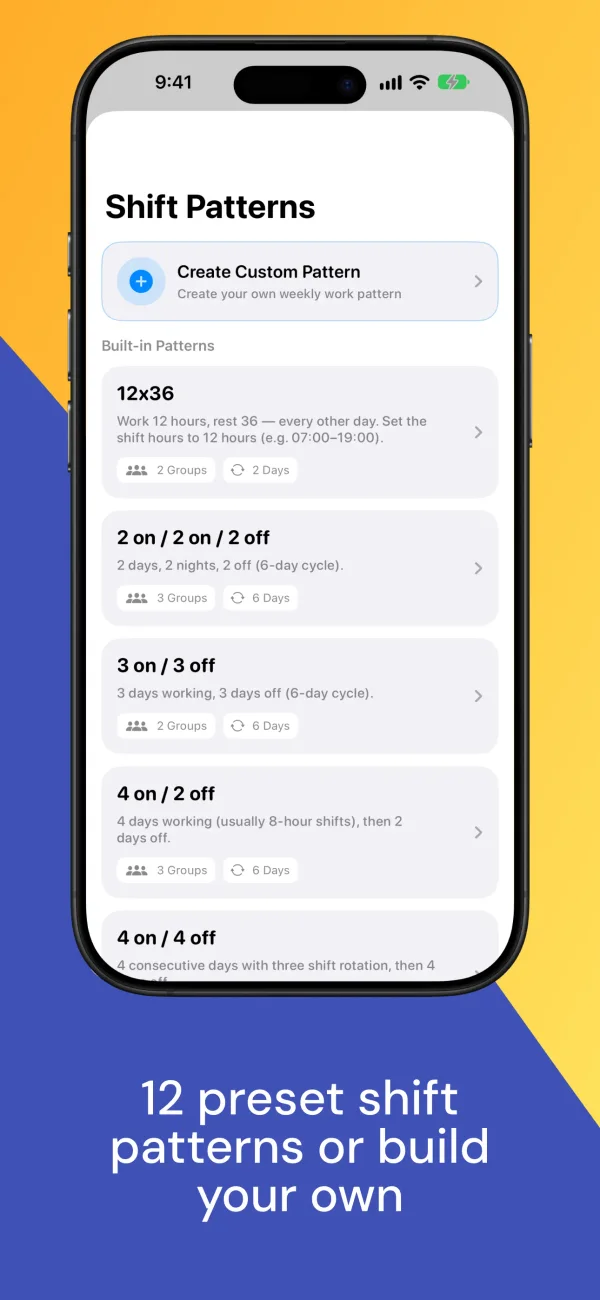
If you work shifts, your schedule is always on your mind. Shift4You keeps track of it for you: choose your pattern once and see your shift in widgets, on the Lock Screen and in the Dynamic Island.
PICK YOUR PATTERN, THE REST TAKES CARE OF ITSELF
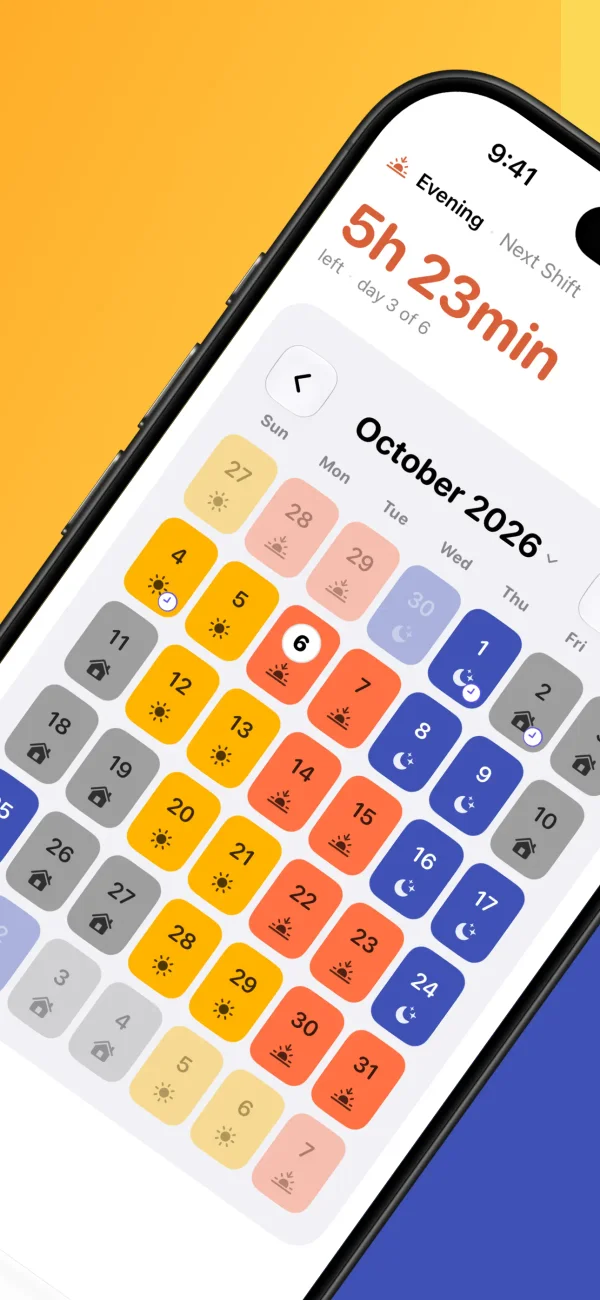
DuPont, Continental, Pitman (2-2-3), Panama (2-3-2), 12x36, 4/4, 3/3, 4/2, 2/2, weekly rotating 3 and 2 shifts, Mon–Fri and more — 17 ready-made patterns. Choose your team and start day, and your calendar fills in months ahead. Not on the list? Build your own: cycles from 1 to 56 days, up to 8 teams and your own shift types like on-call or training — or start from a template such as 24/48. No fixed rotation? Choose “New Roster Every Month” and fill your month in Stamp Mode: pick a shift, tap the days.
KNOW WITHOUT OPENING THE APP
Home Screen and Lock Screen widgets show today and the week. The time until your shift — and, once it starts, the time until it ends — counts down on the Lock Screen and in the Dynamic Island. Ask Siri: "Shift4You, what shift do I have today?"
NEVER MISS A HOLIDAY OPPORTUNITY
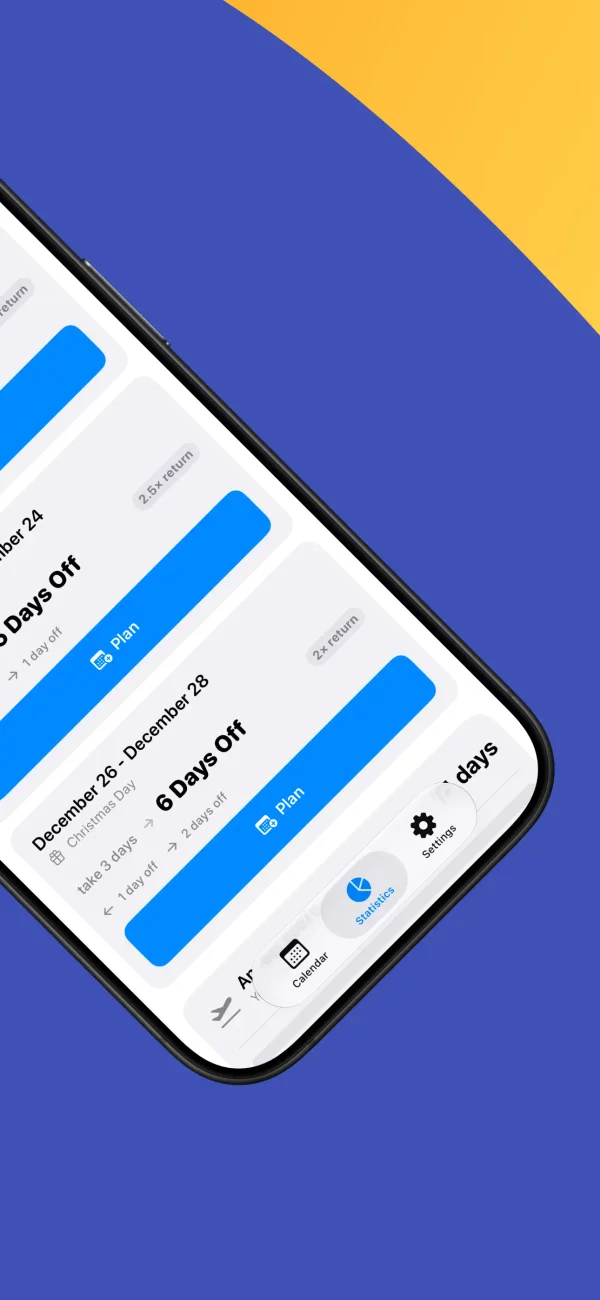
Public holidays for 75+ countries are on your calendar; in the US, Canada, Germany, the UK and more, pick your state or province to see only yours. Shift4You combines holidays with your days off and shows opportunities like "1 day of leave for 4 days off" — plan the one you like as annual leave in one tap. It also tracks your leave allowance and how much is left.
OVERTIME & EARNINGS
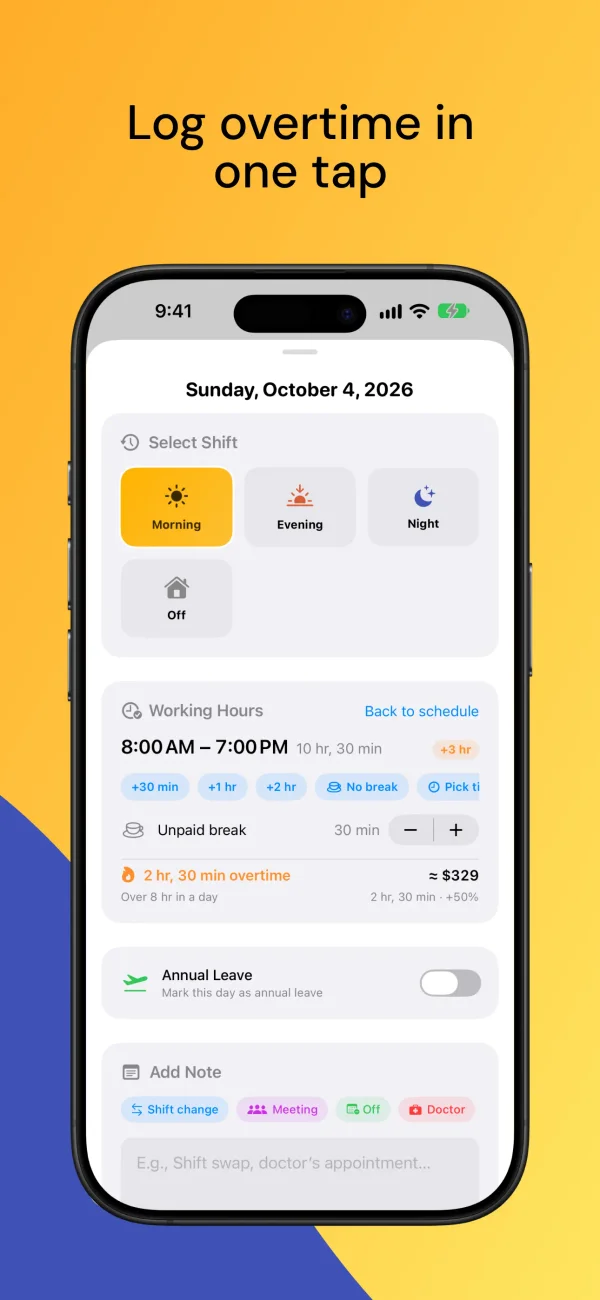
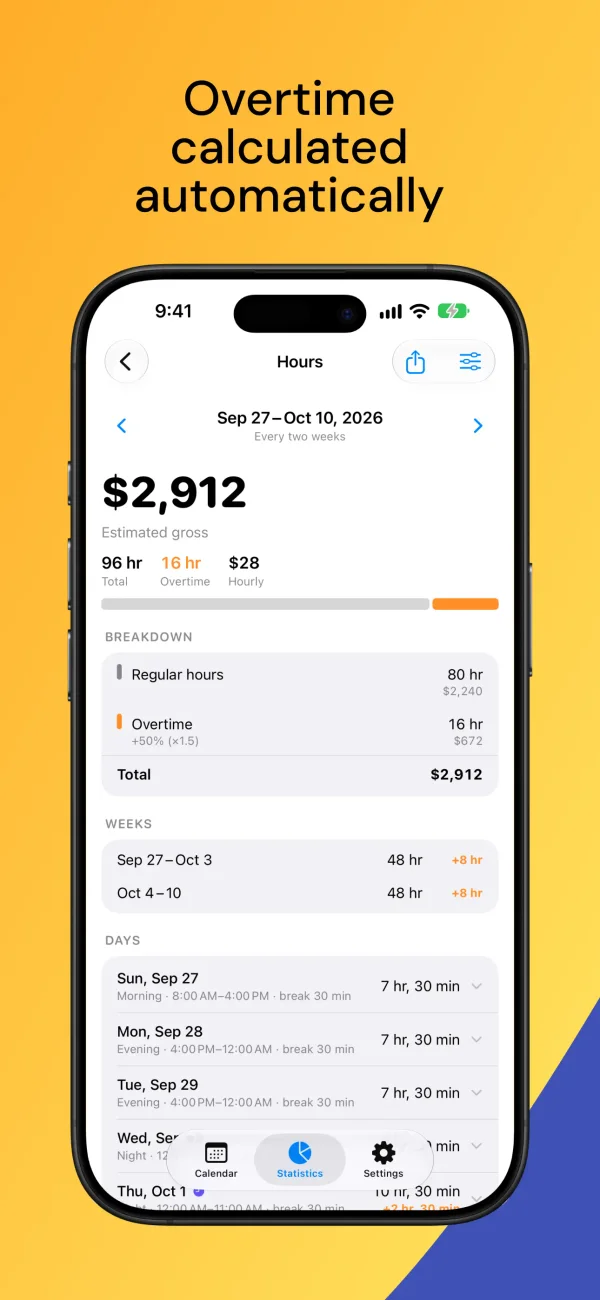
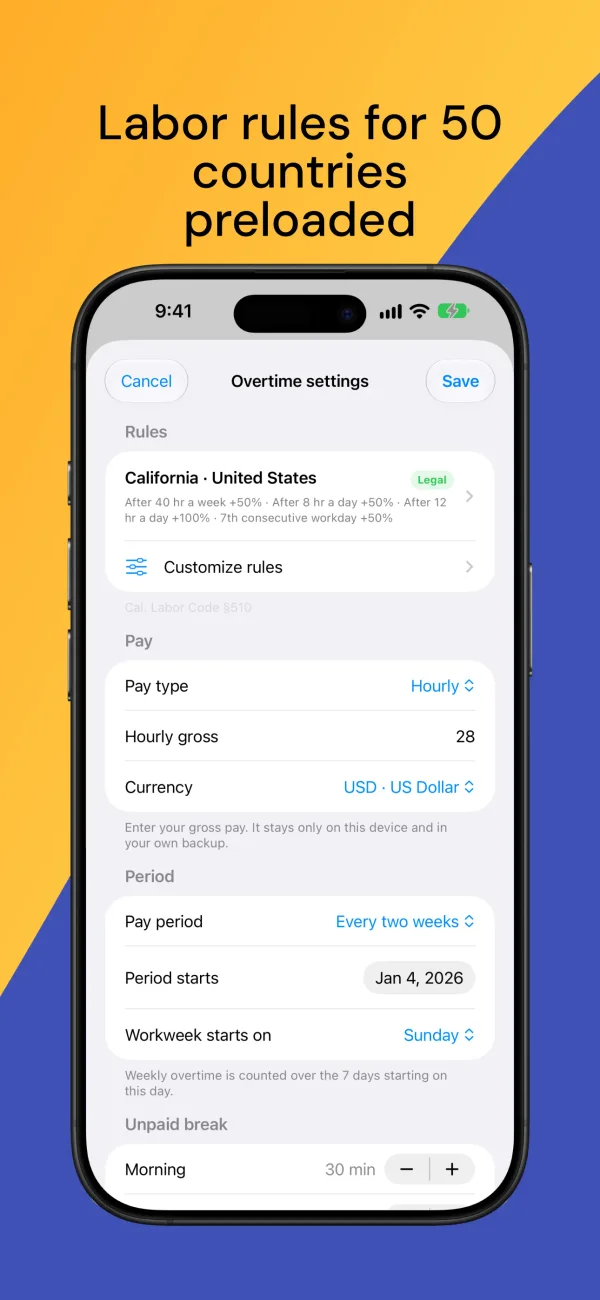
Your hours are already known from your shifts — you only enter the difference: “+1 hr”, “No break”. Shift4You applies your country’s rules — FLSA and California, every Canadian province, the NHS, Europe, the Gulf and 70+ more — to calculate overtime, night and holiday premiums and your estimated gross. It explains every day and lets you check your payslip. When a shift ends, add extra time straight from the notification.
CHANGES IN ONE TAP
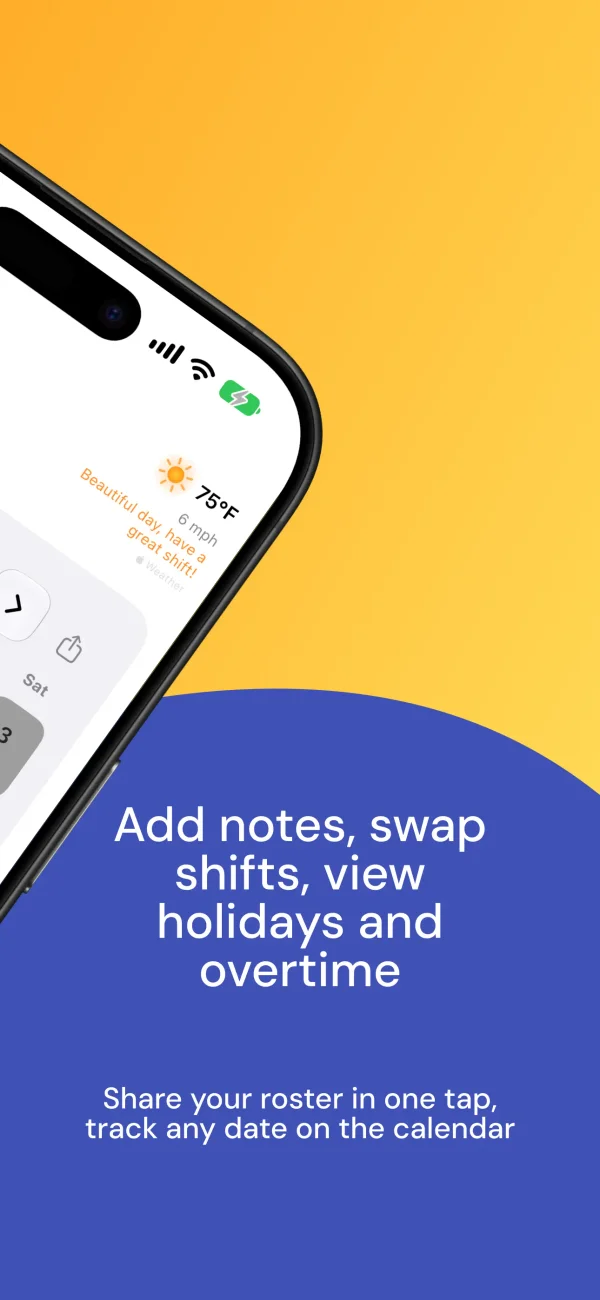
Swapped a shift with a colleague? Open the day and pick the new shift. Add a note, mark leave — your pattern stays intact, and "Reset" undoes it whenever you like.
SHARE WITH YOUR TEAM
“Share My Pattern” in Settings turns your pattern into a QR code or link. Your coworker scans it with “Scan QR” and gets the same calendar in seconds — shift hours and team names included if you like. Pay and salary are never shared.
REMINDERS ON TIME
Get reminded as far ahead of your shift as you choose. Separate reminders for your notes, and a weekly summary before the new week begins. Shift Alarm rings before your shift even in silent mode and with a Focus on, full screen on the Lock Screen, with a separate lead time for each shift type.
YOUR MONTH IN NUMBERS
How many days you worked, which shift dominated, your longest streak — all on the Stats screen.
YOUR DATA STAYS WITH YOU
No account needed. With iCloud, your calendar comes back even if you change phones or reinstall the app. You can also save a backup as a file.
AND MORE
• Team Schedule: see who works when.
• The weather for your next shift, right on the shift card (Apple Weather).
• Export your shifts to Apple Calendar, or share the month as an image.
• First day of the week, time format and °C/°F follow your region.
• High Contrast theme, VoiceOver and large text support.
• On iPhone, iPhone Duo and iPad, in 12 languages.
What’s new
Version 1.3.5 · Nov 13, 2026
• Leave types: open a day, turn on “Leave” and pick the type: annual leave, sick leave, time off in lieu, unpaid leave or other leave. Each type has its own icon in the calendar and its own line in Stats. Only annual leave counts against your balance.
• Stamp Mode: leave can now be stamped onto days just like shifts. The new “Copy Previous Week” fills the week you tap with the previous week’s plan, and “Undo” takes the whole week back in one tap.
• Short rest notice: when a swap or a changed time leaves less than 11 hours between two shifts, the day sheet tells you.
• Ask Siri: say “How much overtime Shift4You” to hear this period’s overtime and estimated gross pay.
• After importing a shared pattern or a backup, you can undo it from Settings.
• Shift4You is now available in Ukrainian. Translations were reviewed in every language.
App privacy
What Omer ELMAS declares on the App Store about how this app handles data.
-
Data used to track you
May be used to track you across apps and websites owned by other companies.
- Identifiers
- Usage data
-
Data linked to you
May be collected and linked to your identity.
- Location
- Identifiers
- Usage data
-
Data not linked to you
May be collected but is not linked to your identity.
- Diagnostics
Privacy practices may vary, for example with the features you use or your age.
Information
- Seller
- Omer ELMAS
- Category
- Productivity
- Version
- 1.3.5
- Updated
- Nov 13, 2026
- Released
- Mar 24, 2026
- Size
- 29.9 MB
- Requires
- iOS 26 or later
- Age rating
- 12+
- Languages
- English, Arabic, French, German, Italian, Japanese, Polish, Portuguese, Russian, Spanish, Turkish, Ukrainian
- Copyright
- © 2026 Ömer Elmas
You might also like
-
 Shift Calendar: Work RosterShift Planner & Work Schedule
-
 Shiftpad: Rota & Shift PlannerWork Roster & Pattern Calendar
-
 ShiftAlarm – Shift CalendarProductivity
-
 Rotaro: Shift Work CalendarRota, cycles and reminders
-
 Turno: Shift Rota PlannerWork Calendar, Hours & Pay
-
 Shift Calendar: Hours & WidgetRotation planner for nurses
-
 Shift Calendar – Shift CycleWork schedule, hours & pay
-
 Easy Work Shift CalendarTrack Work Shifts & Schedule
-
 My Work Shift Planner: RotaHours Tracker & Pay Calendar
-
 Hours Tracker: Shift ScheduleWork Calendar & Overtime Log